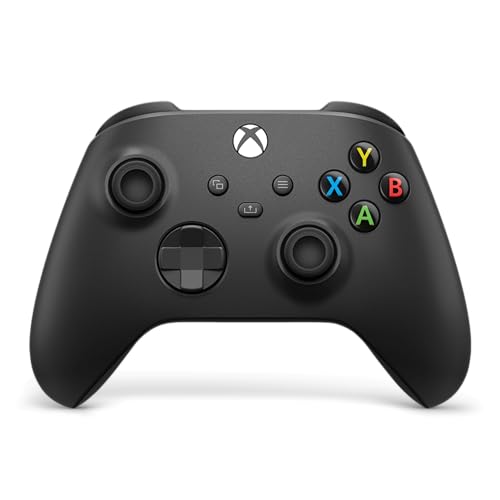
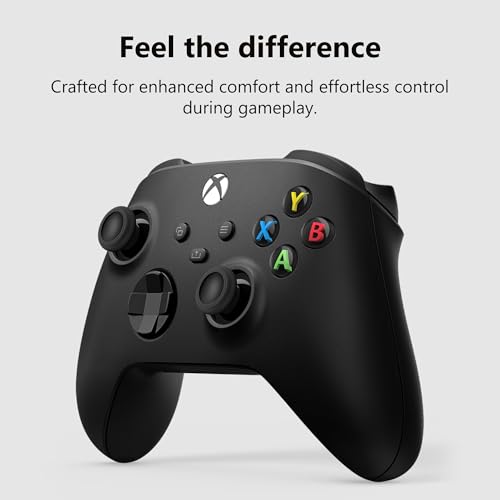
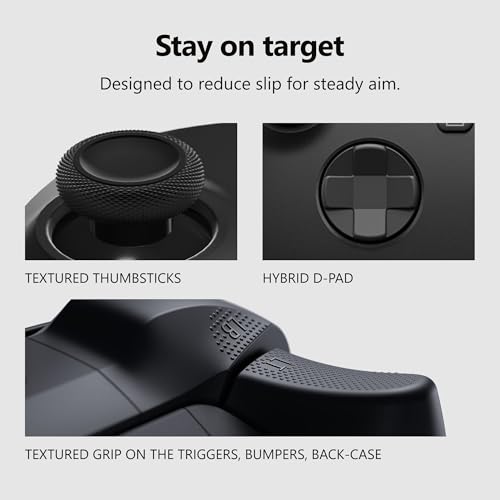
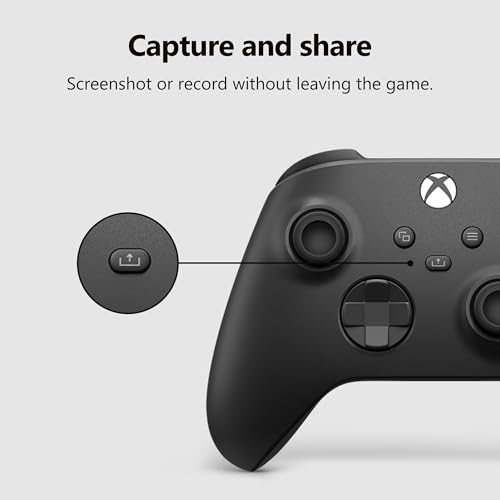
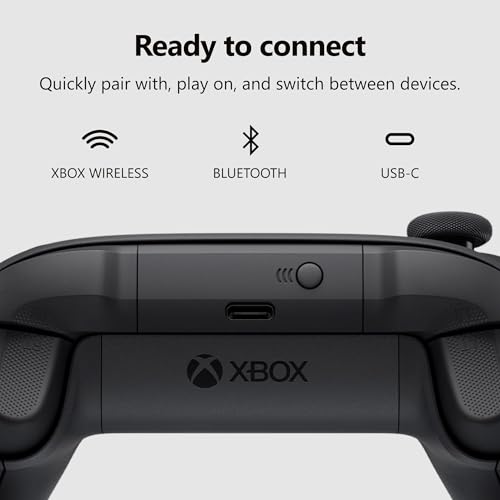
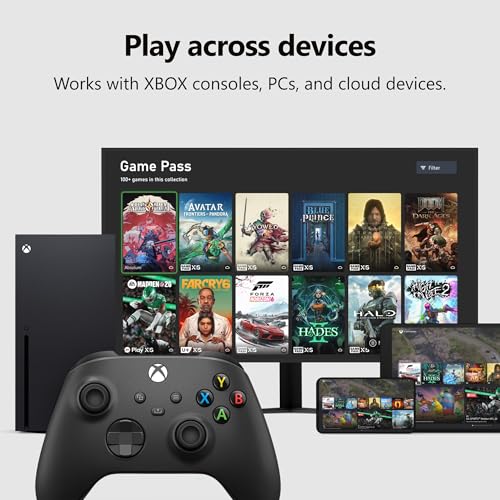
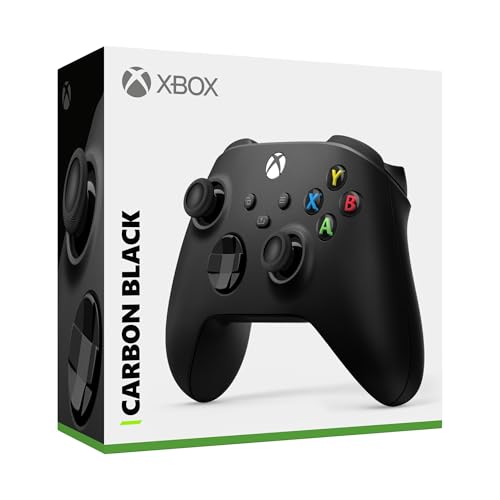
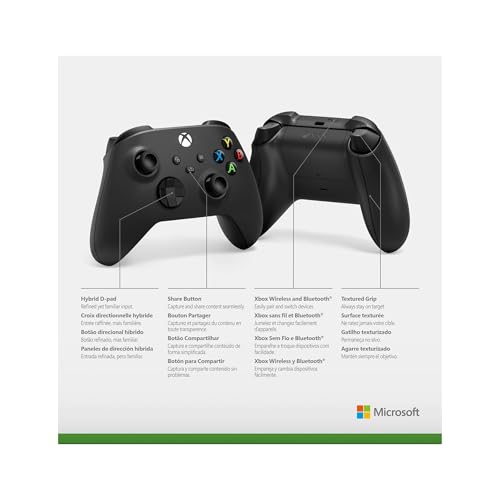
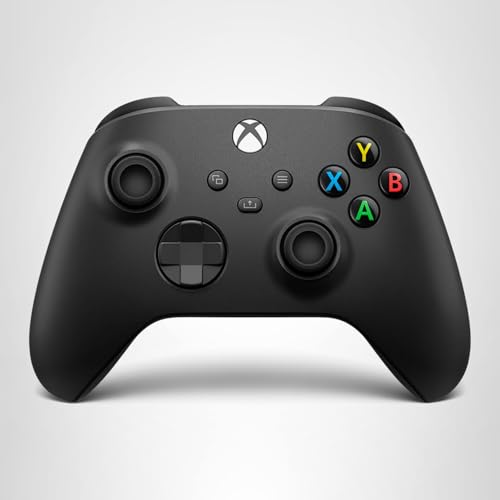
What it is and what it solves\nThe Xbox Wireless Controller in Carbon Black is a modern gamepad designed to improve comfort and precision during long sessions across consoles, PCs, TVs, and mobile devices. It brings a refined shape with sculpted surfaces and updated geometry that feel natural in hand, aiming to reduce fatigue and improve control. If you value a familiar feel with modern tweaks, this controller seeks to address comfort and versatility in one package.\n\n## How it performs in practice\nThe controller features a hybrid D-pad and textured grips on the triggers, bumpers, and back case to help maintain accuracy during fast actions and extended play. Built-in audio support via a 3.5mm jack lets you chat with teammates or enjoy in-game sound without extra gear. The USB-C port supports easy plug-and-play on compatible devices, while Xbox Wireless and Bluetooth enable quick pairing and switching between consoles, PC, mobile, and more.\n\n## Customization and personalization\nUsing the Xbox Accessories app, you can remap buttons and build profiles tailored to your favorite games and playstyle. This makes it possible to adapt the controller to accessibility needs or specific titles where layout matters, though the depth of features will depend on device and app support.\n\n## What stands out\nOn paper, the combination of textured grip, precise input surface, and flexible connectivity covers a broad use case—from couch co-op on a console to mobile gaming and PC workstations. The Share button adds a convenient way to capture content without leaving the game.\n\n## Limitations and caveats\nIf you prioritize ultra-competitive setups, you may want to test how the hybrid D-pad feels for your preferred game genres, as comfort and input preference vary by player. Some users might prefer wired or more specialized controllers for certain esports titles. Also, while Bluetooth support is broadly useful, latency and compatibility can vary by device and operating system.\n\n## Who it’s for\nGamers who want a versatile, comfortable controller able to switch between devices without swapping hardware. It’s a sensible option for those who value a modern, clean design, a reliable wireless connection, and customizable controls for a personalized gaming experience.\n\n## When it makes sense to buy\nIf you game across consoles and PC, appreciate a straightforward setup with USB-C, and want easy in-game capture via the Share button, this controller provides a cohesive option. It’s particularly appealing if you’re already invested in the Xbox ecosystem or want a single controller that plays well with multiple platforms.\n\n## What to check before buying\nConfirm device compatibility for Bluetooth and Xbox Wireless pairing with your platform, and ensure your accessories app supports the remapping features you’d rely on. If you rely heavily on headset audio, test the 3.5mm jack with your headset model to ensure sound and chat quality meet your expectations.\n\n## Practical use case\nImagine leveling up a co-op session on a living room TV, swapping to a PC for a quick training montage, and then pairing to a smartphone for a mobile gaming break—this controller is designed to handle that flow smoothly.\n\n## What this implies about alternatives\nCompared to basic gamepads, this model emphasizes modern comfort, broader connectivity, and customization. If your setup is mostly console-only or you need the absolute lowest latency for competitive play, some players might consider options with different input advantages or wired-only configurations.\n\n## Final verdict\nFinal verdict: worth considering if you want a versatile, comfortable controller with broad device support, a Share button for quick captures, and customizable controls to tailor your play. If your priority is pure premium performance for a single platform or very specific esports latency, you may prefer testing other options first.\n\n## FAQ (quick answers)\n- Does it work with Bluetooth and Xbox Wireless on multiple devices? Yes, it supports both, with USB-C for wired setup.\n- Can I remap buttons for different games? Yes, via the Xbox Accessories app, allowing personalized profiles.\n- Is the built-in audio jack compatible with all headsets? It supports headsets with a standard 3.5mm jack, but audio quality and mic compatibility can vary by headset.\n