

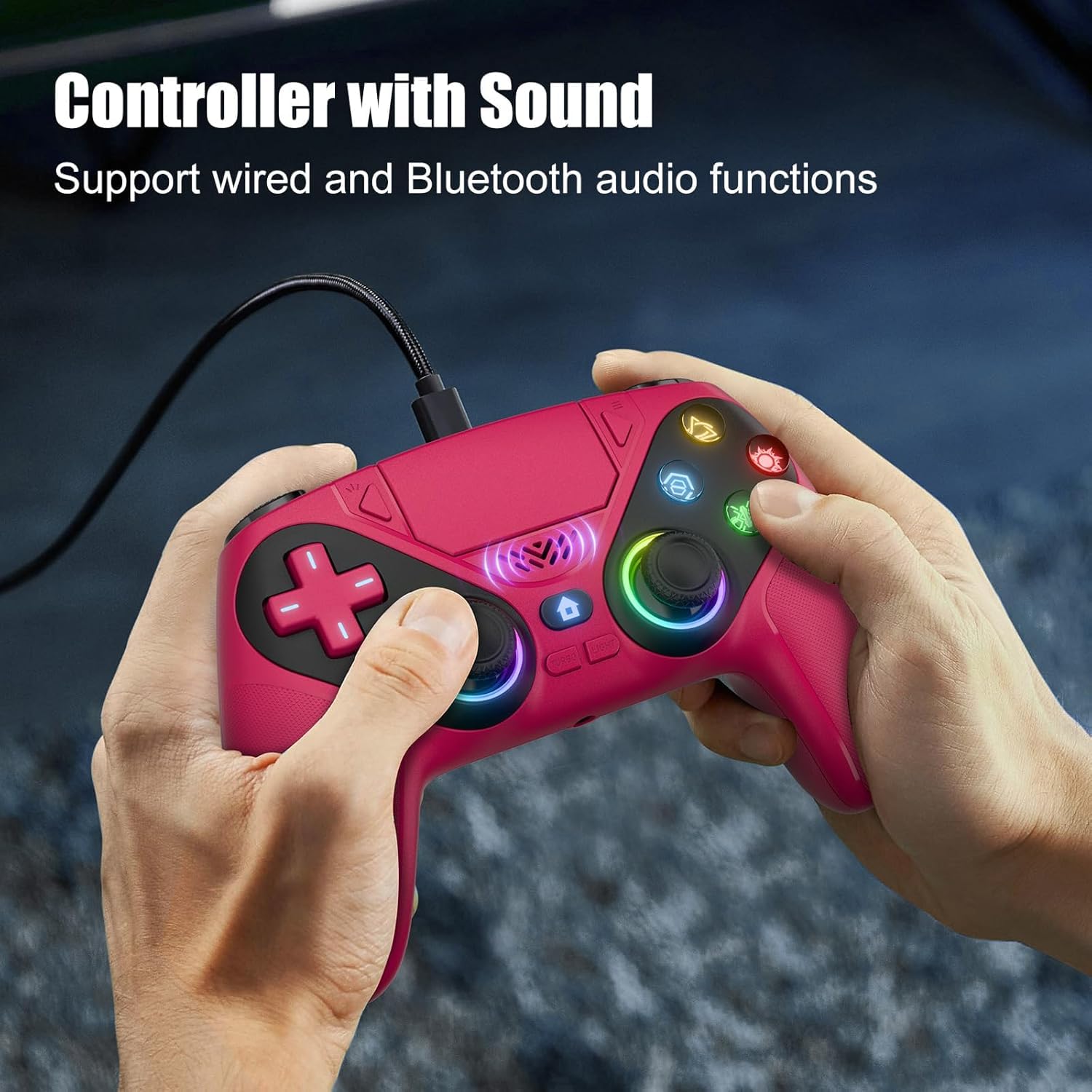
Nonbliep LED for PS5 Controller (PS5 Slim/Pro/PC) — RGB light, dual vibration, turbo, 3.5mm audio jack, programmable macro
Product description
Quick overview
If you like tweaking your setup, the Nonbliep LED for PS5 Controller is built around one idea: more control over how your controller feels and what you hear/see during play. It pairs wirelessly on PS5 with a quick button process, also works on Windows PCs, and adds RGB lighting plus extra features like dual vibration, macro programming, and a turbo mode.
On paper, it’s the kind of add-on style controller upgrade that can feel “extra” in the best way—especially if you bounce between games (and even between PS5 and PC). Still, it’s not perfect for everyone: if you only care about stock comfort and minimal setup, the programmable features and lighting may be more hassle than you want.
What you’ll notice day to day
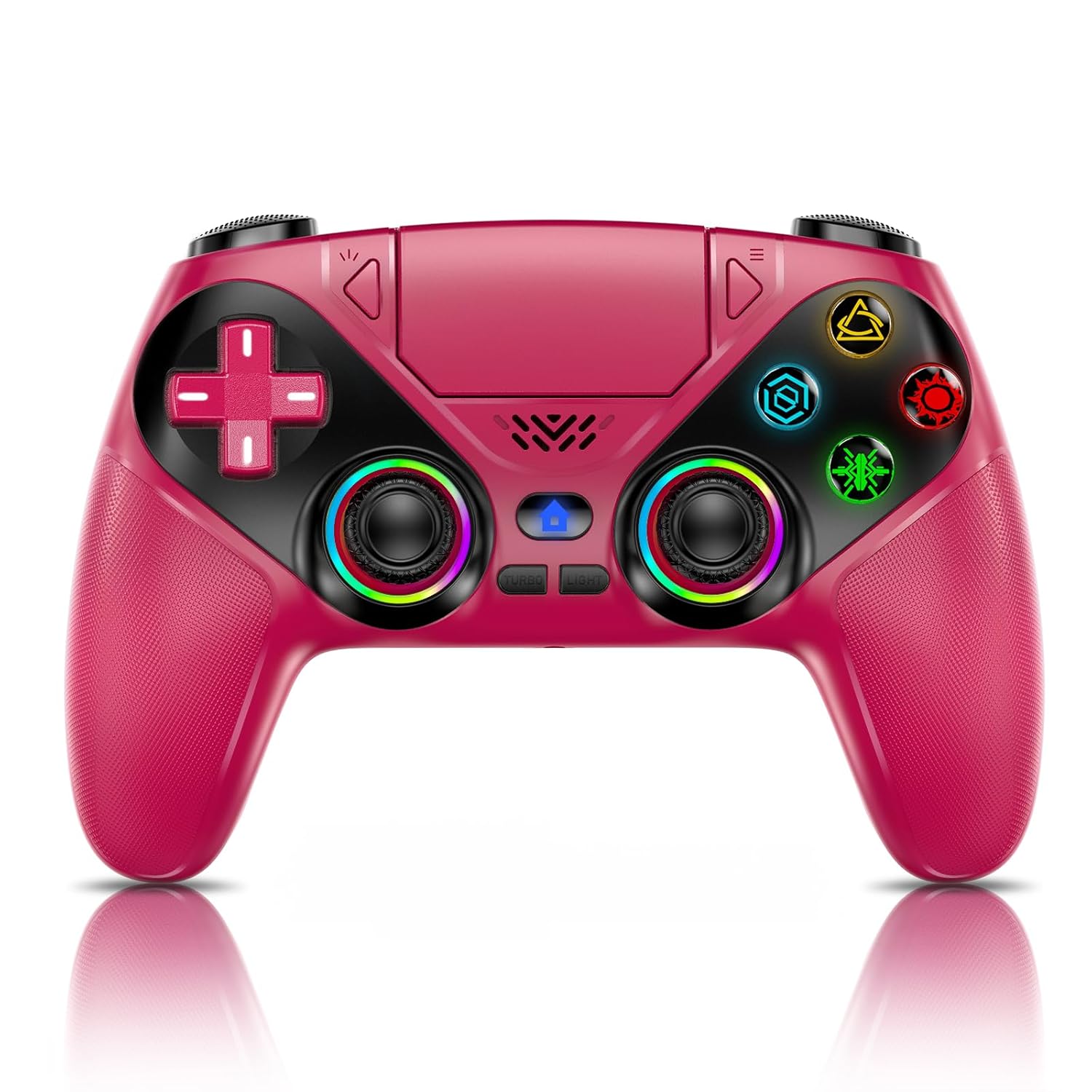
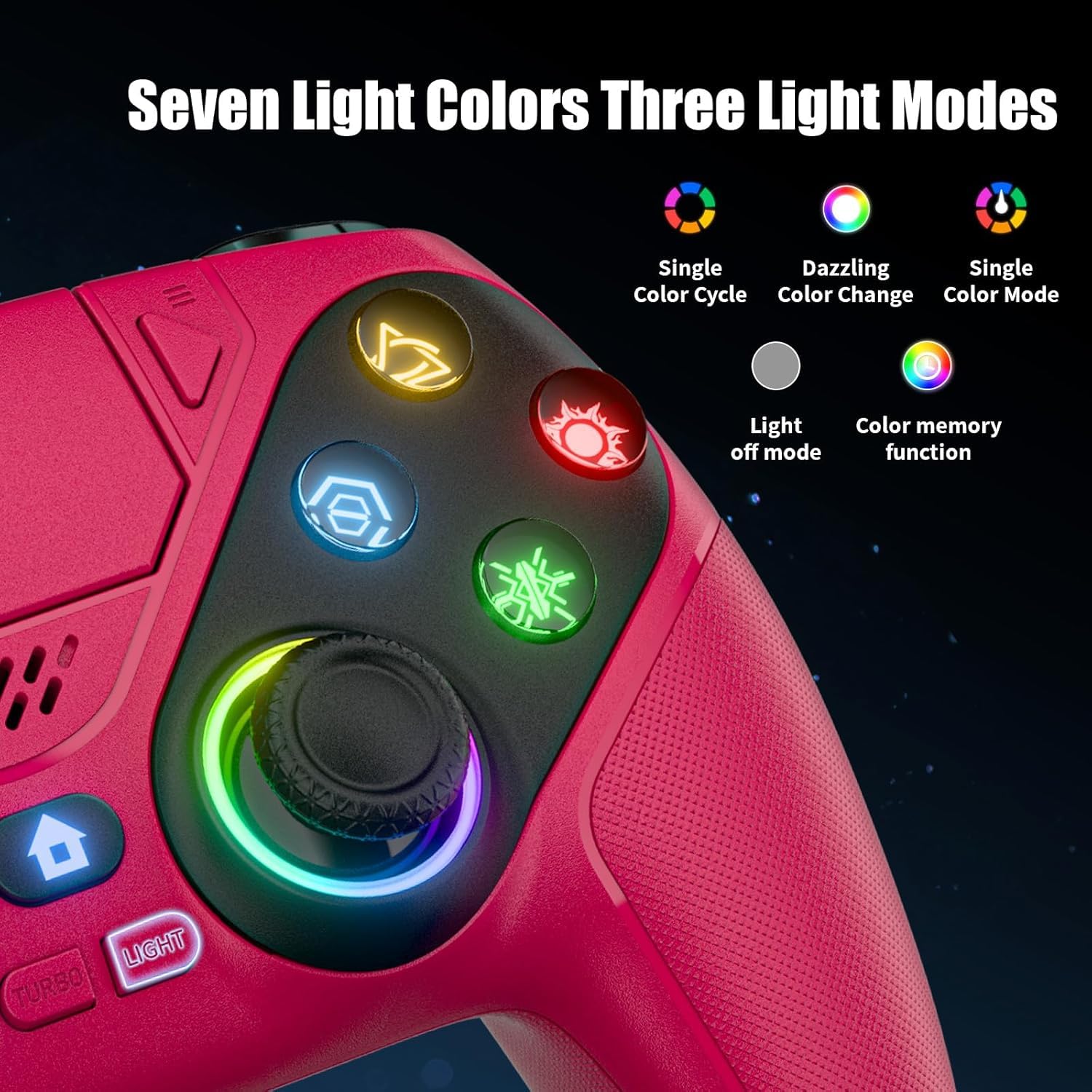
The biggest daily wins here are the practical ones. The RGB system includes 9 light modes and lets you cycle through effects using a single button press. It also auto-saves your last color/mode, so you’re not resetting lighting every session—small detail, but it matters when you just want to jump into a match.
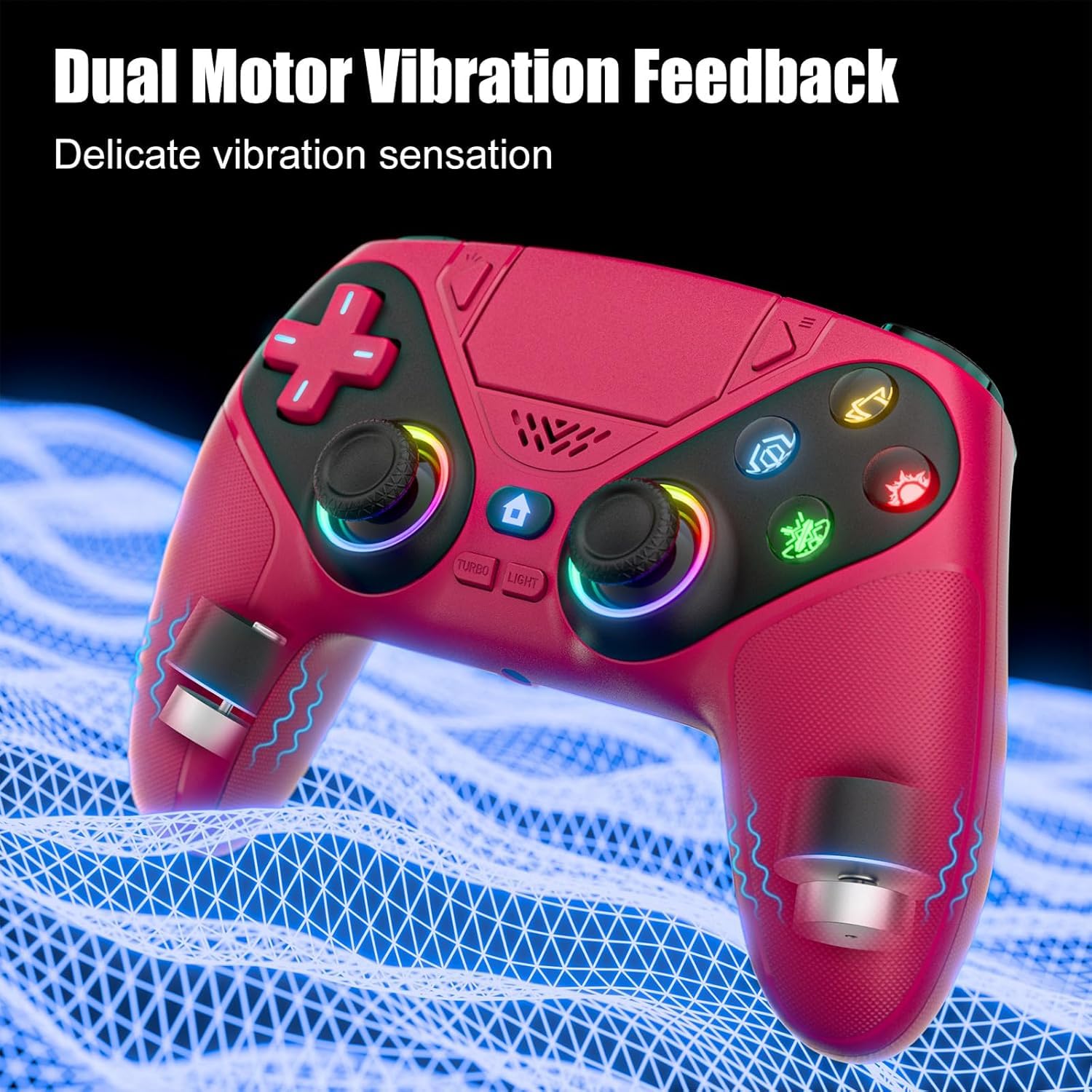
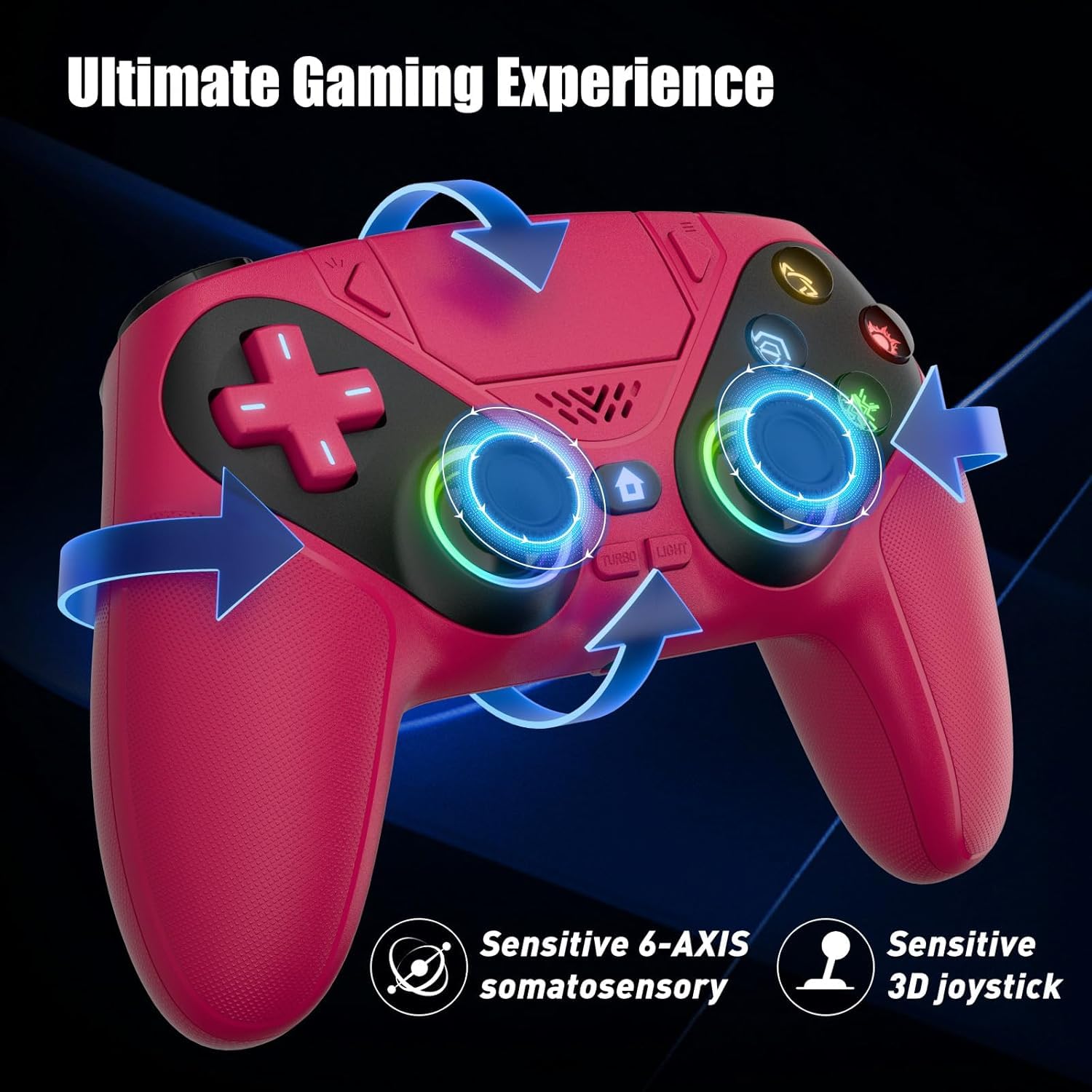
For gameplay feel, it adds dual haptic vibration plus a 6-axis gyro. That combination is aimed at helping immersion during action and improving aim/granular movement in gyro-relevant play. In a typical FPS moment, you may notice stronger vibration cues during explosions while aiming changes feel more responsive because you’re engaging the gyro component.
Key features that matter for buying
RGB lighting and audio extras
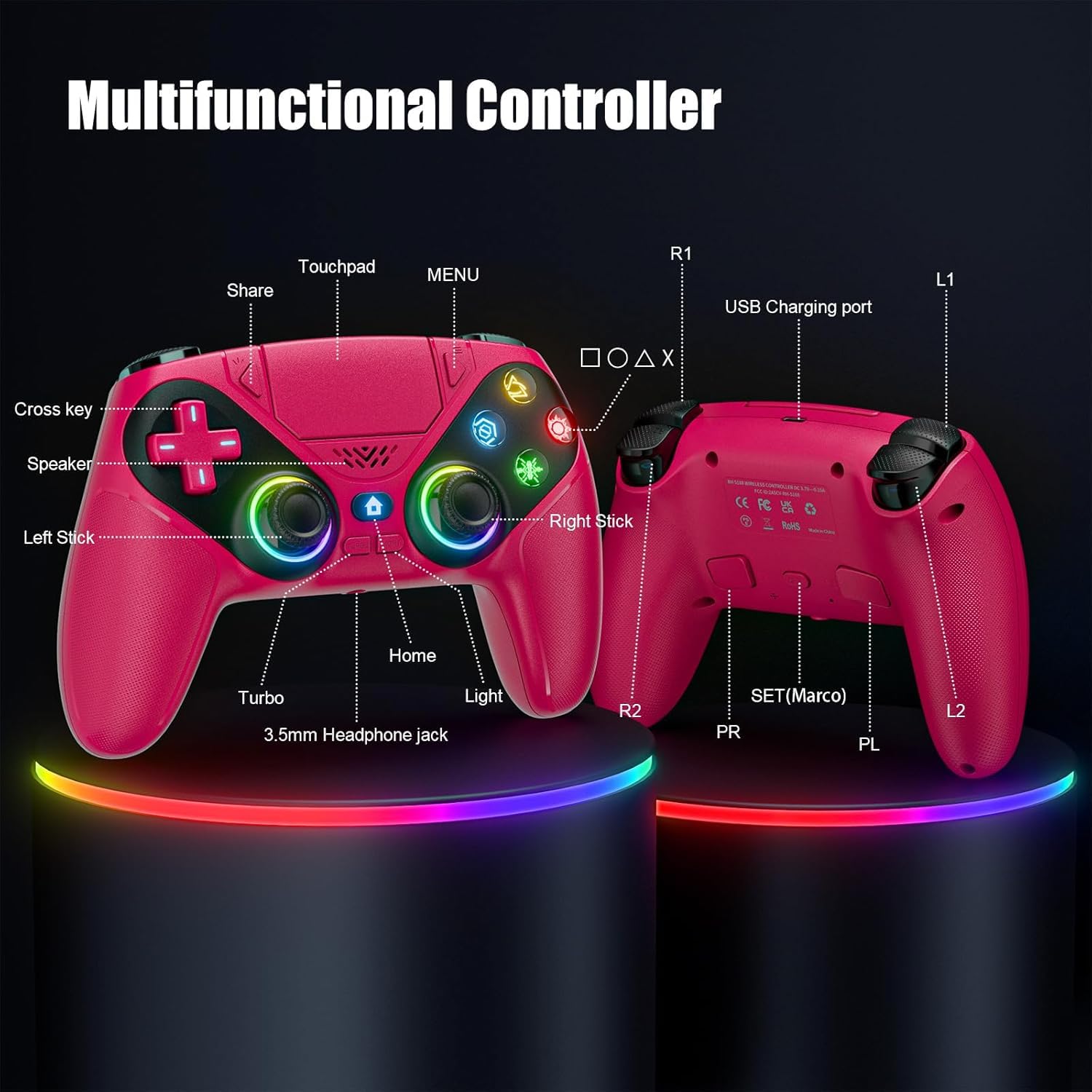
The controller setup includes a built-in 3.5mm audio jack and speakers, positioned as a way to hear close-up game sounds like footsteps or weapon reloads. If you mostly play with audio cues and want that “in-the-moment” detail, it’s an appealing blend—though it’s worth noting that speaker audio may not replace a real headset in every environment.
Turbo mode and macro programming
The turbo mode is meant to turn single taps into auto-fire, which can be helpful in games where sustained button input is repetitive. Macro programming lets you combine actions (the example mentioned includes combinations like R2+Triangle+L3) into one button for easier “combo” execution.
This is also where the controller leans a bit more toward gaming experimentation: it can be beginner-friendly for reducing button complexity, but it may feel unnecessary if you already have your inputs down and don’t want to learn programming.
Tech summary
Tech specs
- Name: Nonbliep LED for PS5 Controller
- Type: Wireless controller accessory-style controller for PS5 and compatible Windows PC use
- Format: RGB lighting with 9 modes, dual vibration, 6-axis gyro, macro programming, turbo mode
- Display: 9 RGB light modes (breathing, strobe, static mentioned)
- Audio: Built-in 3.5mm audio jack and speaker
- Controls: Programmable button macros (combo examples referenced)
- Input accuracy claim: Hall sensor technology to reduce stick wear, reduced dead zone (stated as 40% wider dead zone reduction vs. standard controllers)
Note: The pairing method described mentions using a USB-C cable for first-time setup and pressing HOME for instant pairing on PS5.
Who it’s for (and who should think twice)
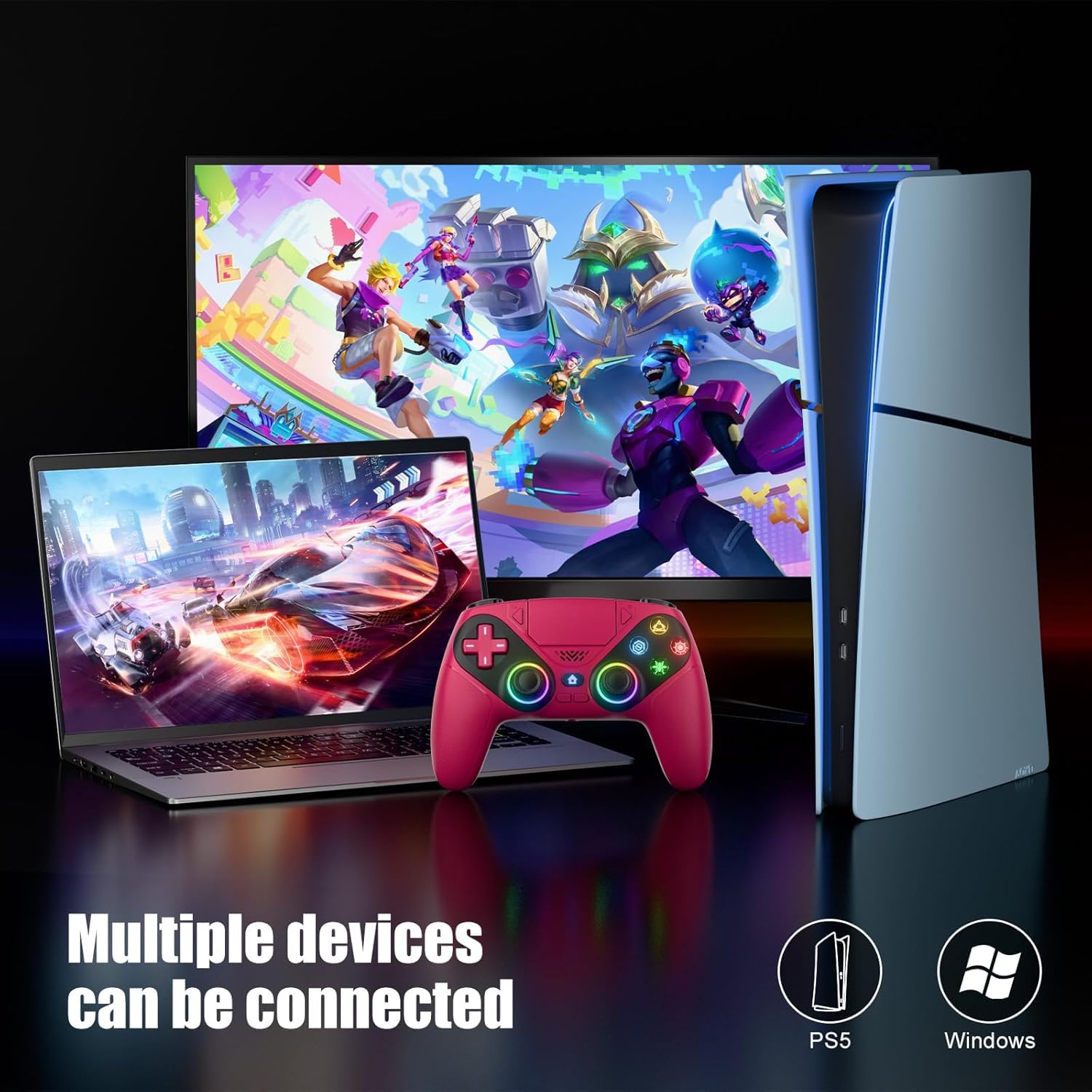
It makes sense if you’re the kind of player who cares about customization—RGB effects, saved lighting modes, and controller feel upgrades. It also fits if you play both PS5 and Windows PC and want a controller that can move with you without drivers or extra installs being mentioned.
It may not suit you if you prefer a super minimalist setup or you’re not interested in programming macros/turbo. And if you’re extremely sensitive to audio quality differences between built-in speakers and dedicated headphones, you may find the speaker/jack feature less compelling than a full headset solution.
What to check before you buy
Before deciding, it’s worth confirming that the compatibility note matches your exact situation (PS5 Slim/Pro/PC are mentioned, but the full list is brief). Also, consider whether you’ll actually use macro programming and turbo mode. If you won’t, the extra features may not translate into value for you.
Finally, look at your priorities: if your main goal is purely smoother stick performance, the hall sensor and dead zone reduction claim is the headline—but if you’re after comfort-first design, you’ll want to weigh whether these added features are worth the tradeoff in complexity.
Is it worth it?
Worth buying if you want a PS5 controller experience that adds RGB mood, dual vibration + 6-axis gyro support, and practical tools like 3.5mm audio access, turbo, and macro programming—especially if you also play on Windows PCs.
Skip it if you only want a straightforward, stock-like controller setup, or if you don’t plan to use programmable macros/turbo and you rely on high-fidelity audio from a headset.
Mini FAQ
Quick FAQ
Does it require drivers on PC? The description says there are no drivers needed.
How does pairing on PS5 work? It mentions using a USB-C cable for first-time setup, then pressing HOME for instant pairing.
Can it remember your RGB settings? Yes, it’s described as auto-saving the last color/mode.
What does the turbo mode do? It converts a single tap into auto-fire behavior, described as helpful for faster repetitive actions.
Is the gyro used for aiming? The provided description frames the 6-axis gyro as something you can use for aiming more precisely.