

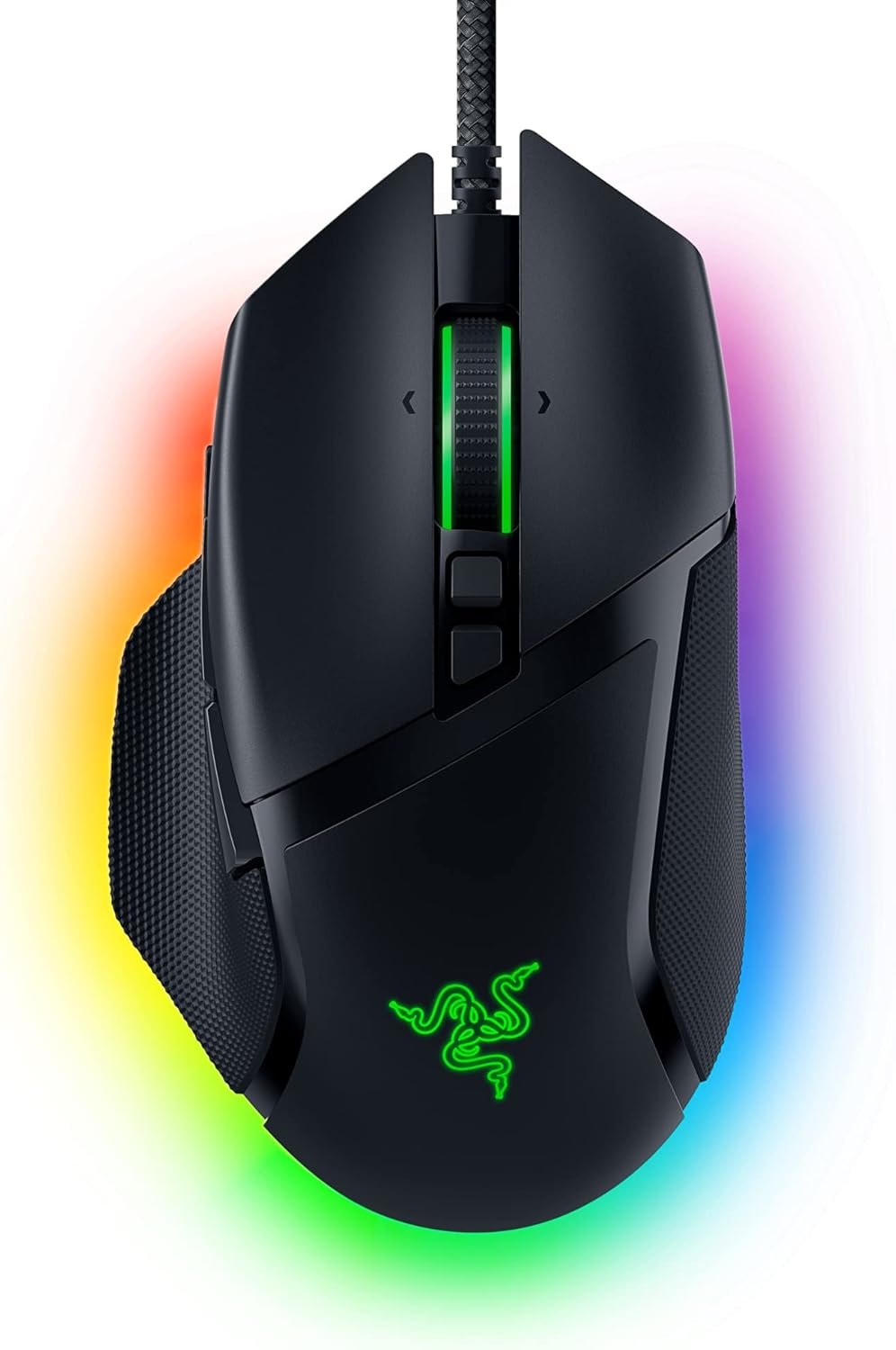
Razer Basilisk V3 ergonomic gaming mouse with 11 programmable buttons, Chroma RGB, 26K optical sensor
Reviews
Price
Product description
If you care about comfort and you play shooters (or any game where quick actions matter), the Razer Basilisk V3 is built around speed, control, and customization. It leans into an ergonomic, thumb-rest style shape and gives you a lot of buttons up front so you can move essential actions off the keyboard.
That said, it’s not a “set it and forget it” mouse for everyone. If you only want basic click-and-go, or you prefer a very minimal layout, the extra programmability can feel like more mouse than you actually need.
Key features that actually change gameplay
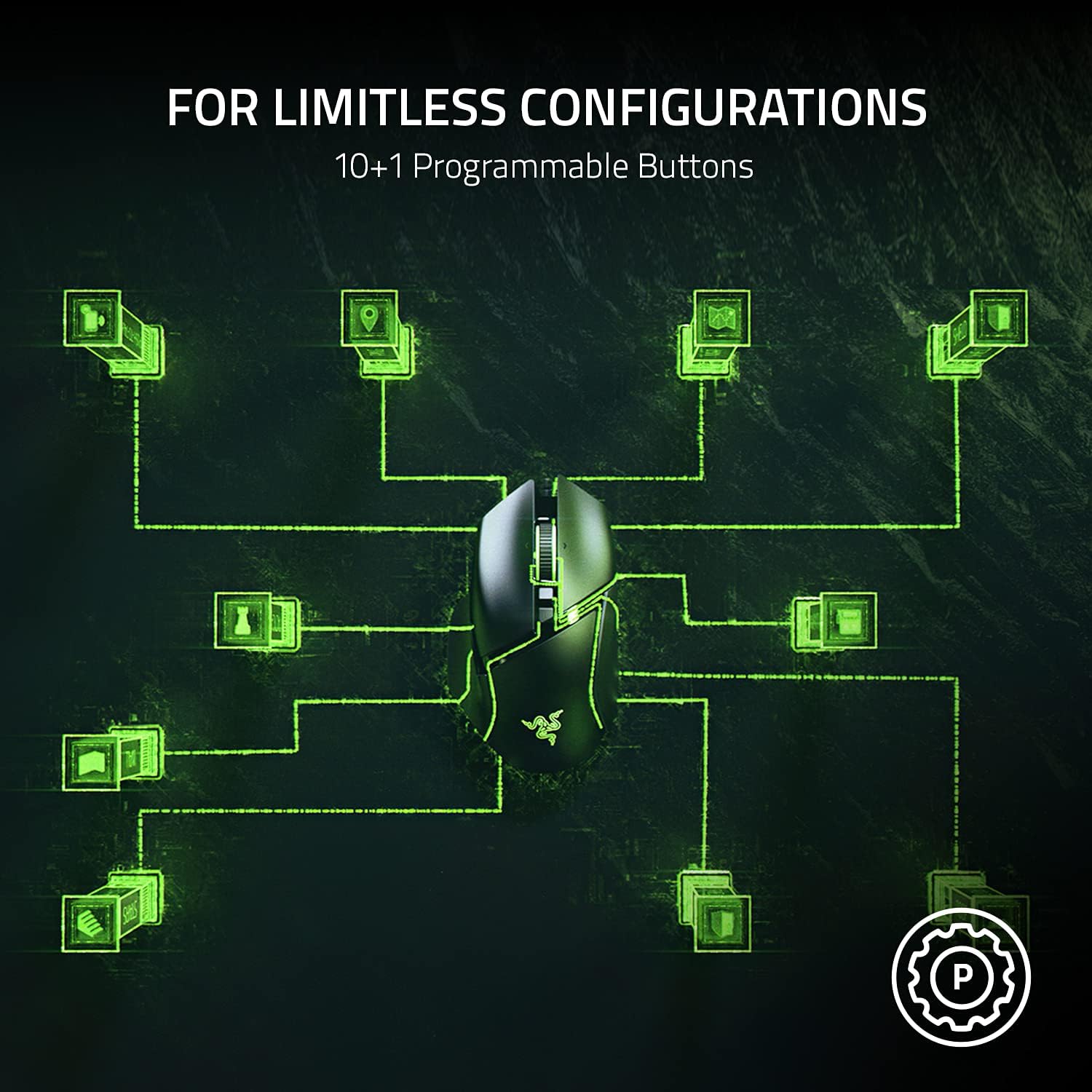
The standout idea here is simple: faster access to actions you use constantly. With 11 programmable buttons, you can map things like push-to-talk, pings, or other secondary actions so your fingers stay where they naturally rest. On paper, that reduces the “switching cost” between aiming and utility actions—small in theory, big in practice when timing matters.
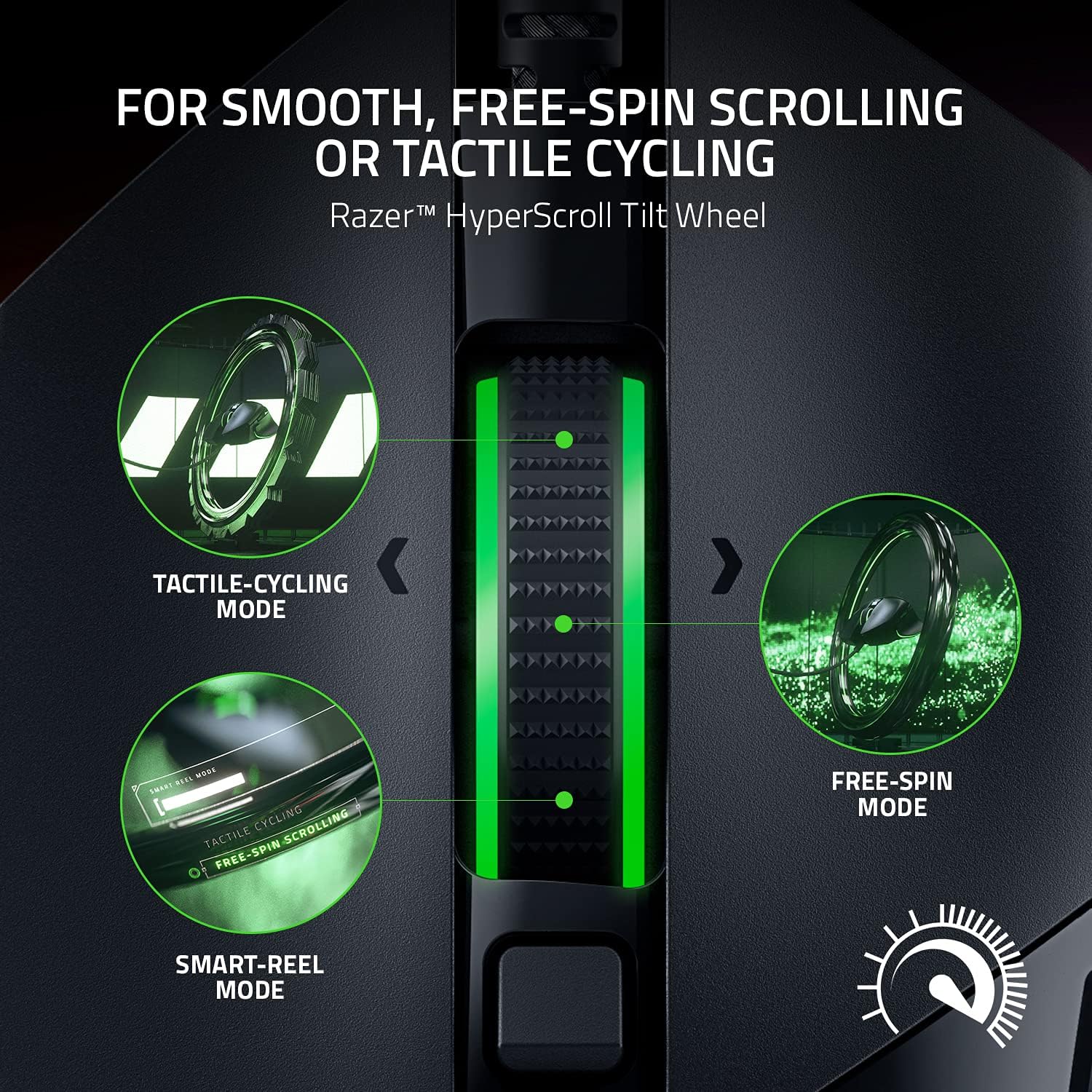
You also get a Hyperscroll Tilt Wheel. The wheel can free-spin for speed, then switch to a more tactile mode when you want precision and controlled stepping. It’s the kind of feature that’s genuinely useful if you do a lot of weapon/skill cycling or you’re scrolling through menus and lists quickly.
What stands out about comfort and button layout
The Basilisk V3 is positioned as an ergonomic design with a thumb rest. The goal is to support the hand in a way that feels natural during longer sessions, and to place buttons where they’re quick to reach. If you like a mouse that doesn’t force your thumb to “hover” awkwardly, this design choice is one of the reasons people end up sticking with the Basilisk series.
No mouse is perfect for every grip style, though. If your hand size or grip is unusual for an ergonomic right-handed shape, you may need to check whether the thumb rest and overall contour feel right for you.
RGB customization without making it the whole point
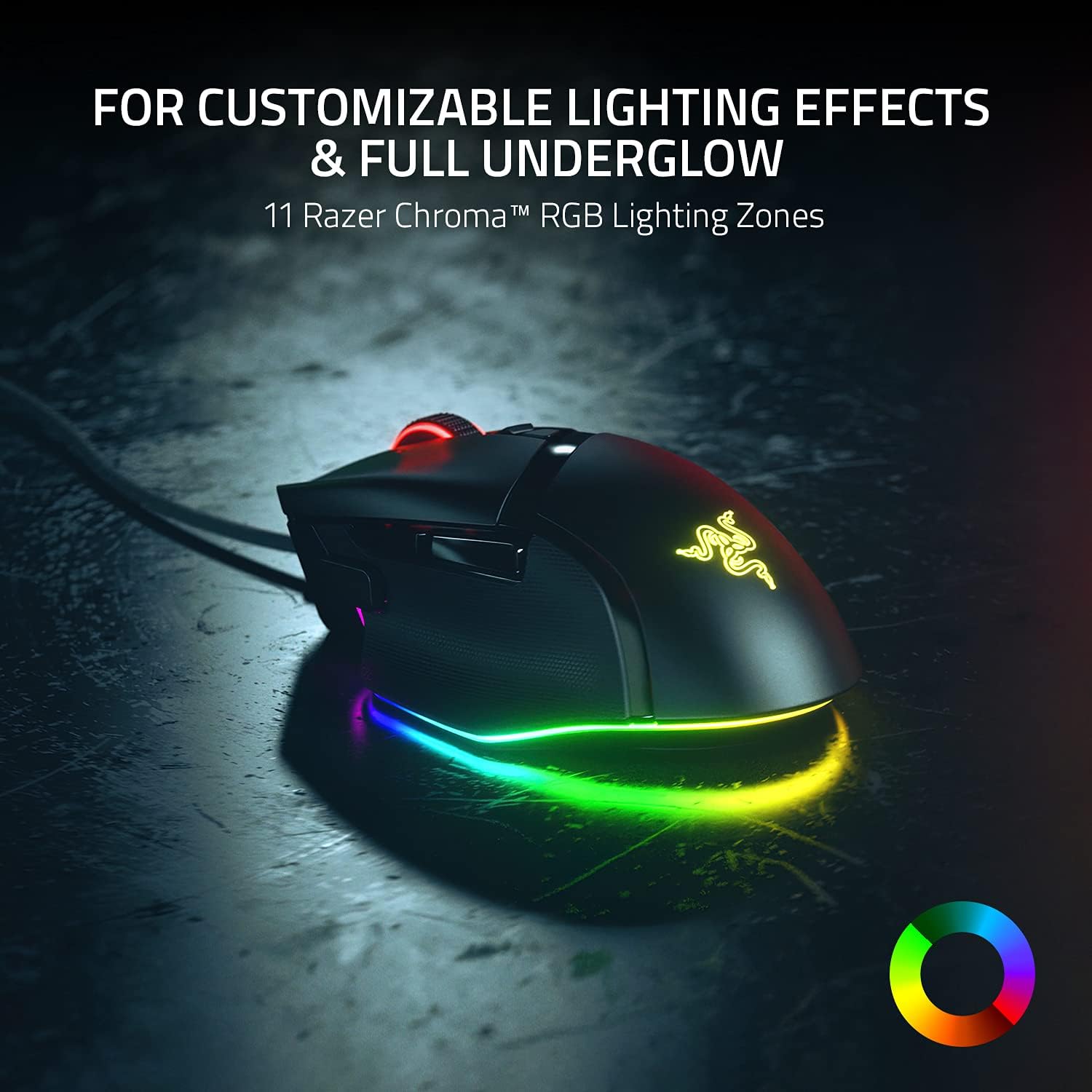
Razer Chroma RGB adds 11 lighting zones, with customization across 16.8 million colors and dynamic effects. This matters most if you actually like matching your setup or running game-reactive lighting. The key detail is that it can react dynamically with supported Chroma integrated games, so the lighting isn’t just decorative.
If RGB is mostly background noise for you, you’ll probably get more value from the control features (buttons, wheel behavior, and sensor) than the visuals.
Sensor and switches: built for crisp response
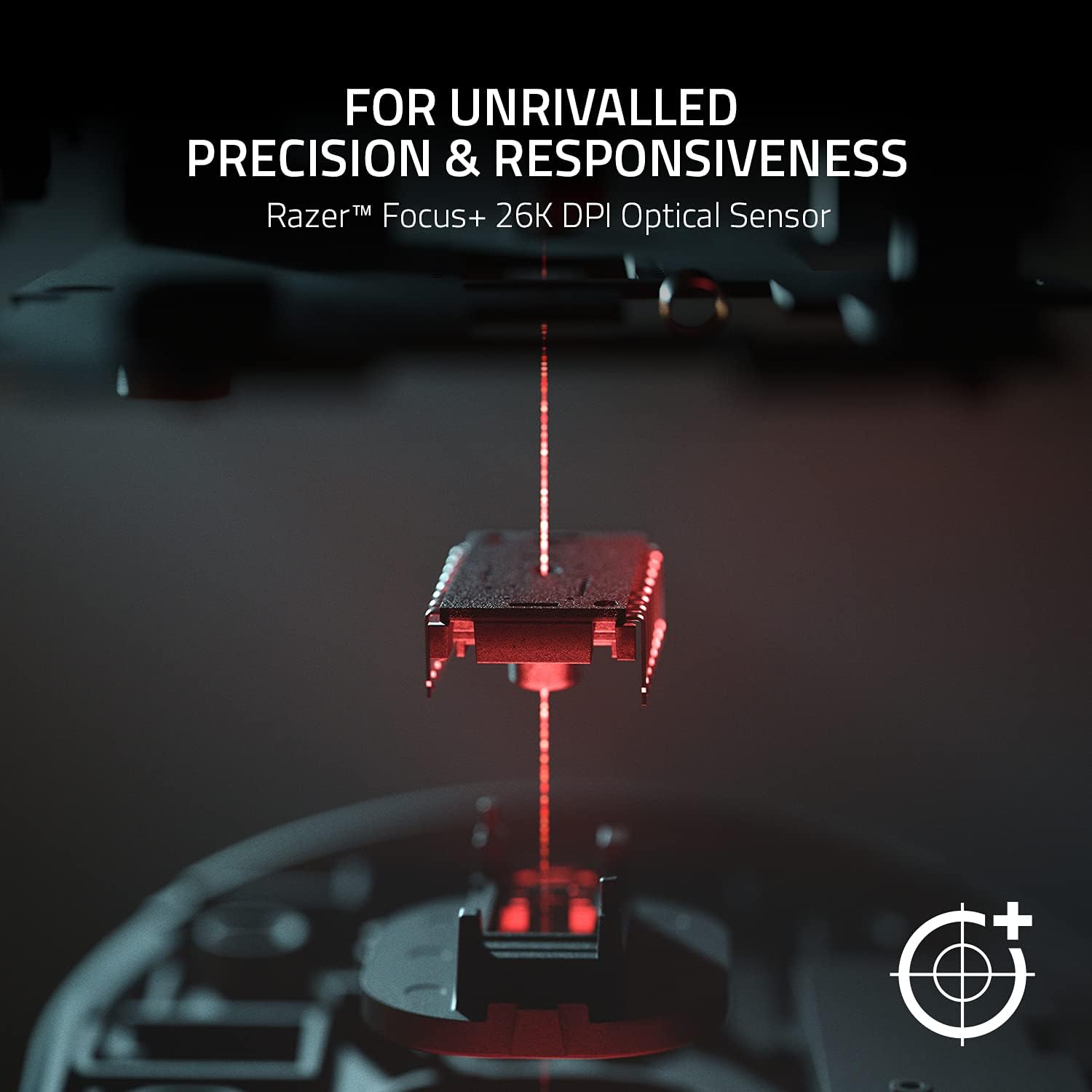
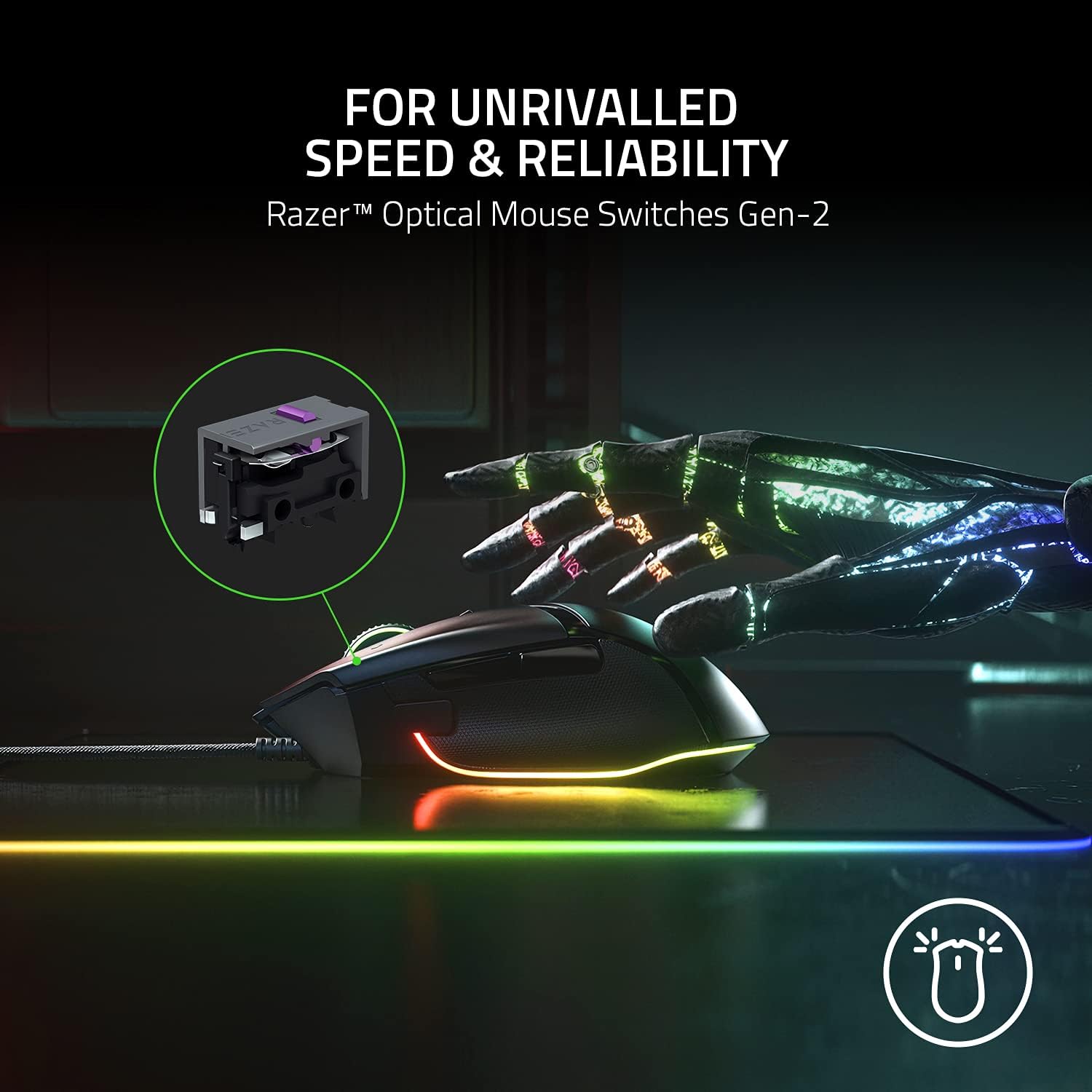
The Basilisk V3 uses an optical sensor rated up to 26K DPI and is described as tracking with zero smoothing for a crisp response and pixel-precise accuracy. It also includes Optical Mouse Switches Gen 2, which are positioned as reducing unintended misclicks and providing a fast 0.2ms actuation speed, rated for up to 70 million clicks.
That “crisp execution” is the theme: responsive clicks and tracking designed to feel direct rather than processed.
One nuance to keep in mind: optical sensors and switch specs are only part of the story. Your actual feel also depends on mousepad surface, your in-game settings, and how your system handles pointer behavior.
Setup tips to get the most accuracy (and avoid Windows quirks)
Razer specifically calls out improving accuracy by disabling the “Enhance pointer precision” option in Windows mouse settings. They also recommend optimizing further using the Razer Synapse app.
This is one of those areas where a good mouse can still feel “off” if Windows is doing extra processing. So if you’re sensitive to input consistency, it’s worth checking those settings before you judge the mouse.
A practical example: imagine you’re jumping between a lot of targets while strafing. If pointer precision enhancement is enabled, your aim can feel slightly less predictable. Turning it off and then tuning in the app is the kind of small change that can make the mouse feel more “locked in” to your aim.
Tech specs
- Name: Razer Basilisk V3 ergonomic gaming mouse
- Type: Gaming mouse
- Display: Razer Chroma RGB lighting zones
- Resolution: 26K DPI optical sensor
- Memory: Up to 11 programmable buttons (macros and secondary functions)
- Size: Not specified
- Weight: Not specified
Is it worth it?
Buy the Razer Basilisk V3 if you want an ergonomic right-fit gaming mouse with a thumb rest, you’ll actually use 11 programmable buttons for in-game utility, and you like the idea of a scroll wheel that can switch between fast free-spin and tactile precision.
Skip it (or at least think twice) if you prefer a simpler mouse with fewer controls, you don’t plan to map macros, or you don’t care much about RGB and precision tuning. And as with any ergonomic design, your grip and hand size matter—if the shape doesn’t match you, the extra features won’t compensate.
The biggest “should you buy it” factor is how much you’ll take advantage of customization. The hardware is positioned for responsive gameplay, but it gets noticeably better when you adjust Windows pointer precision and use the Synapse app to tune performance.

Quick FAQ
What are the 11 programmable buttons for?
They’re meant to hold macros and secondary functions so you can trigger essential actions quickly without returning to the keyboard. The listing calls out examples like push-to-talk and pings.
Does the scroll wheel have different modes?
Yes. The Hyperscroll Tilt Wheel can free-spin until you stop it, and it can switch to a tactile mode for more precise scrolling.
How high is the sensor DPI?
The optical sensor is described as a focus plus sensor with up to 26K DPI.
Can I improve accuracy in Windows?
Razer suggests disabling “Enhance pointer precision” in Windows mouse settings and then optimizing further with the Razer Synapse app.
Is the mouse good if I only care about basic use?
It can work for basic use, but the design’s value is in programmability, tuning, and the wheel behavior. If you won’t take advantage of those, a simpler mouse may suit you better.