

Tokluck PA5 Slim Pro Cooling Station for PS5: Auto Turbofan Cooling, 3-Speed Modes, Controller Charging Dock (White & Black)
Product description
What it is and what problem it solves
A PS5 cooling stand that also works like a controller charging dock is the kind of add-on you notice every day. The Tokluck PA5/Slim/Pro Cooling Station is designed to sit your console on a dedicated base, add airflow support, and handle charging for dual PS5 controllers. It’s built around an “intelligent” auto mode too, using a temperature probe to adjust the fan speed based on how hot the console runs.
It’s not trying to be a complete replacement for normal ventilation habits—more like a practical desktop companion for longer sessions. If you’re the type who forgets to tweak settings and just wants the setup to do something sensible on its own, this one is worth looking at.
Key takeaways (without the fluff)
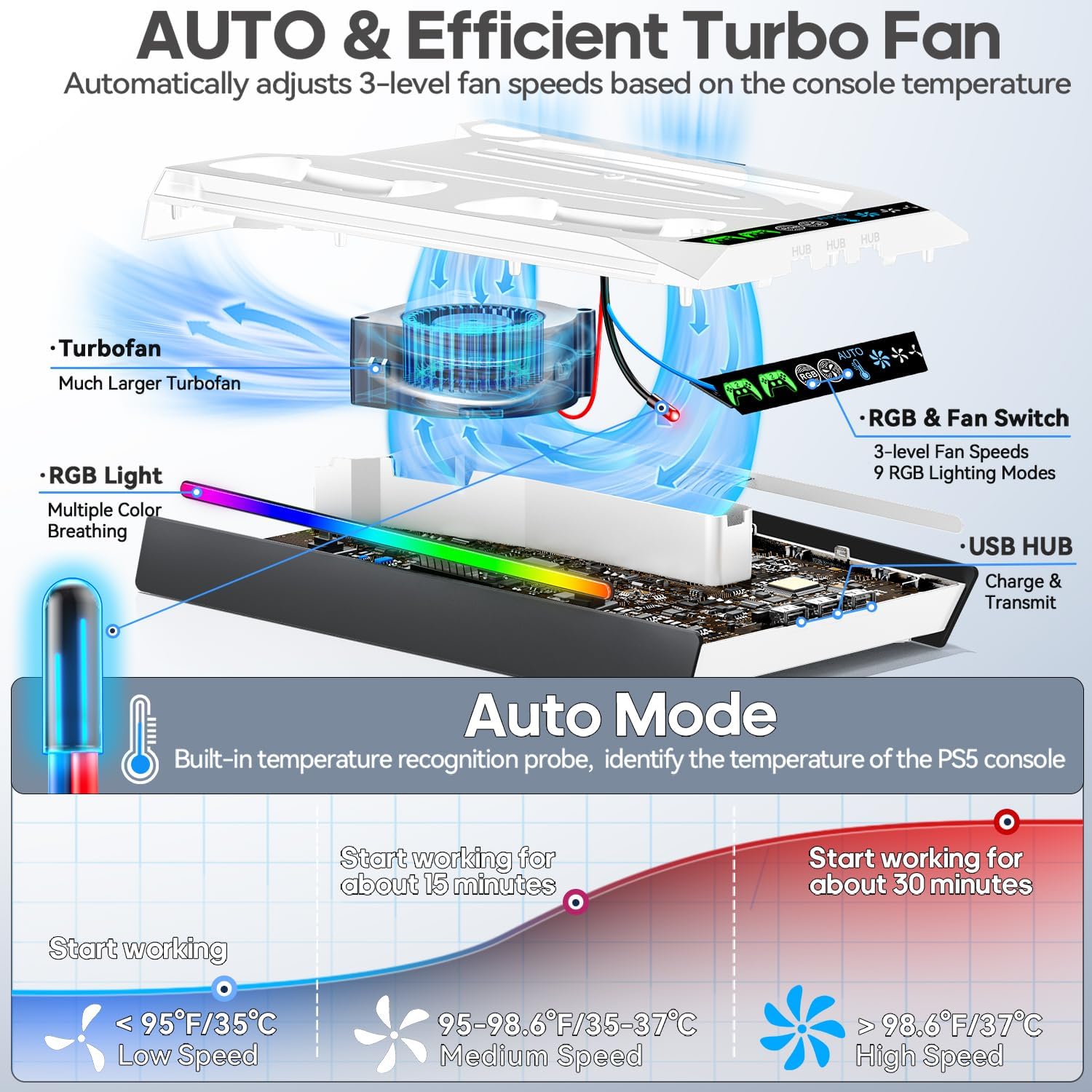
The biggest draw here is the fan control approach: you get both manual control and an automatic temperature-based mode. In auto, the stand shifts between high, medium, and low fan speeds using temperature thresholds (with ranges called out in the product details). There’s also a memory function for the fan speed so it can return to the last used setting after restarting.
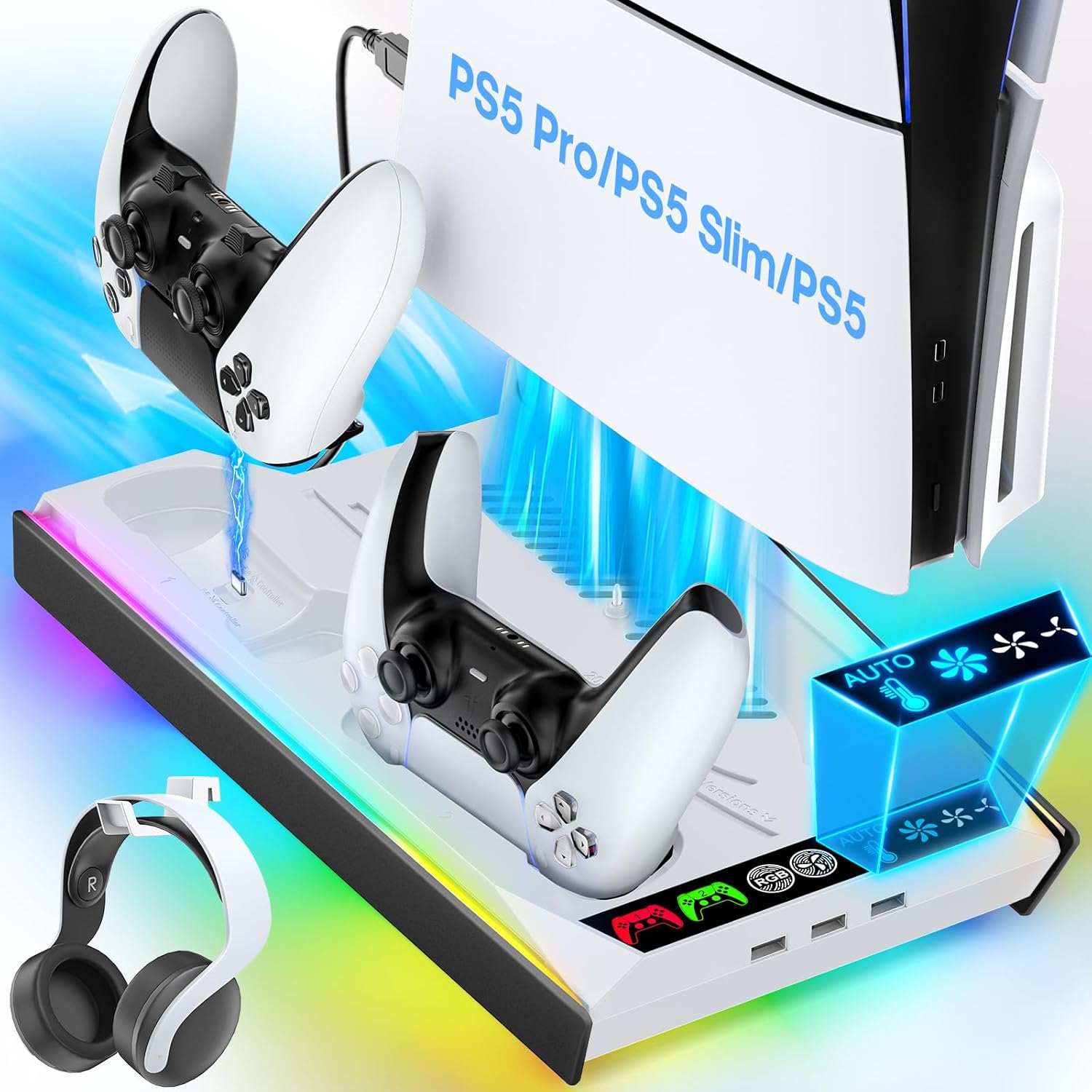
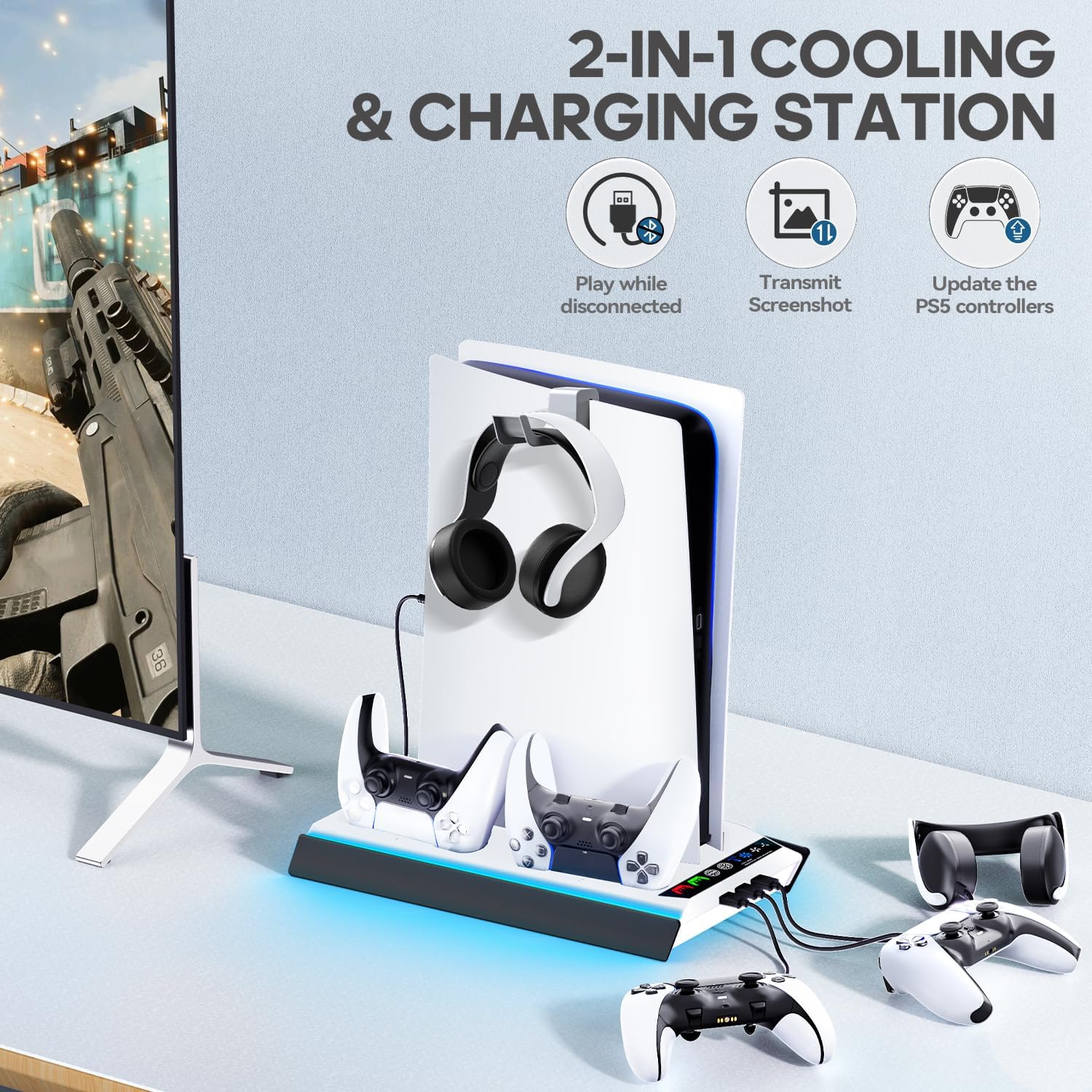
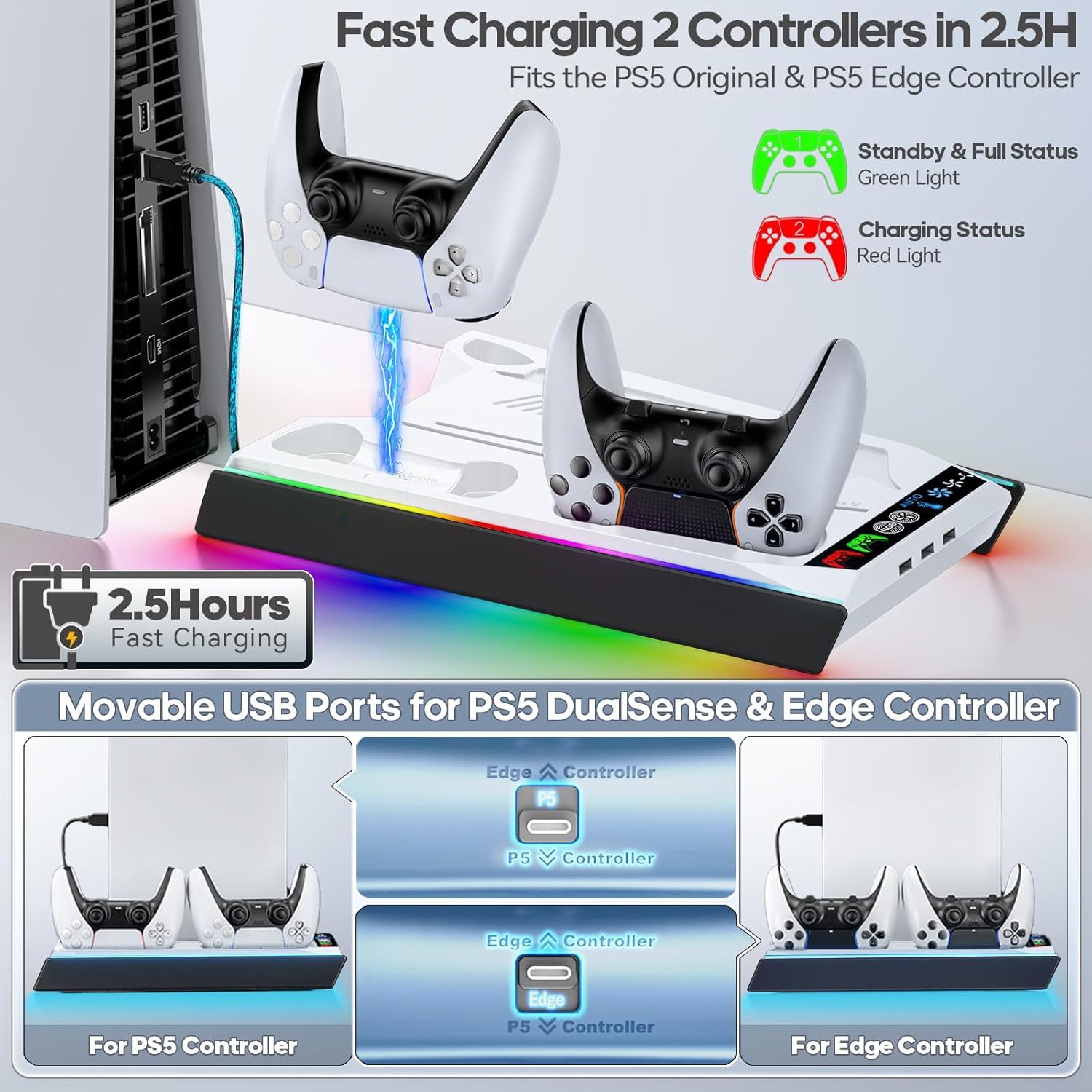
On top of cooling, it adds dual controller charging. The stand includes an adjustable USB charging port, so charging the PS5 original or Edge controllers can be easier to position. It also includes LED indicators for charging and fan speed visibility.
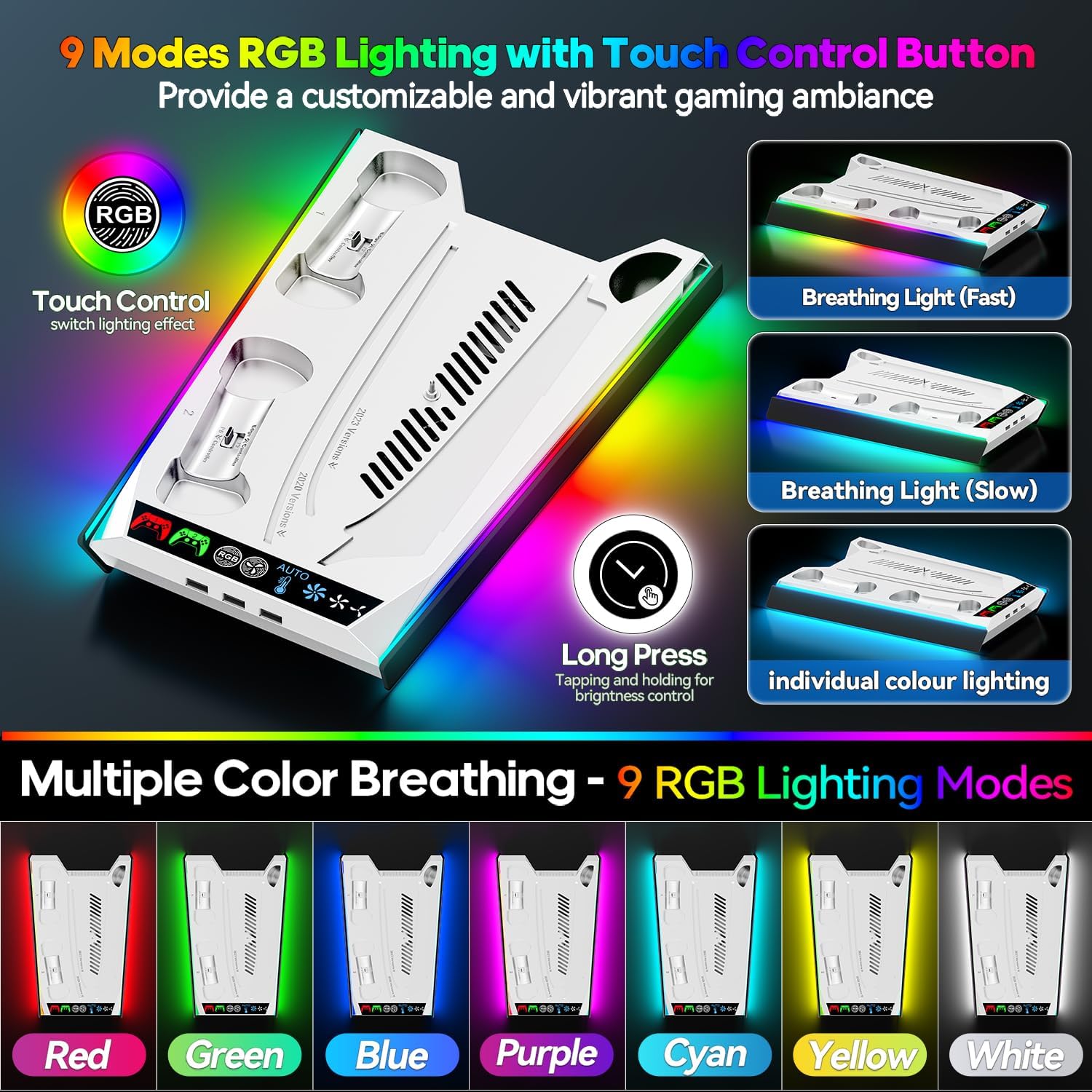
One more thing you’ll probably either love or ignore: the base has 9 RGB lighting effects with brightness and lighting mode controls.
Where it shines in real use
Picture a weekend game night. You power on the console, dock the controllers, and place the PS5 on the stand. If you leave it in auto, the fan speed can respond as the console temperature changes—so you’re not constantly switching settings mid-session.
When charging, the stand’s LED indicator behavior is meant to give you quick status feedback: it lights red during charging and switches to green when fully charged or in standby mode. If you play with two controllers frequently, this “dock while you play” setup can reduce cable clutter.
What to know before you buy
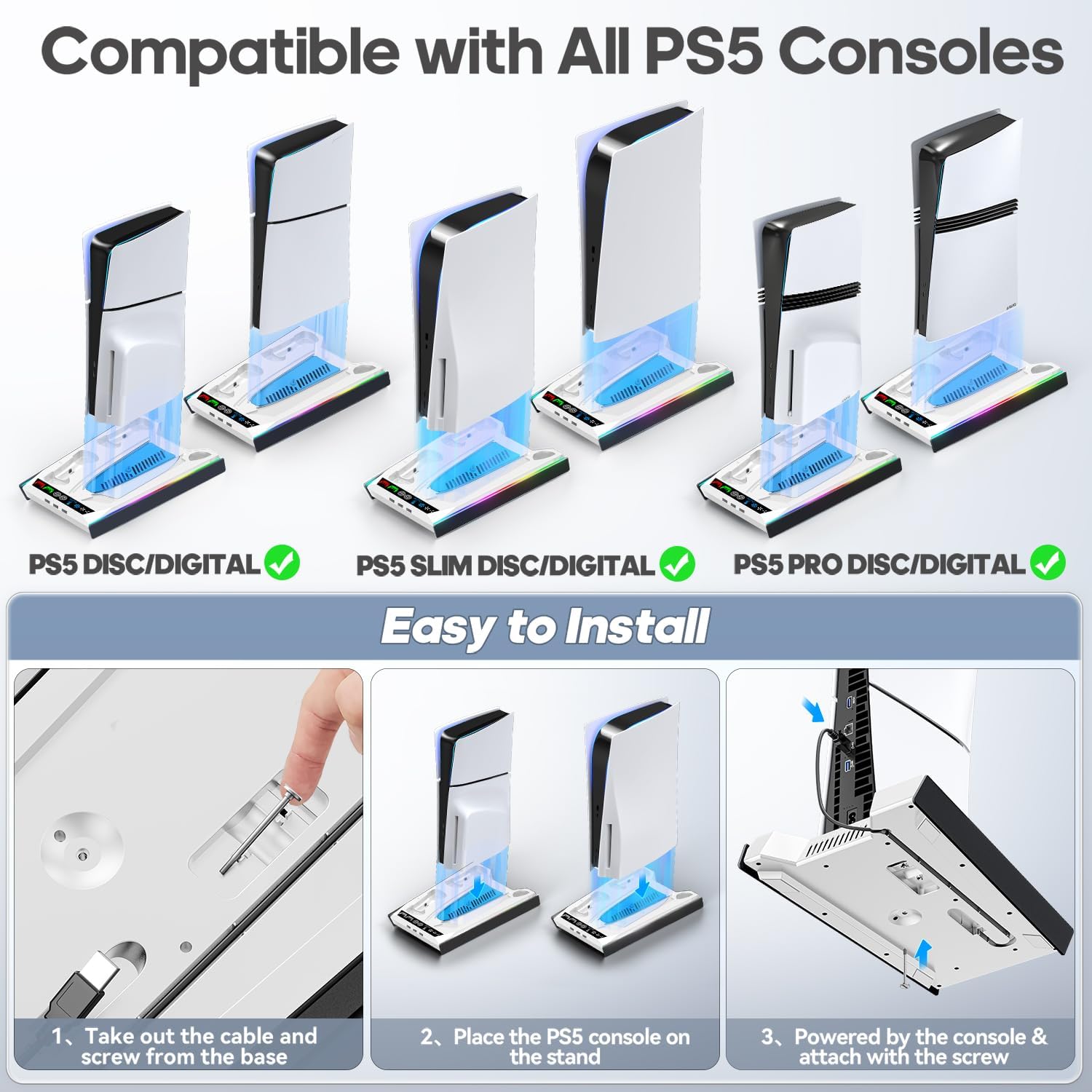
This is clearly positioned as a cooling station accessory for specific console families. The provided compatibility language says it works with PS5 consoles (digital and disc versions), and mentions it as a charger upgrade for “Playstation 4” and also references Sony PSP console in multiple spots. That kind of mixed wording means you should double-check what you actually have (and what you need it to charge) before relying on it for PS4/PSP use.
Also, while the auto mode uses temperature thresholds and a built-in probe, no cooling add-on can guarantee the same results for every setup, room temperature, or game type. If your goal is “maximum cooling no matter what,” you may find that the cooler stand is only one part of the overall picture.
Worth noting: the fan switch supports multiple modes in manual control (high/medium/low/AUTO/off-style flow), so it’s not purely “set it and forget it.”
Tech specs
- Temperature-based auto fan adjustment: high-speed (>98.6℉/37℃), medium-speed (95-98.6℉/35-37℃), low-speed (<95℉/35℃)
- Manual fan modes: high / medium / low / AUTO / off (5 modes)
- Fan speed memory: remembers the last used fan speed after restart
- Controller charging: dual controller charging supported (PS5 Original / Edge)
- Charging port: movable USB charging port with adjustable position
- Charging LED indicator: red during charging, green when fully charged or in standby
- Lighting: 9 RGB lighting effects, controls for lighting mode/brightness, breathing mode support, memory function for light mode
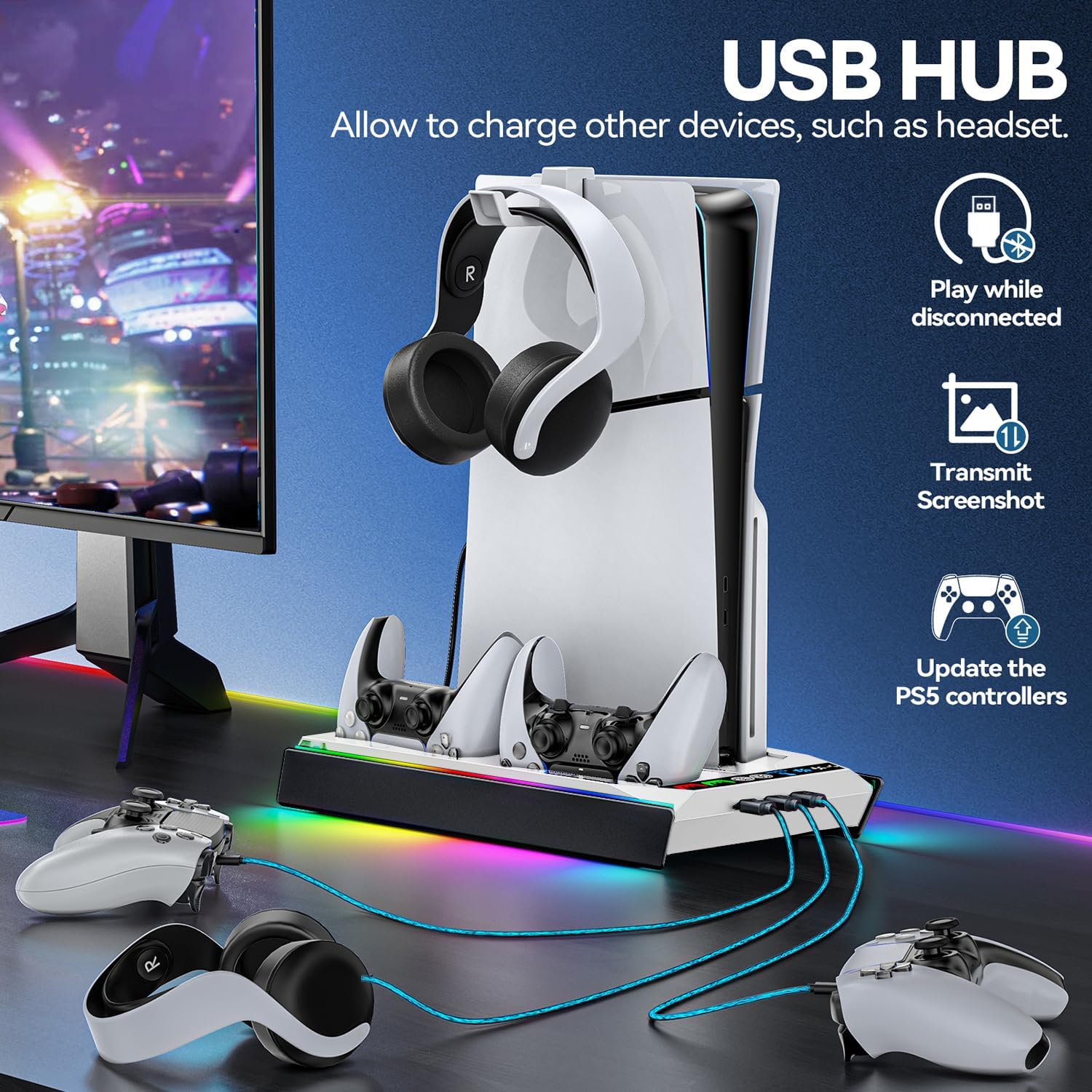
- Additional ports: side of stand includes 3 USB charging ports for other accessories
- Color: White & Black
- Compatibility (as stated): PS5 console digital & disc versions, references PS4 charger upgrade and PSP console in the listing details
Who it’s for (and who should skip it)
It makes sense if you want one accessory that combines cooling support and controller charging in a clean, dock-like setup. A solid pick if you like auto fan behavior and want visible indicators for fan speed and charging status.
It may not suit you if you’re very sensitive to compatibility details and need absolute certainty about PS4/PSP functions based on the listing wording. It also might not be the best choice if you’re aiming for a minimalist setup and don’t care about RGB lighting.
Is it worth it?
If you’re buying this kind of stand for convenience—auto fan adjustment, dual controller charging, and status LEDs—it fits the job description. The auto/medium/low/high switching based on console temperature is the feature that most directly supports “set-and-respond” cooling, and the charging dock angle is what makes the stand feel more than just an extra fan.
Should you buy it? Yes, if your priority is practical daily use: place the console, charge controllers, and let the fan modes do their thing.
Skip it if you want guaranteed, crystal-clear compatibility beyond PS5 (since the listing includes multiple console references), or if you don’t want RGB/LED behavior in your gaming area.
Mini FAQ
FAQ: Common questions
Does the stand charge two controllers at the same time?
Yes. The product details state it supports charging dual PS5 Original / Edge controllers.
How does the automatic fan mode work?
It uses a built-in temperature probe and adjusts fan speed according to temperature thresholds provided for high, medium, and low.
Can you control the fan speed manually?
Yes. The manual mode uses a fan switch with multiple modes, including an AUTO option and an off state.
Does the controller charger placement matter?
The listing says the USB charging port is movable, and it can be adjusted upward or downward to charge controllers.
Do the RGB lights remember your settings?
The lighting feature is described with a memory function, so it can remember the light mode before powering off and restore it later.