

QB-DT Desktop Pro "Plus" 2024 — Lifetime 3-User License for PC (No USB)
Product description
What it is and who it’s for
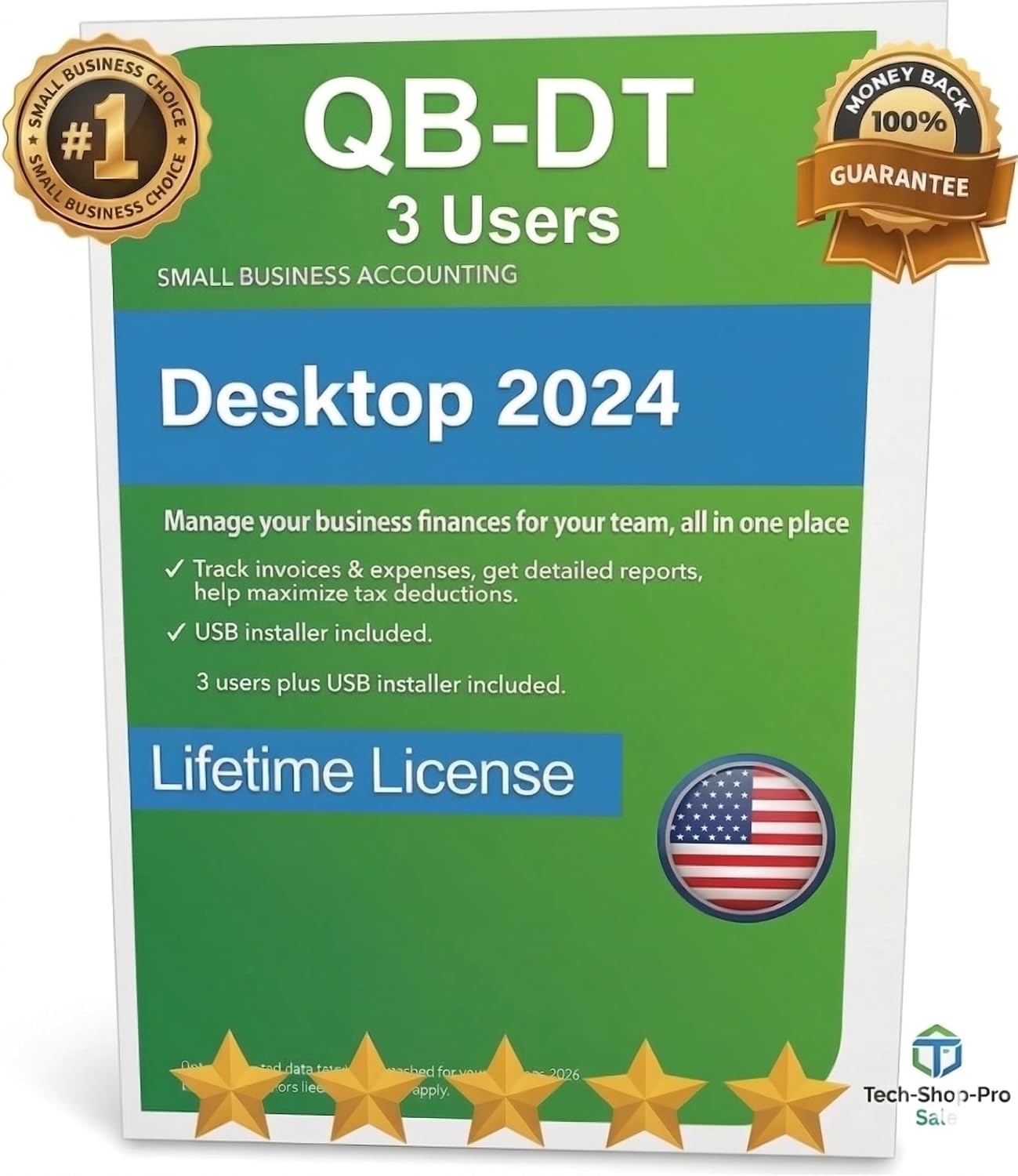
QB-DT Desktop Pro “Plus” 2024 is a desktop software package marketed as a lifetime, 3-user license aimed at small to medium businesses that operate on Windows PCs. It’s explicitly noted as PC-only, with no USB included, and delivered via Amazon Prime with a direct download link to the official Intuit/QuickBooks site. If your workflow relies on a stable, perpetual license for a handful of users and you’re not planning to integrate payroll or automatic banking, this option may align with that setup. On paper, the product promises a seamless download path from the vendor to the official site, plus a money-back guarantee and one year of technical support that can be extended.
What stands out on the surface
On the positive side, the key differentiator is the claimed lifetime license for up to three users, backed by ongoing technical support and a straightforward refund policy if expectations aren’t met. The fact that support is included for a year and can be extended suggests a safety net for buyers who prefer not to wrestle with setup alone. The vendor positions this as a direct, authentic download from the official QuickBooks site, which helps with trust when buying software from a marketplace.
Potential limitations to consider
There are several caveats to keep in mind. First, the product is described as NO USB included and PC-only, Mac users or those seeking a USB key or portable licensing should not expect compatibility. The base notes also indicate that the version may no longer support automatic bank connectivity or payroll, with certain invoicing features possibly limited. If your business relies on automatic bank-fed data or integrated payroll, this package may fall short and you’d want to weigh those missing features carefully.
How it fits different buyers
This offering could fit a small- to mid-size team that needs a single, lifetime license for up to three Windows desktops or users, with the flexibility of a direct download from the official source. It’s likely more compelling for buyers prioritizing long-term cost containment over the latest cloud-based or feature-rich alternatives, especially if payroll and seamless banking imports aren’t critical to their operations.
Who should think twice
If you’re a Mac user, if you require payroll integration, or if you need robust automatic bank connectivity, this particular package may not be the best match. It also relies on a classic license model that some teams are moving away from in favor of subscription-based access to ongoing updates and cloud features. Finally, if after purchase you expect to extract every possible feature from QuickBooks without any limitations, you should verify which invoicing capabilities are retained and how that aligns with your current processes.
What to check before buying
- Confirm PC compatibility and whether your team can operate on a three-user setup under a lifetime license.
- Verify that the invoicing features you rely on are available, given the stated limitations on payroll and automatic bank connectivity.
- Consider how you’ll handle updates and support needs, since the package includes one year of support with a potential extension.
- Ensure you’re comfortable with acquiring software via a marketplace and receiving a direct download link to the official site, rather than an all-in-one installer.
How this compares to other paths
If your goal is a long-term, low-ongoing-cost approach, a lifetime three-user license on a PC can feel simpler than a subscription, provided the missing features aren’t critical. Conversely, if you anticipate growth beyond three users, or if you want seamless payroll and bank feeds, you may favor a newer or cloud-connected option that scales with your business needs.
Practical usage scenario
Imagine a small accounting team where three staff members regularly input client invoices, run reports, and generate basic financial statements. You’d install QB-DT Desktop Pro on three Windows machines, share access with the three designated users, and handle routine invoicing without worrying about monthly renewals. Just be mindful that payroll or automatic banking may require workarounds or alternative tools.
The decision you’ll make
Is it worth it?
If you prize a lifetime license for up to three Windows users and don’t need payroll or automatic bank connectivity, this package offers a straightforward, low-friction path to software ownership with vendor-backed support. If your needs include payroll, bank feeds, or Mac compatibility, you’ll likely want to consider other options that better align with those requirements.