

Inateck iPad Keyboard Case, NeoMagic SE
Product description
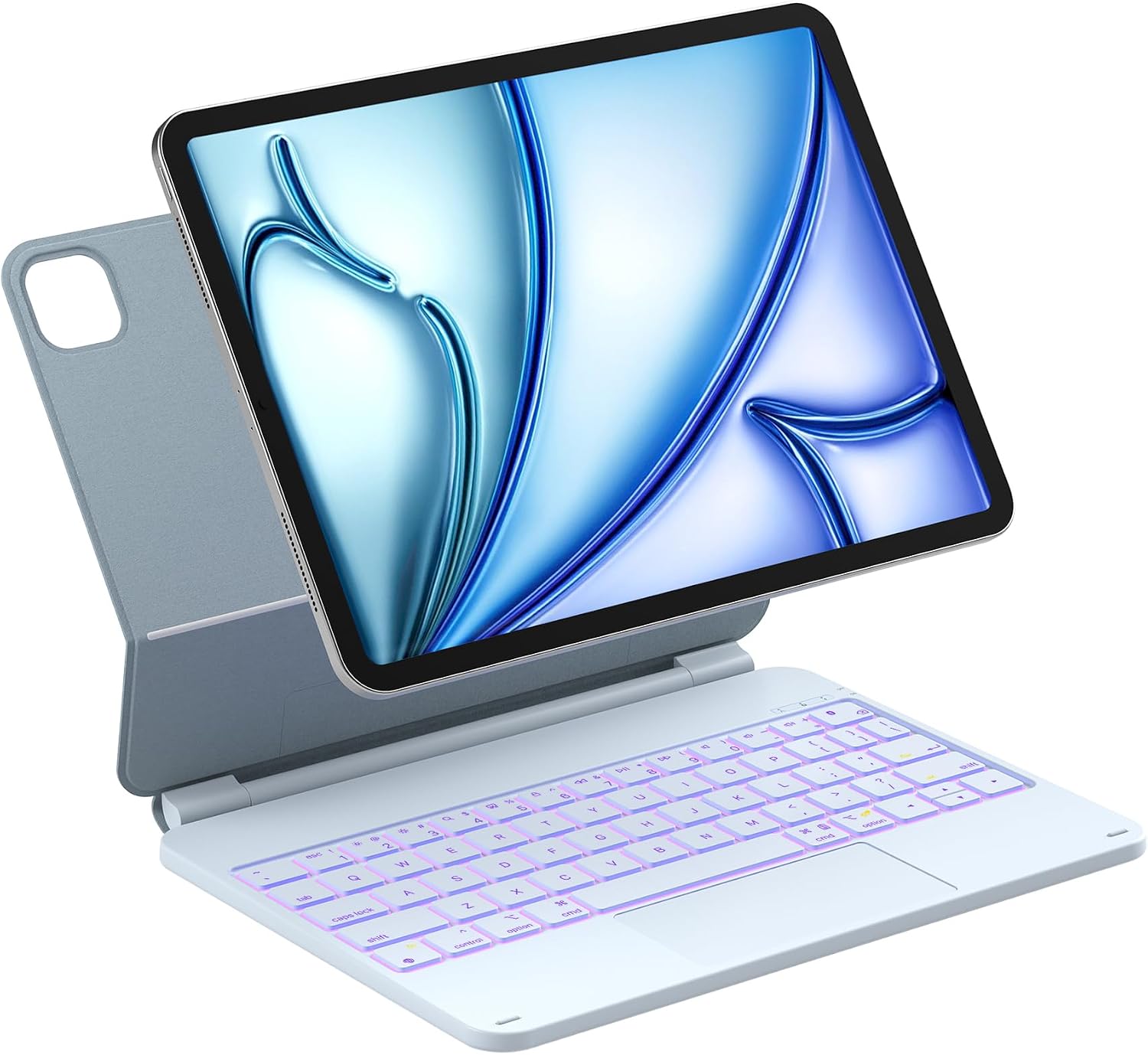
For writing notes at a desk, answering email on a trip, or switching between apps without reaching for the screen, a keyboard case can make an iPad easier to use for longer stretches. The Inateck NeoMagic SE combines a keyboard, trackpad, and magnetic floating stand for compatible 11-inch iPads.
Its slim, lightweight design is intended to travel, though it only fits the iPad models listed below.
Technical details
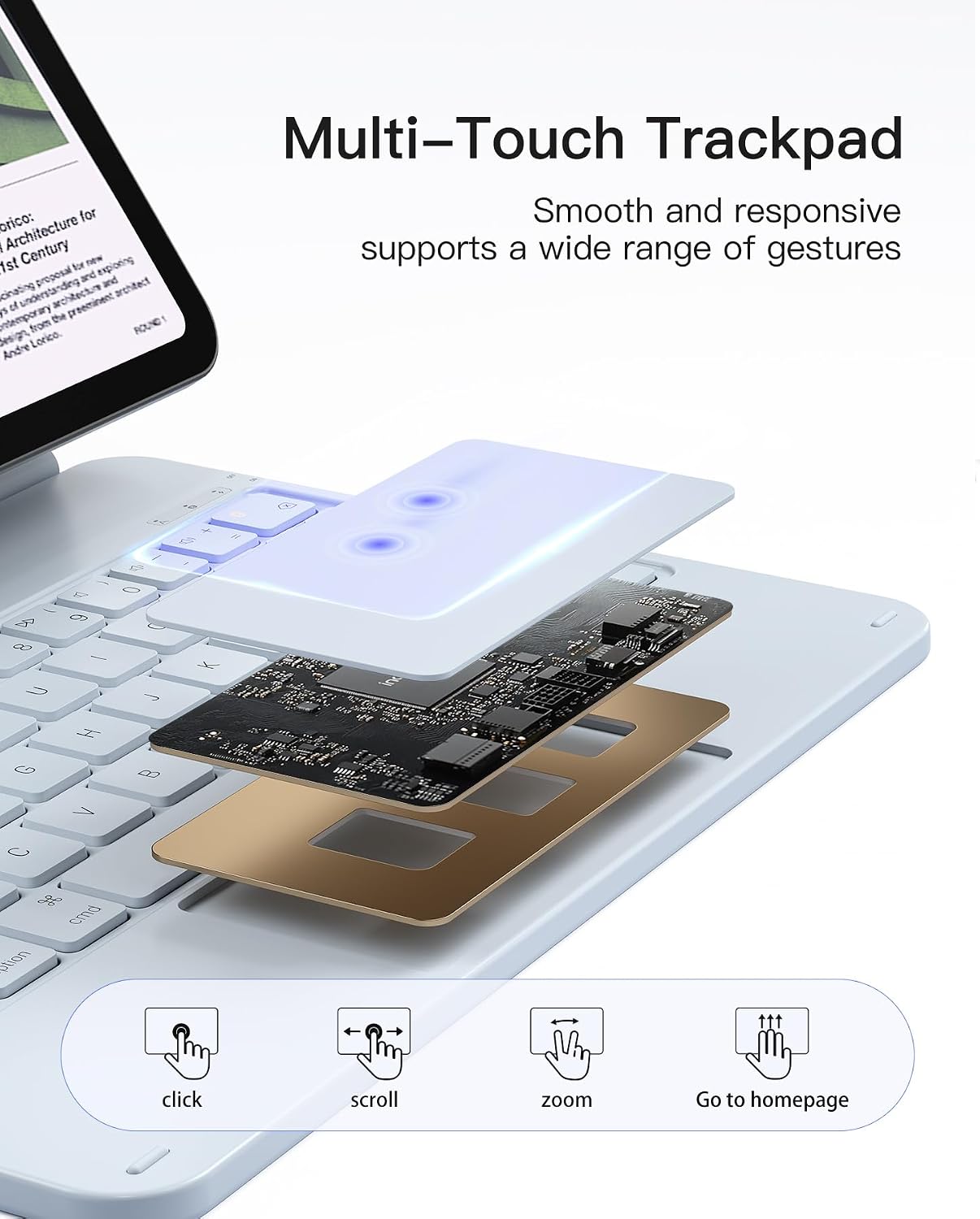
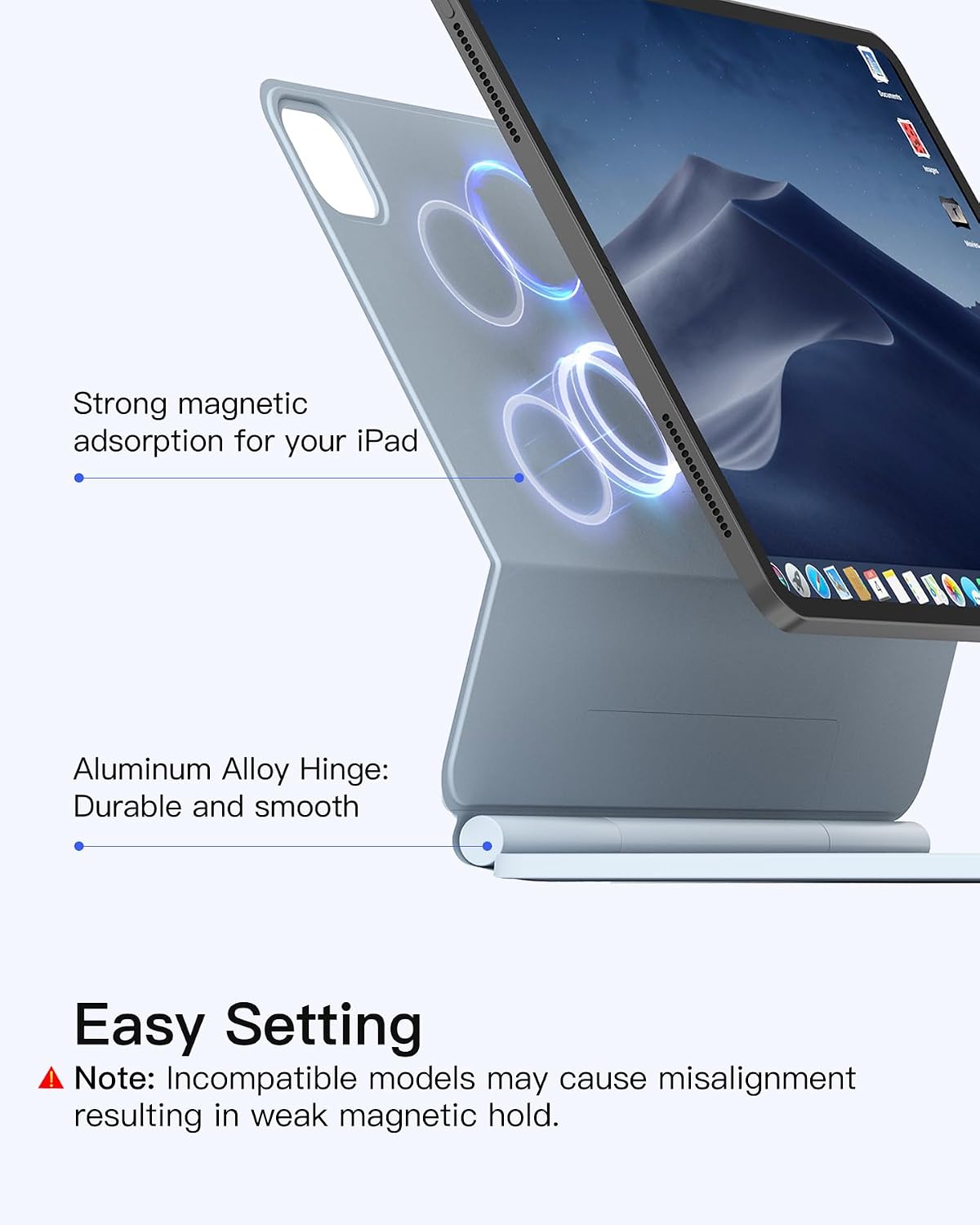
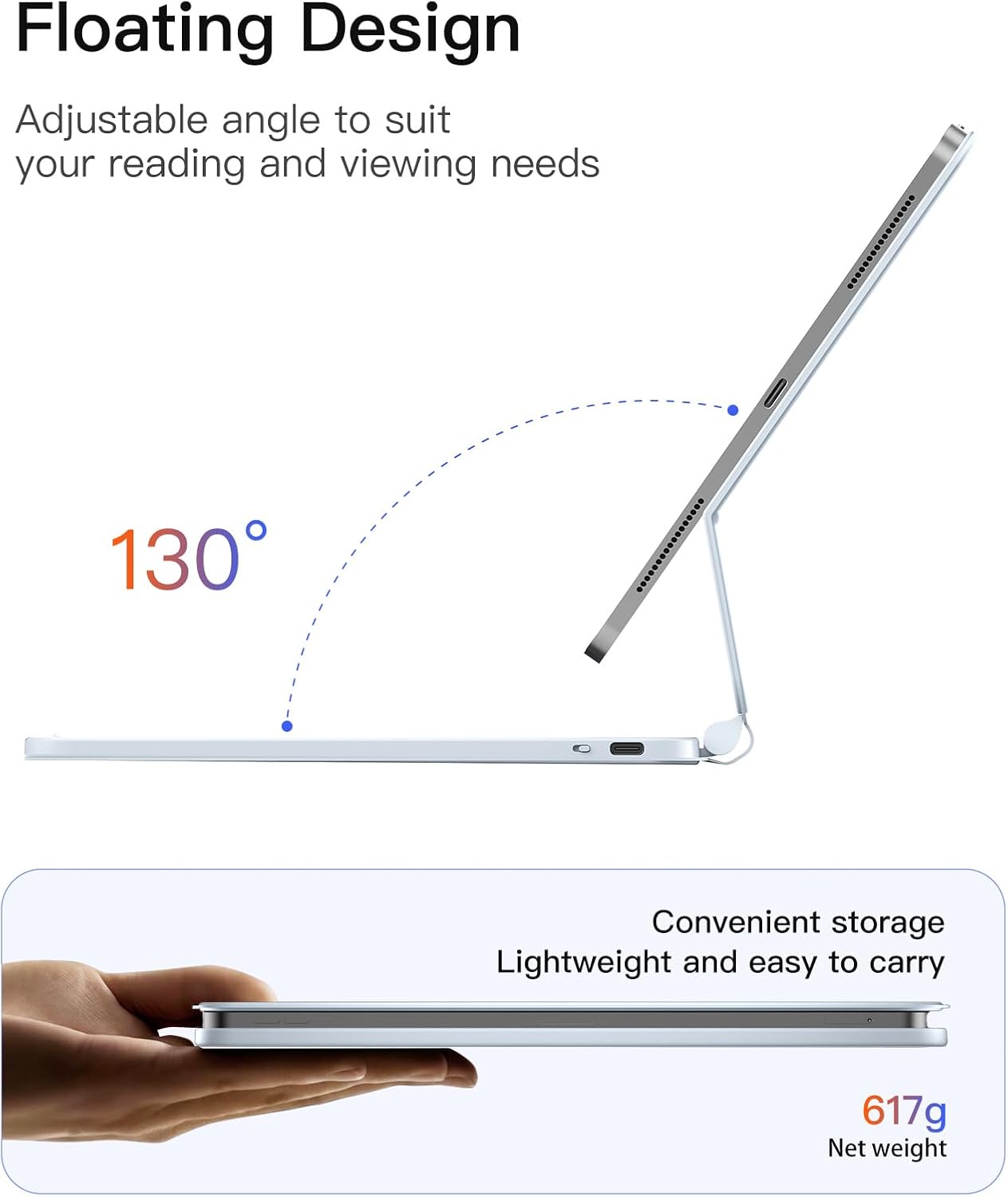
The case attaches magnetically, and its aluminum alloy hinge adjusts to a 130-degree tilt. That gives you room to set a typing angle at a desk or pull the screen closer when working in a tighter space. A multi-touch trackpad supports gestures for actions such as tapping, dragging, and switching apps, while anti-mistouch technology is intended to reduce accidental input.
The keyboard has seven-color backlighting and iPadOS shortcut keys for common multitasking actions. The case also supports wake-on-open and sleep-on-close, with ultra-low-power standby. Inateck states that a three-hour charge provides up to a month of use without backlighting or a week with it, so the lighting setting makes a noticeable difference to the stated runtime.
Requirements
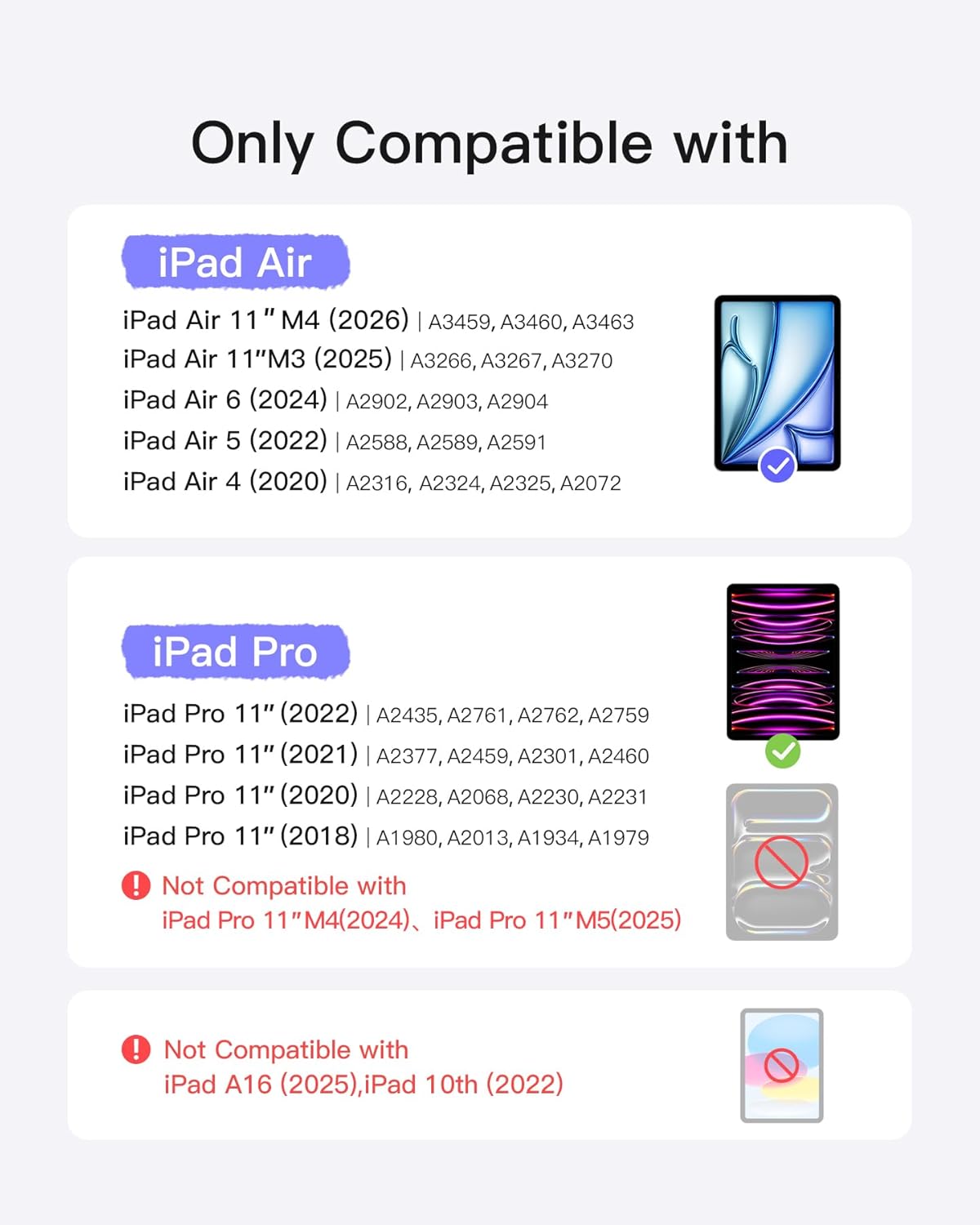
Compatibility is limited to the iPad Air 11-inch M4, M3, and M2, iPad Air 4th and 5th generation (10.9-inch), and iPad Pro 11-inch 1st through 4th generation. Check your iPad’s exact model and generation before choosing a case: the similar screen sizes do not make this a universal fit.
It is designed around a magnetic connection rather than a separate stand setup. That makes it a practical fit for someone who wants the keyboard and screen support in one carryable arrangement, rather than a standalone keyboard used with different devices.
Usage tips
For a quick work session, open the case, set the hinge to a comfortable angle, and use the trackpad for app switching or dragging items instead of repeatedly reaching across the keyboard to tap the display. At a library table or during travel, the floating stand keeps the screen positioned above the keyboard, when packing up, closing the case activates sleep according to the listed feature.
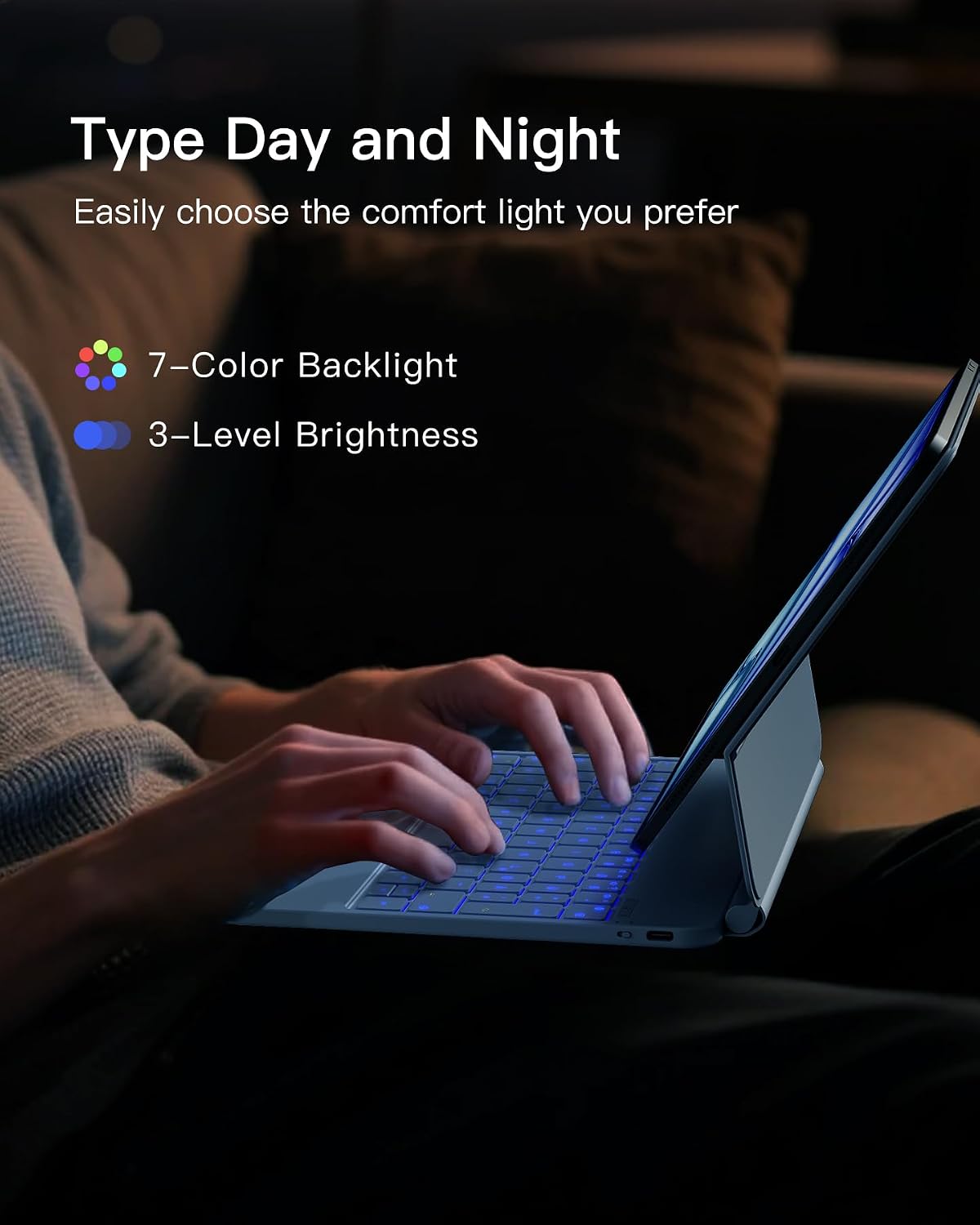
Use the backlight when you need it, but keep in mind that the maker’s stated battery duration is shorter with it on. If you mainly type in bright rooms, leaving the lights off may better match the longer runtime claim. The 130-degree hinge range is another practical boundary: this is an adjustable typing stand, not a setup with an unlimited screen angle.
Practical doubts
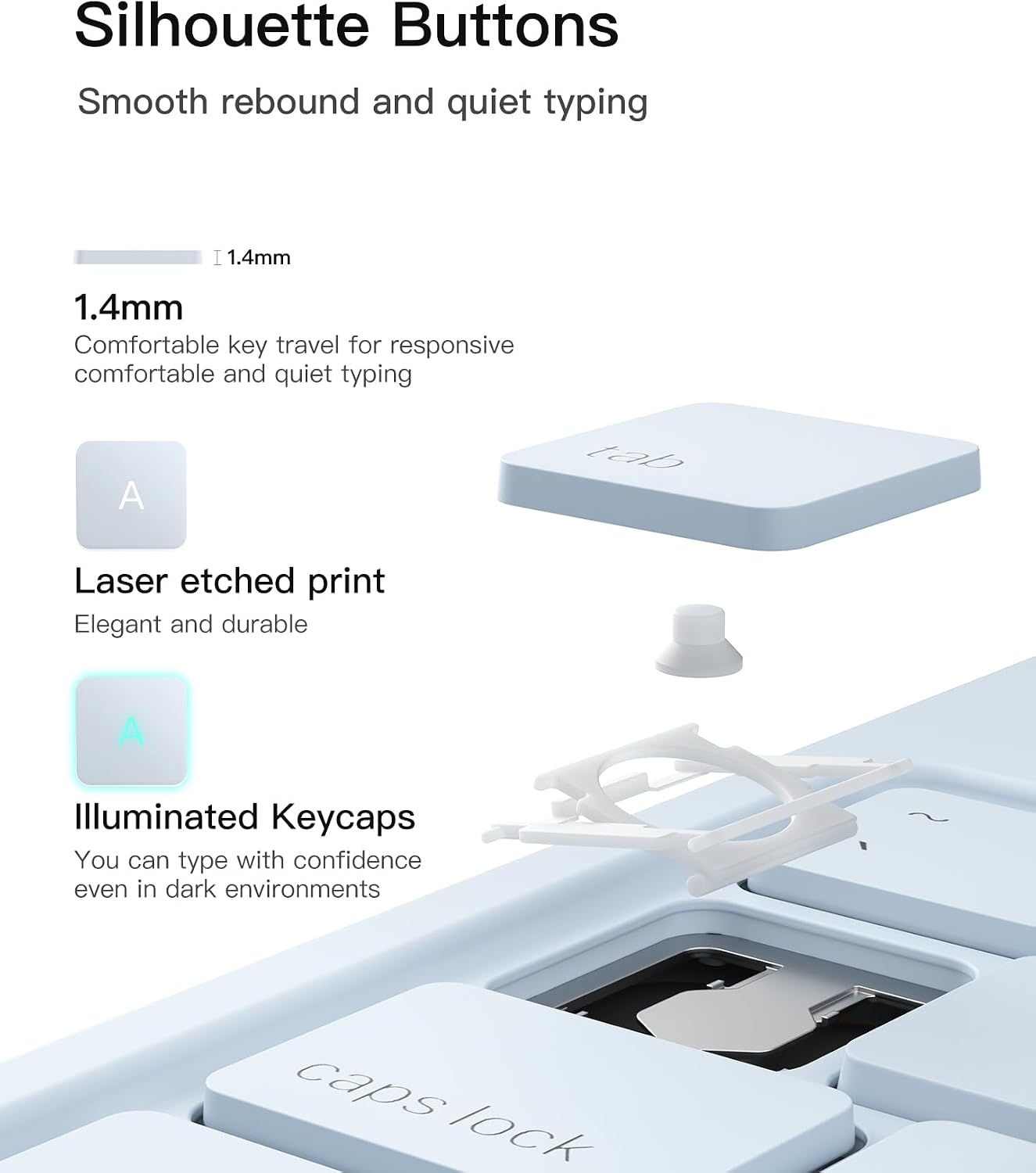
Does the case include a trackpad? Yes. It has a multi-touch trackpad with gesture support and anti-mistouch technology.
Can the keyboard be backlit? Yes. It offers seven backlight colors, the stated runtime is shorter with the backlight on.
Will it fit every 11-inch iPad? No. The listed compatibility covers specific iPad Air and iPad Pro generations, so match your device to that list before buying.
Is it worth it?
It makes sense if you use a supported iPad for writing, study, or travel and want a magnetic stand, keyboard, and trackpad together instead of carrying separate accessories. The shortcuts and floating hinge are useful additions for a laptop-like workflow, while wake-on-open and sleep-on-close help keep setup simple. You may want to skip it if your iPad model is not on the compatibility list, or if you need a wider range of screen angles than the 130-degree hinge provides. The backlight battery claim is also worth weighing against how often you expect to use the lighting.