

Portta VD20P VHS to Digital Converter with 5" HD Screen
Product description
What it is and what it solves
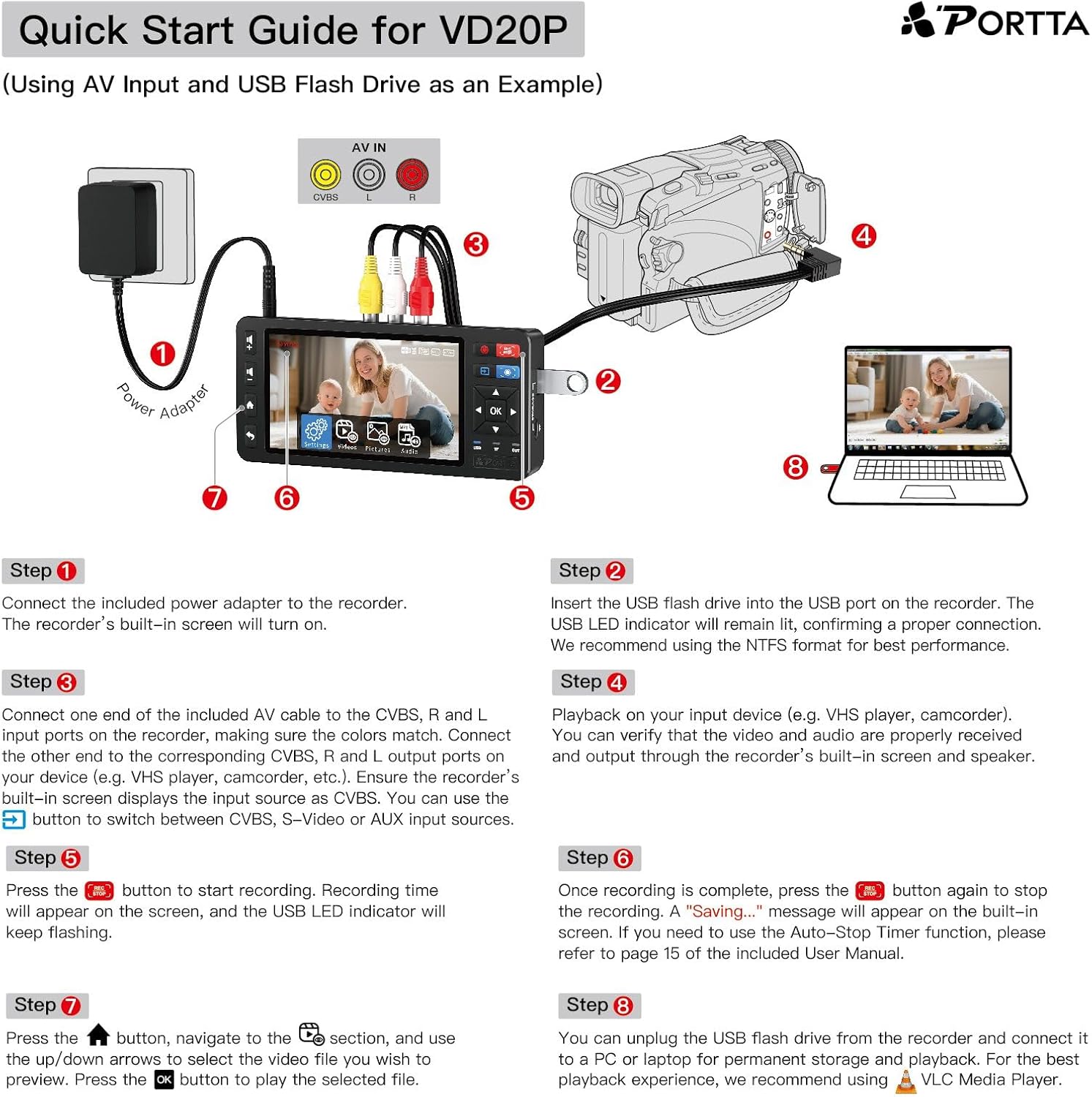
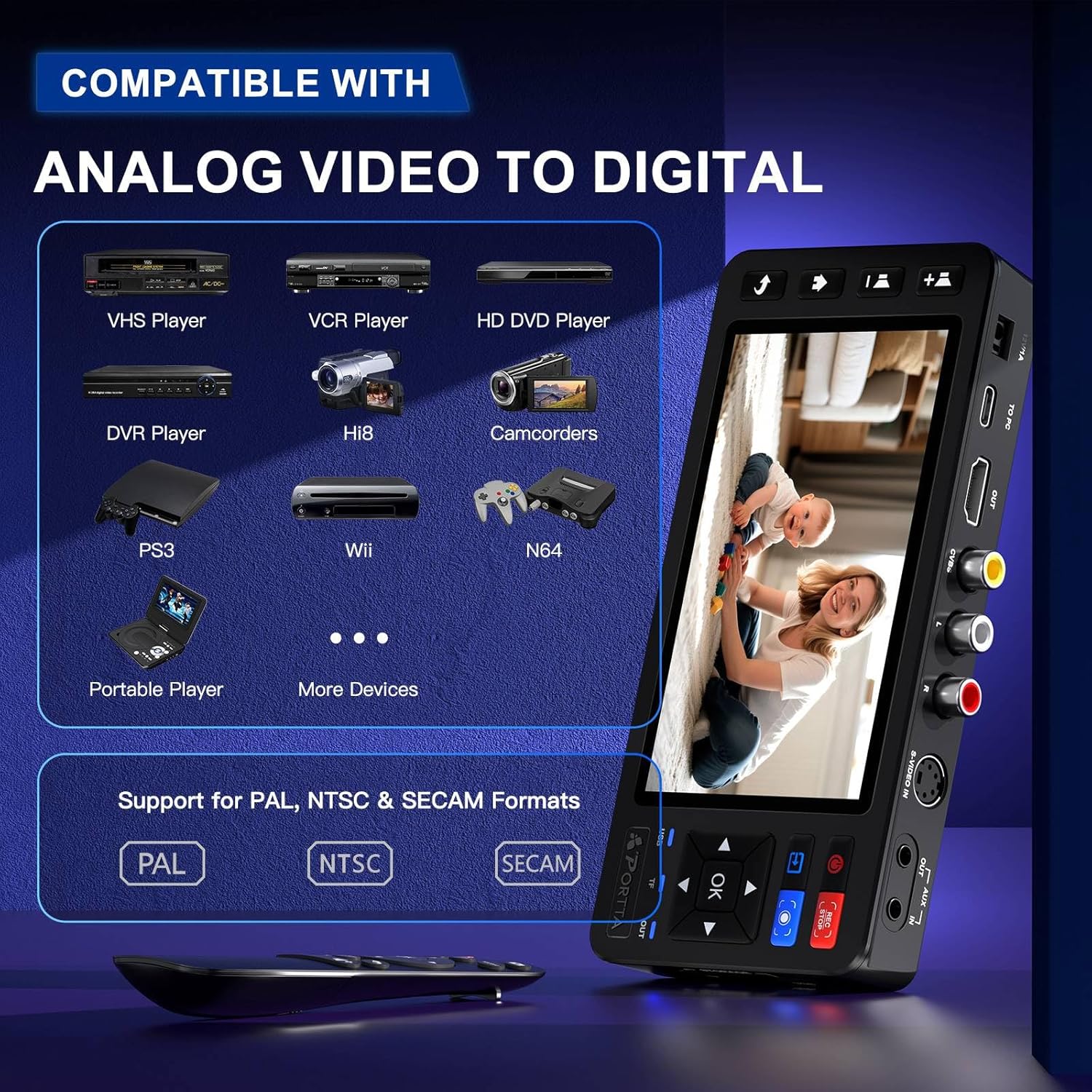
The Portta VD20P is a compact video capture and conversion device designed to preserve old memories from VHS, Hi8, Mini DV, DVD, or camcorders by digitizing them to MP4. It records directly to USB drives, TF cards, portable HDDs, or SSDs, and outputs Full HD 1080p at 60fps for smooth, watchable results. If you’ve got boxes of aging tapes gathering dust, this tool promises a practical, all-in-one solution to rescue those moments without a computer-heavy workflow.
How it feels in practice
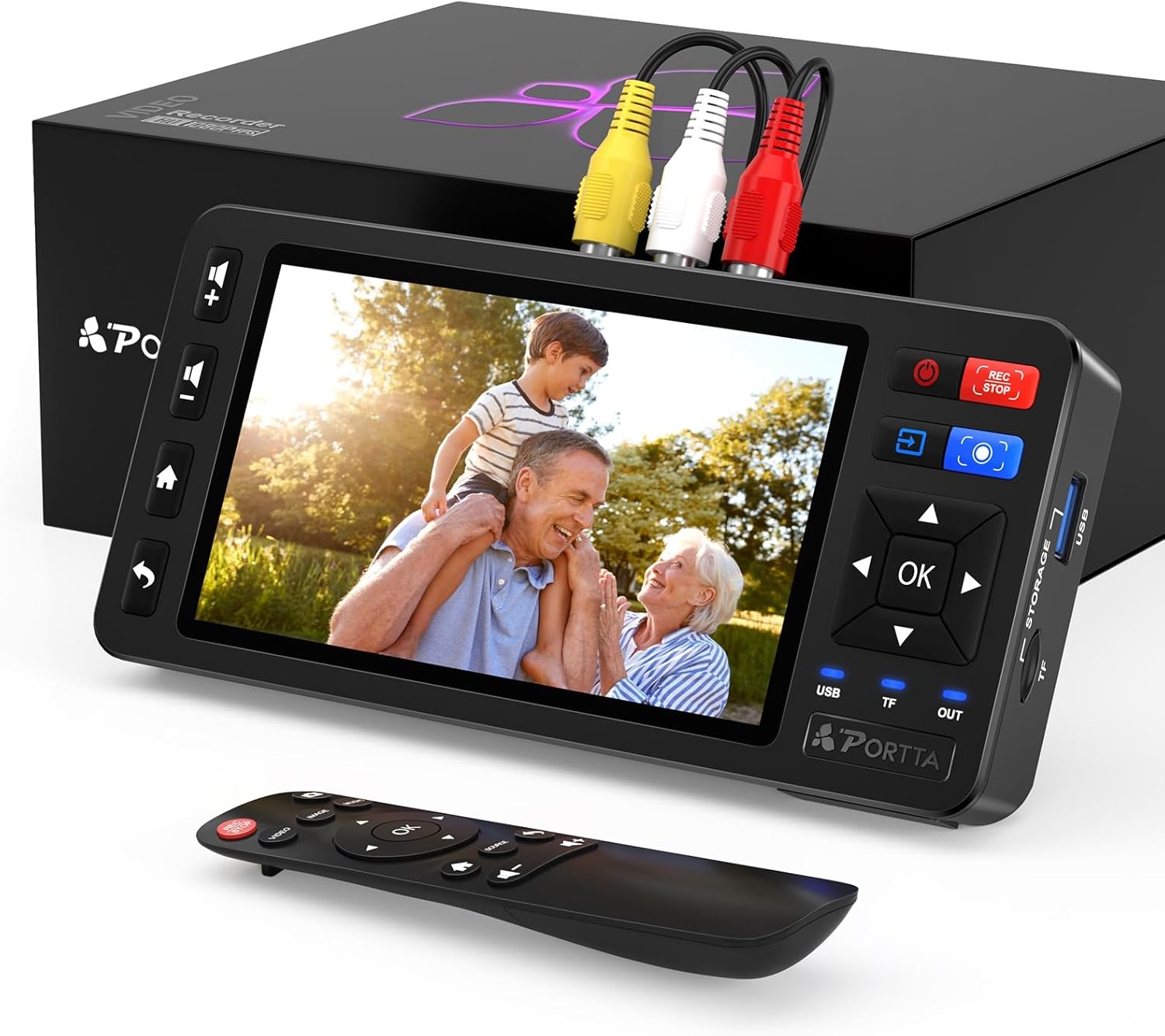
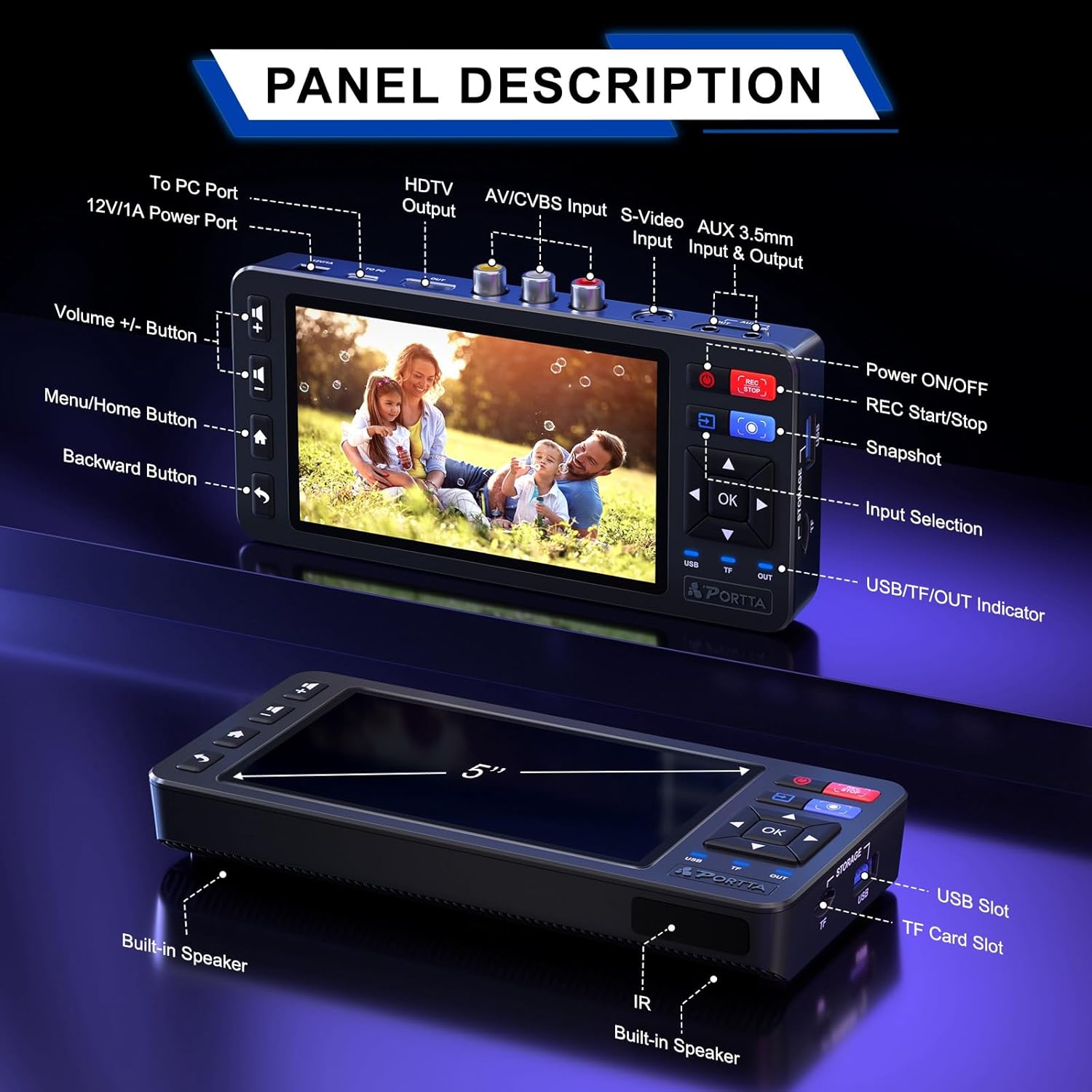
On the hardware side, you get a built-in 5-inch HD LCD preview screen. You can monitor in real time, adjust the image on the fly, and make sure what you record looks right before you commit to a file. That on-device preview is a meaningful time-saver for non-techy users who want to avoid guesswork during transfer. The screen, along with direct-record functionality, tiles the role of a standalone converter, which is convenient if you’re off the computer or want a quick, single-device setup.
Image quality and customization
The VD20P supports straightforward image adjustments directly from the screen—brightness, contrast, and saturation—so you can fine-tune colors and lighting to keep frames looking natural rather than washed out. It’s not a heavy-duty pro workflow, but for home footage, those tweaks can make a noticeable difference in how the final MP4 looks on modern displays.
Format compatibility and versatility
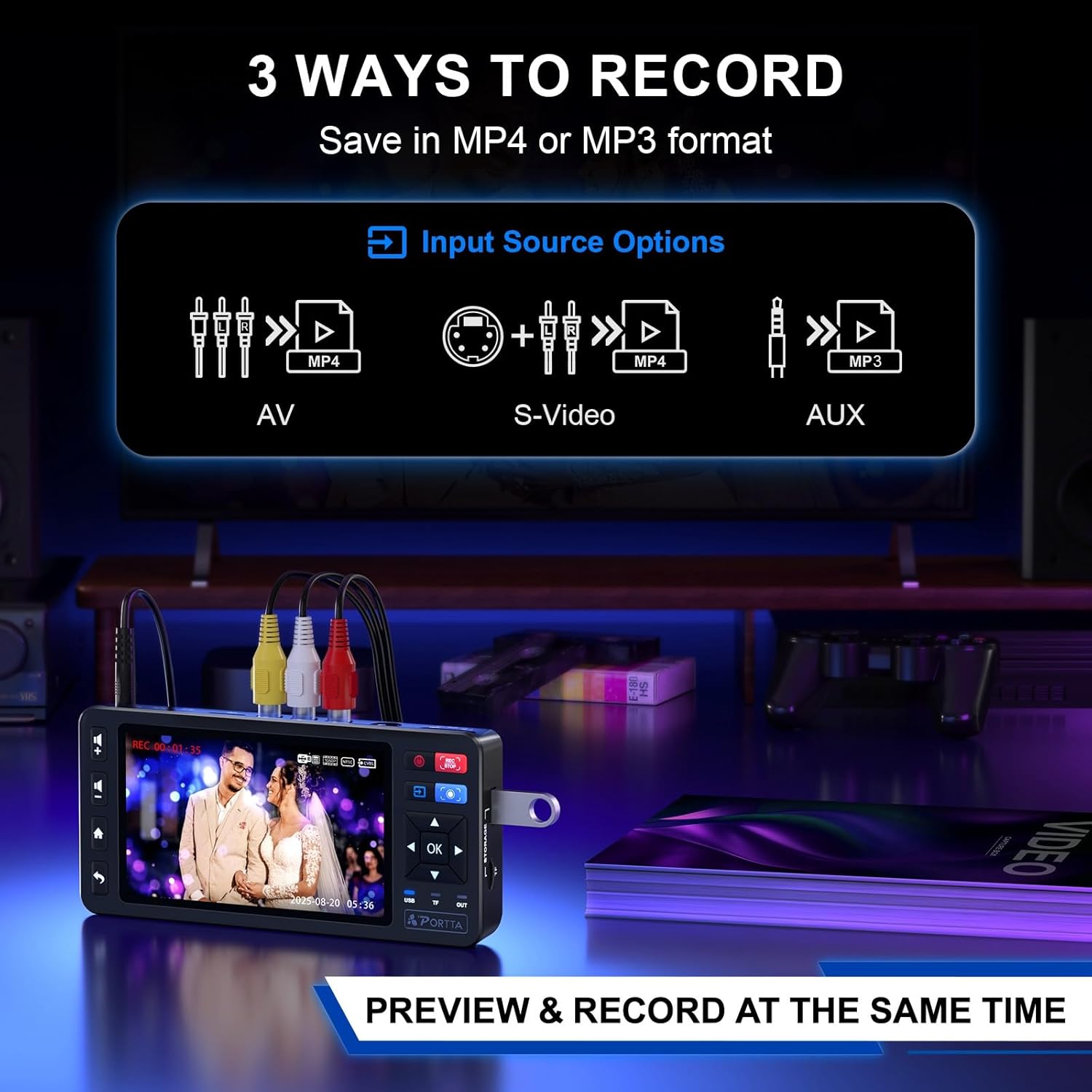
Inputs include AV (CVBS) and S-Video with stereo audio, and it supports PAL, NTSC, and SECAM formats. In practical terms, this broad compatibility means you won’t hit a wall with most legacy players, VCRs, DVD players, camcorders, or even retro gaming consoles. If you’re dealing with a mixed tape library, this flexibility is a meaningful plus.
Storage and transfer considerations
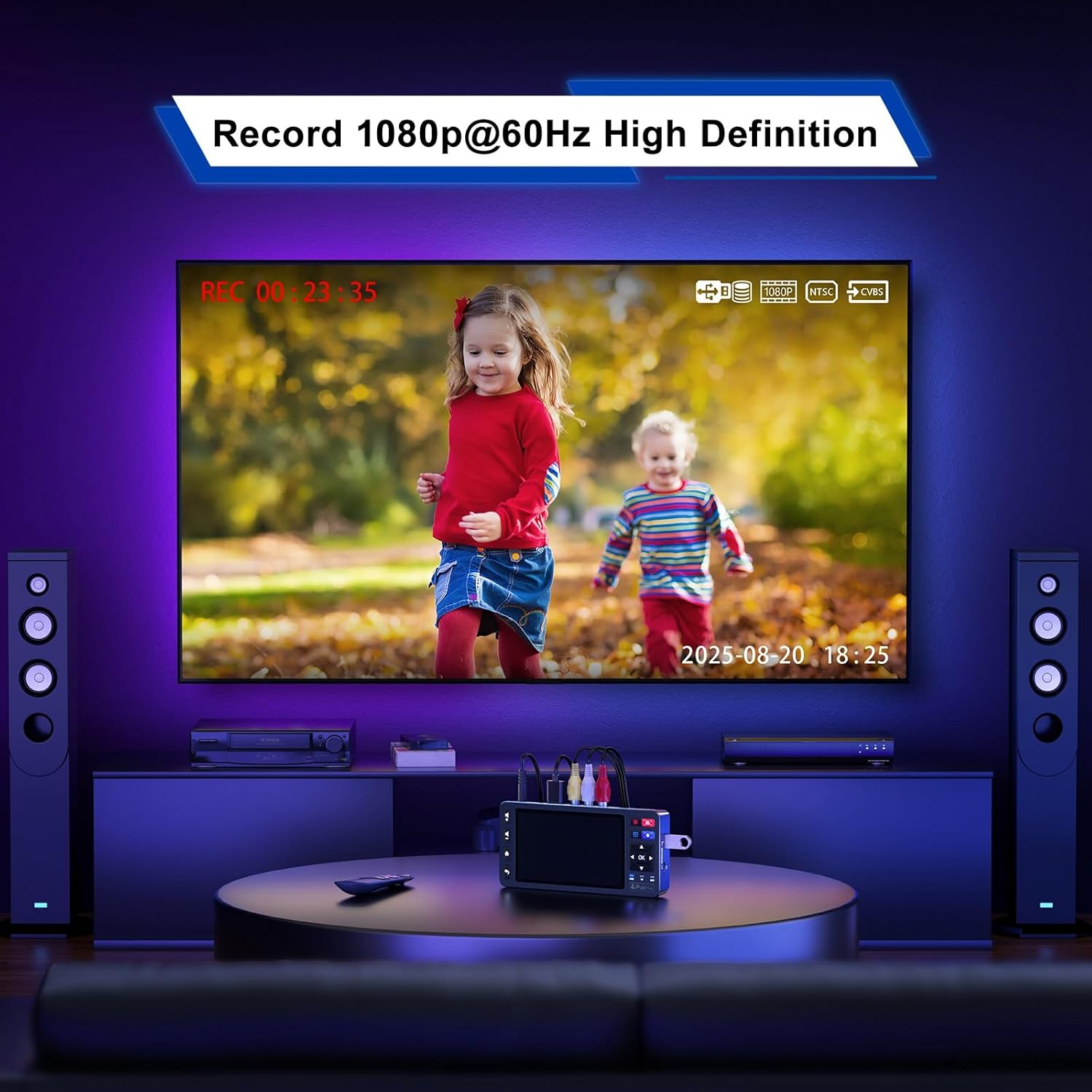
Storage options are deliberately flexible. You can save directly to USB flash drives, TF cards, portable hard drives, or SSDs, which helps you avoid bottlenecks from a PC during long sessions. The trade-off is that you’ll want to have reliable, appropriately formatted drives handy to ensure smooth recording and easy file transfer later.
What stands out and where it might fall short
On the upside, the built-in screen and on-device adjustments simplify the process and reduce the number of steps to get a usable digital file. It’s a practical, no-frills device that emphasizes ease of use over deep feature sets. On the downside, it’s not described as a pro-grade capture rig, so if your goal is pristine color grading or archival-grade quality, you may run into limits with the on-device controls and standard compression. It also depends quite a bit on the original tape condition—issues like color drift, analog noise, or tracking problems may persist in the final MP4.
Who this is for
This device makes sense for households with a mix of VHS, Hi8, and camcorder footage who want a straightforward path to digital copies without complex setup. It’s approachable for beginners who value a single-device workflow and real-time preview, plus it suits casual videographers who want to preserve memories for future viewing on modern screens.
Who should think twice
If you’re chasing top-shelf archival quality or working with highly degraded tape stock, you may want to compare options that offer more granular control, higher bitrates, or external capture software. Also, if you primarily use a computer-based workflow or already own a capture card, you might find the VD20P’s on-device approach less compelling.
Before you buy: practical checks
- Confirm your existing tapes and players are compatible with CVBS or S-Video inputs and that you have a suitable USB/TF/SSD storage option ready.
- Consider how much you value the built-in screen for live monitoring versus using an external monitor or computer-based preview.
- Think about your desired end format and whether MP4 at 1080p60 meets your playback needs on current devices.
- Check available space on your storage drives for longer recording sessions, a rough estimate helps you plan backups and transfers.
Practical usage example
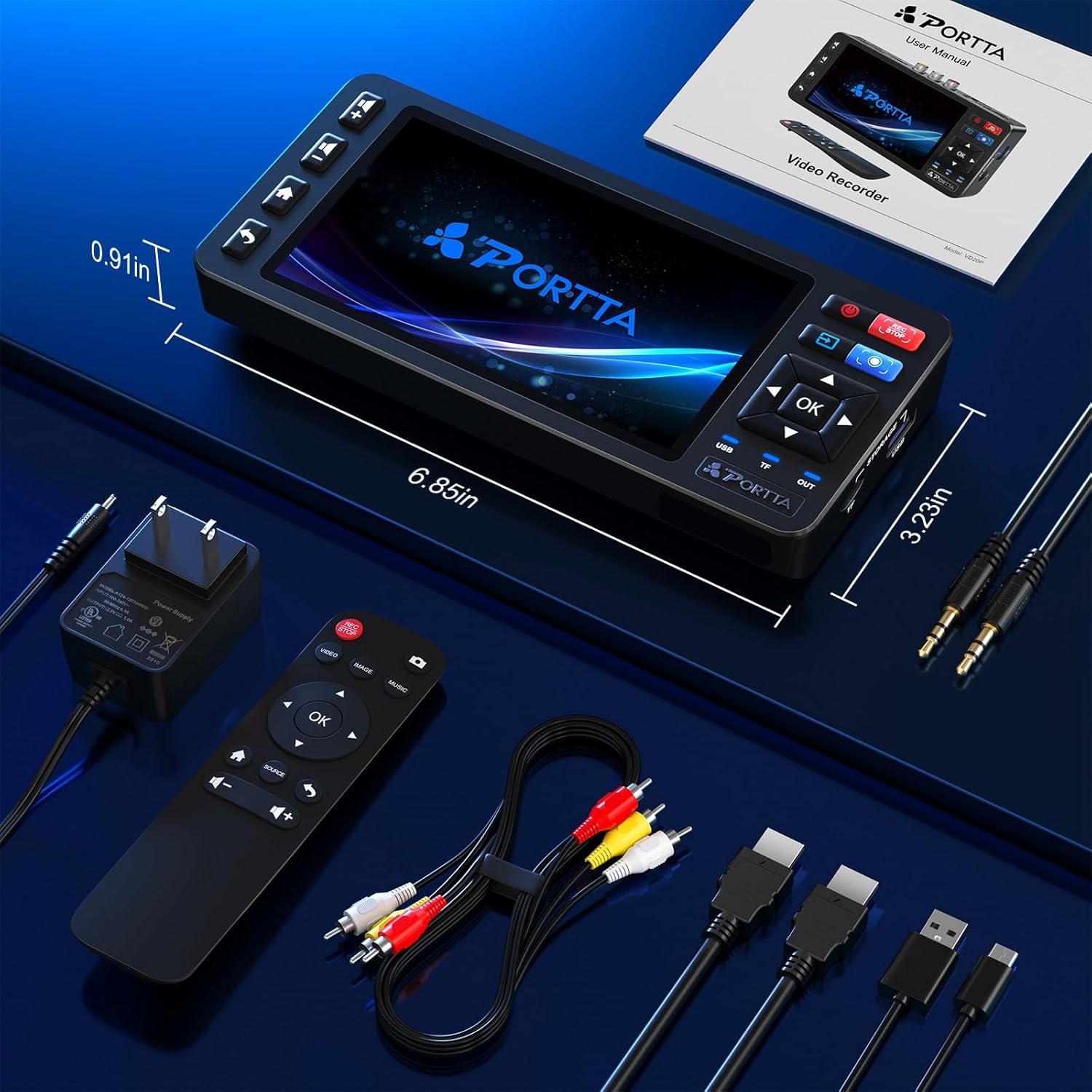
Imagine you’re archiving a family VHS collection. You connect the VD20P to the VCR, preview the scene on the 5" screen, adjust brightness to avoid overly dark shadows, and press record. The footage saves directly to a USB drive, letting you create a simple, shareable digital library without booting a PC. A small, but meaningful, difference when you want to revisit those memories with grandkids who have never seen a VHS tape.
FAQ snapshot
- Do I need a computer to use this device? No. It records directly to USB/TF/SSD drives and has an on-device screen for preview.
- Can I capture from any tape format? It supports AV (CVBS) and S-Video inputs and PAL/NTSC/SECAM formats, covering most common sources.
- Is 1080p60 sufficient for nostalgic footage? For home video, 1080p60 provides smooth playback on modern displays and is typically adequate for archival viewing, though fidelity depends on the source quality.
Is it worth it?
Final verdict: It’s a practical, user-friendly option if you want a simple, single-device workflow to digitize mixed legacy media without relying on a computer. It isn’t a professional-grade capture tool, and performance depends on the original tapes, but for preserving family memories with reasonable quality and minimal setup, the Portta VD20P offers a sensible balance of convenience and result.