

biaze USB-C to Lightning Audio Adapter: USB Type-C to Lightning Headphone Converter for Apple Devices
Product description
What it is
The biaze USB-C to Lightning Audio Adapter is a compact headphone converter that lets you connect Apple headphones and audio accessories across USB-C devices. It’s pitched as a bridge between USB-C and Lightning ecosystems, offering a way to enjoy audio with low latency on a range of Apple devices.
Who it’s for
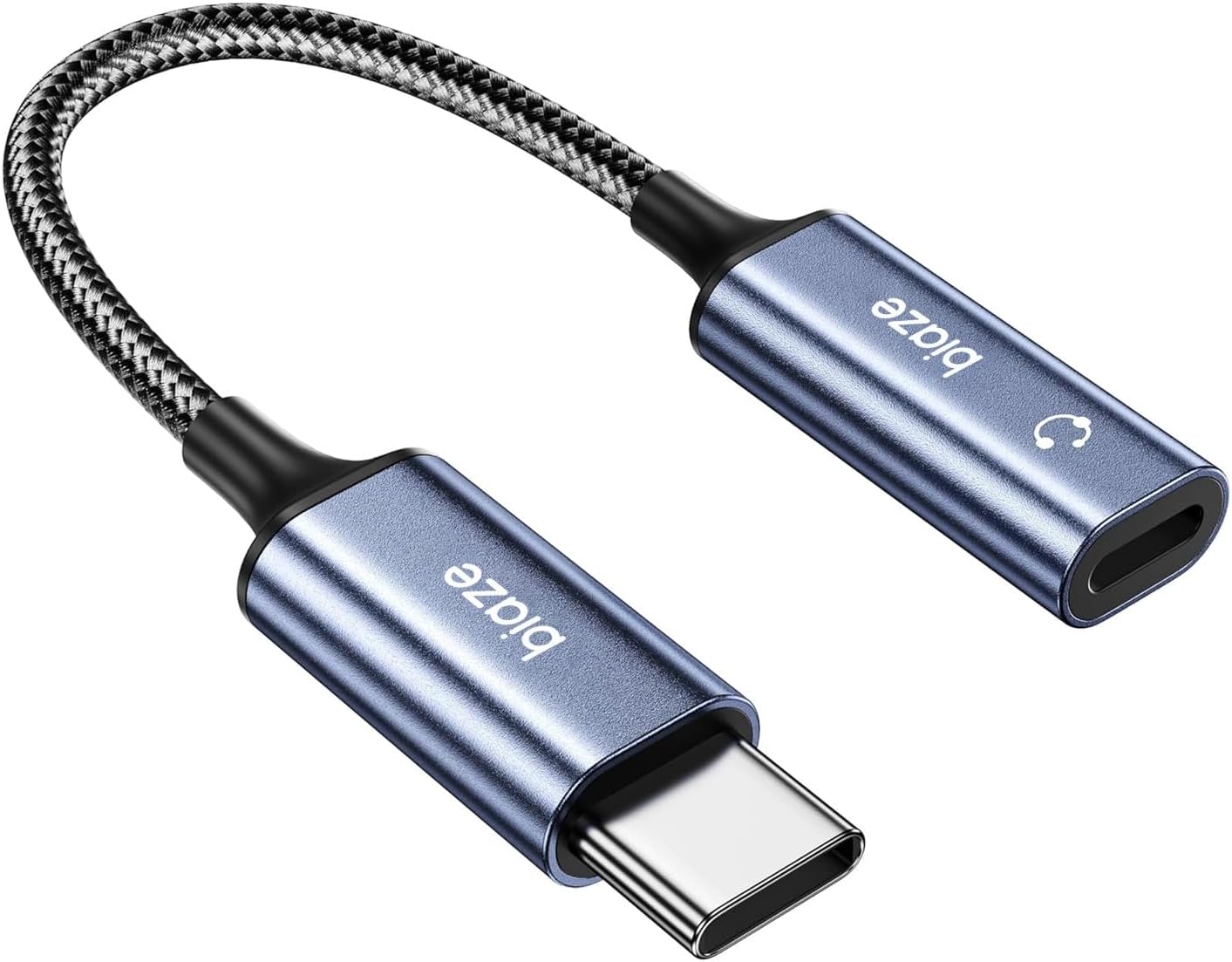
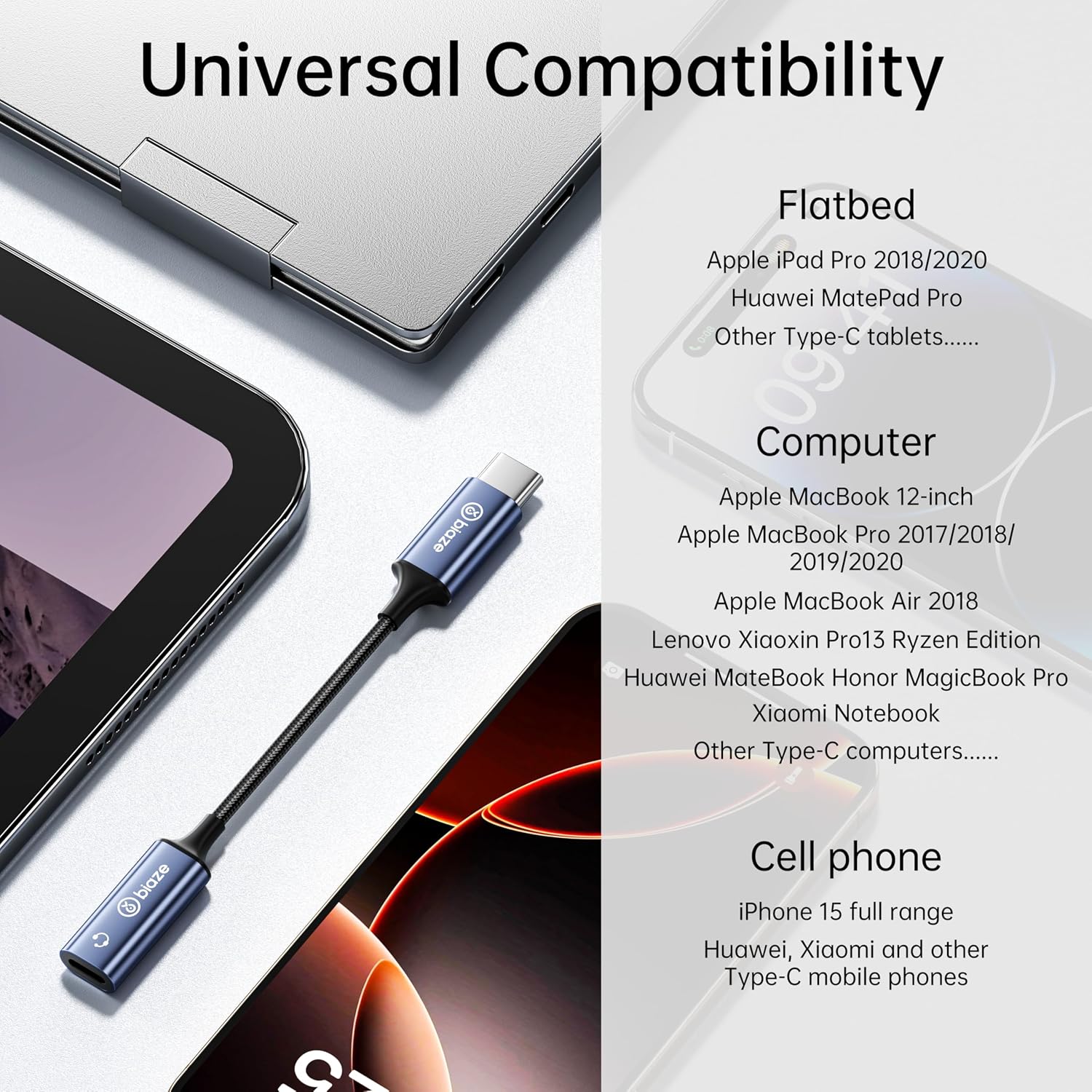
If you own a newer iPhone or iPad with Lightning and you want to pair it with a USB-C headphone port, this adapter aims to fill that gap. It also targets users with MacBooks that have USB-C ports who want to connect Lightning-based audio gear without adapters that add bulk.
What stands out
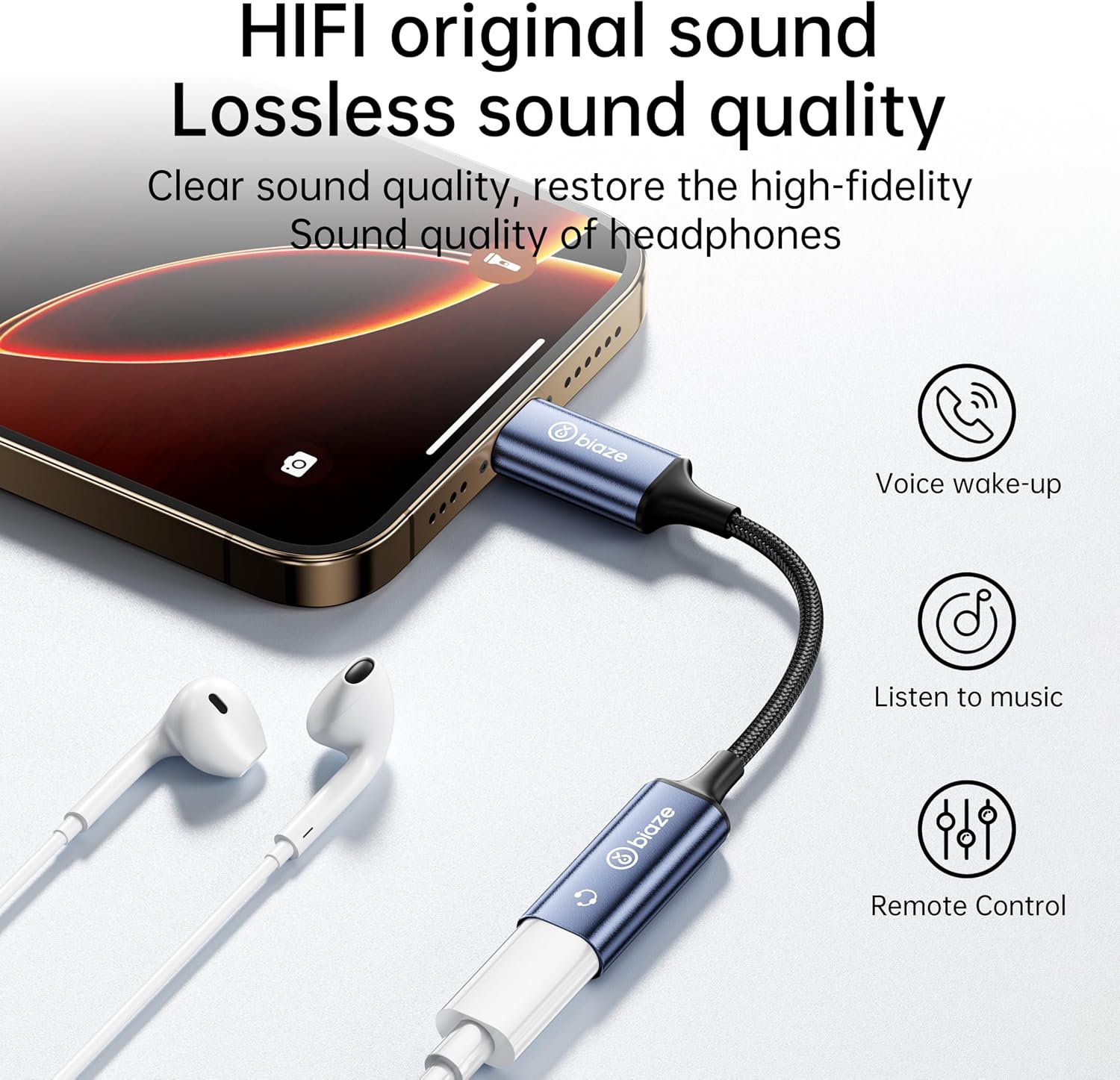
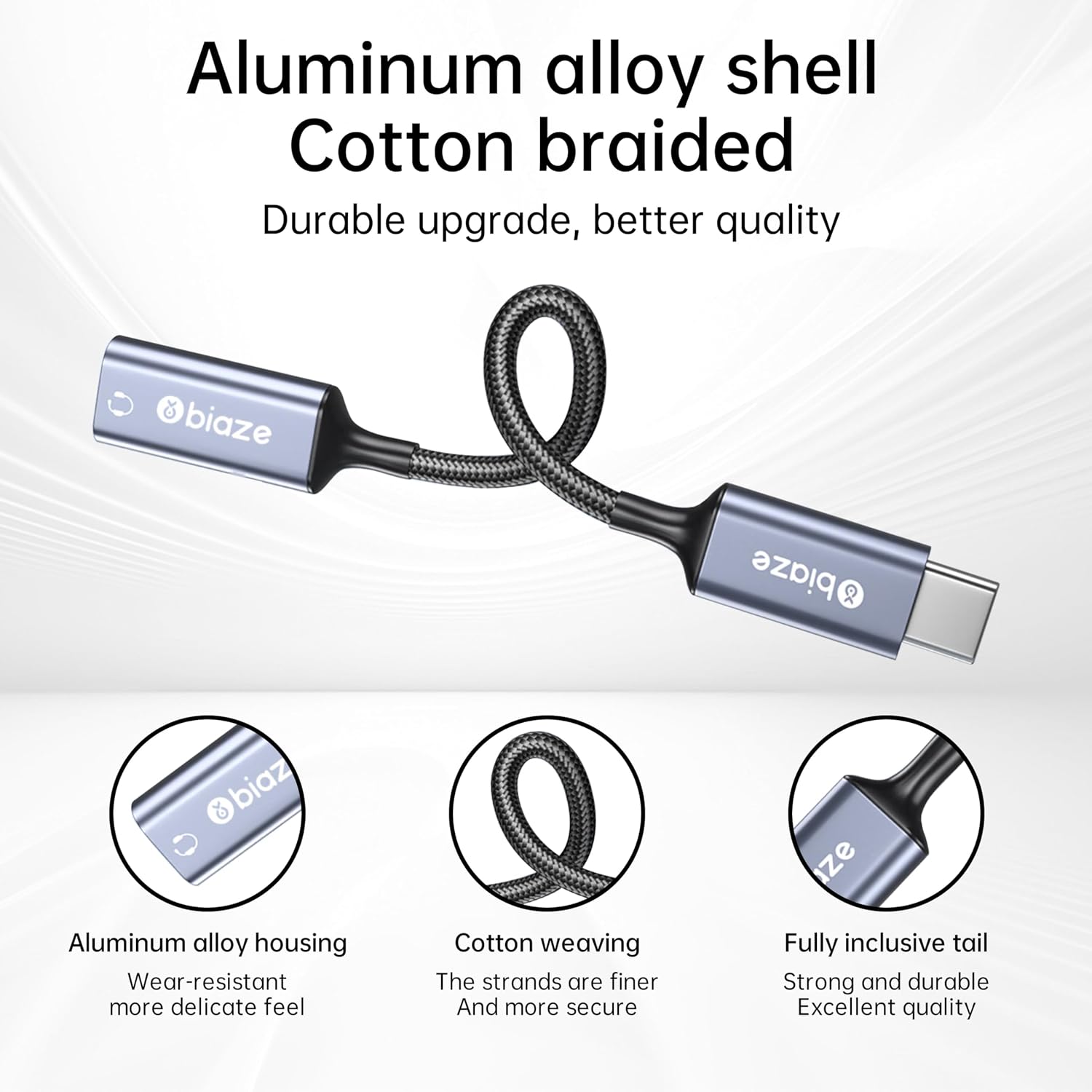
According to the description, the adapter emphasizes high-fidelity, lossless sound, low latency, and an in-line control feature for volume and track changes. The aluminum alloy shell is presented as durable and stylish, with a claimed 3,000 swing test for wear resistance. It’s marketed as versatile for use as a Type-C to Lightning adapter, a USB-C to Lightning audio solution, or an Apple Lightning to USB-C adapter in various scenarios.
Limitations and caveats
On paper, it’s designed to be broadly compatible, but there’s no independent testing data here. Real-world performance can vary by device, app, and headset. The claims of lossless sound and low latency are helpful to know, yet it’s wise to expect varying results depending on the headphones used and firmware interactions. If you prioritize pristine hi‑fi gaming latency or absolutely flawless studio-grade audio, you might want to verify compatibility with your specific headset.
Pros
- Broad compatibility claims across iPhone, iPad, MacBook, and more.
- Low-latency design suitable for gaming and real-time audio needs.
- In-line controls for quick volume and track changes.
- Durable aluminum shell with a premium look and tested wear resistance.
Cons
- The evidence is product-provided, independent verification isn’t included here.
- Performance can vary with different headphones and iOS/macOS updates.
- It’s a niche solution that relies on cross-port compatibility, if you don’t use Lightning audio on a USB-C device, value may be limited.
What to check before buying
- Confirm your primary devices and headphones are within the described compatibility range.
- Test latency and audio quality with your go-to apps or games if possible.
- Check for any updates or firmware requirements that may affect performance.
How it compares to alternative approaches
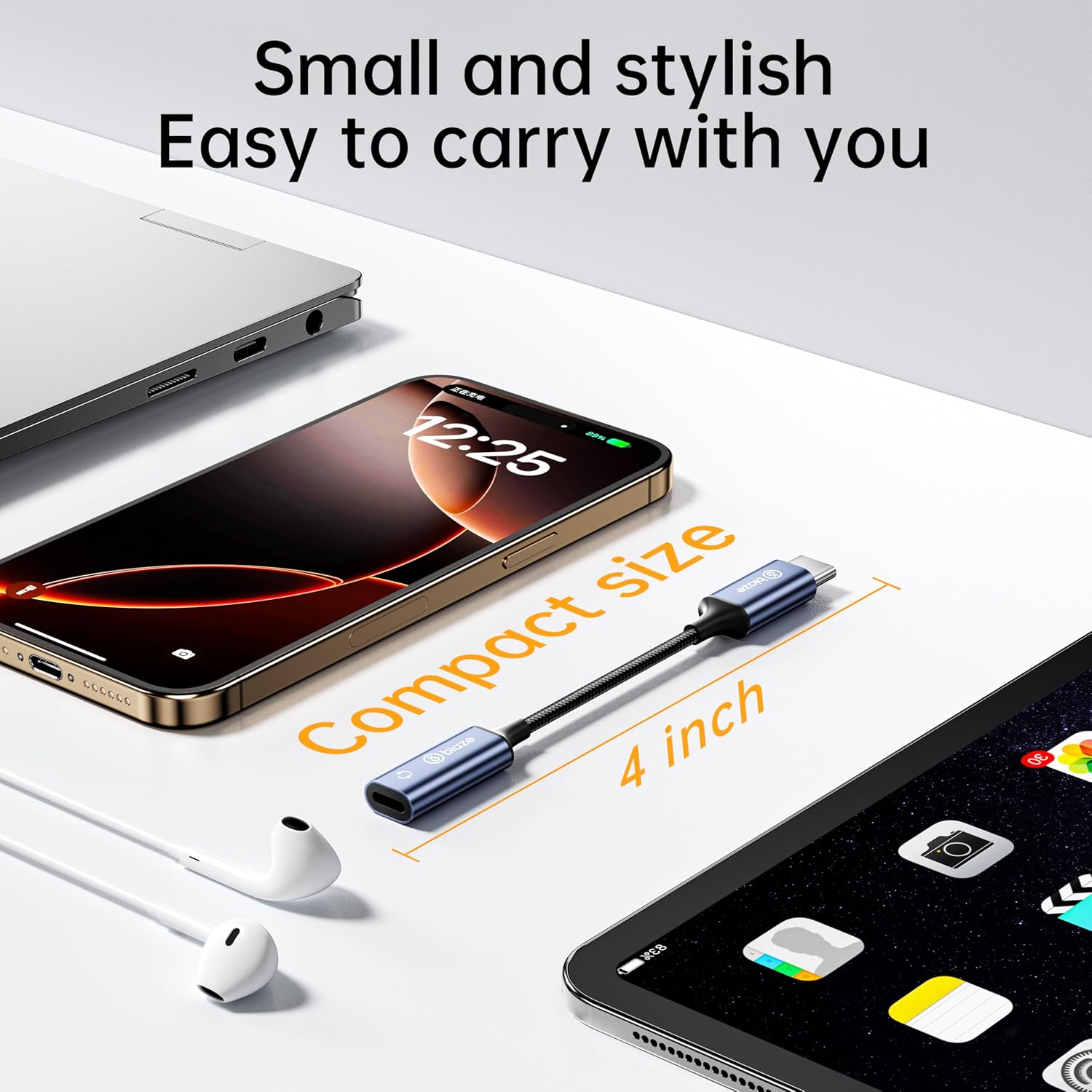
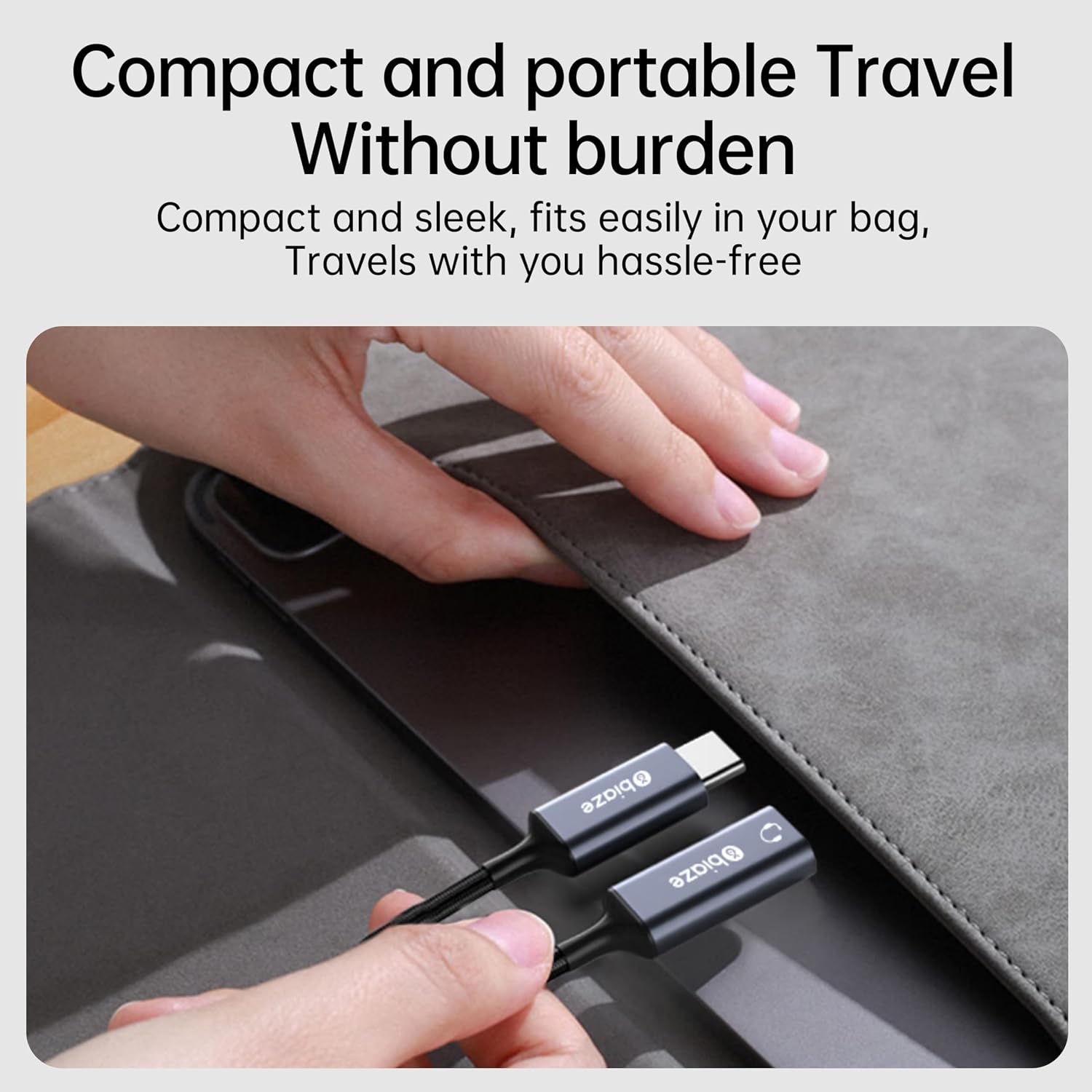
If you mainly need to connect Lightning headphones to a USB-C device, this adapter consolidates that need in one compact package. Alternative approaches include using separate adapters or relying on wireless solutions, which may introduce latency or audio compression. This option aims to minimize adapters while supporting inline controls.
Practical usage example
Imagine you’re gaming on a MacBook with USB-C and you want to use your Lightning headphones. You plug in this adapter, confirm low latency in-game, and adjust volume with the inline controls without reaching for the Mac’s surface controls. It’s not perfect for every headset, but it can simplify setups that mix USB-C devices with Lightning audio gear.
Is it worth it?
Final verdict: worth considering if you need a bridge between USB-C devices and Lightning audio with focus on low latency and inline controls. If your priority is absolute headroom for high-end audio brand testing or you rely on a headset with specialized DSP, you may want to test first or look for dedicated compatibility notes.
FAQ
- Does it support microphone input from Lightning headsets? The provided information focuses on audio output, microphone compatibility isn’t specified.
- Will it charge devices while in use? There’s no explicit mention of charging or power delivery in the provided notes.
- Is there any warranty or support? The description mentions 18-month warranty and 24-hour support, which could be helpful for setup questions or compatibility concerns.