

JSAUX USB C to HDMI Cable 4K@60Hz, 6.6ft: A Practical USB-C to HDMI Companion
Reviews
Price
Product description
What it is
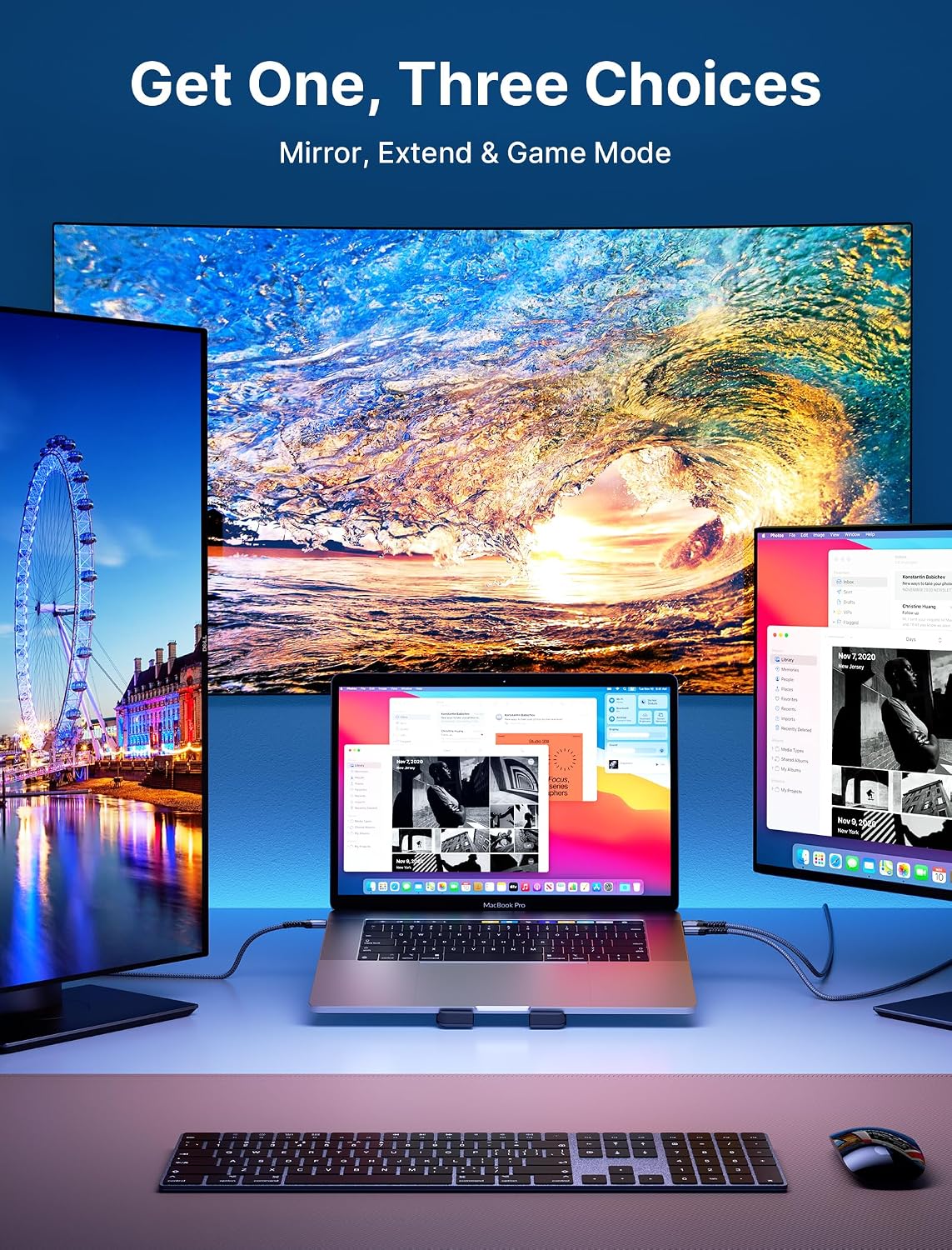
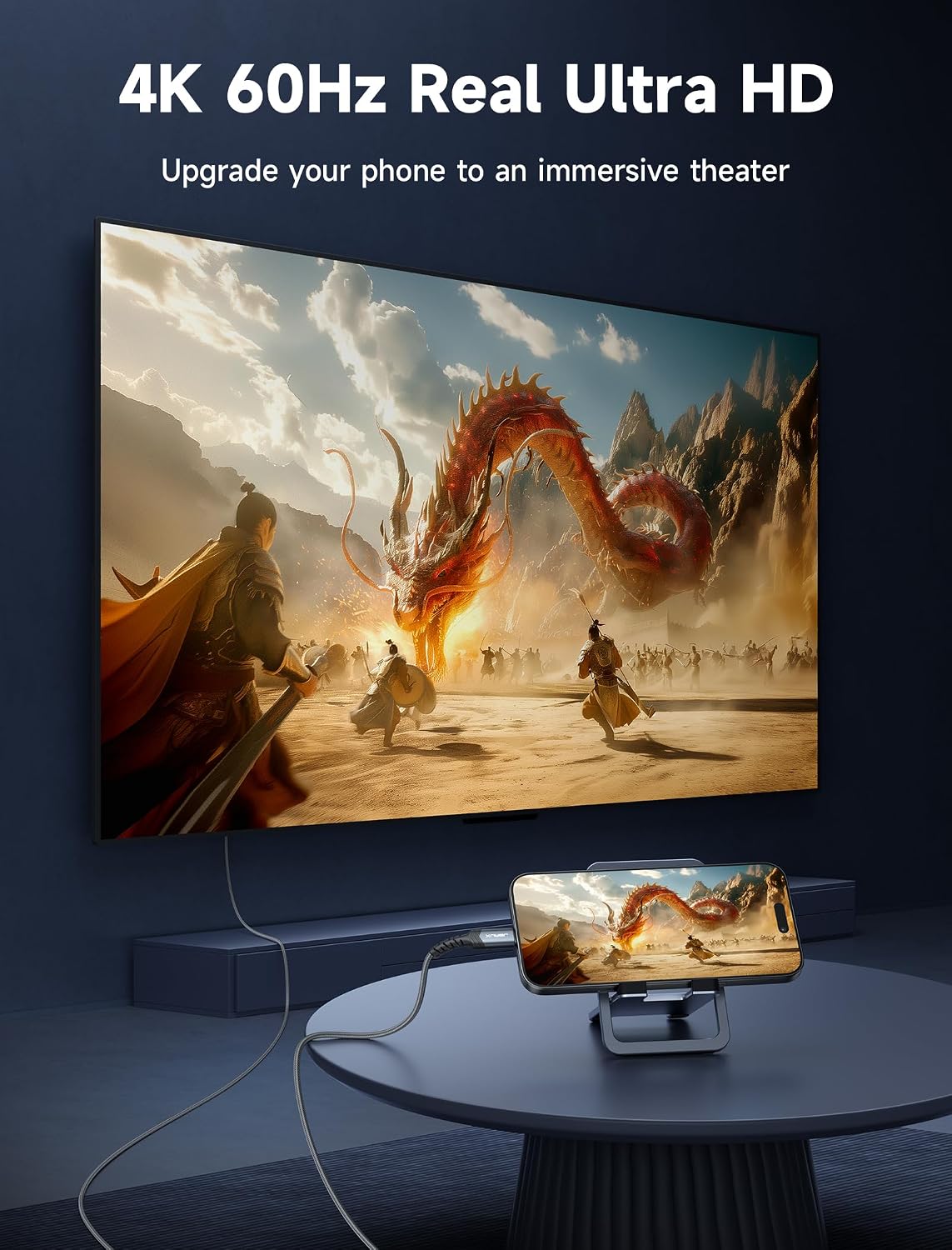
This is a USB-C to HDMI cable designed to turn a USB-C device into a ready-made display output for an HDMI-equipped TV, monitor, or projector. It supports 4K at 60Hz for sharp video playback and presentations, with backward compatibility down to 2K at 144Hz and 1080p at 240Hz, so you can use it across a range of displays today and in the near future.
How it helps in real use
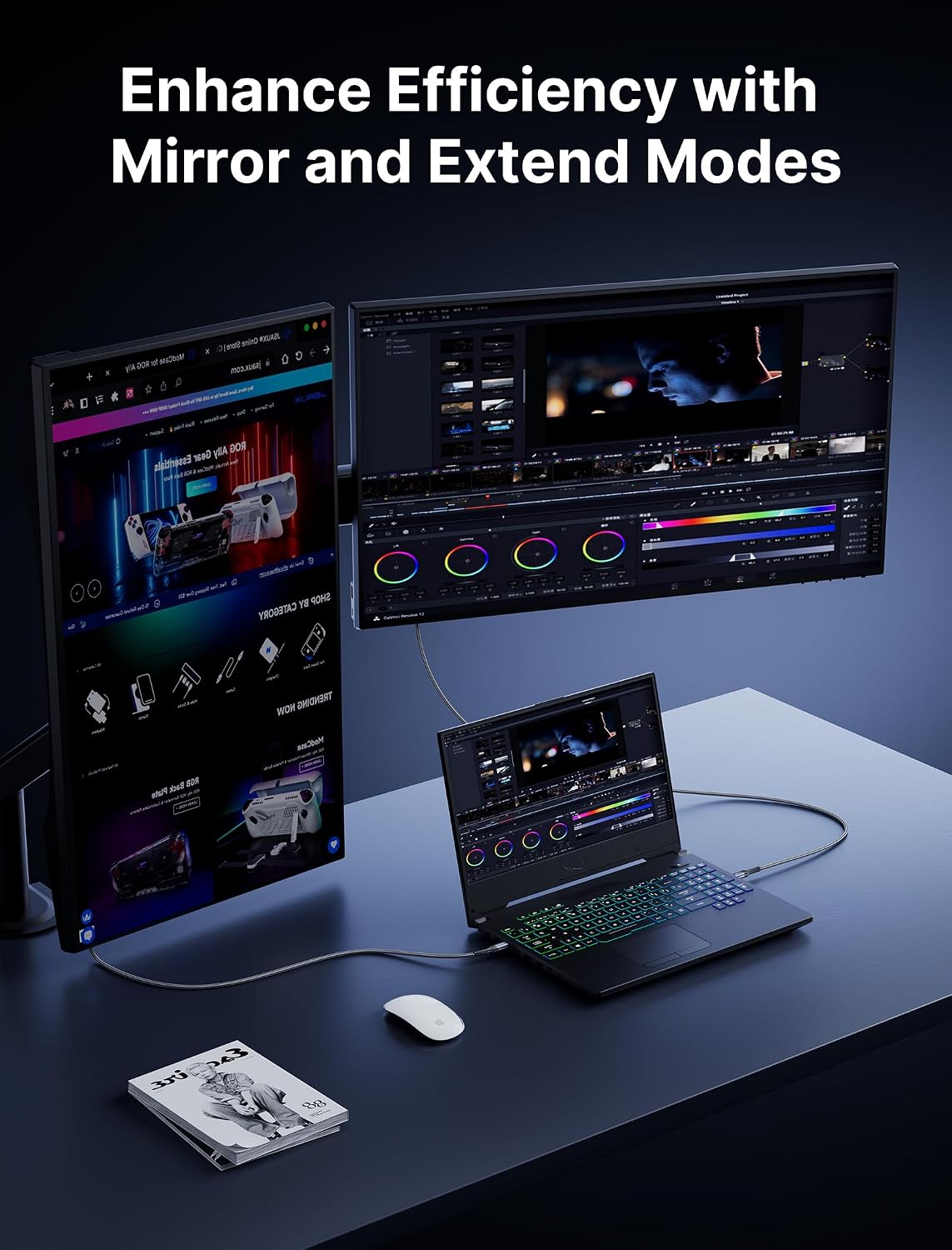
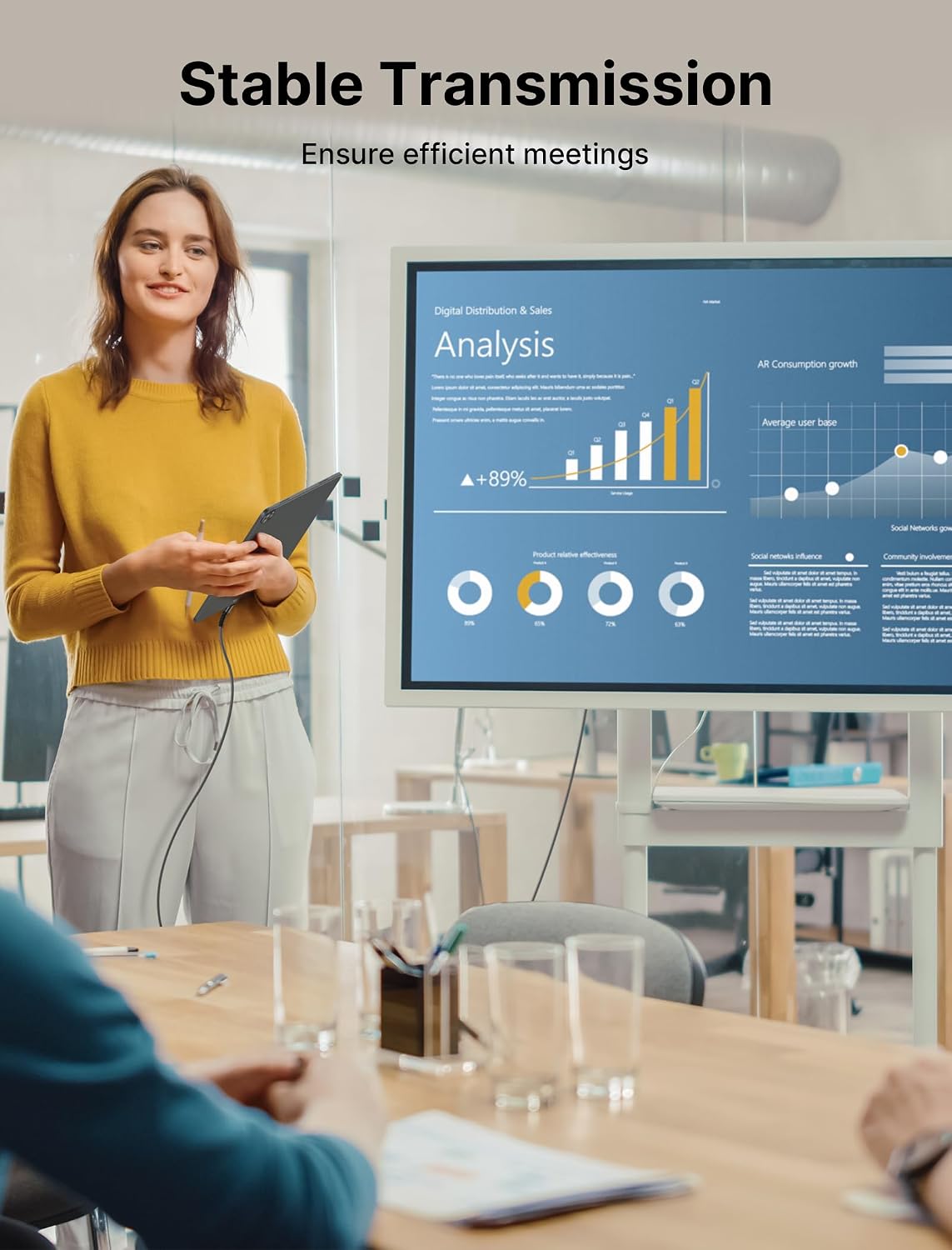
If you’re frequently moving between rooms, working from a couch, or delivering a boardroom presentation, this cable promises a simple plug-and-play experience. No driver or software is required—just connect your USB-C device (laptop, tablet, or phone) to an HDMI display and start mirroring or extending your screen. That means fewer software hiccups and no reliance on wireless casting, which can be prone to lag or interference.
Build quality and reliability
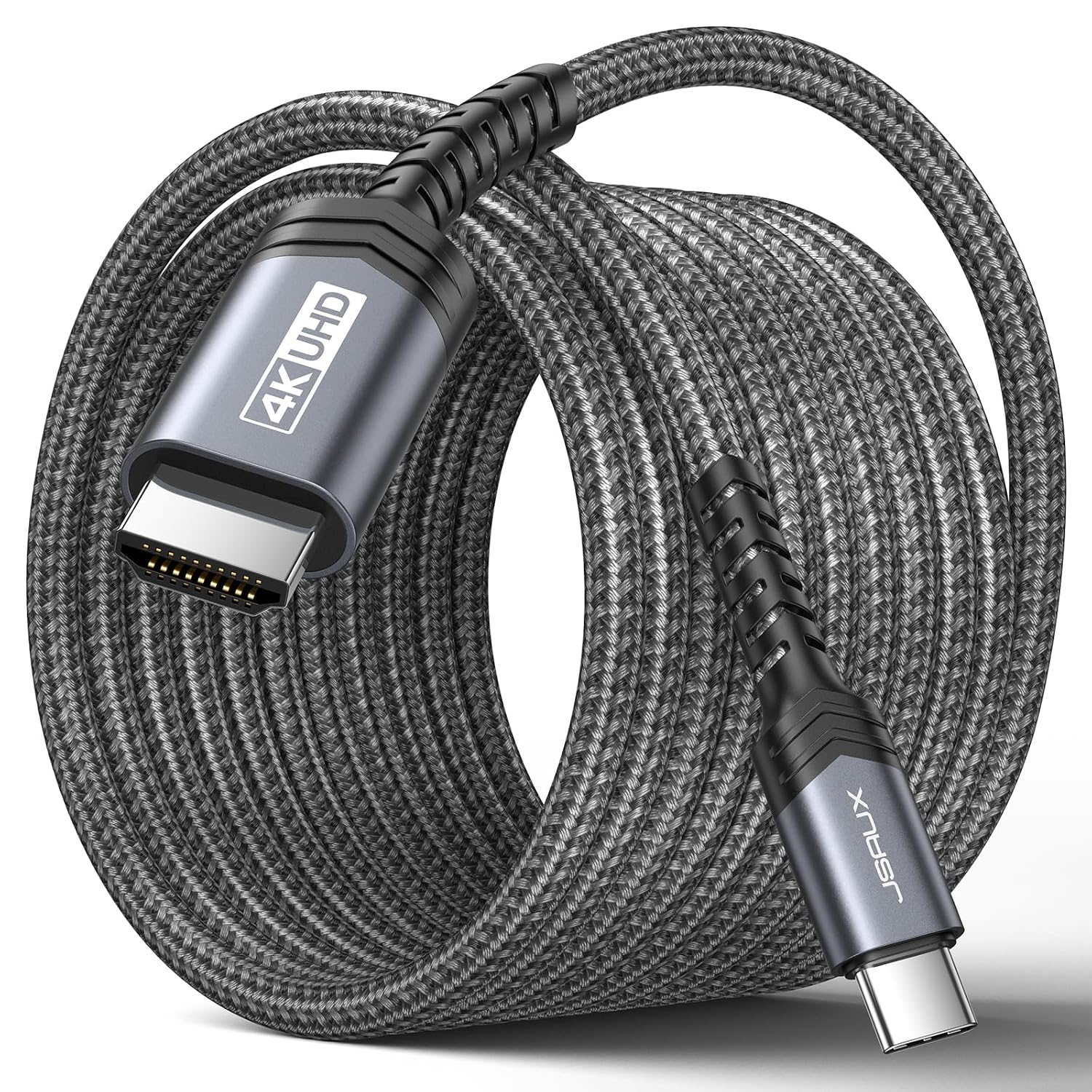
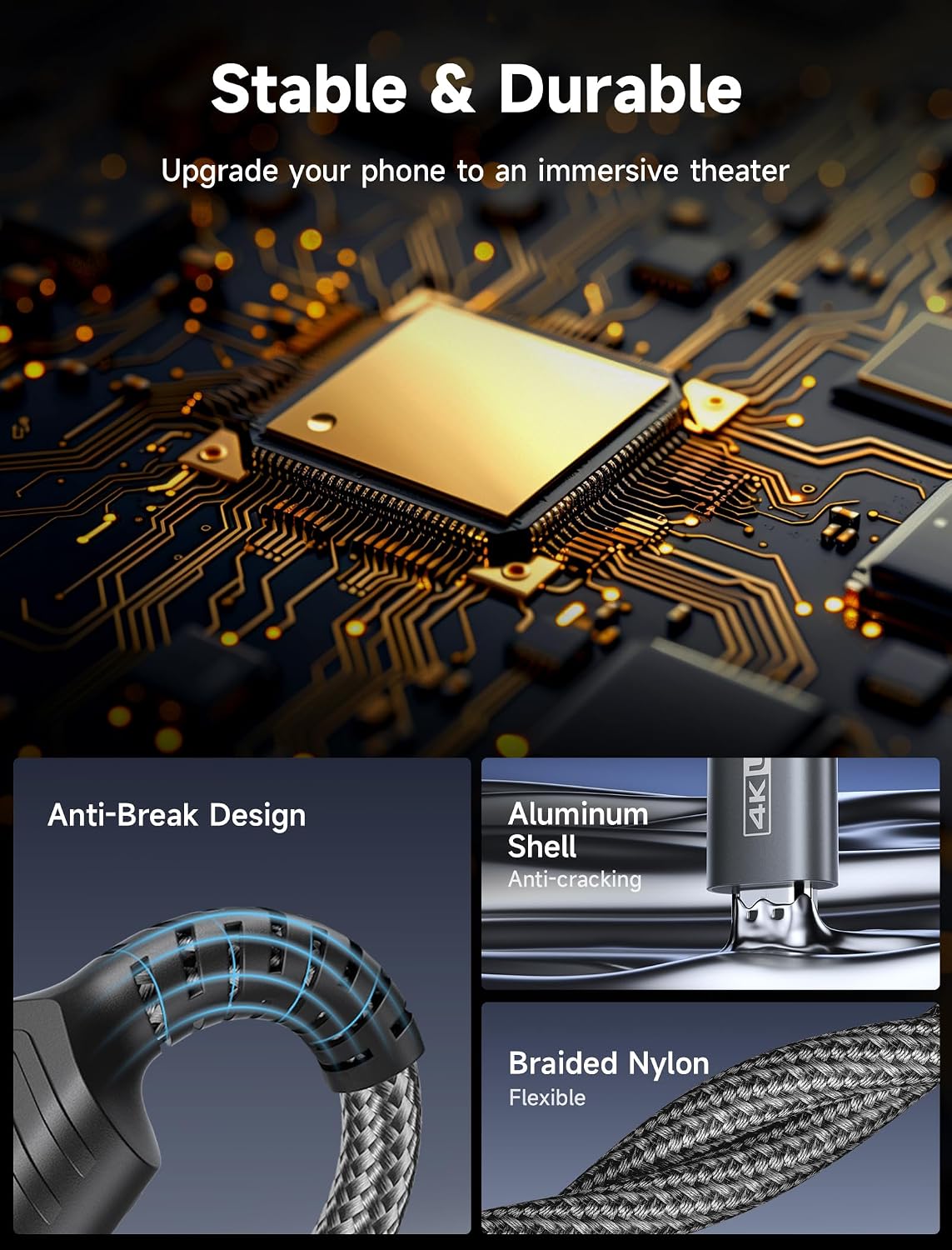
Durability matters for a cable you’ll use daily. The JSAUX cable features a nylon braided jacket for everyday wear and a precision-engineered aluminum housing that helps with heat dissipation and overall resilience. The connectors are gold-plated, and the internal core uses thickened tinned copper to help minimize interference and ensure stable signal transmission, even during longer sessions or quick file transfers.
Compatibility and reach
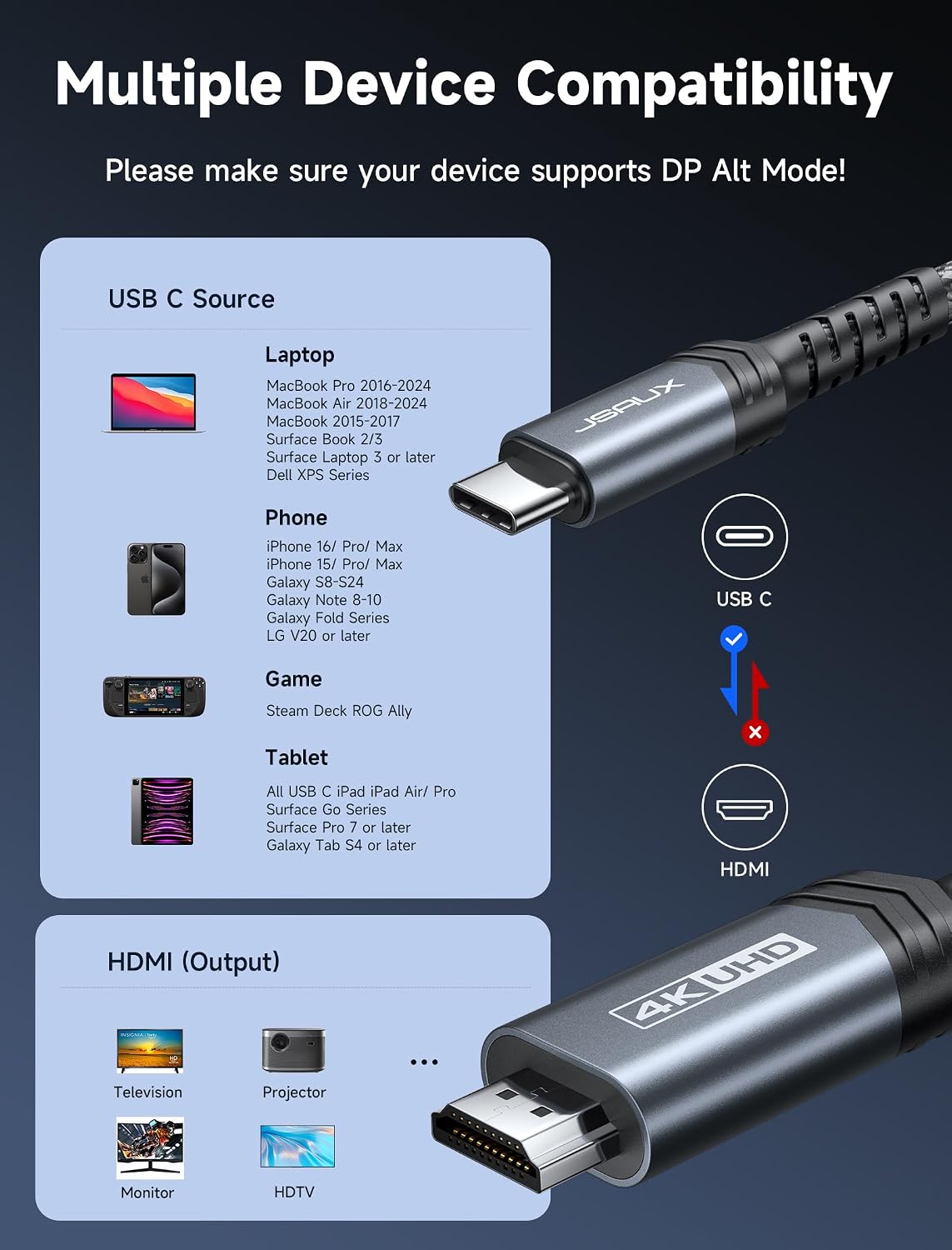
On paper, it supports USB-C devices with DP Alt Mode and Thunderbolt 3/4, expanding compatibility beyond the obvious laptops to devices like some iPads, phones, and desktops that support video output over USB-C. The stated device range includes popular ecosystems and form factors, such as iPhone 15/16 series, MacBook Pro/Air, iPad Pro, Galaxy devices, and more. The 6.6-foot length (2 meters) adds practical flexibility for setups where the computer isn’t right next to the display, such as living rooms, classrooms, or hotel rooms.
What stands out
- 4K@60Hz with backward compatibility for smoother gameplay and presentations on older displays.
- No-drivers-needed setup reduces friction during quick connect scenarios.
- Reinforced build and shielded core design aimed at reducing interference over longer runs.
- A relatively long 6.6 ft reach can be a real advantage in multi-device environments.
What it may fall short on
If you’re hoping for USB-C power delivery pass-through or alternate modes beyond DP Alt Mode/Thunderbolt support, this cable may not cover those extra needs. Also, the effective experience depends on the source device’s capabilities and the HDMI display’s specifications. In environments with crowded wireless or magnetic interference, even well-built cables aren’t magic bullets for all connectivity issues.
Who it’s for
- Professionals and students who use USB-C laptops or tablets and need reliable HDMI output for presentations or media.
- A home office user who wants a simple wired alternative to wireless screen casting.
- Anyone who values a long, durable cable for flexible seating layouts or conference rooms.
Who it’s not for
- If you need power delivery while you display content, or if your use case requires alternative output protocols beyond HDMI, this might not meet those niche needs.
- If you frequently require ultra-long runs beyond a couple meters or want ultra-light travel cables, you may weigh other form factors.
When it makes sense to buy
- You want a straightforward, plug-and-play solution for USB-C to HDMI without drivers.
- You value a robust build that can withstand daily wear and occasional bending.
- You use devices that support DP Alt Mode or Thunderbolt 3/4 and need broad compatibility to a standard HDMI display.
What to check before buying
- Confirm your source device supports DP Alt Mode or Thunderbolt output to HDMI through USB-C. Without this, you won’t get video output.
- Verify your HDMI display’s resolution and refresh rate support to ensure it can handle 4K@60Hz from a USB-C source.
- Consider whether 6.6 ft length fits your typical setups, shorter options can reduce cable clutter in tighter spaces.
Practical use example
Imagine giving a quick in-room demonstration: you connect your Ultrabook to a projector via this cable, the screen mirrors instantly, and you’re presenting without any software configuration or wireless setup. You still have room to move around, since you’re not tethered to a single desk, and you can switch between slides and live demos smoothly.
FAQ (based on available data)
- Does it require drivers to work? No, plug-and-play.
- Is it compatible with Thunderbolt 3/4 devices? Yes, it lists compatibility with DP Alt Mode and Thunderbolt 3/4.
- What output resolution can I expect? 4K@60Hz, with backward compatibility down to 2K@144Hz and 1080p@240Hz.
Is it worth it?
Final verdict: Worth considering if you prioritize a durable, wired solution for USB-C to HDMI with straightforward setup and wide device compatibility, and if your workspace benefits from a longer cable that reduces proximity constraints. It may not be the best option if you need built-in power delivery or non-HDMI outputs. For many users, it hits a solid middle ground between portability and reliability.