

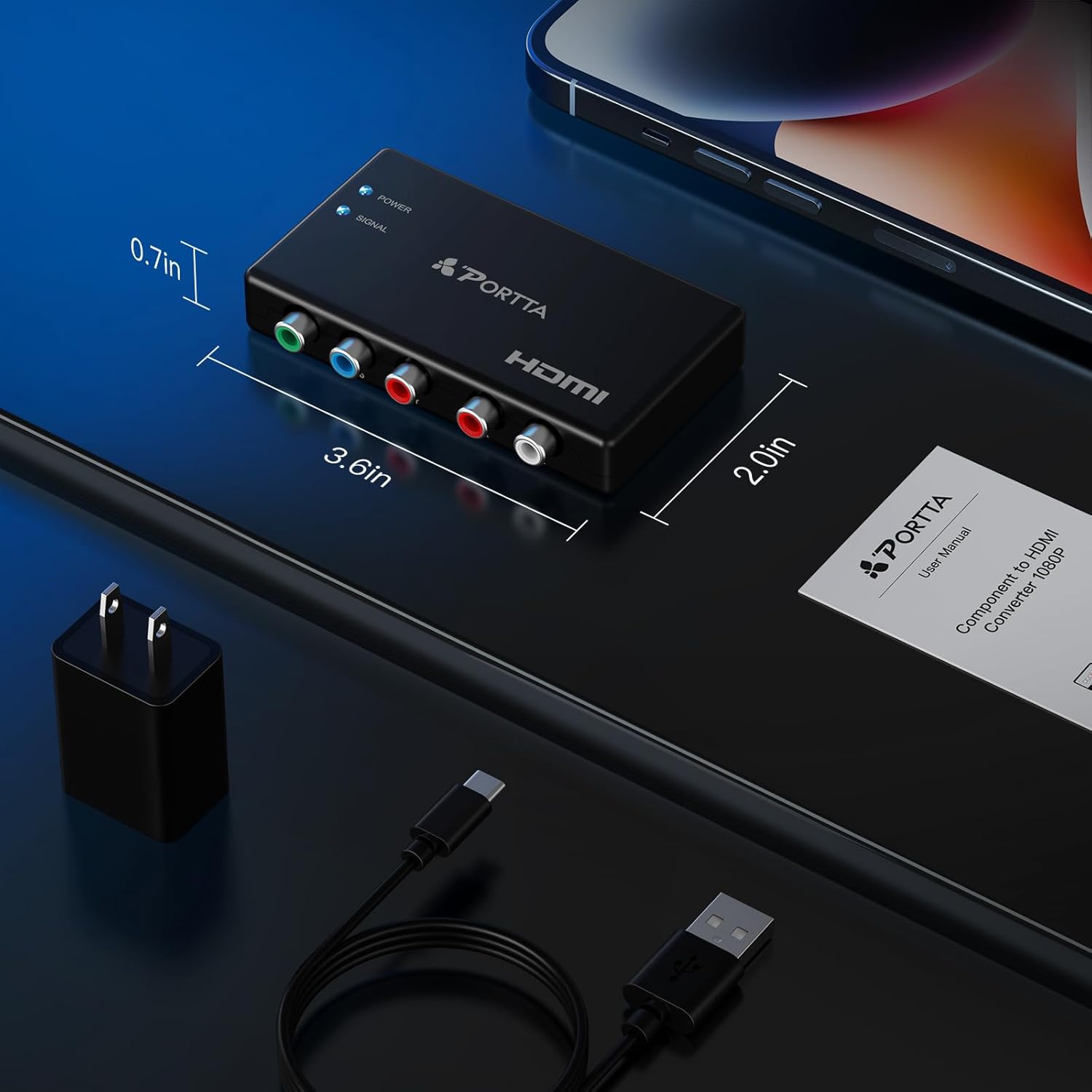
Portta Component to HDMI Converter (YPbPr/RGB + R/L Audio to HDMI v1.3) for 1080P 60Hz
Product description
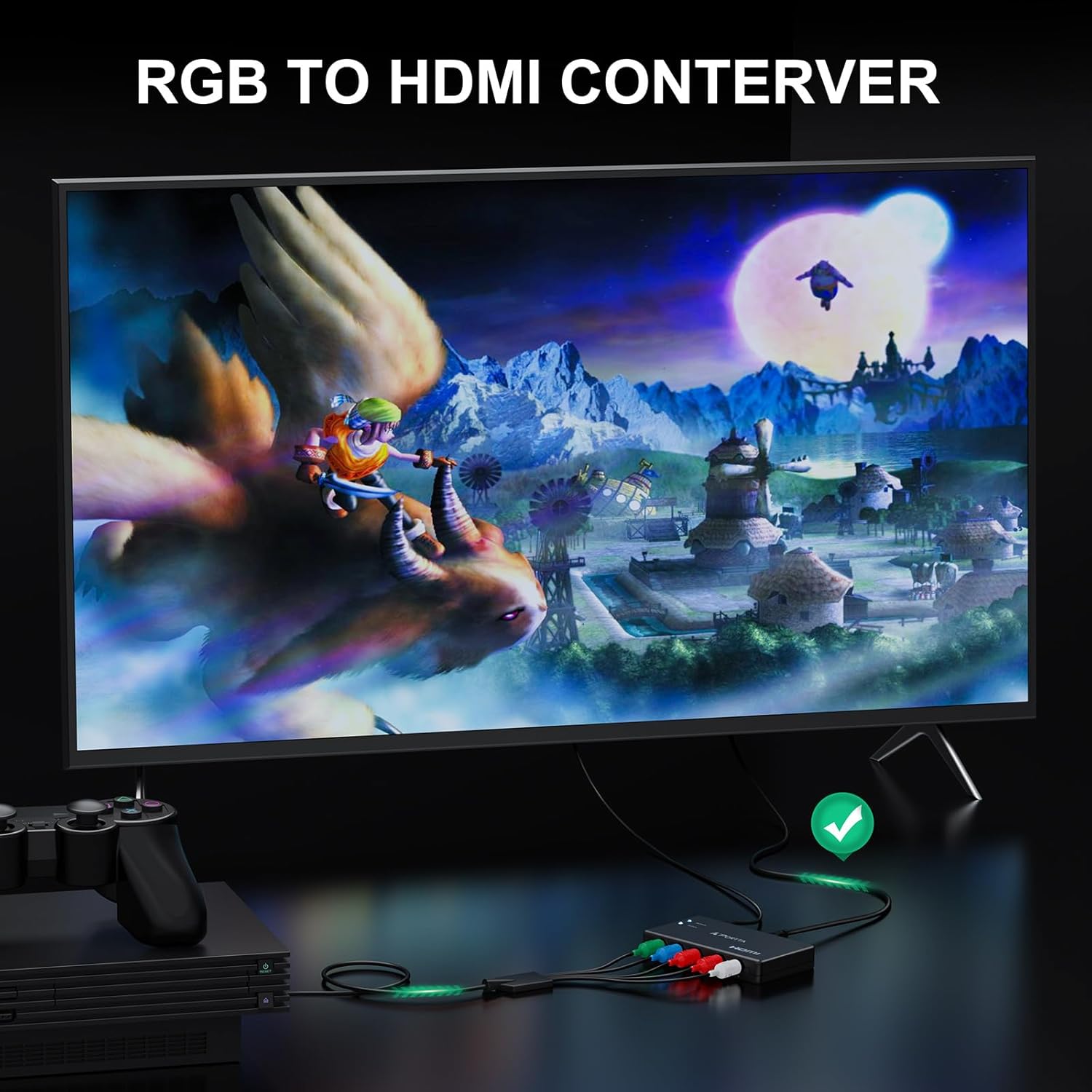
If you’ve got older AV gear using component (YPbPr) or RGB-style video plus separate R/L audio, this Portta Component to HDMI Converter is built for one job: converting that analog input into a direct HDMI output for modern TVs and monitors. It’s the kind of adapter you buy when your existing console or player still works, but your display inputs don’t match anymore.
That said, it’s not a universal “fix everything” box. There’s no reverse direction, and there’s no mention of scaling—so the day-to-day experience depends on what resolution your source outputs and what your TV accepts.
Key takeaways (what you need to know before buying)
This adapter converts analog YPbPr (component) video and R/L audio into HDMI output, compliant with HDMI 1.3. It supports up to 1080p output modes (with a stated resolution set that includes 480i/480p/576i/576p/720p/1080i/1080p), and it’s designed to carry uncompressed 2-channel LPCM audio.
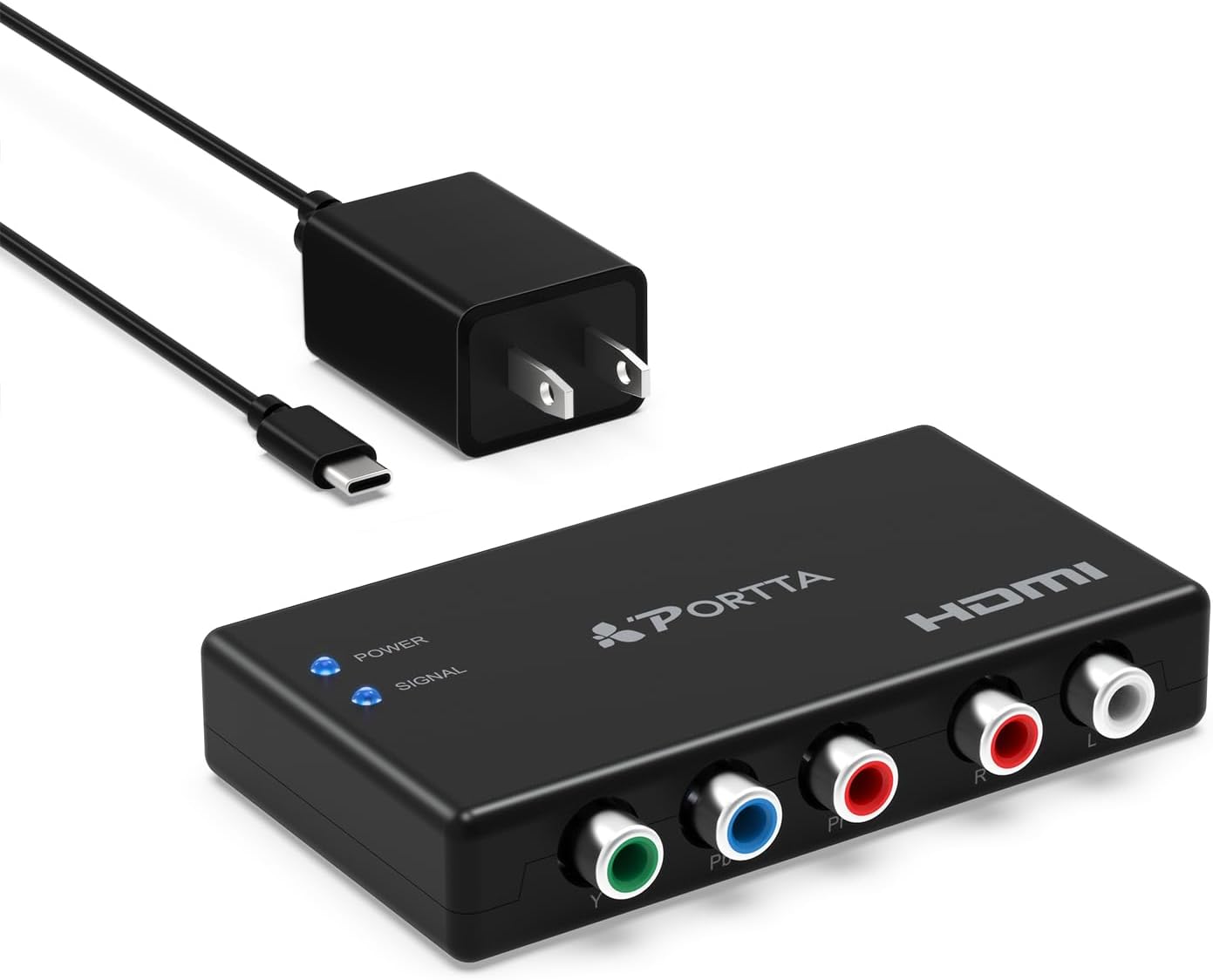
Where it matters in real life: if your source outputs the right signal format and your display supports HDMI 1.3-era handshakes, you should get a straightforward path from old hardware to a newer screen—without extra menu fuss.
The essentials (how it works in your setup)
On paper, this is a simple one-way conversion: analog component video (YPbPr) and separate left/right audio go in, HDMI comes out. It also notes compatibility with HDMI and component devices, with output intended for HDTVs, projectors, and monitors.
Example use case: imagine a PS2 or older DVD player that only has component outputs. Instead of swapping hardware, you connect the component video cables to the converter’s inputs, route the R/L audio into the converter as well, then plug the HDMI output into your TV. If your TV is set to the correct HDMI input and supports the incoming resolution, you’re basically back in business.
Where it shines (video, audio, and signal behavior)
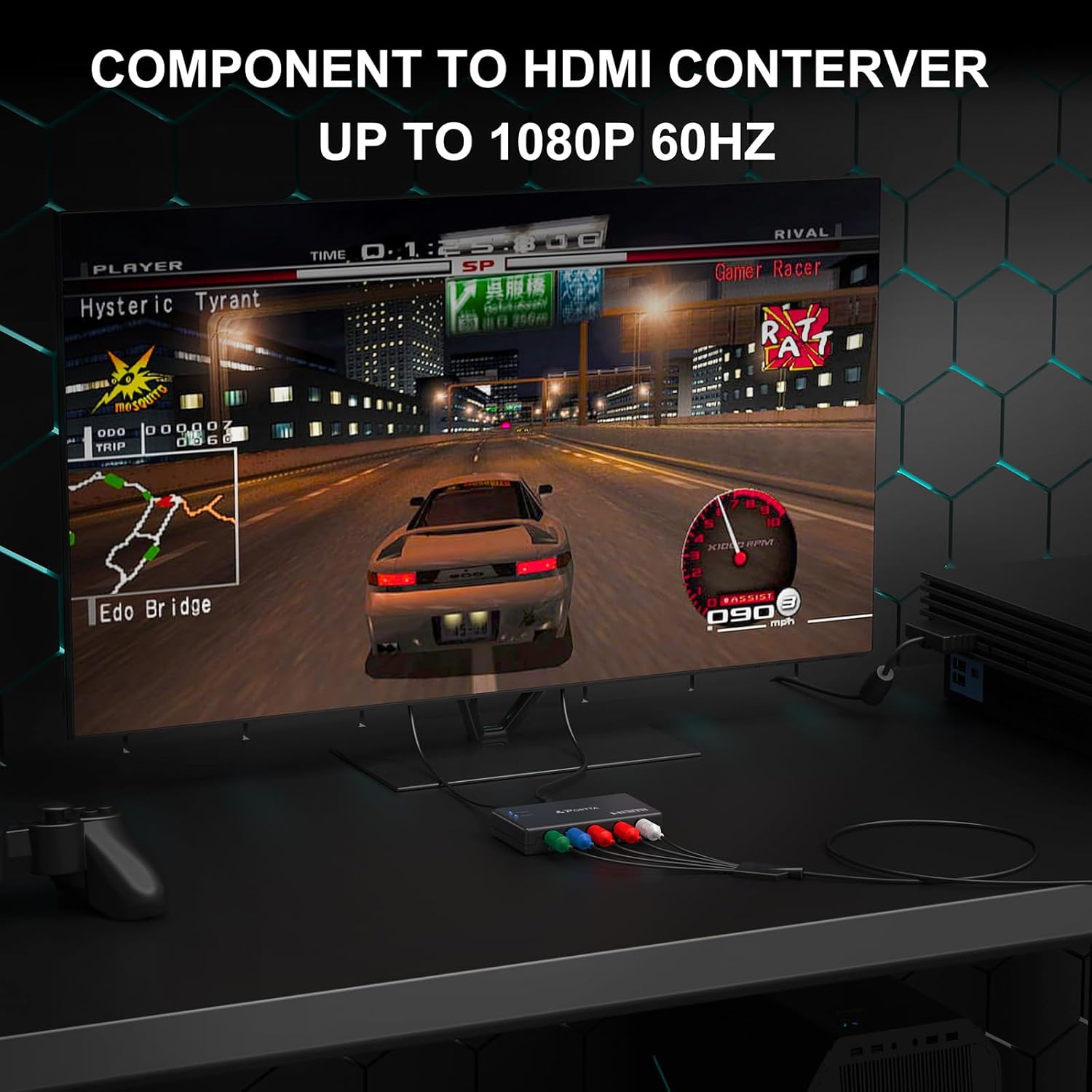
This converter is positioned around clean transmission rather than fancy processing. It states support for deep color formats (24-bit and also 30-bit/36-bit deep color) and uncompressed 2-channel LPCM audio. It also claims 165MHz / 1.65Gbps per channel bandwidth to help avoid distortion of audio or video signals, and it mentions no delay in signal transmission.
One nuance to keep in mind: the product description explicitly says “NO scale function.” If you’re expecting the adapter to adjust mismatched resolutions on the fly, that may be where it can feel limited. In many setups, that’s fine—sources typically output standard modes—but it’s still something worth checking.
Compatibility & requirements (what it’s designed for)
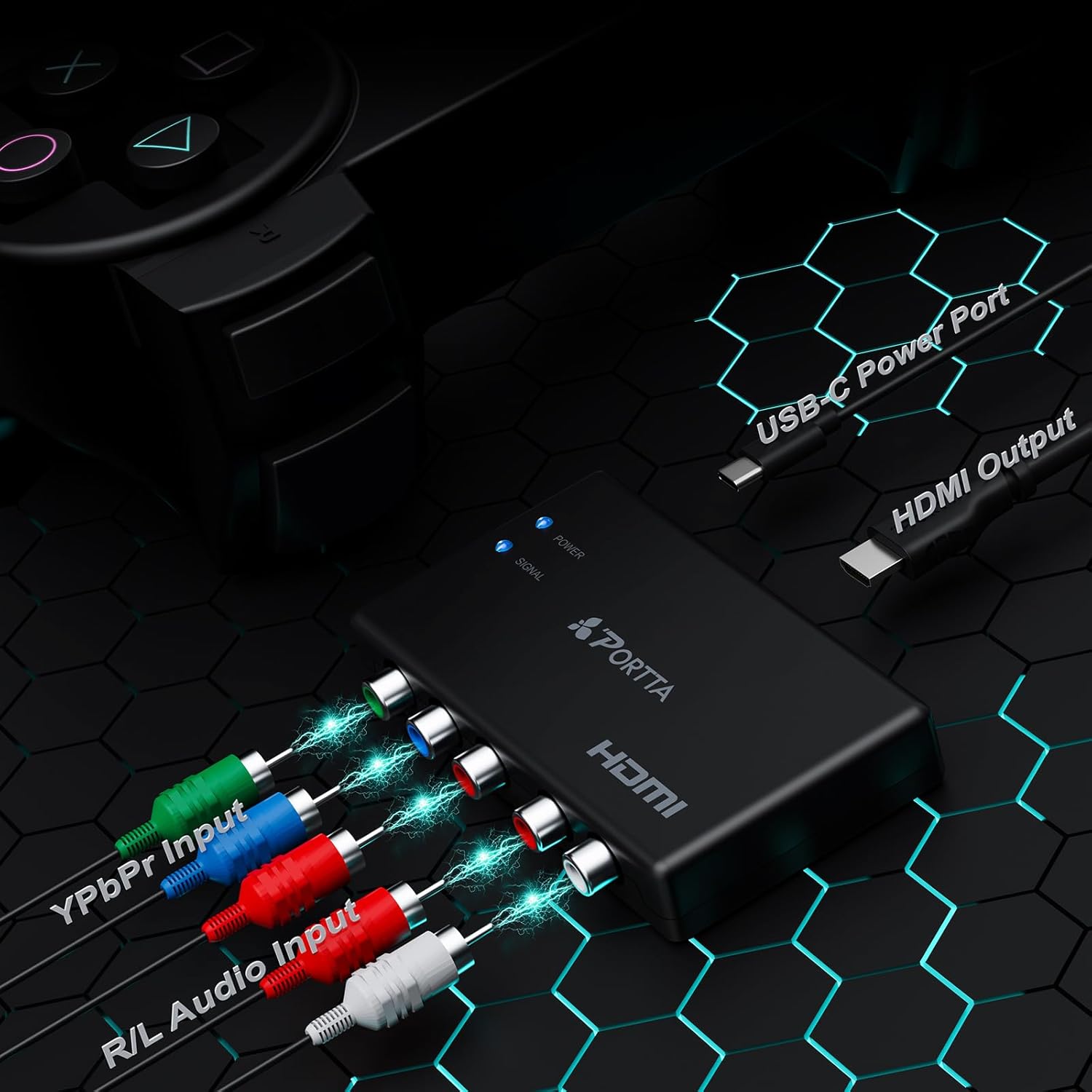
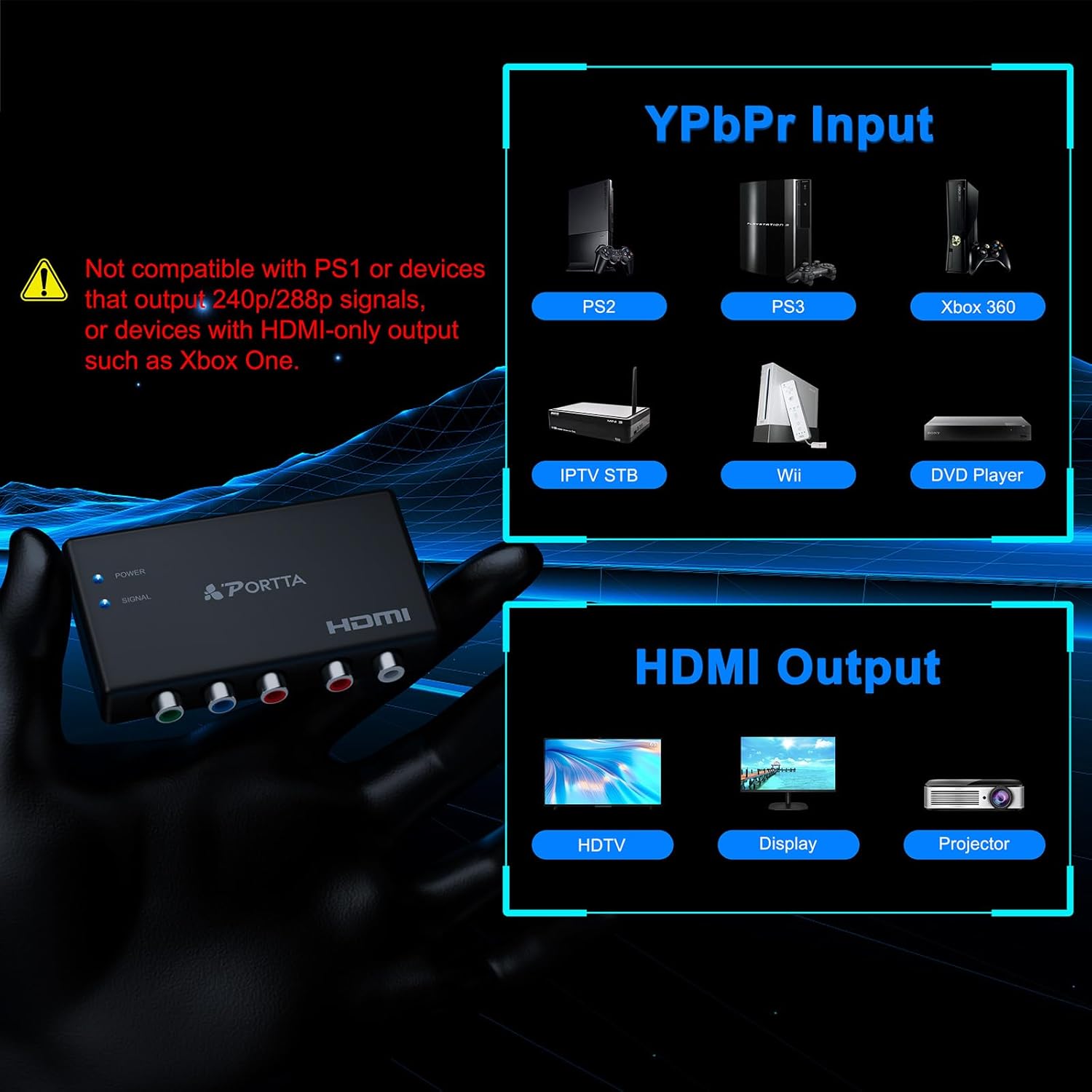
The converter is described as compatible with component and HDMI devices, and it calls out compatibility with systems and media players such as PS2, PS3, PSP, Xbox, Nintendo Switch, DVD etc. It also references HDCP 1.2/1.3 support.
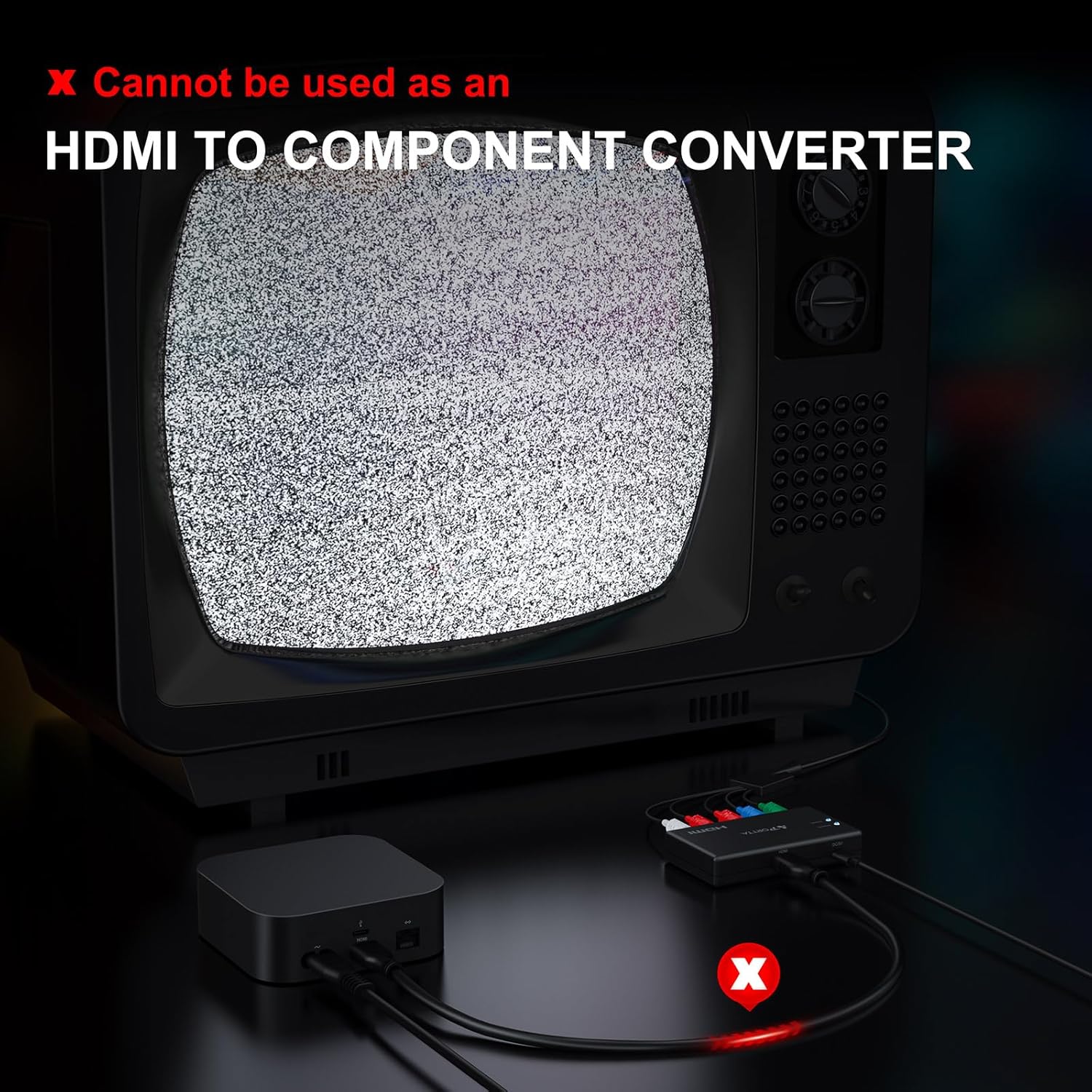
Just as important: it does not support reverse use. So if your goal is converting HDMI back to component (for example, to feed an older component-only display), this isn’t that.
It may not suit you if your setup requires scaling or bi-directional conversion. Also, since the information provided doesn’t list input/output connector specifics or advanced EDID behavior, you’ll want to match it to your source’s output format and your display’s HDMI capabilities.
Tech specs (the details that affect performance)
- Type: Component to HDMI converter (analog YPbPr + R/L audio to HDMI)
- HDMI compliance: HDMI 1.3
- HDCP support: HDCP 1.2/1.3
- Supported output resolutions: 480i, 480p, 576i, 576p, 720p, 1080i, 1080p
- Video color formats: 24-bit / deep color 30-bit, 36-bit
- Audio format: uncompressed 2-channel LPCM
- Stated bandwidth: 165MHz / 1.65Gbps per channel
- Scaling: NO scale function
Pros and cons (a realistic buying view)
If you’re trying to reuse older component-based equipment with an HDMI-only TV, this converter’s straightforward conversion approach is the main appeal. Support for multiple standard resolutions up through 1080p and uncompressed 2-channel LPCM audio can cover a lot of everyday home theater use.
On the downside, the “no scale” note means it won’t do resolution conversion for you. And because it’s clearly one-way (not reverse use), it can feel restrictive if your cables and ports are more complicated than expected.
Is it worth it?
Buy it if you have a component (YPbPr) video source and separate R/L audio, and you specifically want a one-way path to HDMI for an HDTV, projector, or monitor—especially if your source outputs one of the listed resolutions. It’s a solid fit if you want a no-nonsense adapter that carries 2-channel LPCM audio and supports HDMI 1.3 with HDCP 1.2/1.3.
Skip it if you need reverse conversion (HDMI to component) or if you’re counting on the adapter to scale unsupported resolutions. Also, if your setup depends on advanced video processing beyond what a straightforward converter provides, this one may stay more in “works when inputs match” territory than true problem-solving for mismatched devices.
Quick FAQ
Does this adapter convert HDMI back to component?
No. The description notes it does not support reverse use.
Does it include a scaling function?
No. It explicitly states “NO scale function.”
What audio format does it support?
It supports uncompressed 2-channel LPCM audio.
What resolutions does it claim to support?
It lists 480i, 480p, 576i, 576p, 720p, 1080i, and 1080p.
Will it work with older consoles and DVD players?
The description lists compatibility with devices including PS2, PS3, PSP, Xbox, Nintendo Switch, and DVD players, but real-world results still depend on your source output and your display’s HDMI support.