

Phomemo Mini Sticker Printer M02
Product description
A pocket printer can be useful when you want quick paper reminders or creative stickers, while a full-size printer makes more sense for longer documents and larger output. The Phomemo M02 is designed for the smaller, more hands-on jobs: it prints text, photos, and patterns on thermal paper without ink or toner. Pair it with a compatible phone, choose a design in the dedicated app, and print a study aid or a label for a journal. Keep in mind that its compact format is aimed at small creative and organizational tasks, not general-purpose printing.
Quick overview
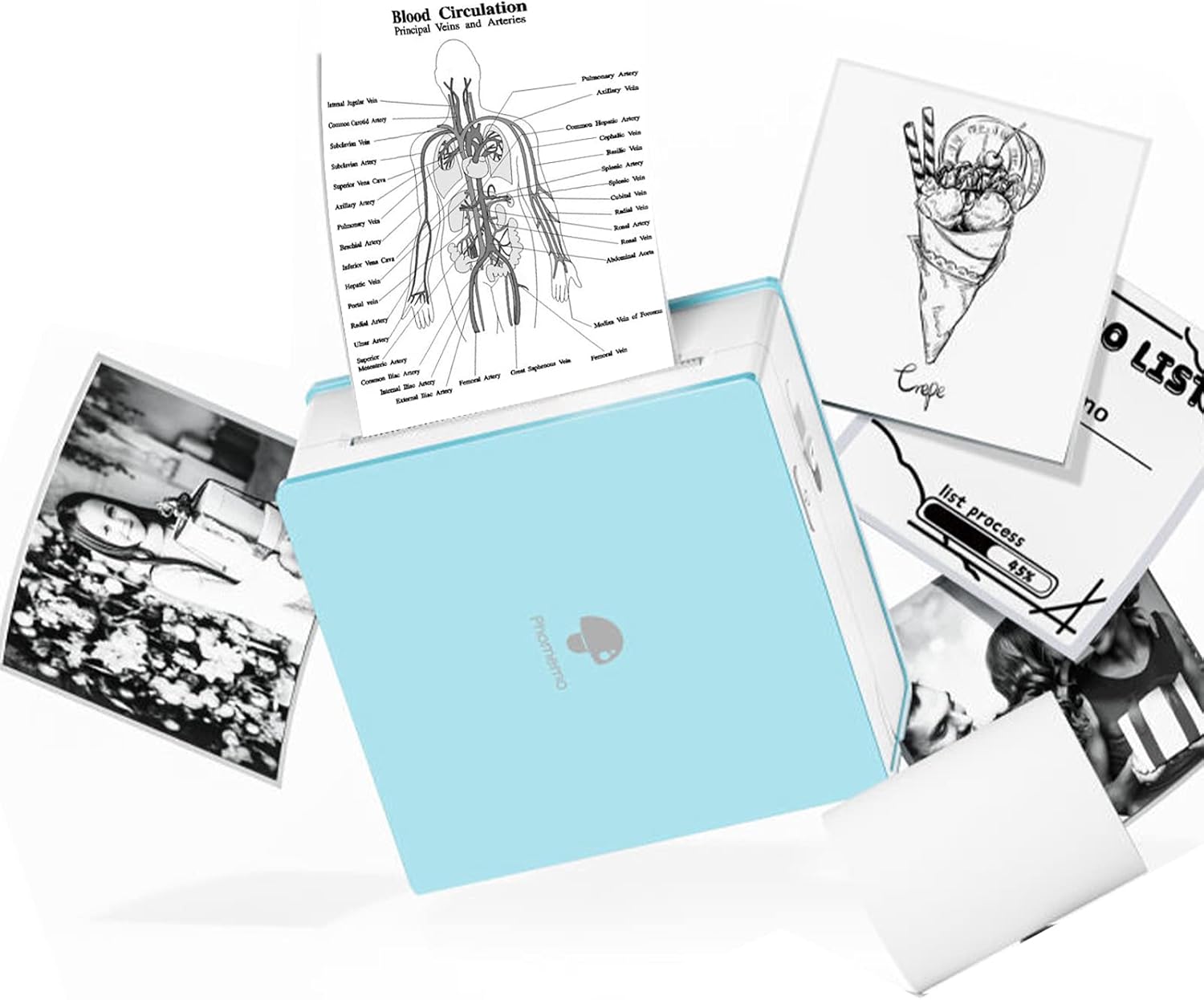
The M02 connects wirelessly over Bluetooth 4.0 and works with Android 7.0 and iOS 13.0 or later. Its listed dimensions are 3.3 x 3.2 x 1.6 inches, so it is made to fit a portable setup rather than sit beside a desk as a conventional printer. Since it uses thermal printing, there is no ink or toner to replace, which also means less mess from those supplies.
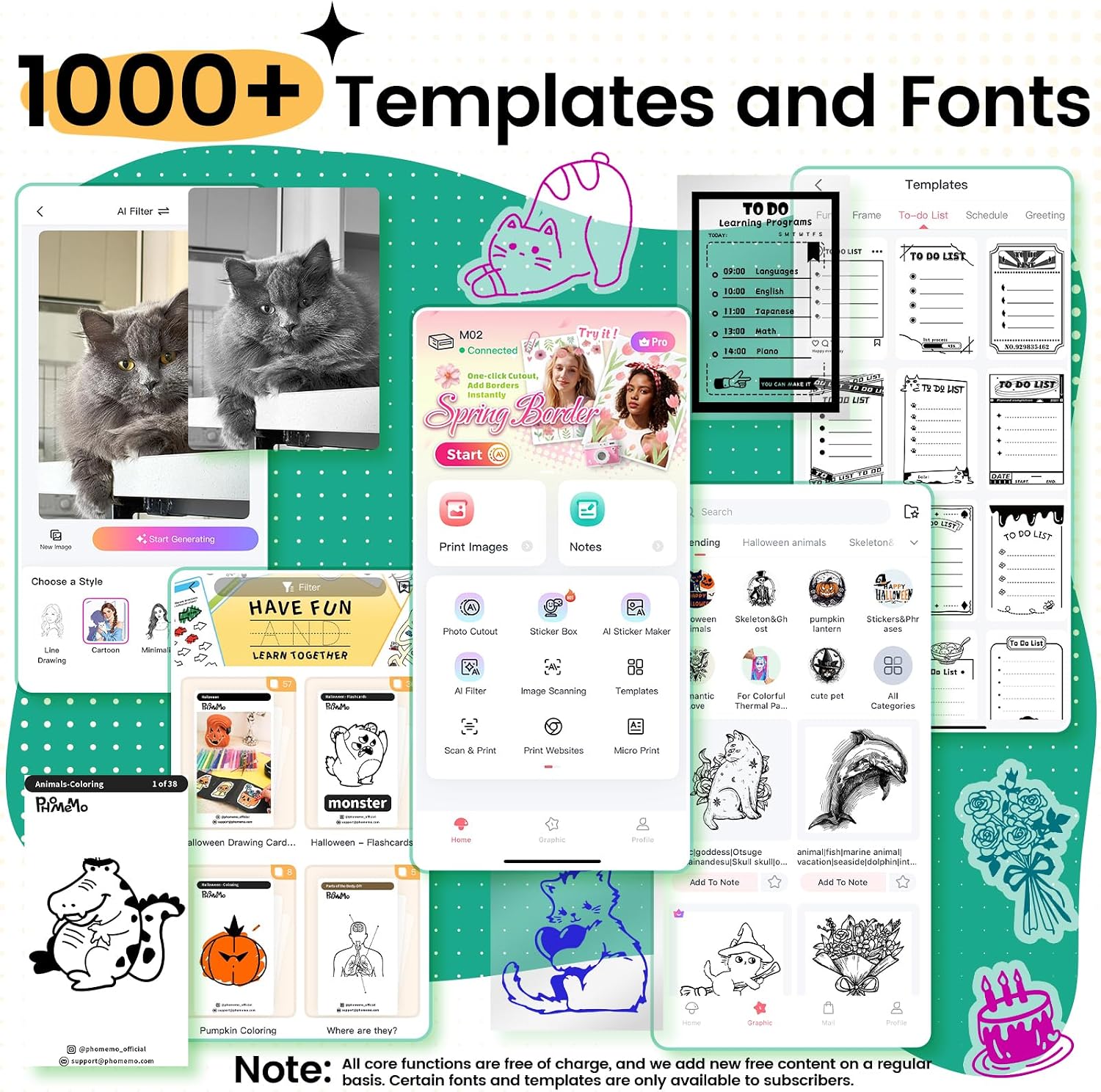
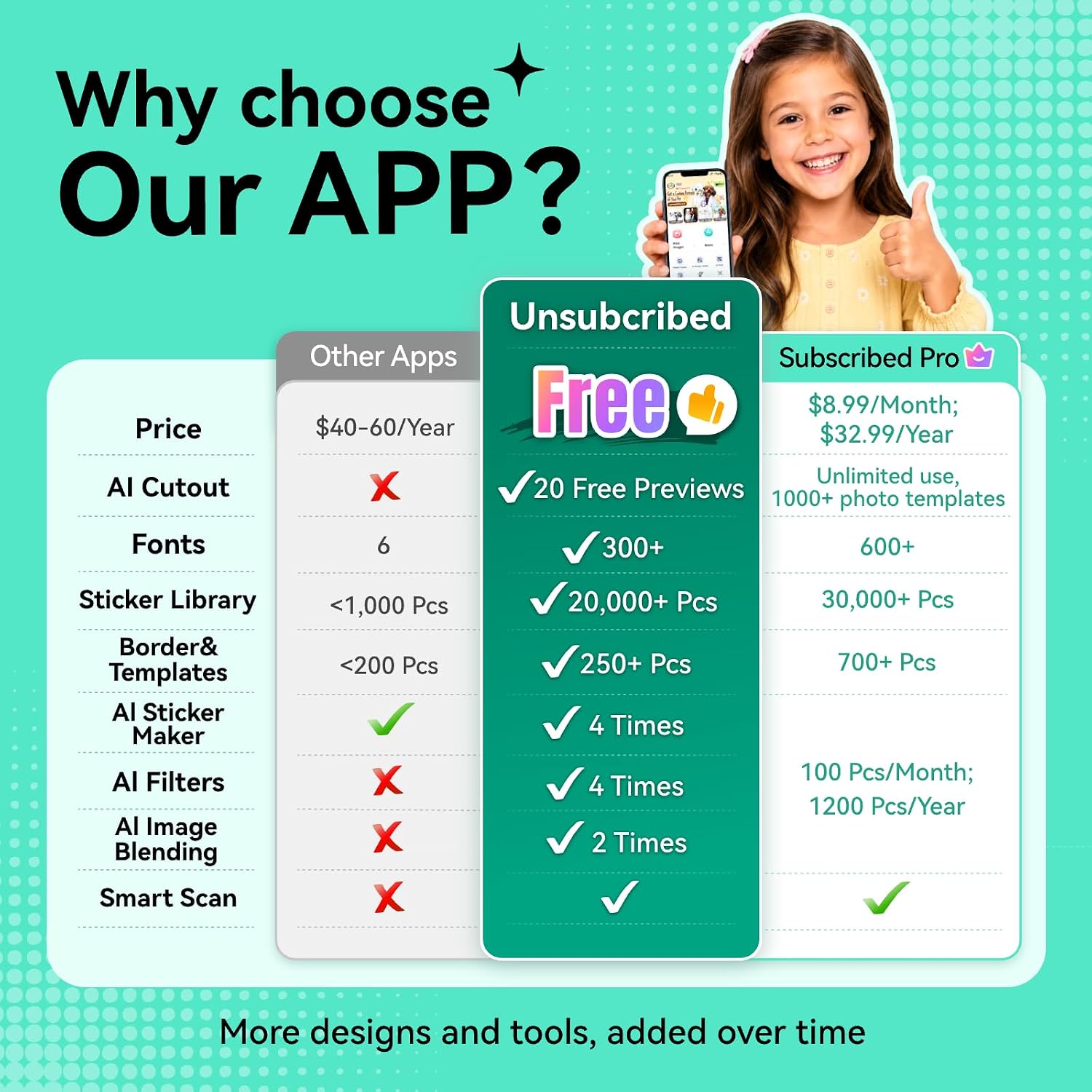
The app is a central part of the experience. It offers one-tap printing for text, photos, and patterns, along with an AI design function and a library of more than 1,000 fonts and templates. Some additional designs require a membership, so the included creative options and any paid extras are worth distinguishing before you build a routine around a particular template.
How to take care of it
The care guidance is mainly about the battery: charge the printer when the indicator turns red, and charge it regularly if it will be stored unused for a while. That is a practical detail for a device meant to move between a desk, backpack, and craft area. From the way it is set up, it suits short, occasional print jobs more naturally than a replacement for a home printer that handles varied everyday documents.

Practical tips
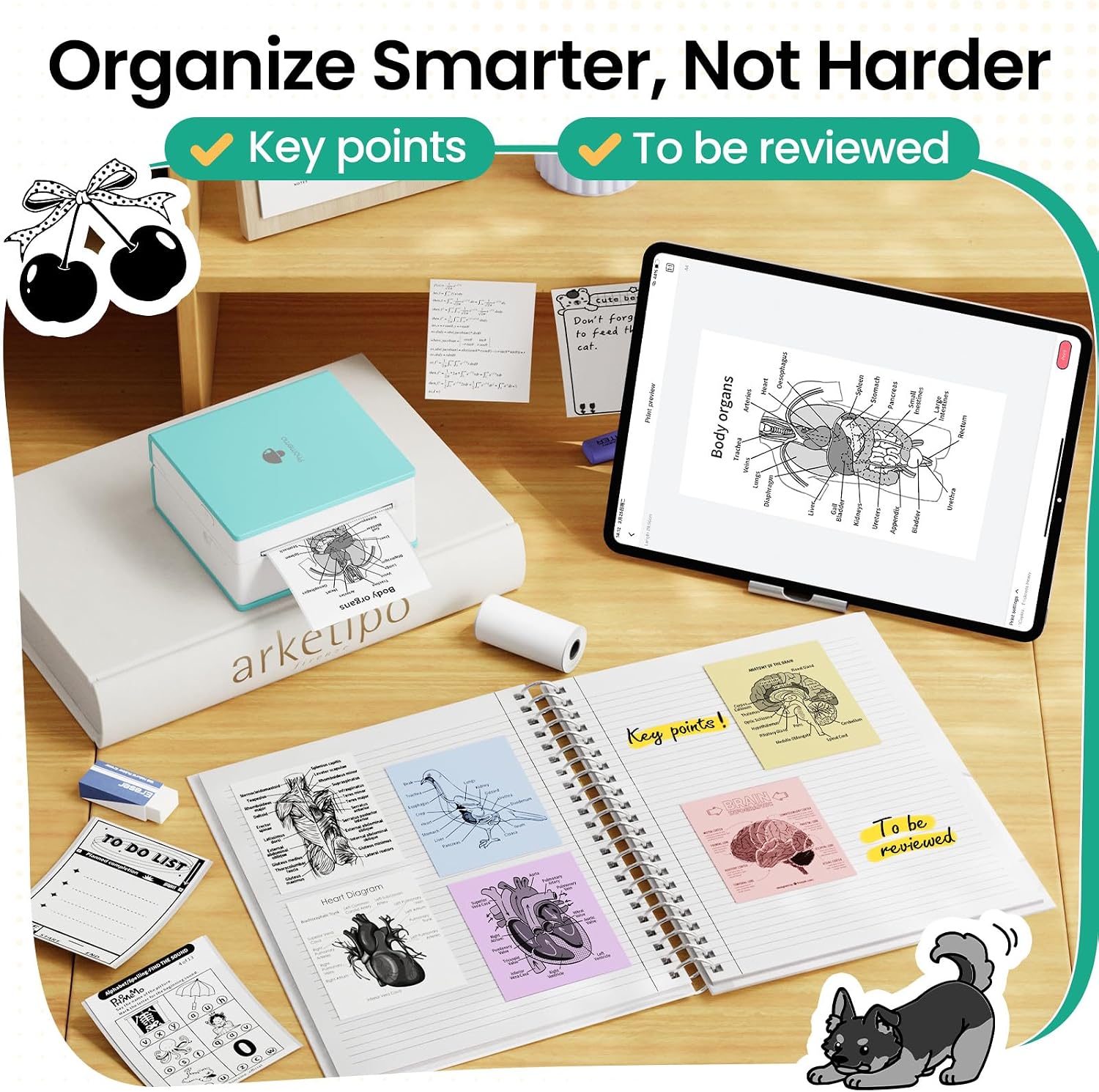
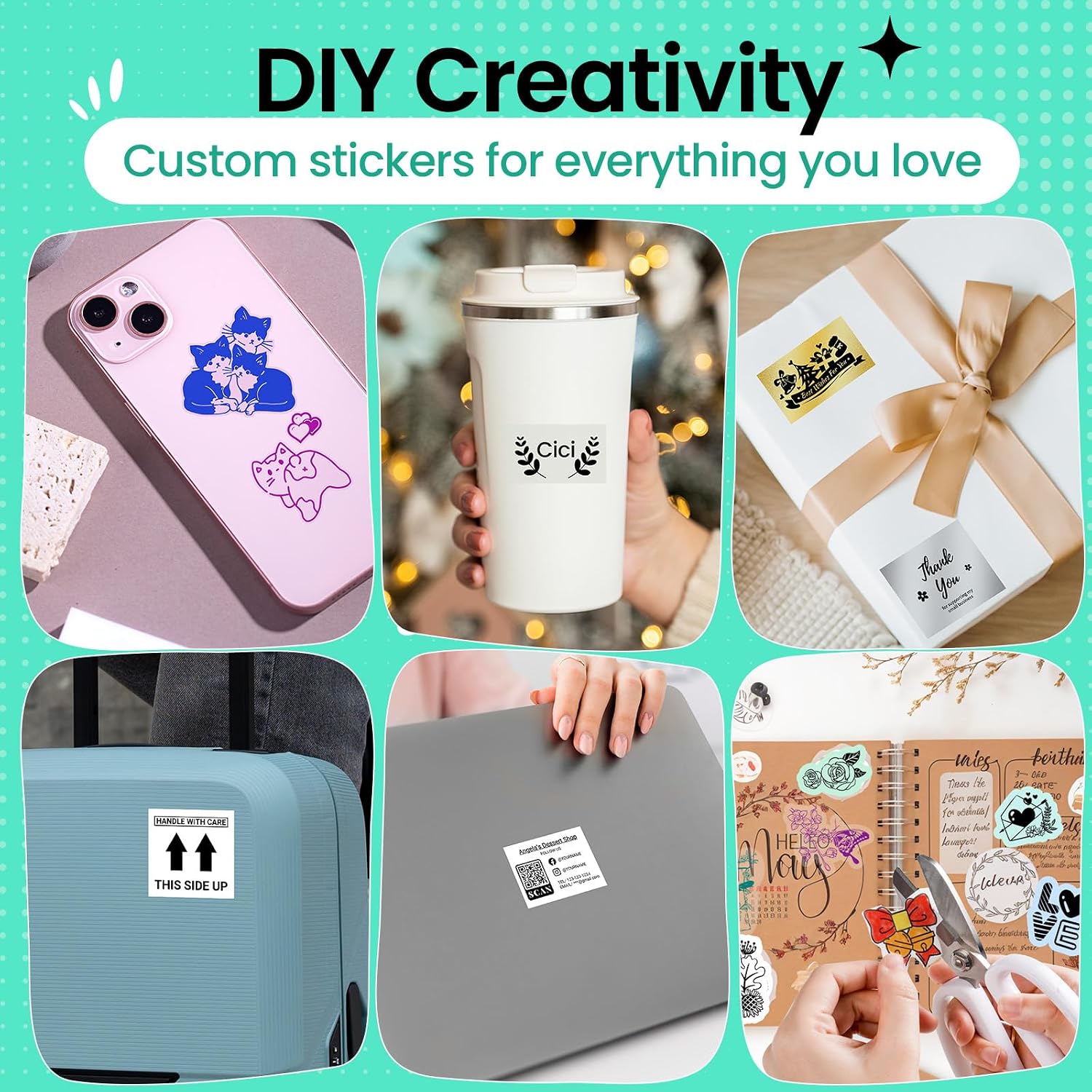
For studying, scan a page of notes or a textbook and print a small visual reminder to keep in a notebook. For journaling, print a photo or pattern and add it to a spread, for organizing, make simple labels that are easy to place on small items. These examples fit the M02’s portable, sticker-focused purpose without assuming that its output will replace full-size prints.
It makes sense if you want a compact way to turn phone content into physical prompts, labels, or creative additions without managing ink. It might not be a great match if you need larger pages, substantial document printing, or a printer that works independently of a phone app. The app’s membership-based premium designs are another consideration if your plans depend on those specific templates.

Before you decide
Which phones are supported? The listed compatibility is Android 7.0 and iOS 13.0 or later, with a Bluetooth 4.0 connection.
Does it need ink or toner? No. The M02 uses thermal printing, so ink and toner are not required.
What can you print from the app? The product information lists photos, text, and patterns, plus fonts and templates. Some premium designs require a membership.
Is it worth it?
The M02 is worth considering when portability and quick, small-format creative prints matter more than the flexibility of a standard printer. It can make notes easier to revisit and turn phone images into journal or labeling material, with no ink or toner to keep on hand. Choose a conventional printer instead if your main need is larger, varied document output, choose this one when the everyday job is making compact prints from a compatible phone.