

Canon all-in-one inkjet printer TS9521Ca
Product description
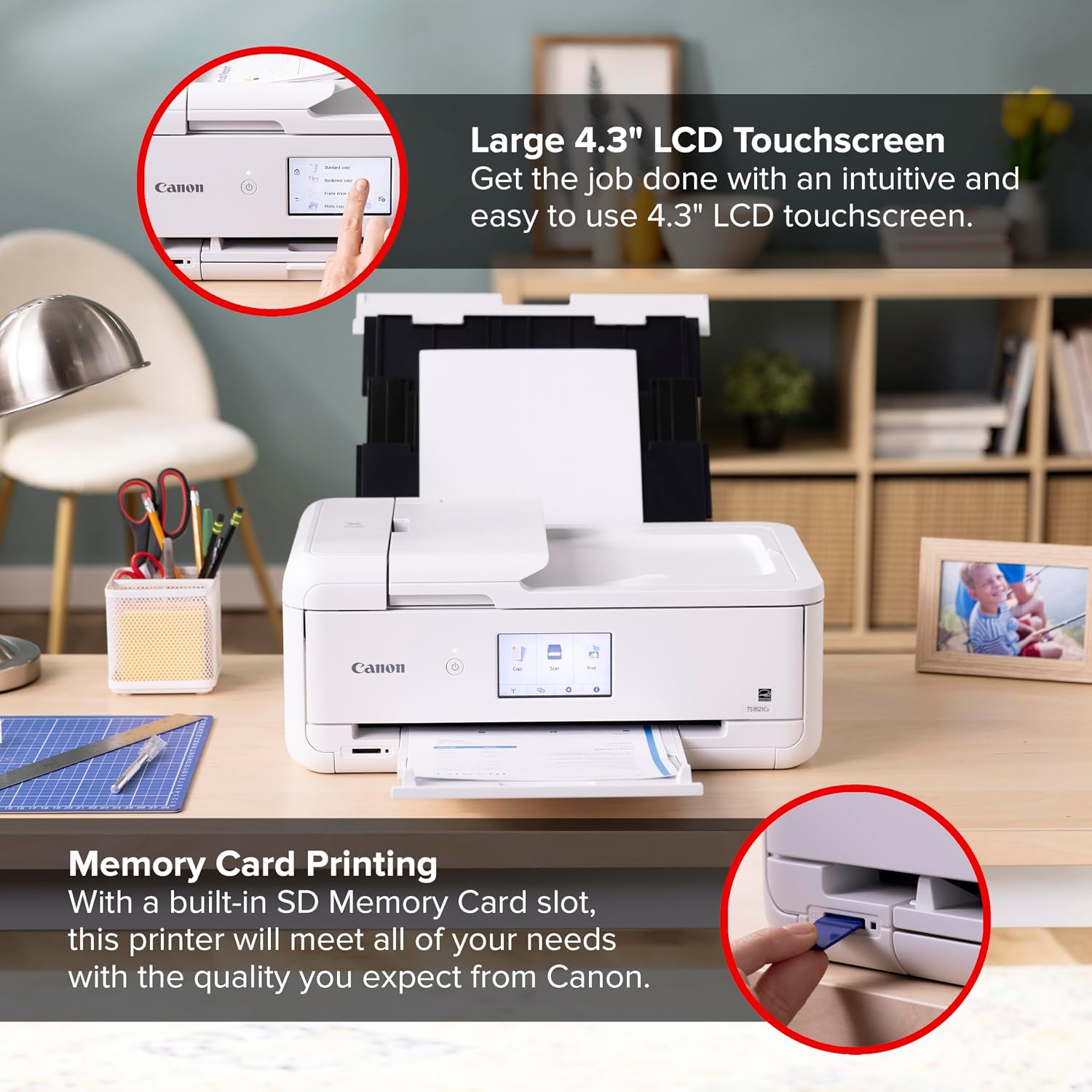
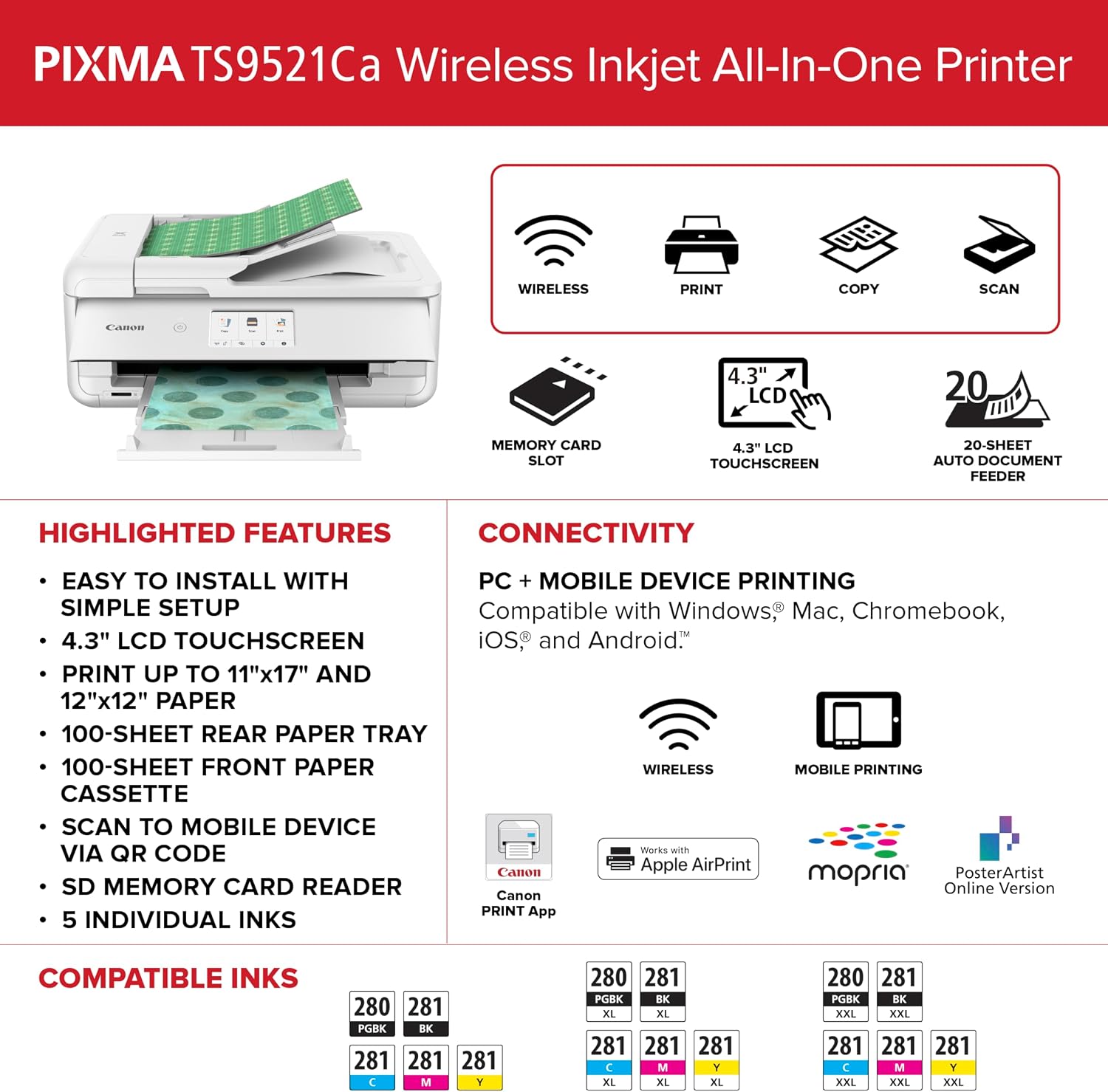
A home printer is most useful when it can handle routine paperwork without turning every copy or scan into a separate task. The Canon PIXMA TS9521Ca combines printing, copying, and scanning in one wireless inkjet unit, with a touchscreen and an automatic document feeder for everyday jobs. It also has two paper-loading locations and automatic two-sided printing, which can cut down on manual page flipping. If your printer will sit on a crowded desk, note that dimensions aren’t provided here, so placement is harder to judge without that measurement.
Getting the most from it
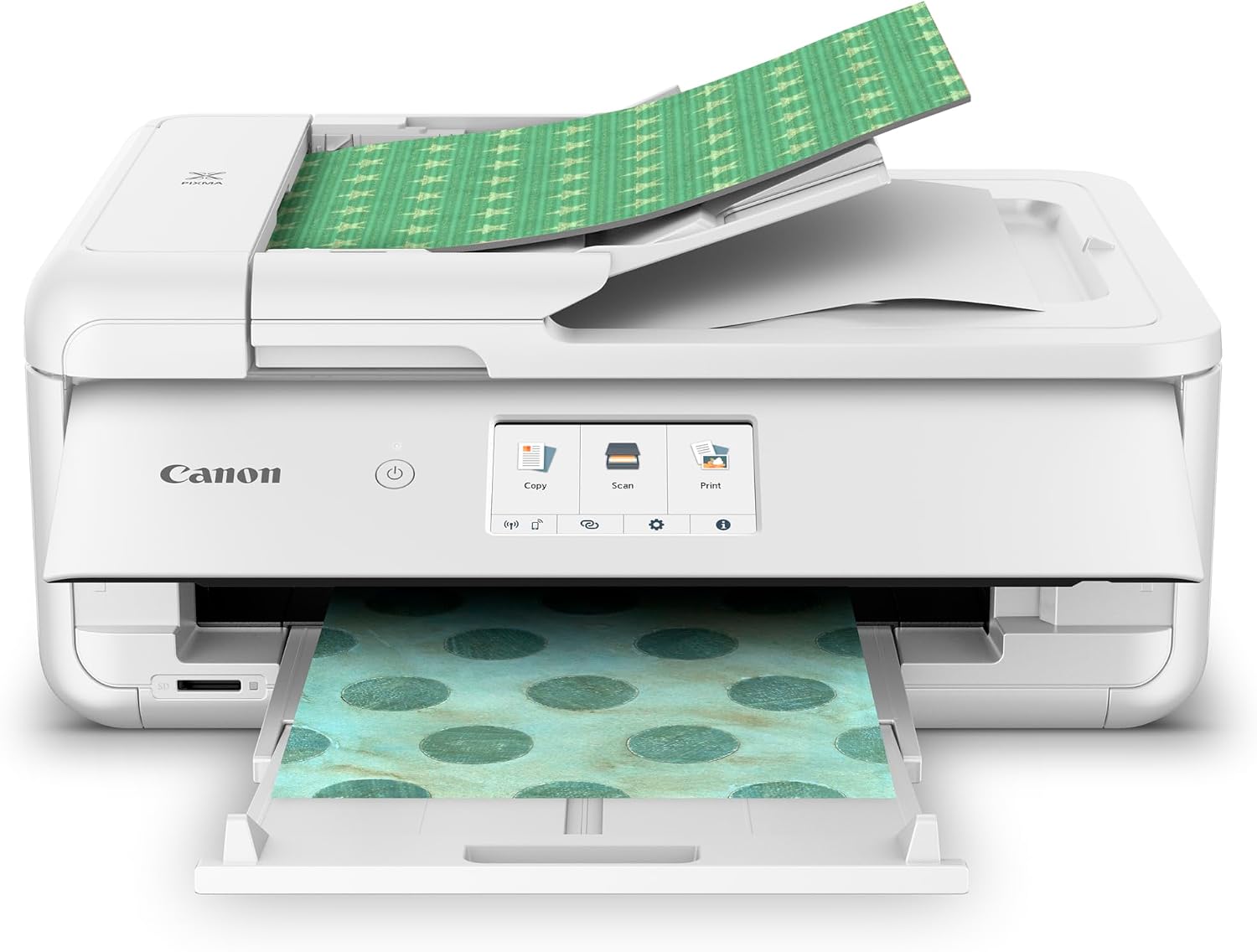
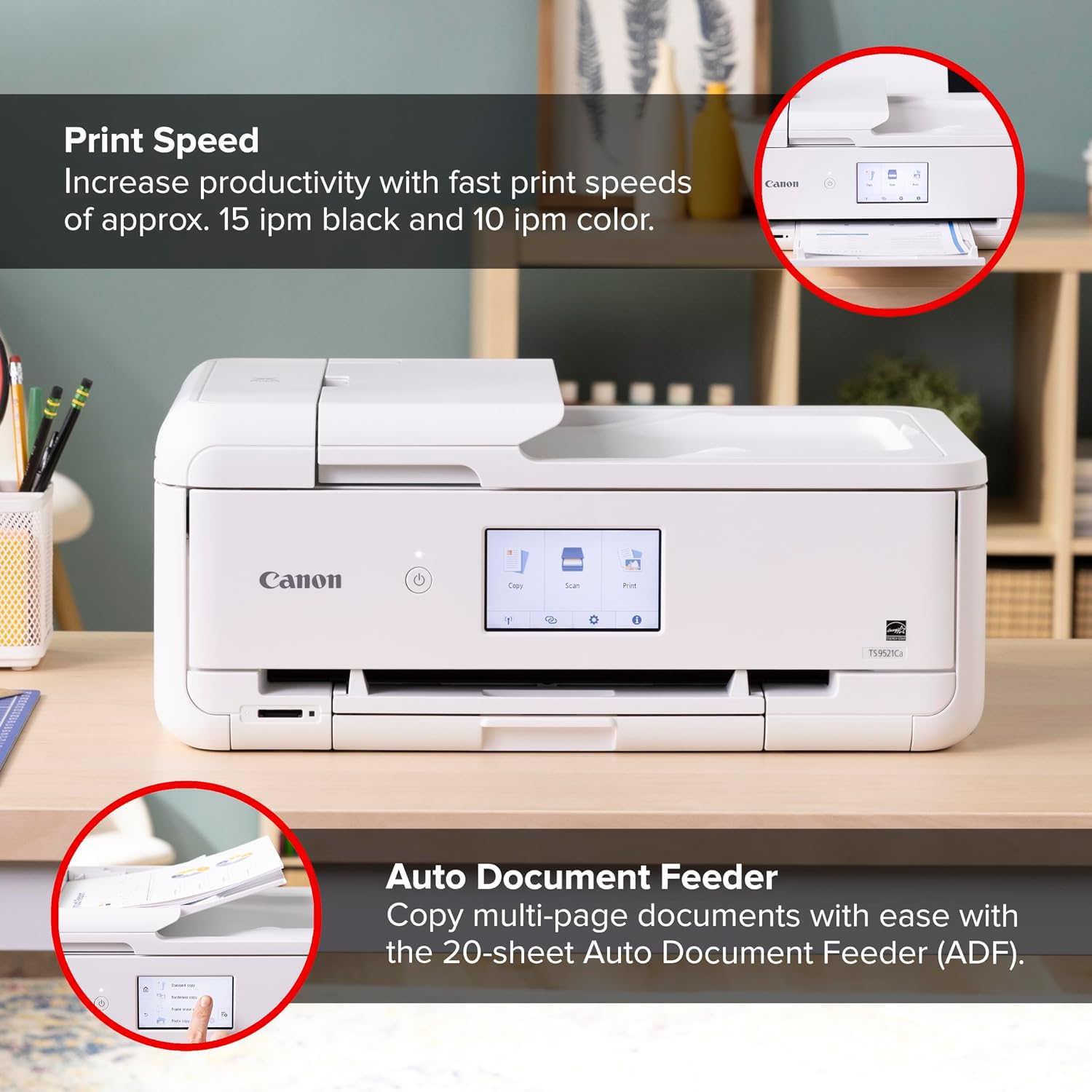
Use the lower cassette and rear tray to keep plain paper ready for different jobs, with room for up to 200 sheets total: 100 in each location. For a stack of multi-page paperwork, the 20-sheet automatic document feeder can handle copying without feeding each page by hand. Automatic duplex printing is useful for longer documents when you want to use both sides of the paper, while the 4.3-inch touch LCD gives you an on-printer way to navigate tasks.
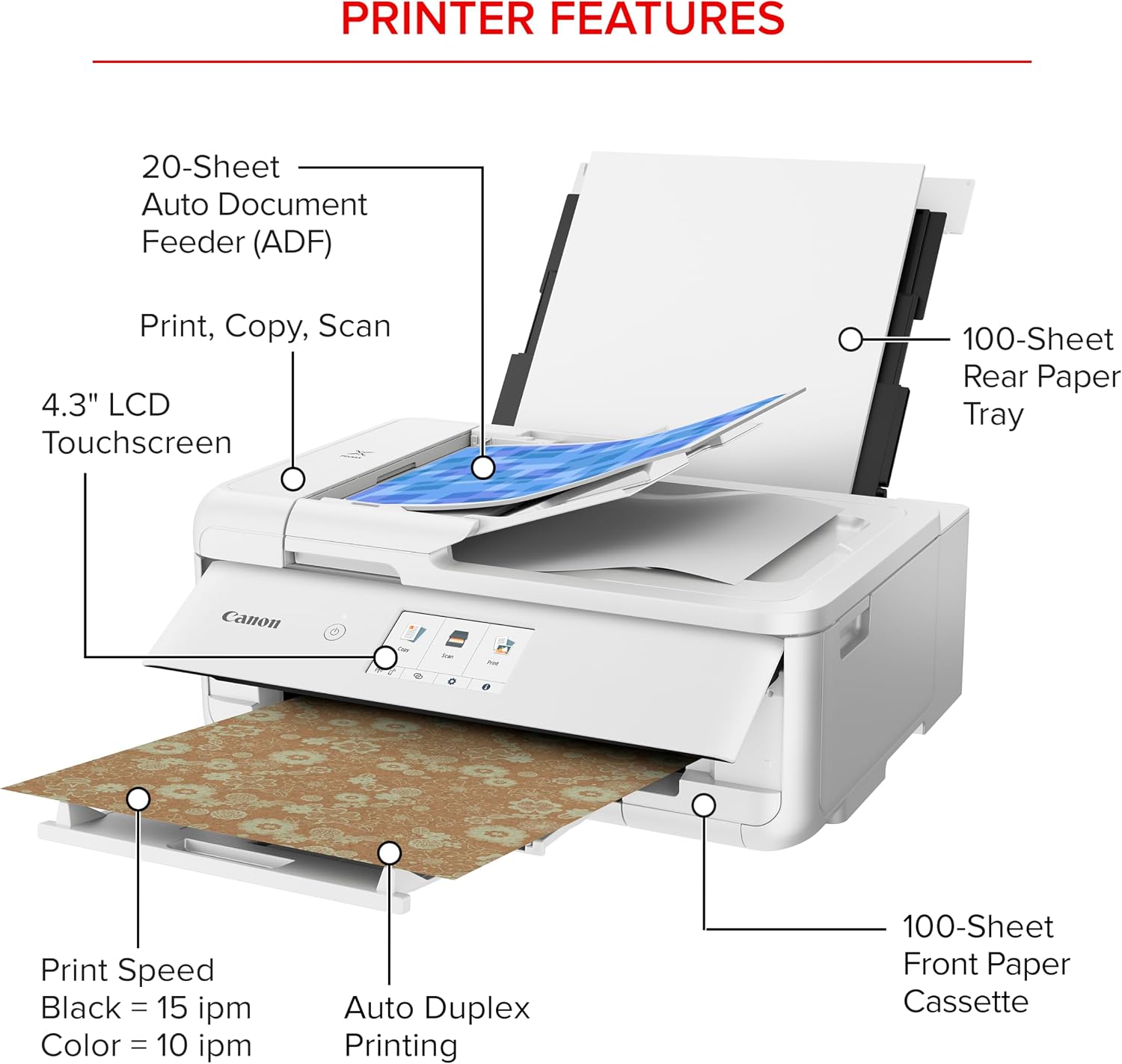
The listed print speeds are approximately 15 images per minute in black and 10 in color. Those figures help set expectations for routine output, but the listing doesn’t describe performance for every kind of document or job. The five individual ink system also means you can replace the color that runs out rather than automatically changing a combined cartridge. For example, printing a few pages of a school form, then copying a multi-page handout, puts the feeder and all-in-one setup to practical use.
Why it’s worth it
The appeal is consolidation: print, copy, and scan functions sit in one device, and the feeder and duplex feature address two common chores that can make basic printers feel more hands-on. It’s a great fit if you want a home machine for mixed paperwork and value an on-device touchscreen. If you prioritize less manual handling and multiple functions, this setup makes more sense than a basic print-only model, if you prefer the simplest possible device for occasional single-page printing, the added copy, scan, feeder, and touchscreen features may not matter much.
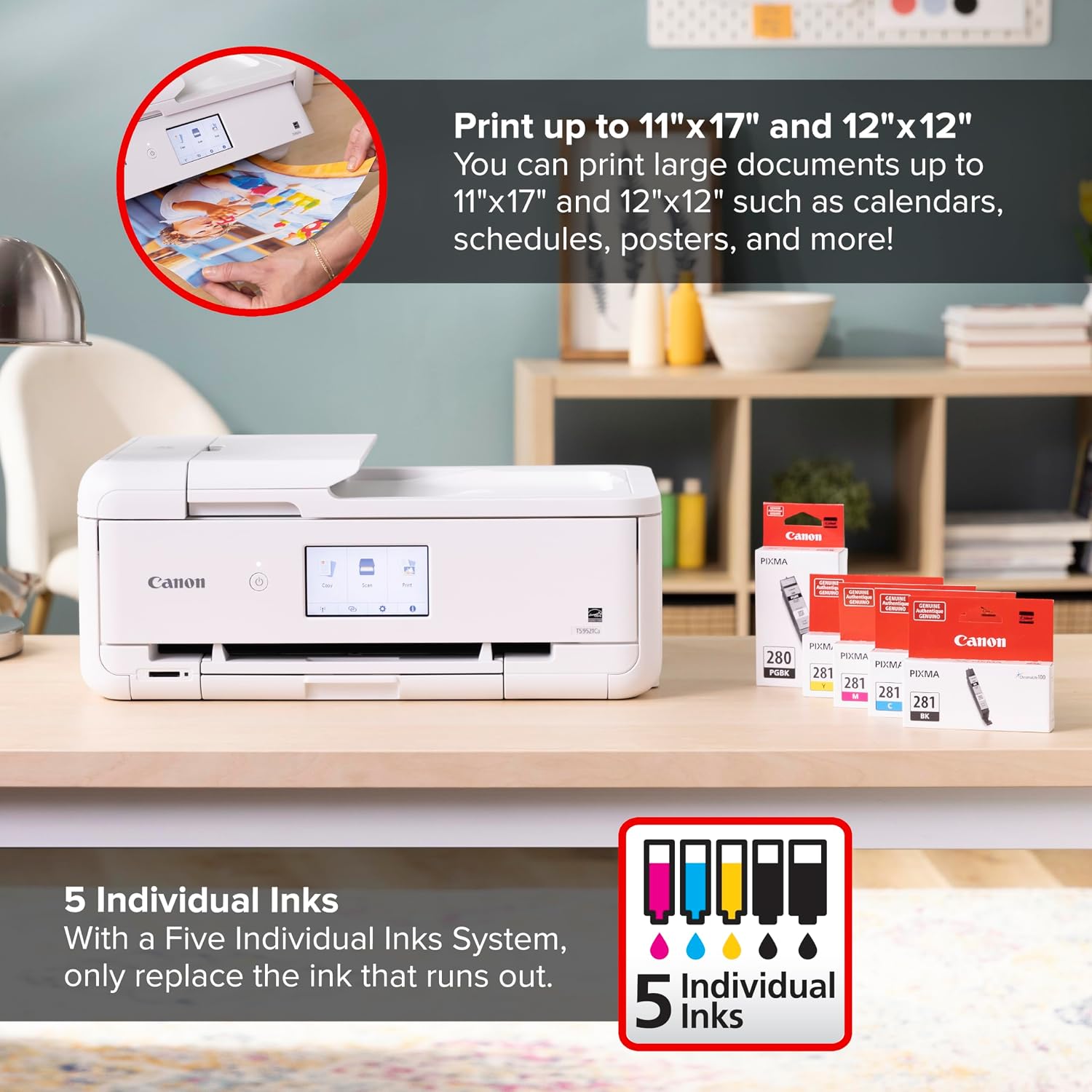
Setup is described as streamlined, and the printer includes a one-year limited warranty. Those details are useful, but they don’t establish long-term running costs or how often ink will need replacing. Ink use depends on what you print, and no ink yield is provided here, so frequent color printing is harder to budget for from the available details alone.
The essentials
This is a wireless all-in-one inkjet printer with print, copy, and scan functions. Its listed conveniences include a 4.3-inch touch LCD, automatic two-sided printing, a 20-sheet automatic document feeder, and capacity for up to 200 sheets of plain paper split between the cassette and rear tray. The product information doesn’t give printer dimensions, and it doesn’t specify scan resolution or supported paper sizes. If desk space or a particular paper format is a deciding factor, those gaps matter. It’s not for you if you need confirmed size details before choosing or want documented ink yields to estimate ongoing use.
Should you buy it?
Choose the TS9521Ca if you want one home printer to cover printing, copying, and scanning, and expect to use the feeder or automatic duplexing rather than just print occasional pages. The separate ink tanks and two paper-loading locations add practical flexibility for mixed everyday tasks. A simpler printer may be a better match if you rarely copy or scan, while a buyer with strict space requirements should first find the missing dimensions. Its case is strongest when the extra handling conveniences will actually save you time.