

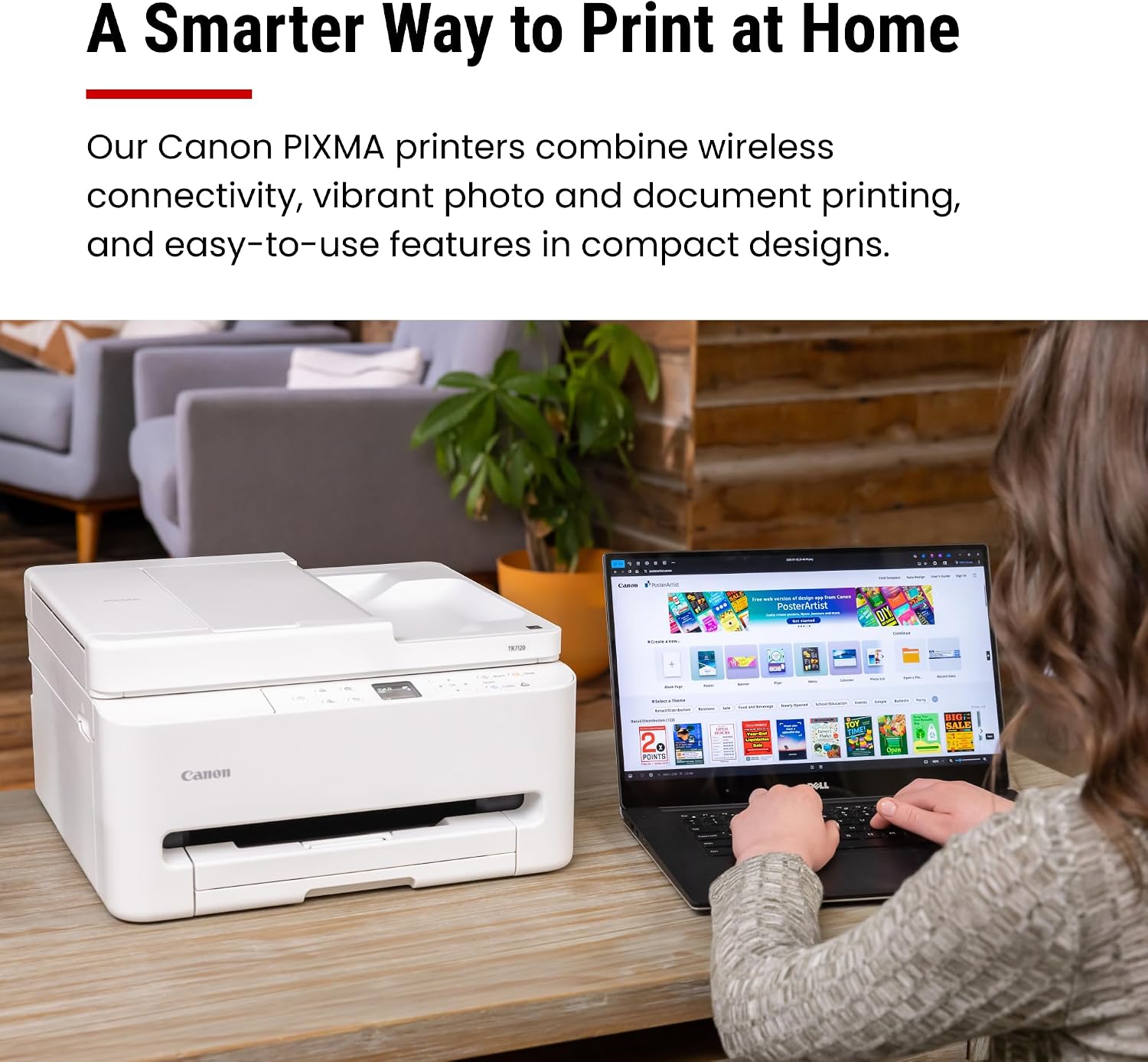
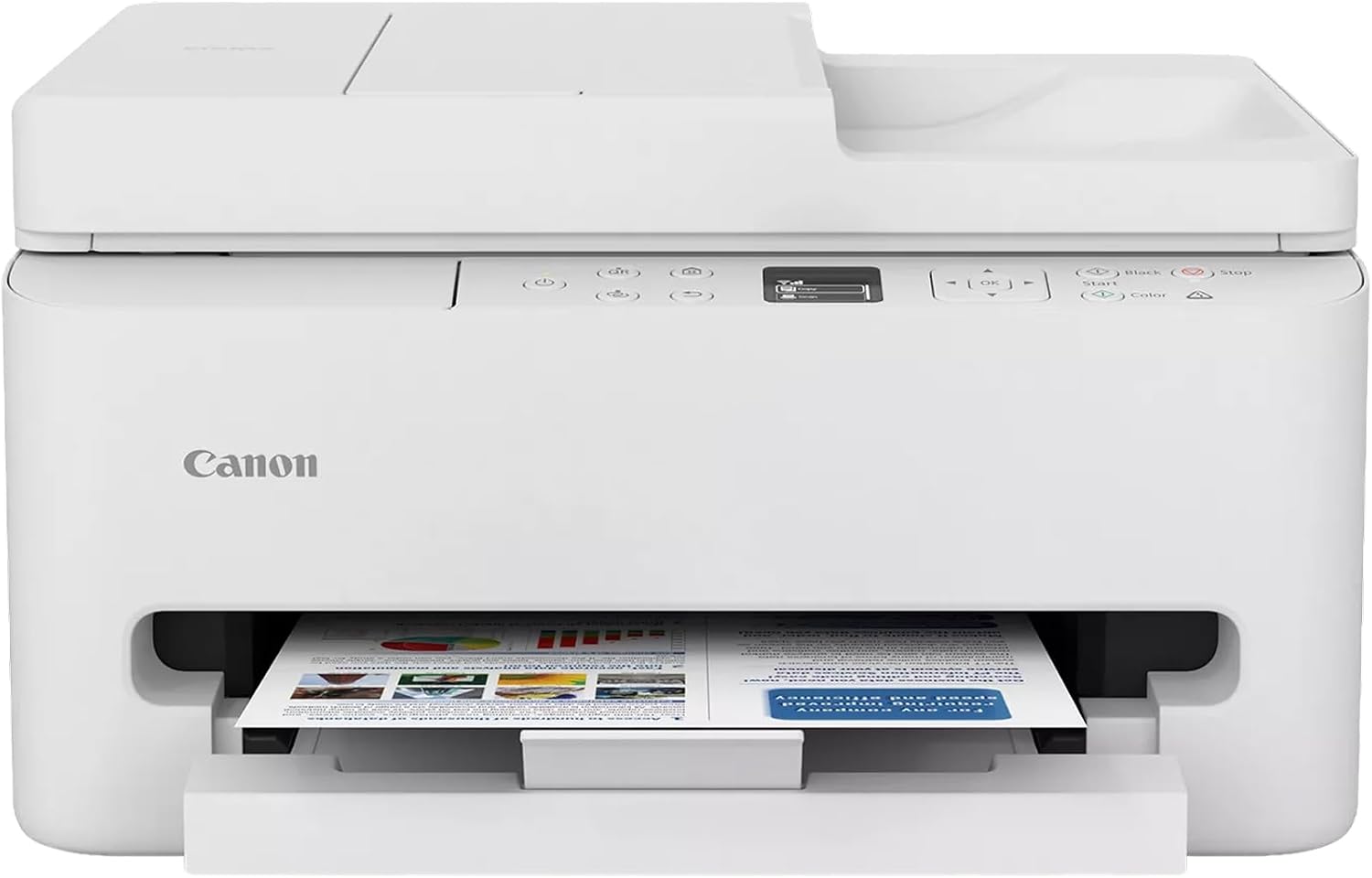
Canon PIXMA TR7120 Wireless Color Inkjet Printer: Compact All-in-One for Home Use
Reviews
Price
Product description
What it is and the kind of owner it fits
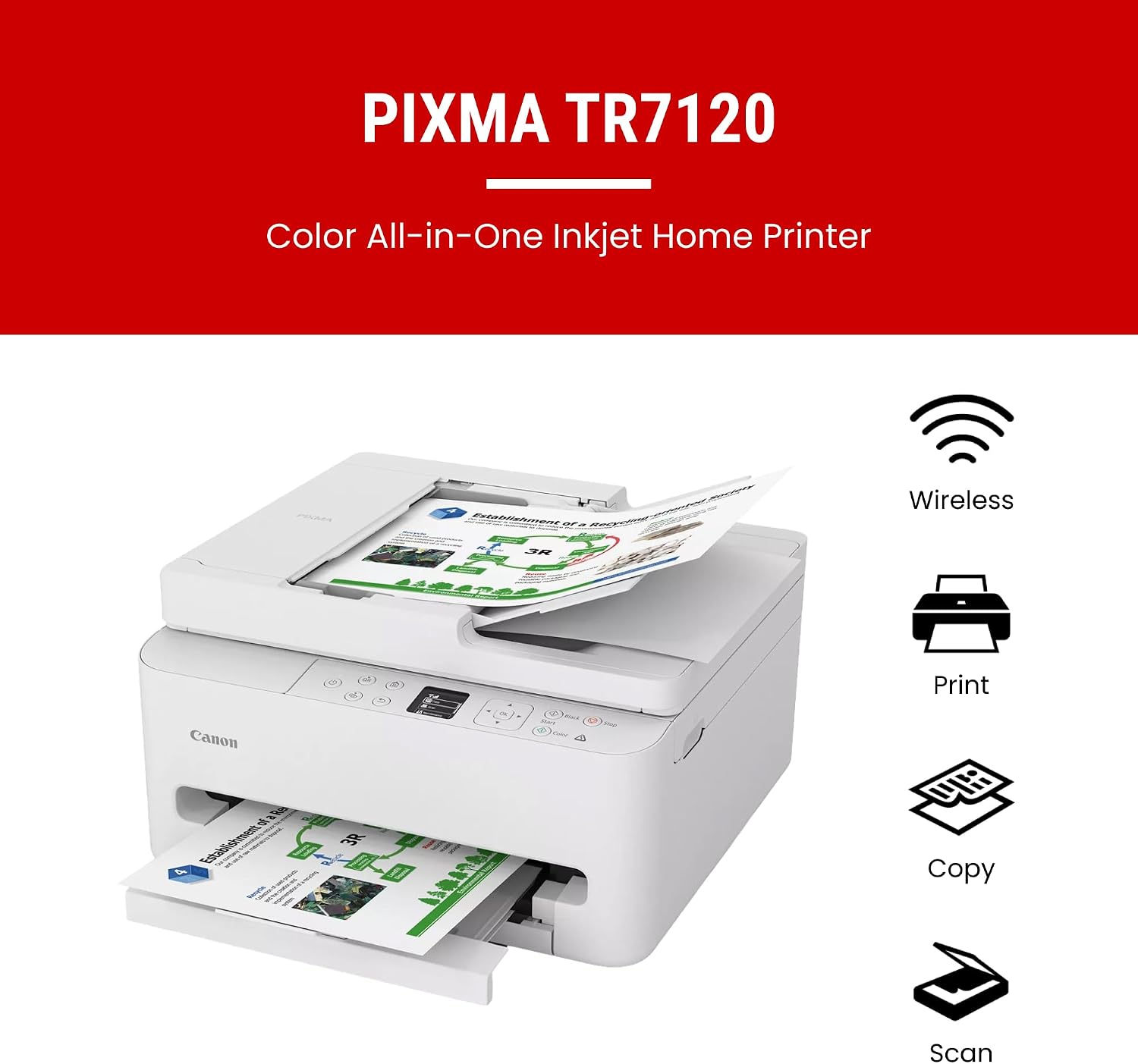
The Canon PIXMA TR7120 is a compact all-in-one inkjet printer designed for home offices and hybrid setups. It combines printing, scanning, and copying in a single, space-saving package. If you’re balancing work-from-home tasks with family printing, this model aims to offer straightforward everyday use without taking over your desk. On paper, it’s positioned as an affordable option that still delivers solid print quality for both documents and photos.
How it performs in daily life
Print quality leans toward crisp text and bright color graphics thanks to a 2-cartridge hybrid ink system. For photos and color documents, you can expect vivid results, though outcomes will depend on the original image and paper choice. Setup is described as quick and practical, especially when linking to smartphones or a computer. The device supports wireless printing over dual-band Wi-Fi, which can help keep a reliable connection whether you’re at the desk or across the room.
Practical strengths you’ll notice
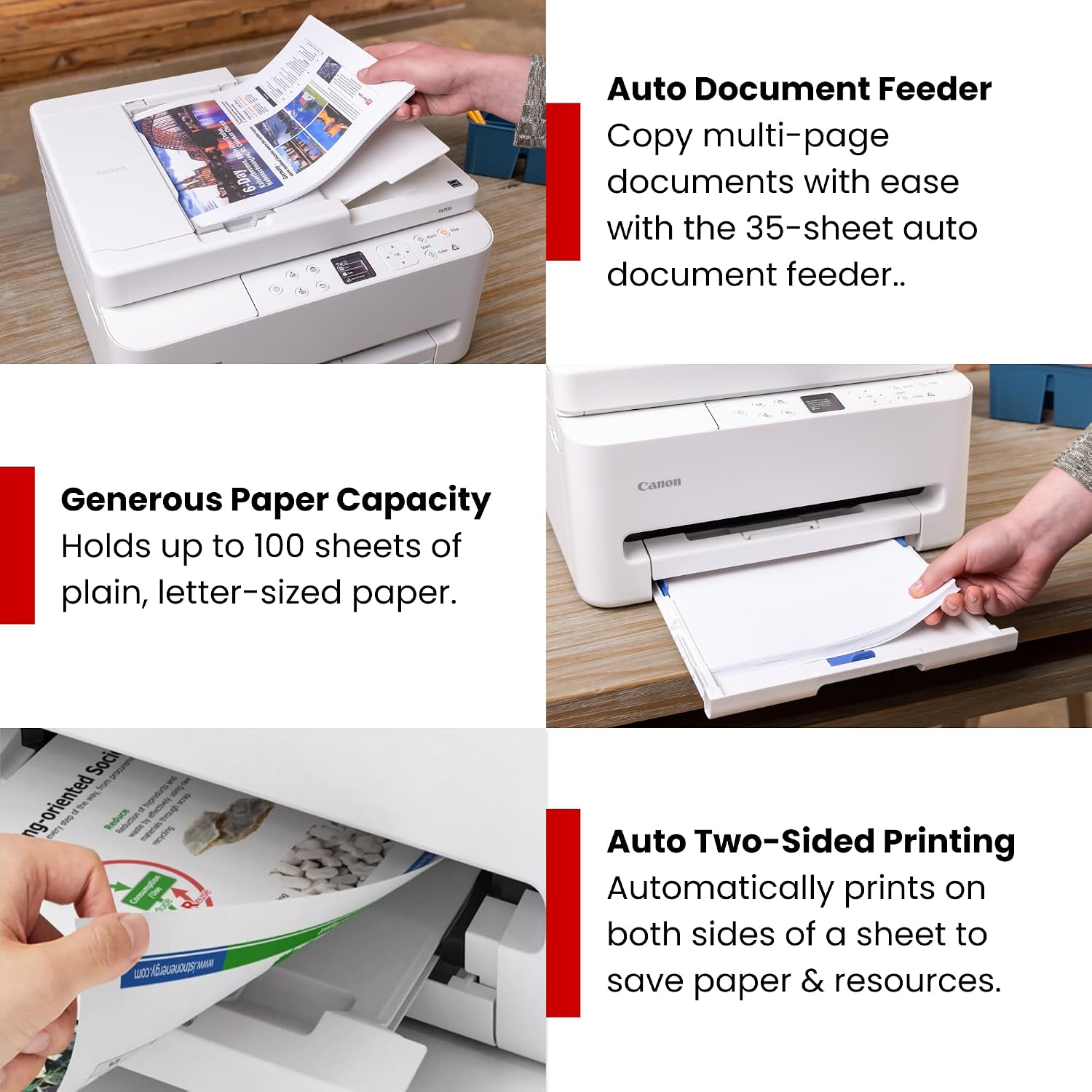
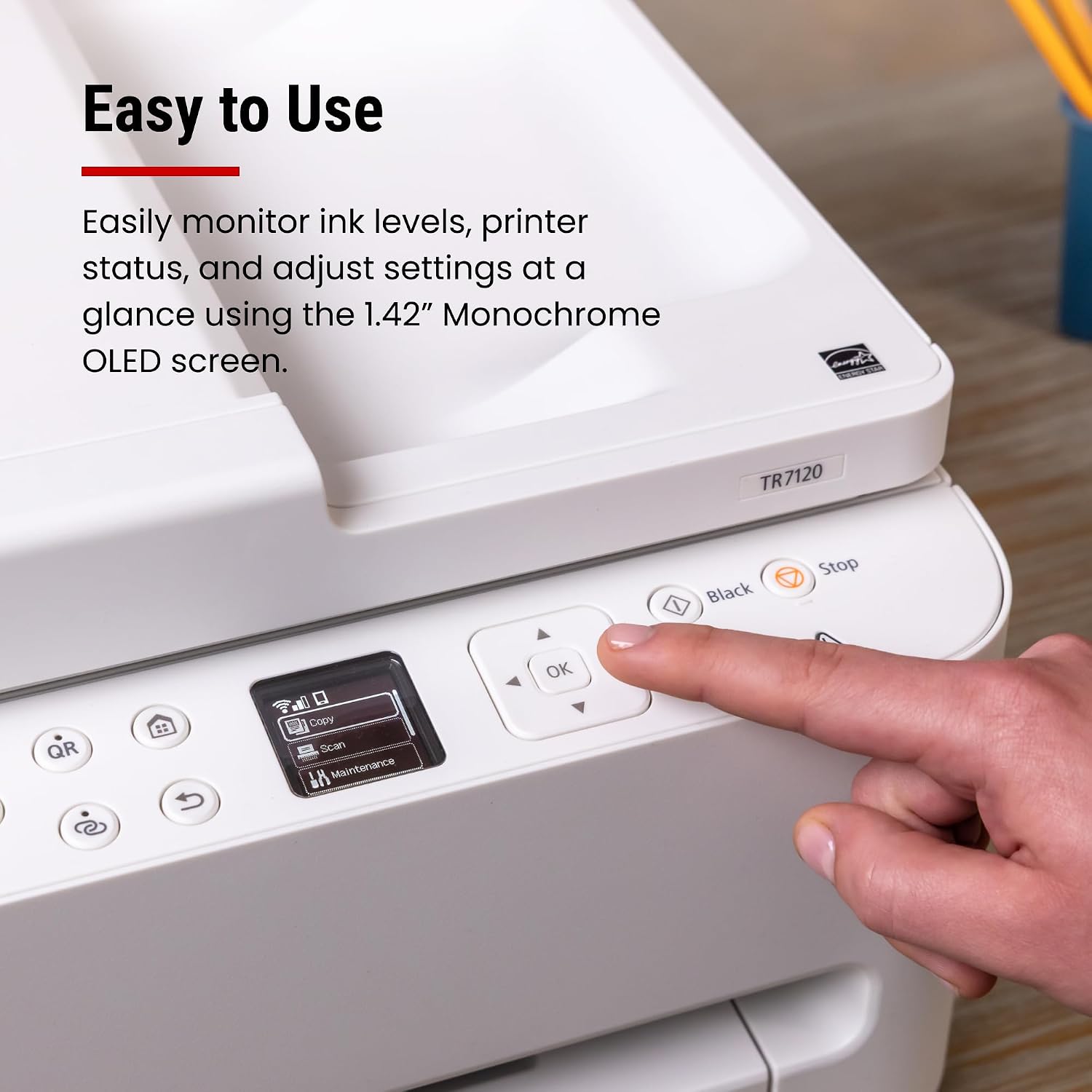
A few standout traits are the Auto Document Feeder (ADF) for multi-page scans and copies, and automatic two-sided printing that can cut paper waste and save trips to the trash bin or recycler. Print environments with mixed media may benefit from its capability to handle documents up to 8.5” x 11” with or without borders, making it flexible for everyday tasks and light creative work. The built-in 1.42” monochrome OLED display provides at-a-glance status updates so you don’t have to guess when ink levels are low or when a job finishes.
What isn’t perfect, and where to temper expectations
The TR7120 sits in the budget-friendly category, so it isn’t a high-volume workhorse. If your workflow hinges on rapid batch printing, heavy photo editing, or large-format tasks, you may outgrow this printer. Also, print speed and color saturation can depend on paper type and mode, if you’re chasing studio-grade photo outputs, you might want to review output tests before committing.
Who should consider this model
It makes sense for households with mixed needs: document-heavy tasks, occasional photo printing, and regular but light scanning or copying. It’s suitable for casual home offices where space is a constraint and a simple, reliable setup matters. For students, families, or remote workers who value two-sided printing and a straightforward interface, this model offers a balanced combination of features and value.
When it’s a smart buy
If you prioritize ease of use, wireless setup, and a compact footprint, the TR7120 can simplify daily tasks without overwhelming a small workspace. In scenarios where you want a single device to handle printing, scanning, and small-scale copying with minimal fuss, this printer aligns with that need. It’s worth considering if you want auto document feeding for multi-page scans and straightforward mobile printing through common apps.
Key questions to answer before purchasing
- Do you need a compact, all-in-one home printer with wireless connectivity? Yes, likely.
- Will you print mostly standard documents with occasional color images or photos? It should handle that decently, but don’t expect professional photo lab results.
- Is integrated scanning and copying with an automatic feeder important for you? If yes, this model covers that use case well.
What to review before buying
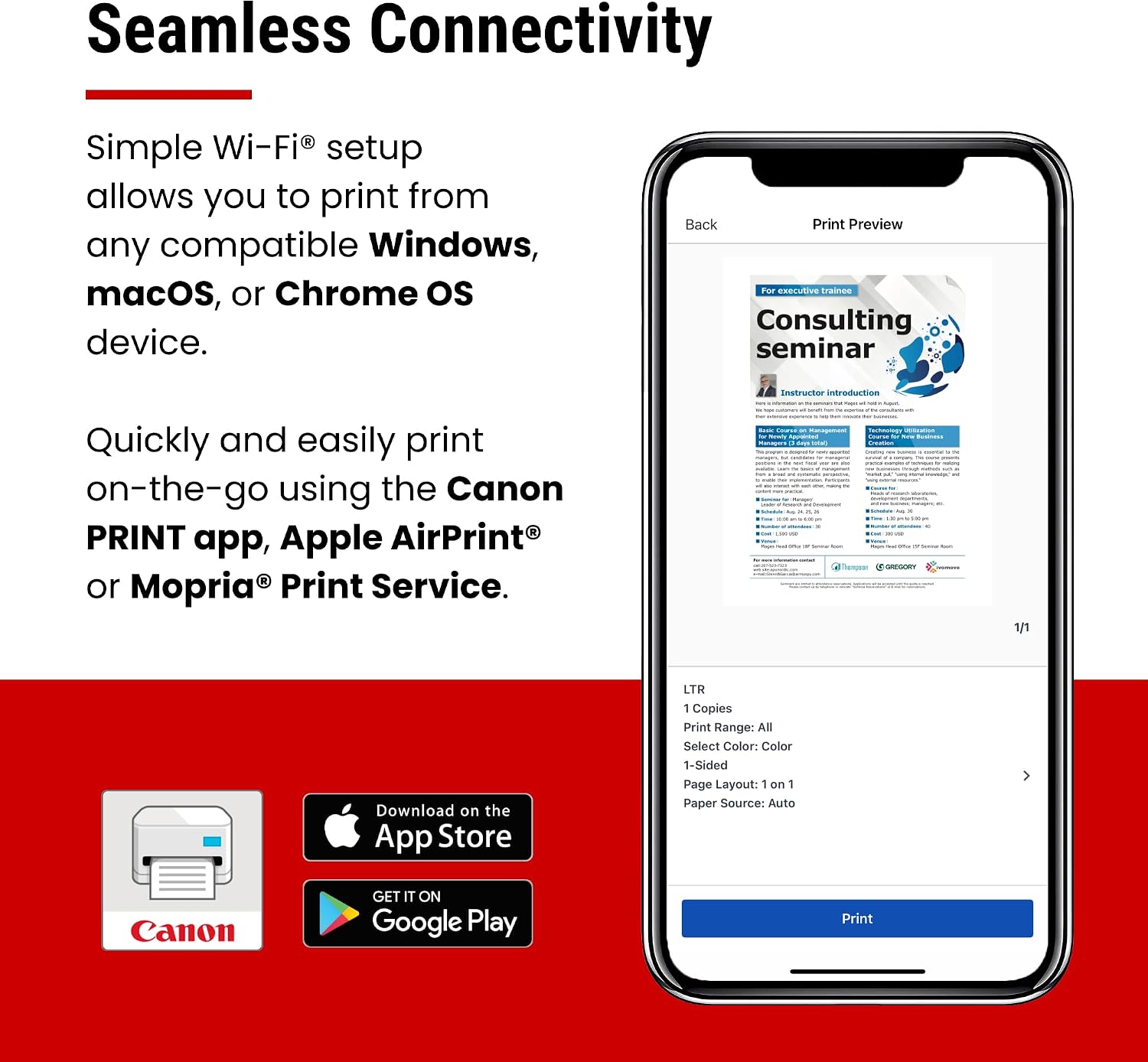
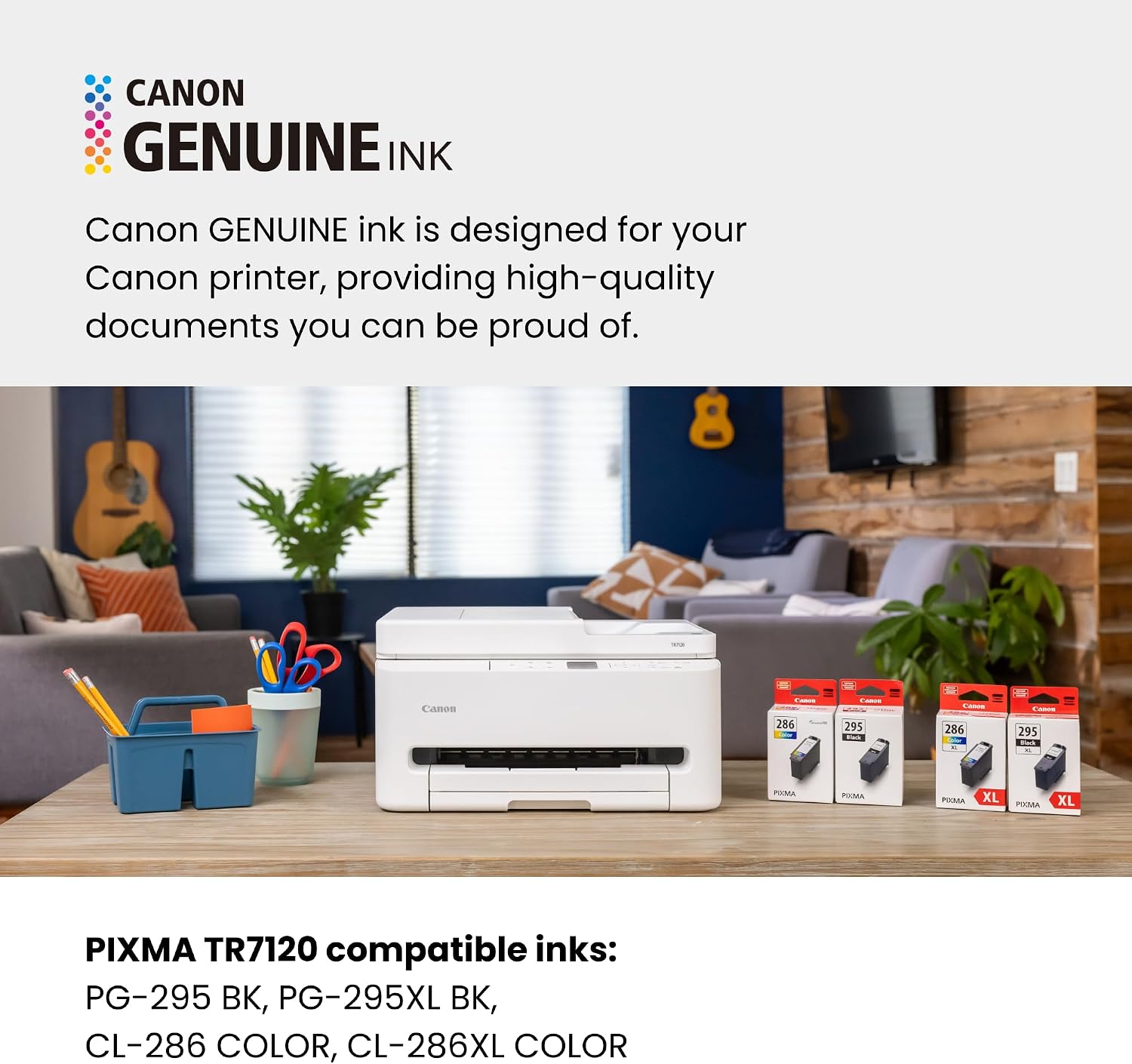
Check the actual paper sizes you’ll print most often and confirm you’re comfortable with a 2-cartridge ink system for your color and black needs. If you rely heavily on mobile printing, verify that your preferred apps (Canon PRINT, AirPrint, Mopria) are compatible and easy to use with your devices.
Practical usage example
Imagine printing a week’s worth of school handouts and a few color flyers for a neighborhood project. You’d print from your phone or laptop with minimal setup, flip through the ADF for a multi-page assignment, and save paper with automatic duplex printing. When a photo needs a quick print, you can pop in standard photo paper and see lively color results that are good enough for framing or sharing in a casual setting.
Pros and cons at a glance
- Pros: compact design, easy setup, reliable wireless connectivity, ADF for multi-page tasks, automatic duplex printing, OLED status display.
- Cons: not built for high-volume or professional-grade photo output, performance can vary by media and mode, ink system is basic for a budget model.
Final decision: Should you buy it?
Is it worth it? It’s a solid pick if you want an affordable, compact all-in-one that covers everyday home office needs with reasonable print quality and convenient features like duplex printing and an ADF. Better avoided if you require top-tier photo output, rapid high-volume printing, or professional-grade color accuracy for prints meant tosell. For the right user—home office, students, or light creative tasks—it offers a practical balance of features and value.
Frequently asked questions
- Can I print wirelessly from my smartphone without a computer? Yes, compatible with mobile printing apps.
- Does it support automatic two-sided printing? Yes, that feature is available to save paper.
- How easy is setup for a non-technical user? Canon markets quick setup for smartphones and computers, which should help most users get started with minimal frustration.