

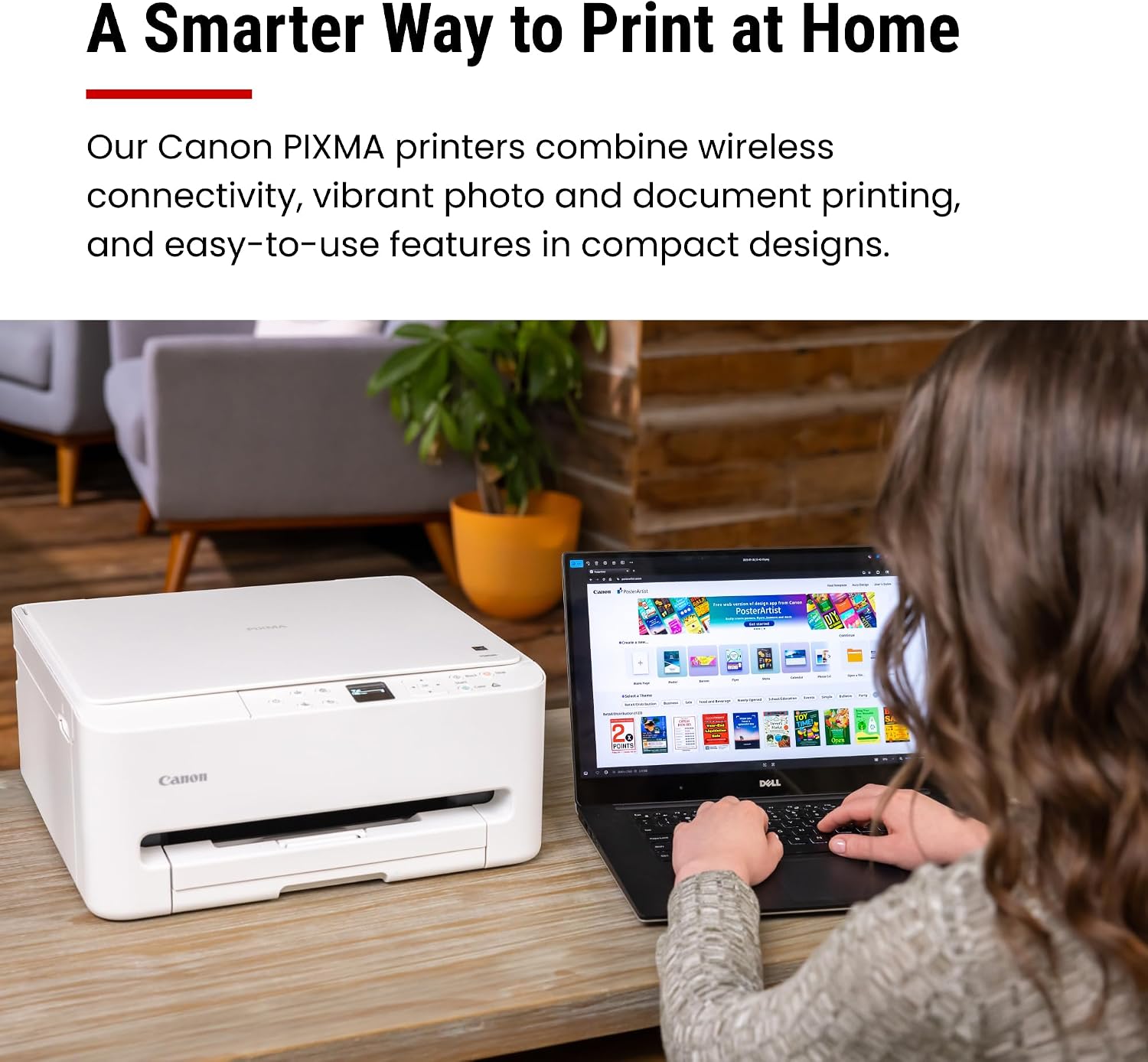
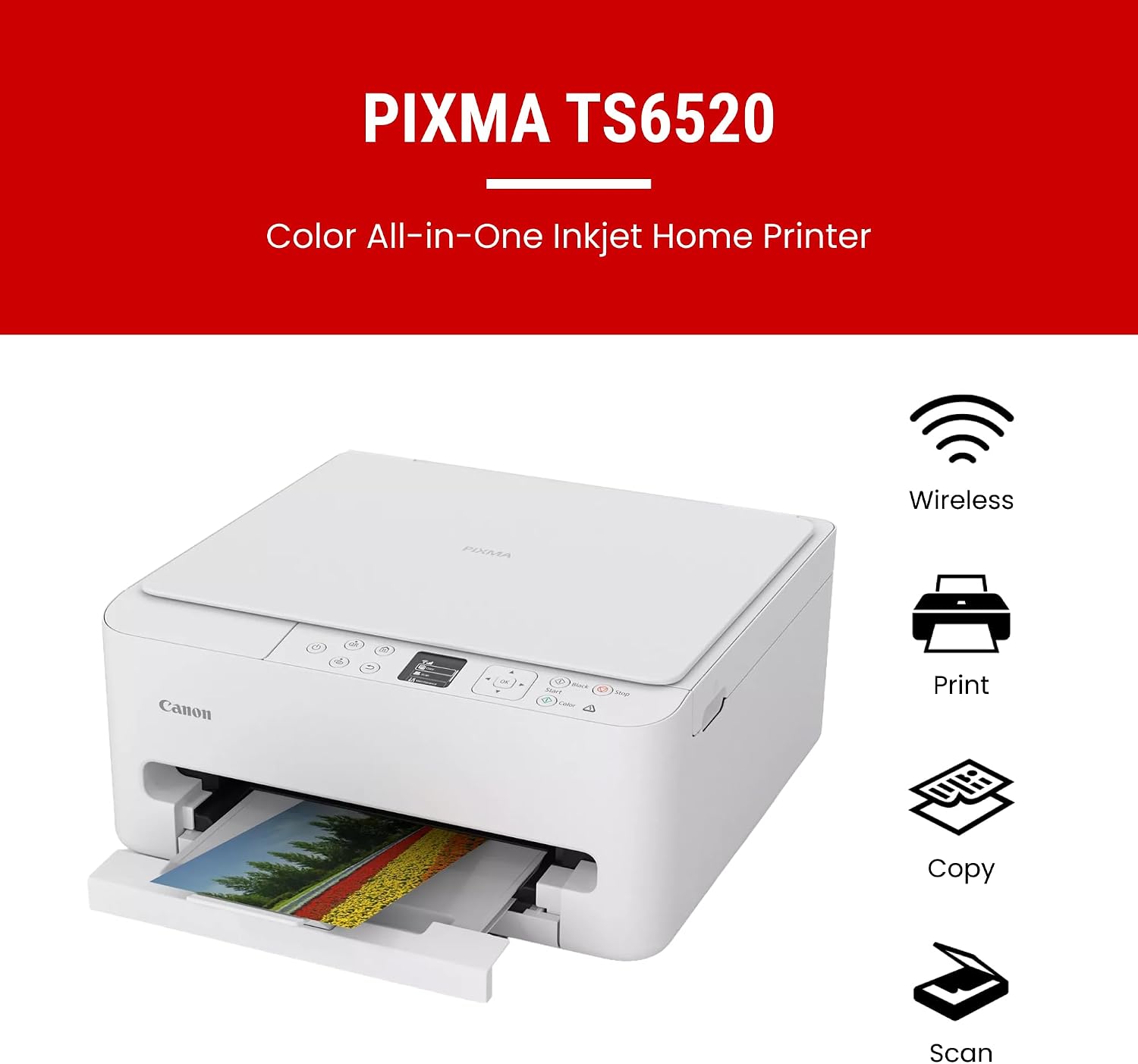
Canon PIXMA TS6520 Wireless Color Inkjet Printer: A Practical Home All‑In‑One
Reviews
Price
Product description
Overview
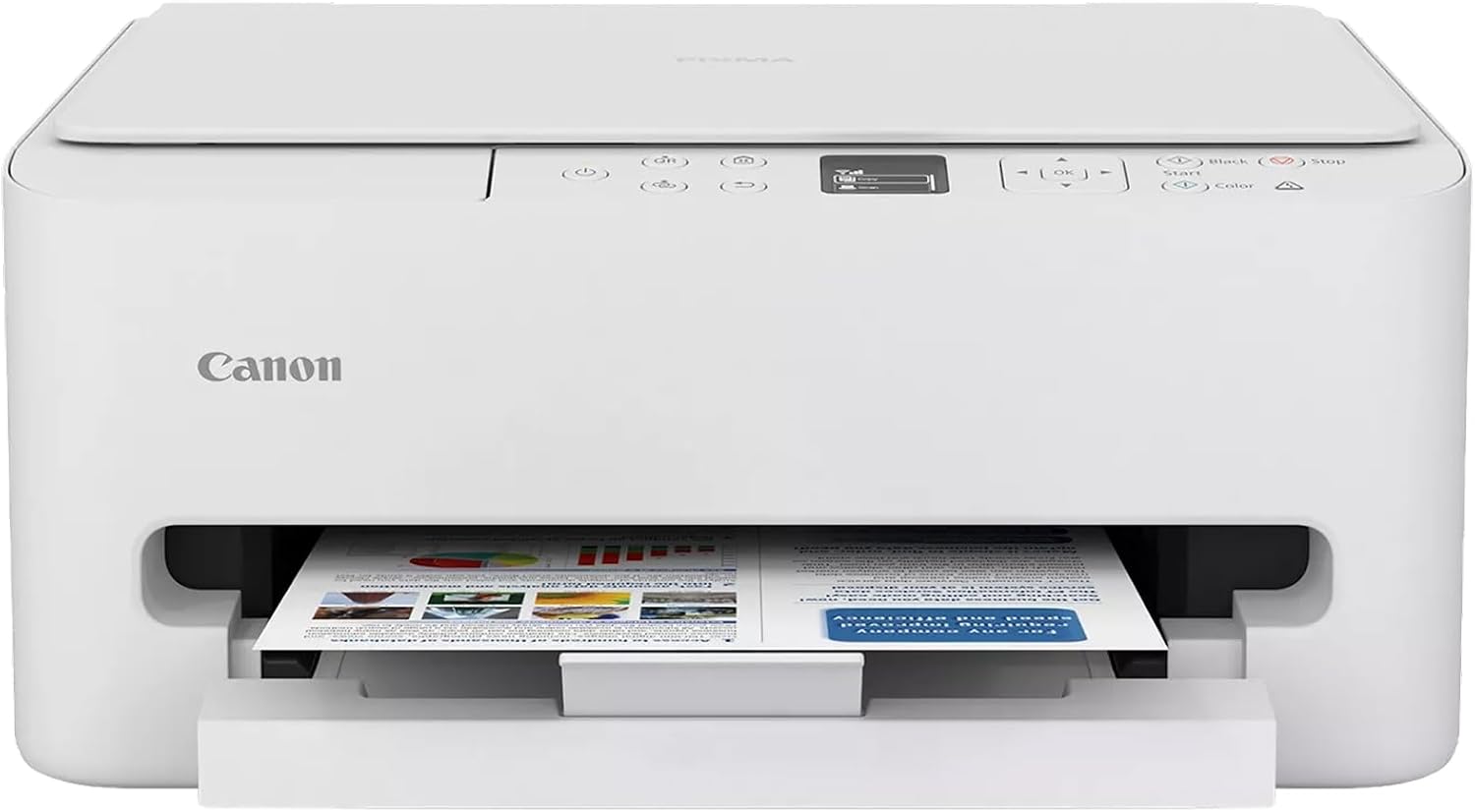
The Canon PIXMA TS6520 is a compact, all‑in‑one color inkjet printer designed for home offices and hybrid work setups. It combines printing, scanning, and copying in a single device with a focus on flexible everyday use. On paper, it aims to balance budget-friendly operation with decent print quality for documents and photos alike, while keeping setup and daily use approachable for non‑technical users.
What it helps with
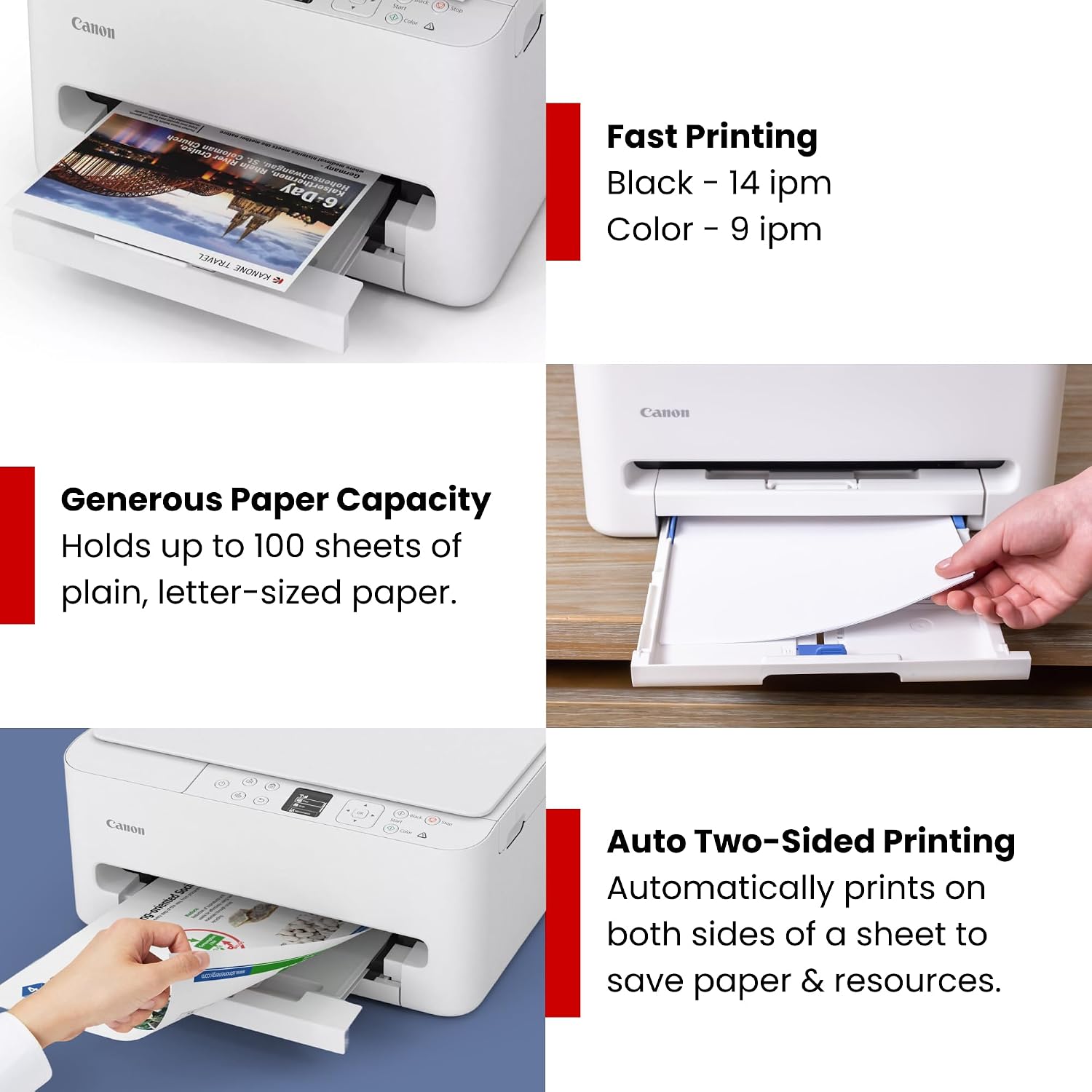
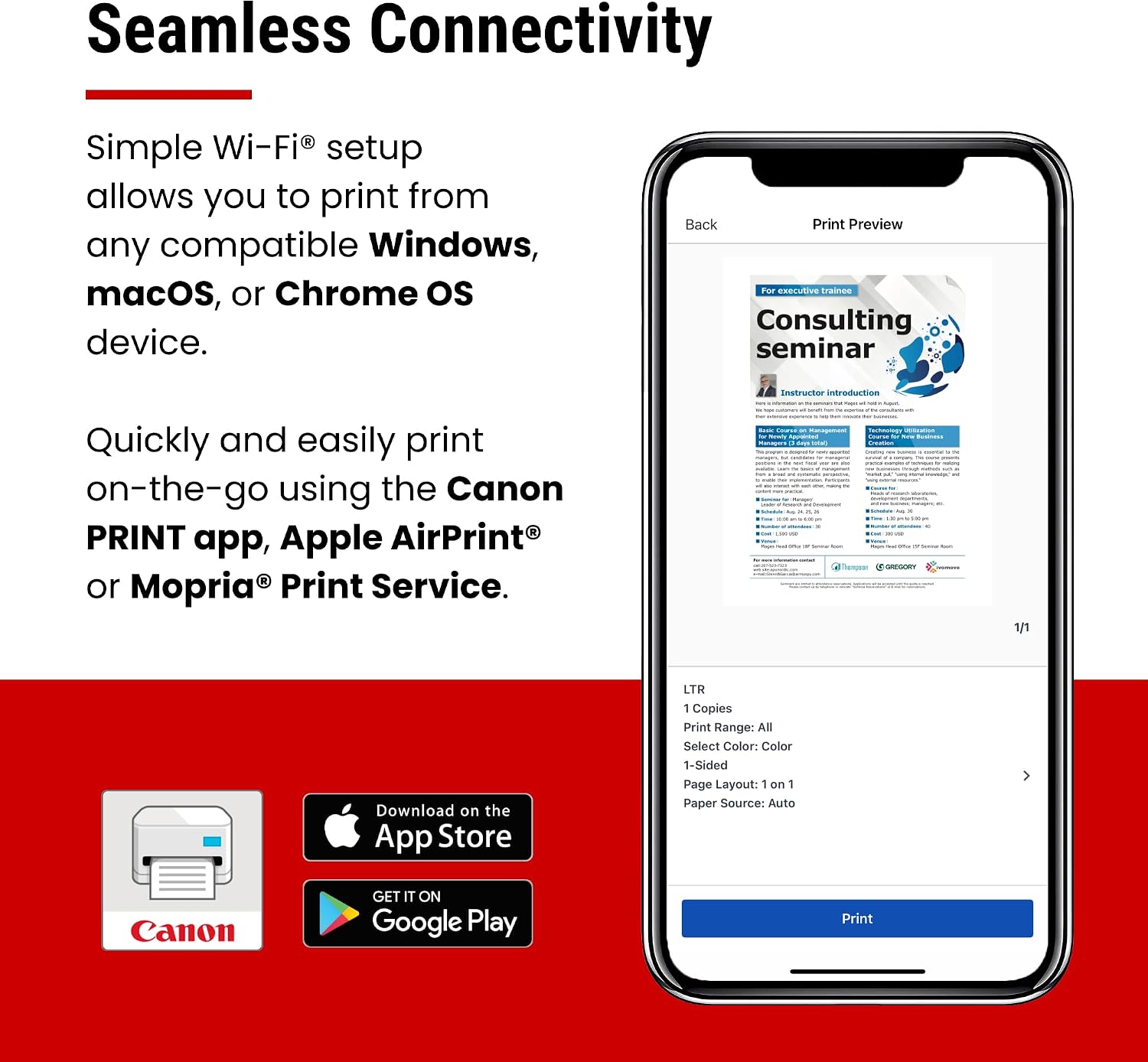
If you’re juggling home tasks, school projects, or light photo printing, this model promises reliable wireless printing from a phone or computer. The setup emphasizes quick starts via the Canon PRINT App, AirPrint, or Mopria, so you can print from tablets and smartphones without a hassle. The auto duplex printing feature is a practical time‑saver for duplexing documents and reducing paper usage over time.
Design and ease of use
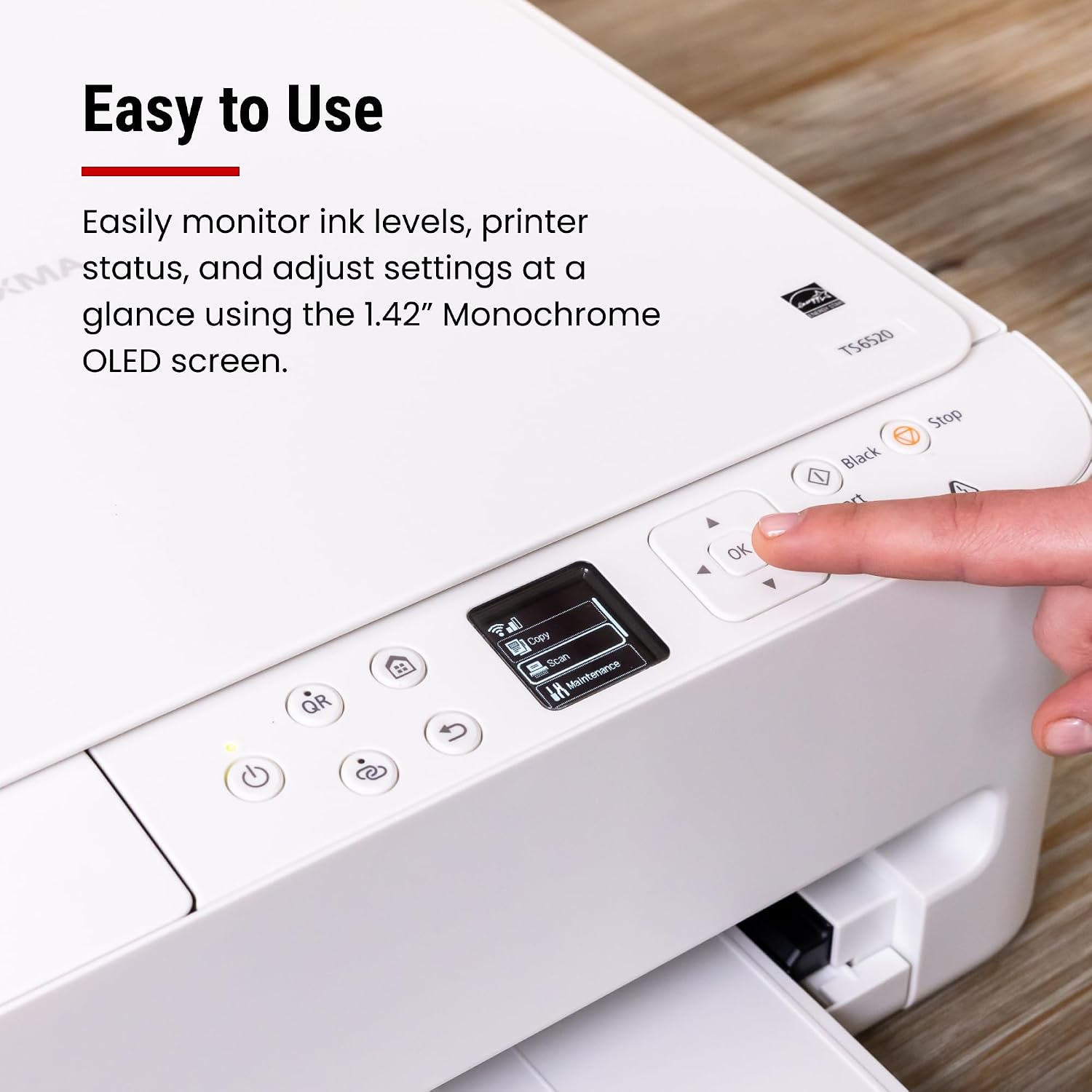
A small footprint helps it fit on a desk or shelf without dominating space. The 1.42” monochrome OLED display provides status updates and ink indicators at a quick glance, and the control panel is designed for intuitive navigation through tasks like copying and scanning. The printer supports a wide media range up to 8.5” x 11” with or without borders, which covers everyday documents and standard photo sizes.
Print quality and ink system
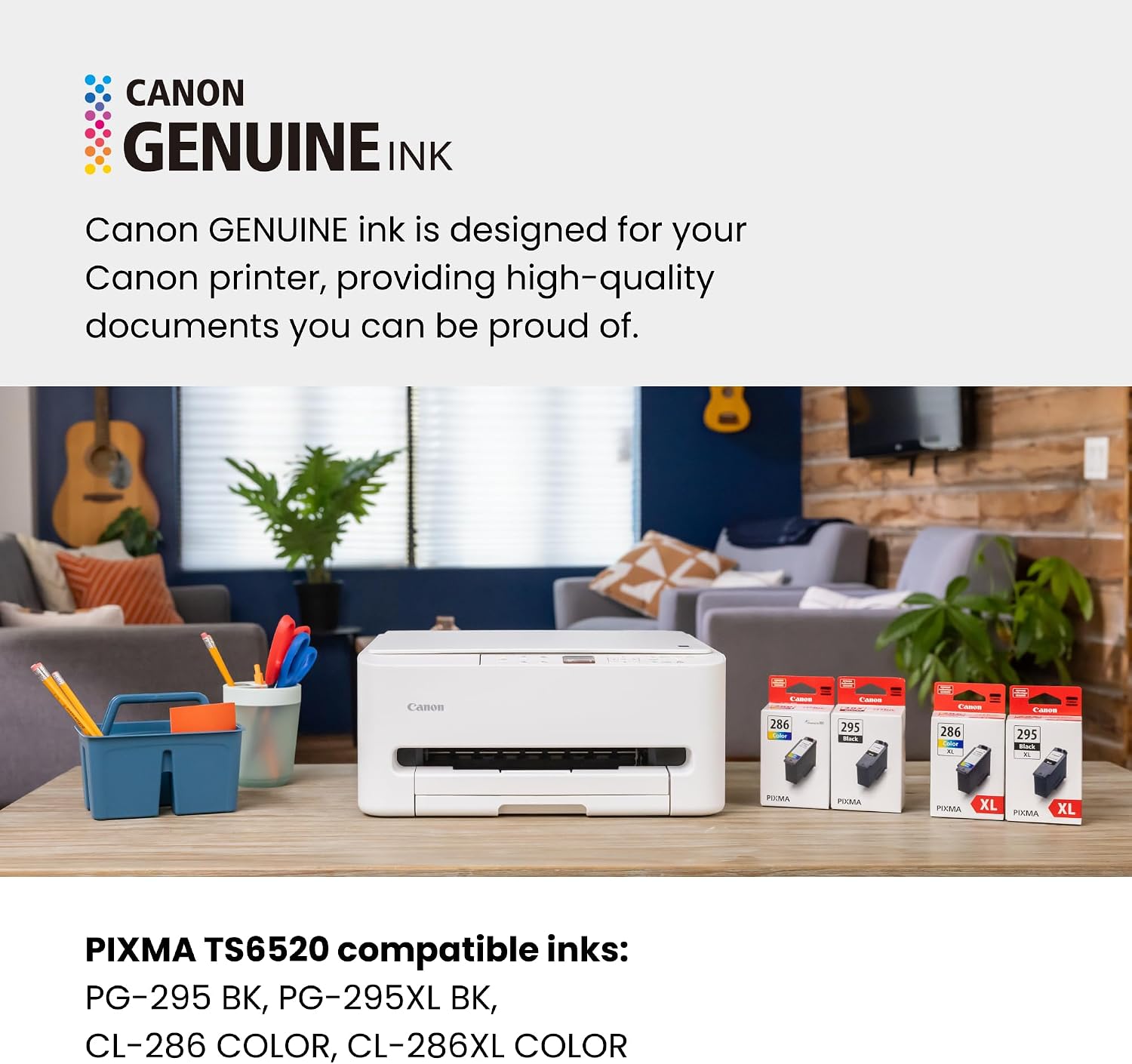
The TS6520 uses a 2‑cartridge hybrid ink system, intended to deliver sharp text and vibrant colors. For text documents, you’ll typically get crisp results, while photos and color graphics should look decent for casual sharing or school projects. It’s not framed as a premium photo lab, but it should satisfy typical home photo printing needs without requiring professional equipment.
Connectivity and workflow
Dual‑band Wi‑Fi (2.4GHz/5GHz) aims to keep wireless connections stable for multiple devices around the home. If your setup involves mobile devices, you can print directly from iOS or Android using common services, avoiding the need to tether to a computer. The printer is also positioned as a convenient copier and scanner, which can help when you’re working from home and need to digitize documents quickly.
What to watch out for
The TS6520 is more of a balanced, mid‑range option rather than a high‑end photo printer or a heavy‑duty office machine. If your needs lean heavily toward professional photo labs, long‑lasting color accuracy, or high‑volume print runs, you may find it less compelling. Also, while the OLED display is helpful, it’s still a basic control interface compared with premium models with larger touchscreens.
Who it’s for
It makes sense for dedicated home users, students, or hybrid workers who want an affordable all‑in‑one with decent everyday print quality and straightforward wireless setup. If you value a compact footprint and simple health checks (ink levels, status), this model aligns with that approach.
Who it isn’t ideal for
If you mostly print in bulk (think large reports, dense color graphics, or frequent, high‑volume color photo jobs), or you demand top‑tier photo realism and ultra‑low running costs, this printer may feel limited. It’s also not the best choice if you primarily print in environments where speed or professional photo quality is a priority.
Buy‑considerations and what to check before purchasing
- Ensure your devices can print via the preferred mobile services (Canon PRINT, AirPrint, Mopria).
- Consider whether auto duplex and 8.5” x 11” media support suits your typical tasks.
- Be mindful that ink cartridges are a two‑cartridge hybrid system, cost per page depends on usage mix (text vs. color). If your workload tilts heavily toward color imaging, you may want to model that cost against your typical print volume.
- If space is tight, the compact design is a plus, but confirm clearance for paper input and output trays in your workspace.
How it compares in practical use
For home users who don’t need enterprise features, a device like this often offers a sweet spot between cost and capability. If you’re comparing it to more feature‑rich or higher‑volume printers, you’ll trade some speed, ink economy, or professional photo performance for a friendlier price and more approachable maintenance. It’s a sensible option when you want a single device to handle documents, light photo printing, and scanning without a complicated setup.
Final verdict
Final verdict: it’s a solid pick if you prioritize affordability, a compact design, and straightforward daily tasks in a home or small‑office setting. It may not be the best fit if your tolerance for color photo quality or long‑term running costs is very high, or if you need heavy‑duty duplex printing at scale. For many hybrid workers and families, the TS6520 delivers practical value with usable features that align with everyday needs.
FAQ
- How easy is the setup? It’s designed for quick setup with mobile devices and computers, aiming for a smooth start with minimal steps.
- Is it good for photo printing? It handles photos for casual sharing reasonably, but it isn’t marketed as a premium photo printer.
- Can I print from my phone? Yes, via Canon PRINT App, AirPrint, or Mopria.
- Does it support automatic duplex printing? Yes, it supports automatic two‑sided printing to save paper.
- What should I budget for ink? It uses a 2‑cartridge hybrid system, cost will depend on your mix of text and color printing.