

HP Envy Photo 7975 Wireless Color Inkjet Photo Printer (B63K3A)
Product description
What matters most
The HP Envy Photo 7975 is a versatile home printer designed to handle family tasks, homework, and photos in one device. It combines color inkjet printing, scanning, and copying with wireless setup and AI-assisted features, aiming to simplify everyday workflows for households that want true-to-screen photo quality and practical document output.
Design and setup at a glance
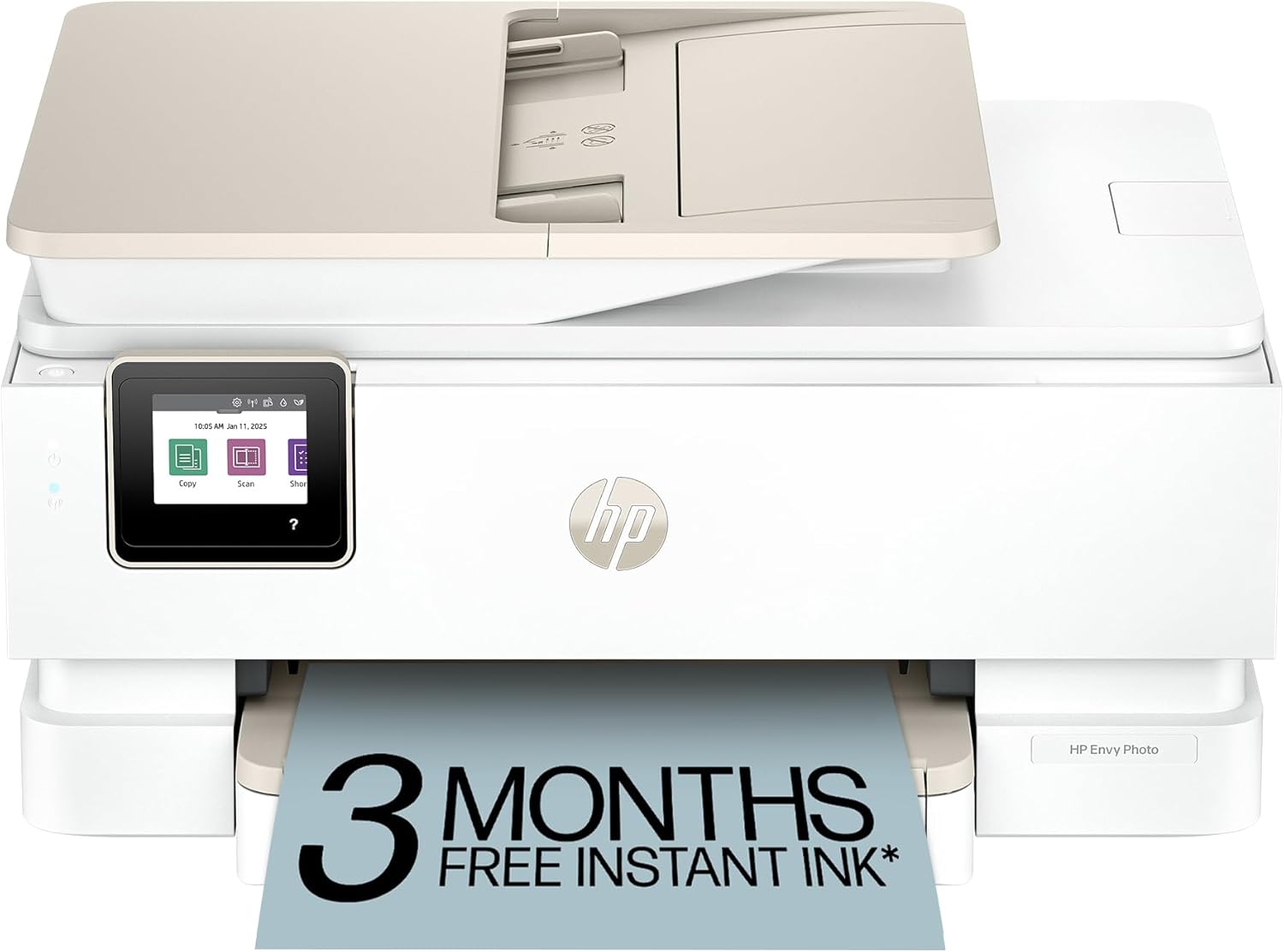
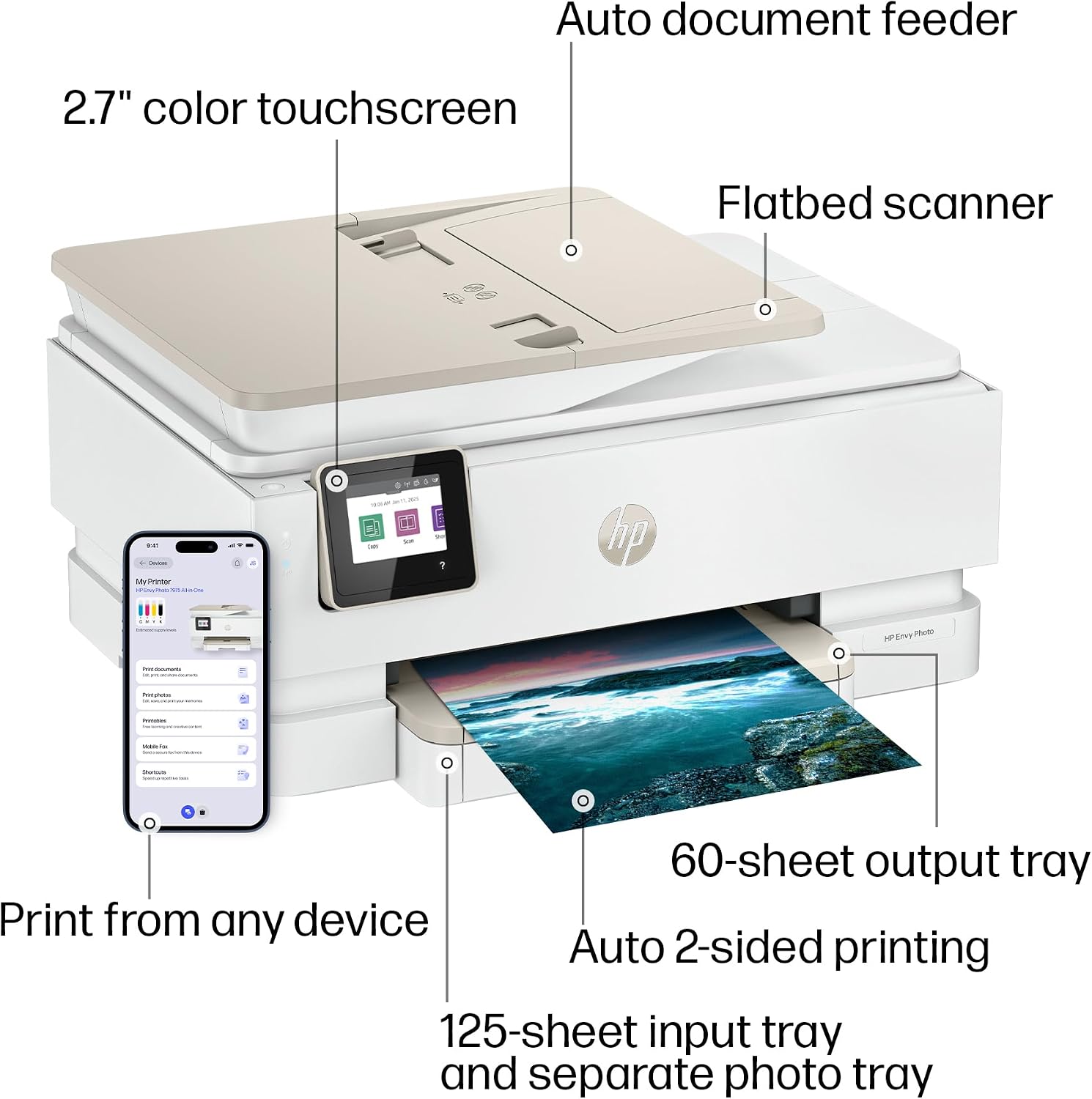
This model emphasizes a user-friendly setup path and convenient everyday use. It features a large color touchscreen for navigation and control, a dedicated photo tray, and an automatic document feeder for multi-page jobs. The emphasis on wireless printing means you can print from phones, tablets, or laptops without cables, which is helpful for busy homes.
What it can do for you
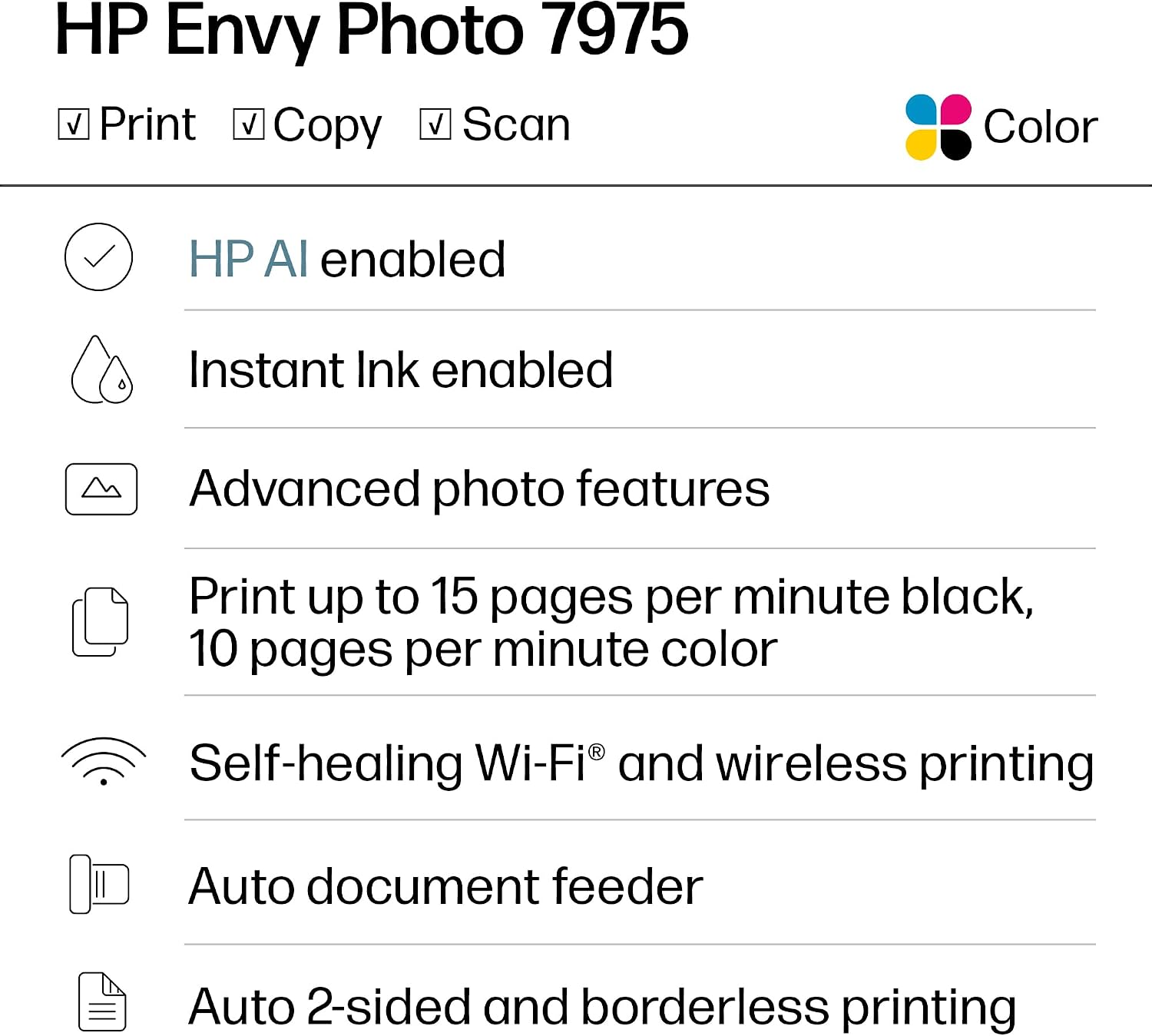
On paper, it delivers color prints at up to 10 pages per minute and black-and-white at up to 15 pages per minute, suitable for quick school assignments, casual photo projects, and home office documents. It supports automatic two-sided printing, which saves paper on longer work sessions.
Photo quality and AI touches
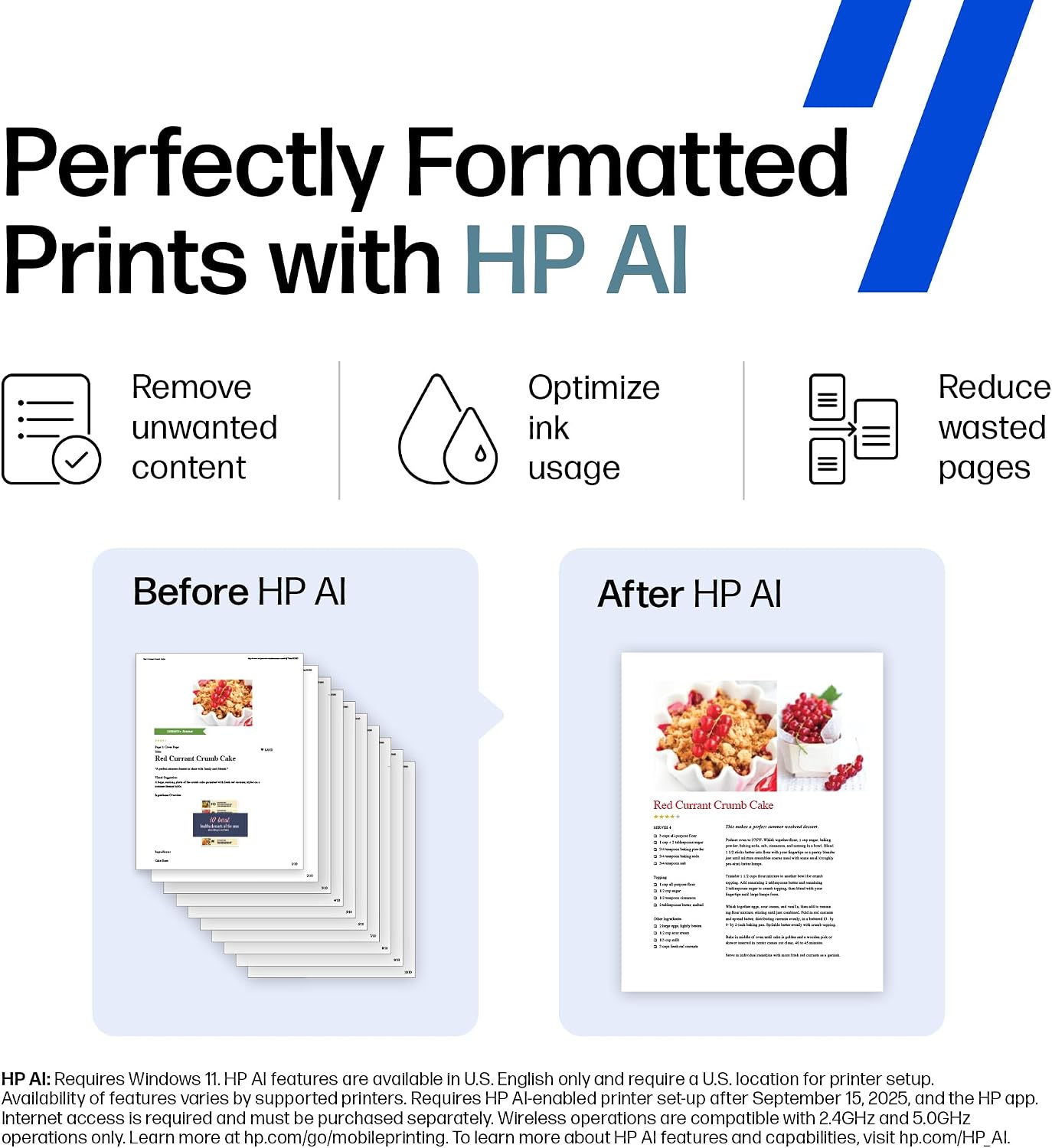
HP positions the Envy 7975 as a strong option for home photo printing, with features intended to optimize layout and reduce wasted content. The AI-enabled aspect aims to adapt to your workflow, potentially trimming out unwanted content and aligning pages more cleanly.
Who it’s for
If you’re a family or home office user who wants a single device for printing photos, schoolwork, and everyday documents, this printer provides an integrated approach with a focus on photo output and simple mobile printing. The inclusion of a dedicated photo tray suggests a favorable setup for photo projects and borderless true-to-screen results.
What to consider before buying
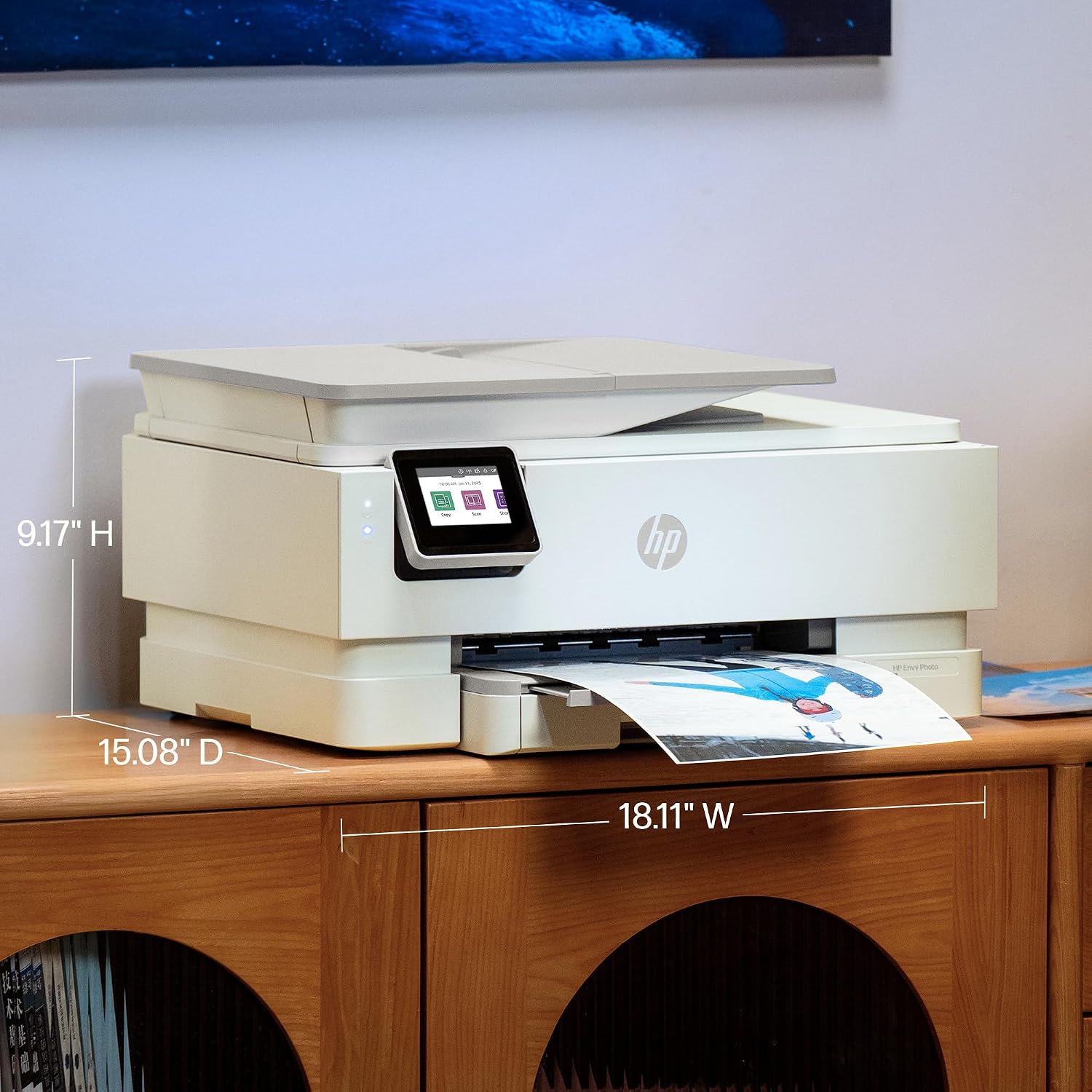
- It’s not a compact printer, so consider space in your home office or living area.
- AI features depend on software interactions and may not replace targeted photo-editing workflows. If you require deep, step-by-step image retouching, you might still want a separate editor.
- If your usage skews toward high-volume professional printing, this device leans more toward home use and family tasks than enterprise workloads.
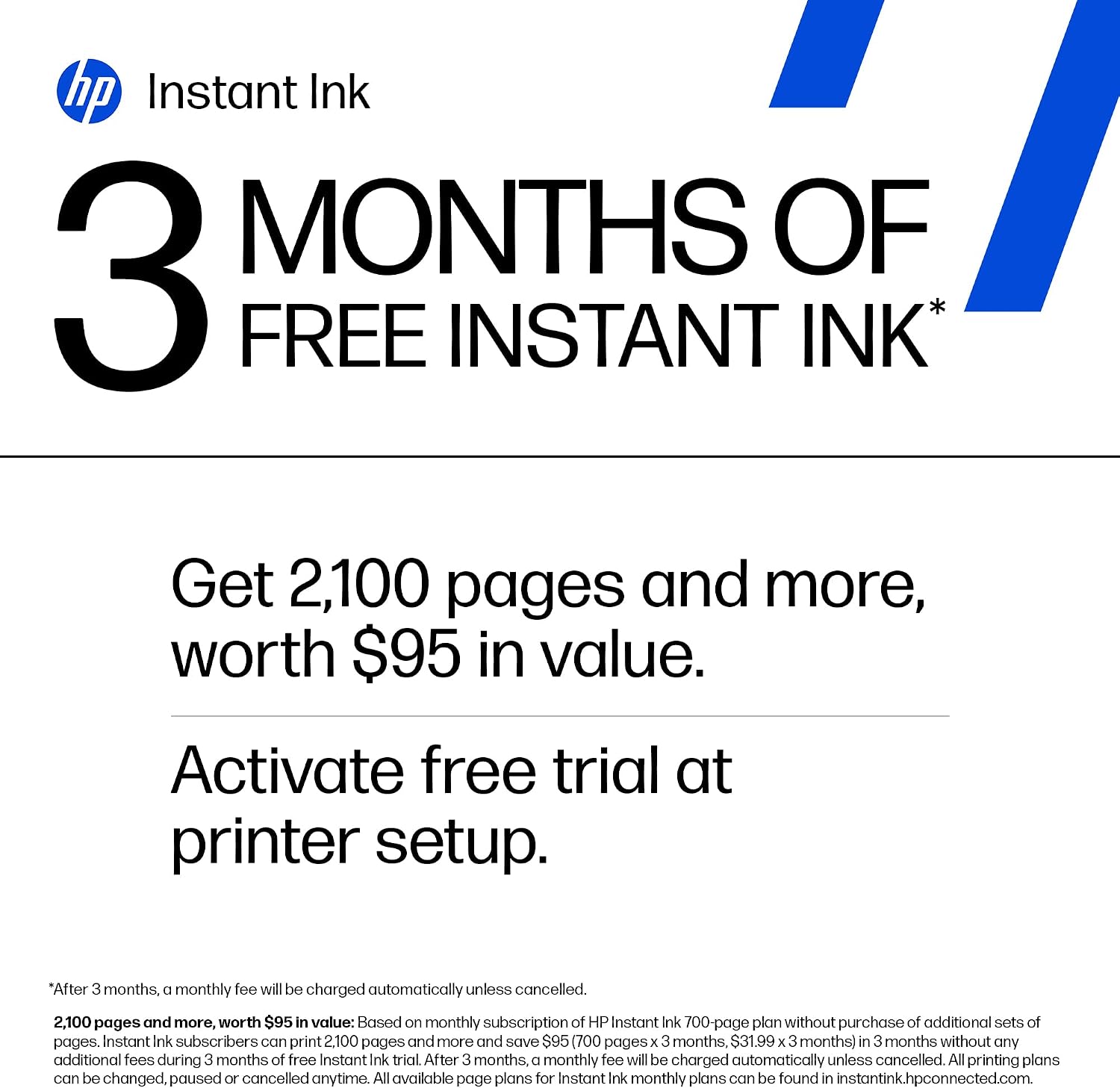
- The 3 Month Instant Ink Trial included is a value add for ongoing printing costs, but you’ll want to review ongoing ink costs for your typical print volume.
How it compares to other approaches
For families prioritizing convenience in a single device, this HP Envy model sits between entry-level home printers and more feature-rich photo printers. If you mainly print documents, a basic color printer could suffice, if you print lots of photos for albums or gifts, you’ll benefit from dedicated photo features and the separate photo tray. In short, it’s a practical middle ground for mixed usage, not a pure photo-optimized machine.
Quick use-case example
Imagine a weekend project: you’re printing a family photo collage from your phone, and a stack of homework sheets from a laptop. With a few taps on the touchscreen and a quick print from your phone, you’re done in minutes. The auto document feeder helps when you’re scanning or copying multiple pages, reducing handling time.
What to check before you buy
- Confirm you have space for the printer and its trays.
- Consider your typical print mix (photos vs. documents) to ensure the capabilities align with your needs.
- Review ongoing ink costs relative to your expected print volume, even with the 3 Month Instant Ink Trial.
- Ensure your devices are compatible with wireless and mobile printing features in your home network.
FAQ (practical guidance)
- Does it print borderless photos? Yes, it targets true-to-screen photo quality, with features supporting photo printing.
- Is it suitable for home office use? Yes, it supports documents, scanning, copying, and mobile printing, with a touchscreen for convenience.
- Can I print from a phone? Yes, wireless printing is highlighted as a key feature.
Final verdict
Is it worth it? For households needing a single device for photos, homework, and everyday documents with AI-assisted layout tweaks and easy setup, the HP Envy Photo 7975 offers a balanced mix of photo quality and document versatility. It’s a solid pick if you want a home printer that handles both creative projects and school tasks without juggling multiple devices.