


A285M Portable Printer 1.5lb 🖨
Product description
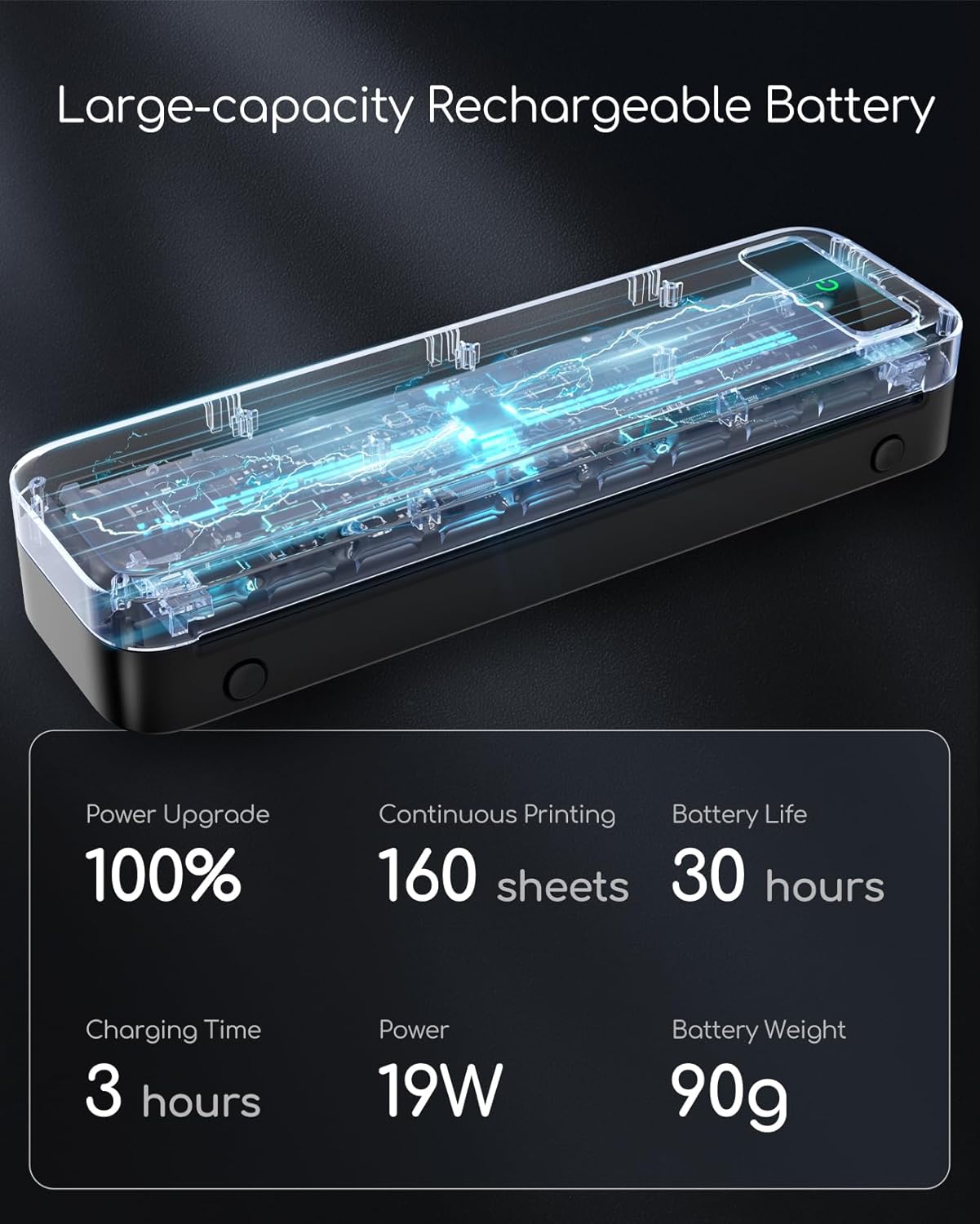
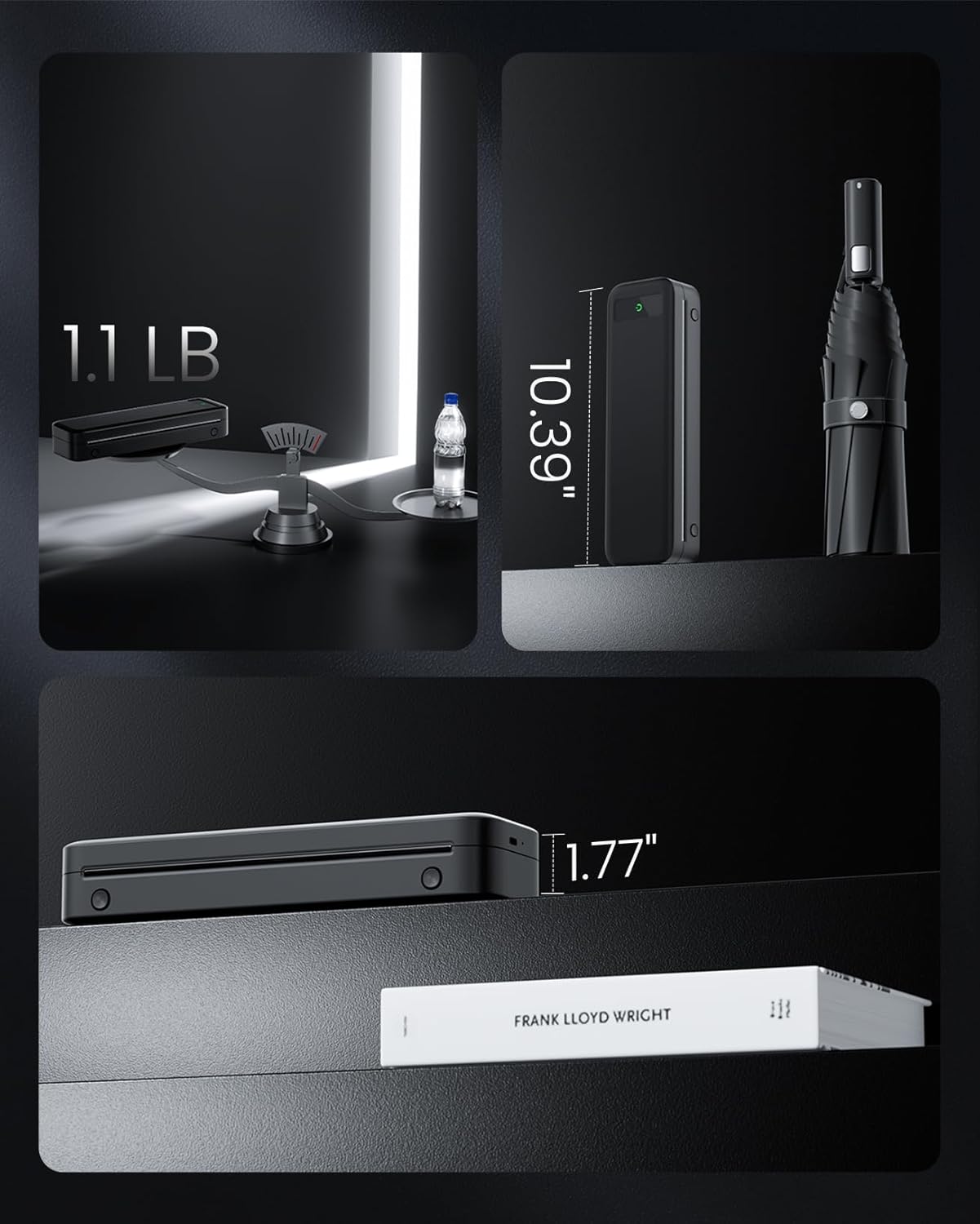
This compact wireless thermal printer brings reliable on‑the‑go printing for business travel and small office tasks. It fits in a backpack and weighs only 1.5lb, so carrying contracts, receipts and boarding passes is straightforward. If you need a wireless portable printer for trips or fieldwork, this model supports printing from phones, tablets and laptops depending on connection type, and it saves on ink thanks to thermal technology.
Key points
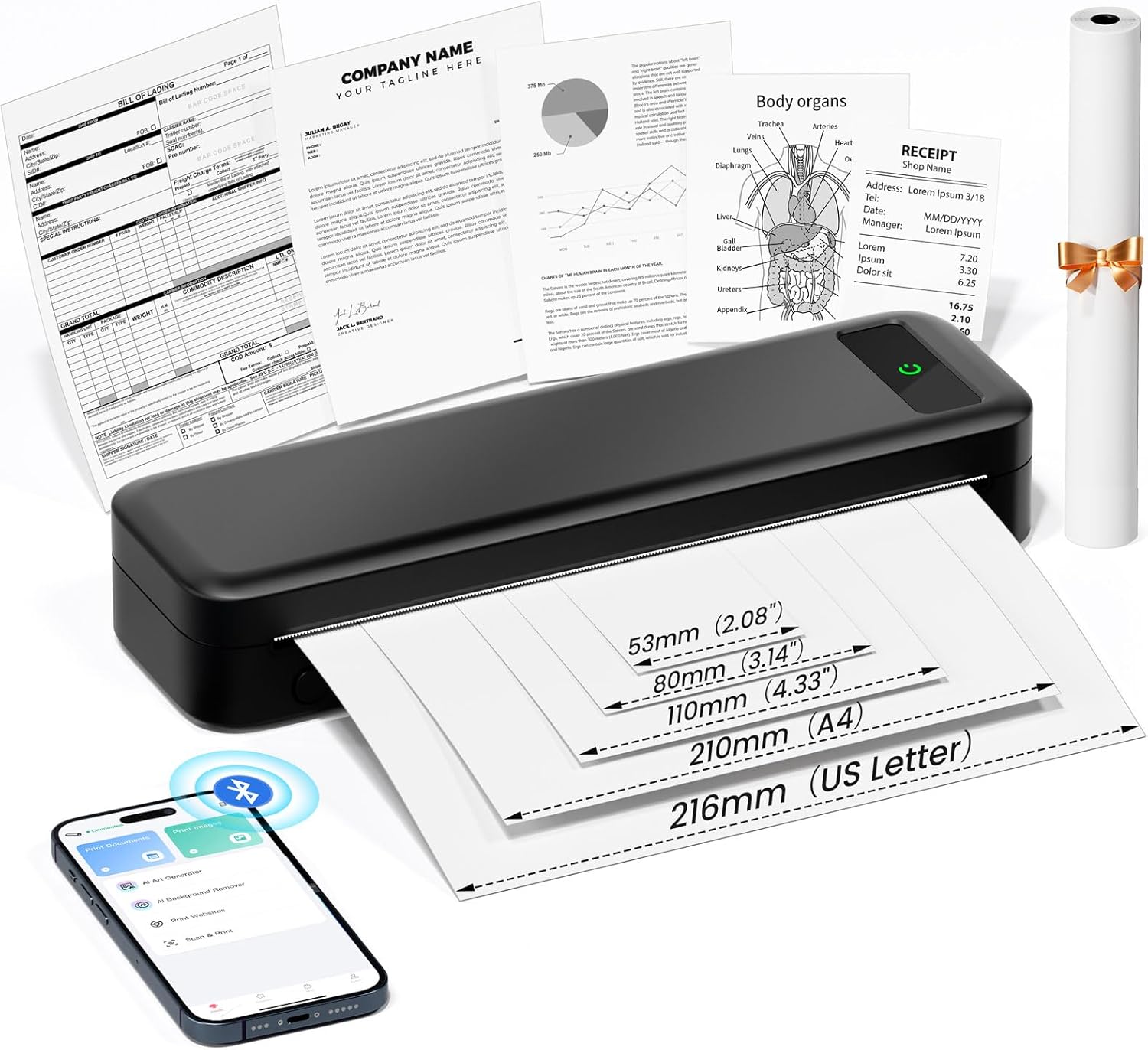
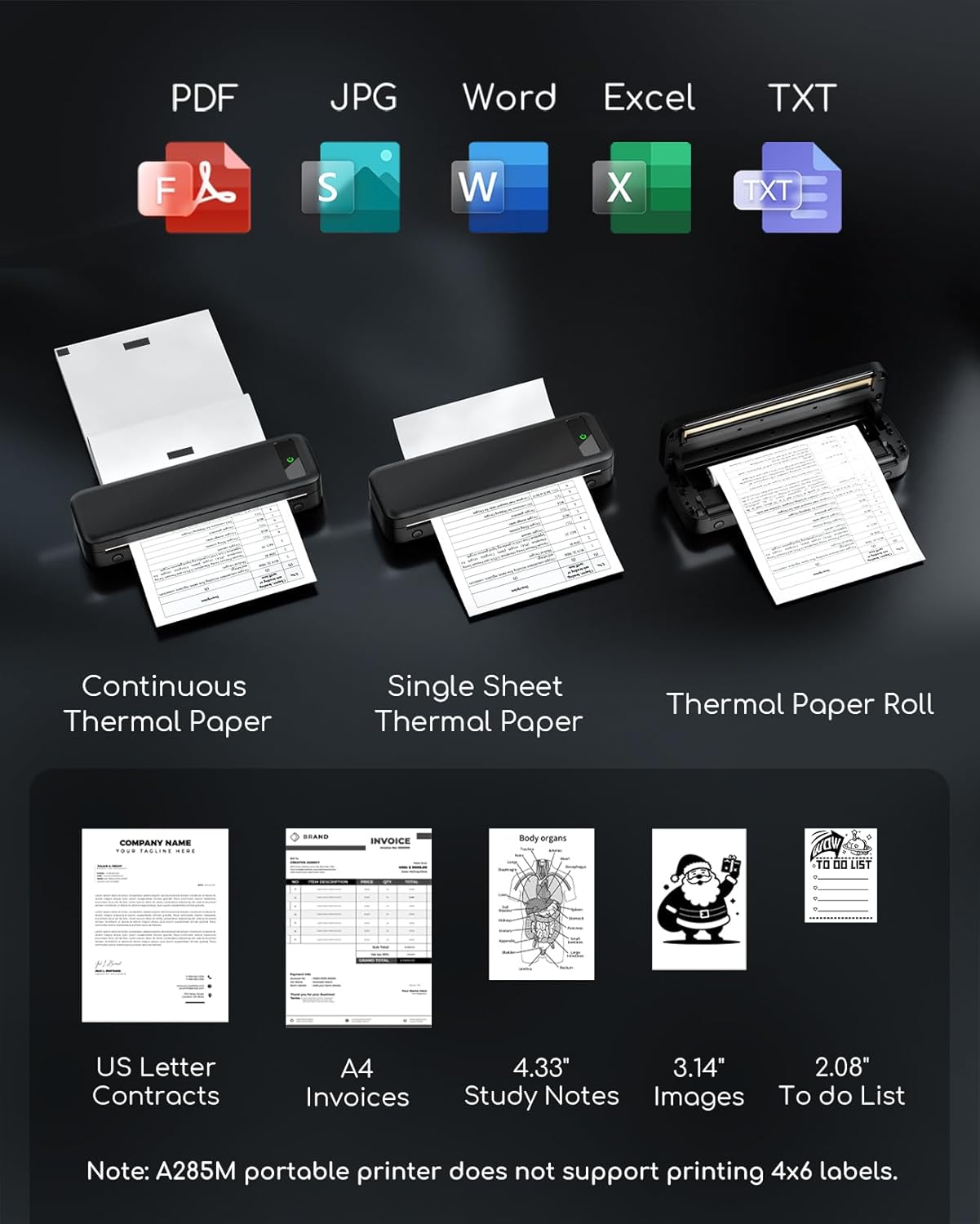
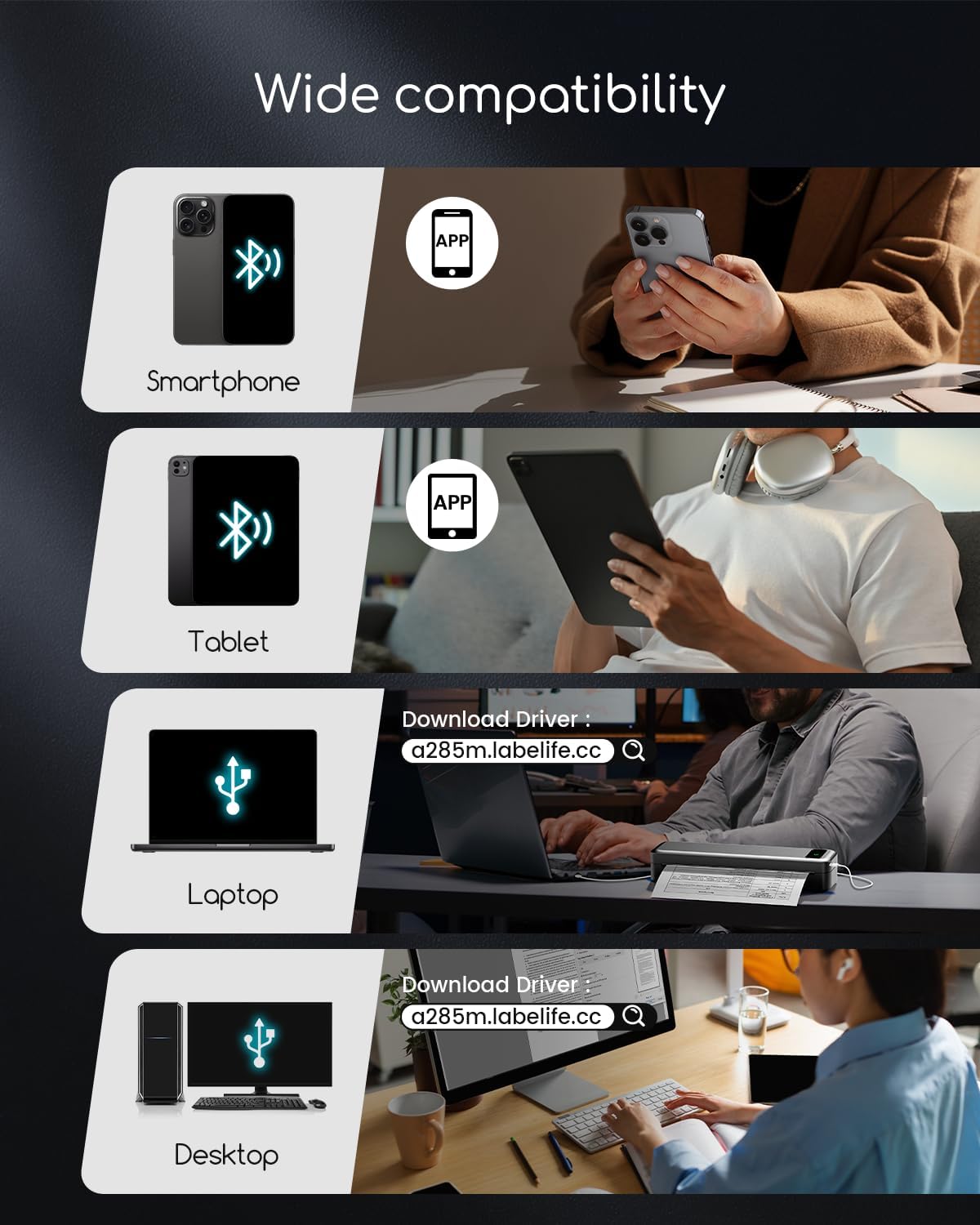
The A285M covers a range of mobile uses with a simple connection workflow and versatile paper handling. Print receipts, invoices and single sheets from your phone via Bluetooth, or link a laptop with the USB‑C cable after installing the driver. The unit accepts continuous roll or single sheet thermal paper and supports common sizes up to US Letter and A4, which helps when standard document formats are required. Note that only black and white thermal printing is supported and regular copy paper will not work. ⚠️ Charging must use 5V 2A and avoid higher output chargers to protect the unit.
Tech specs
- Name: A285M
- Weight: 1.5lb
- Connectivity: Bluetooth, USB-C
- Paper sizes: 8.5" x 11" Letter, A4, 4.33" (110mm), 3.14" (80mm), 2.08" (53mm)
- Printing method: Inkless thermal black and white
Usage tips
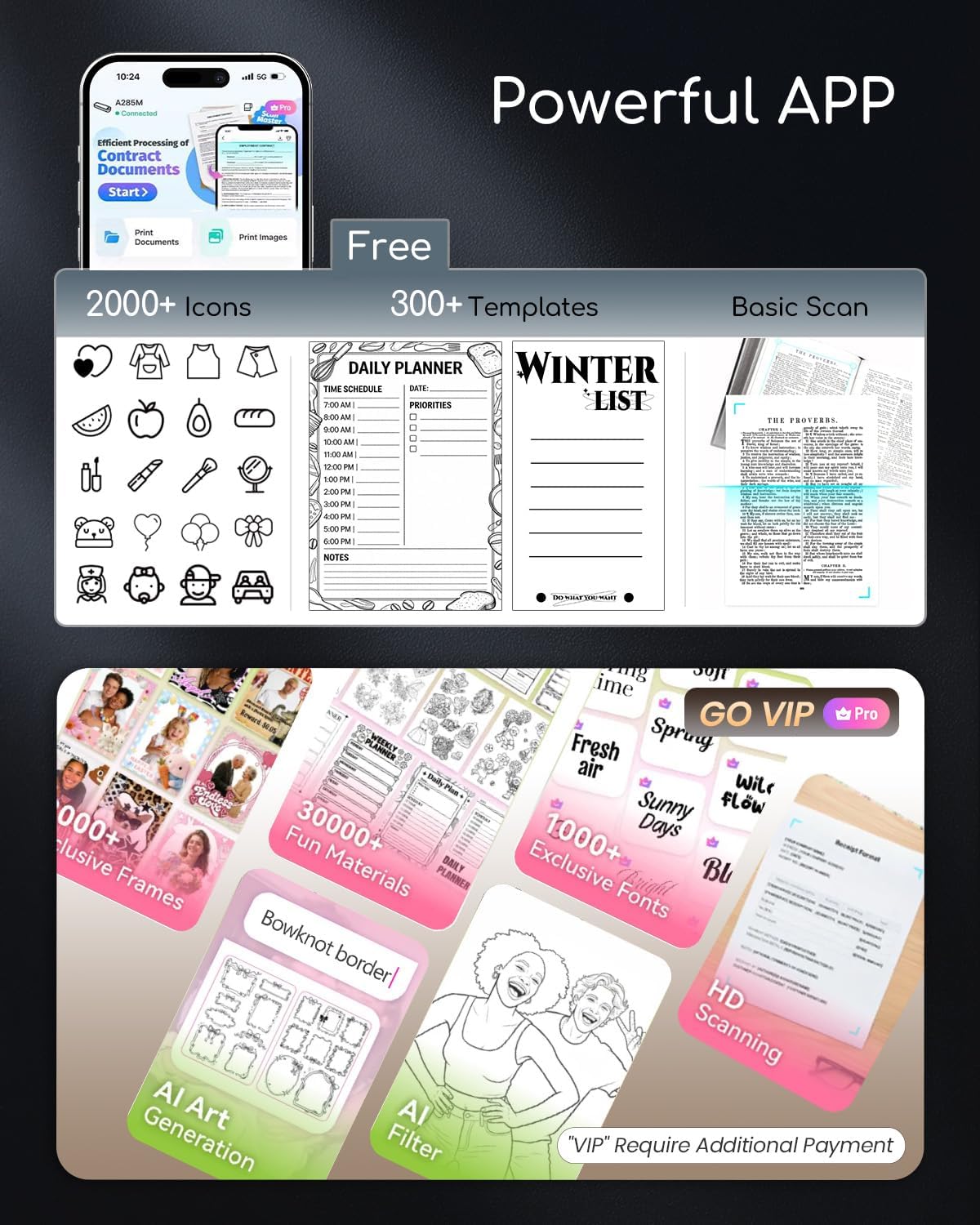
To print from a phone or tablet download the recommended app first, enable Bluetooth, and select the printer from the app's print dialog. For laptop printing connect via USB‑C and install the provided driver before selecting the A285M as your output device. Keep a few spare rolls of compatible thermal paper and avoid exposing the paper to high heat or direct sunlight. For clearer contrast on receipts and documents use freshly supplied thermal rolls and print at moderate speed to balance legibility and battery use. An occasional limitation is color printing which this unit does not support, so plan workflows accordingly. 📎