

MUNBYN 130B Bluetooth Thermal Label Printer
Reviews
Price
Product description
This compact thermal label printer from MUNBYN is built for small businesses and home offices that need fast, no-fuss shipping labels and barcode prints. It connects over Bluetooth to phones and tablets or via USB to computers, and offers quick thermal printing without ink to reduce running costs while handling common e-commerce and shipping tasks.
Key Points
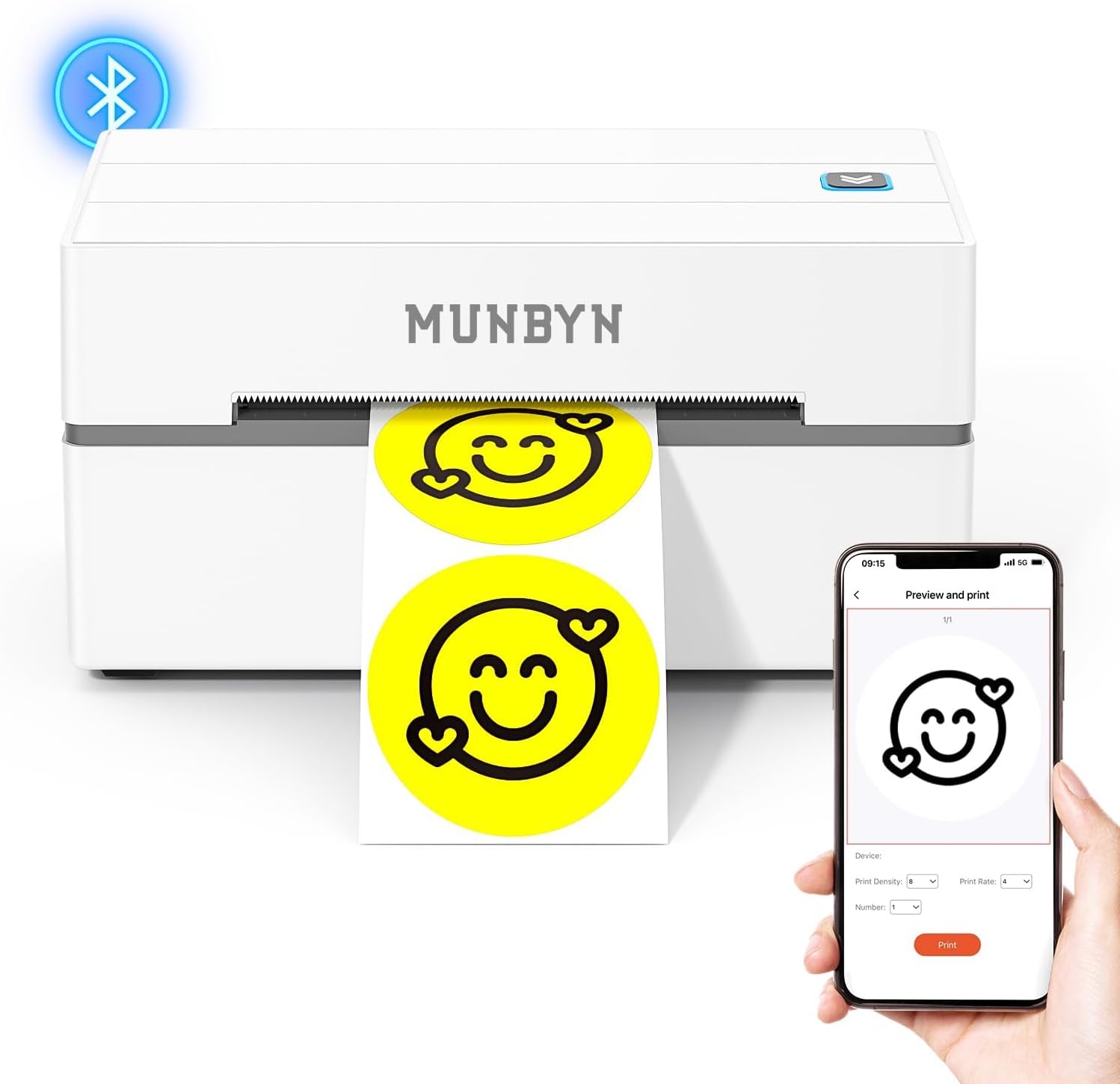
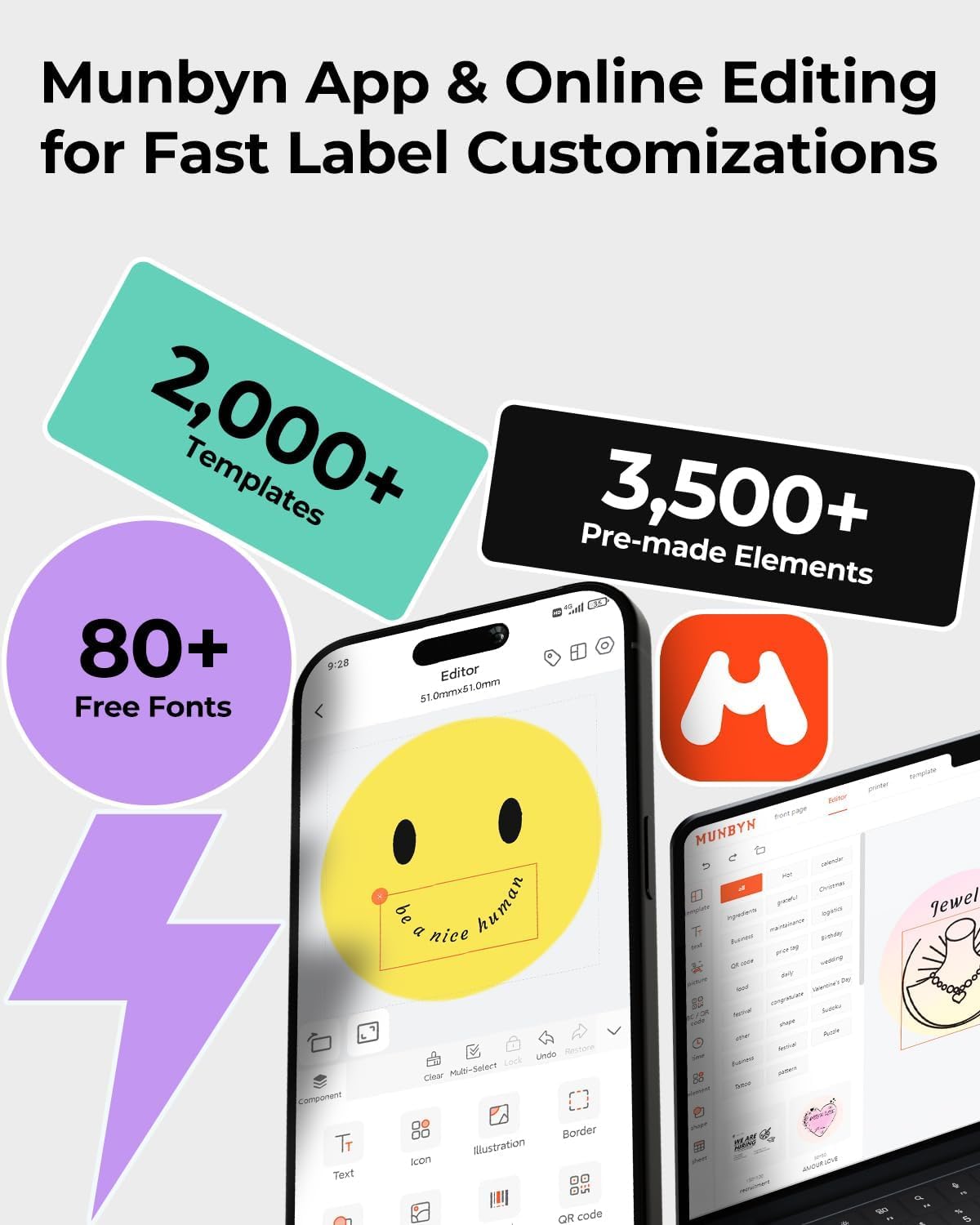
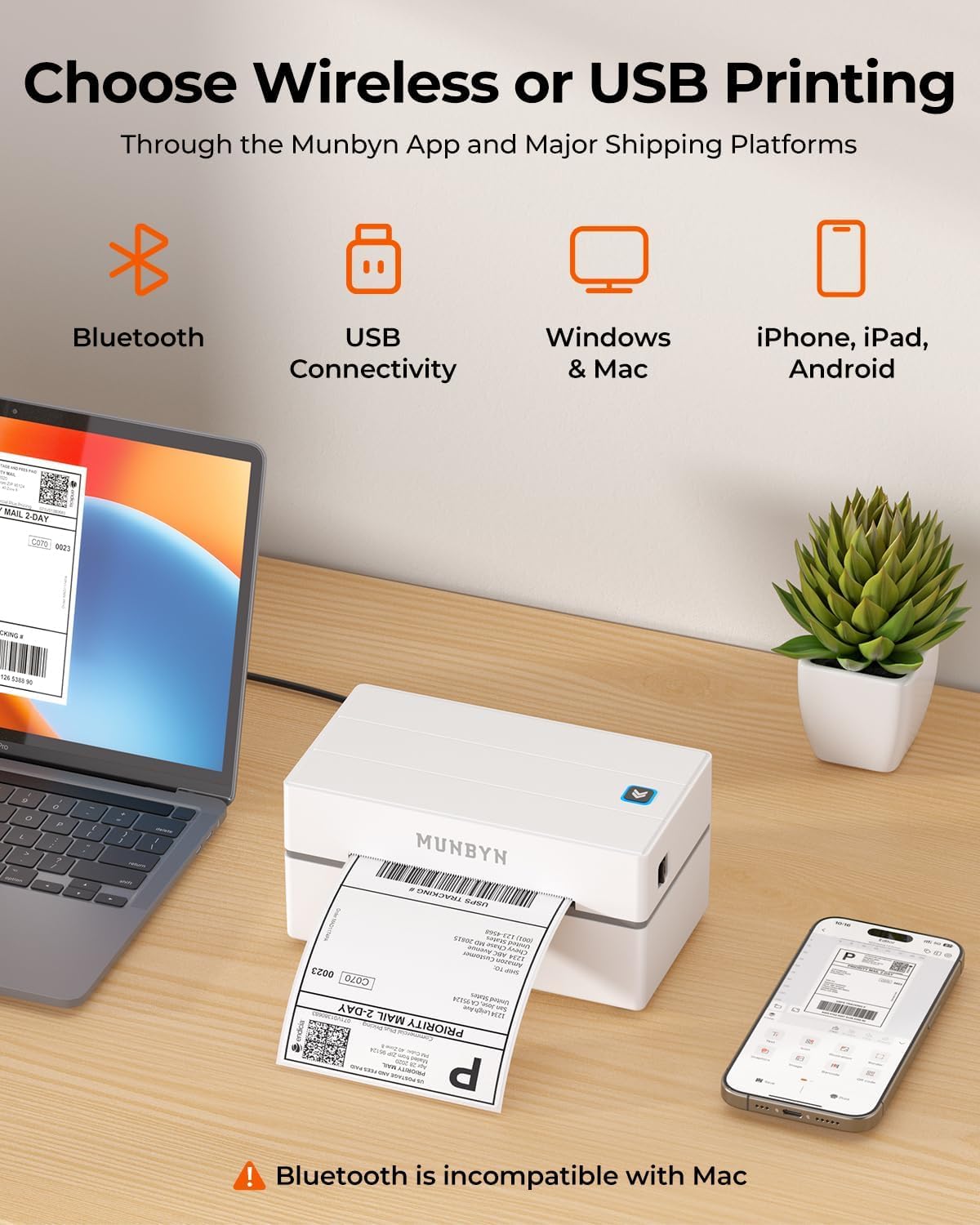
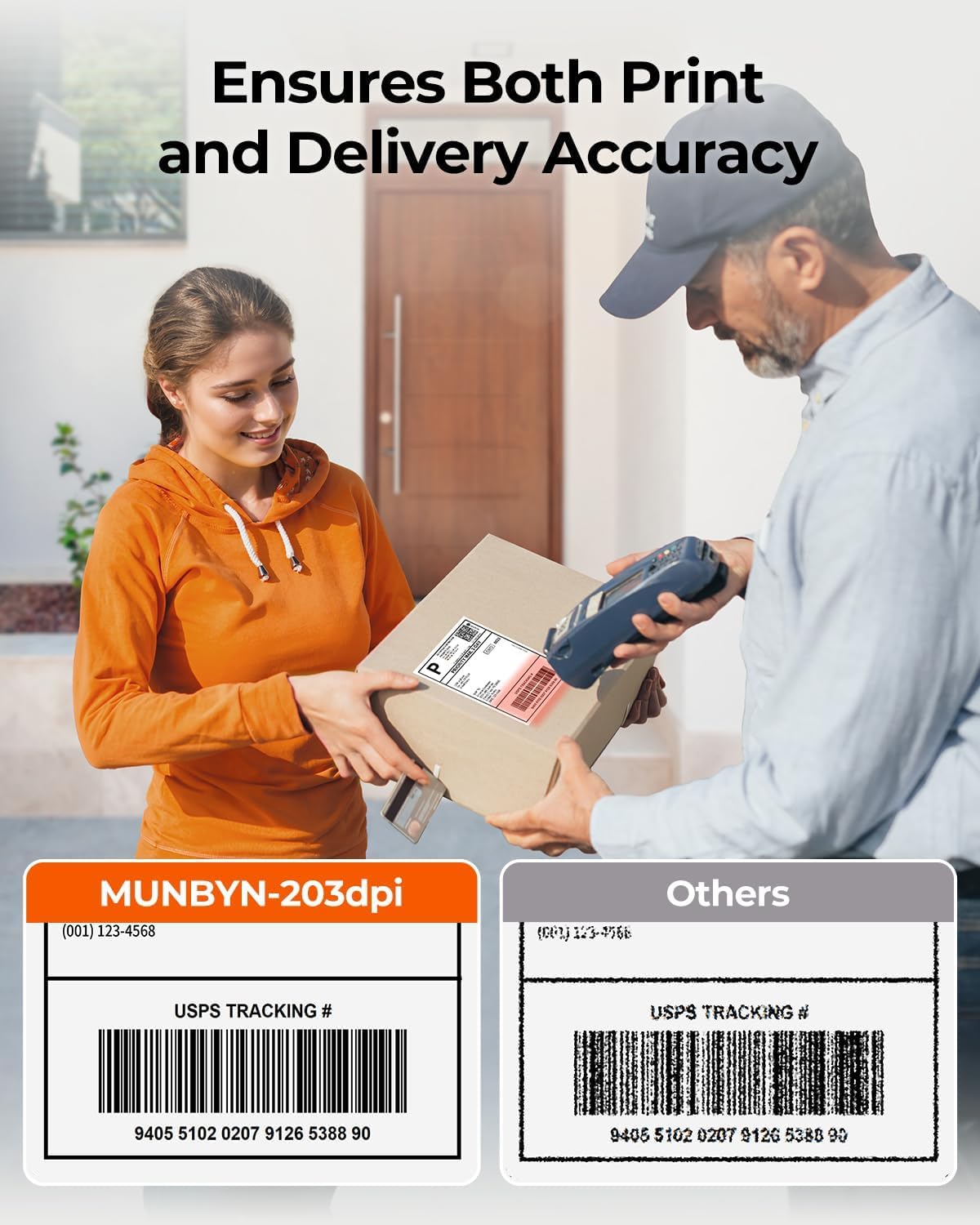
The MUNBYN 130B prints at high speed according to the manufacturer, helping cut time spent preparing parcels for carriers like FedEx, UPS and USPS. Setup is straightforward with the MUNBYN Print app for iOS and Android or the Munbyn Editor in Google Chrome for laptops and desktops. Compatibility includes Windows, macOS, iPhone, iPad, Android and Chrome OS, which makes it flexible for mixed-device workflows. These labels are intended to resist smudging and fading when used with compatible thermal media, which the manufacturer recommends for consistent results. Consider that some third-party thermal rolls, including certain UPS-branded paper, may not perform as well.
Technical Specifications
- Name: MUNBYN 130B Bluetooth Thermal Label Printer
- Print resolution: 203 dpi
- Speed: up to 72 pages per minute, according to the manufacturer
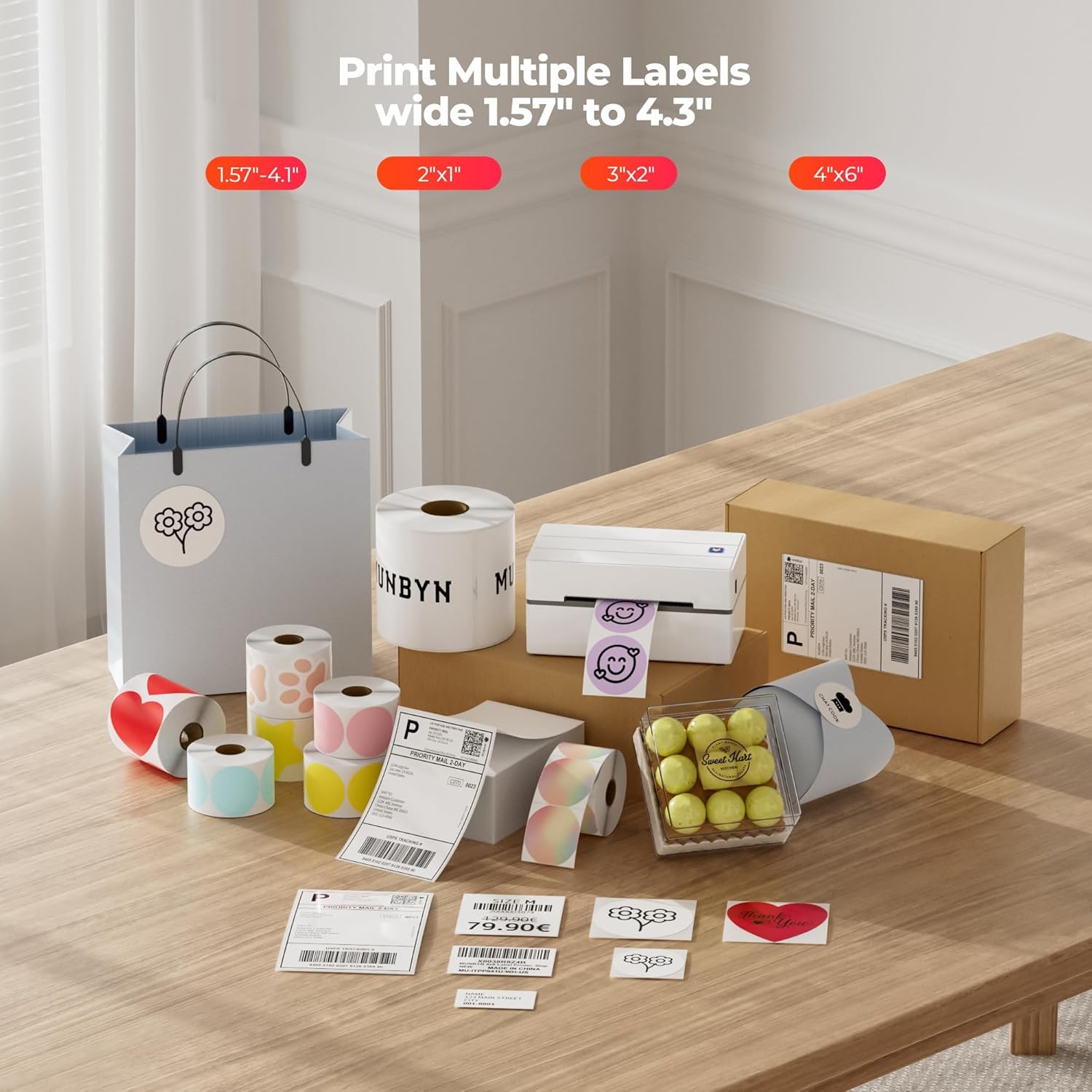
- Supported label width: 1.57 to 4.3 inches
- Connectivity: Bluetooth and USB
- Supported platforms: iOS, Android, Windows, macOS, Chrome OS
Benefits
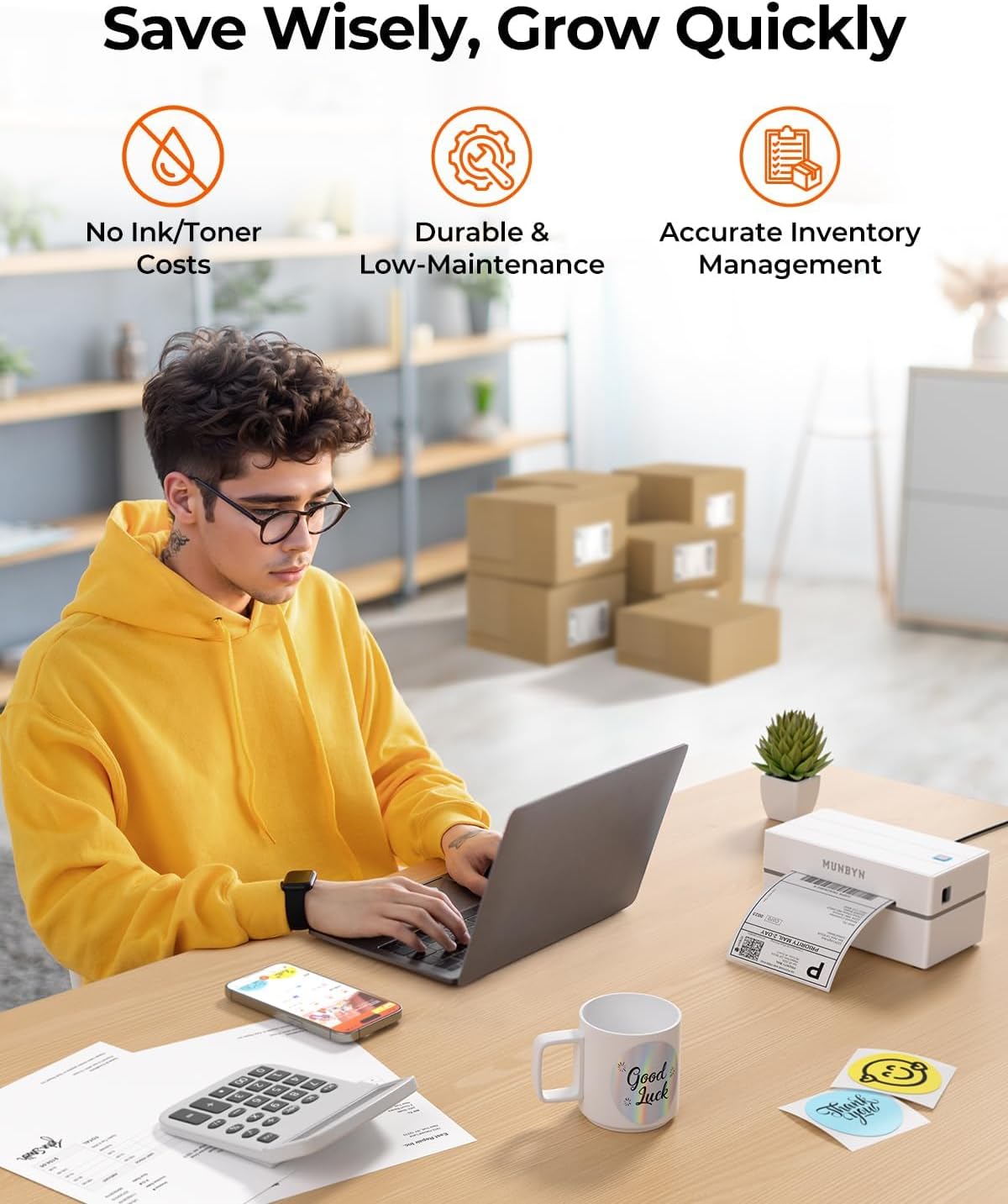
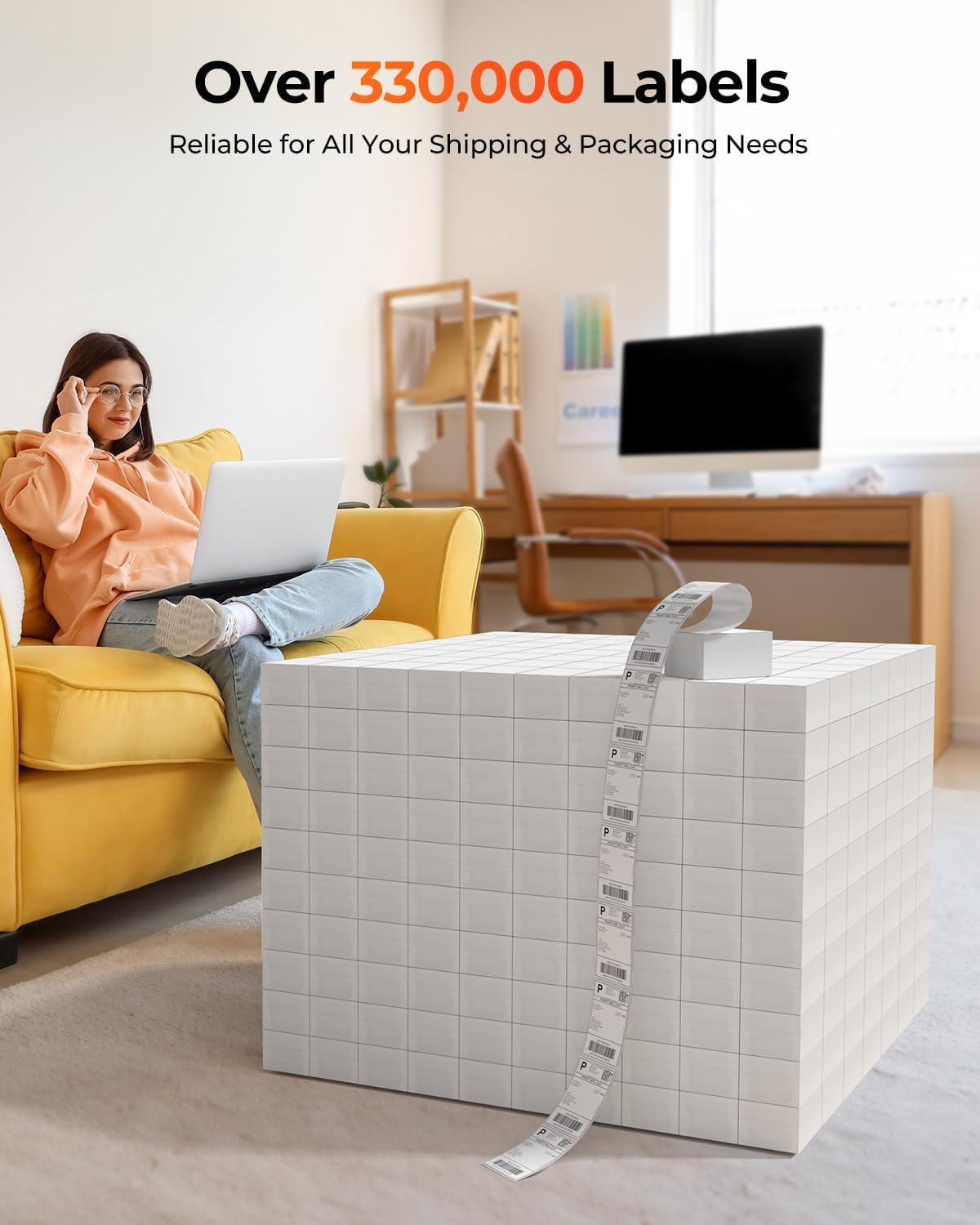
Because this is a thermal printer, there is no need for ink or toner cartridges. That reduces ongoing consumable costs and simplifies maintenance. The device supports a variety of label sizes commonly used for shipping and product tagging, which helps streamline packing and inventory tasks. Integration with marketplaces and shipping platforms reduces manual entry for sellers on amazon, Shopify, Etsy and eBay. The lightweight design takes up minimal desk space and can be moved between workstations or used in tighter packing areas.
Usage Recommendations
For mobile or tablet printing, install the MUNBYN Print app to connect via Bluetooth and choose from a library of templates and fonts. For desktop use, open the Munbyn Editor in Google Chrome to design and print without installing extra software. Use original MUNBYN thermal labels when possible to achieve the sharpest barcodes and longer-lasting prints. If you plan to print high volumes, keep spare rolls on hand and verify label width compatibility before purchasing third-party media. Note that color options such as pink and lavender are referenced by the brand for some special series of labels rather than for the printer housing.
Emojis used sparingly in the middle of content to highlight context: 📦 for shipping and 🔍 for barcode precision.