

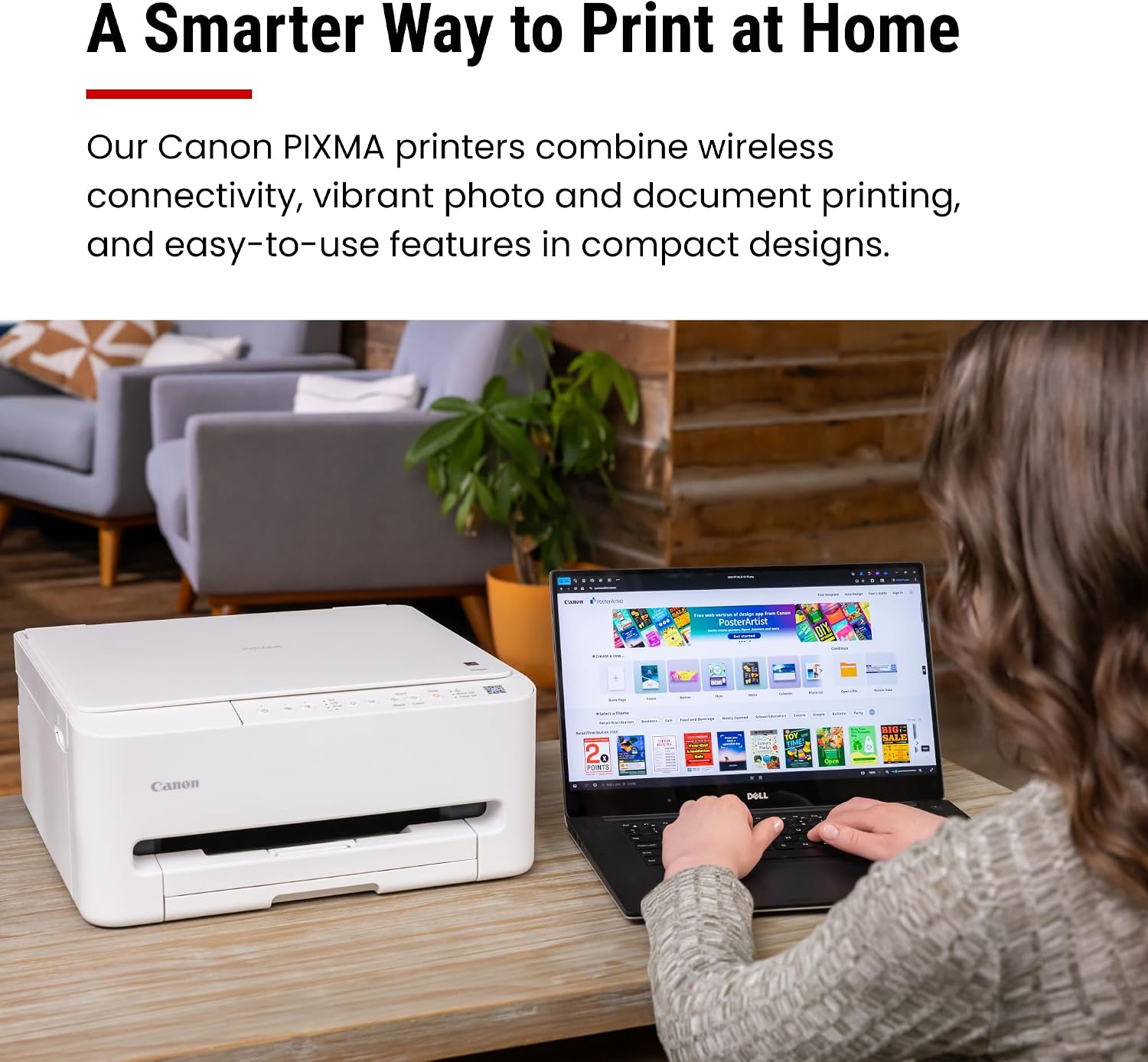
Canon PIXMA TS4320 Wireless Color Inkjet Printer
Reviews
Price
Product description
What matters most
The Canon PIXMA TS4320 is an affordable all-in-one printer designed for home use and hybrid work setups. On the paper, it aims to balance everyday document printing, photo output, and basic scanning/copying in a compact footprint. If you’re prioritizing a budget-friendly option that covers essential printing needs without a complicated setup, this model fits that premise.
Tech specs
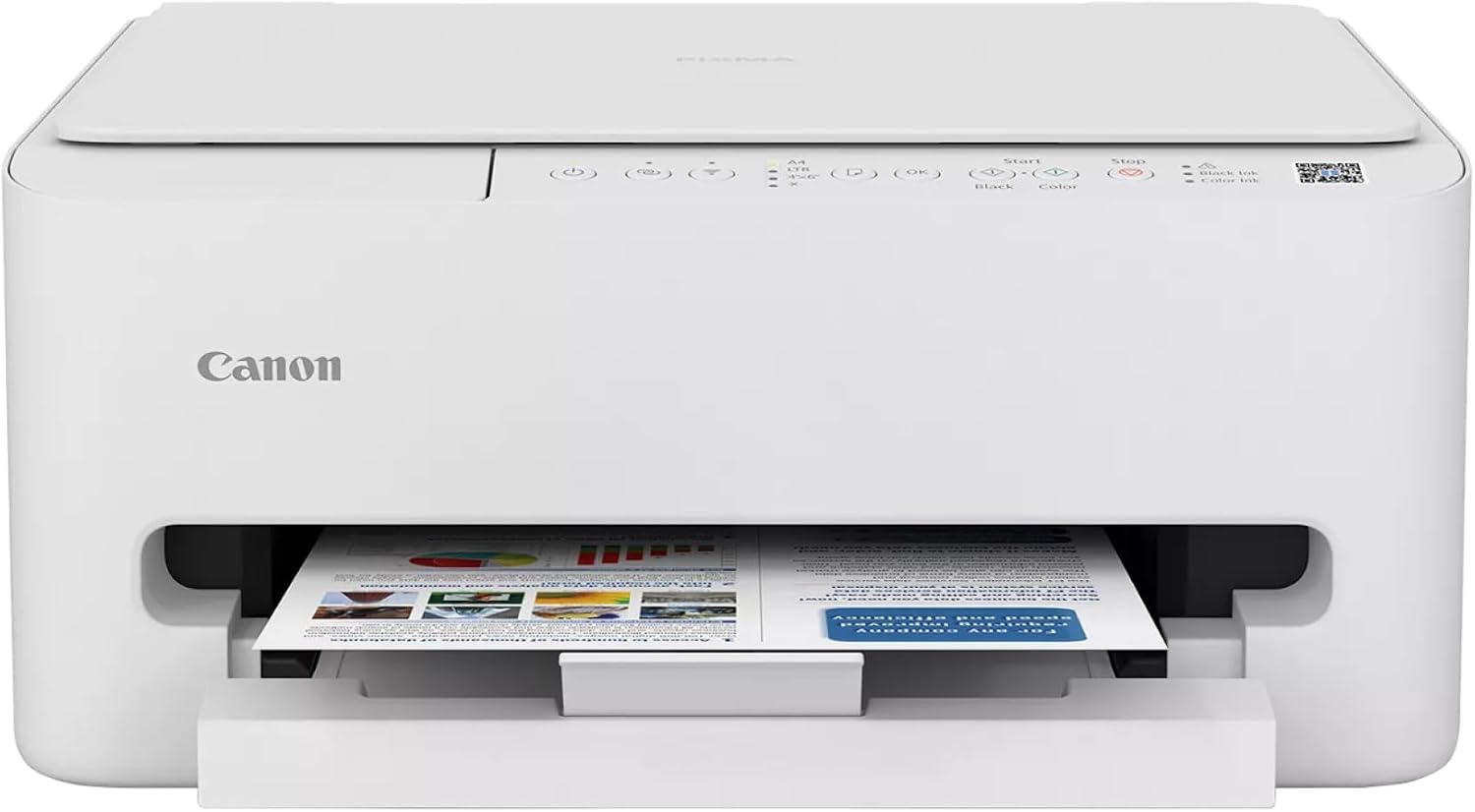
This device is billed as a color inkjet printer with a two-cartridge hybrid ink system, enabling crisp text for documents and vivid color for photos. It offers wireless connectivity via dual-band Wi‑Fi (2.4 GHz or 5 GHz) to support printing from phones, tablets, and computers. The printer is built to handle two-sided printing and media up to 8.5” x 11”, with or without borders, supporting a range of everyday print tasks.
Pros
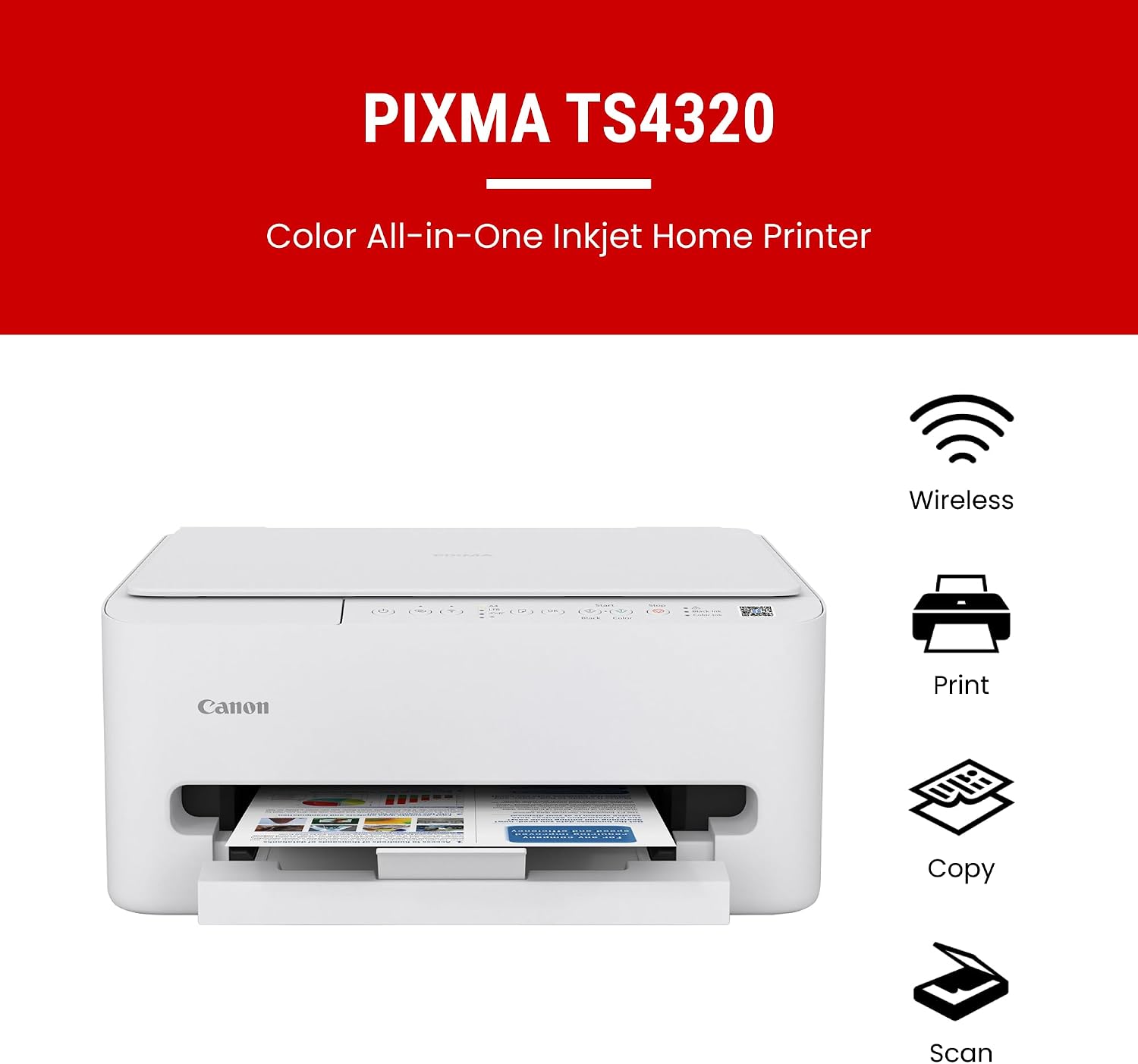
- Cost-conscious option that still covers print, scan, and copy workflows in one device.
- Clear text and bright color output suitable for typical home documents and photos.
- Simple setup and reliable wireless printing for casual and hybrid work scenarios.
- Automatic duplexing helps save paper over time.
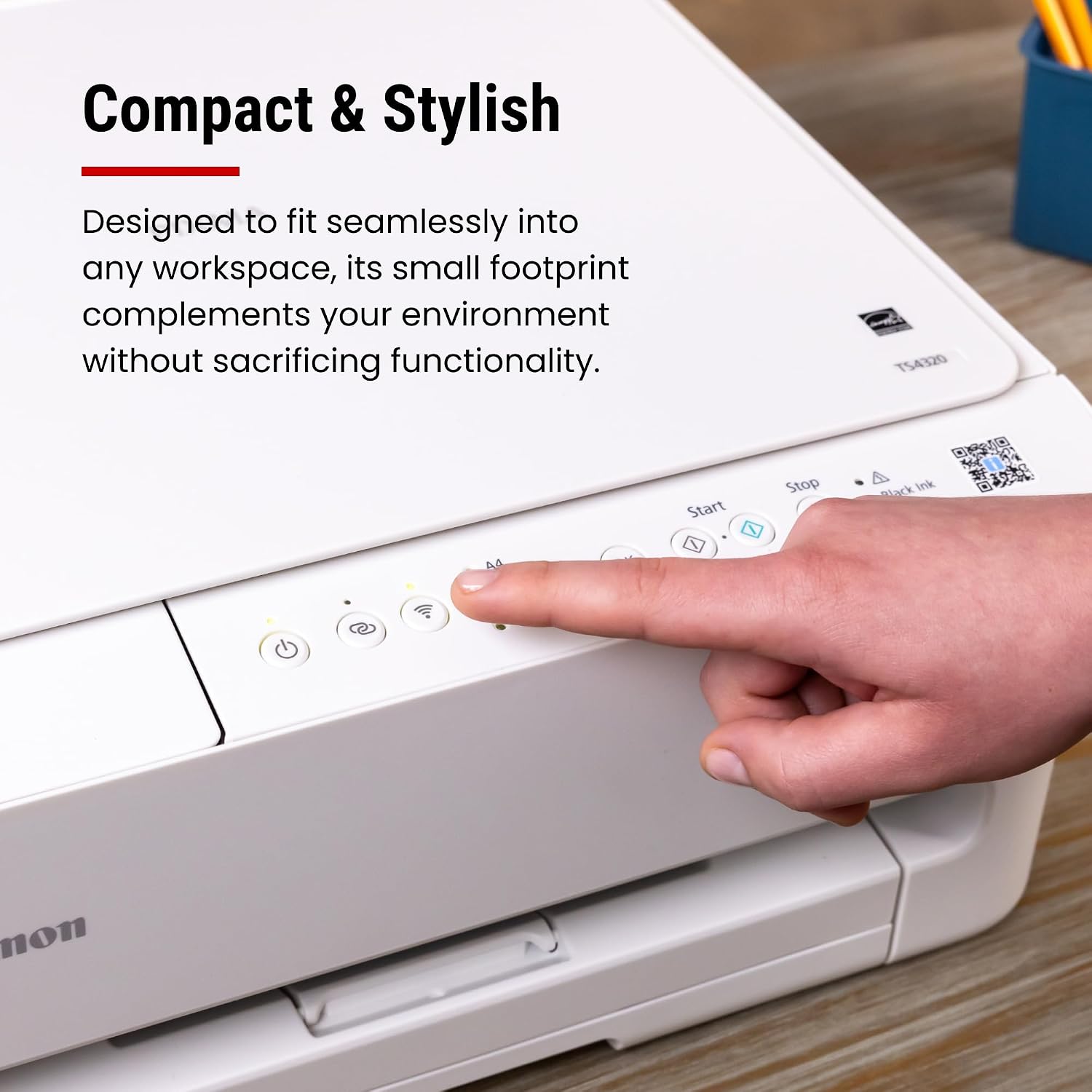
- Compact design that fits smaller home offices or living spaces without dominating the desk.
Cons
- The two-cartridge system suggests a straightforward but potentially less flexible ink management than higher-end systems, which may influence ongoing running costs.
- As a budget-friendly model, it may not deliver the speed or advanced features found in more premium printers.
- The base description emphasizes value and versatility, but there’s no mention of higher-volume capabilities or specialized media support beyond standard 8.5” x 11”.
Usage tips
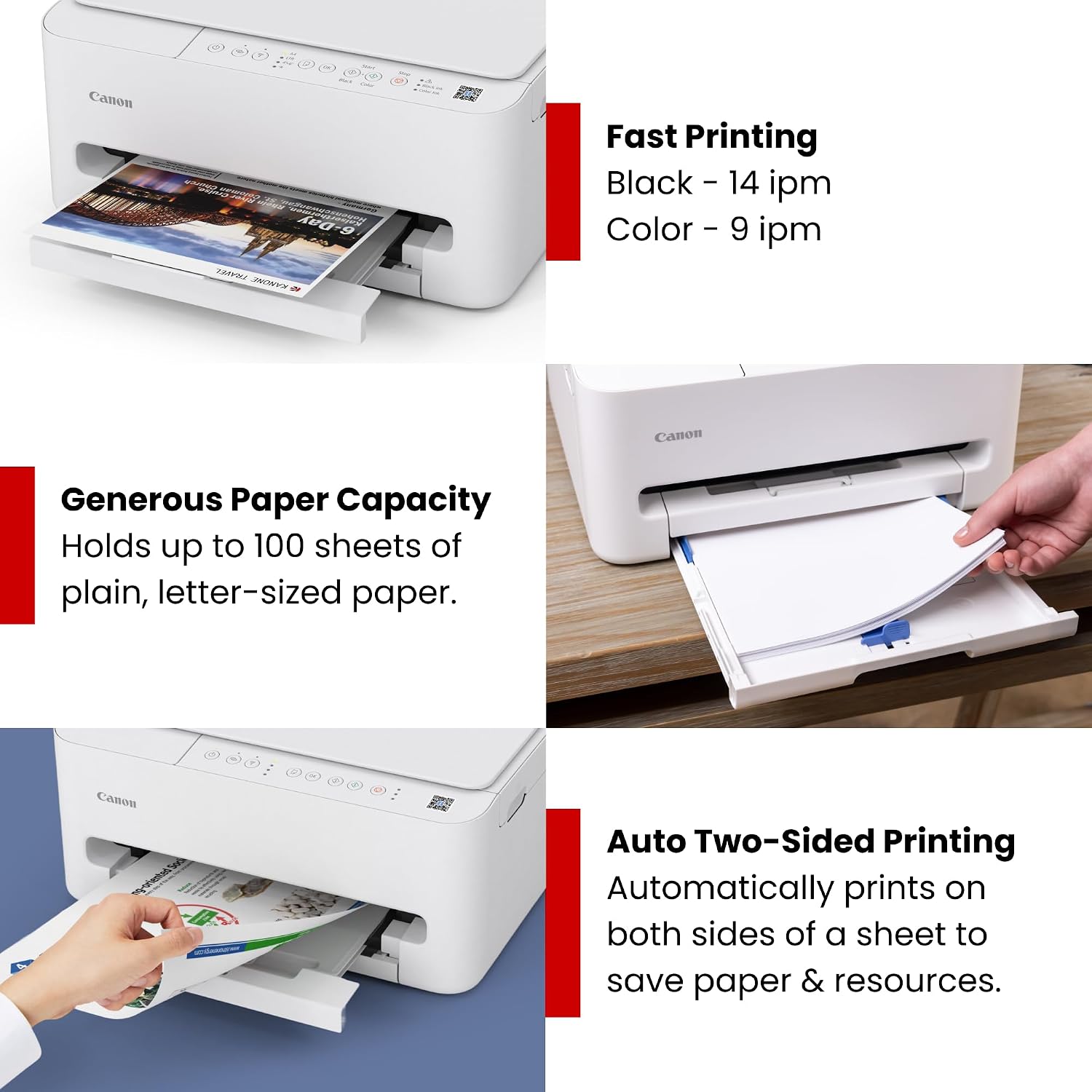
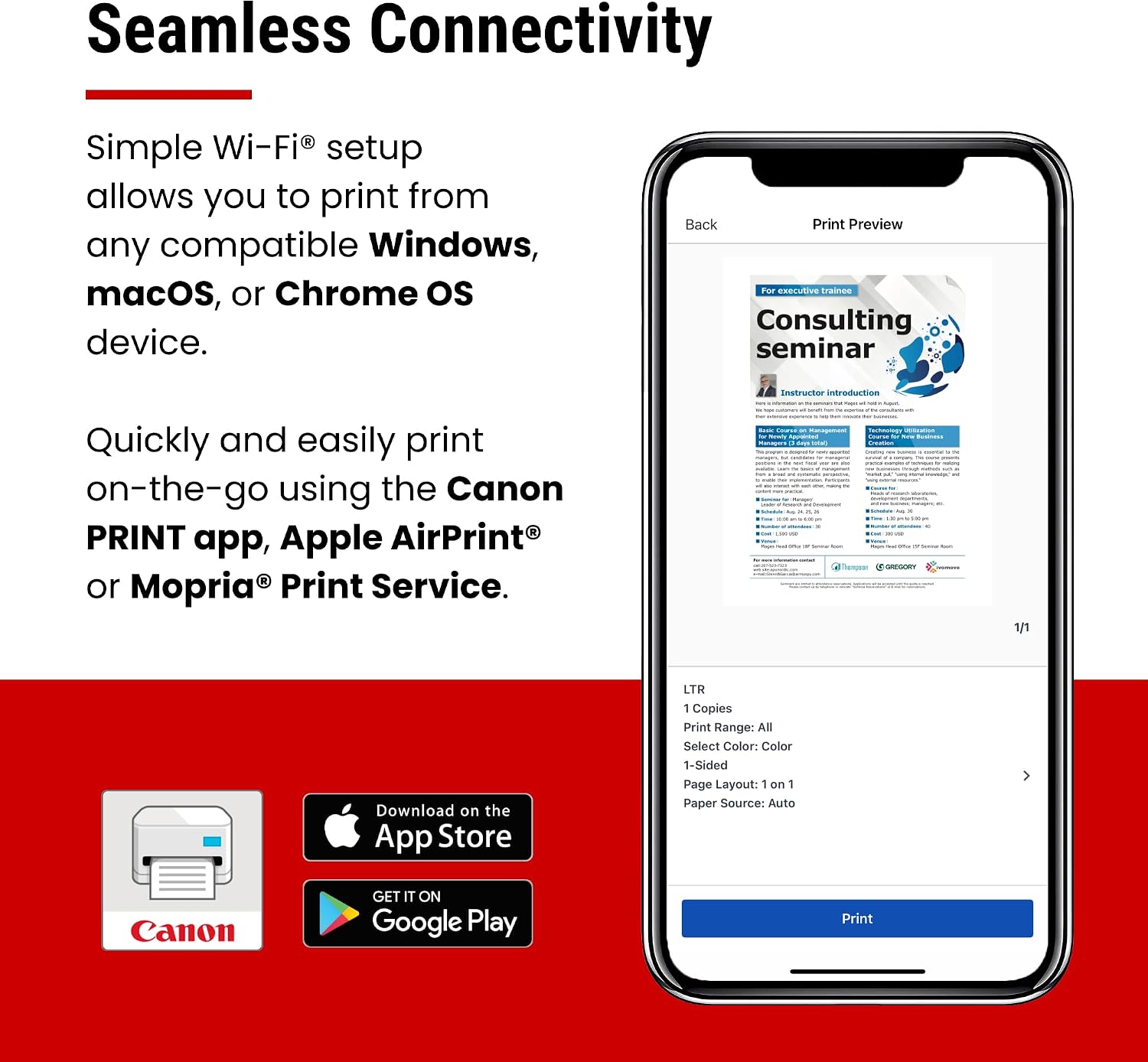
For best results, use the auto two-sided printing feature to cut down paper use, especially for reports or school documents. Leverage wireless printing from mobile devices via the Canon PRINT App, AirPrint, or Mopria to avoid tethering. If you primarily work with photos, expect solid color output but recognize that it’s aimed at general home photo printing rather than studio-grade quality.
Who it’s for
This model suits students, families, and hybrid workers who need a versatile, space-efficient device without a hefty price tag. It’s a practical pick if you want a single machine for printing, scanning, and copying light-volume tasks in a home setup.
Who it’s not for
If you require high-volume printing, faster speeds, professional photo workflows, or advanced media handling, this printer may feel limited. It’s more of a value-oriented solution than a feature-rich workhorse.
What to review before buying
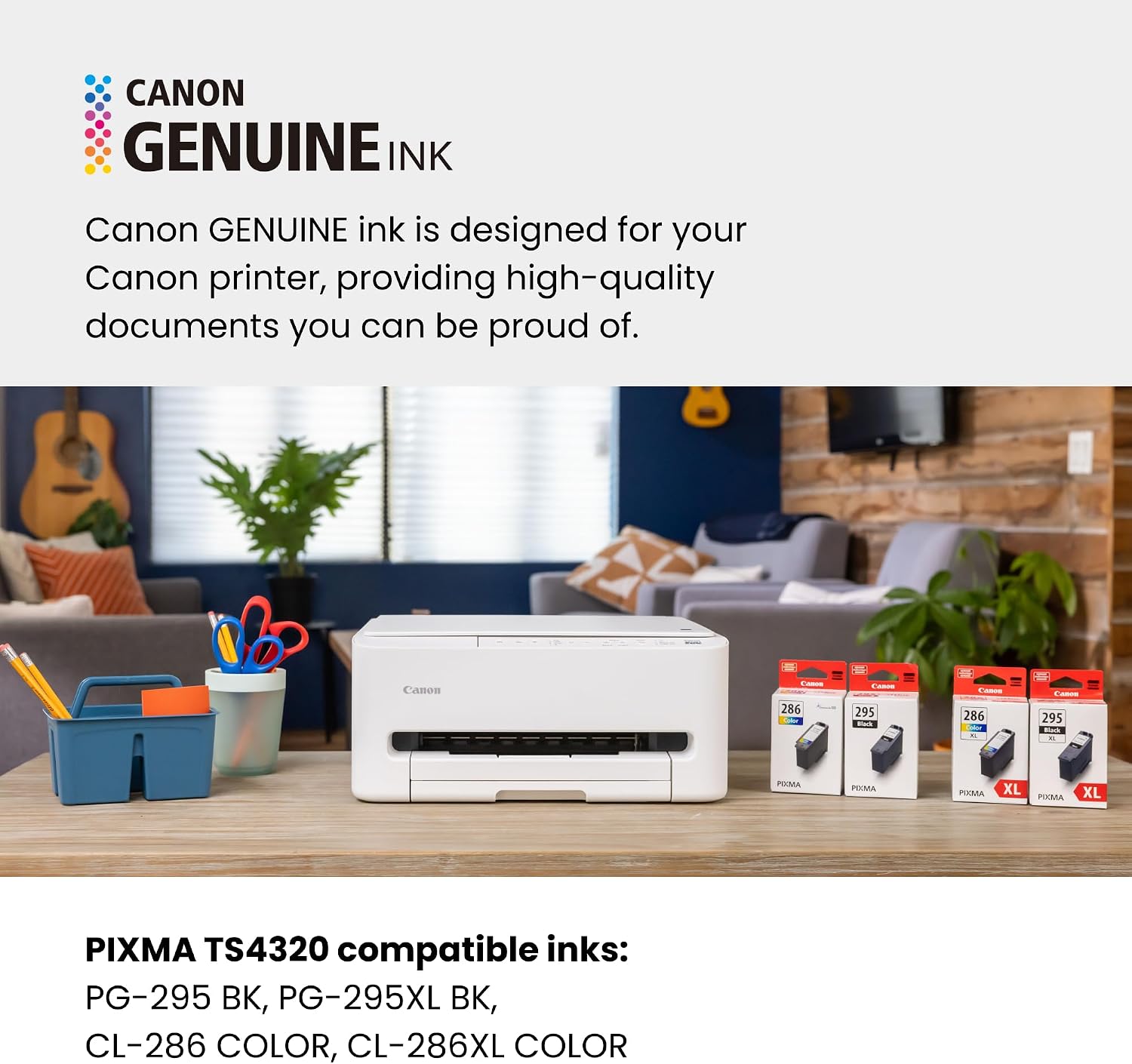
Check whether your typical print load includes frequent duplex printing and whether you’ll benefit from the compact form factor. Consider your mobile printing needs (AirPrint or Mopria compatibility) and confirm that 8.5” x 11” media covers most of your tasks. Be mindful that ongoing ink costs depend on your usage patterns with the 2-cartridge system.
Practical comparison notes
Compared to more expensive models, this printer emphasizes affordability and basic functionality. If you need a straightforward setup with reliable wireless printing for home use, it stands up as a sensible entry point. For users who want advanced photo features, borderless photo lovers may want to look at other options that specialize in print quality or media variety.
Final purchase decision
Is it worth it?
It makes sense if you want an all-in-one device that covers printing, scanning, and copying without breaking the bank, and you don’t mind potential trade-offs in speed and print volume. If your priorities are compact size and simple setup for home or hybrid work, this model offers clear value. If you anticipate heavy workloads or require professional-grade photo output, you may want to explore higher-tier alternatives.
FAQ
- Can it print automatically on both sides? Yes, it supports automatic 2-sided printing.
- Is it easy to set up with mobile devices? Yes, it’s designed for quick setup and wireless printing from smartphones and tablets.
- What media sizes does it support? It prints up to 8.5” x 11” with or without borders according to the base description.