

HUION KAMVAS Pro 16 Drawing Tablet with 15.6-Inch Full-Laminated Screen
Reviews
Price
Product description
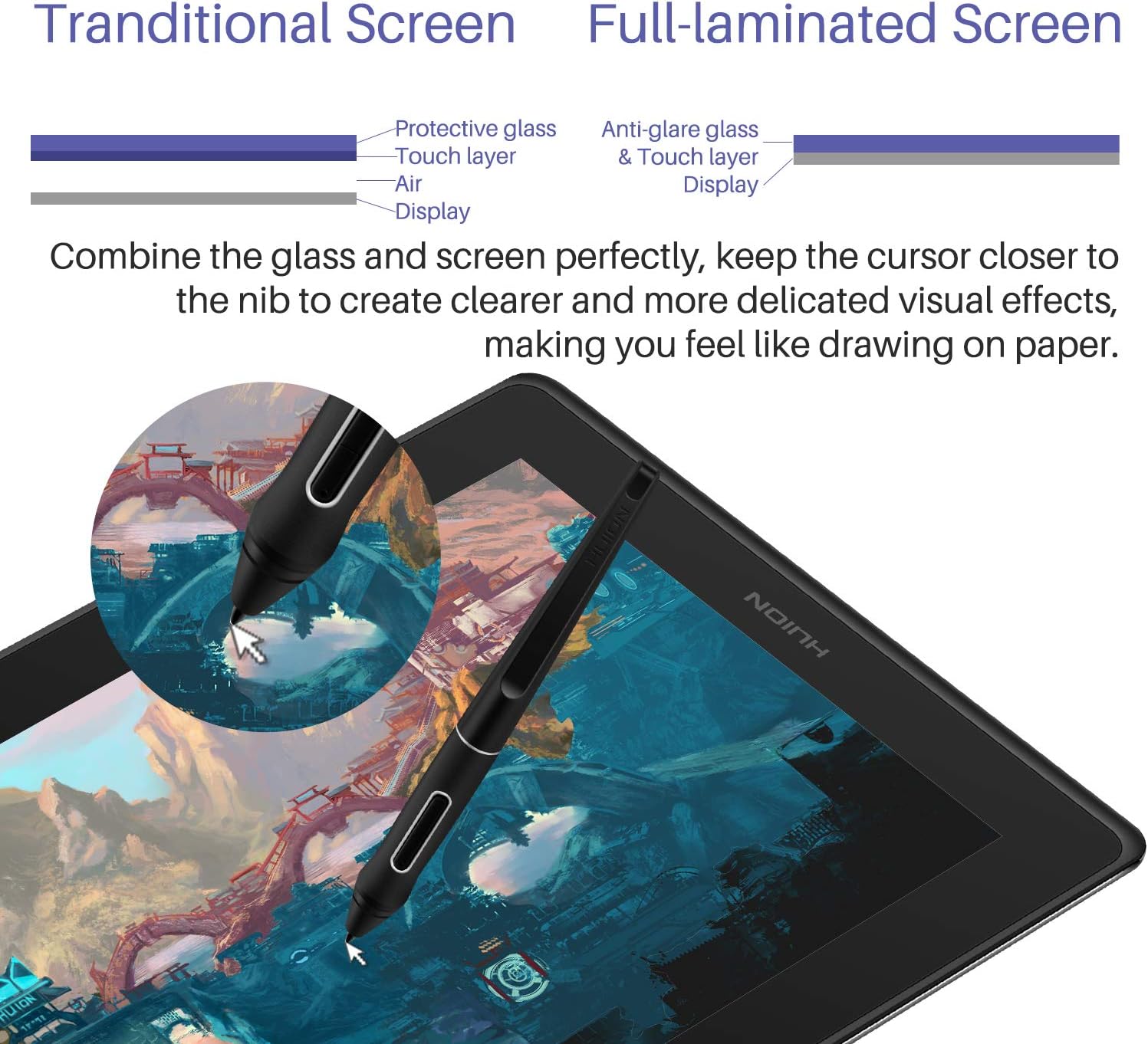
For drawing, editing, or teaching from a computer, the HUION KAMVAS Pro 16 gives you a 15.6-inch screen to work directly on. Its full-laminated display brings the pen tip closer to the on-screen cursor, while anti-glare glass helps keep the view clear in bright settings. The battery-free pen supports 8,192 pressure levels and 60° tilt for varied strokes. Connect it to a computer to use it, it is not a standalone tablet.
Size & fit
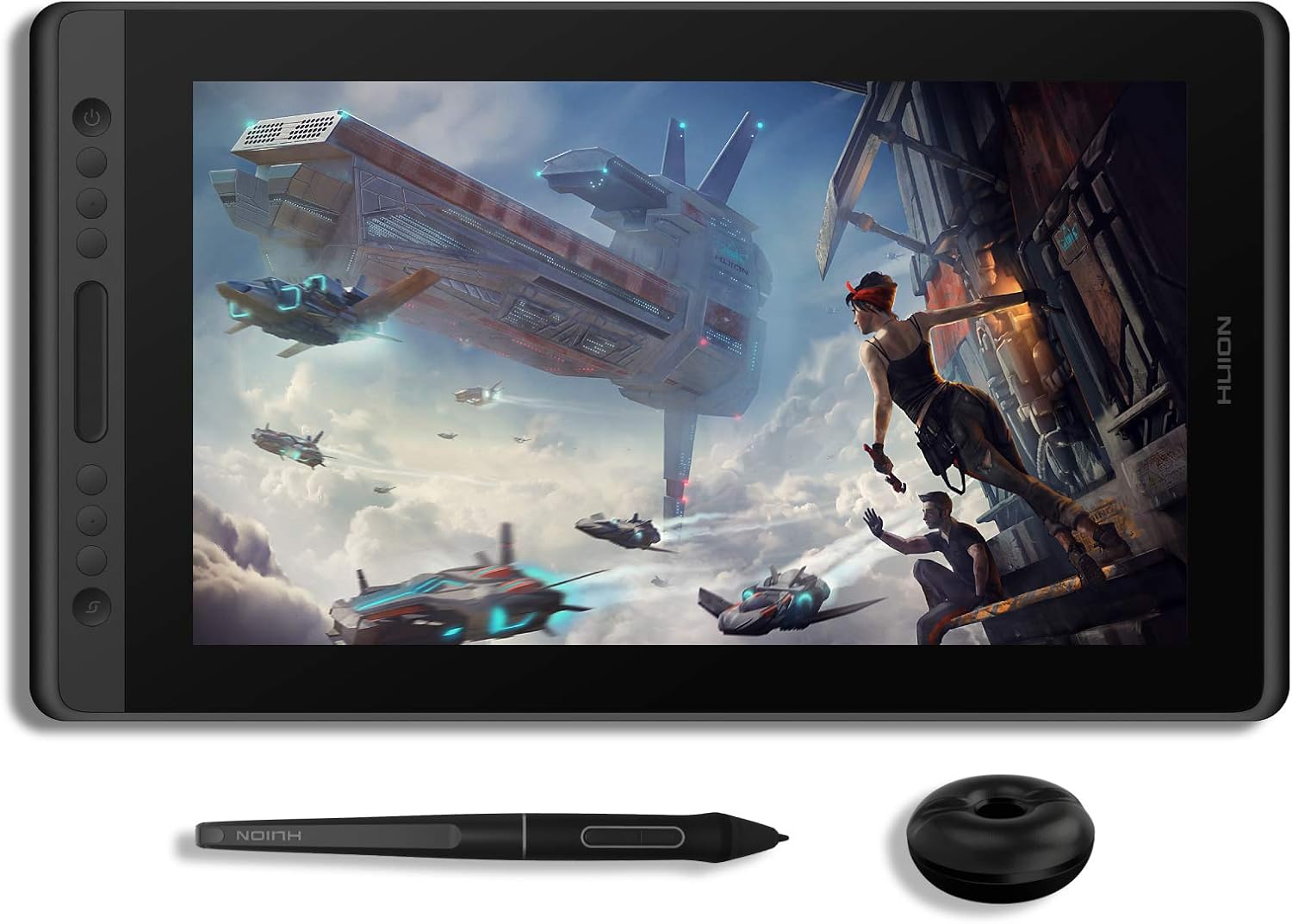
The 15.6-inch display has a 1920 x 1080 resolution and an active area of 344.2 x 193.6 mm, giving you a broad workspace for illustrations, design edits, and handwritten notes. At 1.2 kg, the display is suited to a desk setup where you can draw while viewing your work on the screen. This is a pen display rather than a tablet that runs drawing apps by itself, so plan to connect it to a compatible computer for your creative or teaching workflow.
What stands out
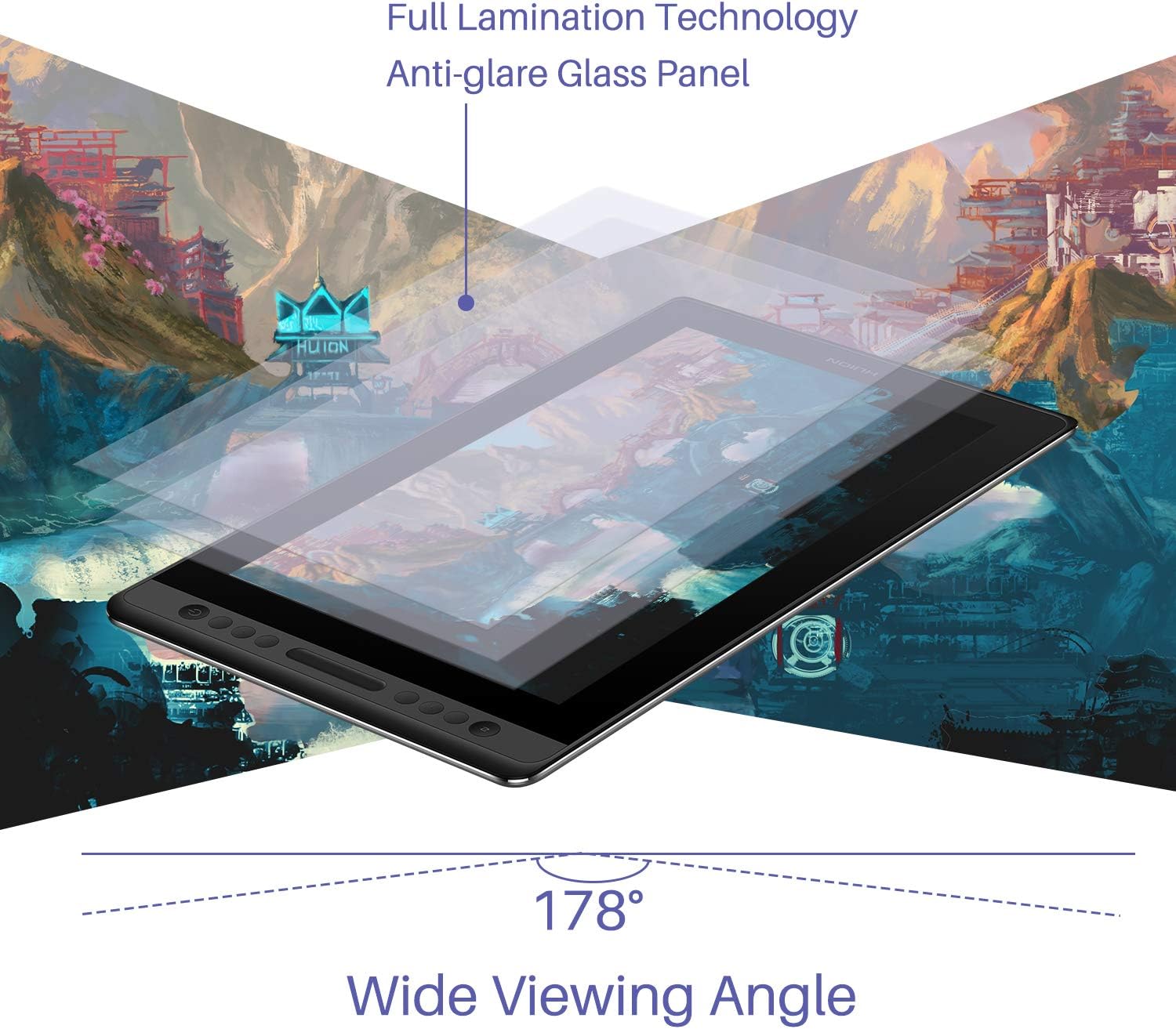
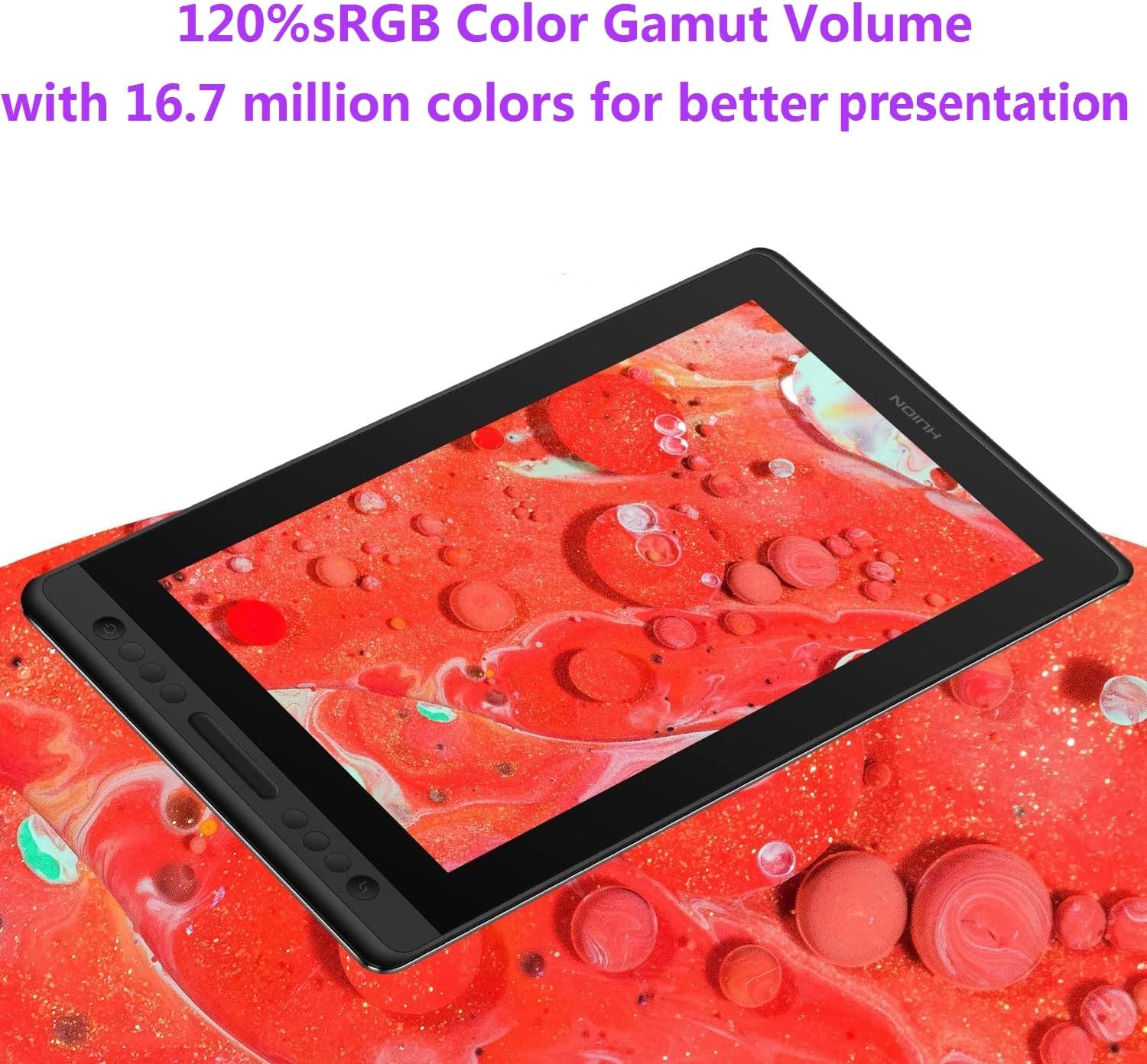
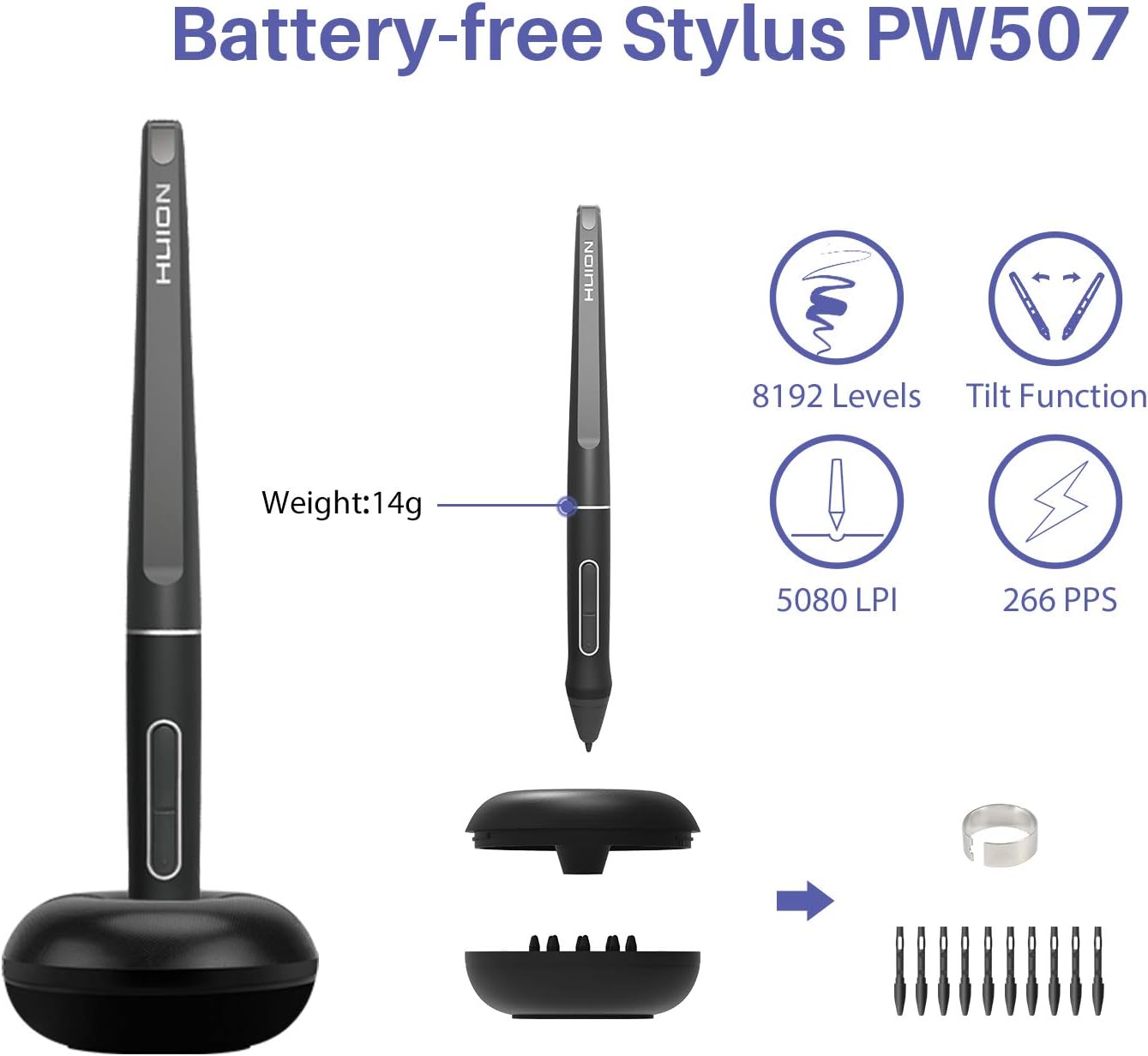
The fully laminated screen reduces the gap between the pen tip and cursor, making direct-on-screen drawing feel more immediate. Anti-glare glass helps manage reflections, and the listed 120% sRGB color gamut and 16.7 million colors support vivid visual work. The battery-free PW507 pen offers pressure sensitivity and 60° tilt support, so line weight and stroke character can respond to how you draw.
Six customizable Express Keys and a programmable Touch Bar put shortcuts within reach. Set them for actions such as zooming the canvas, adjusting brush size, or scrolling through a page. That control layout can be useful when moving between detailed illustration, image editing, and online instruction. Buyers often praise the clear display, color, and natural drawing feel, feedback on setup, compatibility, calibration, and button placement is mixed, so the computer and preferred software are important parts of the overall setup.
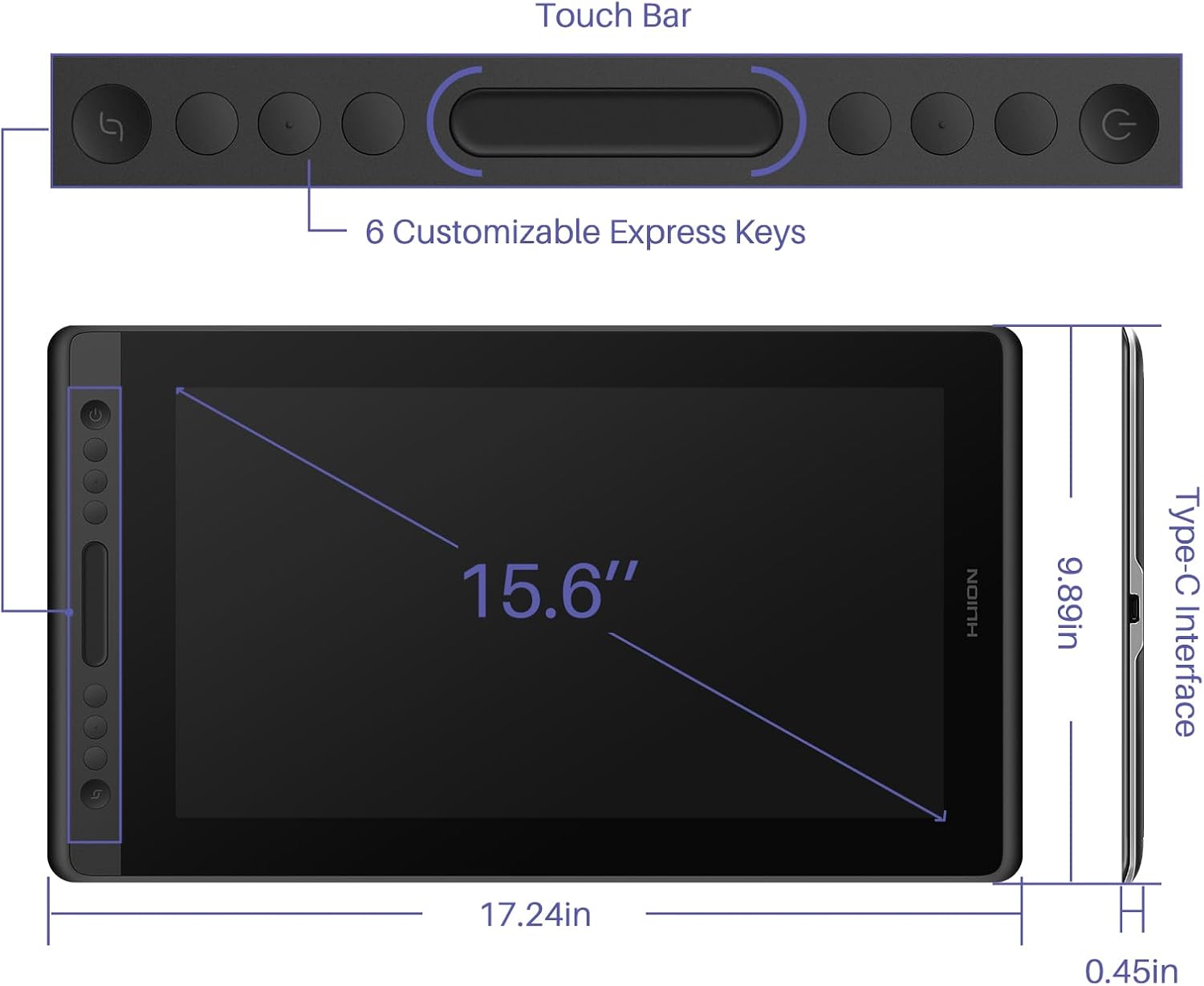
Compared with a screenless pen tablet, the KAMVAS Pro 16 lets you draw while looking at the artwork beneath the pen. It also serves as a display for computer-based lessons, webinars, and screen sharing, making it useful beyond illustration alone.
Tech specs
- Display: 15.6-inch LCD, 1920 x 1080 resolution
- Active area: 344.2 x 193.6 mm
- Pen: Battery-free, 8,192 pressure levels, 60° tilt support
- Controls: 6 programmable Express Keys and 1 Touch Bar
- Color gamut: 120% sRGB
- Refresh rate: 60Hz
- Connectivity: USB, 3-in-1 cable connection
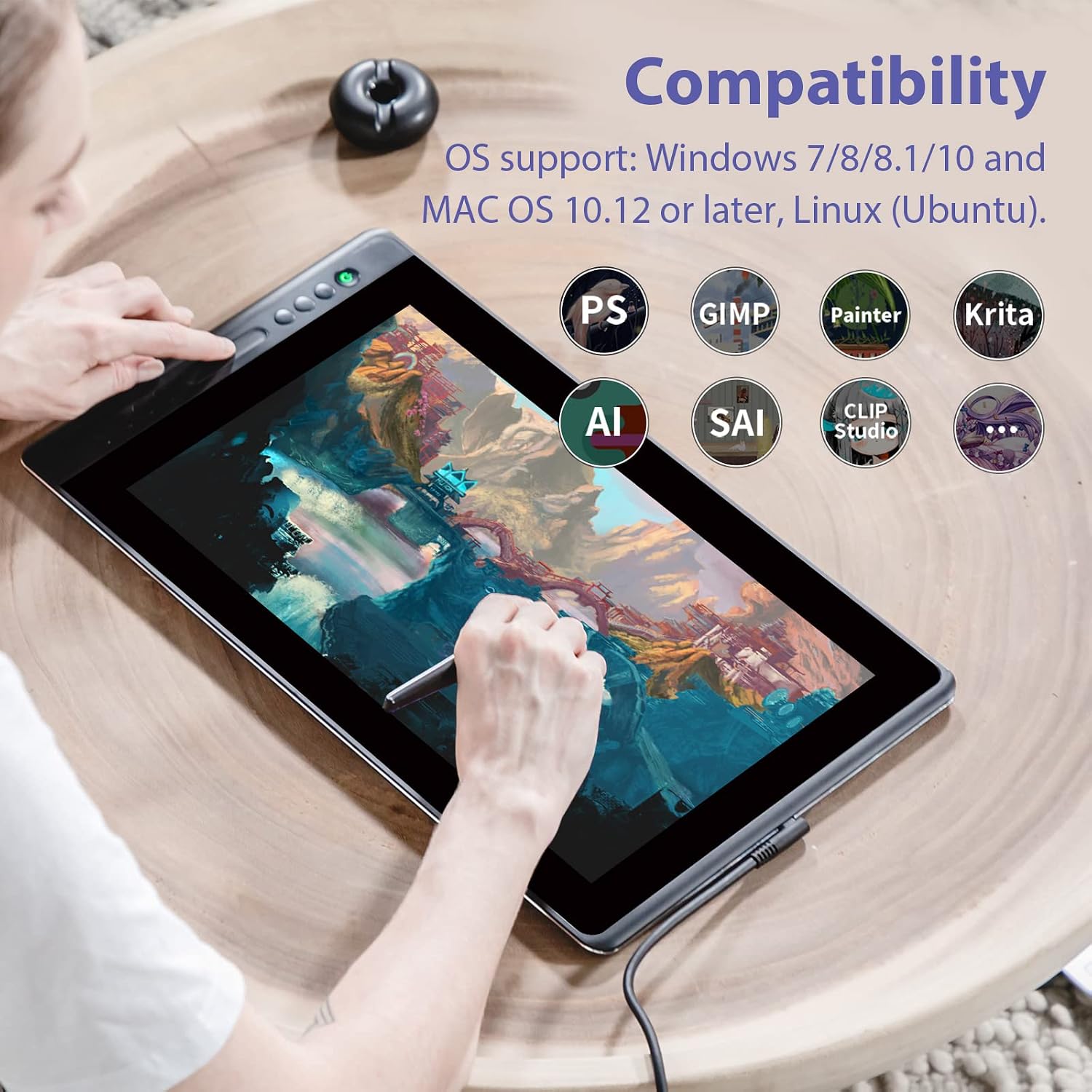
- Compatibility: Windows 7 or later, macOS 10.12 or later, and Linux Ubuntu
- Weight: 1.2 kg
Before you decide
Does the KAMVAS Pro 16 work without a computer? No. It connects to a computer to run drawing and other supported software, it does not operate as a standalone drawing tablet.
Which operating systems does it support? The listed operating systems are Windows 7 or later, macOS 10.12 or later, and Linux Ubuntu. It is designed to work with mainstream drawing software.
Can the shortcut controls be customized? Yes. You can customize the six Express Keys and program the Touch Bar for tasks such as canvas zoom, brush adjustment, and page scrolling.
Final verdict
Choose the HUION KAMVAS Pro 16 for a computer-connected drawing setup that combines direct-on-screen pen work, a 15.6-inch Full HD workspace, and customizable controls. It is also a practical fit for digital lessons and remote work when you want to write or draw on the display while using a compatible computer.