

MechLands Aula SC620 Gaming Mouse, PAW3311 Sensor, 12,000 DPI, Tri-Mode
Product description
Technical details
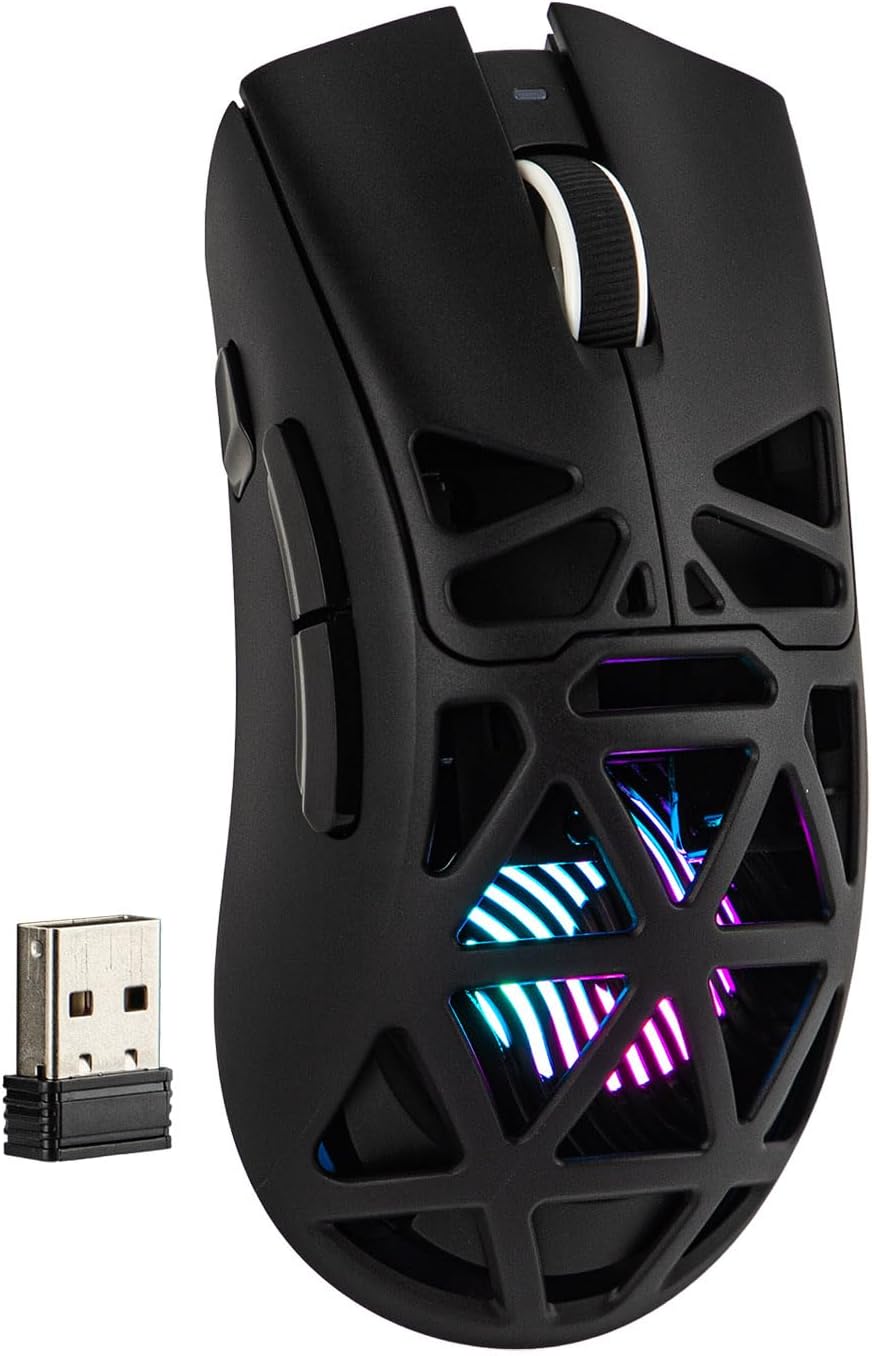
The PAW3311 optical sensor, adjustable DPI, and three connection modes give the Aula SC620 flexibility for gaming and everyday computer use. Its honeycomb shell lets RGB lighting shine through, while the programmable controls keep shortcuts and commands close at hand.
- Sensor: PAW3311 optical
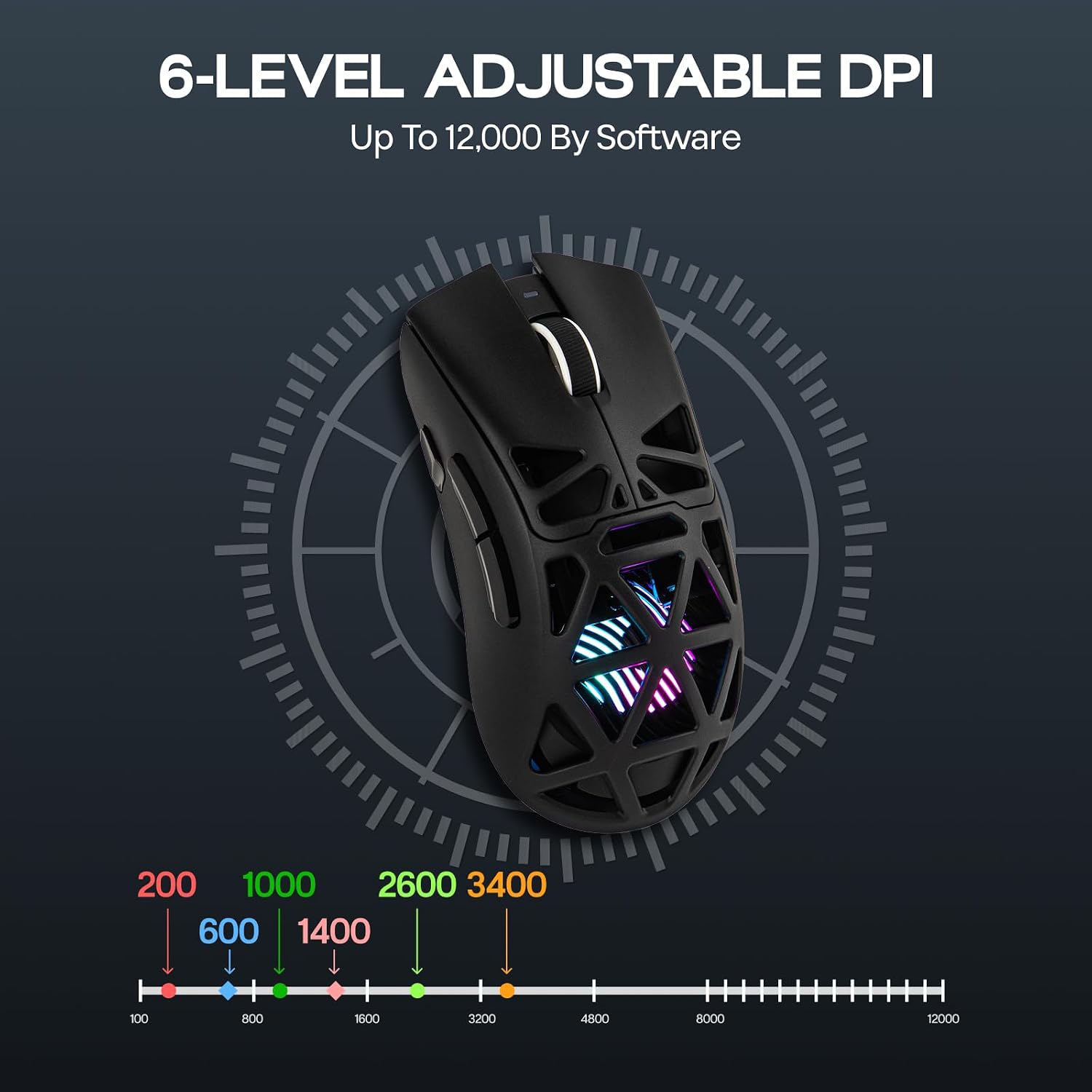
- DPI: Six preset levels, adjustable up to 12,000 DPI
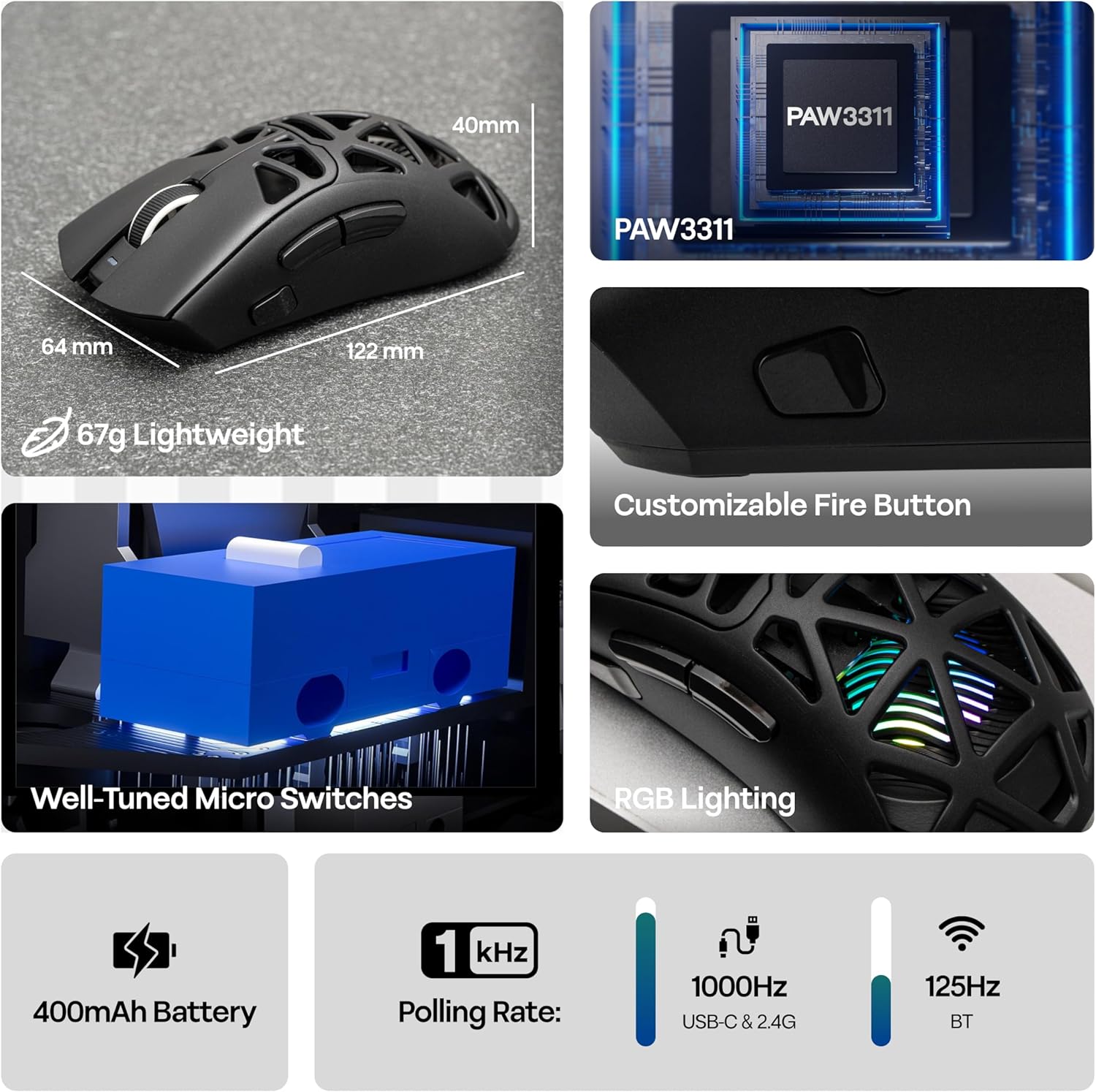
- Polling rate: Up to 1,000 Hz over 2.4GHz wireless and USB-C, 125 Hz over Bluetooth
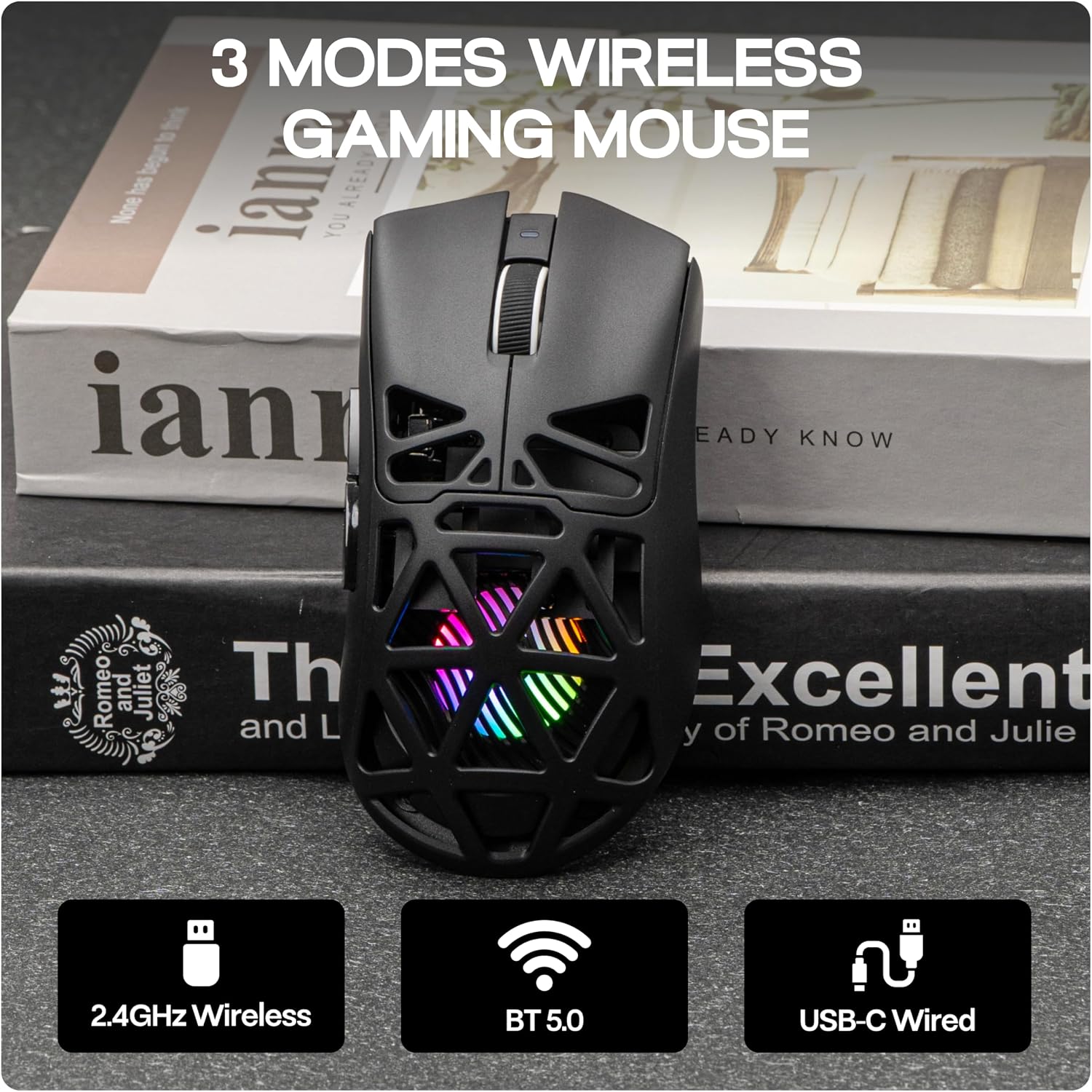
- Connectivity: 2.4GHz wireless, Bluetooth 5.3, and USB-C wired
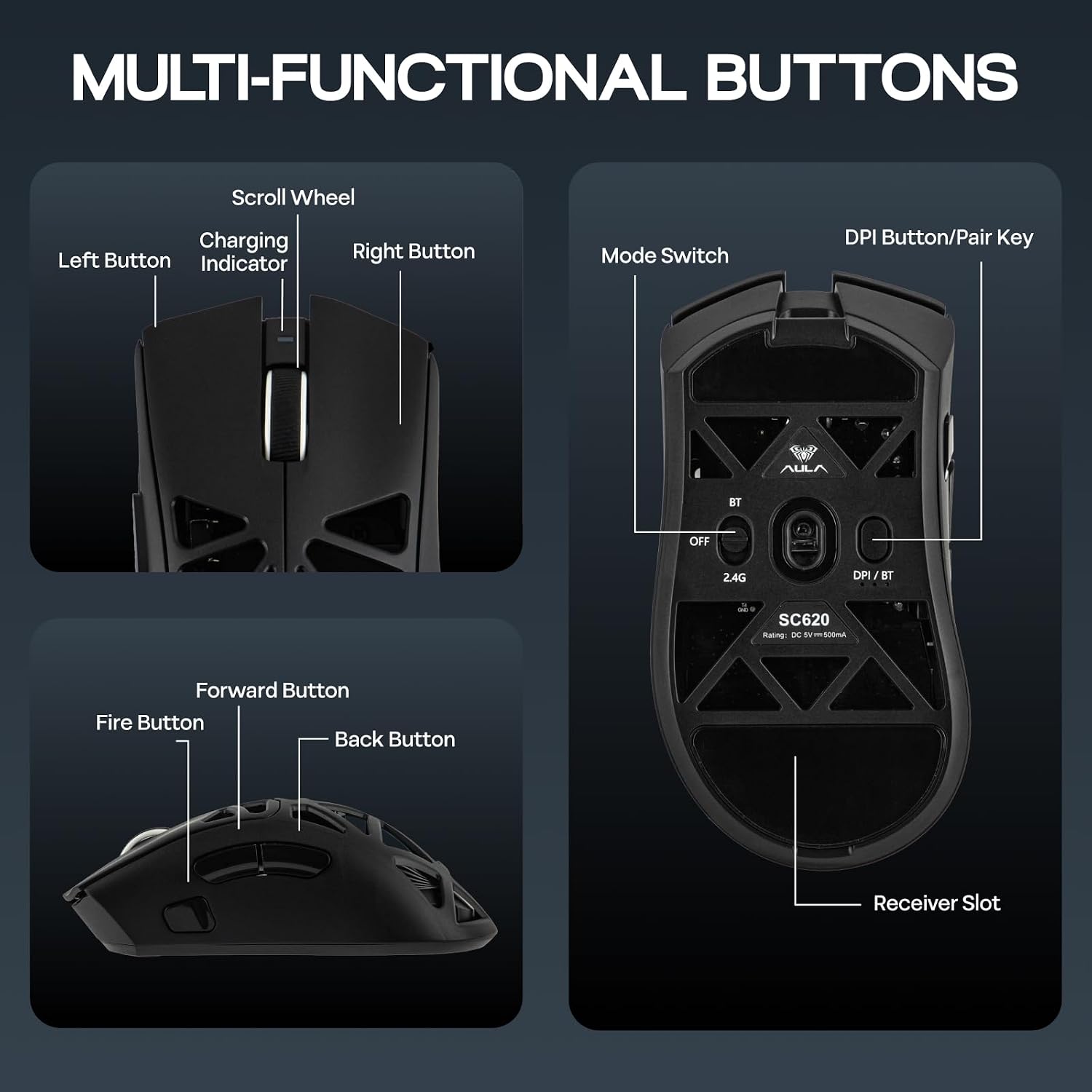
- Controls: Seven buttons, including a Fire Button and six programmable buttons
- Battery: 400mAh, USB-C connection charges the mouse
- Compatibility: PC, Mac, and Android, listed for computers, smartphones, and tablets
- Included: Braided USB-C cable, 2.4GHz receiver, and user manual
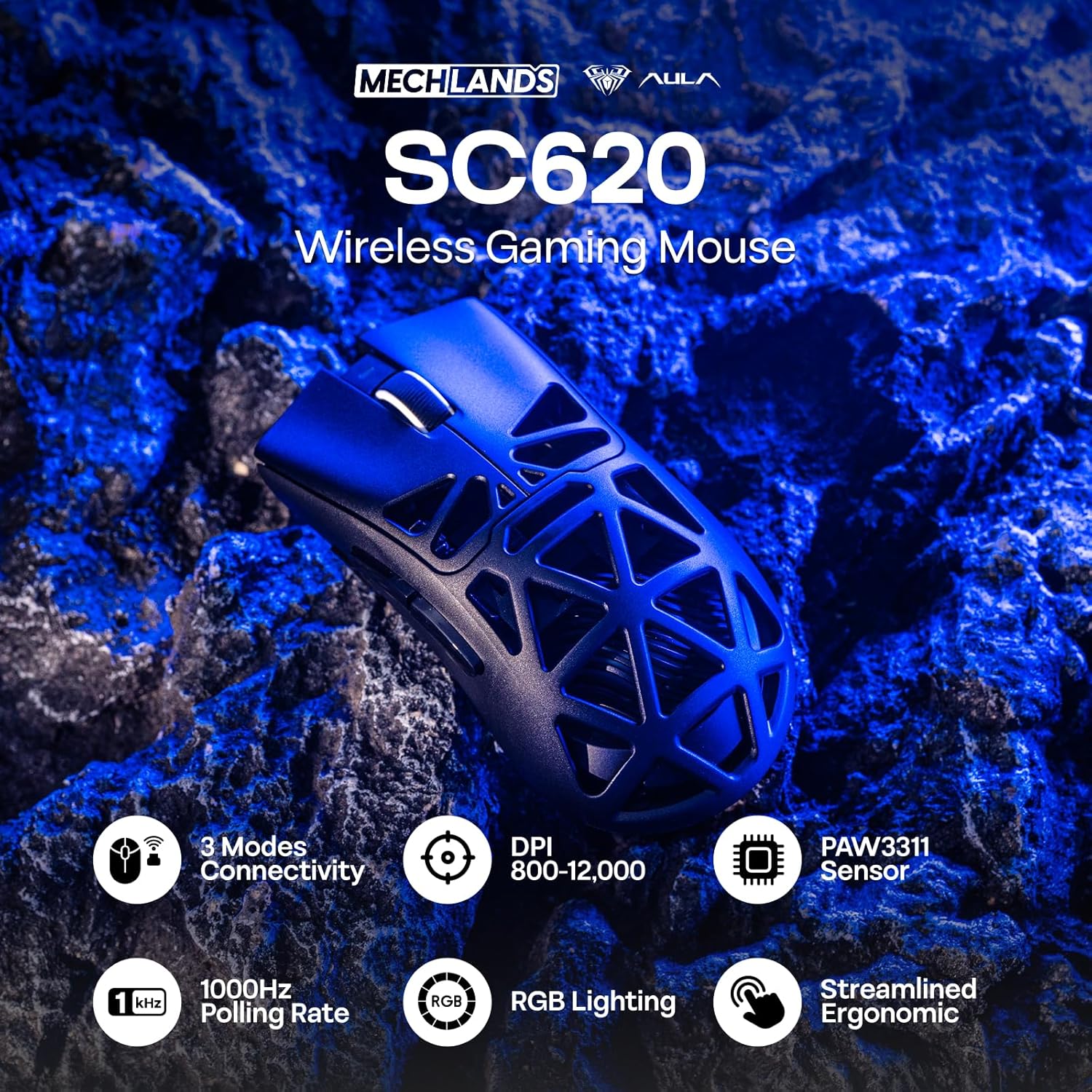
The three modes suit different setups: use the 2.4GHz receiver for a wireless desktop connection, Bluetooth for a compatible device, or USB-C for a wired connection while charging. Compared with a basic wireless mouse that offers only standard clicks, the SC620 adds adjustable tracking, programmable controls, and RGB effects in one device.
Requirements
The SC620 is listed for Windows, Mac OS, and Android, and works with PCs, smartphones, and tablets. Choose Bluetooth or 2.4GHz wireless for a cable-free setup, or connect by USB-C when you want a wired connection. The polling-rate options vary by mode: 2.4GHz and USB-C offer 125, 250, 500, or 1,000 Hz, while Bluetooth runs at 125 Hz.
Practical tips
For a gaming session, set the DPI to match the movement you prefer, then assign frequently used commands or macros to the programmable buttons through the software. The dedicated Fire Button provides a separate control for a priority command. For creative work or daily navigation, the six DPI presets make it easy to switch tracking sensitivity without changing the mouse.
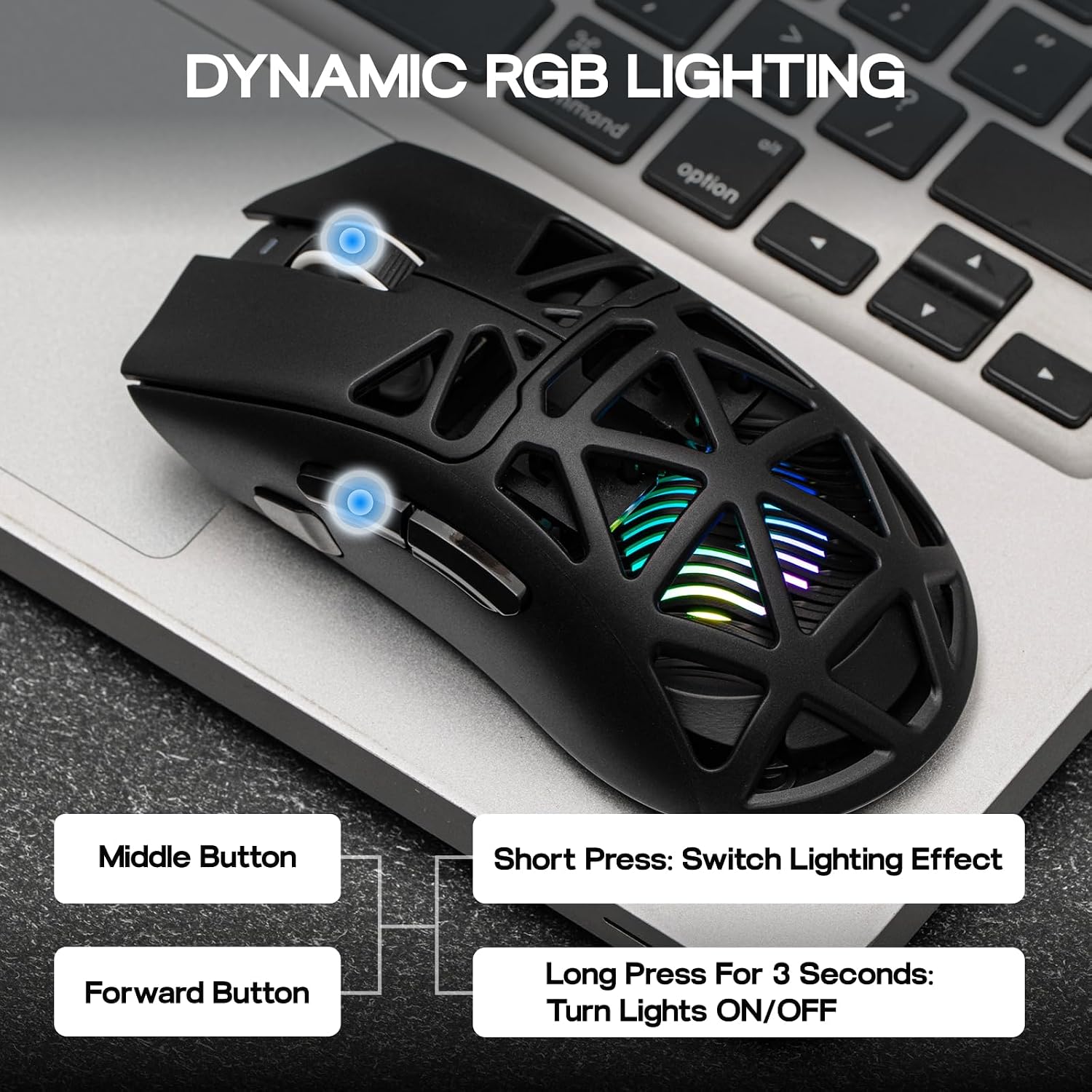
RGB effects can be cycled with the Forward and Middle buttons, without software. The DPI value assigned to each indicator color can also be customized. Keep the 2.4GHz receiver in its storage slot on the back of the mouse when it is not in use. Connecting the USB-C cable switches the mouse to wired mode and starts charging, the front indicator is red while charging and green when fully charged.
Buyers highlight the mouse’s build and its versatility for gaming and everyday tasks. Feedback on battery life is mixed, so charging over USB-C is a practical option for keeping it ready between sessions.
When it makes sense
The Aula SC620 makes sense for someone who wants one mouse for gaming and general computer use, with the choice of three connection modes rather than a single wireless option. Its PAW3311 sensor, adjustable DPI up to 12,000, and polling rates up to 1,000 Hz on 2.4GHz or USB-C support a configurable setup, while programmable buttons help bring game commands and everyday shortcuts within reach. The honeycomb shell and customizable RGB effects add a distinctive look to a gaming desk.