

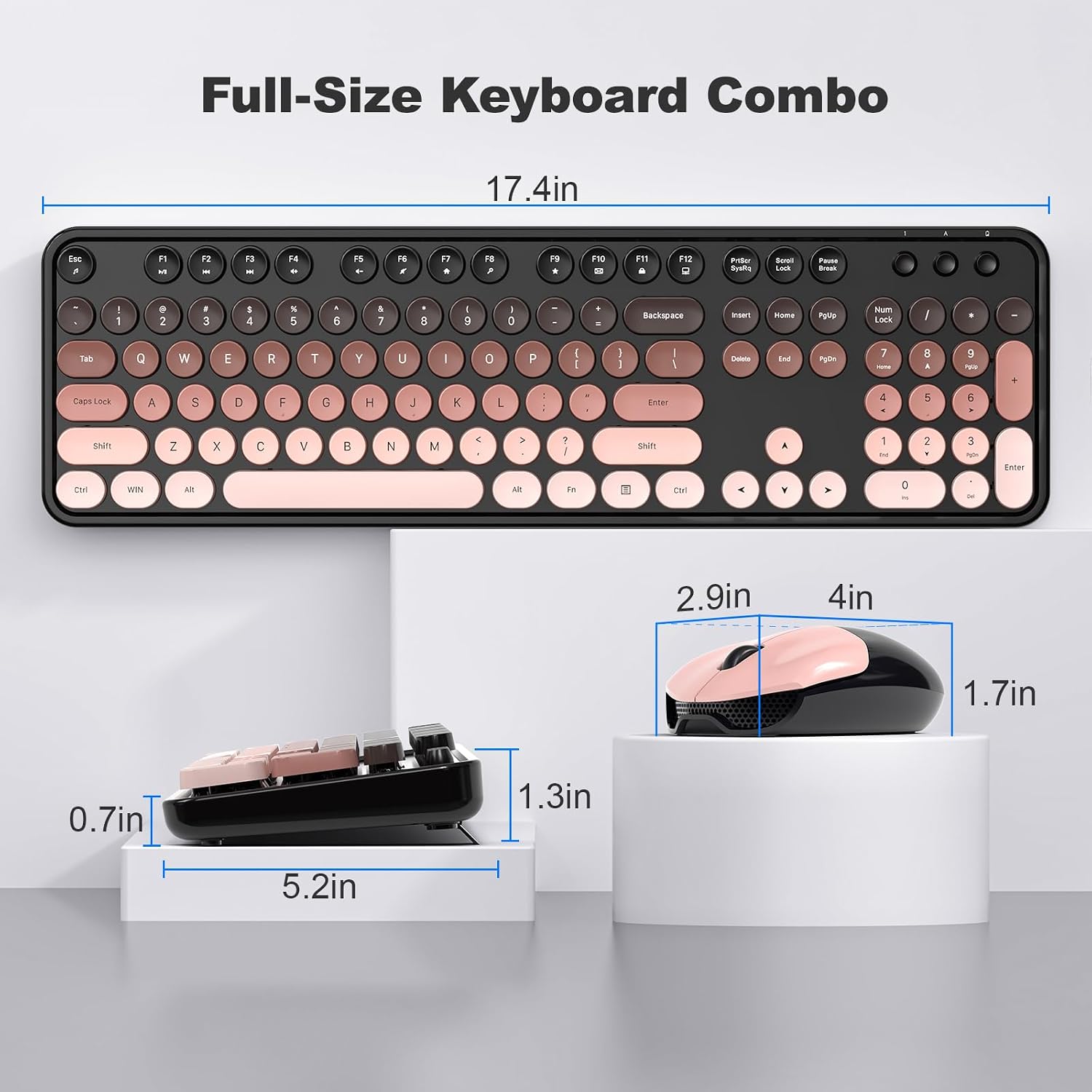
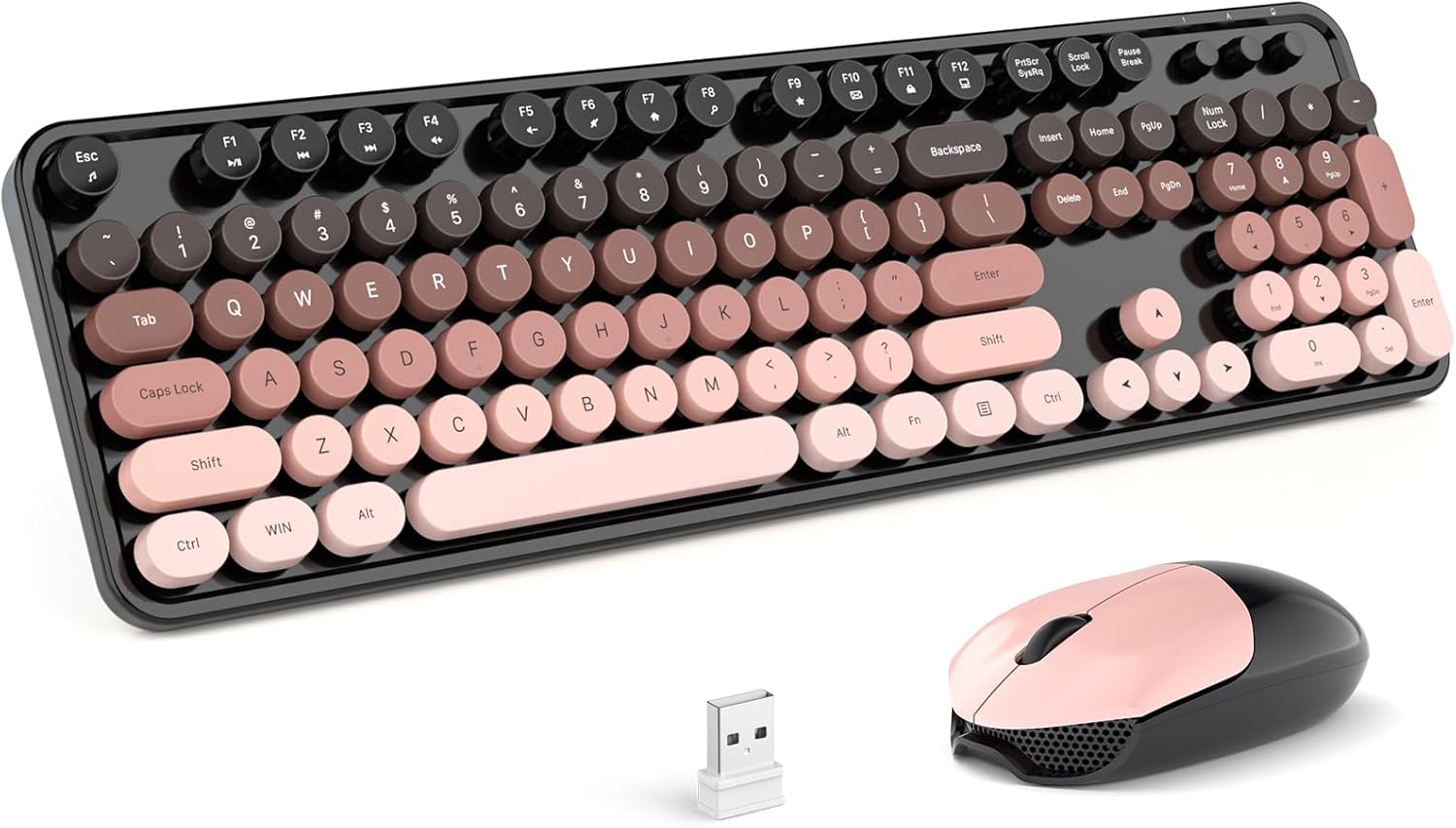
MOFII Wireless Keyboard and Mouse Combo: Full-Size 2.4G Plug-and-Play Set (Blackberry Gradient)
Product description
What it is and who it’s for
The MOFII Wireless Keyboard and Mouse Combo is a full-size desk setup that pairs a keyboard with a number pad and a contoured mouse. It’s designed for home and office use on PCs, desktops, and laptops, with a colorful aesthetic described as Blackberry Gradient. If you’re looking for a wired-free workspace that doesn’t demand complex setup, this combo aims to offer a straightforward plug-and-play experience.
How it connects and setup
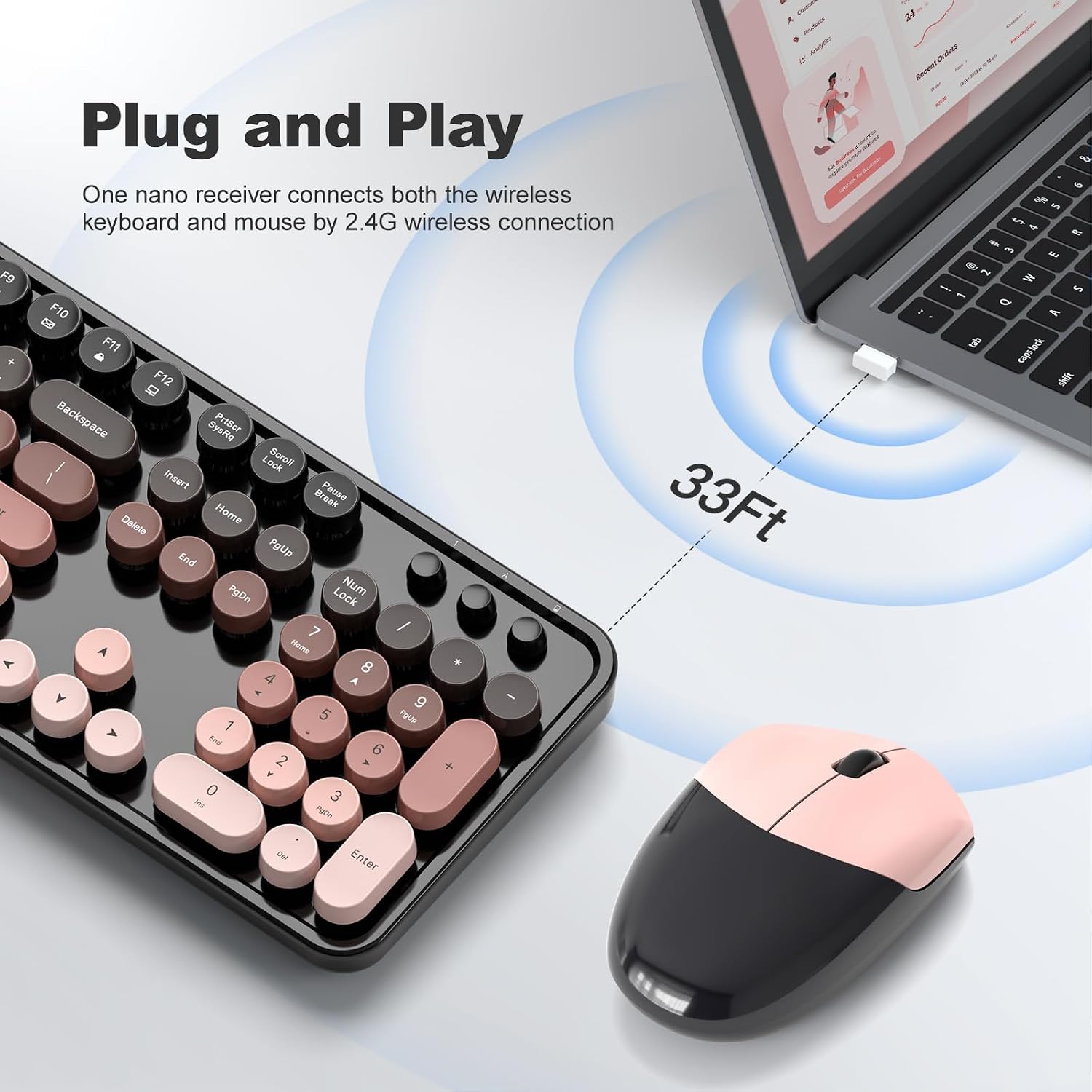
Setup is simplified by a 2.4G wireless connection. You plug in the USB receiver and you’re good to go—the receiver stores inside the mouse for easy transport. The connection promises stability with anti-interference performance, and a practical wireless range of up to 10 meters (33 feet).
Design and comfort
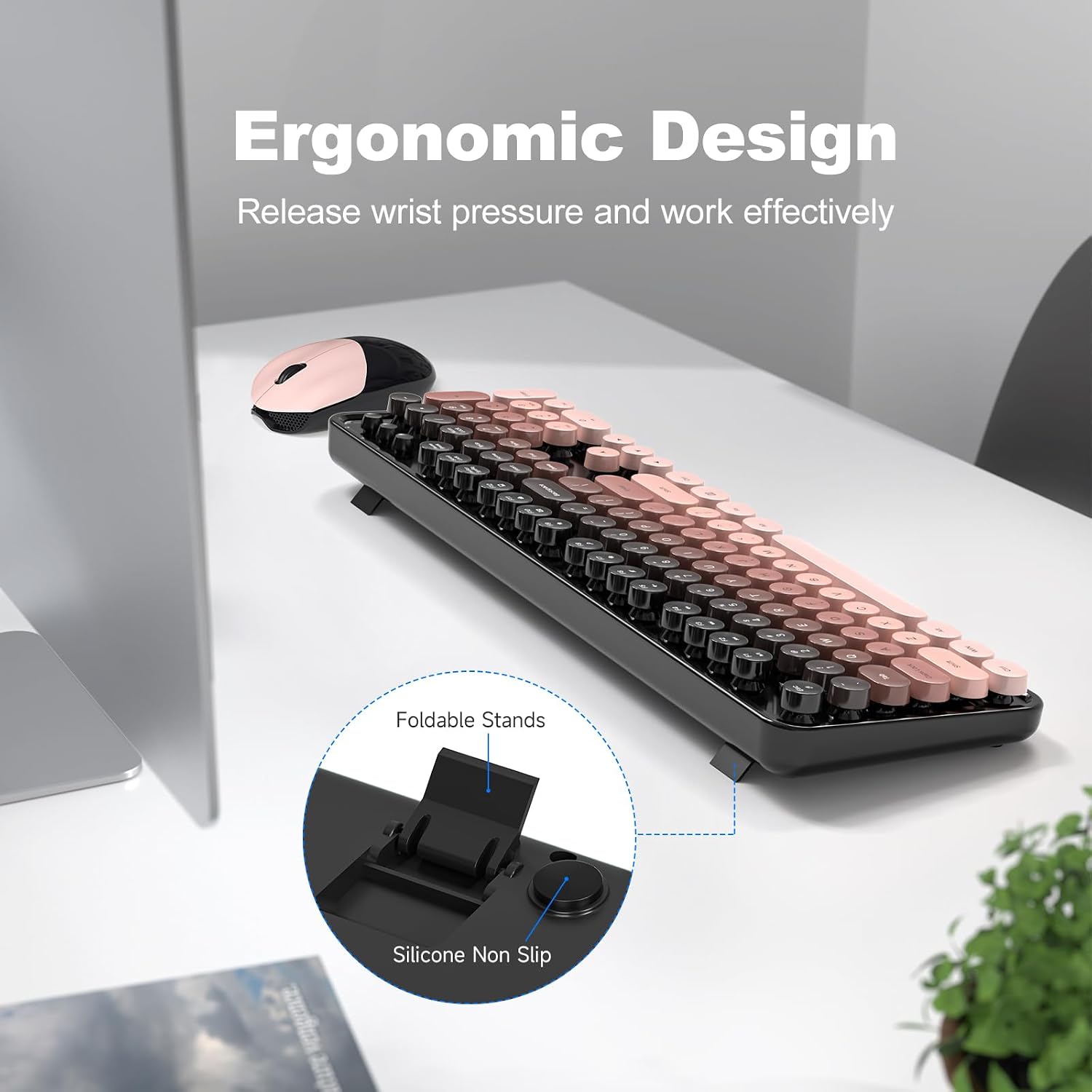
The keyboard includes a folding holder and anti-slip pads to help establish a comfortable typing angle, which can reduce wrist strain during longer sessions. The mouse is contoured for hours of use. A notable maintenance note: removable keycaps on the keyboard make cleaning a bit easier, though you’ll want to handle them gently to avoid misplacing or damaging components.
Battery life and power saving
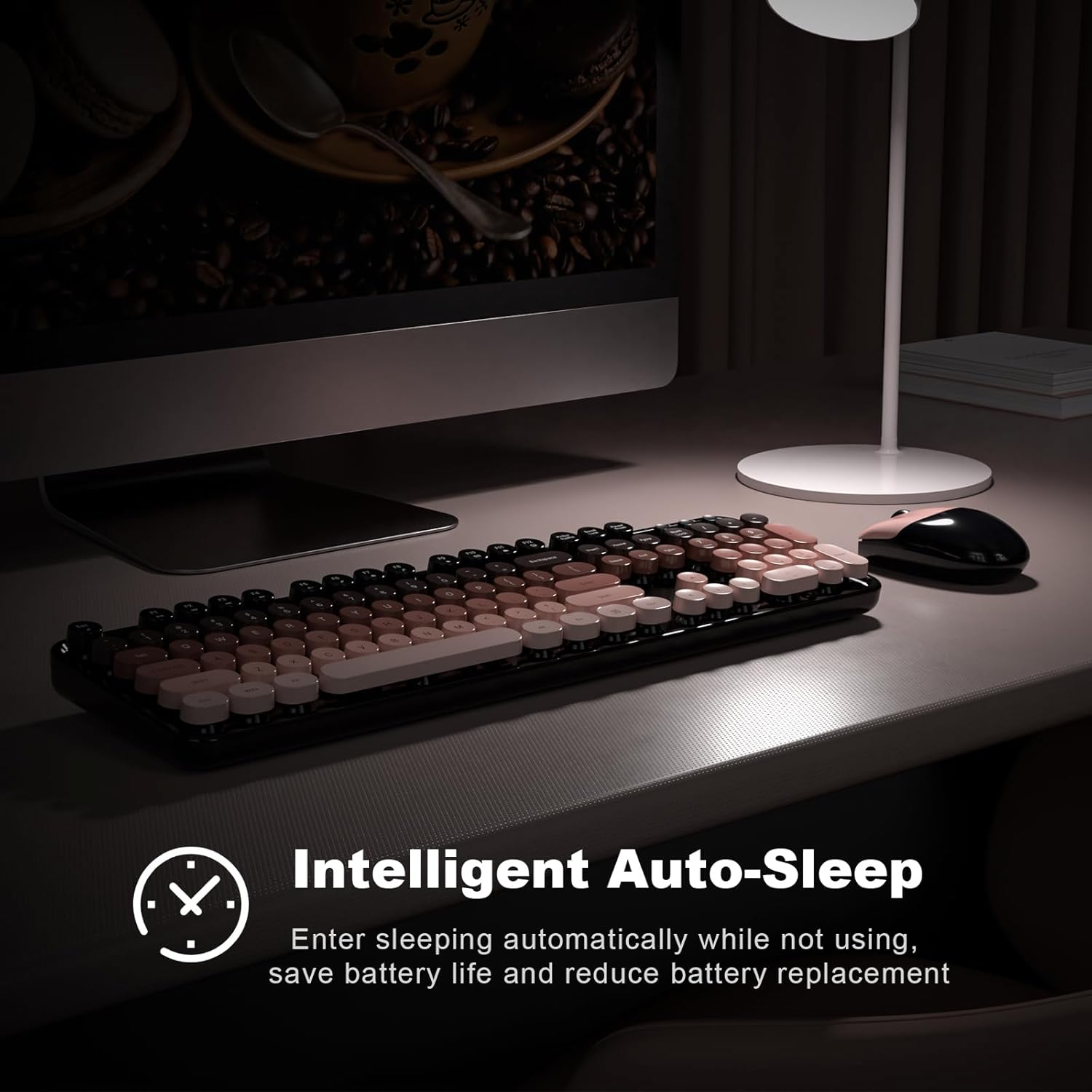
Both the keyboard and the mouse run on one AA battery each. They feature an auto-sleep mode after 8–10 minutes of inactivity, which can extend battery life and reduce the need for frequent replacements. In practice, you might see varied results depending on usage and lighting conditions, but the auto-sleep feature is a meaningful saver if you tend to step away from your desk.
Performance and compatibility
The claim of wide compatibility centers on PCs, desktops, and notebooks. With a plug-and-play 2.4G setup, you don’t need extra software to begin typing or clicking. If you prioritize a simple, color-pop desk look with a compact, all-in-one solution, this combo could fit. Do note: the base description doesn’t specify more granular specs like key switch types or mouse DPI, so you’ll want to adjust expectations around precise performance metrics.
Pros and limitations
What stands out is the straightforward wireless experience, the integrated storage for the receiver, and the practical auto-sleep feature that helps battery life. The colorful design adds personality to a workspace. On the flip side, there’s no detail on additional programmable keys, tilt adjustments beyond the folding stand, or DPI settings for the mouse. If you need specialized keyboard actions or high-precision mouse control for gaming or design work, this combo might feel basic.
What to review before buying
- Confirm your device supports a 2.4G wireless peripheral and that you’re comfortable with a USB-A receiver.
- Consider how often you type in long sessions and whether wrist comfort matters enough to prioritize the keyboard’s slope and the mouse’s contour.
- Check expected battery life in real-world use, understanding that 18 months is an estimate and varies with usage patterns.
- Look for the color/finish (Blackberry Gradient) to match your desktop aesthetic and whether a “colorful” keyboard fits your space.
Practical use case

If you’re setting up a budget-friendly home office or a shared workstation, this MOFII combo can reduce clutter with a single wireless receiver and provide a reliable daily driver for writing emails, taking notes, or doing light content work. It’s not designed as a high-precision tool for gaming or graphic design, so you’ll likely notice it’s more about convenience and style than top-tier performance.
Is it worth it?
Buying verdict

It makes sense if you want an affordable, easy-to-use wireless combo with a playful look, a stable 2.4G connection, and a design that emphasizes comfort in day-to-day tasks. If your priority is heavy-duty gaming, advanced customization, or extreme typing comfort features, you may want to explore other options. In short, for everyday computing and a pop of color on your desk, this MOFII set is worth considering, provided you’re comfortable with the lack of deeper technical specs.
FAQ
- How easy is setup? Very straightforward—plug in the USB receiver, and the keyboard and mouse are ready to use.
- What about battery life? The battery life is marketed as up to 18 months, but real-world results will vary with usage and sleep settings.
- Can I use it with notebooks? Yes, it’s described as compatible with PCs, desktops, and notebooks.
Final thought
If you value a simple, color-accented wireless setup that reduces desk clutter and offers practical comfort for everyday tasks, the MOFII combo can be a solid fit. It isn’t a performance leader for specialized workloads, but it aligns with a need for affordable, plug-and-play convenience.
Decision: Is it worth it?
Yes, for users seeking a straightforward, cost-conscious wireless keyboard and mouse pair with quick setup and a distinctive look. If you need advanced features or gaming-grade precision, you might want to look elsewhere.