

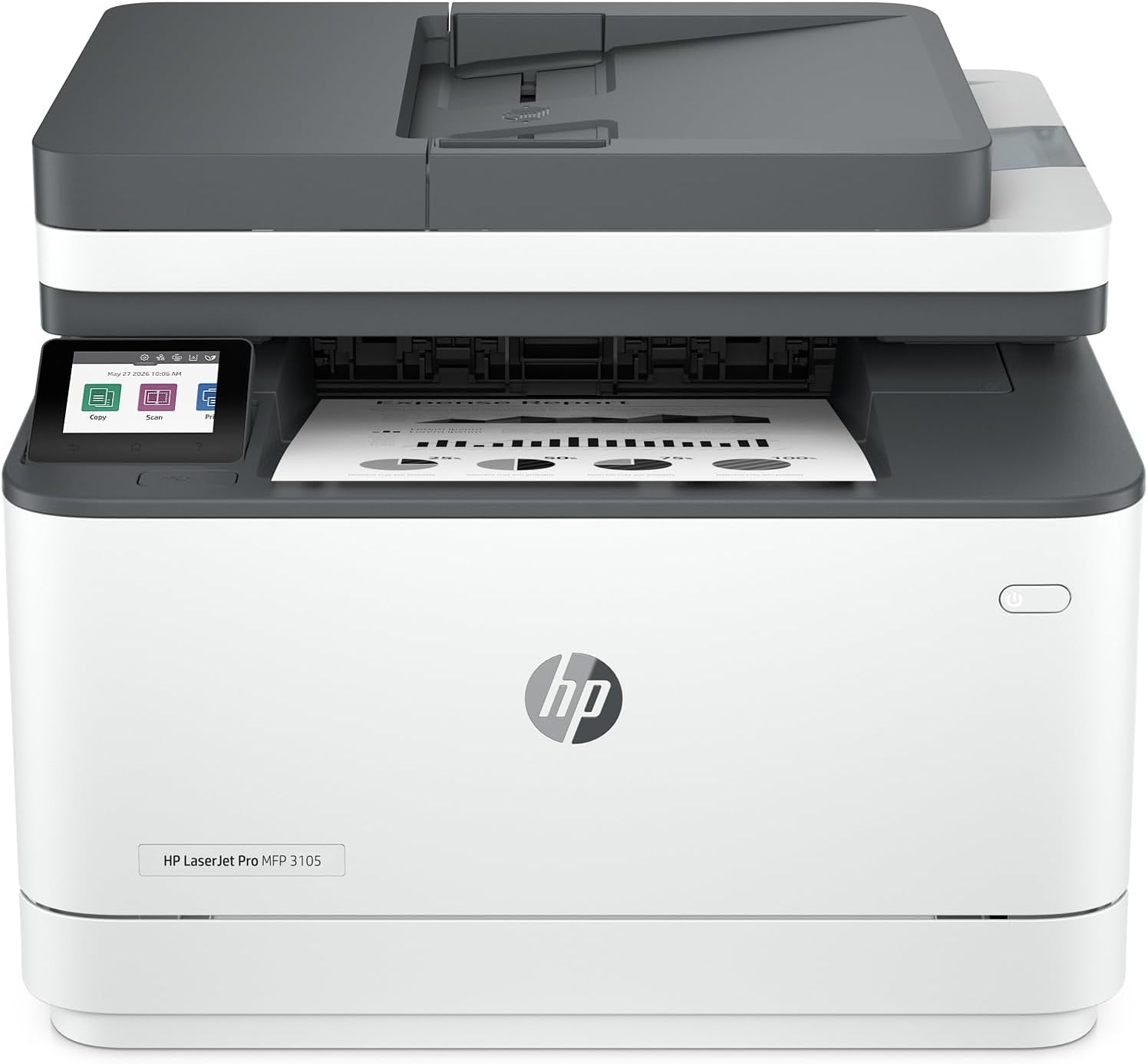
HP monochrome laser printer 3105sdw
Product description
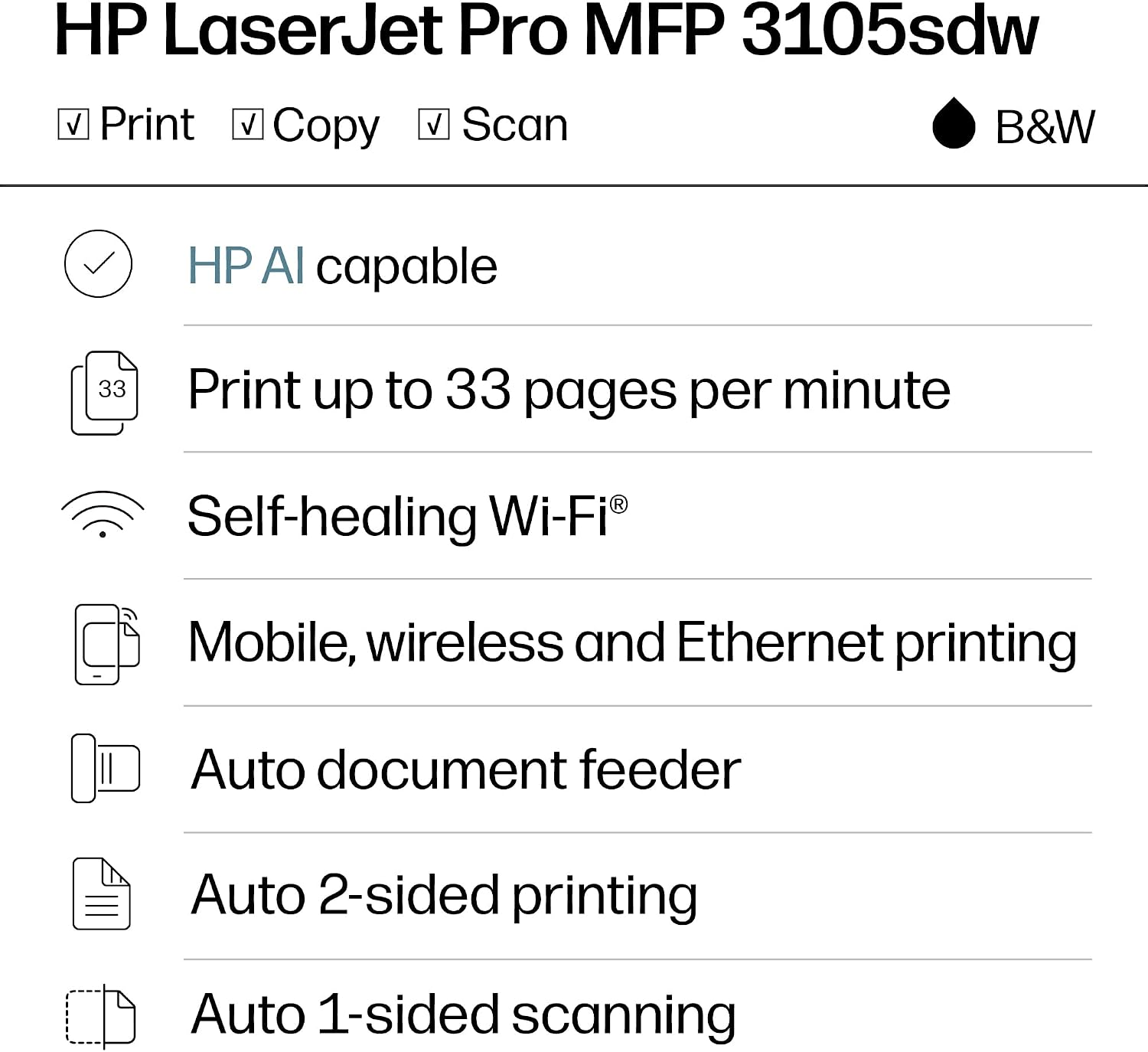
Automatic two-sided printing is the standout practical feature here: it can cut down on paper use when an office regularly prints reports or longer documents. The HP LaserJet Pro 3105sdw also prints, copies, and scans in black and white, with print speeds listed up to 33 pages per minute. Its mix of wireless access and document handling is aimed at a shared work setting, rather than occasional color printing at home.
Technical details
This is a monochrome laser all-in-one, so printing is limited to black and white. It supports automatic two-sided printing, while scanning through the document feeder is described as one-sided. That distinction matters if your routine involves scanning both sides of every page: the printer’s automatic duplex printing does not mean the feeder scans both sides automatically.
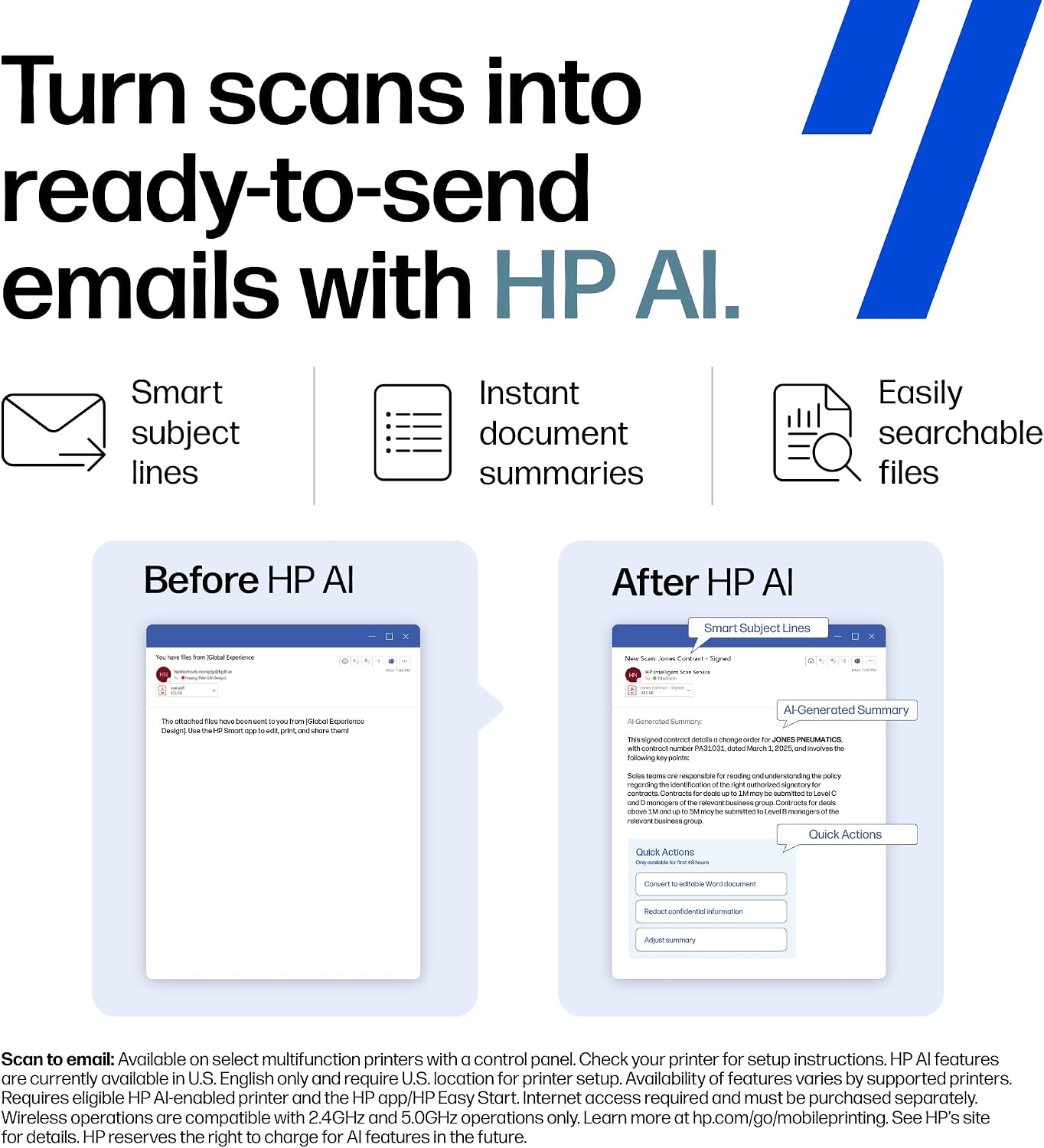
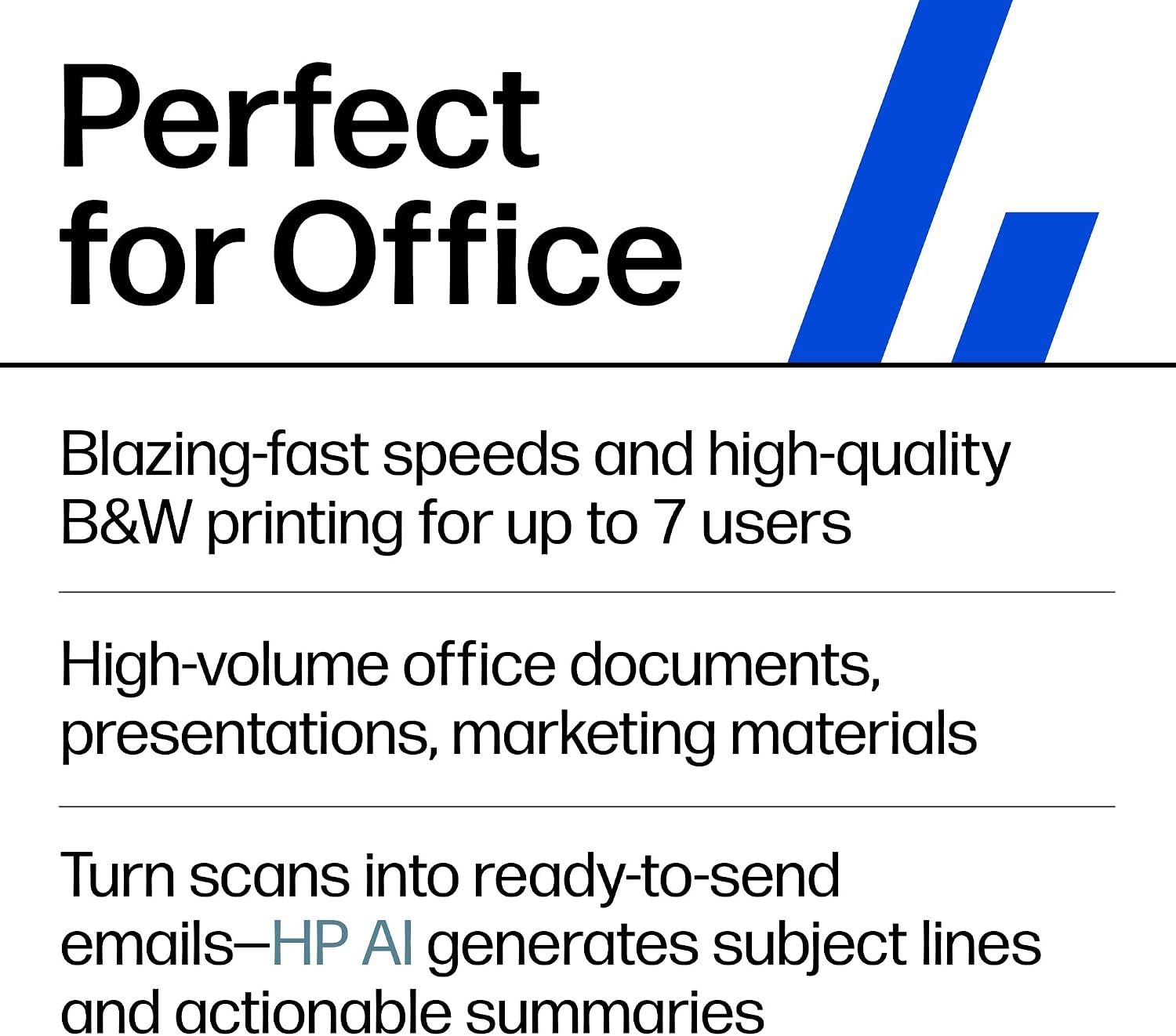
HP lists speeds up to 33 pages per minute and says the printer can recover automatically from paper jams. Wi-Fi is designed to look for a strong connection, and HP Wolf Pro Security includes customizable settings. The product description also highlights HP AI tools for scan-to-email subject lines, file names, and summaries, along with formatting web pages and emails to remove unwanted content before printing. These are workflow features, not a substitute for checking a document before sending or printing it.
Getting the most from it
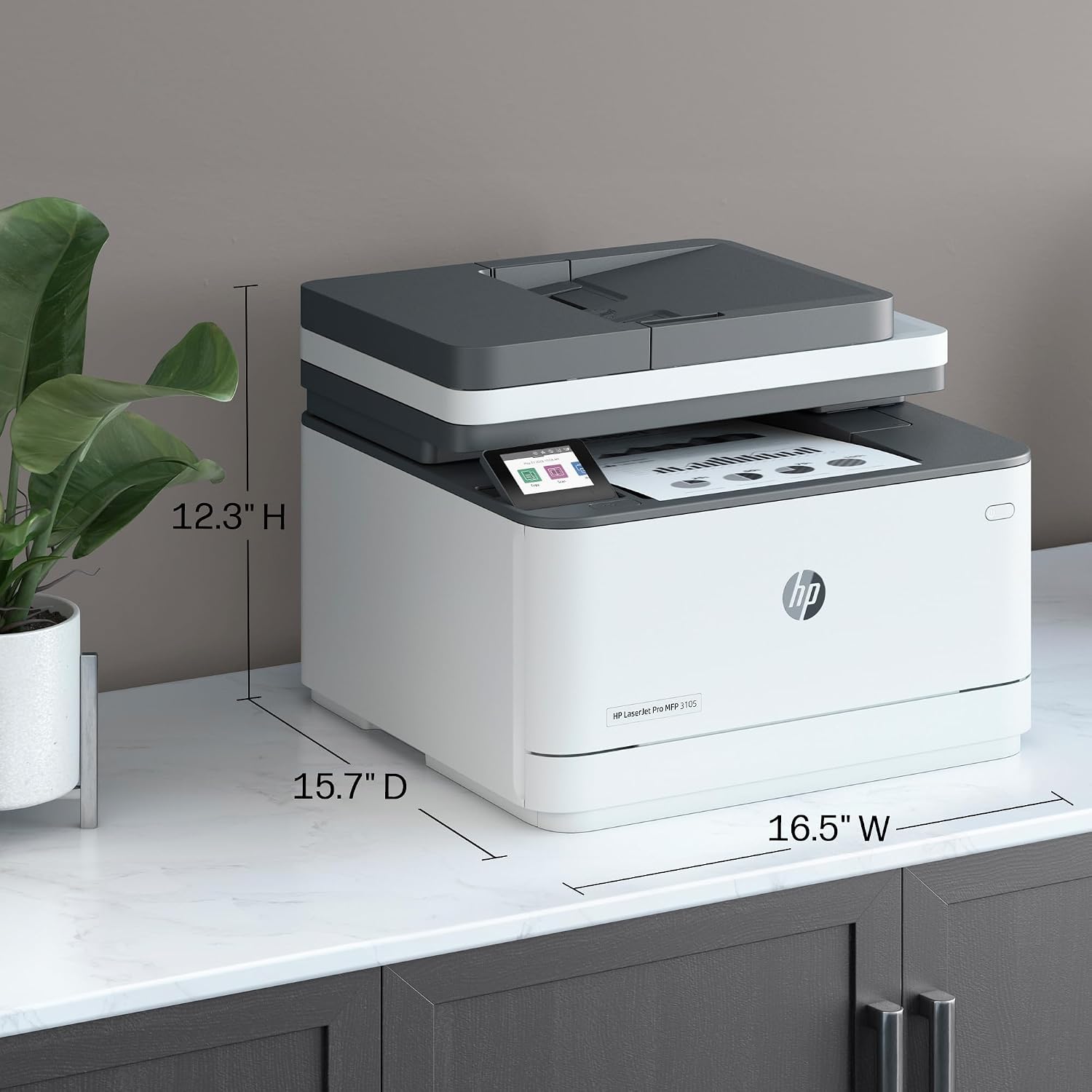
The setup process uses the HP app: connect the printer to a network, then share it across devices. The stated fit is office teams of up to seven users. For a small team that prints reports, copies paperwork, and sends occasional scans by email, that combination can keep routine jobs in one place instead of relying on separate devices.
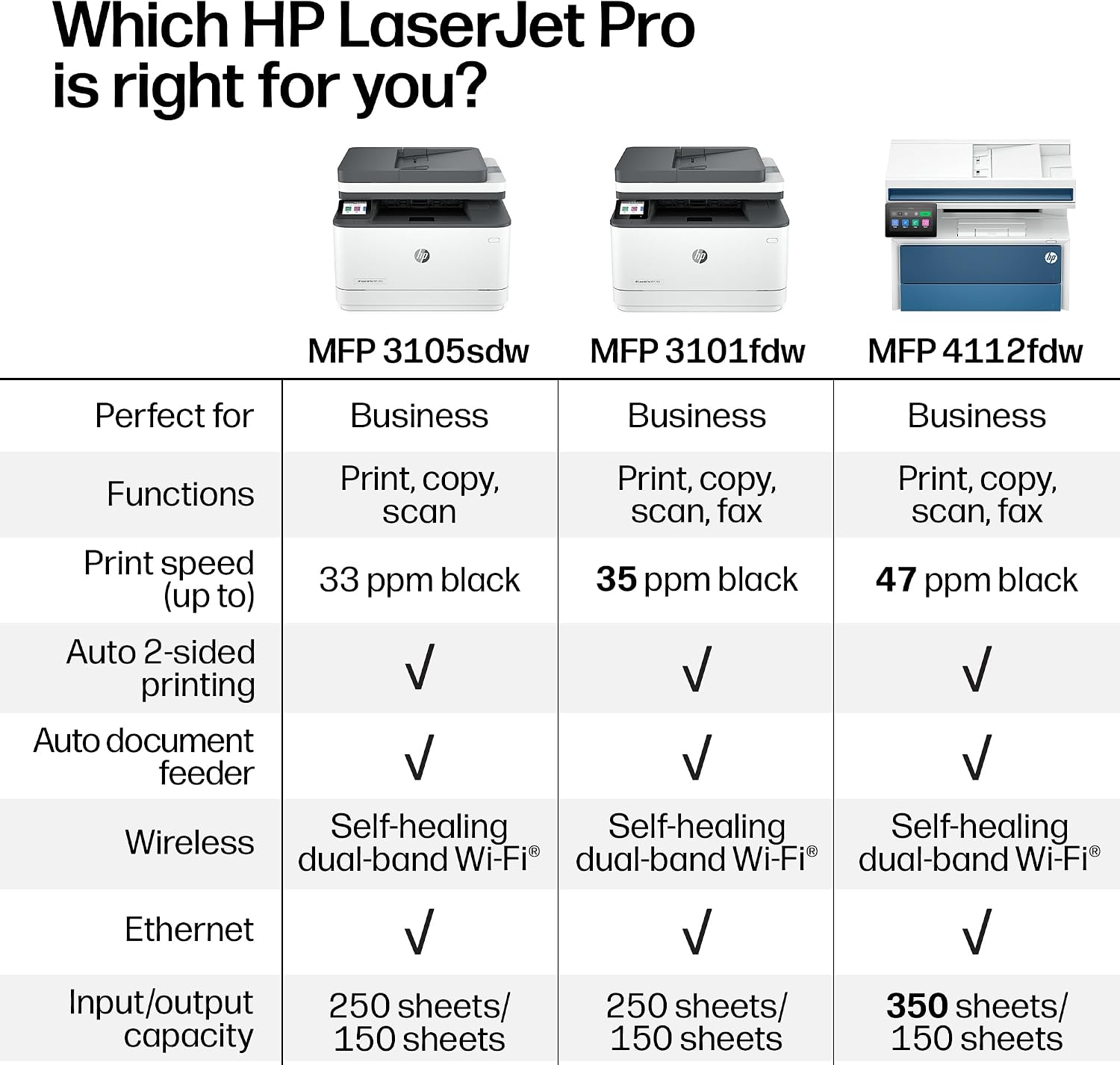
It suits you if shared black-and-white document work is more important than color output. You may want to skip it if color pages or automatic two-sided scanning are central to your workload. A color all-in-one may make more sense for mixed office and photo needs, while a simpler printer could be enough if you rarely copy or scan. From the way it is set up, this model prioritizes office workflows and connectivity over broader print formats.
Usage tips
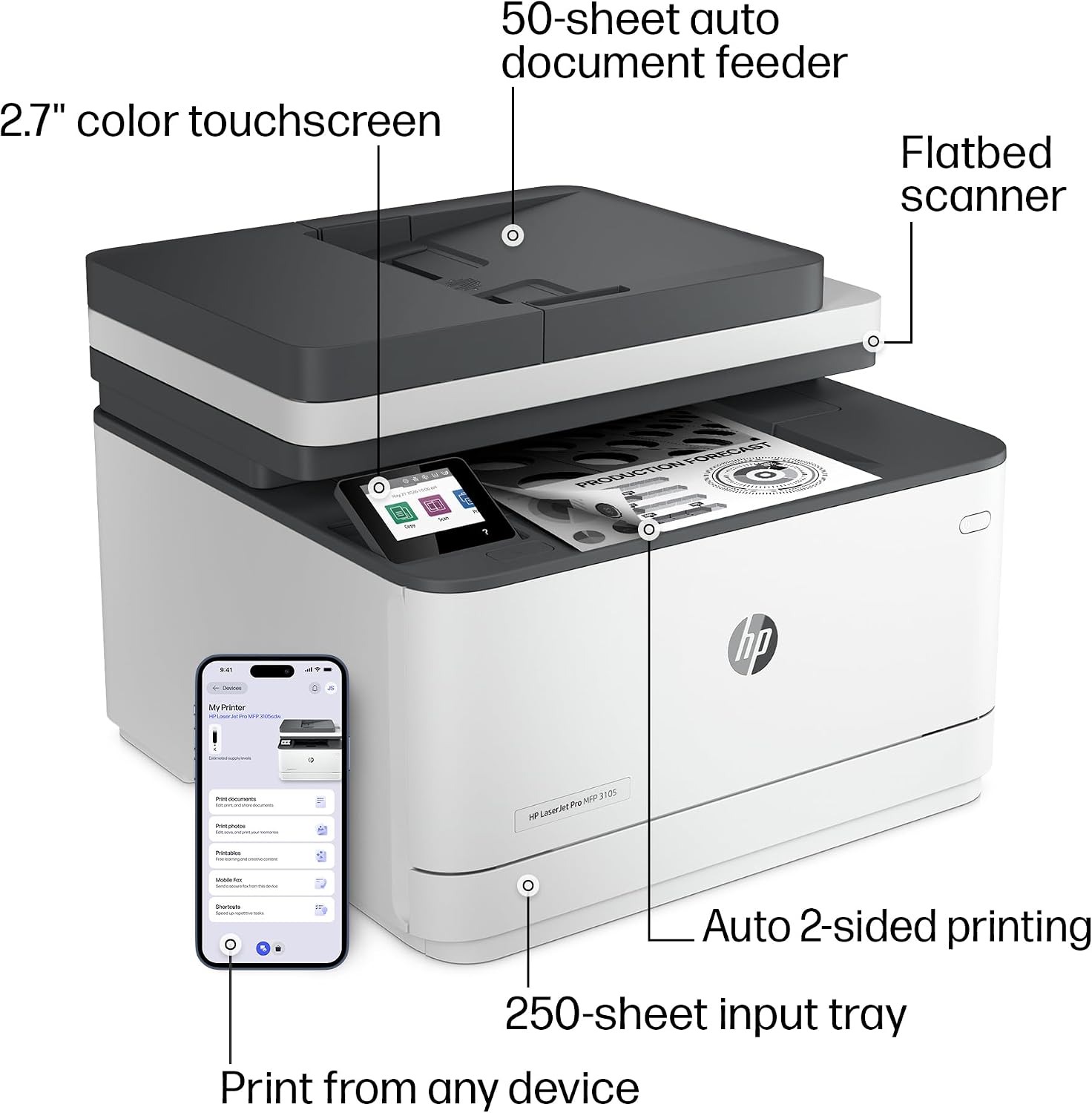
For a typical end-of-day report, select automatic two-sided printing to use both sides of the paper, then use the document feeder for a stack of single-sided originals that need scanning or copying. When preparing a web page or email, HP AI Precise Print is intended to remove unwanted content and tidy the layout, review the result before printing when exact formatting matters. Scan-to-email tools can also add a suggested subject and file name, which may help keep incoming files easier to identify.
Keep the one-sided scan detail in mind when planning a batch of double-sided paperwork. It may still handle the job, but the description does not promise automatic duplex scanning, so that workflow may involve extra handling. For teams sharing the printer, setting up access and security options early can make day-to-day use more straightforward.
Questions before you buy
Does it print in color? No. It is described as a monochrome laser printer for black-and-white documents.
Can it print on both sides automatically? Yes. Automatic two-sided printing is listed.
Does the document feeder scan both sides automatically? The listed feeder scanning is one-sided, so automatic duplex scanning is not specified.
Final verdict
The HP LaserJet Pro 3105sdw makes the most sense for a small office that wants one wireless device for black-and-white printing, copying, and scanning, with automatic duplex printing as a useful paper-saving feature. Its listed speed and scan-to-email tools may help with recurring document work, though the AI formatting and file suggestions are best treated as conveniences to review rather than hands-off guarantees. Choose it when monochrome office tasks are the priority, look elsewhere if you need color or automatic two-sided scanning.