

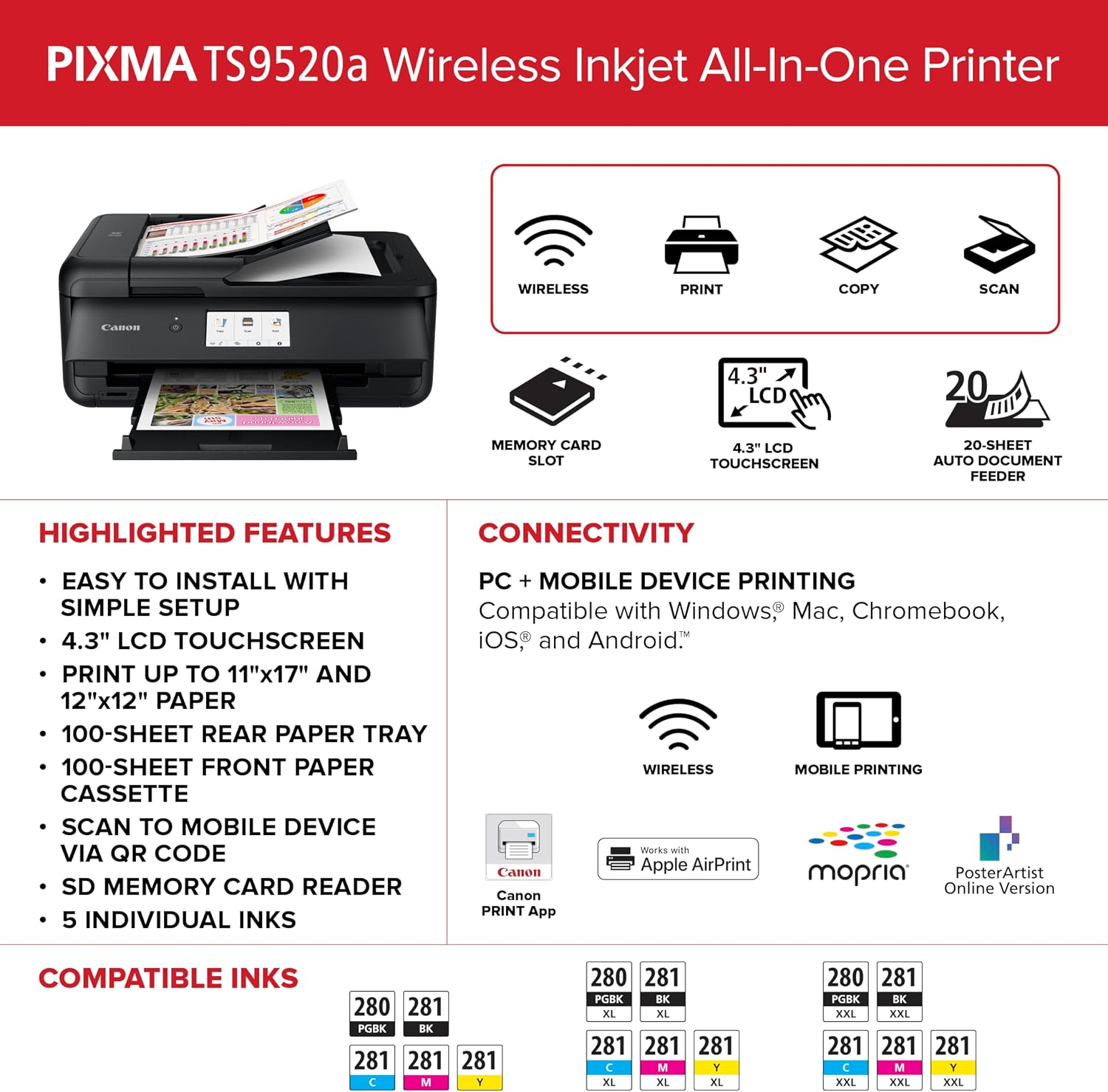
Canon All-in-One Inkjet Printer TS9520a
Product description
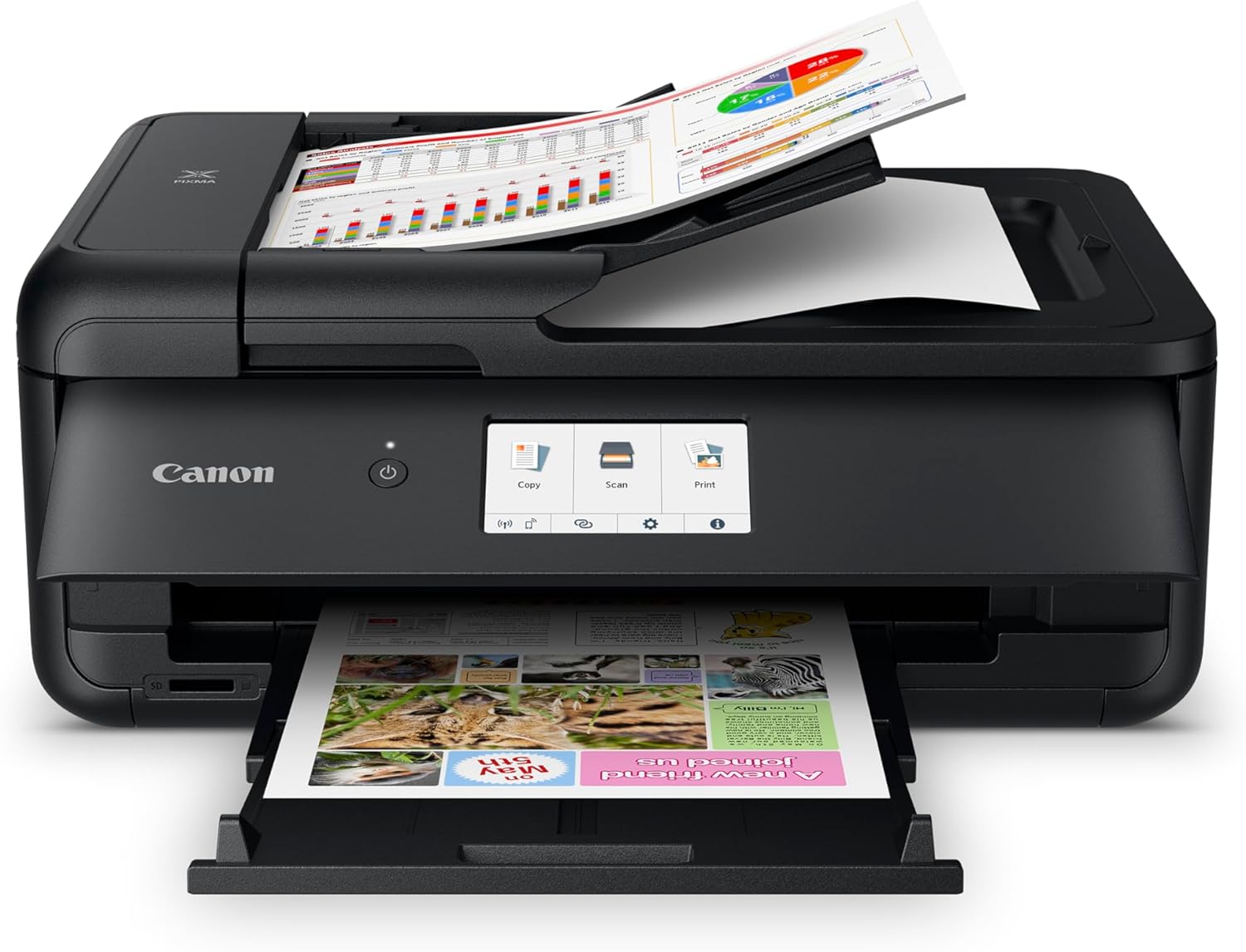
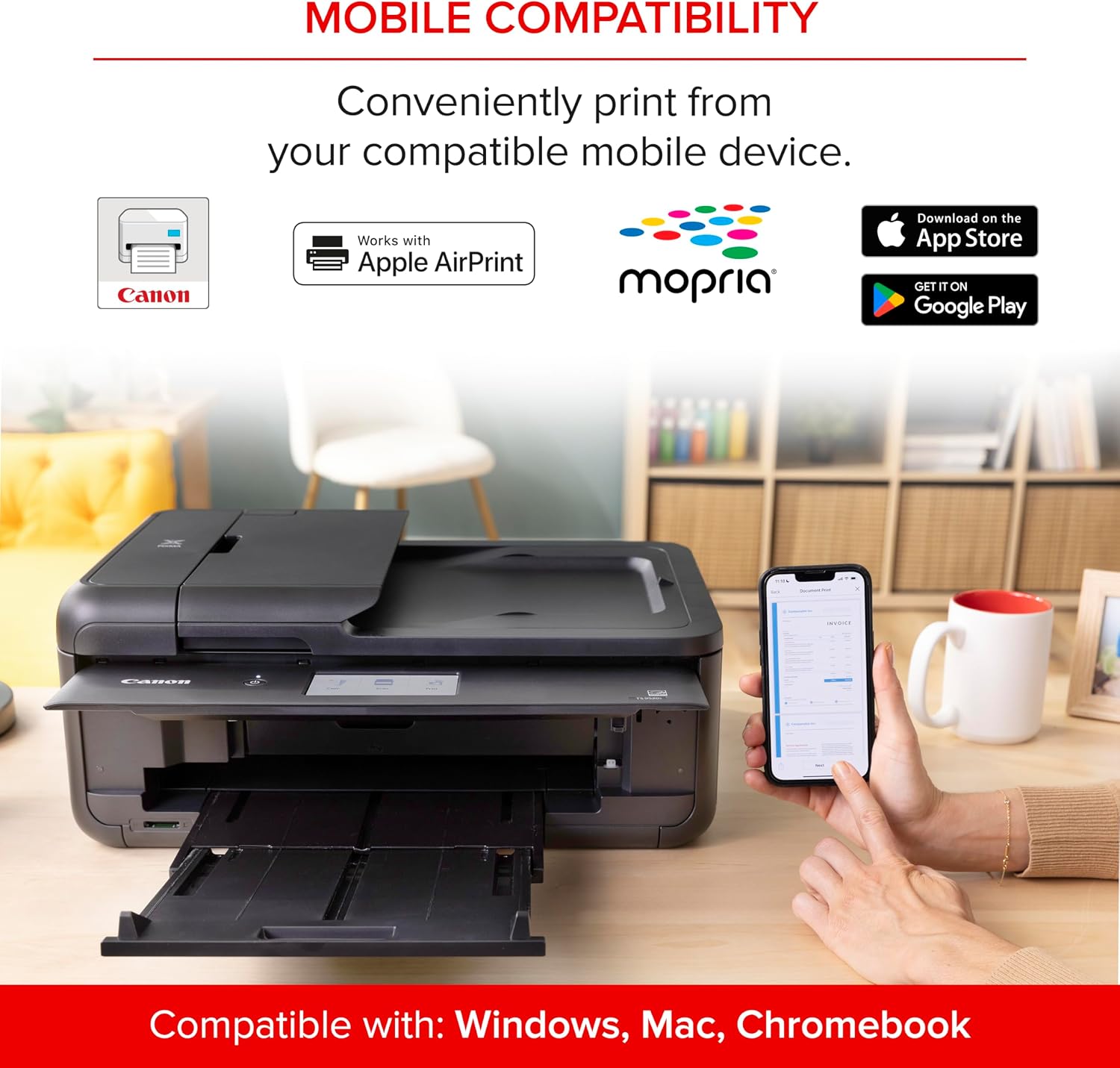
Households and home offices that want one machine for printing, copying, and scanning are the natural audience for the Canon PIXMA TS9520a. Its wireless all-in-one setup combines everyday document tasks with a touchscreen, automatic two-sided printing, and a document feeder for multi-page jobs.
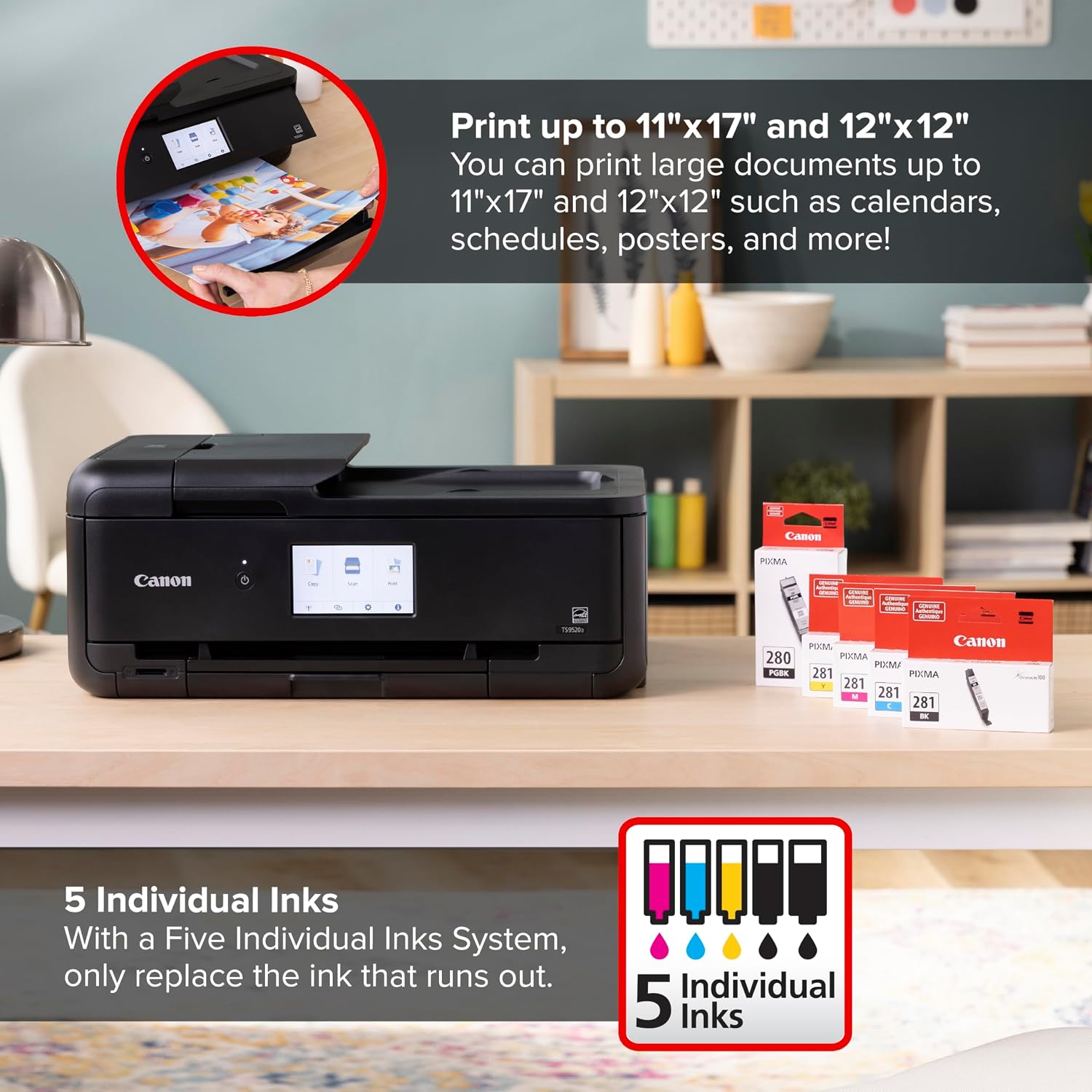
It also has separate black and color ink cartridges, so you can replace the cartridge that runs out rather than swapping a combined color cartridge each time.
Getting the most from it
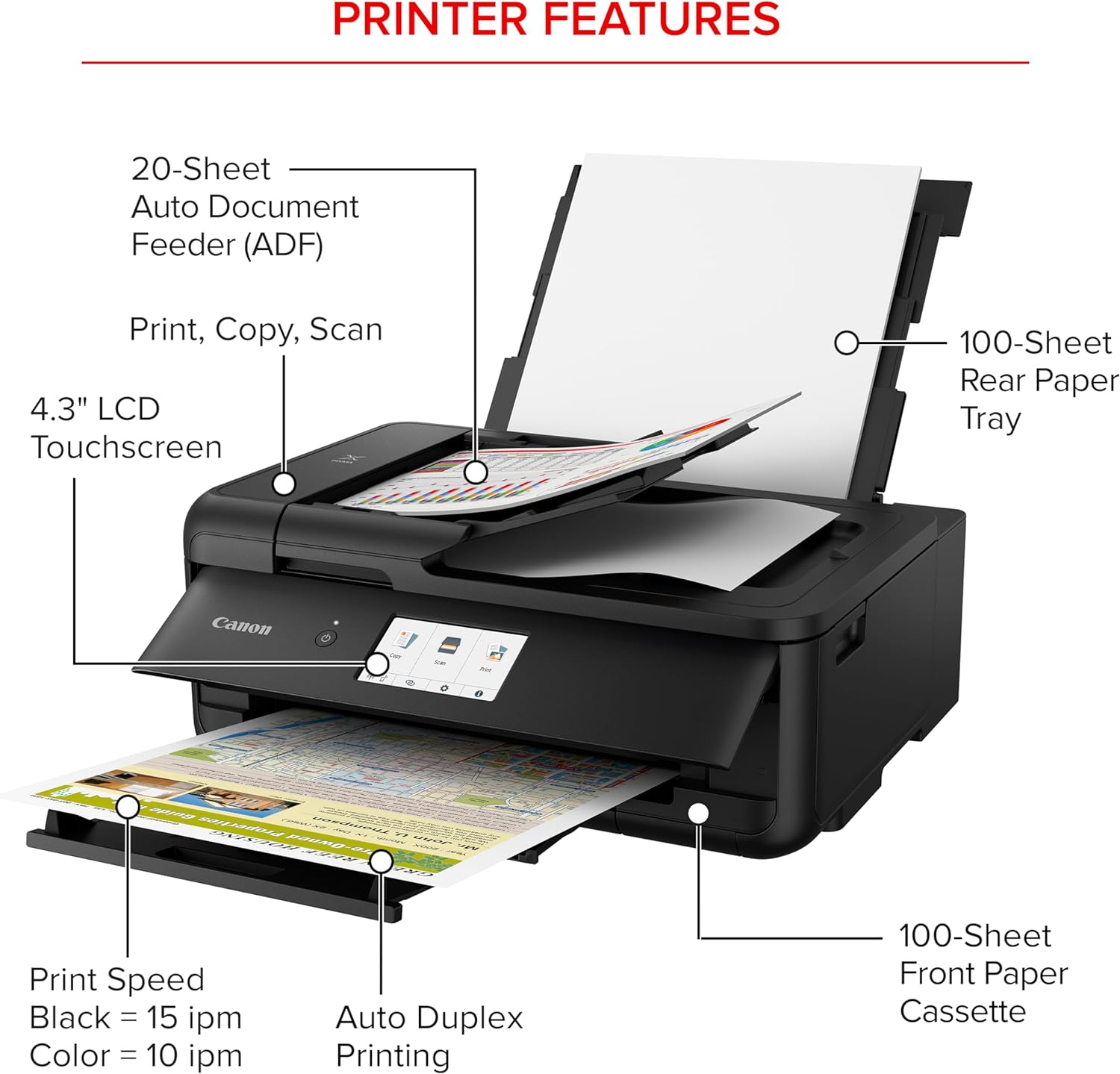
Use the 20-sheet automatic document feeder when copying a short stack of paperwork, such as forms or several pages of notes. For everyday printing, the two paper locations hold up to 200 sheets of plain paper in total: 100 in the bottom cassette and 100 in the rear tray. Automatic duplex printing can cut down on manual page flipping when you want documents printed on both sides.
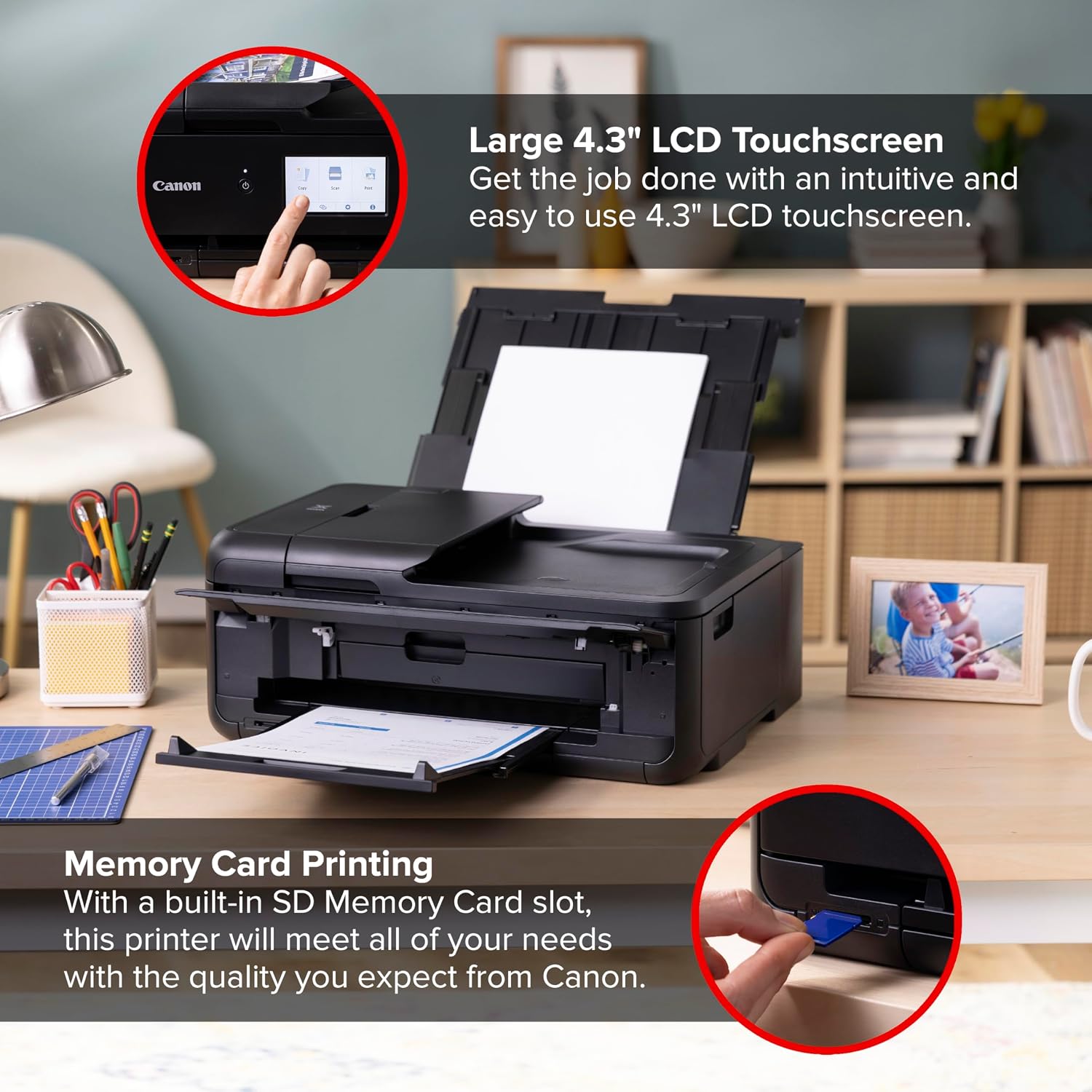
The 4.3-inch touch LCD gives you an on-printer way to manage tasks, while the stated print speeds are approximately 15 images per minute in black and 10 in color. Those figures help set expectations, but they don’t establish how long a particular job will take. The product details also don’t identify supported paper sizes, so a project that depends on a specific size is difficult to assess without that measurement.
Why it’s worth it
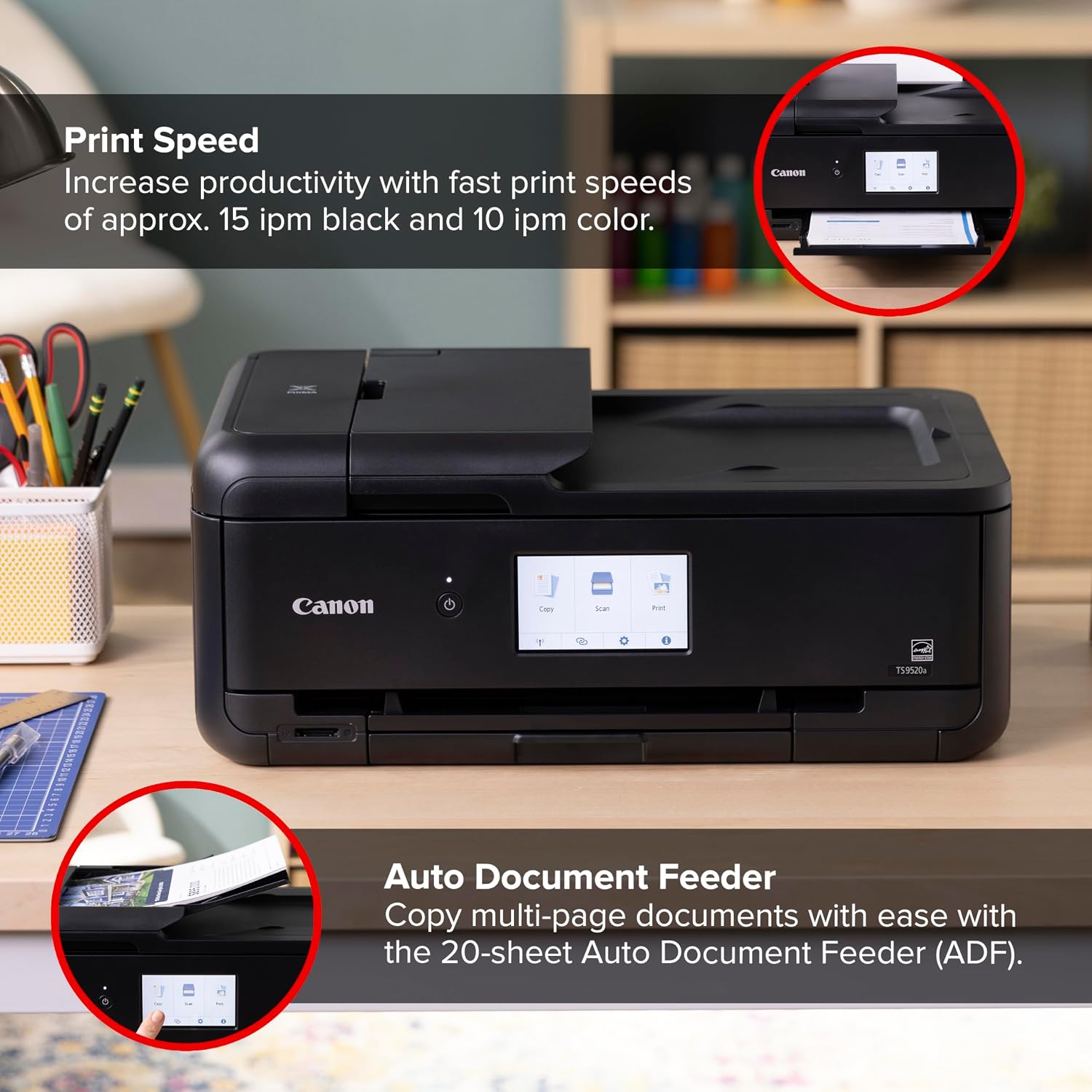
The useful distinction here is how many routine steps it handles in one machine. Rather than buying a printer that only handles single-sided output and feeding every page by hand, this model adds scanning, copying, automatic duplex printing, and an ADF. That’s handy when you need to copy a few pages before heading out or scan paperwork without placing each sheet on the glass individually.
Its five individual ink system is another practical point: you replace the ink that runs out, rather than automatically replacing all colors together. The setup is described as streamlined, and the printer includes a one-year limited warranty. It’s a great fit if you want a wireless home printer that can also take on small multi-page copying jobs. Better avoided if your main priority is a high-volume work setup, the listed capacity and feeder are geared toward smaller batches, not large document stacks.
Key takeaways
- Print, copy, and scan functions in one wireless inkjet printer.
- Automatic two-sided printing and a 20-sheet document feeder.
- Up to 200 sheets of plain paper across the cassette and rear tray.
- A 4.3-inch touchscreen and five individual ink cartridges.
- Approximate speeds: 15 black images per minute and 10 color images per minute.
The listed specifications make this more versatile than a basic printer for occasional single-page jobs, but they don’t establish whether it suits every paper format or a demanding daily workload. Match the tray capacity and feeder size to the kind of printing you actually do.
Final verdict
The PIXMA TS9520a makes sense if you want one home machine for routine printing, scanning, and copying, and you value duplex printing and an automatic feeder for short document runs. Its split paper storage and individual ink system add convenience without making it a high-volume office machine. Choose a different approach if you regularly handle large batches or need confirmed support for a particular paper size, since those needs aren’t established by the provided details.