

Herfair Wii to HDMI Adapter Cable for Nintendo Wii & Wii U (1080P output, 4:3/16:9 modes) – Plug and Play, 6.6FT
Product description
The essentials
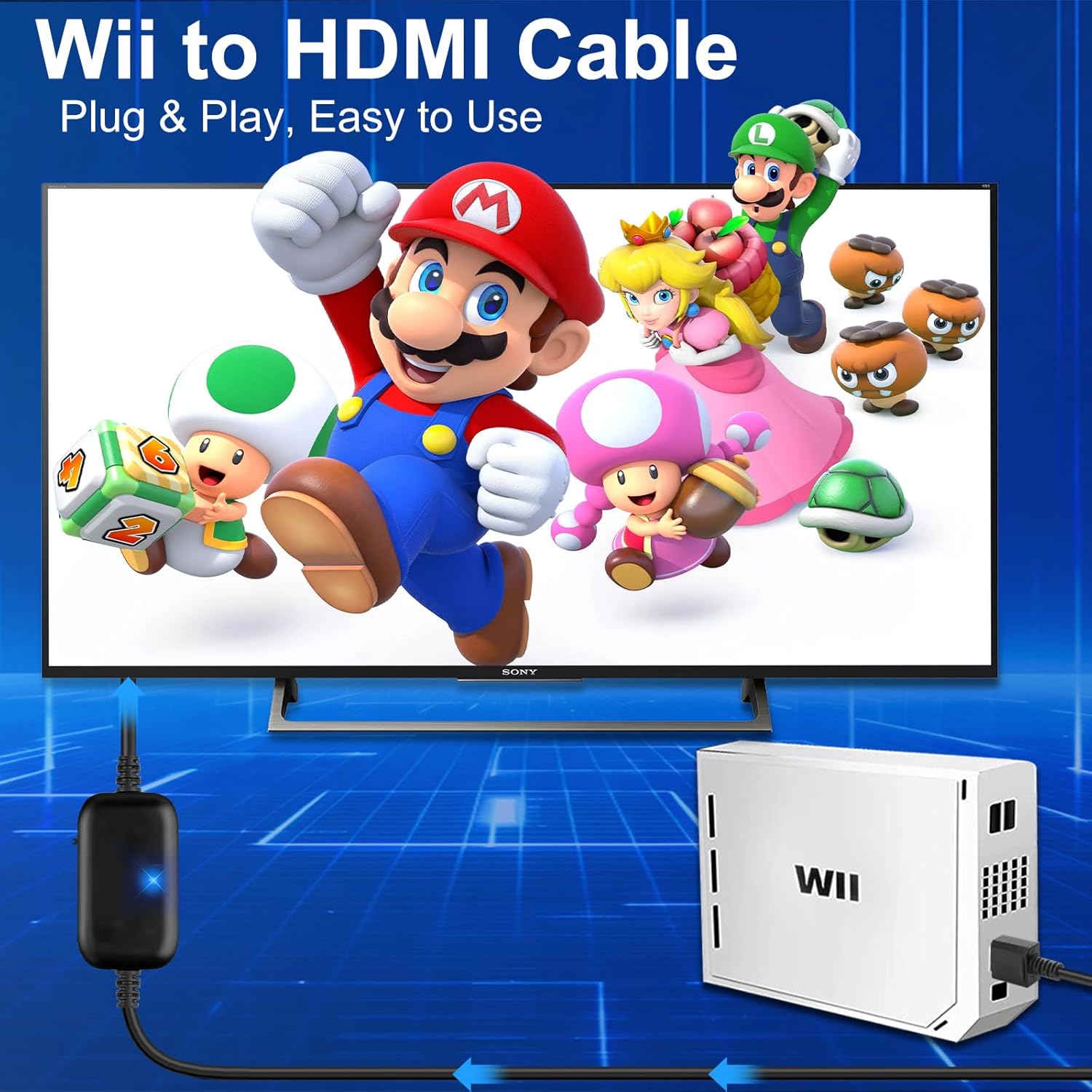
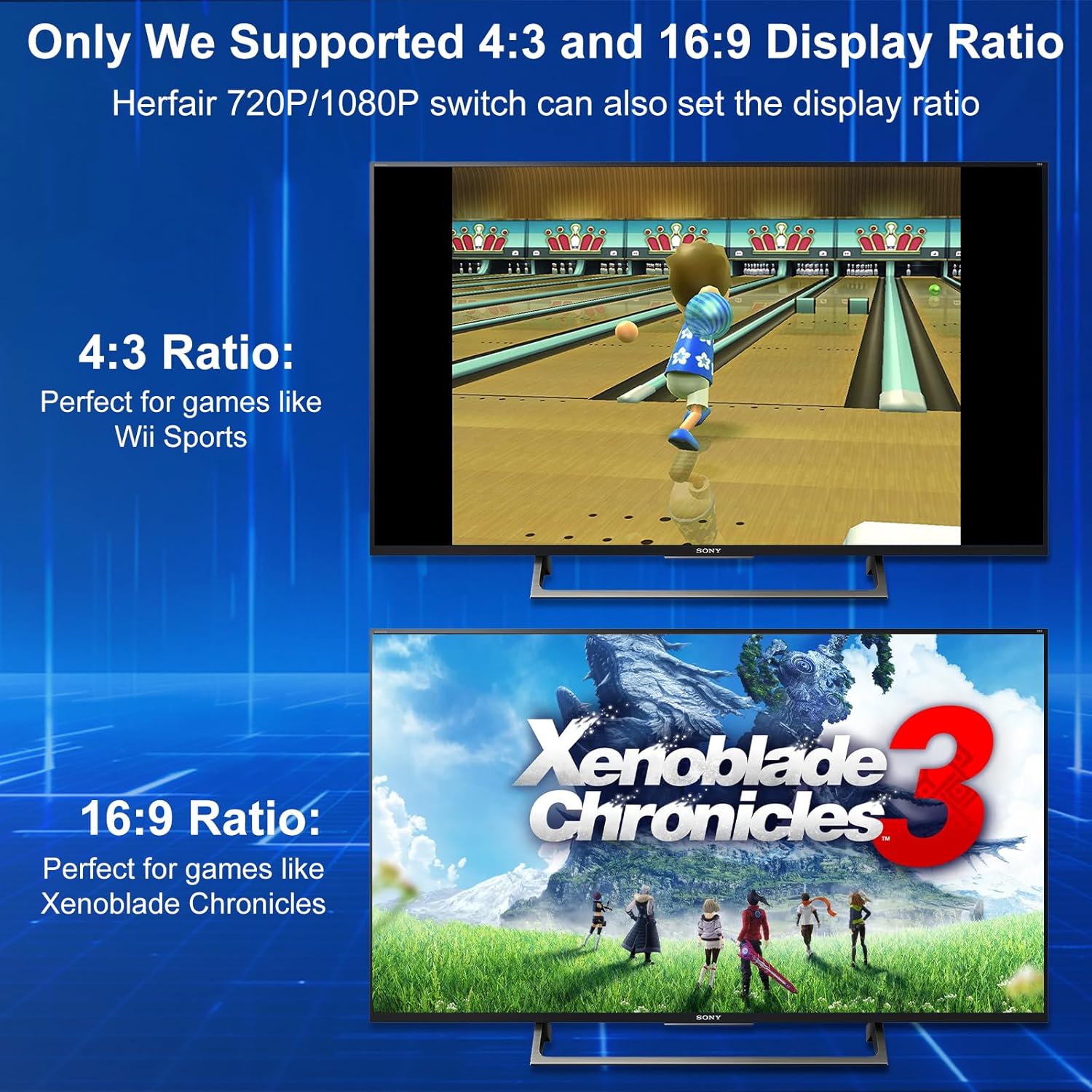
If you still game on a Nintendo Wii or Wii U but your setup is living in the HDMI era, a Wii-to-HDMI adapter can be the practical bridge. The Herfair Wii to HDMI Adapter Cable is made specifically for Nintendo Wii and Wii U (it’s not positioned for the Wii mini). On paper, its big draw is that it aims to preserve different display modes and aspect ratios—rather than forcing everything to stretch the same way.
Where this matters is that some Wii titles are happier in 4:3, while others (like the examples mentioned in the description) benefit from 16:9. If you’ve ever seen a classic look get stretched on a modern display, this is the kind of issue this adapter is trying to avoid.
What you’ll notice in daily use
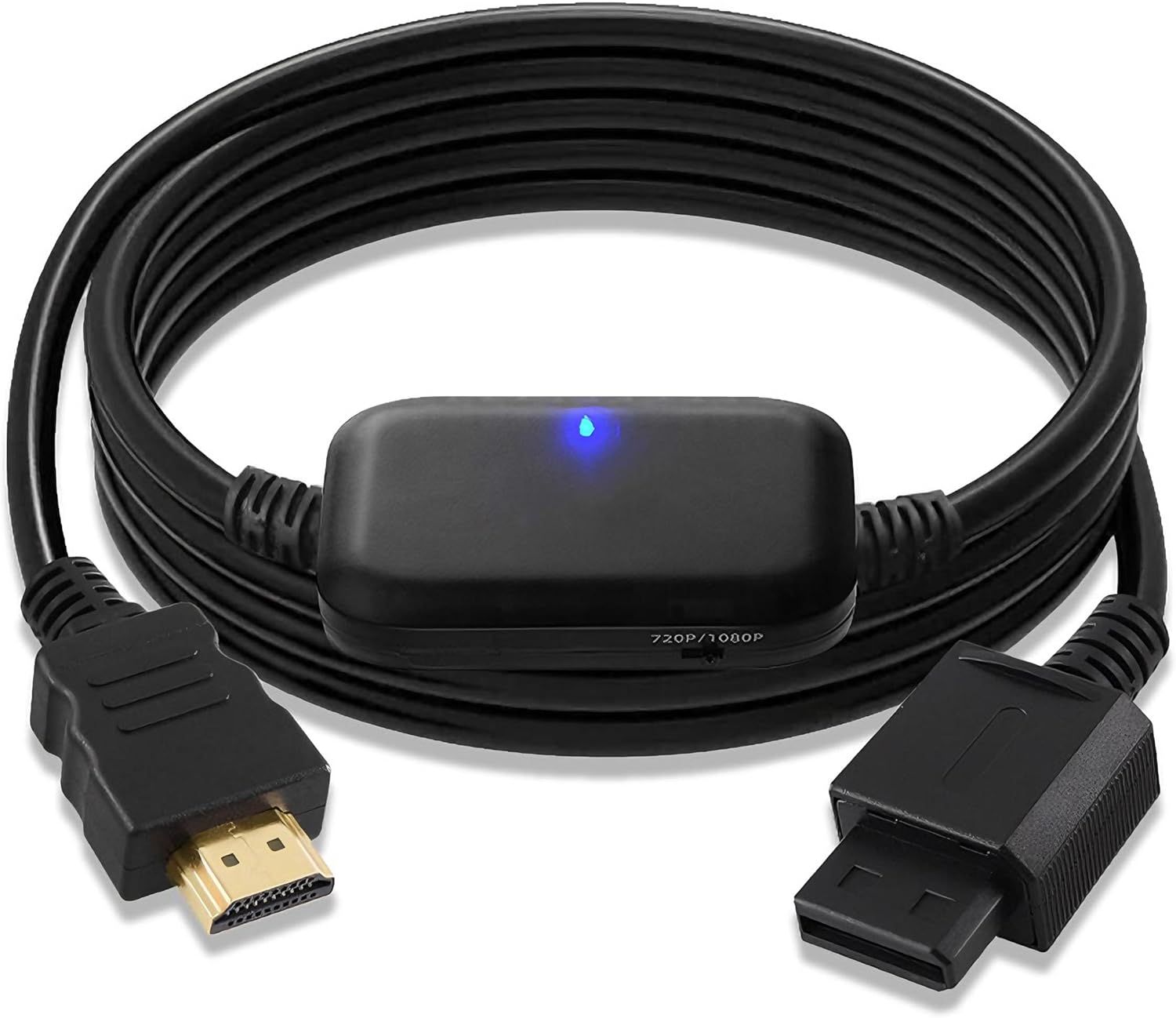
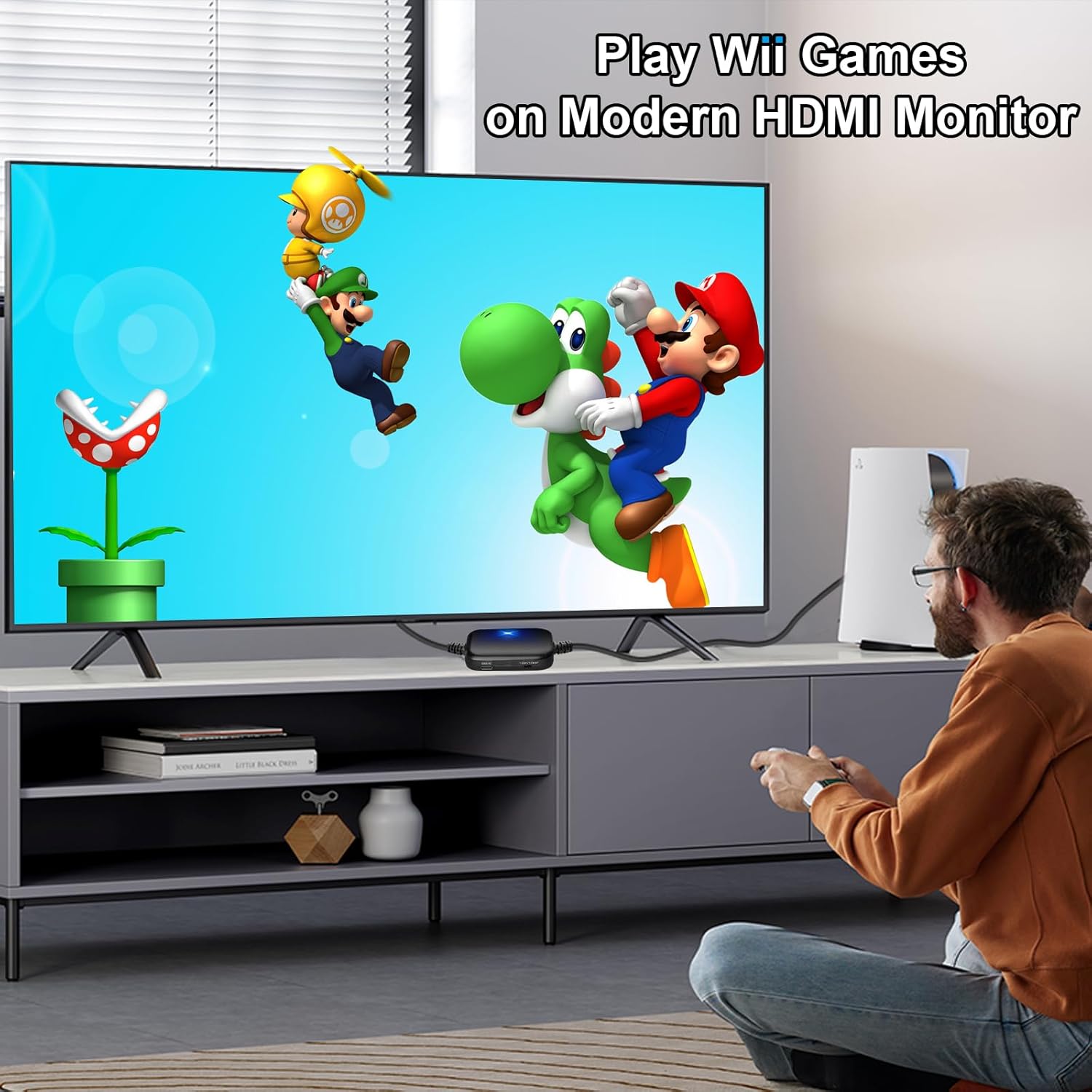
Setup is described as plug and play: connect the adapter to your Wii console, then plug the HDMI end into your monitor. The listing also states that sound is included, so you shouldn’t need extra audio cables as long as your display handles HDMI audio.
A realistic point to keep in mind: if your monitor doesn’t show an image, the guidance says you may need to manually set the resolution to 1080P and then reconnect to retry. That’s not unusual for adapters, but it’s still worth knowing before you assume the cable is dead.
For a micro example: imagine firing up Wii Sports on a newer monitor. With the adapter’s focus on 4:3/16:9 display modes, you’re aiming for the “right” framing instead of the image being forced wider or squished. And if you switch to a Wii U title that prefers a different aspect, the adapter is designed to handle display modes for both systems rather than treating everything the same.
Where it shines (and why the approach matters)
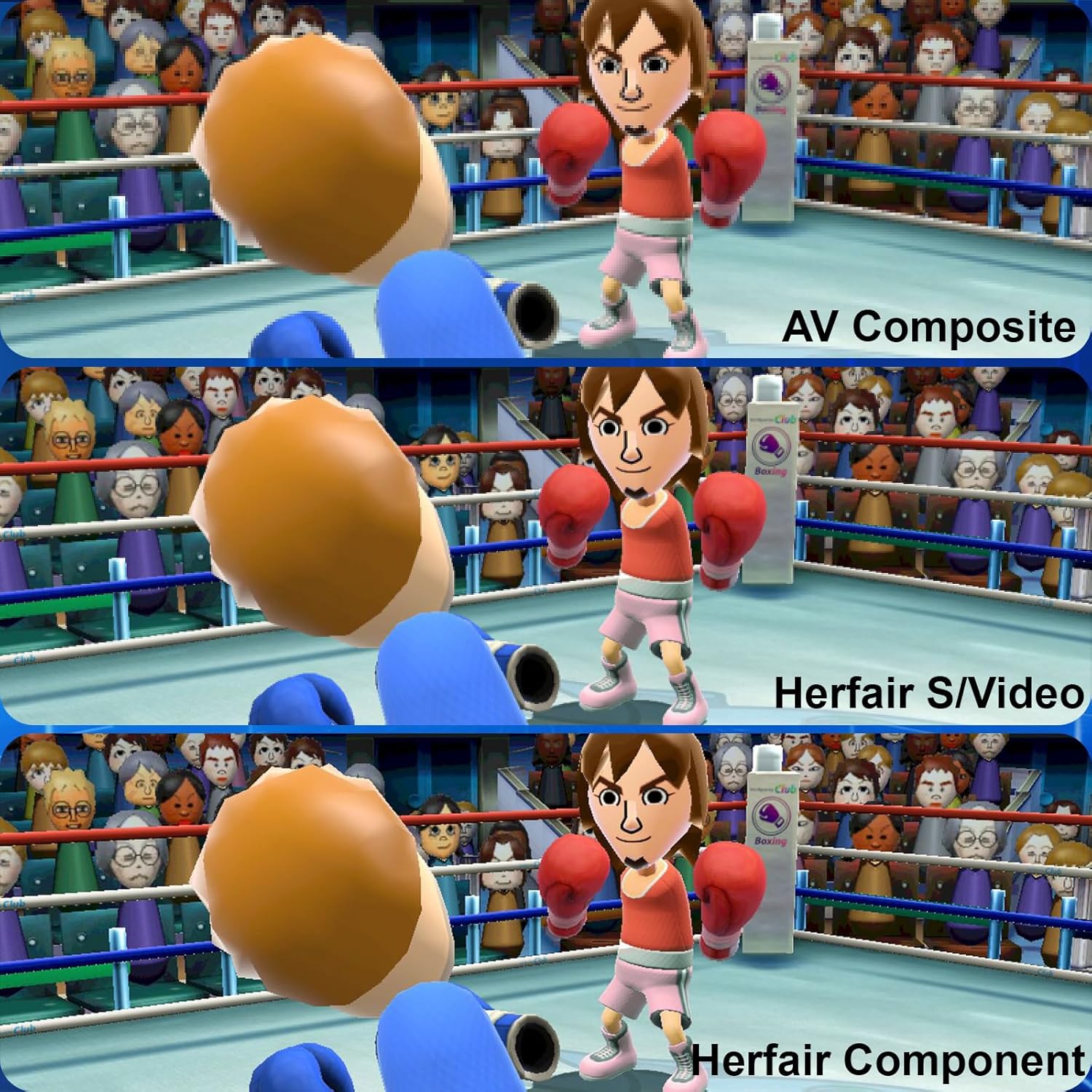
This adapter is positioned as more than a basic video converter because it claims a built-in “smart IC” that can convert Wii and Wii U display modes into 1080P or 720P S/Video signal output. The description also states that this can improve clarity compared with an older AV composite output.
The feature-to-benefit version is simple: you’re not just buying a cable—you’re buying a way to keep the game image from looking wrong on an HDMI-only screen, and to push toward higher-resolution output (1080P/720P) based on what the adapter supports.
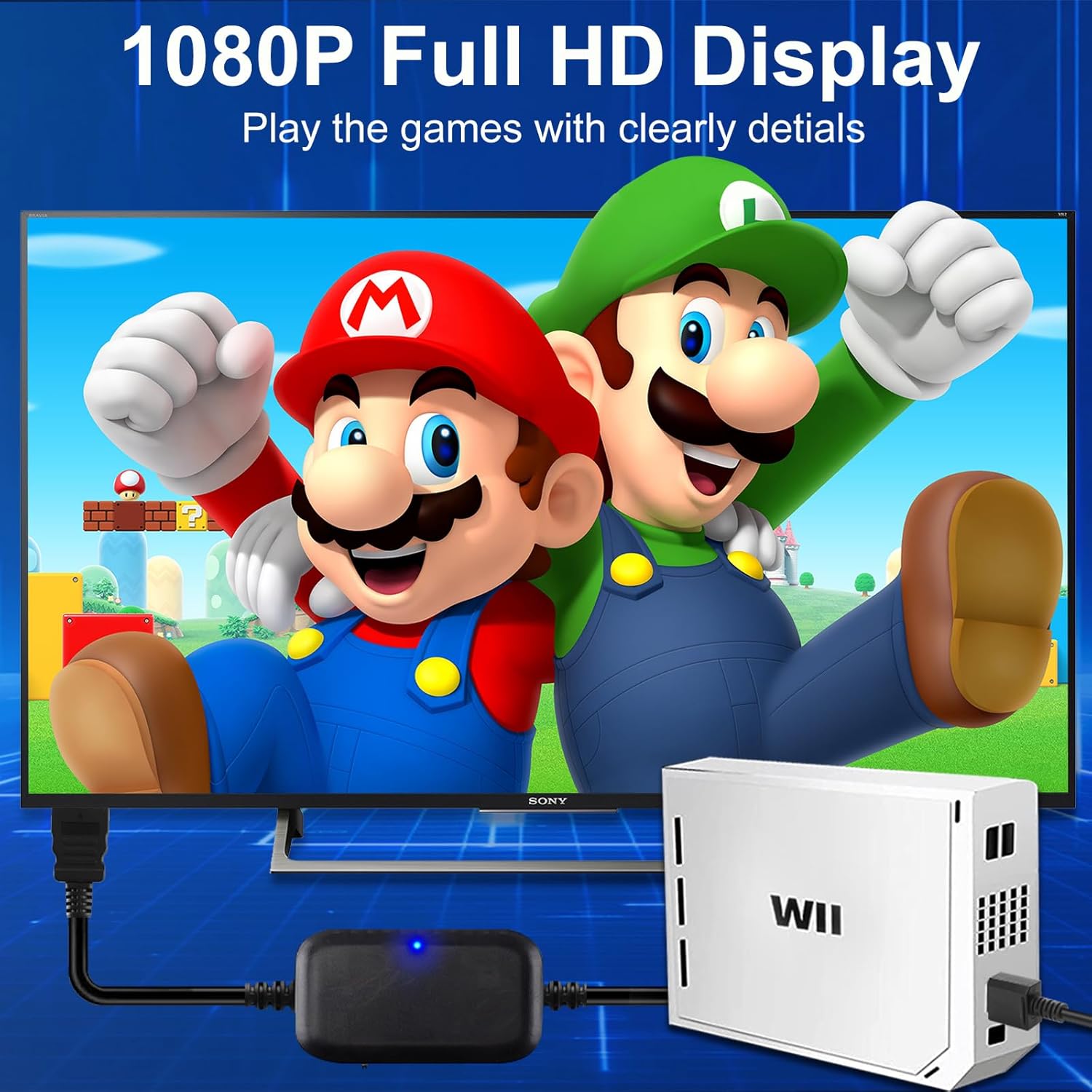
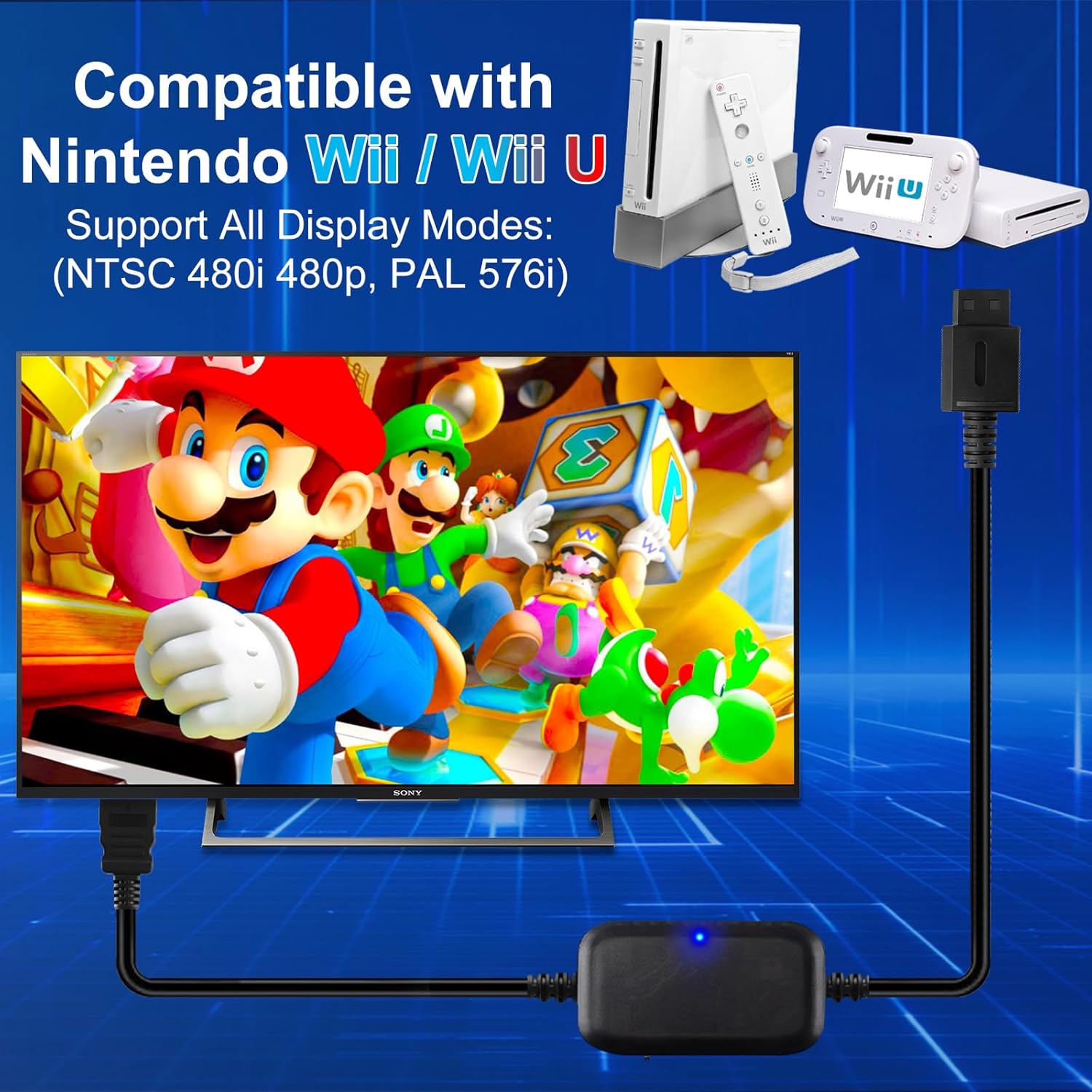
Also, it’s clearly designed with a practical gaming workflow in mind. The male-to-male connection design is mentioned, and there’s no suggestion that you’ll need extra boxes or complicated wiring.
Key takeaways before you buy
The biggest “worth it” factor here is the stated support for 4:3 and 16:9 aspect handling, plus “all game display modes” conversion for Wii and Wii U. If your current problem is that Wii-era content looks stretched, the adapter’s stated behavior is directly aimed at that.
Still, it’s not a perfect fit for everyone. It’s not intended for the Wii mini, so if that’s your console, you’ll need a different solution. And while the listing mentions improved image quality versus AV composite, it doesn’t promise identical results for every monitor or every game—so the real outcome can depend on your display settings.
Tech summary
Technical details
- Supported devices: Nintendo Wii and Wii U (not Wii mini)
- Output support: 1080P and 720P (S/Video signal output mentioned)
- Aspect ratio handling: supports 4:3 and 16:9 display modes
- Resolution switching note: if your monitor doesn’t display, try setting the resolution to 1080P and reconnect
- Connection type: HDMI connection plugs directly into your monitor (plug and play)
- Cable length: 6.6FT
Is it worth it?
It makes sense if you have a Wii or Wii U and you want an easier way to get video onto an HDMI monitor without dealing with older AV/composite setups—and especially if you’re tired of the image being stretched when games expect 4:3 vs 16:9.
You may want to skip it if you’re using a Wii mini (the listing calls out that it’s not for that console), or if you need a guaranteed plug-in flawless experience with every monitor without any tweaking. In that case, you might prefer an approach where compatibility is easier to validate for your exact display.
Mini FAQ
Questions people ask
- Does this adapter work with Wii mini? The description says it’s for Nintendo Wii and Wii U only, not for Wii mini.
- Is setup really plug and play? The listing describes it as plug and play: connect to the Wii, then plug HDMI into the monitor.
- What happens if my monitor shows no image? The guidance says to try manually setting the resolution to 1080P and then reconnect.
- Does it include sound? The description states the sound of games is already included.
- What output resolutions does it target? It mentions converting to 1080P or 720P output, depending on supported modes.