

Dinosoo RGB Wireless Controller for PS5/PC – Turbo, Macro, Dual Vibration, 6-Axis Motion, 3.5mm Audio Jack & 1000mAh Battery
Product description
What it is
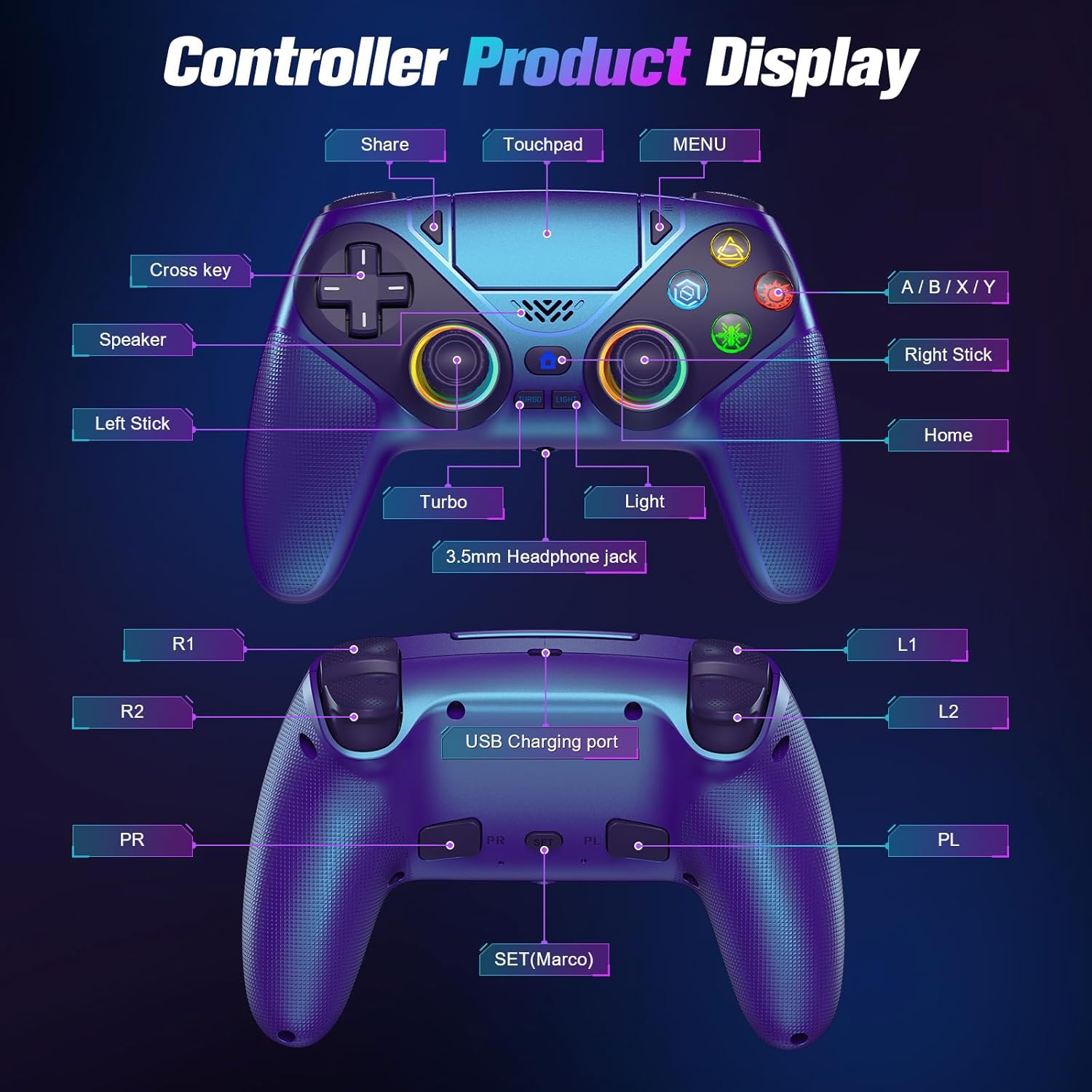
The Dinosoo RGB Wireless Controller is a cross‑platform gamepad designed for PS5 and PC use. It emphasizes wireless convenience, a built‑in RGB lighting system, programmable back macros, and a long‑lasting battery. On PS5 it pairs quickly with USB‑C, and on PC it is plug‑and‑play without drivers.
Who it’s for
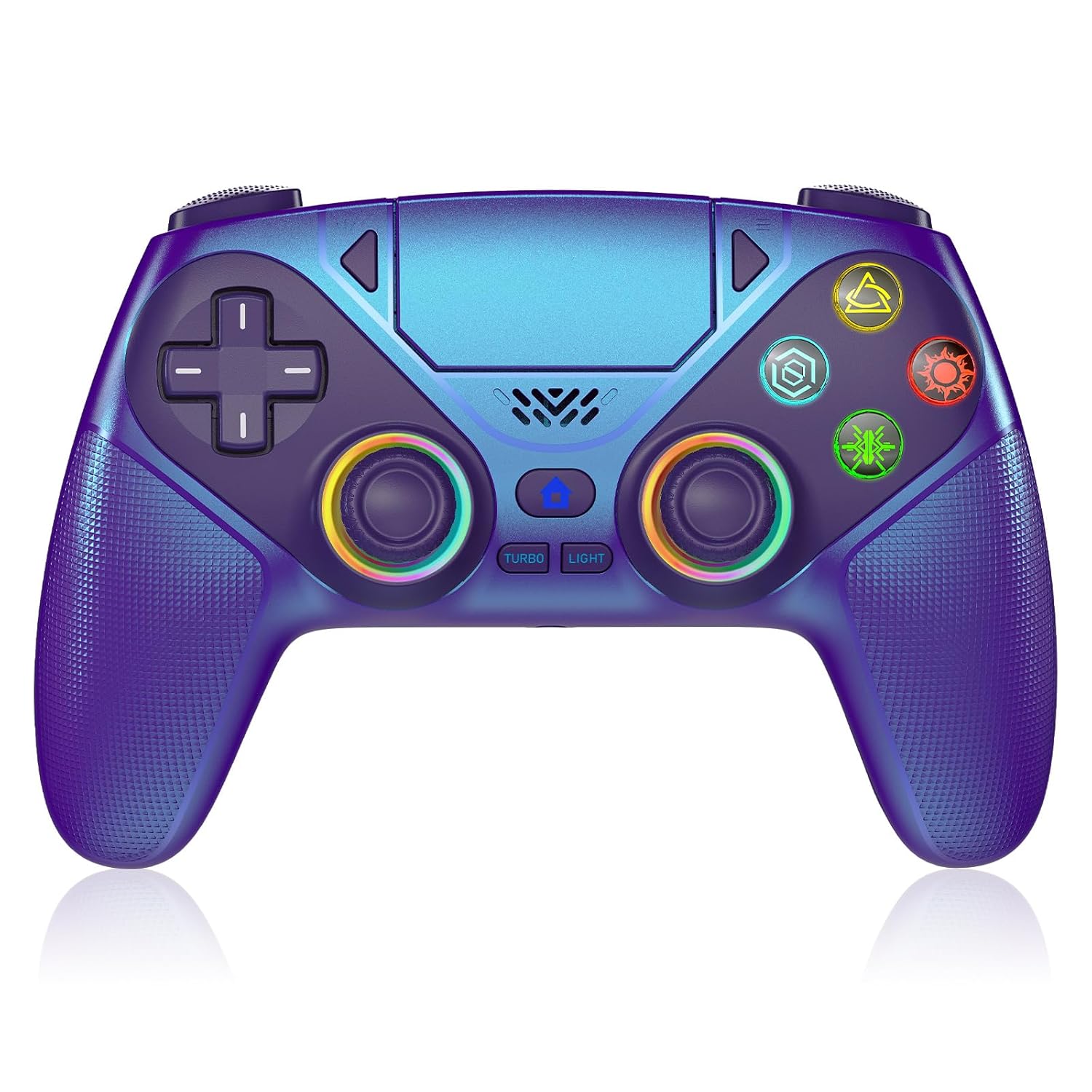
If you play across PS5 and PC and value customizable lighting, macro shortcuts for competitive play, and tactile feedback with dual vibration, this controller aims to cover those needs in one package. It may appeal to gamers who want a single controller for multiple ecosystems and who don’t mind exploring custom setups via back buttons and macros.
What stands out
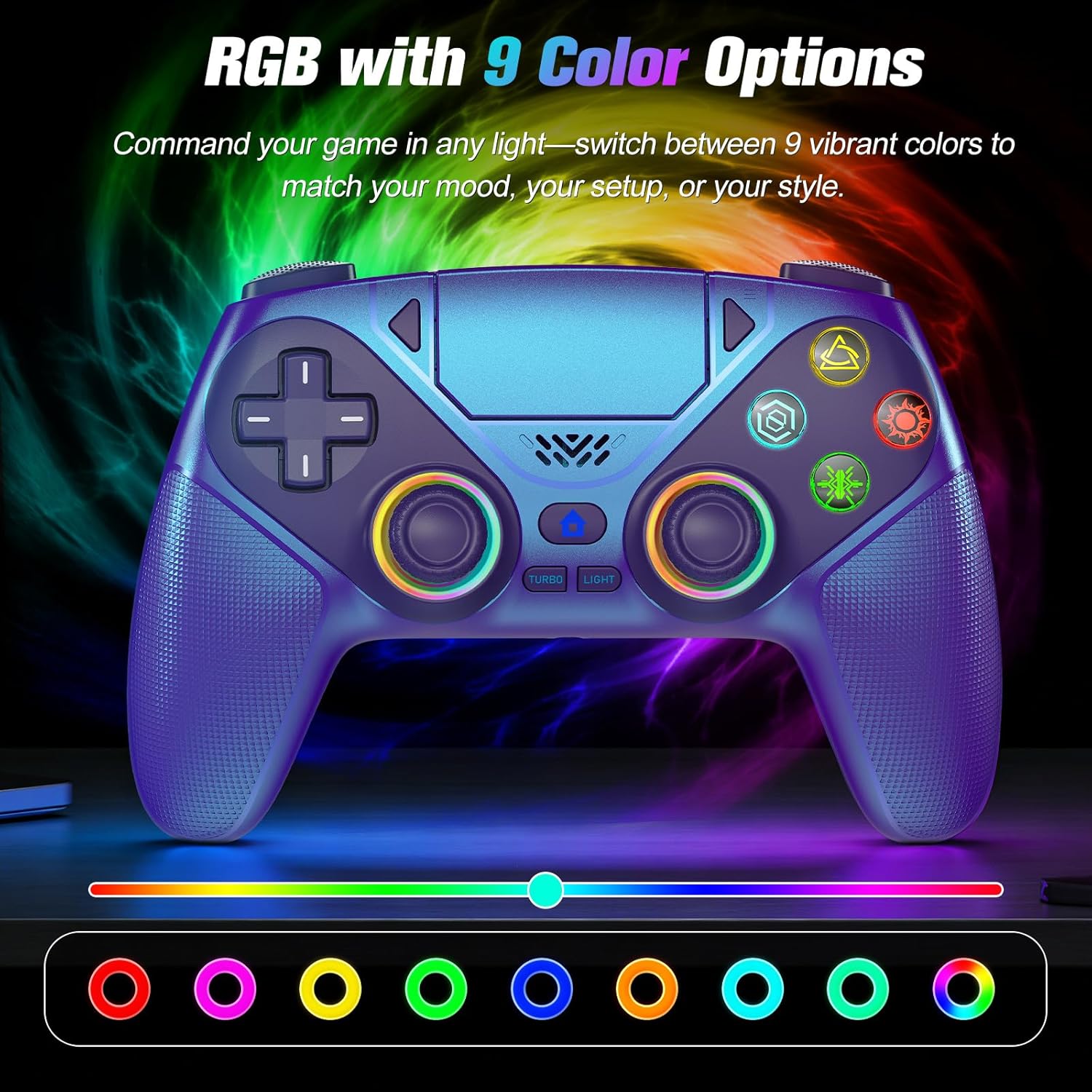
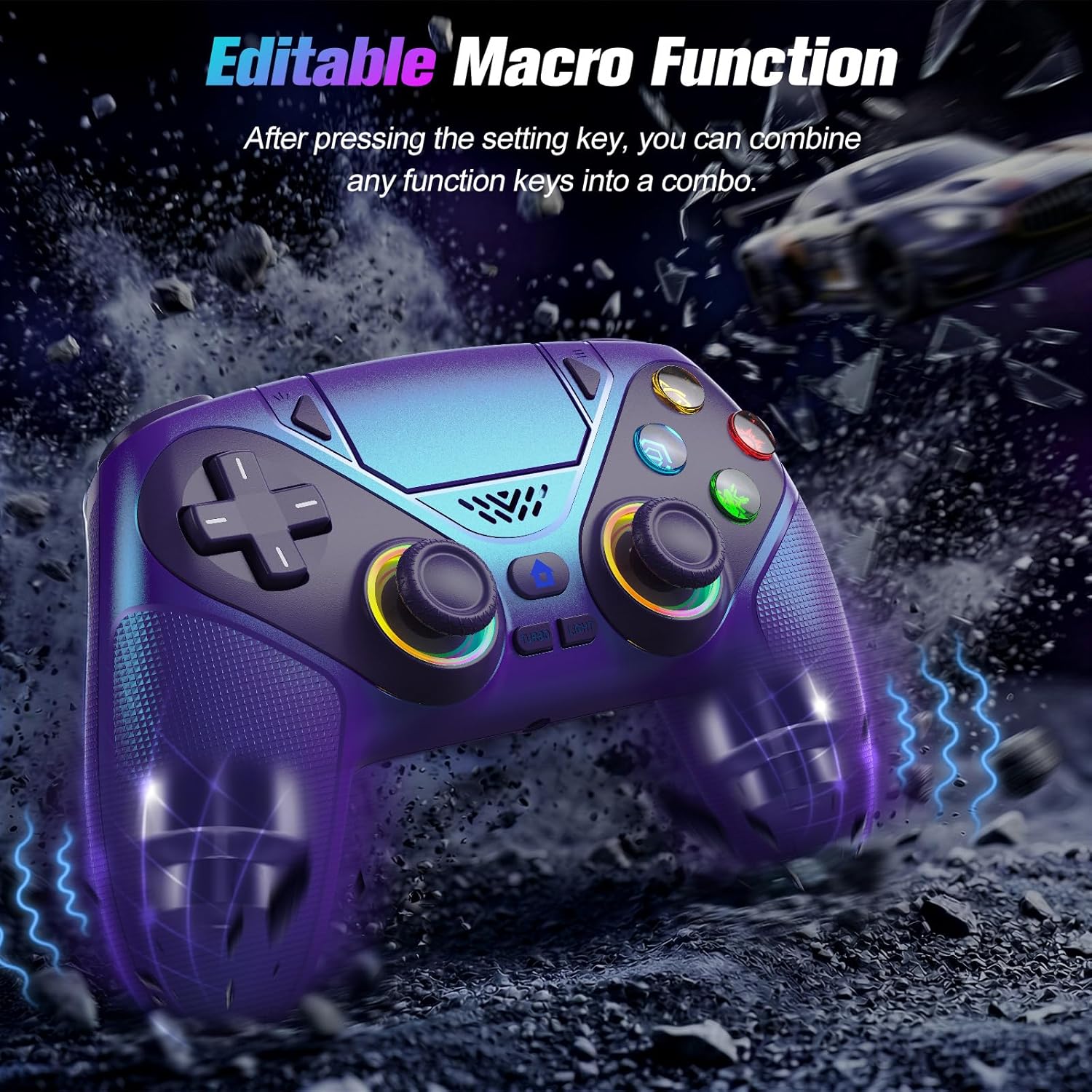
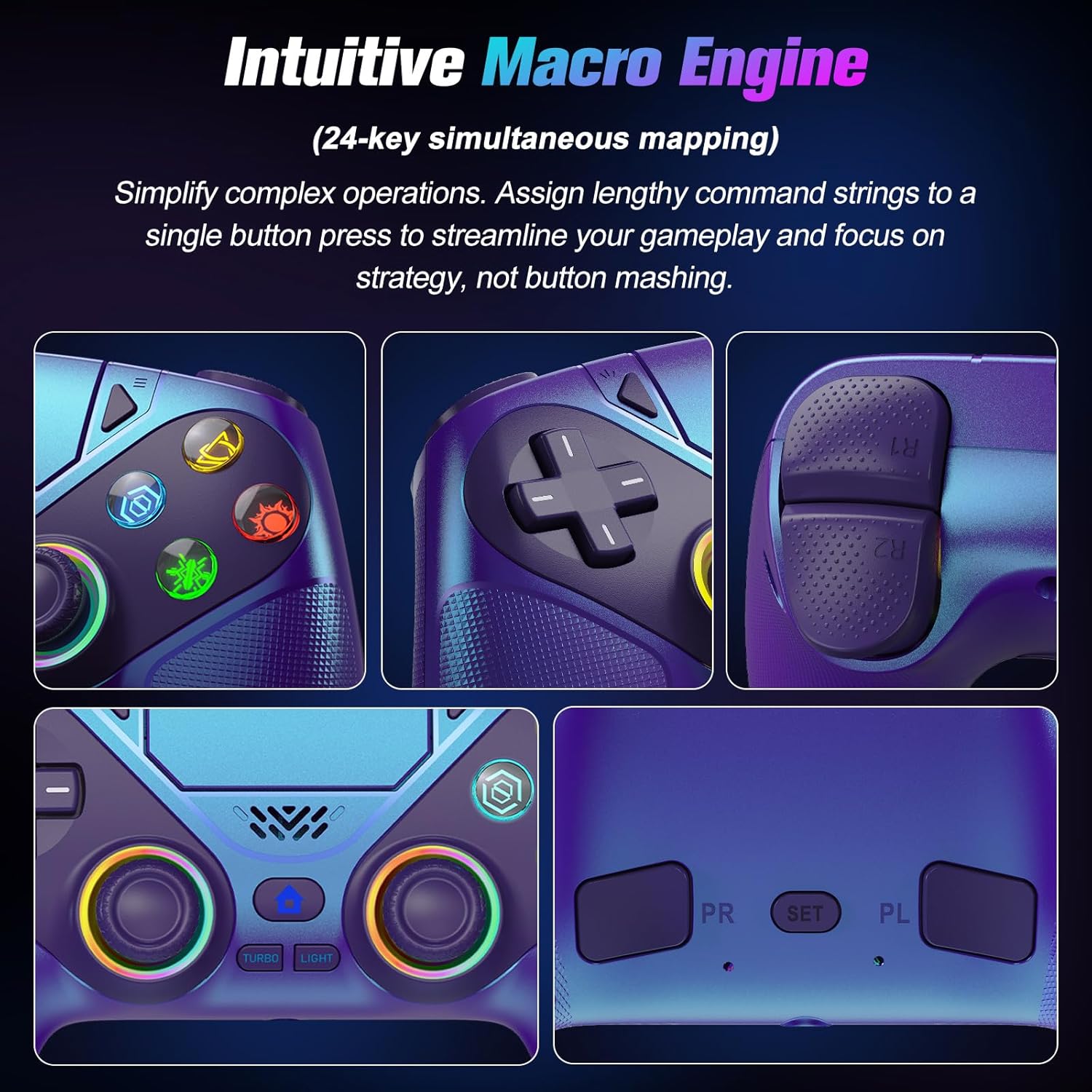
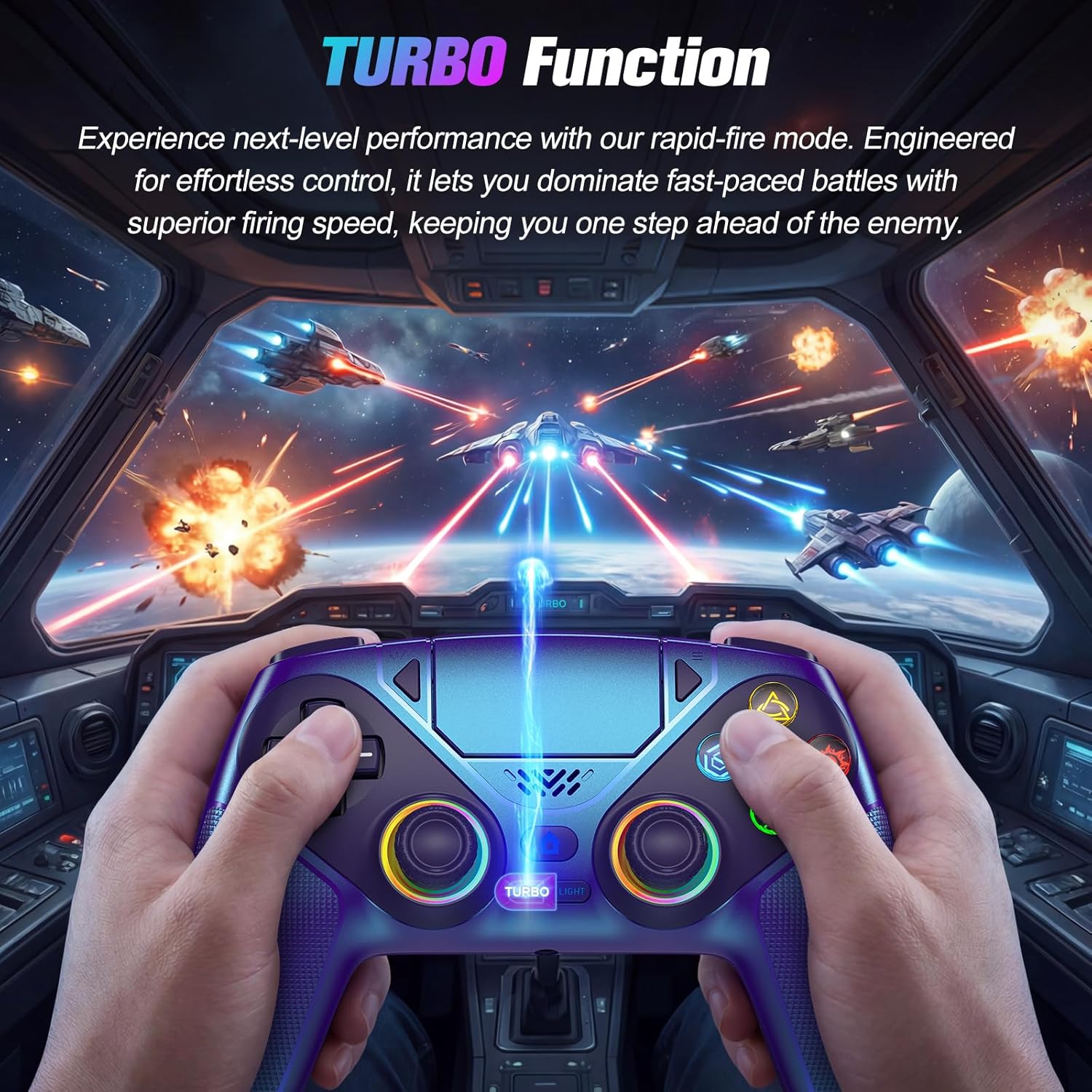
On paper, the standout features include seven dynamic RGB lighting modes with memory (last color/mode saved automatically), macro programming for a back button, Turbo auto-fire, and Hall effect joysticks intended to reduce drift. The 6‑axis motion sensor adds potential for motion‑driven controls, while the built‑in 3.5mm jack enables audio input/output with a headset.
What may hold it back
The description notes a few caveats that are worth considering. The PS5 pairing requires an initial USB‑C pairing step, and PC users rely on a driver‑less setup but should be aware that some audio headsets may have limitations (the note about Apple 3.5mm accessories hints at compatibility nuance). The claim of Hall effect sticks is promising for drift reduction, but real‑world longevity depends on grip and construction over time.
How it feels in use (practical take)
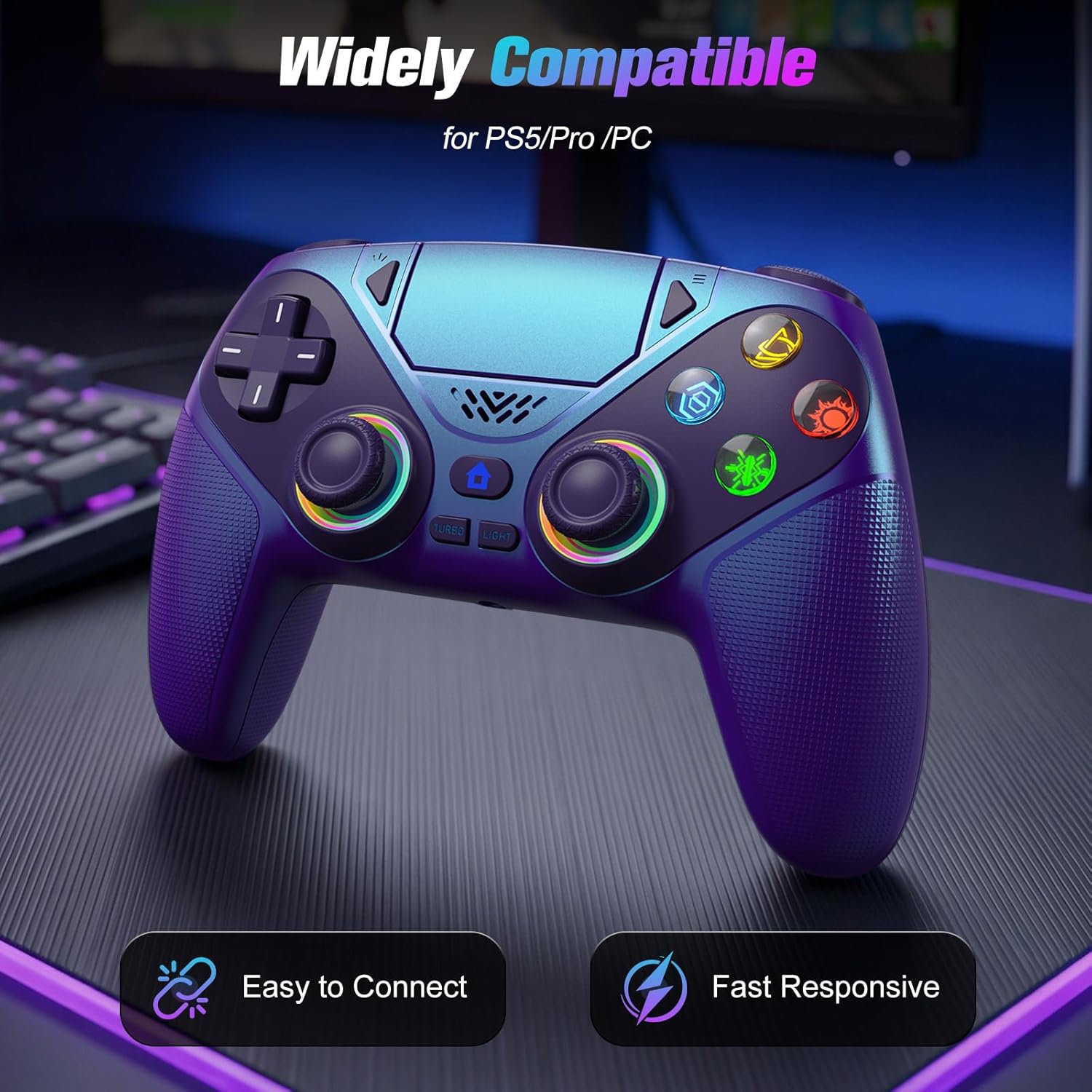
If you prioritize cross‑platform play, this controller could simplify your setup by letting you jump between PS5 and Windows quickly. The macro and Turbo features are useful for certain genres like fighters or shooters, where quick inputs can matter. The 1000mAh battery suggests solid endurance for extended sessions, though actual runtime will depend on lighting and connectivity.
Ideal usage scenarios
- Quick habit switching between PS5 and PC games.
- Games that benefit from back button macros and rapid fire in competitive modes.
- Immersive sessions where RGB lighting enhances ambience but doesn’t overwhelm gameplay.
When it might not be the best fit
If you expect a premium, stock‑engineered PS5 controller experience with flawless first‑party support, this third‑party option may not feel identical in responsiveness or button tactile feel. Also, if your gaming setup uses headsets or accessories with specific compatibility quirks, you might run into some limitations noted in the base description.
What to review before buying
- Confirm your primary use case: cross‑platform play or a PS5‑only setup.
- Consider whether macro/turbo features align with your favorite genres.
- Check the 3.5mm audio compatibility with your headset and mic needs.
- Ensure you’re comfortable with the initial PS5 USB‑C pairing step and ongoing wireless connectivity expectations.
How it compares to alternatives
Compared to a dedicated first‑party controller, this model emphasizes versatility across PS5 and PC with features like macro programming and RGB memory. If you mainly game on a single platform, a device tailored to that ecosystem may deliver a more consistent tactile feel. For players who want customization and cross‑platform convenience, this option offers a practical balance rather than a pure performance upgrade.
Final decision
Is it worth it?
Worth considering if you value cross‑platform play, macro/back‑button customization, and longer sessions with RGB ambiance. If you prize a pristine PS5‑native experience or require flawless headset mic support with every game, you may want to test other options.
FAQ
- Does the controller work on PS5 without drivers? Yes, there is USB‑C pairing for PS5, with plug‑and‑play on PC requiring no drivers.
- Can I use the Turbo feature in all games? Turbo is designed for rapid auto‑fire in compatible genres, its effectiveness may vary by game and anti‑cheat considerations.
- Are the joysticks drift‑free? The design mentions Hall effect joysticks to reduce drift over time, though no product can guarantee zero drift.