

External USB 3.0 & Type-C CD/DVD Drive (CD-R/RW & DVD±RW) for Windows, macOS, and Linux
Product description
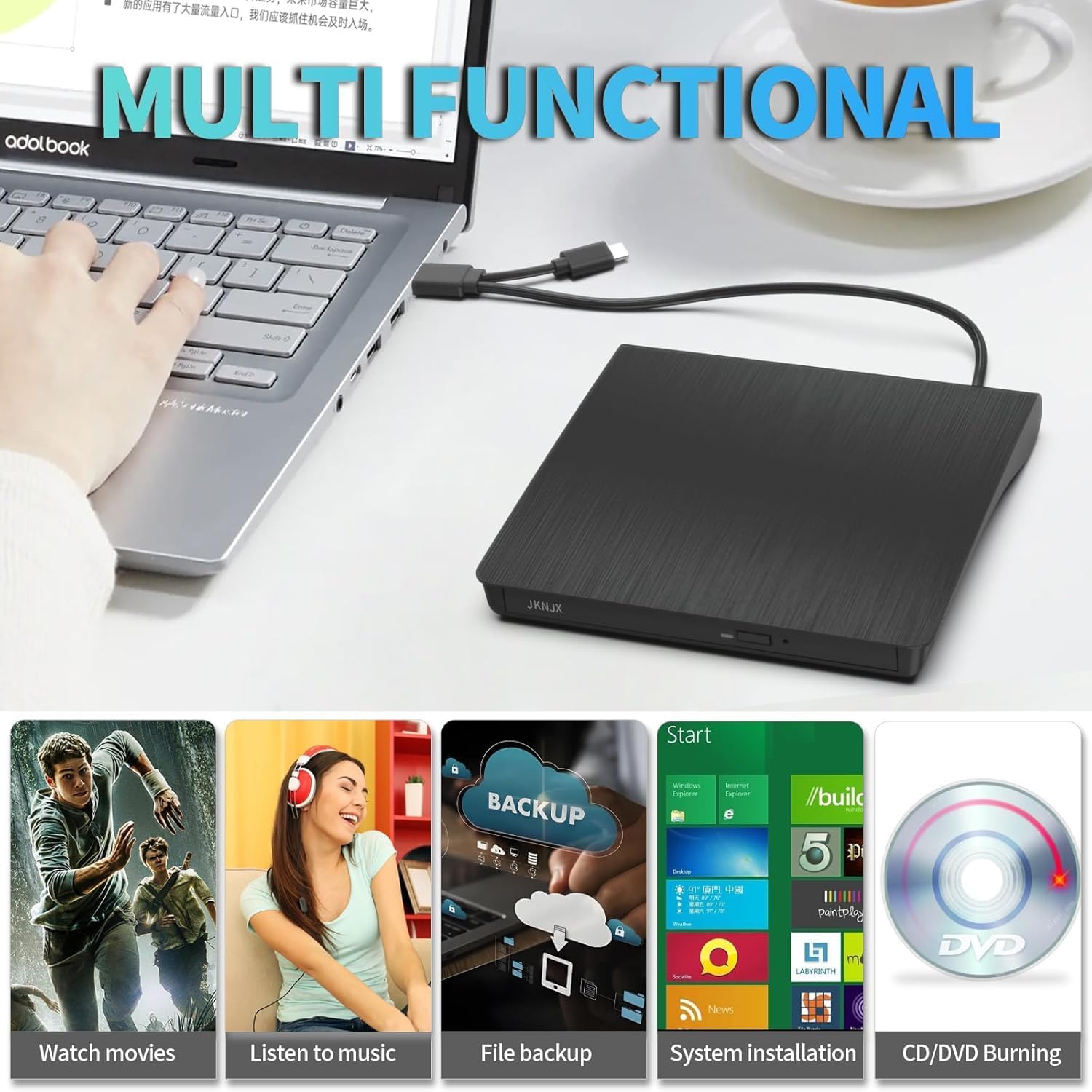
If you still use CDs or DVDs for software installs, backups, or music/video discs, an external optical drive can be a surprisingly practical fix. This external CD/DVD drive is designed to be plug-and-play over USB 3.0 and Type-C (with an included cable setup), so you can read and burn discs without turning your computer into a DIY project.
It’s not perfect for every niche use case—there are clear compatibility limits—but for most desktop and laptop setups that need a writable optical drive, it’s built around the basics that matter: reliable recognition, support across major operating systems, and straightforward disc handling.
At a glance
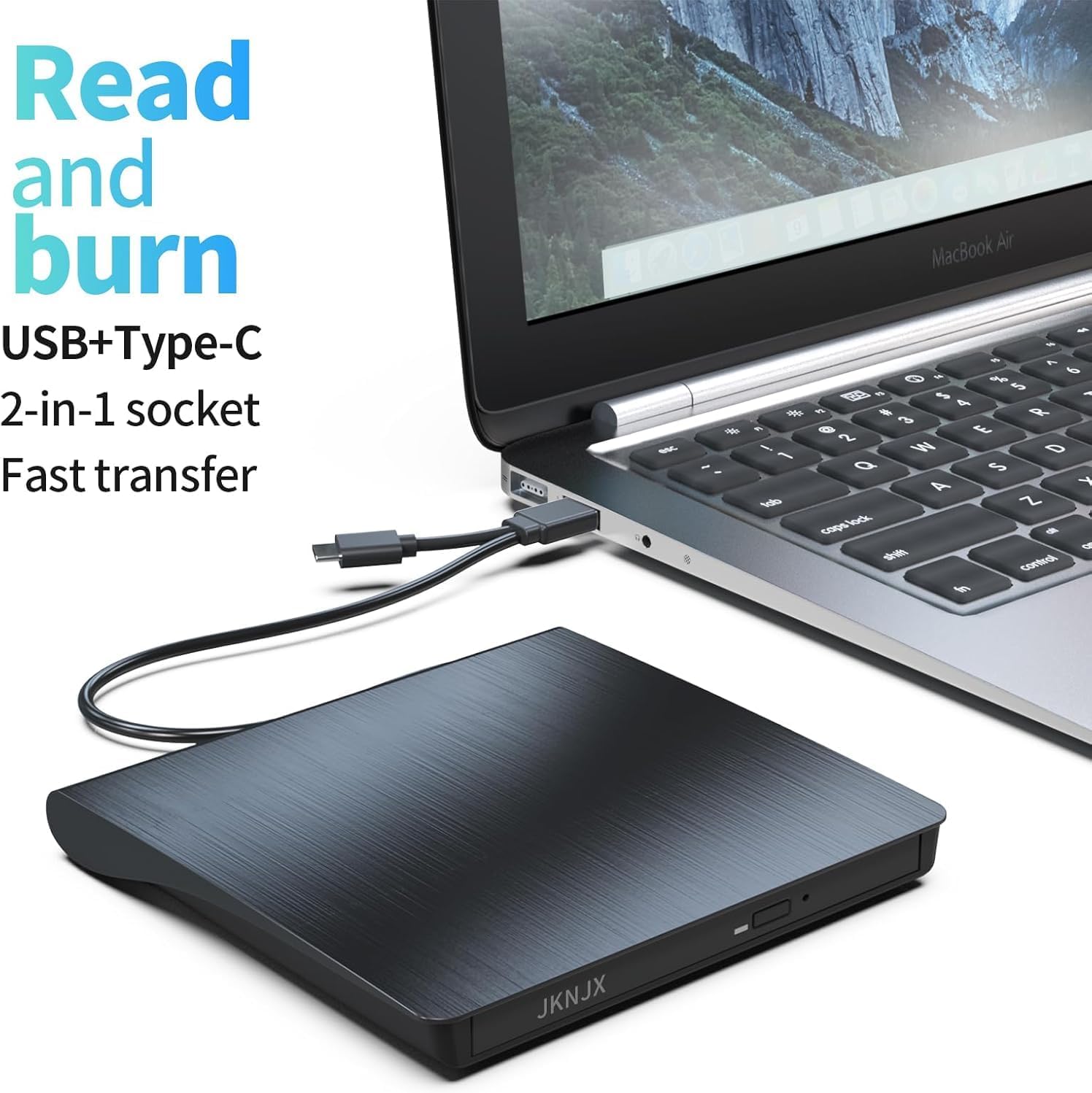
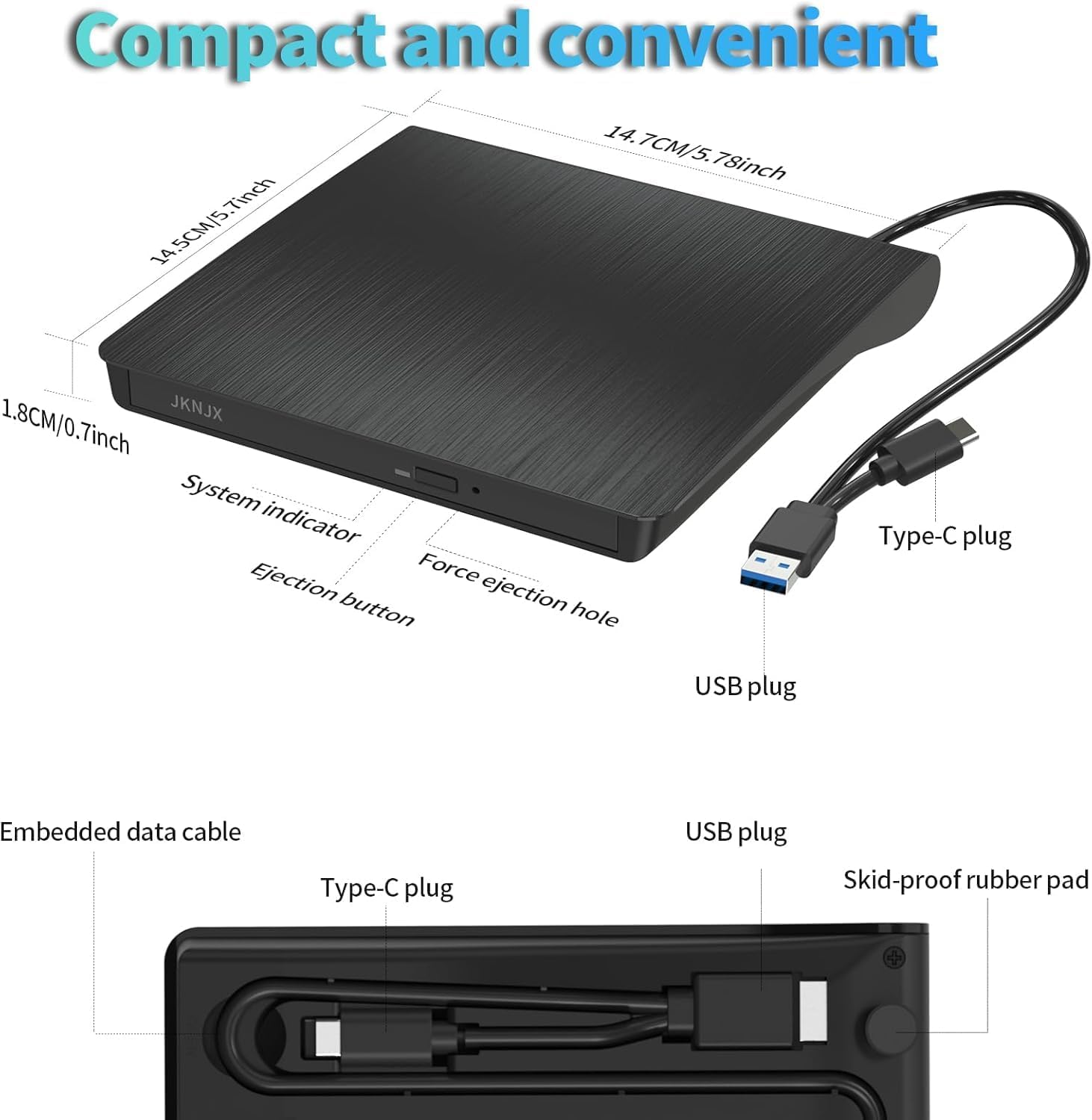
This is a slim, portable external optical drive meant for CD and DVD reading and writing. It connects to your computer through USB Type-A or USB Type-C (via the integrated cable), and it’s intended to work without extra drivers or an external power adapter.
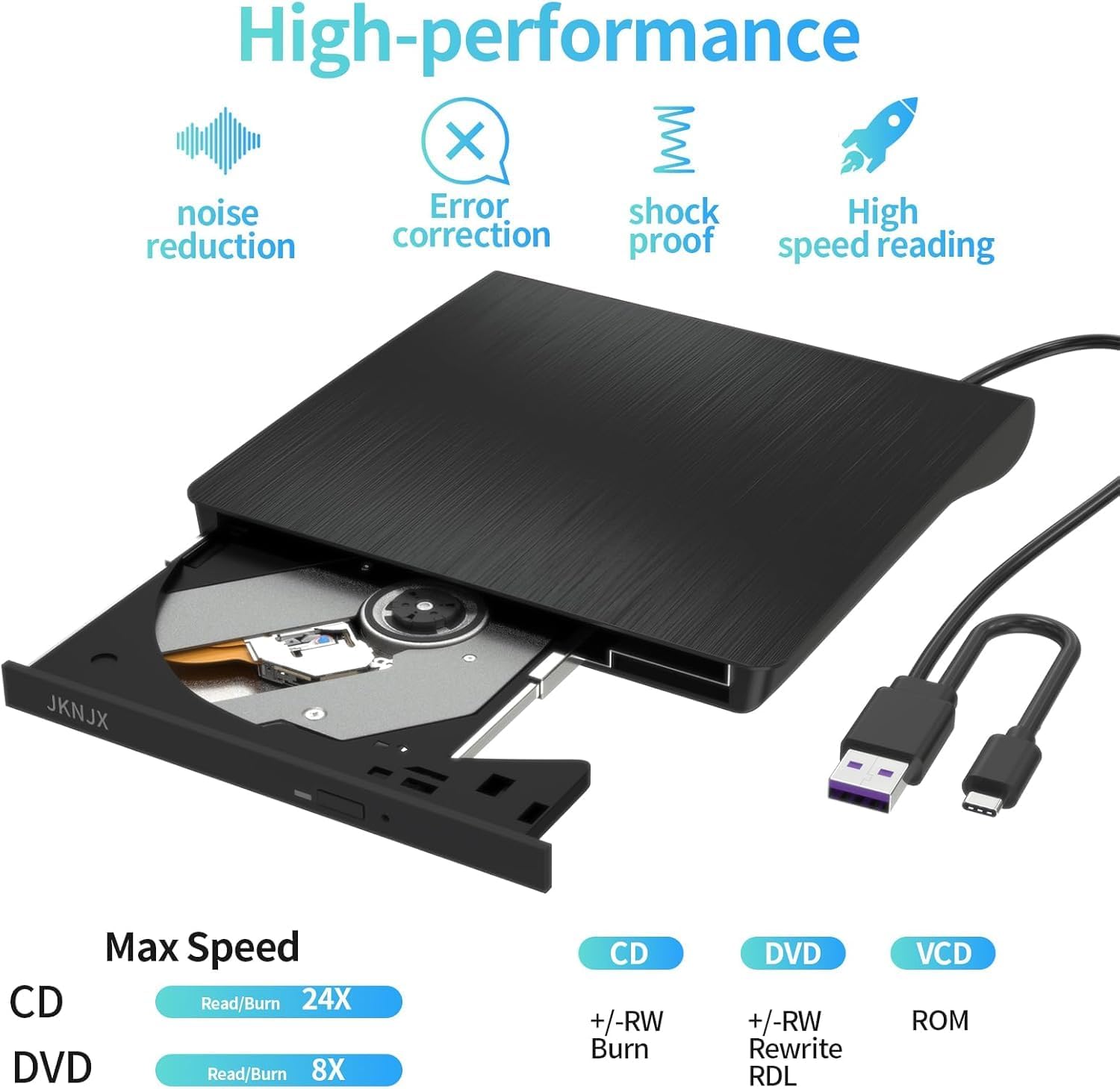
On paper, the performance story is straightforward: USB 3.0 for faster data transfers, plus advertised read/write speeds (8x for DVDs and 24x for CDs). It also includes features meant to help burning and playback stay smooth, such as advanced error correction and noise reduction.
One practical detail to keep in mind: Mac support depends on inserting a readable disc so the drive icon can show.
What stands out in everyday use
The biggest “why buy it” here is simplicity. The drive is described as automatically recognized by your system after connecting to a USB port. That matters when you just want a disc to read or a burn to start—especially on laptops that don’t include an optical bay.
There’s also a design angle that feels relevant when you’re actually handling discs. The disc bay includes ample clearance intended to reduce the risk of damaging discs with thicker labels and to minimize skipping or ruined reads/burns. In other words, it’s built for real-world disc variations, not just the “perfect” ones.
If you’re setting up a home PC or school laptop that needs to install software from a DVD, you can plug it in, open your disc software, and insert your disc. For burning, you’ll have to rely on the disc software on your side, but the hardware setup is meant to be painless.
Compatibility and limitations you should check first
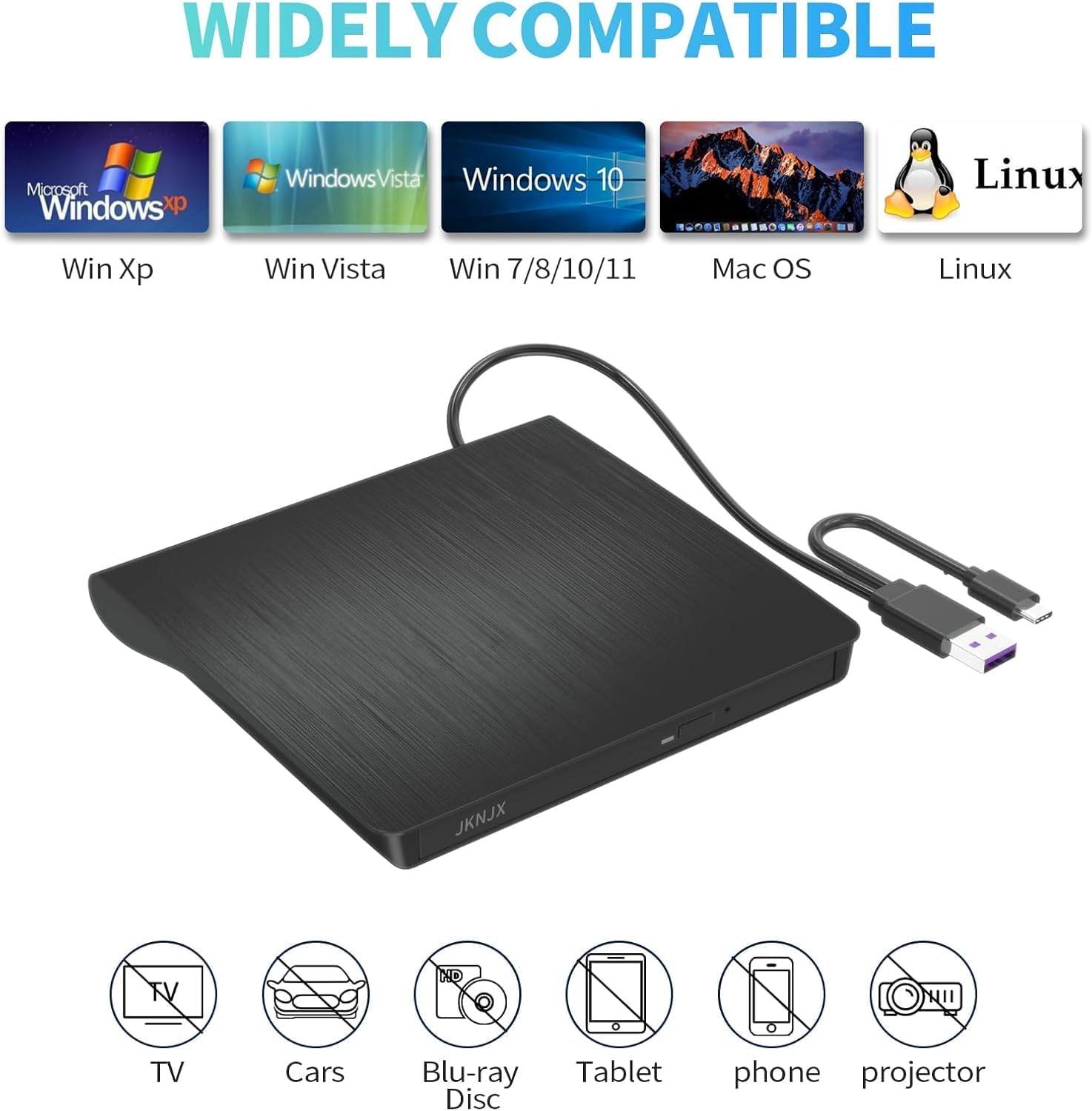
This drive is presented as broadly compatible with Windows versions (including Windows 7 through Windows 11), alongside most Linux distributions. For macOS, it’s described as compatible with Apple MacBook Pro, MacBook Air, iMac, and Mac mini/Studio running macOS 10.16 or later.
That’s a strong spread—however, compatibility isn’t universal. It’s explicitly noted as not compatible with ChromeOS (Chromebooks), iPads/tablets, TVs, vehicles, and some Surface models. It also won’t handle Blu-ray or 4K discs.
So if your goal is to play Blu-ray movies or read 4K media, you’ll want a different approach. And if you’re buying for a Chromebook/tablet situation, this likely won’t meet your expectations.
Tech specs (the bits that affect buying decisions)
- Type: External CD/DVD optical drive (read/write)
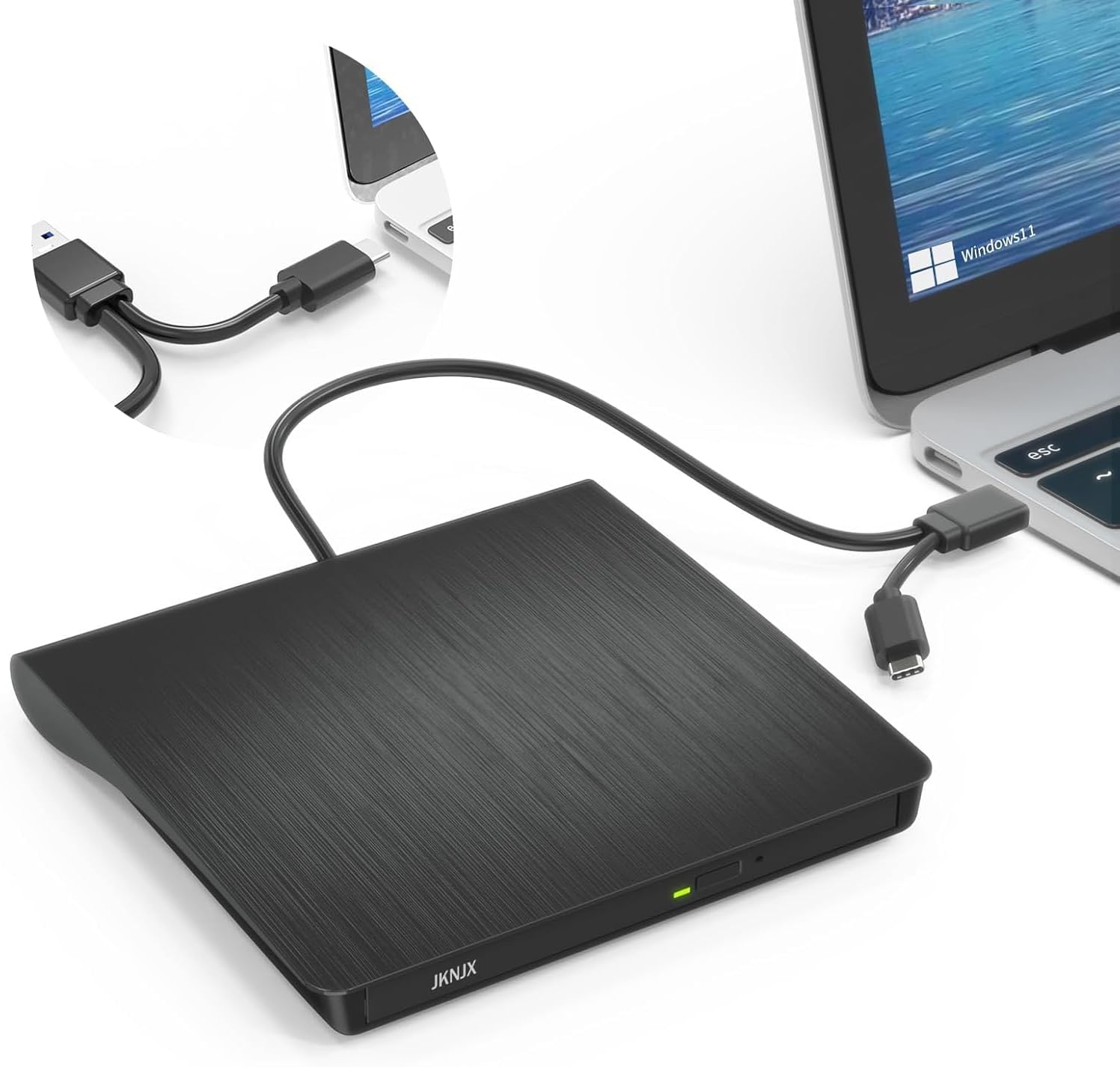
- Connection: USB 3.0 via USB Type-A or USB Type-C (integrated cable)
- Compatibility: Windows 7/8.1/10/11, Linux (most distributions), macOS 10.16+ (MacBook Pro/Air, iMac, Mac mini/Studio)
- Disc formats supported: CD-ROM, CD-R, CD+/-RW, DVD-ROM, DVD-R, DVD+/-RW, DVD-R DL, VCD-ROM
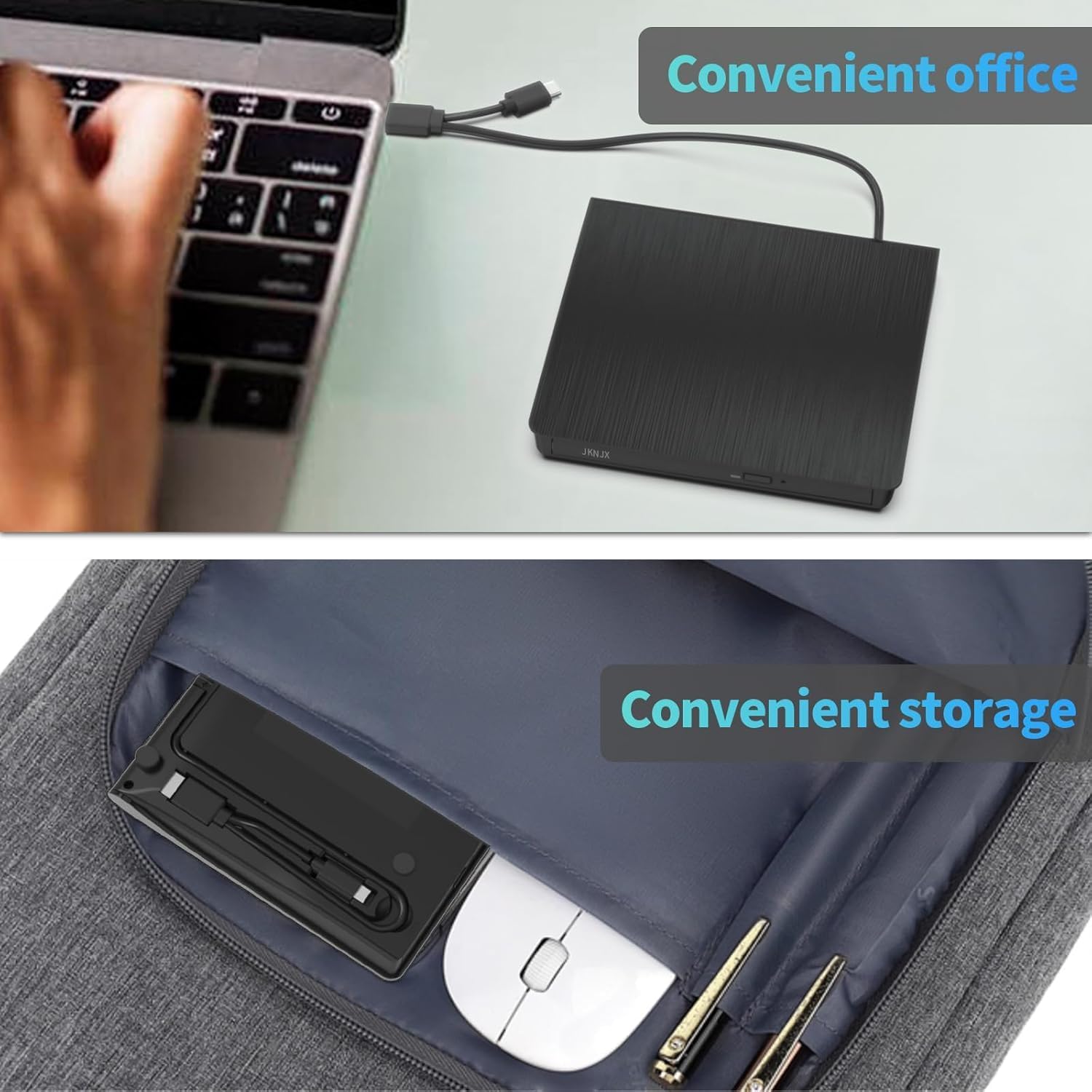
- Portability design: compact/slim, anti-skid rubber padding, brushed texture shell, embedded USB cable slot, includes USB-A and USB-C connectors
- Performance (advertised): up to 5 Gbps over USB 3.0, reads/writes up to 8x for DVDs and 24x for CDs
Is it worth it?
It’s worth considering if you need an external optical drive for everyday CD/DVD installs, disc reading, or writing, and you want something that’s meant to work across Windows, macOS, and Linux without extra drivers. If you regularly deal with standard 120mm discs—including CD-R/RW and DVD±RW—this fits the job description.
You may want to skip it if your use case involves Blu-ray or 4K discs, or if you’re working on a Chromebook, tablet, TV, or vehicle setup where it’s explicitly not compatible. Also, if your priority is ultra-high-speed professional burning with no tolerances, keep expectations realistic—this is positioned as a practical external drive for normal use rather than a specialized “maximum speed” workstation tool.
Mini FAQ
FAQ: how does setup usually feel?
The listing emphasizes plug-and-play recognition via USB Type-A or Type-C and mentions no external power adapter or additional drivers are needed.
FAQ: will it work with a MacBook?
It’s described as compatible with macOS 10.16 or later on MacBook Pro/Air and other listed Macs, but it also notes that Mac may require a readable disc inserted to display the icon.
FAQ: can it handle Blu-ray or 4K?
No—it's stated as not compatible with Blu-ray/4K discs.
FAQ: what discs does it support?
It supports common 120mm CD/DVD formats, including CD-ROM/CD-R/CD+/-RW, DVD-ROM/DVD-R/DVD+/-RW/DVD-R DL, and VCD-ROM.
FAQ: does it come with both USB-A and USB-C options?
Yes, the design includes both USB-A and USB-C connectors to make portability easier and support different port types.