

ETIKEZ PL50E Bluetooth Thermal Shipping Label Printer (4x6) for iPhone, Android, Windows & Mac, White
Product description
What it is and what problem it solves
If you ship packages often, the label part of the workflow can slow you down fast. The ETIKEZ PL50E is a portable thermal shipping label printer designed for printing address labels and shipping labels without ink or toner. On paper, it’s built for small businesses and everyday sellers who want a straightforward way to generate labels and print them quickly—whether you’re working from a laptop/desktop or directly from a phone.
The big theme here is “wireless where you need it, wired where it’s simpler.” It supports Bluetooth connectivity through the Labelnize app on iOS and Android, and it also connects via USB to work with Windows, Mac, and Chrome OS. That split matters because a lot of label printers are either phone-first or computer-first, this one tries to cover both.
A quick micro-scenario: imagine you’re packing orders at home. You create labels in the Labelnize app, send them over via Bluetooth from your phone, and print on the spot at your packing table—no ink cartridge hunt, no waiting for a printer to “figure itself out.” For small-volume shipping, that convenience can be a real time saver.
The essentials (what stands out)
The most notable selling points are the thermal printing method, portability, and app-driven label creation.
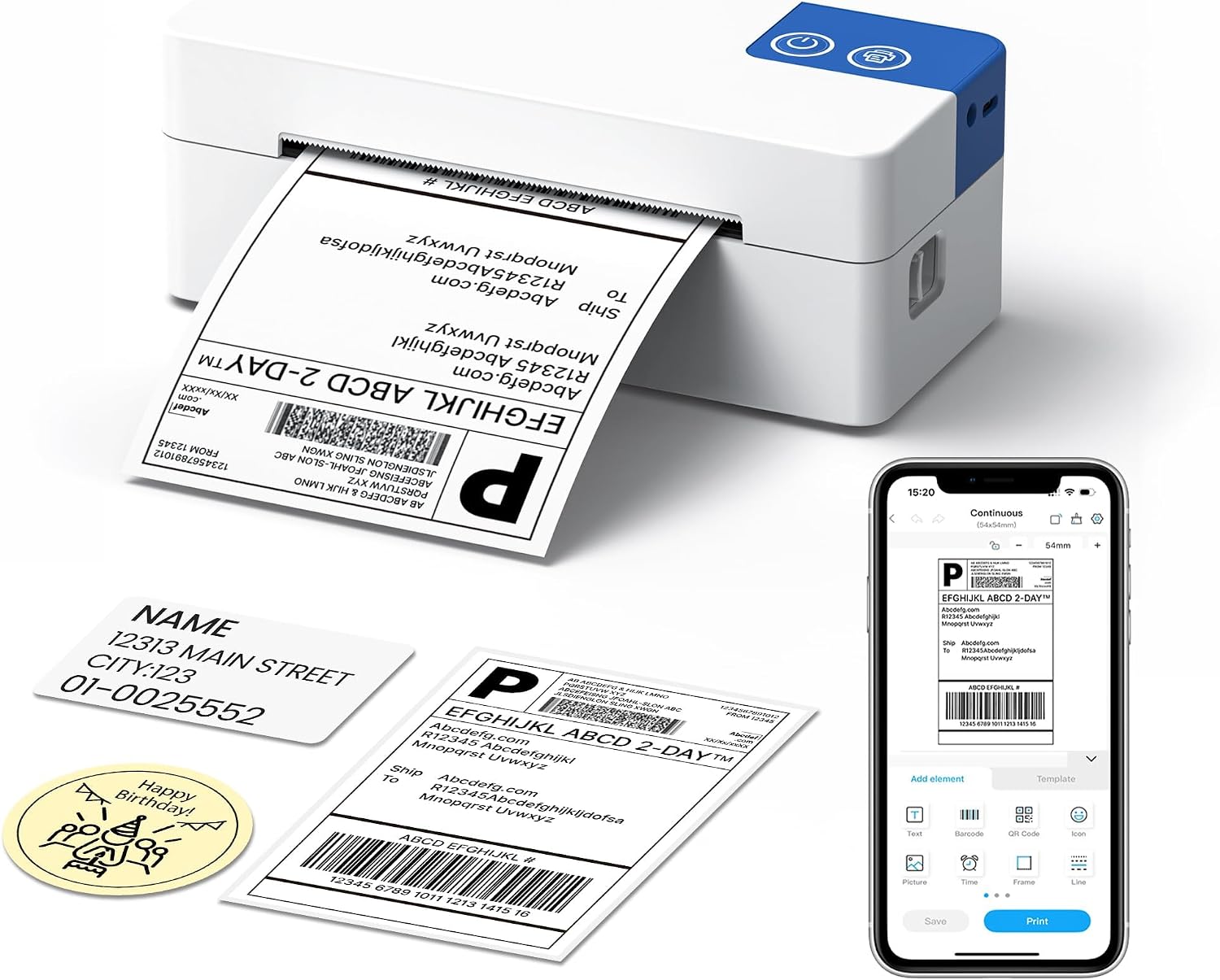
Thermal printing means you don’t buy ink or toner for these labels, which can reduce ongoing operating costs over time. It also helps keep the workflow clean—no messy cartridges to replace, and fewer moving parts to manage.
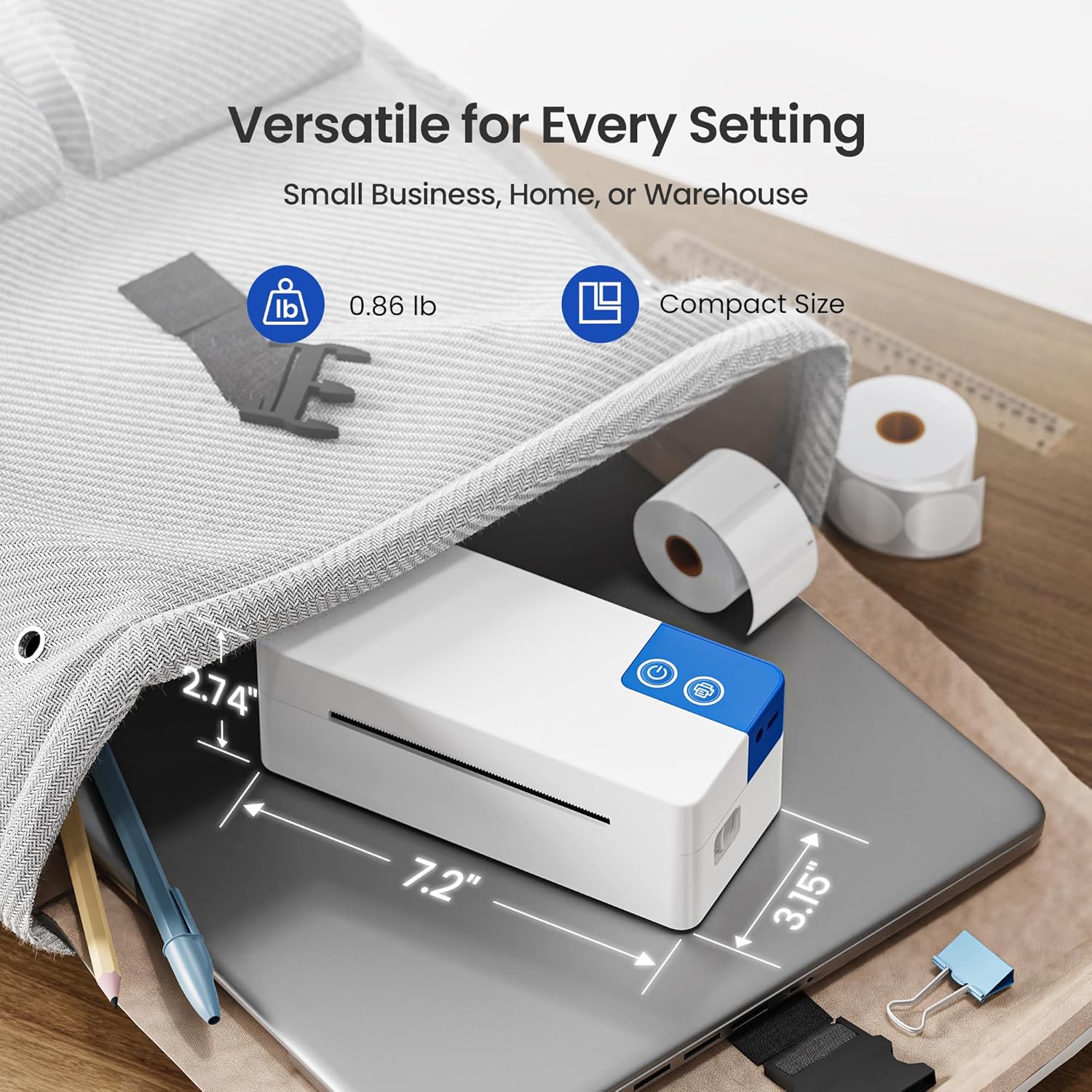
Portability is also part of the pitch. The printer is described as a compact, space-saving unit intended for shipping rooms, warehouses, and small workspaces. If your “shipping station” is basically a desk, shelf, or corner of a room, a smaller form factor tends to be easier to live with.
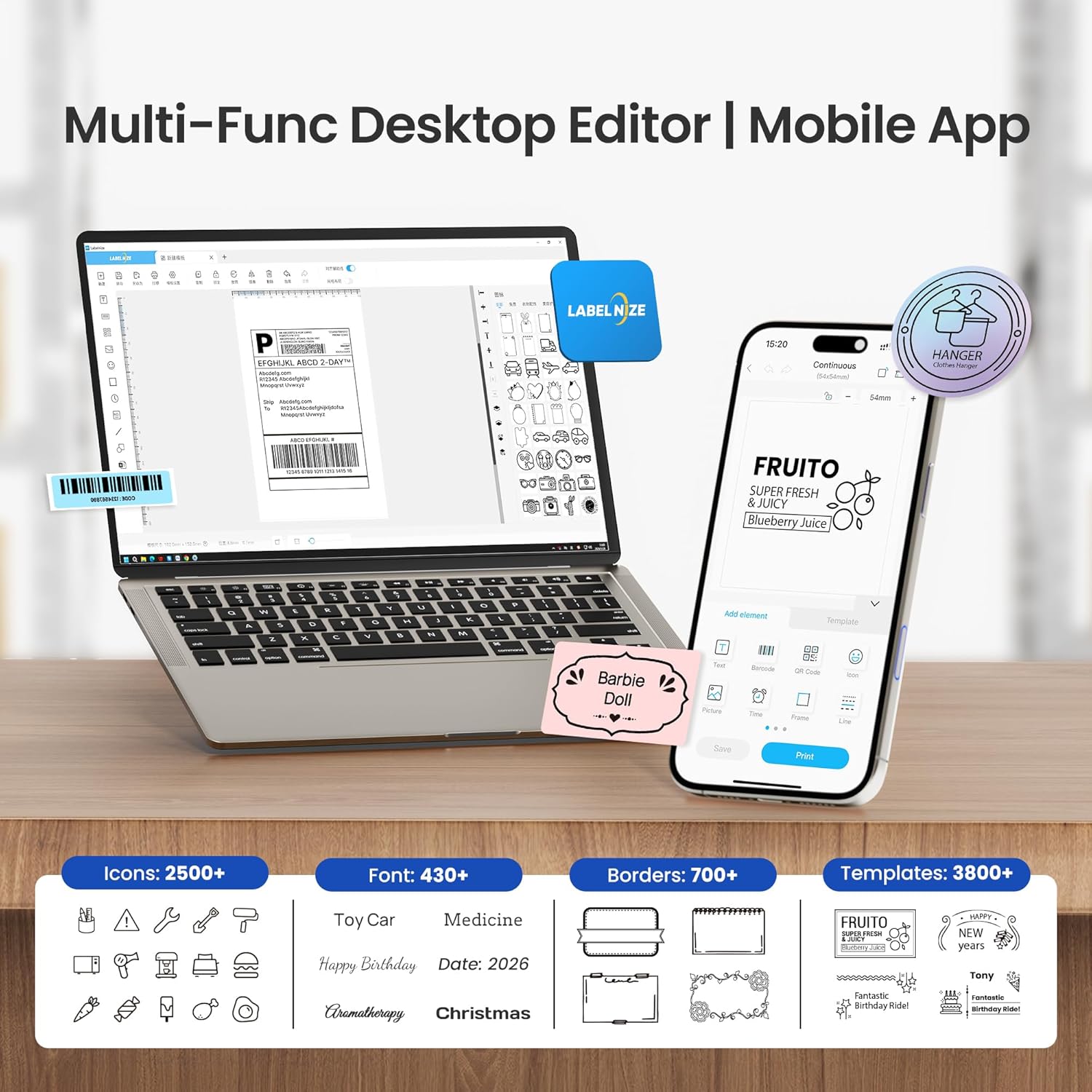
And then there’s the Labelnize app: it comes with 3000+ templates, 5000+ icons, and 100+ fonts. If you don’t want to design every label from scratch, that library can help you get to a usable layout faster.
Key limitations to consider before buying
This printer isn’t perfect, and a couple of constraints are worth calling out.
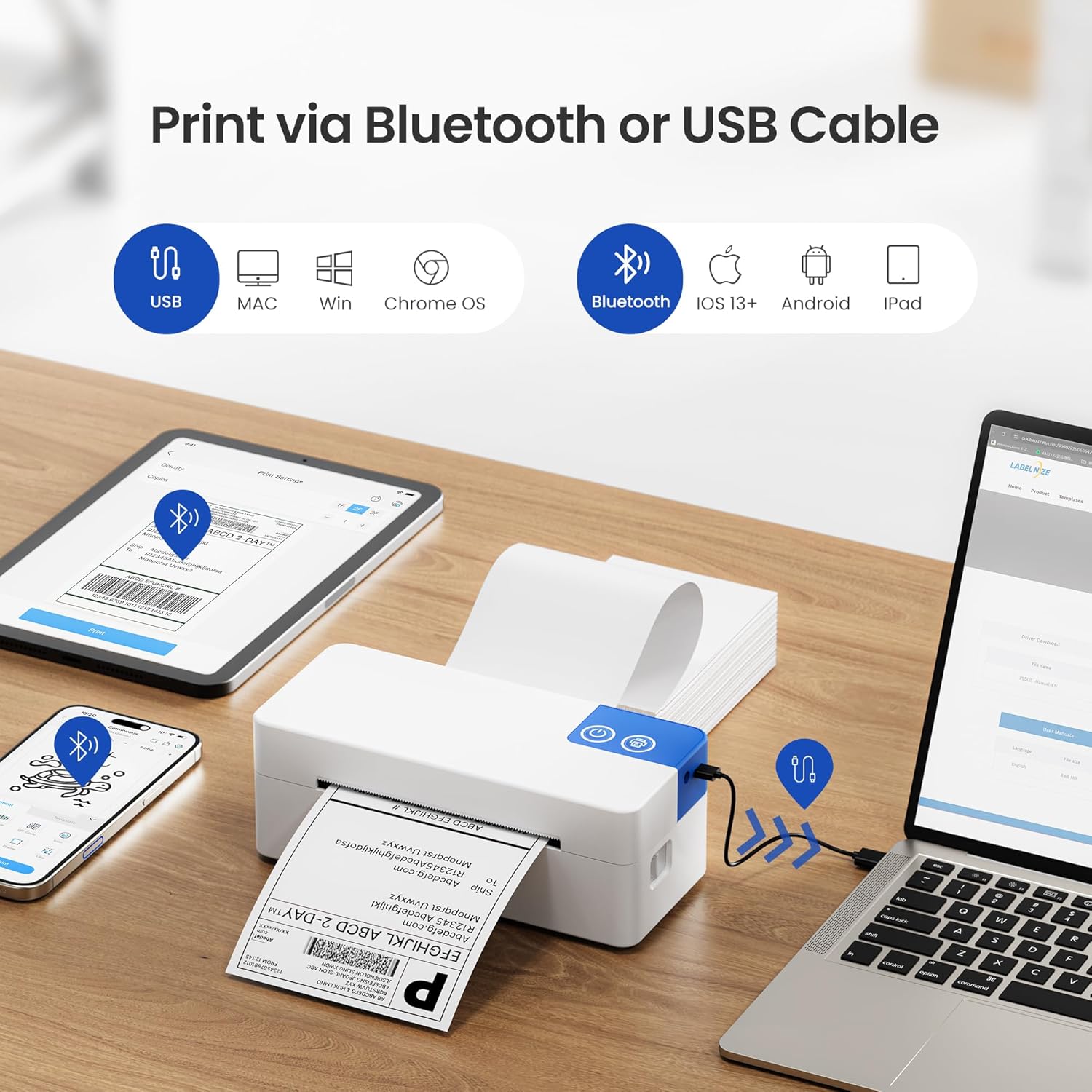
First, Bluetooth connection is only supported through the Labelnize app. The description specifies that direct pairing is not available. That means you can’t assume “Bluetooth on = it prints like a generic printer.” If your process relies on a specific direct-print workflow outside the app, you’ll want to double-check that your labels can be generated and sent the way the printer expects.
Second, it covers a lot of platforms, but the compatibility is described at a general level (shipping platforms and label use). Real-world performance depends on your exact workflow—how you generate labels, what size you print, and whether you’re using Bluetooth or USB for that task.
Finally, the printer resolution is listed as 203 DPI. That’s a common target for shipping labels, but if your priority is ultra-fine detail for specialized barcodes or very high-precision graphics, you may find higher-end models more “forgiving.”
Key specs (quick, decision-focused)
- Type: Bluetooth and USB wireless/wired thermal shipping label printer
- Connection methods: Bluetooth via the Labelnize App (iOS and Android), and USB for Windows, Mac, and Chrome OS
- Supported label printing: Shipping labels, barcodes, and QR codes
- Printing method: Thermal printing (no ink or toner needed)
- Resolution: 203 DPI
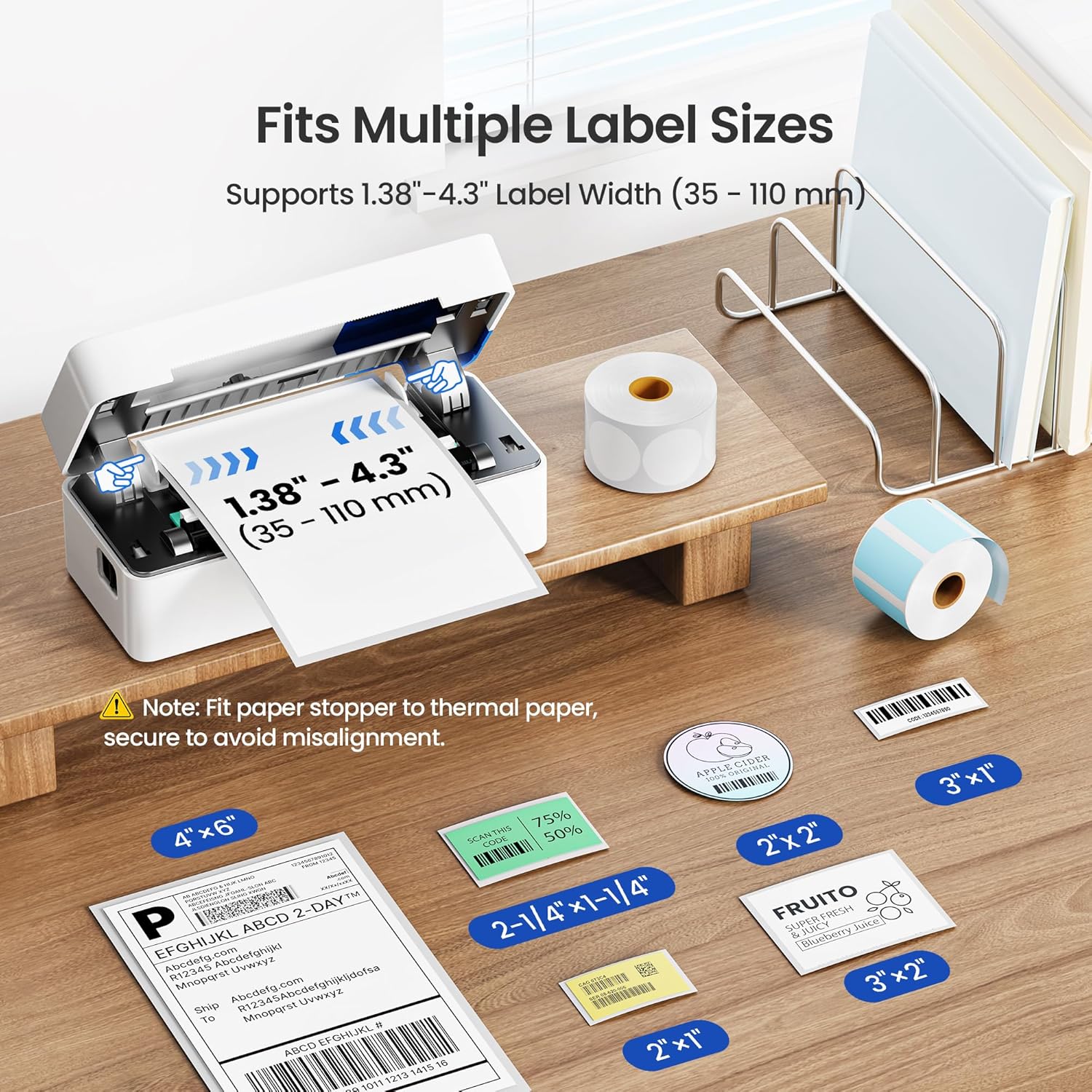
- Label size range: prints 1.57" to 4.1" labels
Pros and what you’ll notice day to day
What you’re likely to notice first is how “low friction” the printing can be—especially if you work from a phone and want to print at the packing station.
On the usability side, the workflow is positioned around templates and label creation in the Labelnize app. The 3000+ templates and large set of icons/fonts can reduce the time spent building layouts and make it easier to keep labels consistent.
On the cost side, skipping ink/toner is the big one. If you print regularly, that’s not a small benefit.
Where it may feel less impressive is if you expected a fully open, universal Bluetooth printing setup. Since direct pairing isn’t available, you’re committing to the app-based Bluetooth method.
The apps, platforms, and label sizes you should check
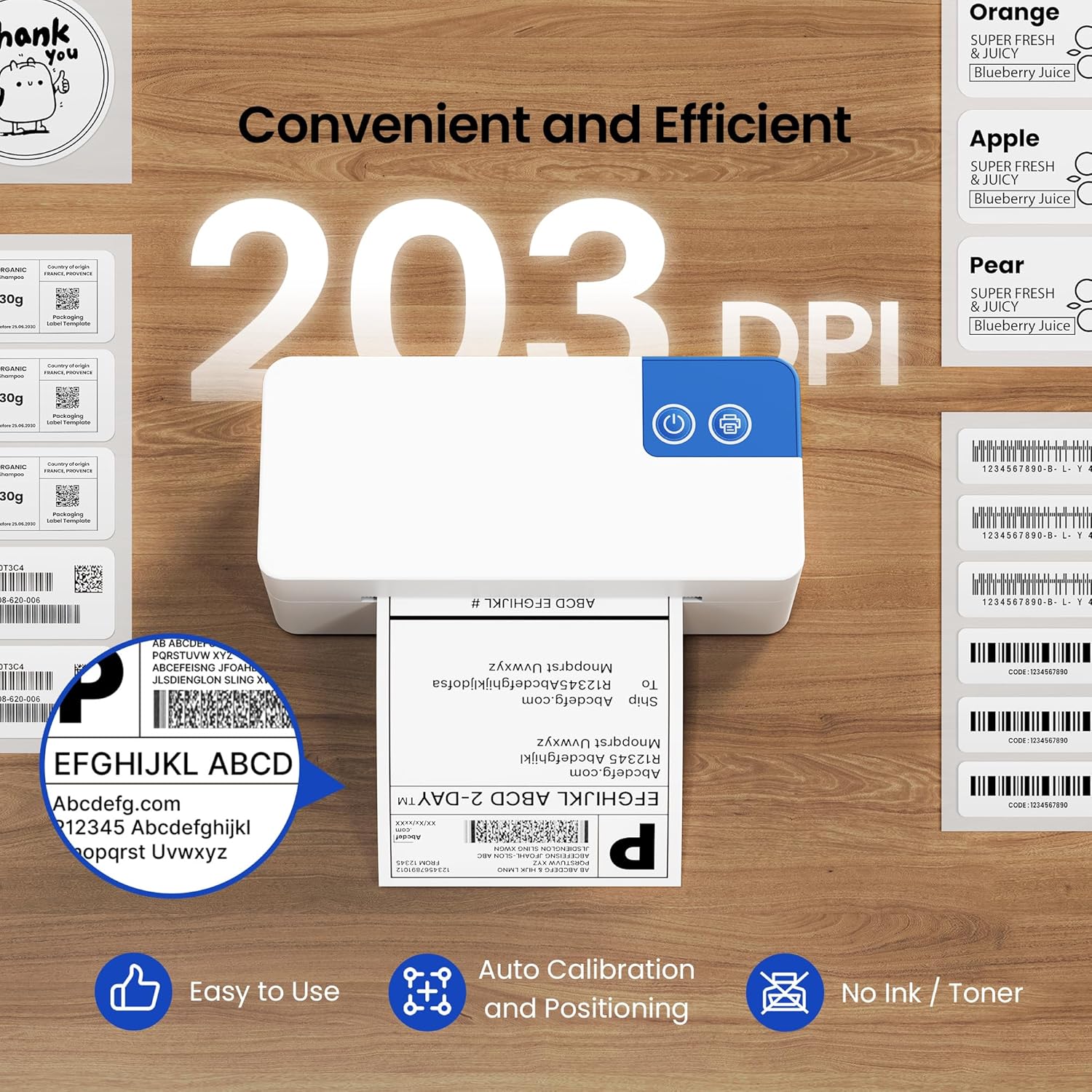
The description claims wide compatibility with major shipping and selling ecosystems and also lists uses beyond shipping, like price tags, clothing tags, address labels, and folders. That’s a strong “multi-purpose” angle for sellers and small shops.
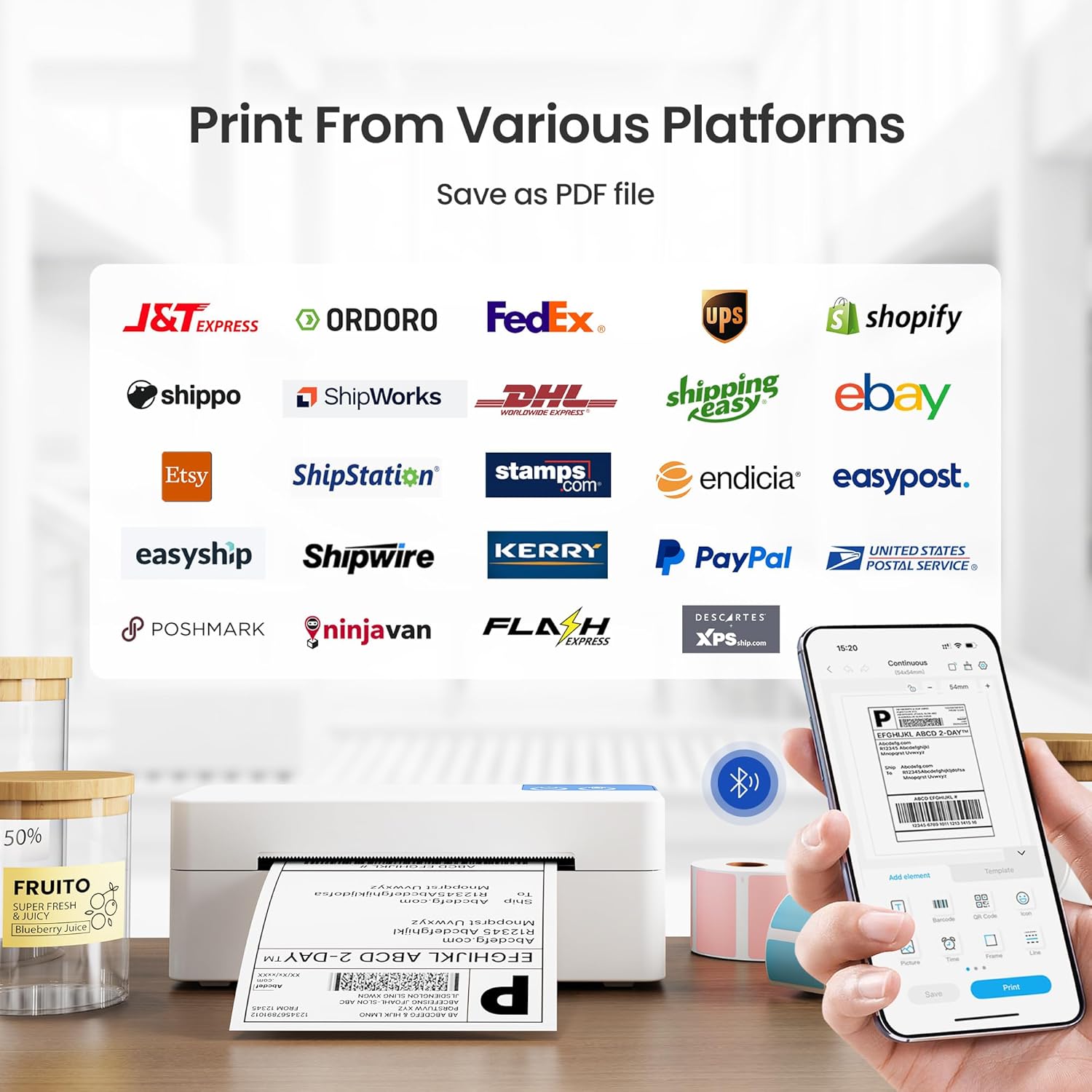
It specifically notes compatibility with USPS, UPS, amazon, eBay, and Shopify, and the label printer is described as working with major shipping platforms overall.
Before you purchase, it’s smart to verify two things based on your actual needs:
- Whether your label workflow is comfortable in the Labelnize app when you want to print via Bluetooth.
- Whether your label dimensions fall within the printer’s stated label size range (1.57" to 4.1").
If you ship using a consistent label format, this is an easier decision. If your label sizes vary a lot, you may need to plan which sizes you’ll actually print most often.
Who it’s for (and who should skip it)
This printer makes sense if you’re a small business shipper, a reseller, an Etsy seller, or anyone printing shipping labels in a compact workspace—and you want flexibility between phone-based Bluetooth printing and computer-based USB printing.
It may not be the best match if: - You need Bluetooth printing without relying on a specific app. - Your workflow requires something very specialized that isn’t covered by the app-based approach described. - You’re expecting a “set it and forget it” experience without checking label size compatibility and the printing pipeline.
Is it worth it?
Buy the ETIKEZ PL50E if your goal is simple: print shipping labels (including barcodes and QR codes) without ink or toner, in a compact setup, and you like the idea of using Bluetooth from iPhone/Android through the Labelnize app while also having USB for computer workflows. The app’s template and design library can make label creation feel quicker than starting from scratch.
Skip it if app-based Bluetooth printing is a dealbreaker for your setup—since direct pairing isn’t available, you’ll be working inside the app for wireless printing. And if your labels demand very high detail beyond what 203 DPI is likely to provide, you may prefer a more specialized higher-end option.
Mini FAQ
Can it print from an iPhone or Android?
Yes, the printer is described as compatible with iOS 13+ and Android devices via the Labelnize app using Bluetooth.
Does it work with Windows and Mac?
It connects via USB for Windows and Mac (and Chrome OS is mentioned too).
Does it require ink or toner?
No—this is a thermal printer, so ink or toner isn’t needed for operation.
Is Bluetooth direct pairing supported?
No. The description says only app-based Bluetooth connection is supported, and direct pairing is not available.
What label sizes does it support?
The printer is described as printing labels in the 1.57" to 4.1" range.