

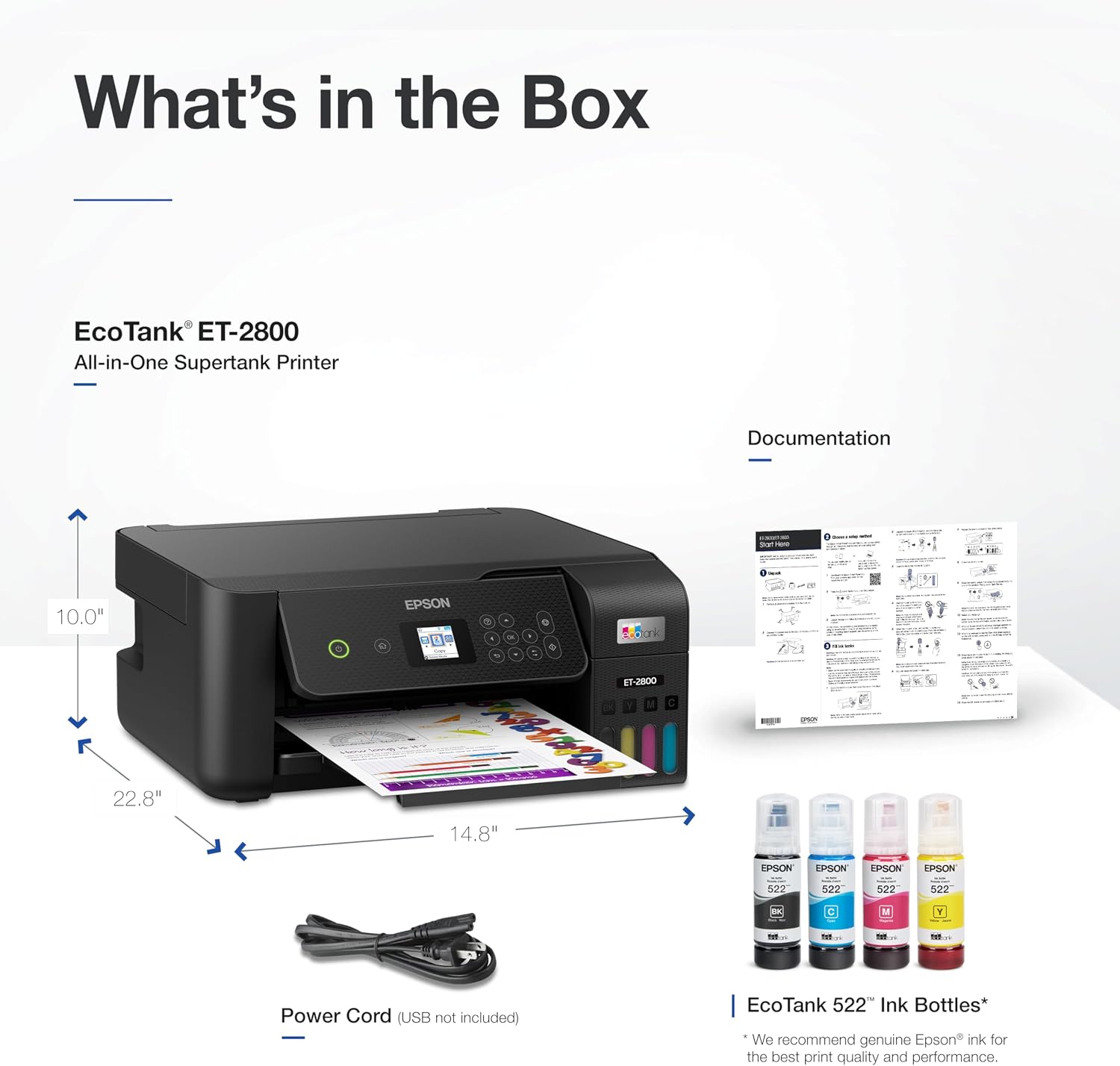
Epson EcoTank ET-2800 Wireless Color All-in-One Supertank Printer
Reviews
Price
Product description
What it is and who it’s for
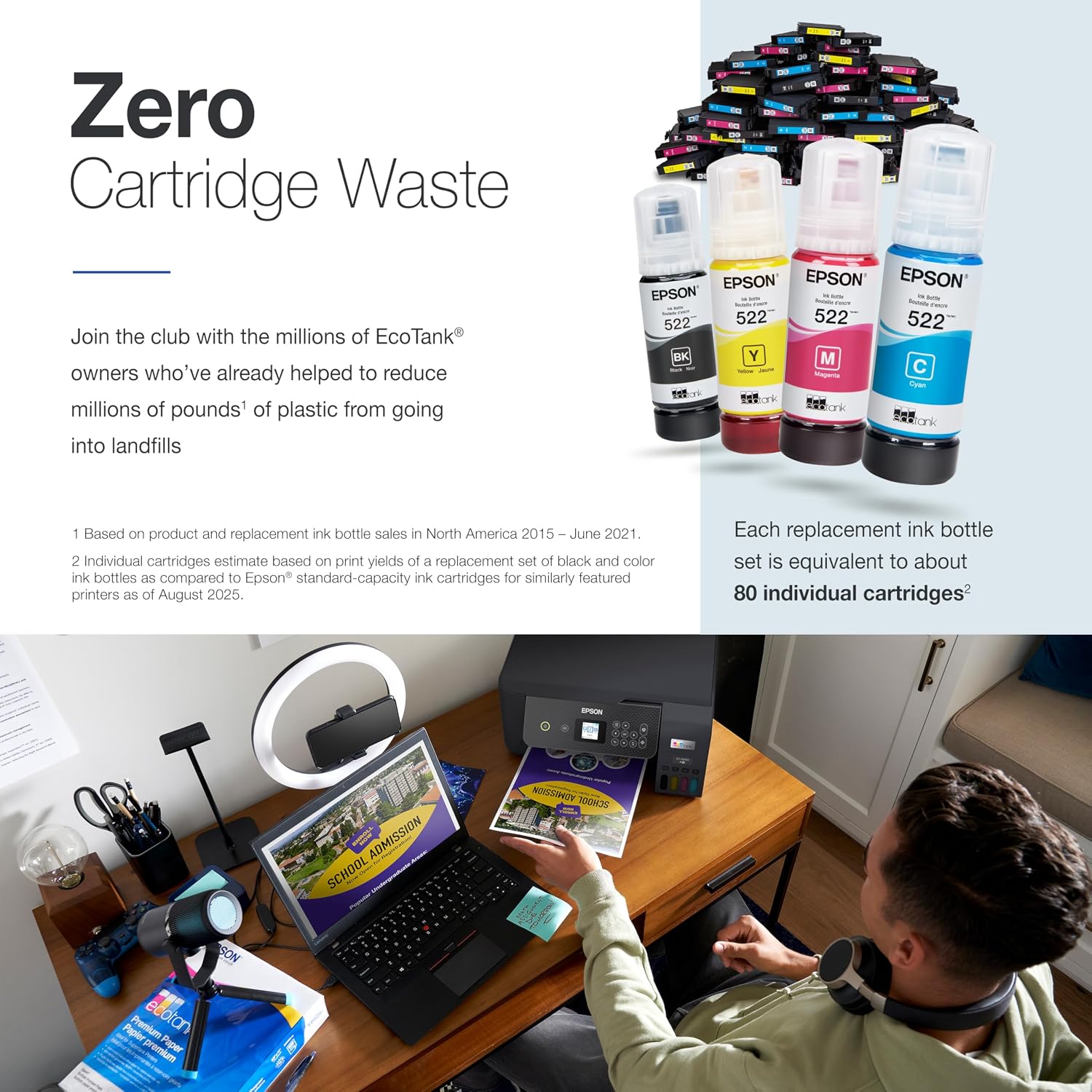
The Epson EcoTank ET-2800 is a cartridge-free, wireless color all-in-one printer designed for home offices and casual photo printing. It merges print, scan, and copy capabilities in a compact, reliable package. If you’re tired of replacing tiny ink cartridges and want fewer interruptions from running out of ink, this model positions itself as a practical alternative for everyday document work and household photo projects.
How it works and what that means for you
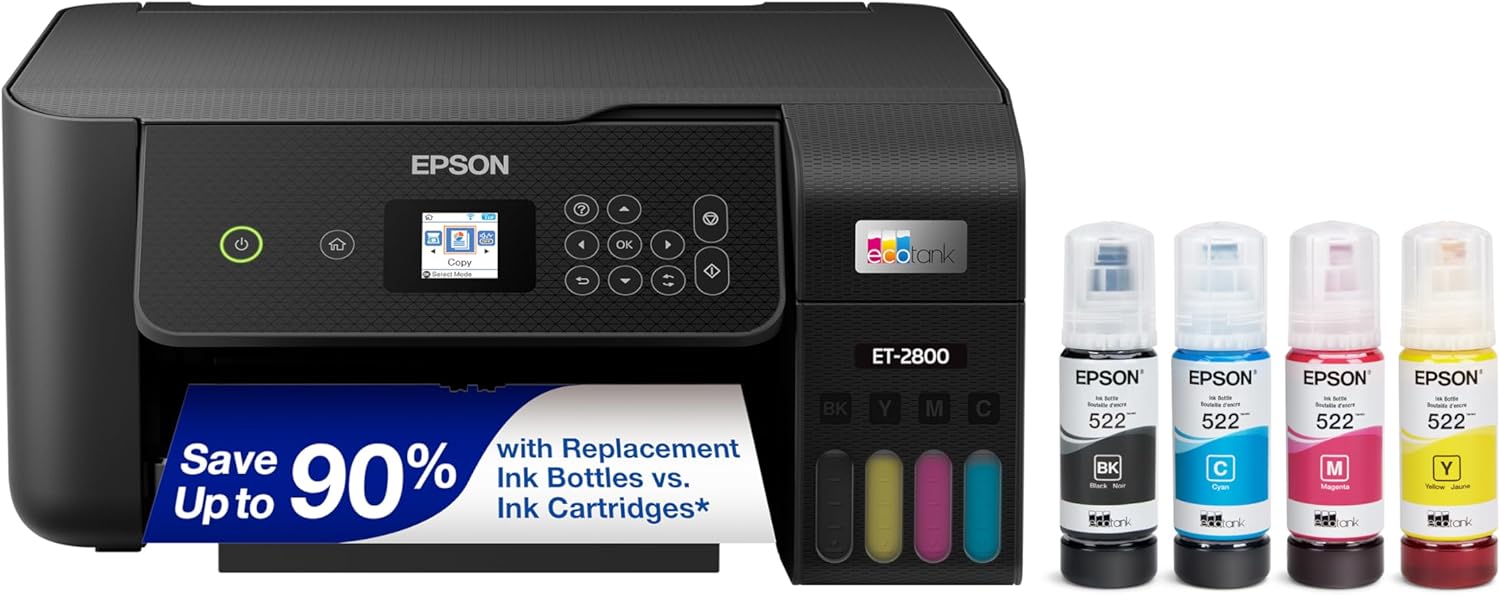
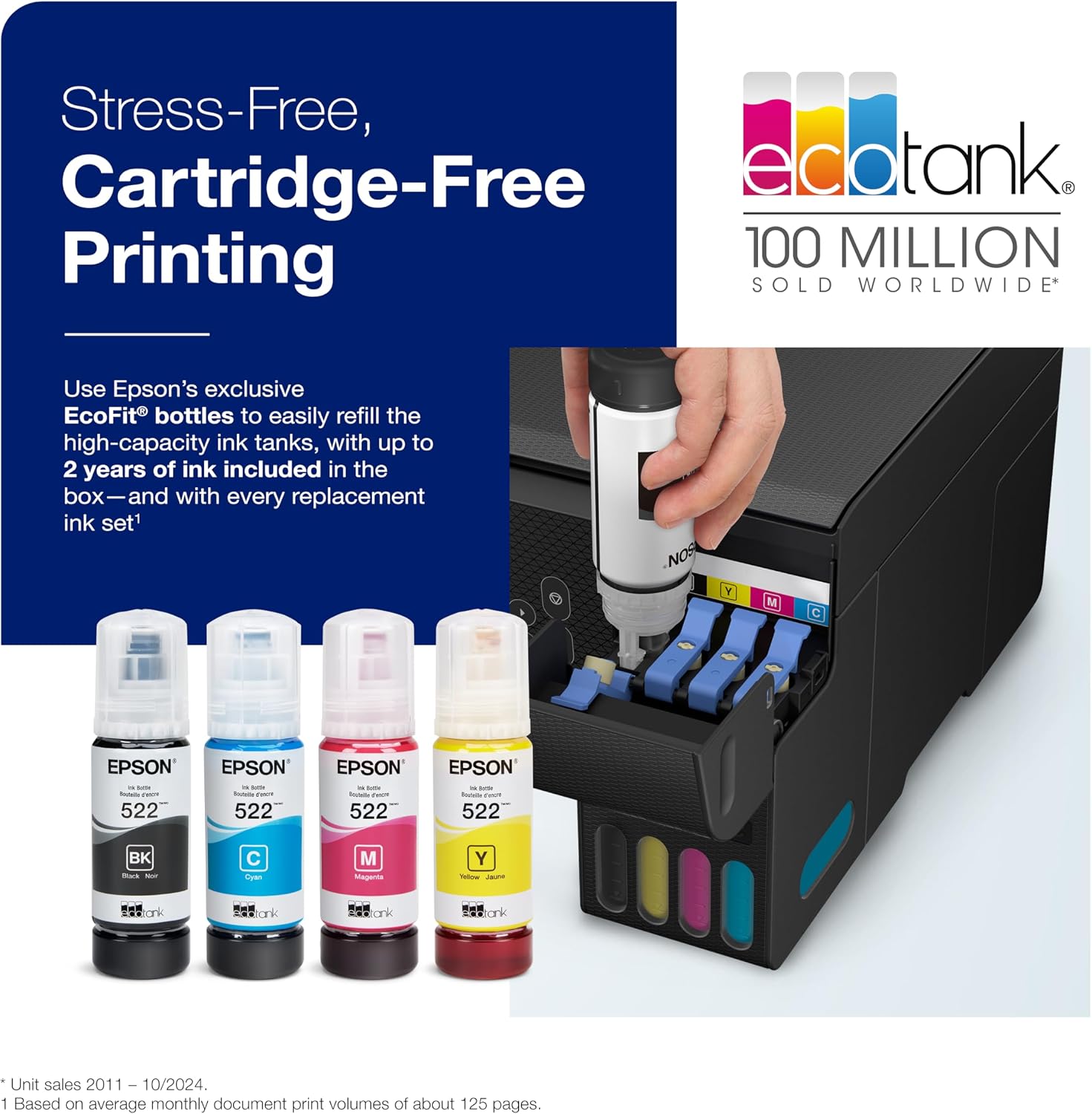
This model uses EcoTank’s refillable ink system. Instead of swapping cartridges, you pour ink from bottles into internal tanks. On the page, each ink bottle set can print a very large number of pages—roughly 4,500 pages in black and 7,500 pages in color—before a restock is needed. The result? Less downtime spent on ink replacement and more time actually printing. The printer ships with enough ink to cover a long initial run, which helps you hit the ground running without immediate refills.
Print quality and speed in everyday use
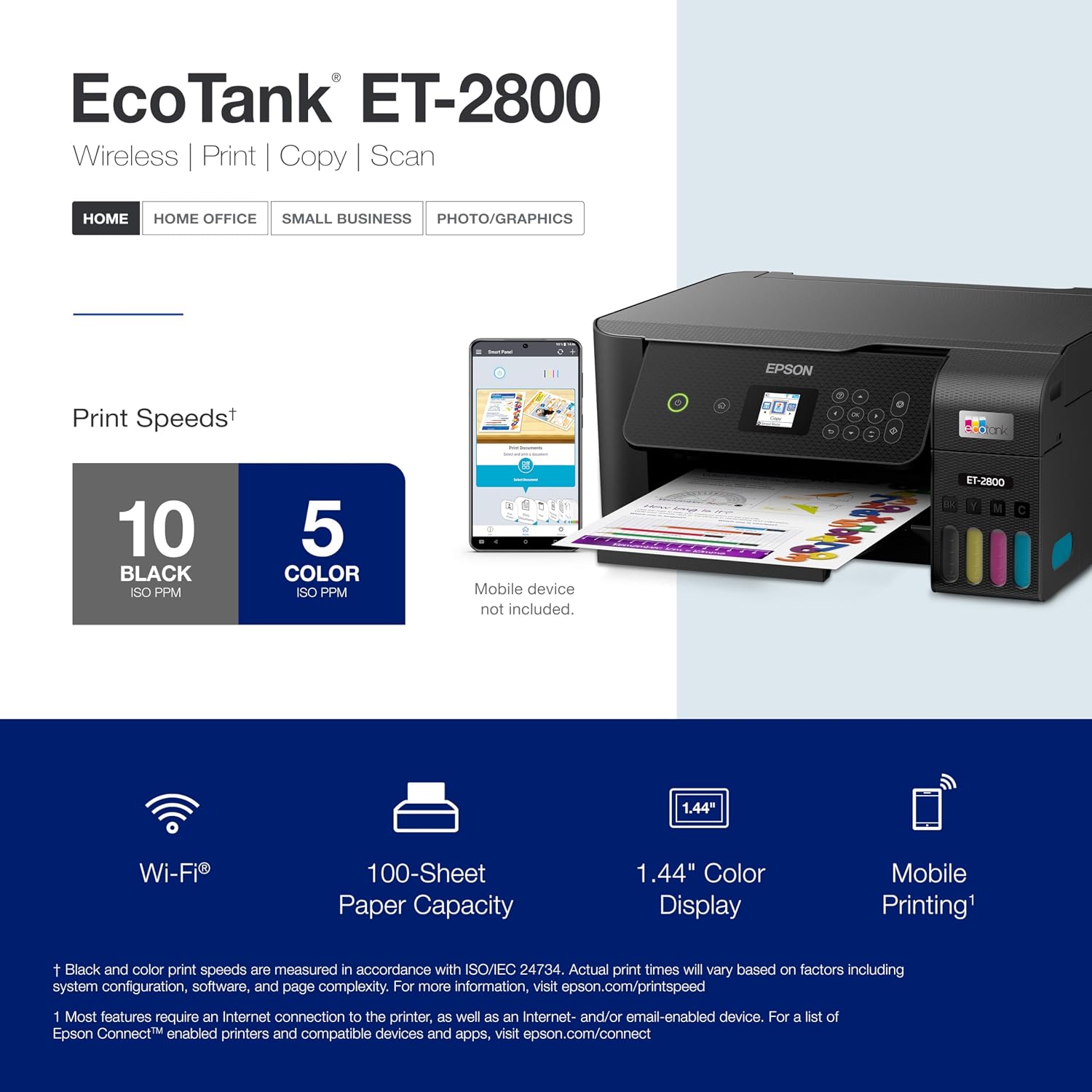
The ET-2800 is built around Micro Piezo technology with heat-free operation, delivering crisp text and reasonably solid color documents for household use. It prints at a practical pace for home workloads, with up to 10 ISO pages per minute on standard jobs. For occasional photo prints, you can expect decent detail and color fidelity suitable for hobby projects and school reports. It’s not a high-end photospecialist setup, but it covers typical home and small-office tasks without needing to chase ink constantly.
Pros and what stands out
- Cartridge-free operation reduces ongoing cartridge cost and waste. If you value fewer interruptions for ink changes, this is a meaningful gain.
- High page yields per bottle translate to lower refills over time, which can matter if you print a lot for school or home office needs.
- Wireless convenience keeps cables out of the way and supports mobile printing workflows, which aligns with modern home setups.
- The all-in-one capability covers printing, scanning, and copying, streamlining light office duties in one device.
Potential limitations you’ll want to consider
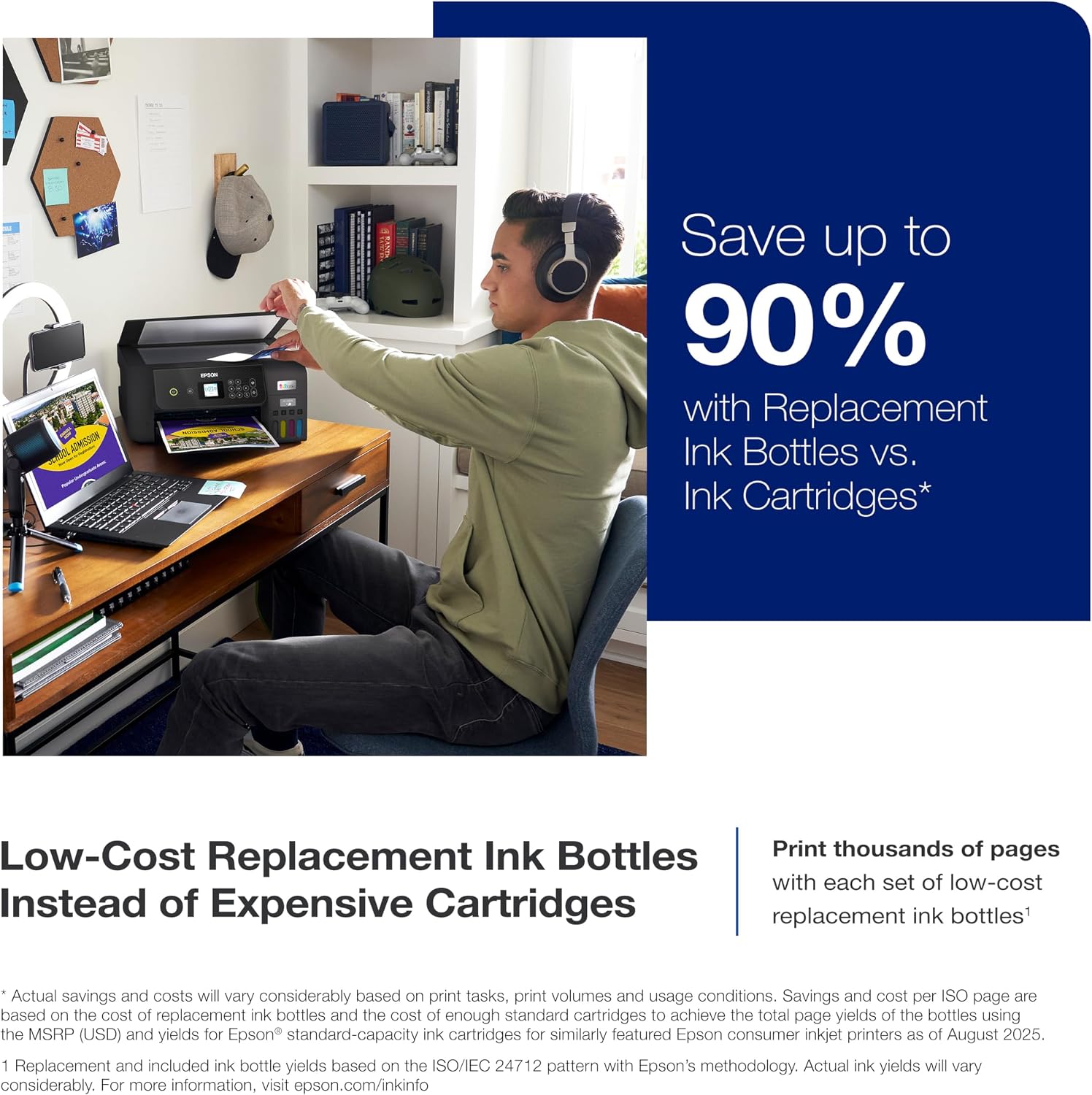
- Ink bottle costs and genuine ink usage could add up if you print aggressively, you may want to model annual page volumes to gauge ongoing ink expense.
- For photo-centric or professional-grade color work, the color vibrancy and photo realism may not match higher-end photo printers or dedicated photo labs. If your use case relies on deep color accuracy, you might notice the gap.
- It’s a home-focused device, heavy-duty or high-volume offices may outgrow the ET-2800’s speed and feature set.
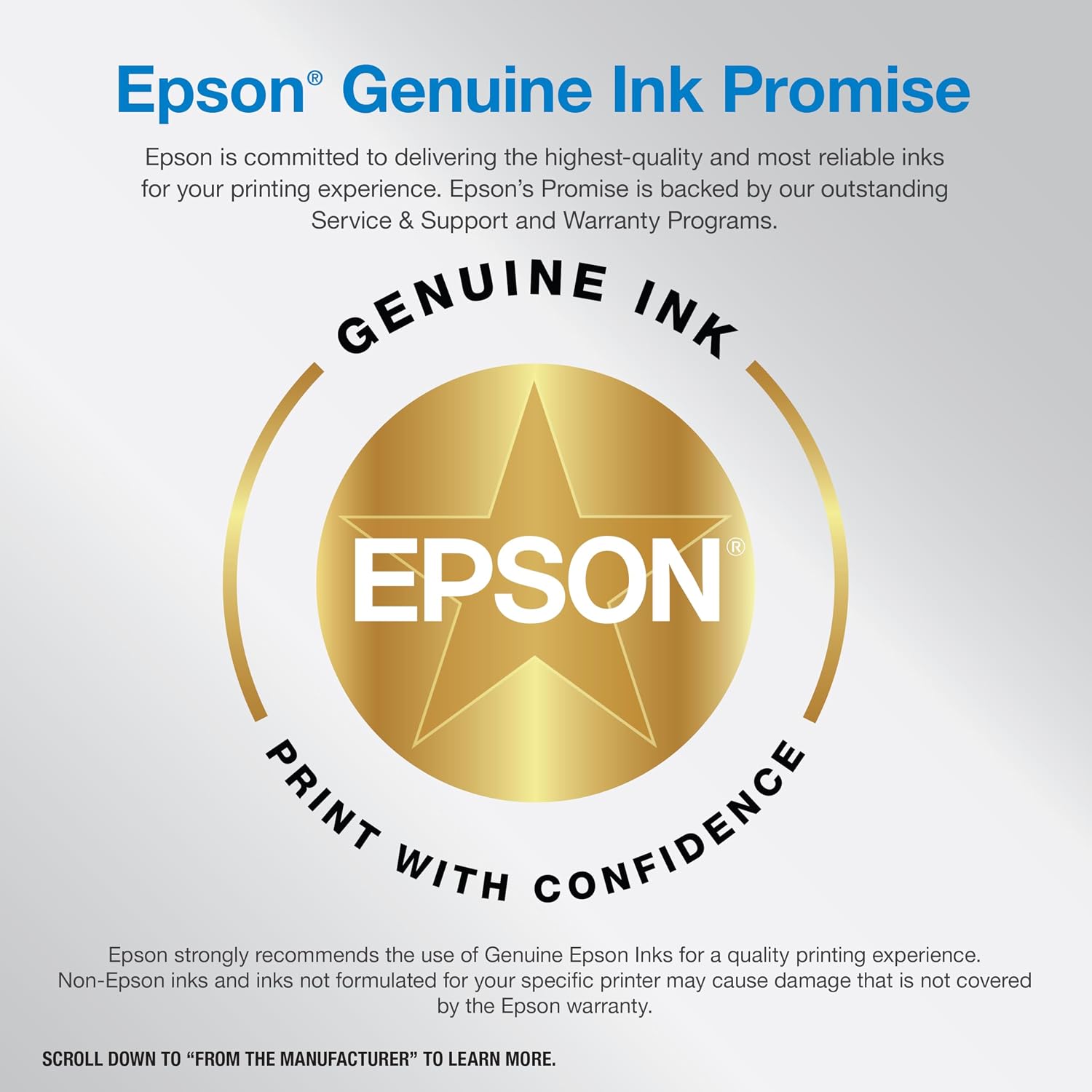
- There are cautions about using only genuine Epson ink to protect print quality and warranty, using third-party inks could affect performance and coverage.
Who it’s best for
- Households that print a mix of documents and photos but don’t require studio-level photo gear.
- Students and remote workers who want a reliable, budget-conscious printer with long-running ink supply.
- Anyone tired of cartridge changes and looking for a simpler, lower-waste printing solution.
Who might want to pass
- If your priority is ultra-fast high-volume printing, this model may feel a bit restrained compared with faster office-focused printers.
- If you do pro-level photo editing or require exact color calibration, consider whether color accuracy and speed meet your standards.
- If you plan to rely heavily on non-genuine inks, be aware of the warranty and performance caveats Epson notes.
What to check before buying
- Your typical monthly page volume and whether it lines up with the long-run efficiency of EcoTank systems.
- The balance between document print quality and photo print expectations for your projects.
- Availability and price of genuine Epson ink bottles in your region, to estimate ongoing cost per page.
- Network setup and compatibility with your devices to ensure smooth wireless printing from laptops, phones, and tablets.
Practical usage example
Imagine printing a week’s worth of school worksheets and a photo collage for a family project. You’ll notice fewer trips to the store for new cartridges, and the process of refilling the ink is straightforward—no tiny cartridges to handle. It’s the kind of setup that scales quietly with a lower maintenance footprint for a busy household.
FAQ (practical answers based on available data)
- How many pages can I expect from a full black or color ink set? About 4,500 pages black and 7,500 pages color, per bottle configuration.
- Is wireless printing stable for phones and laptops? Yes, the printer is designed for wireless document and photo printing, supporting typical home networking setups.
- Do I need to use Epson ink to avoid warranty issues? Epson recommends genuine ink to support optimal print quality and performance, using non-genuine ink could affect warranty coverage.
Is it worth it?
Worth considering if you prioritize lower ink replenishment hassle, want a compact all-in-one with reliable wireless printing, and print in moderate volumes. It may not be the best fit if you push high-volume workloads or demand top-tier photo color accuracy. In short, it’s a sensible mid-range option for home use, with the trade-off of slower performance vs. dedicated high-volume printers.