

Dell Inspiron 14 2-in-1 (7445) Laptop, Ryzen 7 8840HS, 16GB RAM, 1TB SSD
Product description
Some buyers want a laptop mainly for typing at a desk, others need a touchscreen that can shift into different positions for viewing or note-taking. The Dell Inspiron 14 2-in-1 (7445) is built around that flexibility, with a 360-degree hinge, a 14-inch FHD+ touchscreen, and an AMD Ryzen 7 8840HS processor. Its 16GB of DDR5 memory and 1TB SSD give it a defined configuration for everyday productivity, rather than leaving core memory and storage details unspecified.
The Indigo model runs Windows 11 Home and includes integrated AMD Radeon graphics and Wi-Fi 6E.
The essentials

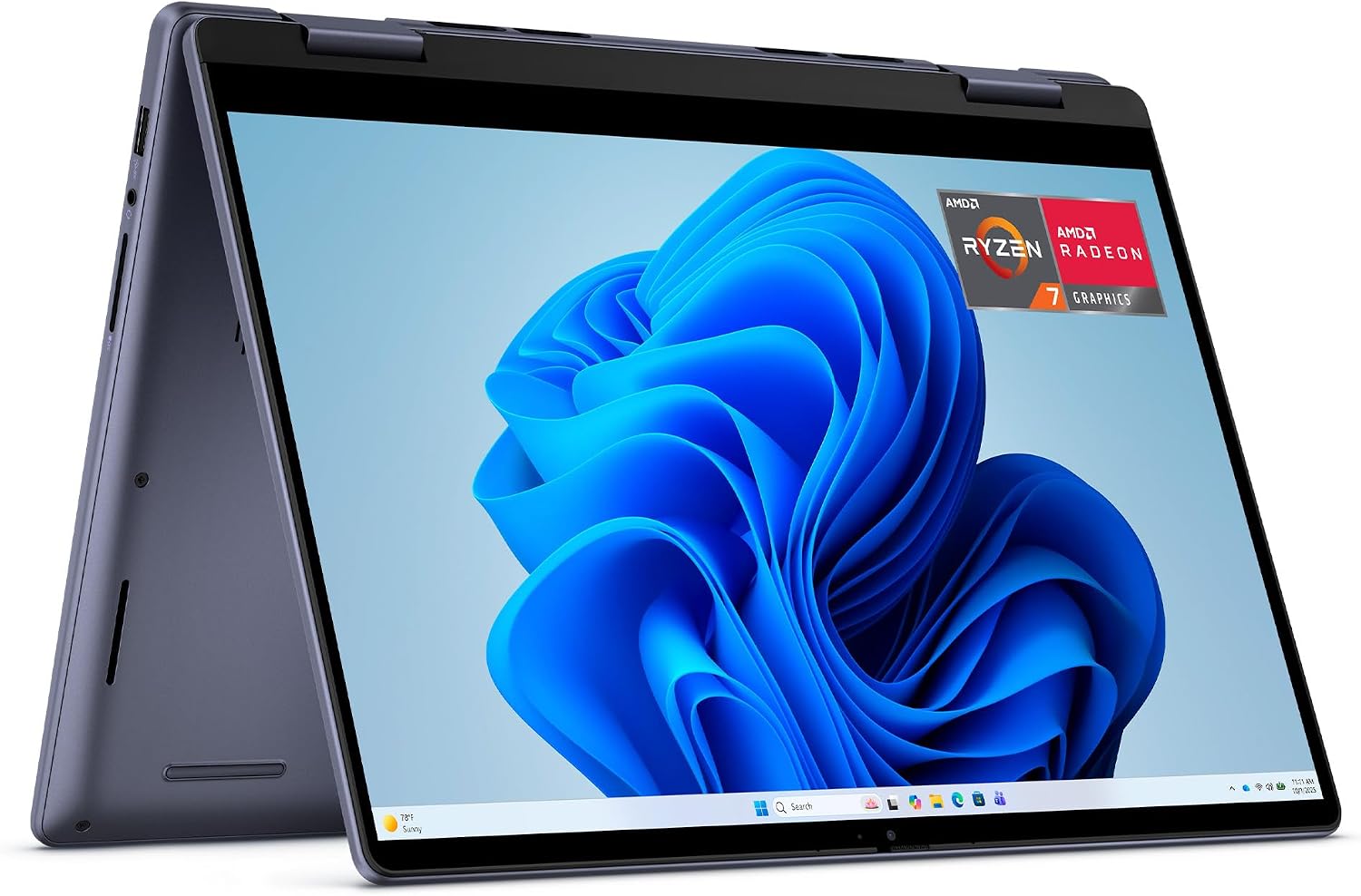
The central buying question is whether the convertible design would be useful in your routine. In laptop mode, the Inspiron works as a conventional notebook for documents, browsing, and video calls. Fold the hinge into tent or stand mode for hands-free viewing, or use tablet mode when touch input suits the task. That range is more relevant to people who move between typing and screen-focused activities than to buyers who expect to use a laptop only in one fixed position.
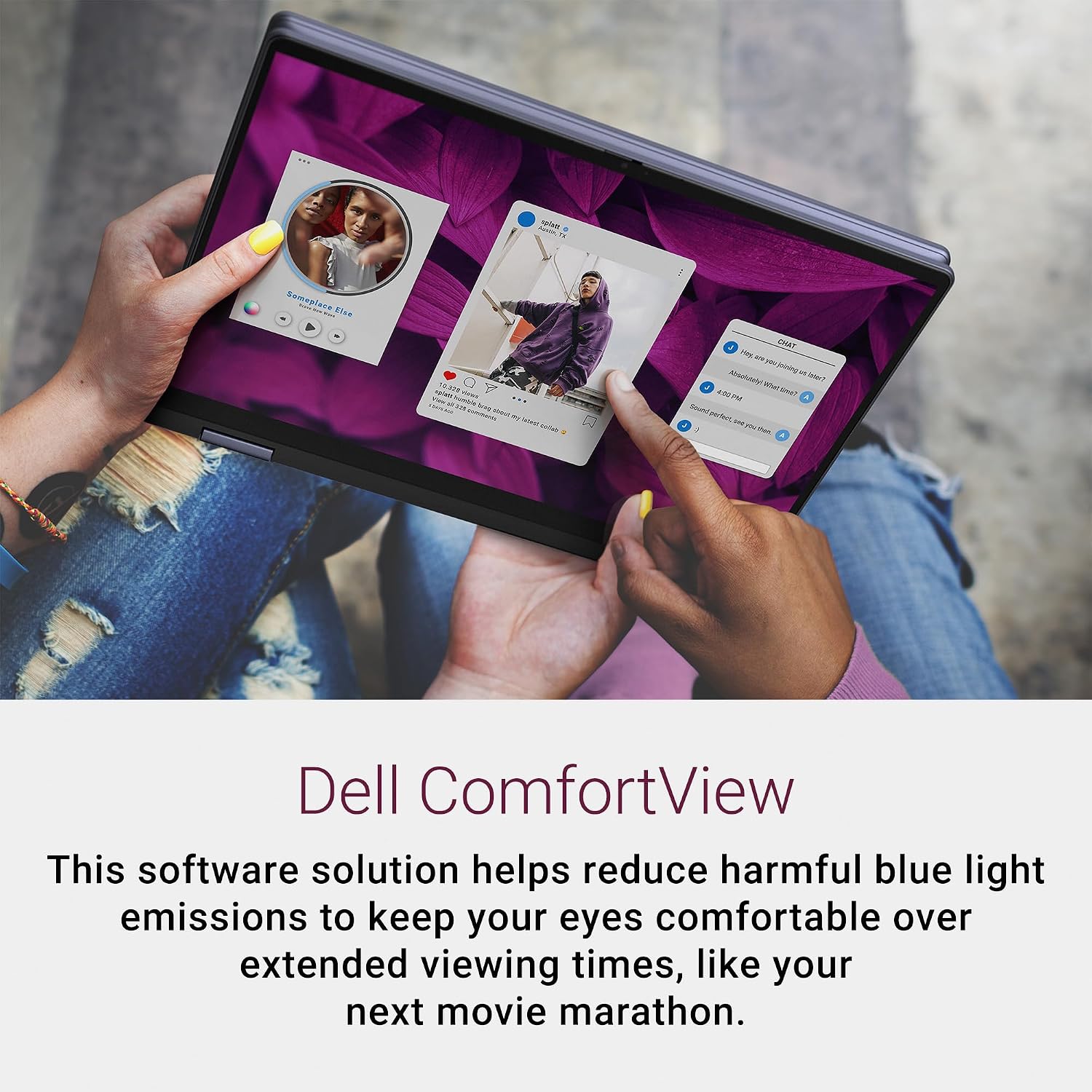
The 16:10 display is taller than a 16:9 screen, which gives documents and notes more vertical room. Dell also lists AI-enabled video chat features, including auto framing and eye contact, plus ComfortView software intended to reduce blue-light emissions during extended viewing. These are useful considerations for frequent calls or long sessions, but they do not replace checking whether the screen format and convertible hinge match your daily work.
How to use it

The hinge lets you choose a position for the task: laptop mode for keyboard work, tent or stand mode for watching content, and tablet mode for touch interaction. An active pen is optional, so natural handwriting or journaling depends on having a compatible pen, it should not be assumed to come with the laptop. For a practical home setup, you could type in laptop mode, then fold the screen into stand mode for a video call or a show without changing devices.
Usage tips
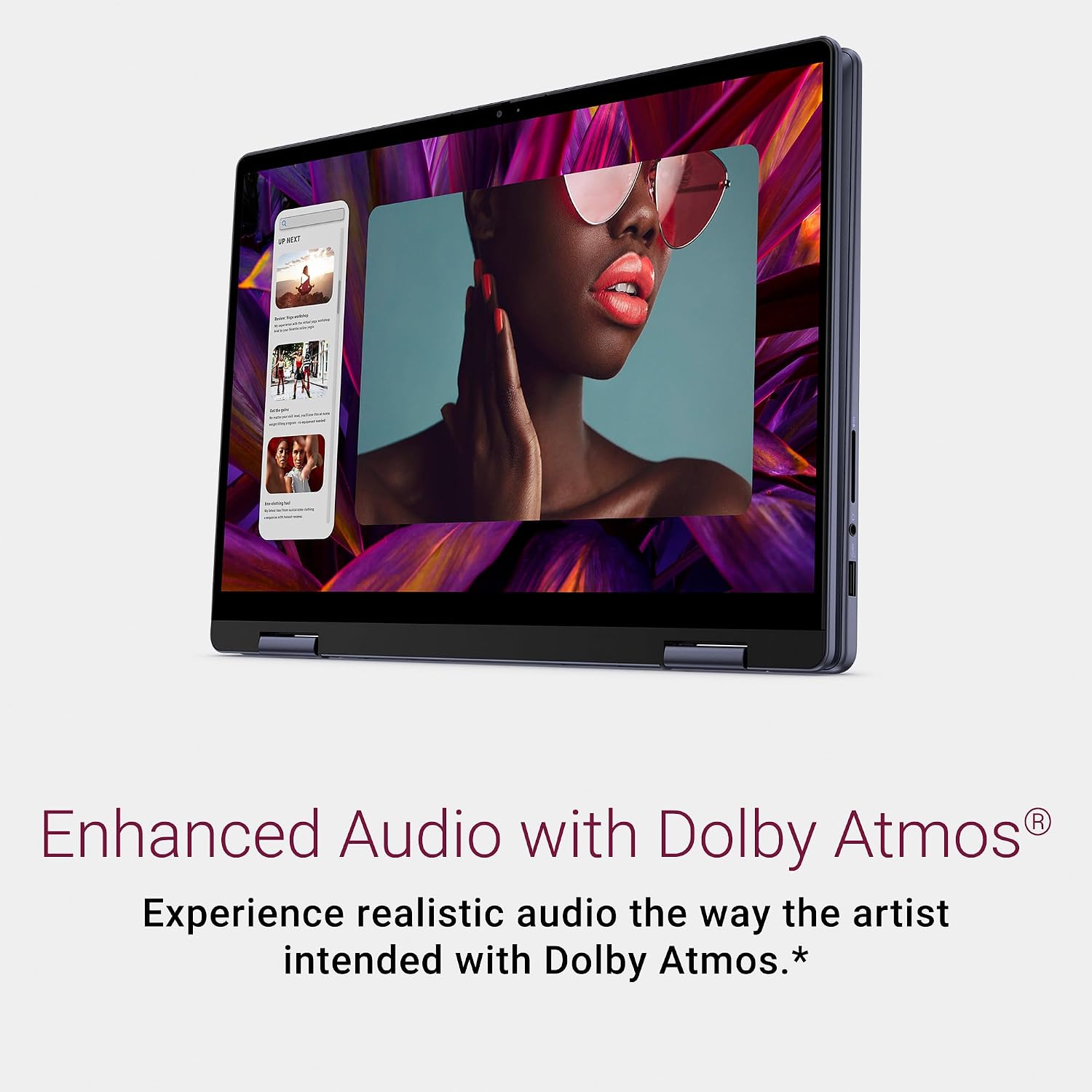
For calls, the listed auto-framing and eye-contact features are intended to keep the user centered and engaged on camera. For longer viewing sessions, ComfortView is designed to reduce blue-light emissions. Dolby Atmos is also listed, but its effect depends on Dolby Atmos-encoded content and audio.
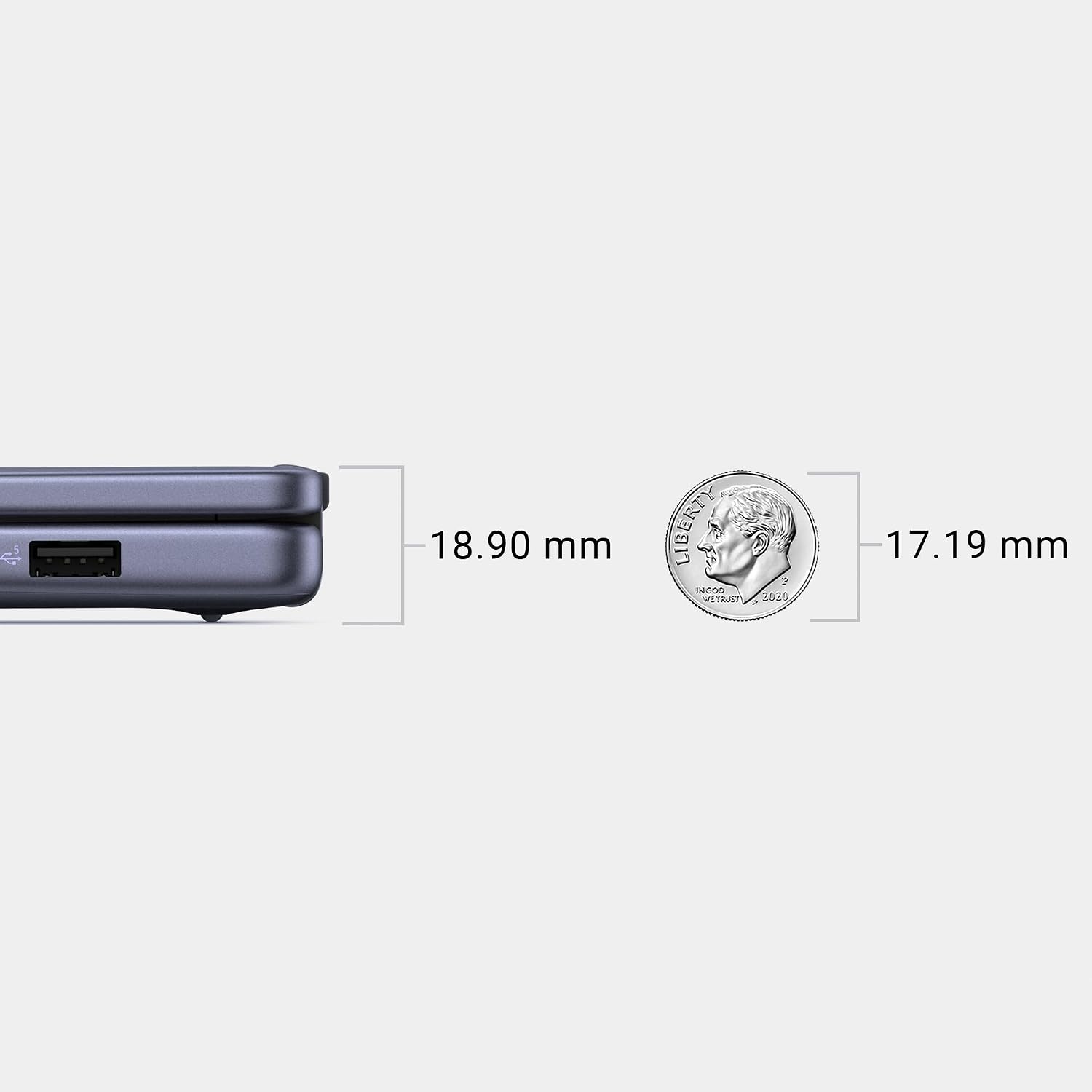
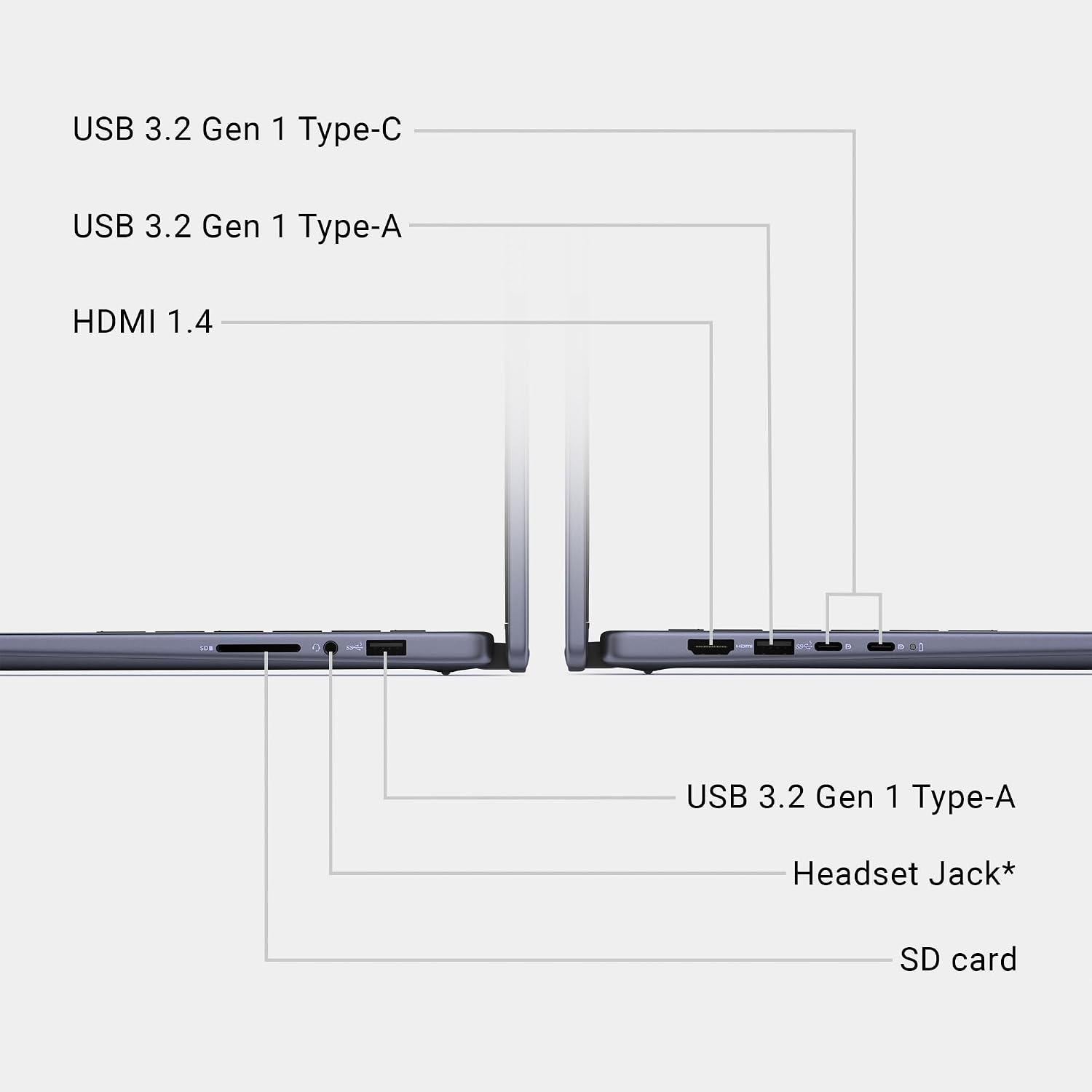
If you plan to connect an external display, note the specific HDMI limitation: HDMI 1.4 supports up to 1920x1080 at 60Hz and does not provide 4K or 2K output. The laptop also has USB-C ports with DisplayPort 1.4, but choose your connection based on the display and output you need. It may not suit you if your setup requires 4K or 2K output specifically through HDMI.
Is it worth it?
A solid pick if you expect to use both the touchscreen and the 360-degree hinge, and want a clearly specified 14-inch Windows laptop with 16GB RAM and a 1TB SSD. Compared with a basic laptop used only for keyboard work, its main distinction is the ability to change modes, that flexibility matters most when you will actually use tablet, tent, or stand positions. If you rarely touch the screen or reposition it, a conventional laptop may be a more direct fit. The listed HDMI cap is also worth factoring in for a desk setup built around a higher-resolution external display.