

Lenovo ThinkPad T14 Gen 6 Laptop
Product description
Highlights
If your workday involves documents, calls, and switching between apps, this ThinkPad is configured for more than basic browsing. Its 14-inch touchscreen and business-focused features make it a practical fit for a desk that changes location during the day.
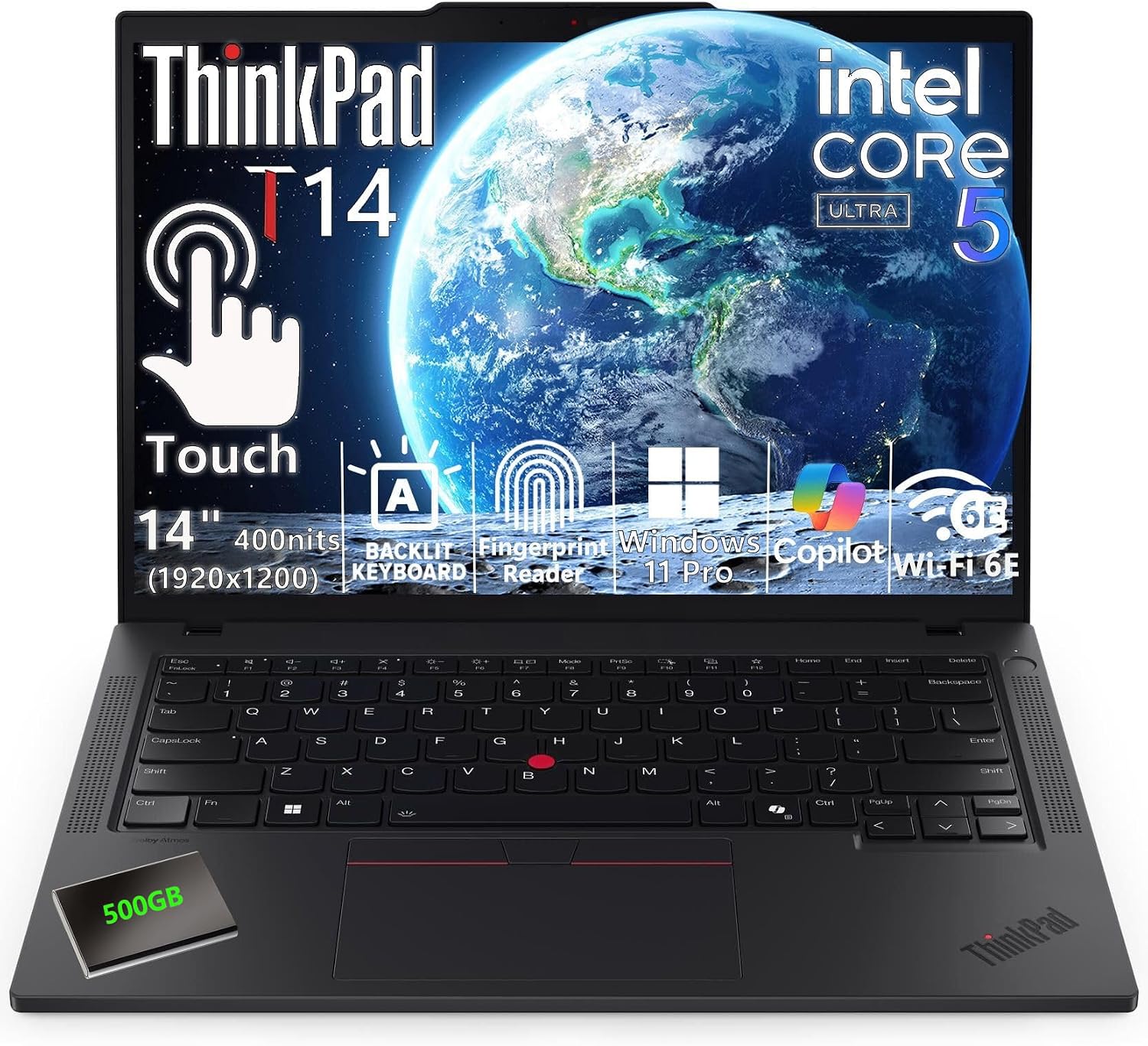
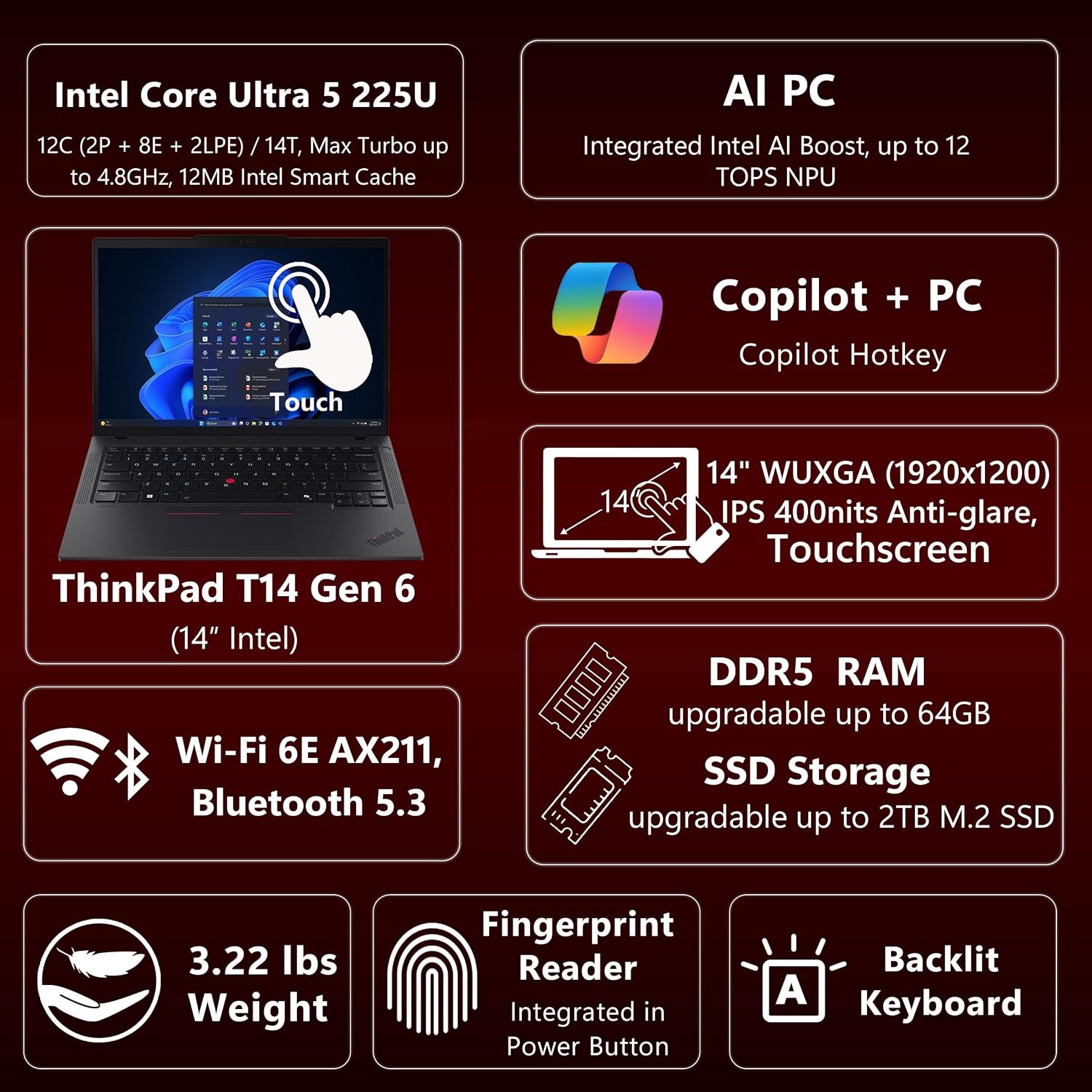
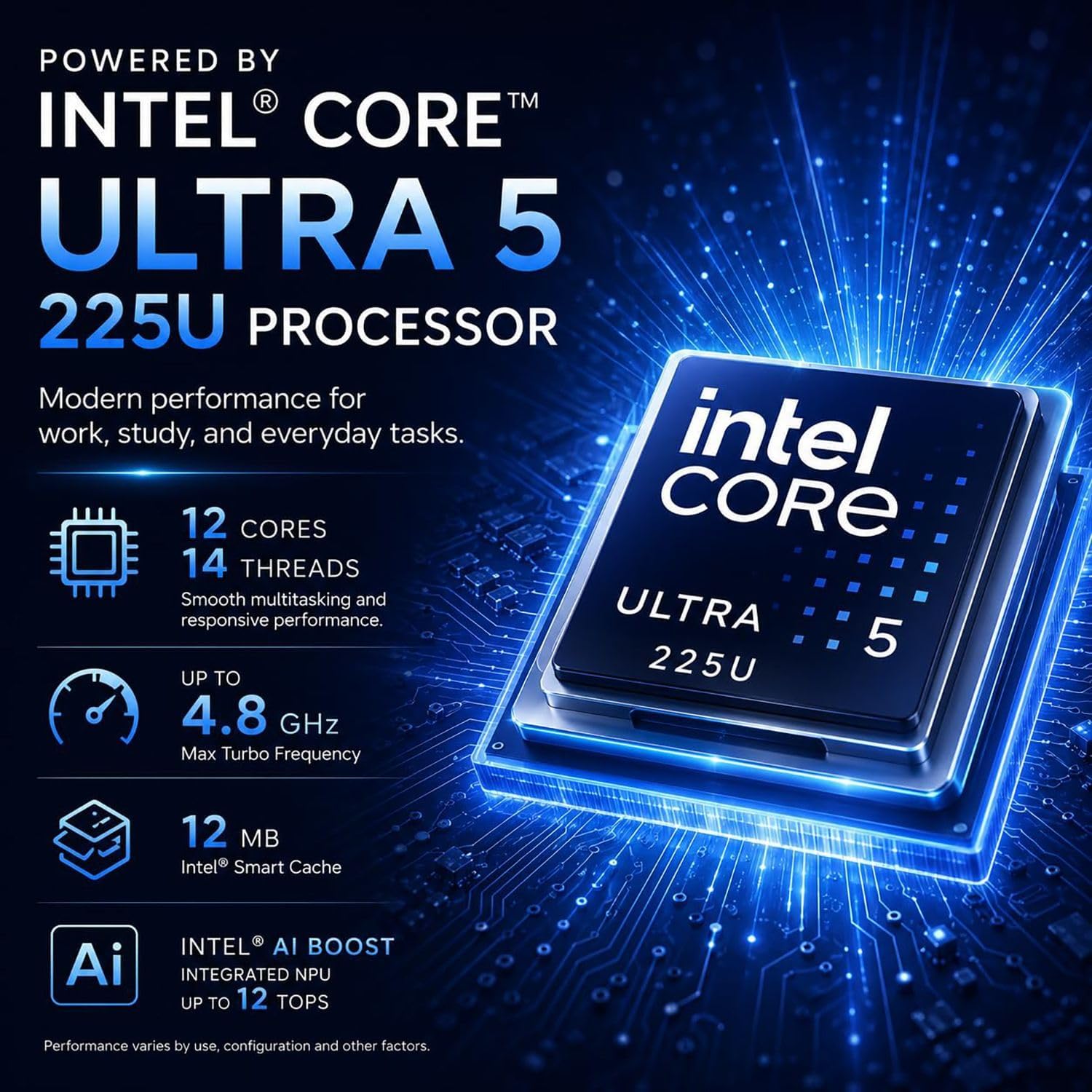
The listed setup pairs an Intel Core Ultra 5 225U processor with a 1TB SSD and Windows 11 Pro. The display is described as WUXGA, with a 16:10 layout and touch input—useful for scrolling through long spreadsheets or marking up a document without relying only on the keyboard and trackpad. The product name also lists a 500GB portable HDD.
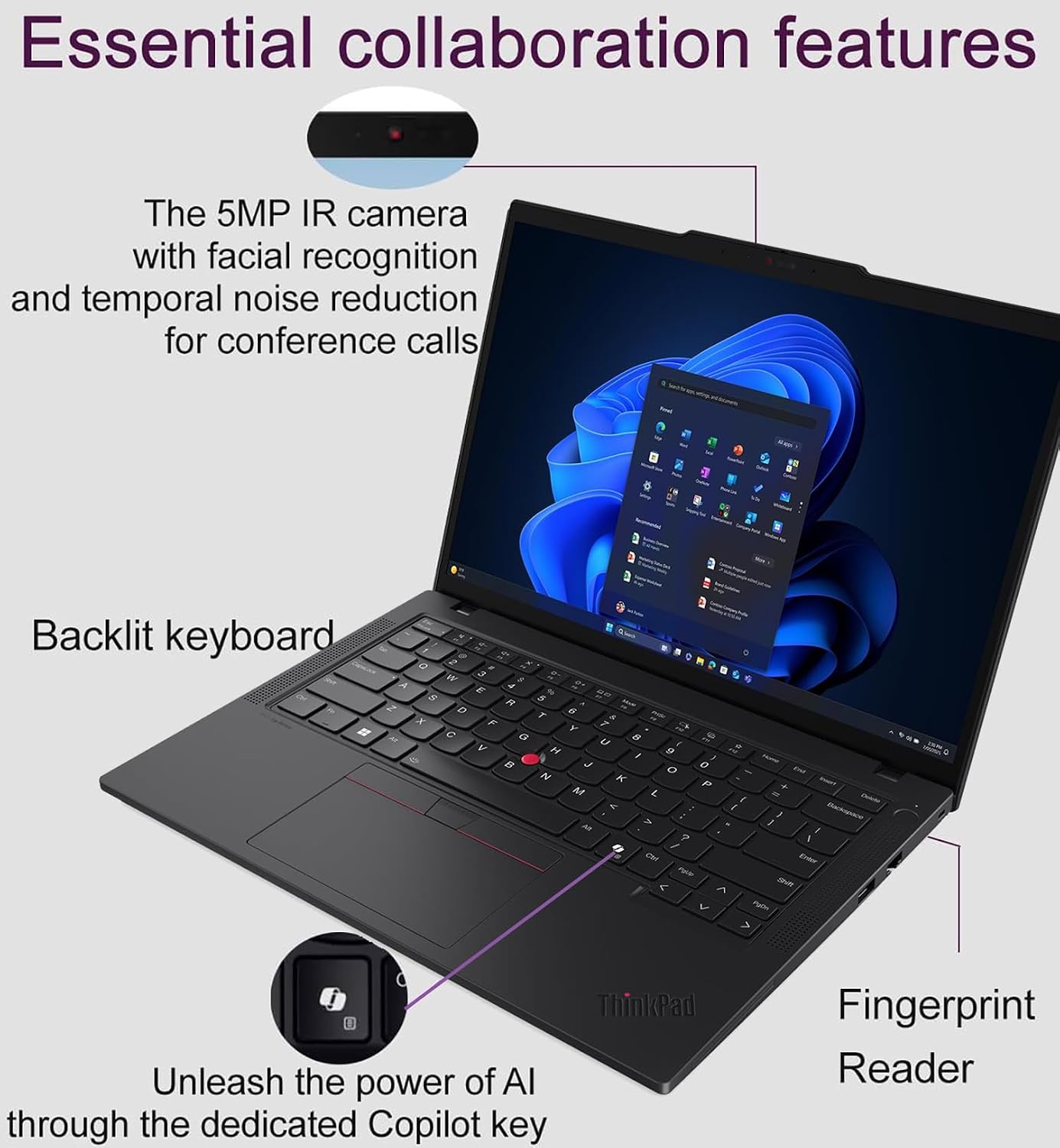
For meetings and desk work, the feature set includes a 5MP RGB + IR camera, a privacy shutter, fingerprint login, and Thunderbolt 4 ports. Wi-Fi 6E and Gigabit Ethernet give you wireless and wired connection options. The maker also advertises long battery life and fast charging, but the supplied details don’t give a runtime figure.
How to use it
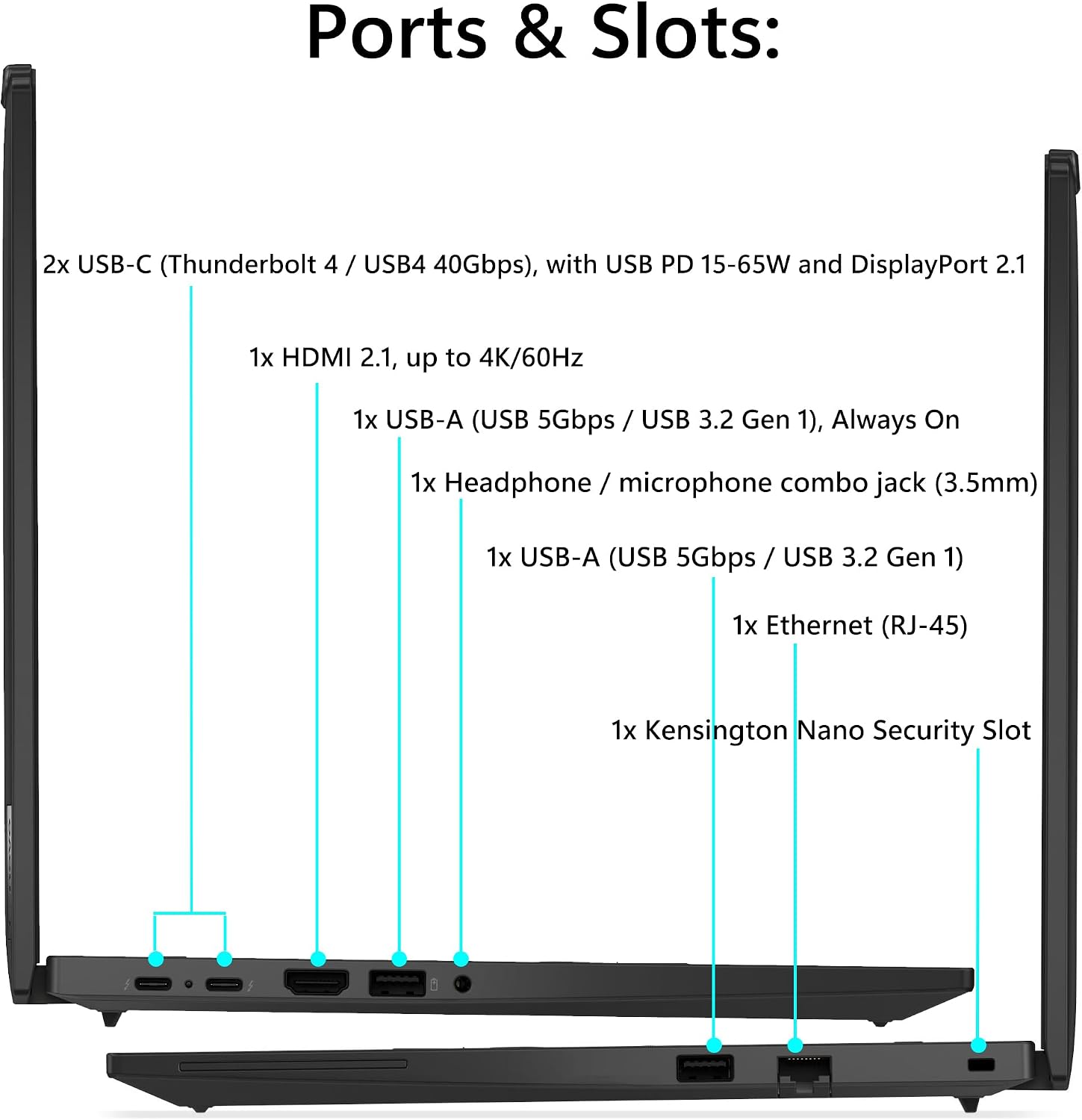
This configuration makes most sense as a work laptop you can carry between a home office, meeting room, and shared workspace. For example, you could review a spreadsheet on the touchscreen during a meeting, then connect to a wired network at your desk. Thunderbolt 4, HDMI, USB-A, and Ethernet ports give you several ways to connect peripherals or displays, though the exact setup you can run depends on the devices you use.
The listed 1TB SSD is the internal storage, the 500GB portable HDD is a separate, external drive. That distinction matters if you want storage you can leave connected or carry separately. Keep in mind that the product name lists 32GB of RAM, while the description says 64GB, so the exact memory configuration is unclear from the supplied information.
Practical tips
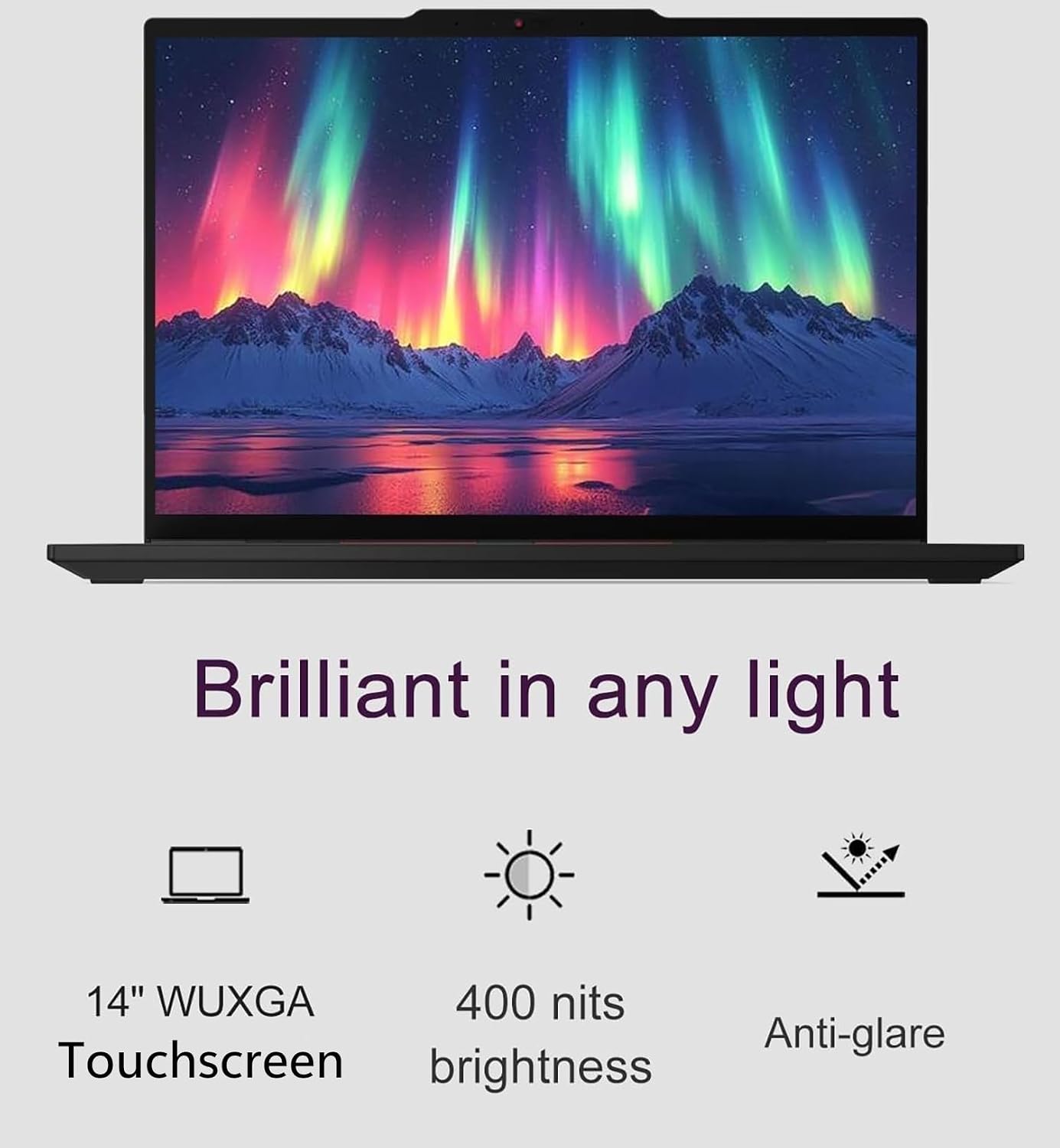
Check the configuration details for the specific listing before choosing it, especially the RAM amount and whether the portable HDD is included in the package. The display is identified as a 14-inch WUXGA touchscreen, but the supplied product name calls it FHD+, confirm the resolution terminology against the listing details if that distinction matters for your work.
The 65W USB-C adapter is listed for charging. If you plan to use the laptop with external equipment, check which ports your existing monitor or dock needs rather than assuming every connection will be covered by one cable. For account access, the fingerprint reader and Windows Hello facial recognition offer alternatives to typing a password, the camera shutter is useful when you want to physically cover the camera between calls.
Questions before you buy
Does it have a touchscreen? Yes. The product is listed with a 14-inch touchscreen, and the description specifies touch input for navigation and annotation.
Is the portable hard drive internal? No. The 500GB portable HDD named in the product title is external, the internal storage is listed as a 1TB SSD.
How long does the battery last? The product name advertises long battery life, but no specific runtime is provided. Your actual time between charges can’t be determined from these details.
When it makes sense
It suits you if you want a business-oriented Windows laptop with touch input, an internal SSD, and a broad selection of wired and wireless connections. Compared with a simpler laptop focused on basic everyday tasks, its camera security features, Windows 11 Pro, and Thunderbolt 4 connections are more relevant for work calls and a multi-device desk setup.
It might not be a great match if you need confirmed memory specifications before buying, a stated battery runtime, or a clearly documented display resolution. Those gaps matter more if your work depends on a particular software configuration or you spend long stretches away from a charger. For general office tasks and mobile work, the feature set is promising, first make sure the exact configuration matches the one you need.