

MOKiN MacBook Docking Station, 12-in-2
Product description
If your desk setup needs more connections than your MacBook provides, this hub brings display, wired network, USB, card-reader, and charging options into one accessory. If you mainly need a simple adapter for one screen, its larger collection of ports may be more than you need.
It is designed for MacBook Pro and MacBook Air models from 2018–2020. The listing specifically excludes M1 and M2 MacBook Pro and Air models, so check your chip before choosing it.
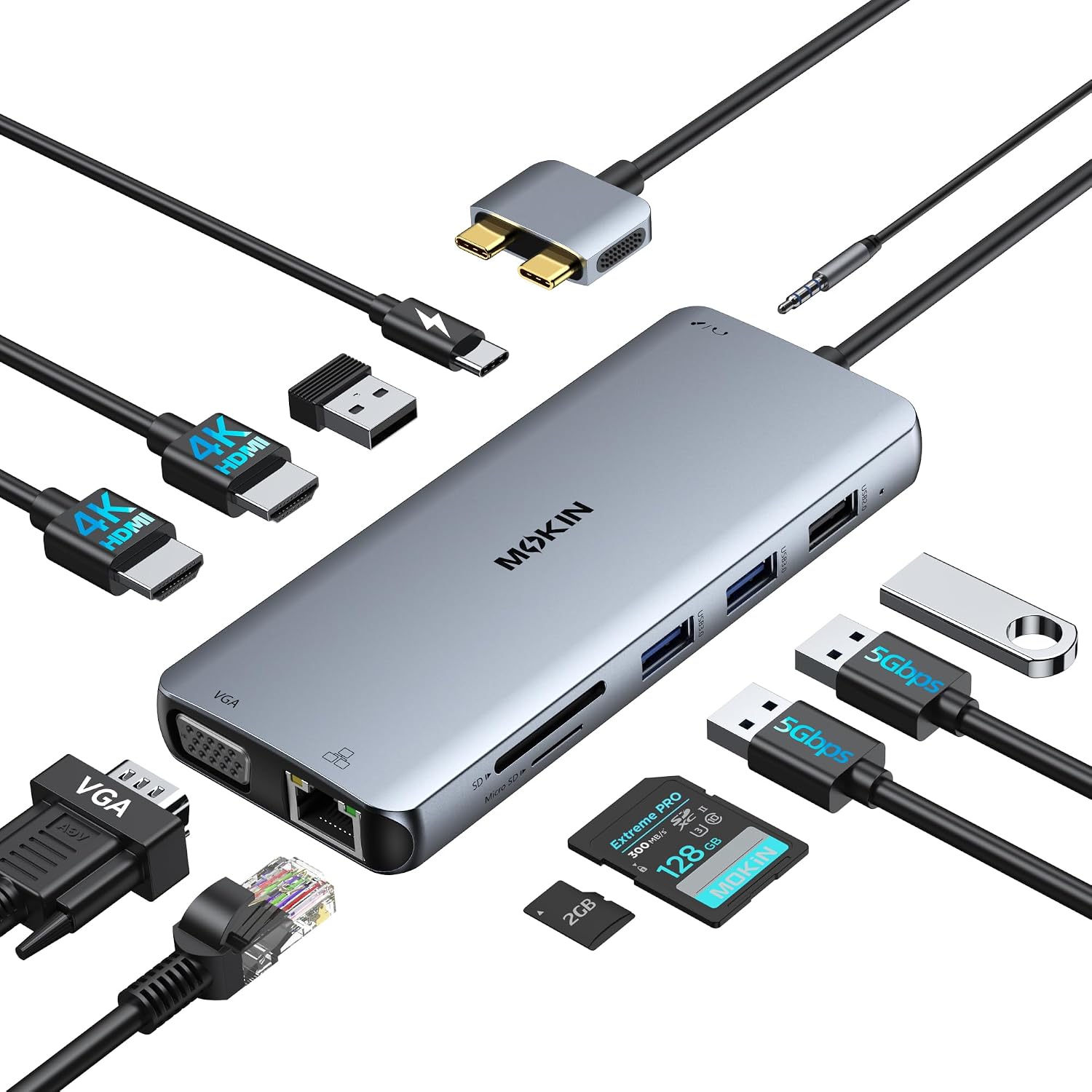
For a workday setup, the draw is being able to connect several kinds of gear without swapping adapters. The tradeoff is that the display details matter: two HDMI ports can run at the same time, but only one 4K monitor is supported.
Key points
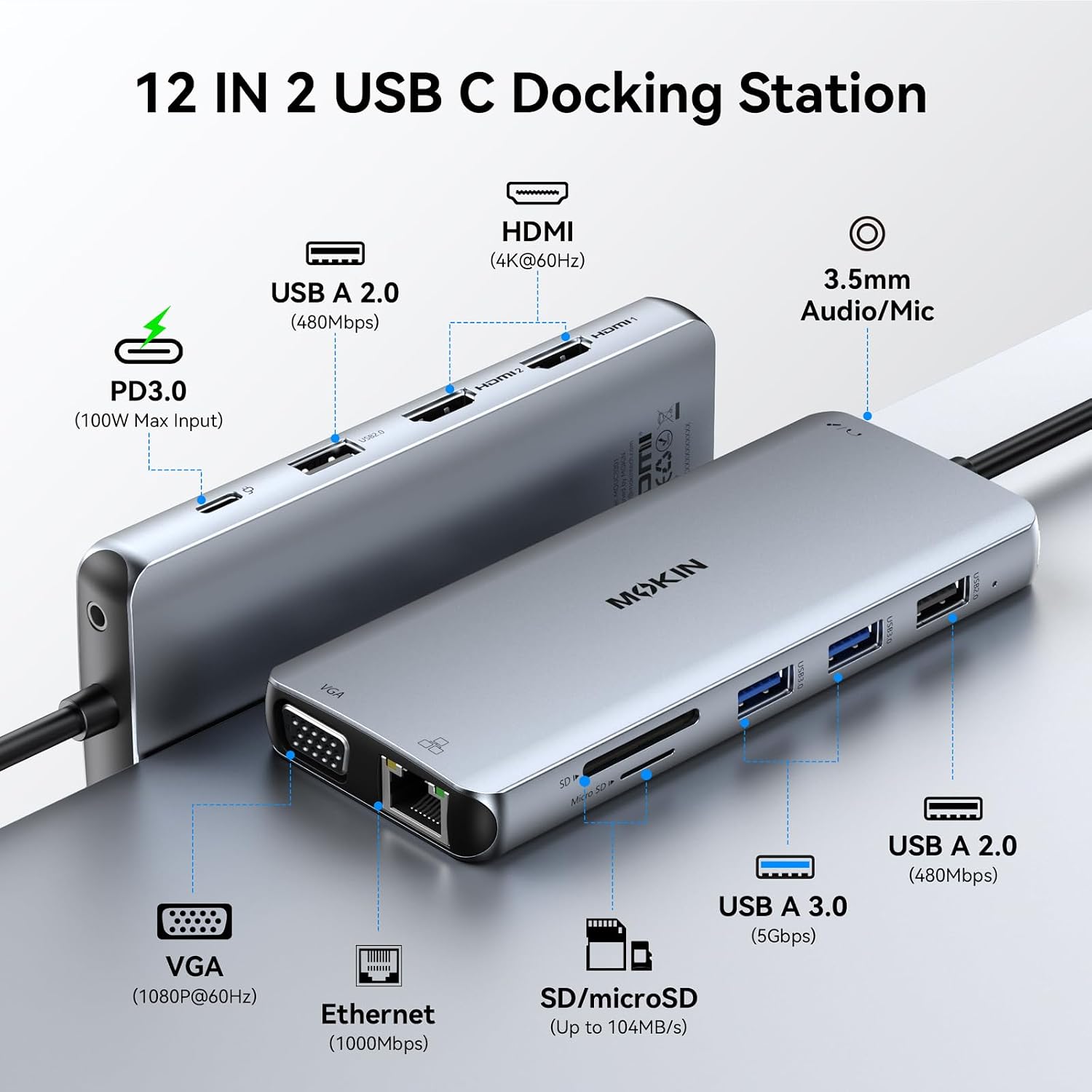
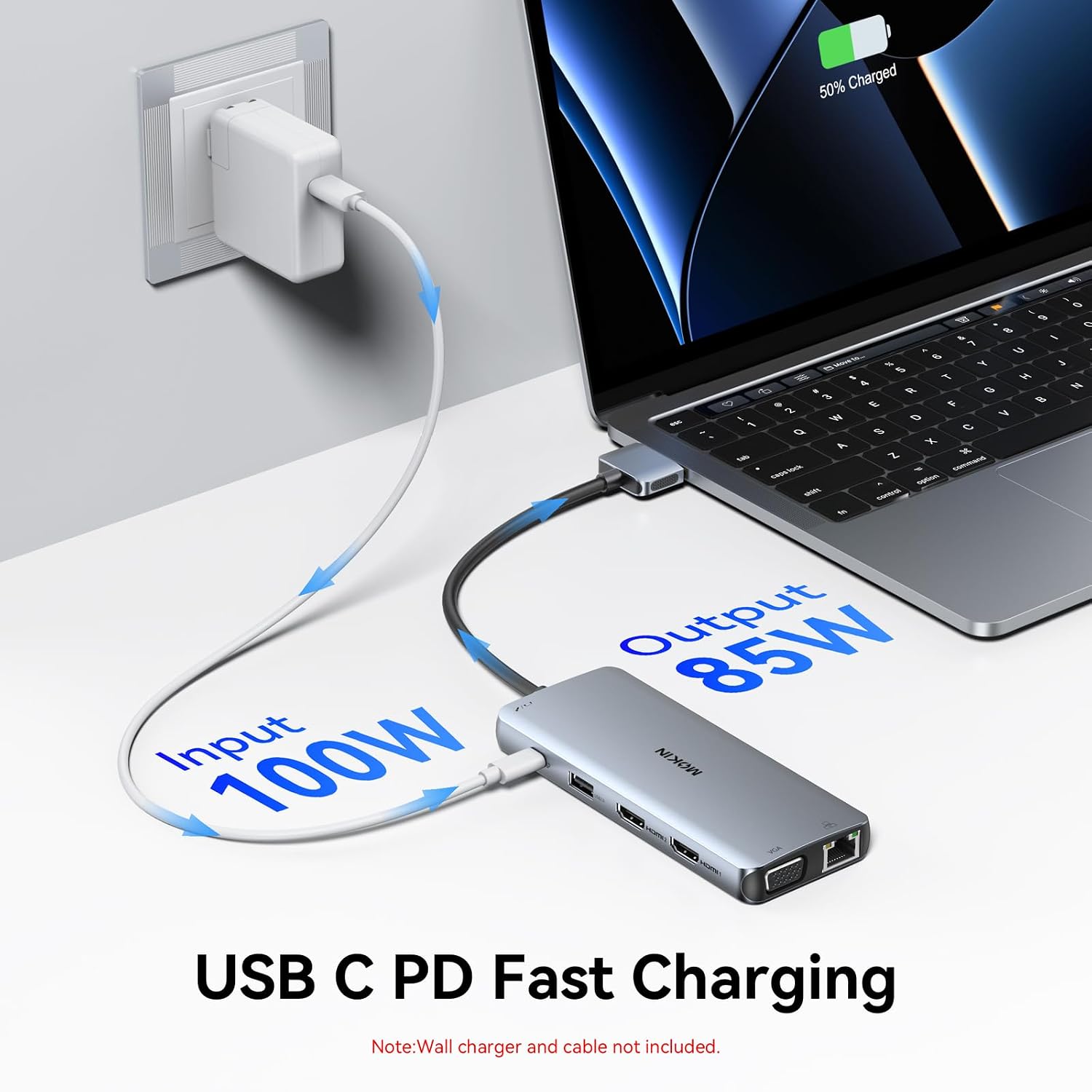
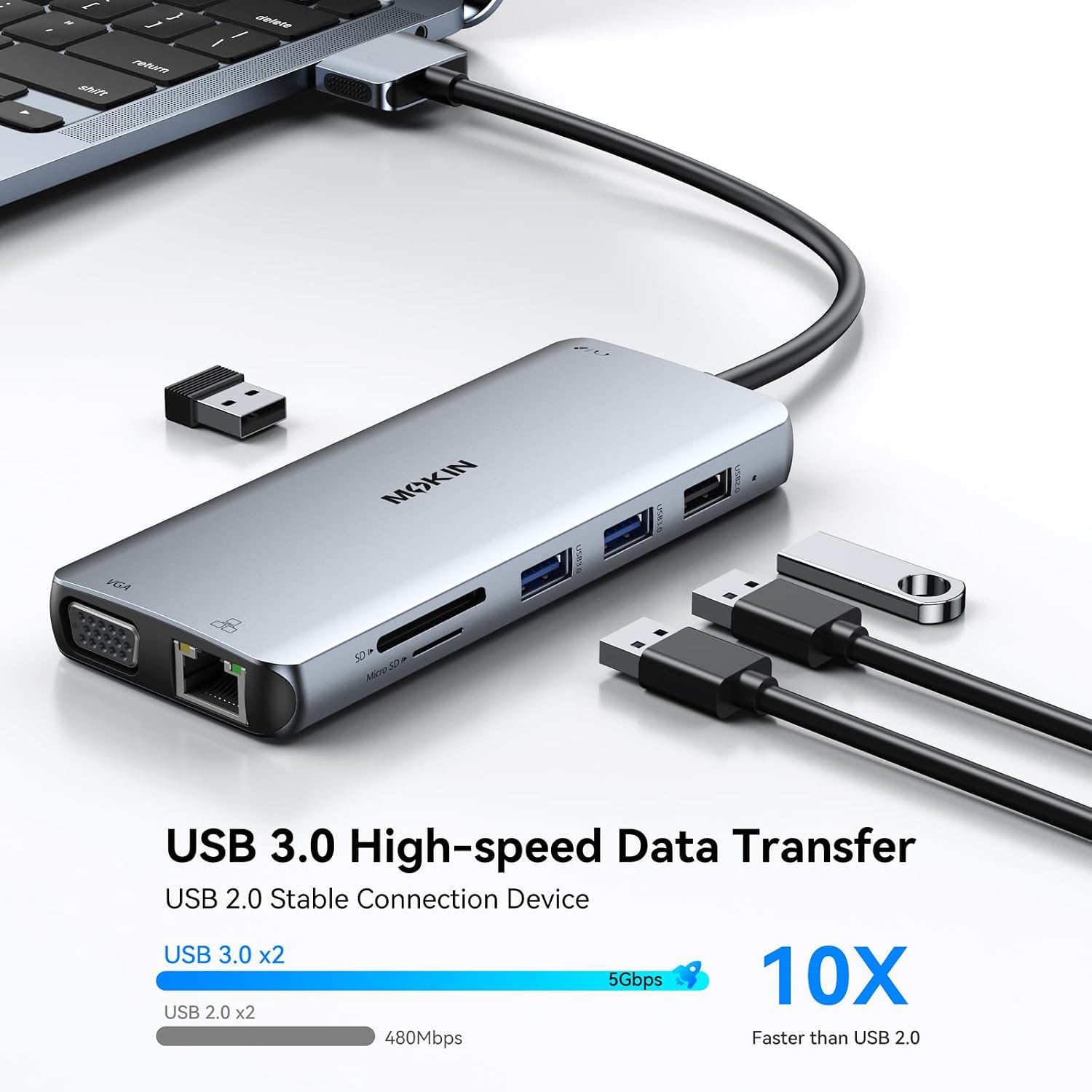
The 12-in-2 hub includes two HDMI ports, VGA, Gigabit Ethernet, four USB ports, SD and microSD card readers, USB-C Power Delivery up to 100W, and a 3.5mm audio/mic jack. That range suits a desk with older and newer peripherals: for example, you could connect a monitor over HDMI, plug in a wired keyboard and mouse, and transfer files from a memory card while keeping the laptop connected to power.
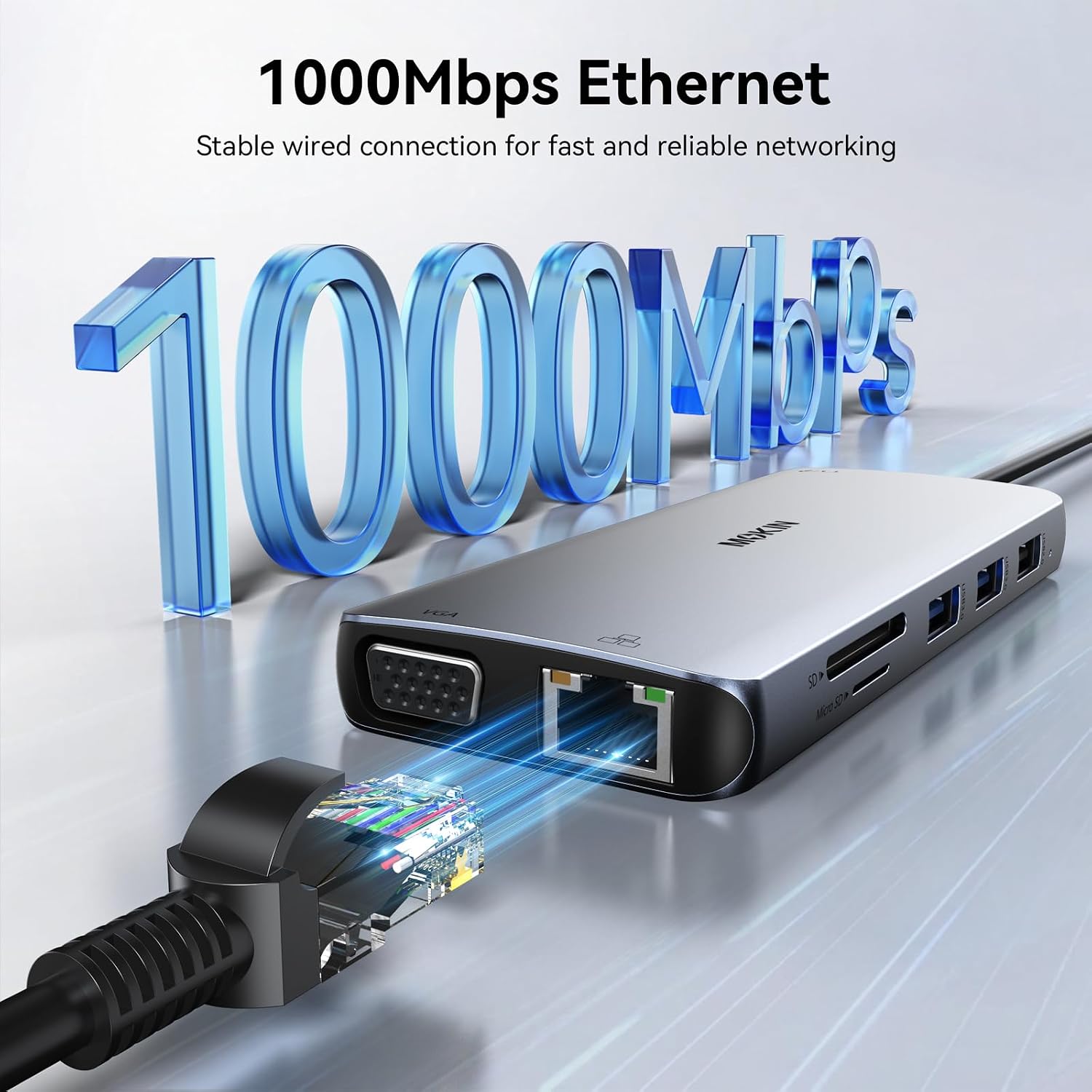
The four USB ports are split between two USB 3.0 ports and two USB 2.0 ports. The listing gives transfer speeds of up to 5Gbps for USB 3.0 and 480Mbps for USB 2.0. It describes the Ethernet connection as 1000Mbps. Those faster USB ports make more sense for storage and file transfers, the USB 2.0 ports are positioned for accessories such as a keyboard or mouse.
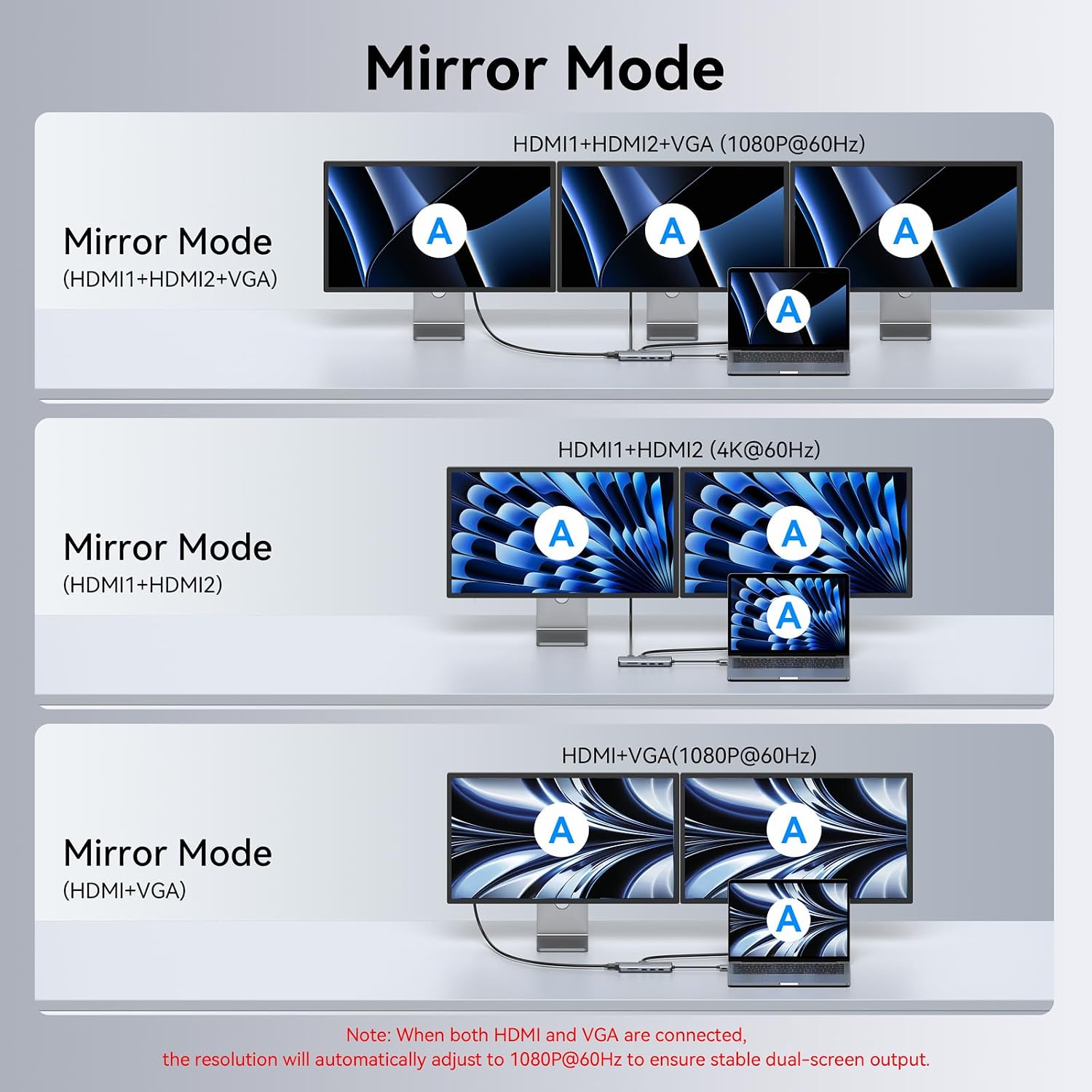
Keep in mind that the two HDMI ports can be used together, but the listing only specifies one 4K monitor in that setup. VGA supports up to 1080p at 60Hz. The hub is described as plug-and-play, with no driver or software installation required.
How to use it
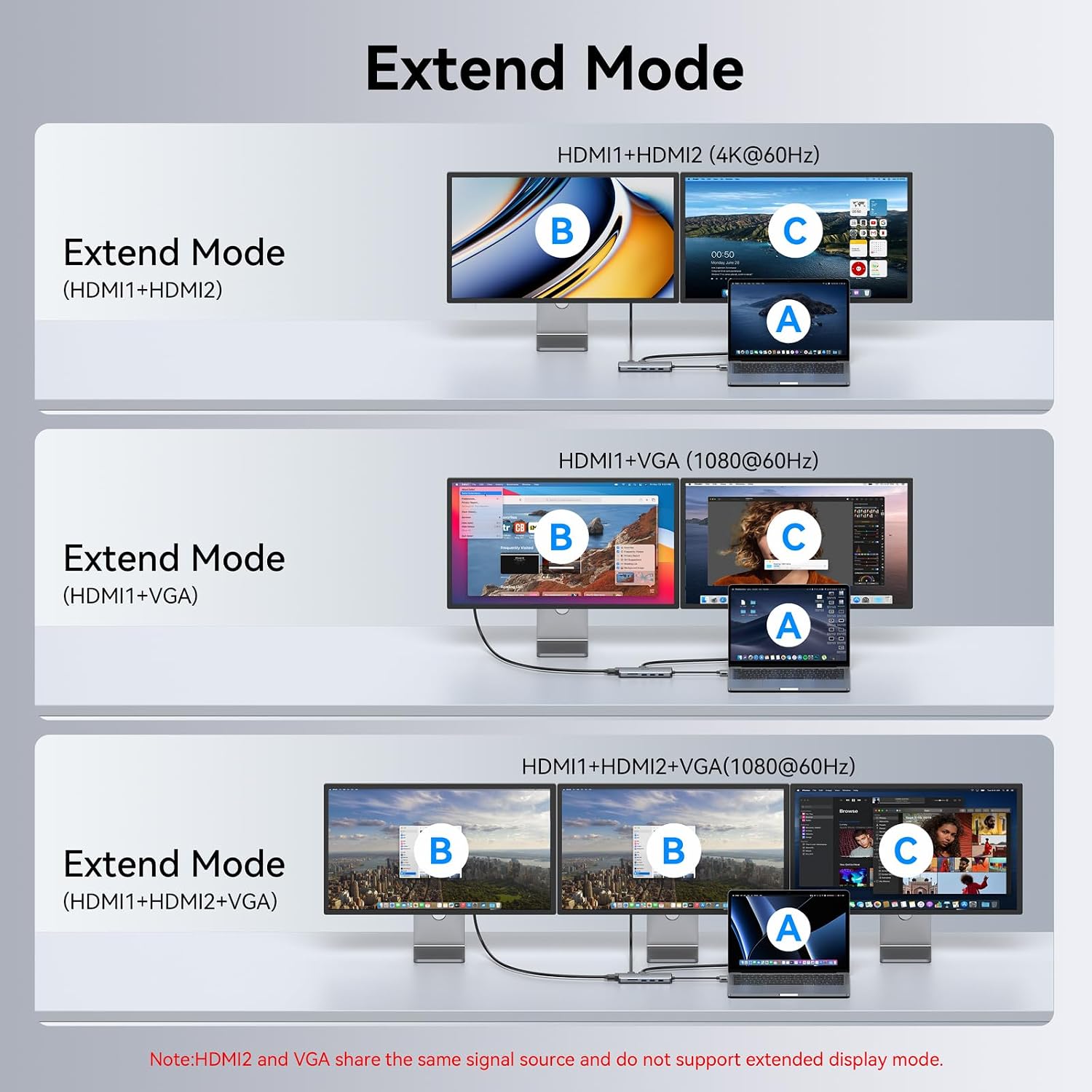
Connect the hub to a compatible MacBook’s USB-C port, then attach the display, network cable, USB accessories, or memory cards you need. For charging, connect a USB-C power source to the hub’s PD port, that port is for power, not data transfer. The listing says it supports up to 100W PD, but doesn’t clarify how much power reaches the laptop in a particular setup.
For a presentation, you could connect an HDMI display and use the hub’s USB ports for a presentation remote or other accessory. If you’re bringing photos or files to the desk, the SD and microSD slots can be used at the same time. The listing gives card-reader speeds of up to 104Mb/s, depending on card quality.
Practical tips
Match the connection to the job: HDMI is the listed option for 4K output, while VGA is limited to 1080p at 60Hz. If you need two external displays, note the stated limit of one 4K monitor when both HDMI ports are in use. The product description mentions mirroring or extending the display, but does not spell out every resolution combination for a multi-screen setup.
Check your MacBook generation and chip before buying. The stated compatibility is for 2018–2020 MacBook Pro and Air models, with M1 and M2 models excluded. The listing doesn’t provide the hub’s physical dimensions or cable length, so desk placement can’t be judged without that measurement.
A solid pick if you want a broad range of ports in one MacBook hub, especially for a desk that mixes displays, wired networking, USB accessories, and memory cards. It might not be a great match if your MacBook has an M1 or M2 chip, or if your setup depends on two 4K displays at once.
Before you decide
Can it connect to two monitors? The two HDMI ports can be used simultaneously, but the listing specifies only one 4K monitor in that arrangement. VGA is also available and supports up to 1080p at 60Hz.
Does the PD port transfer files? No. It is described as a charging connection, not a data port.
Can SD and microSD cards be used together? Yes. The product description says both card slots can be used simultaneously.
Is it worth it?
This MOKiN hub makes most sense when you’ll use several of its connections regularly and your MacBook falls within the stated compatibility range. It offers a different approach from carrying a small, single-purpose adapter: more options are available at the desk, including VGA and Ethernet, but there are also more limits to account for. If your priority is one 4K screen plus wired network, USB accessories, and card access, its port selection lines up well with that setup. Skip it if you need M1 or M2 compatibility or require two 4K monitors, those needs aren’t supported by the listing.