

Dell Touchscreen Laptop, 15.6-Inch
Product description
Technical details
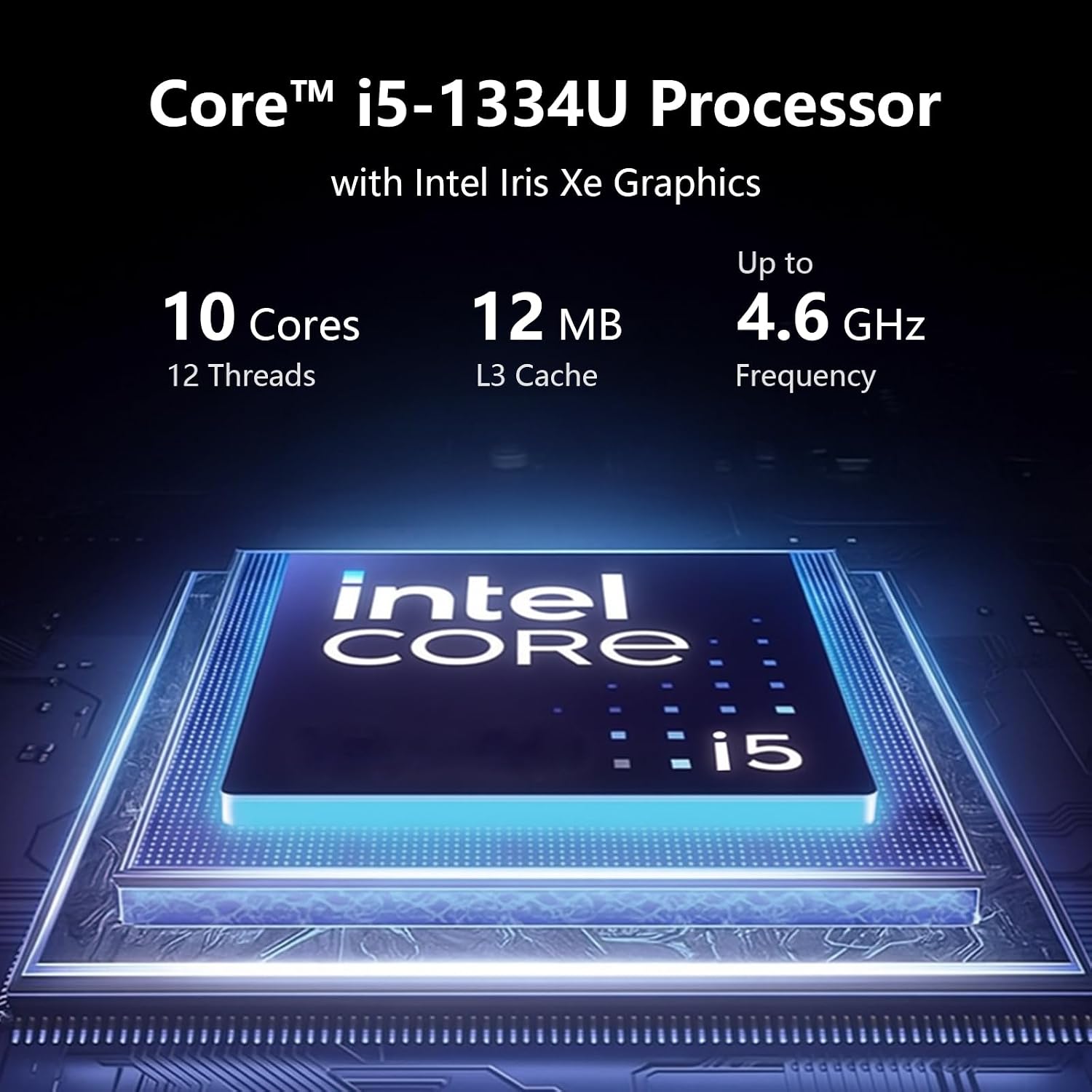
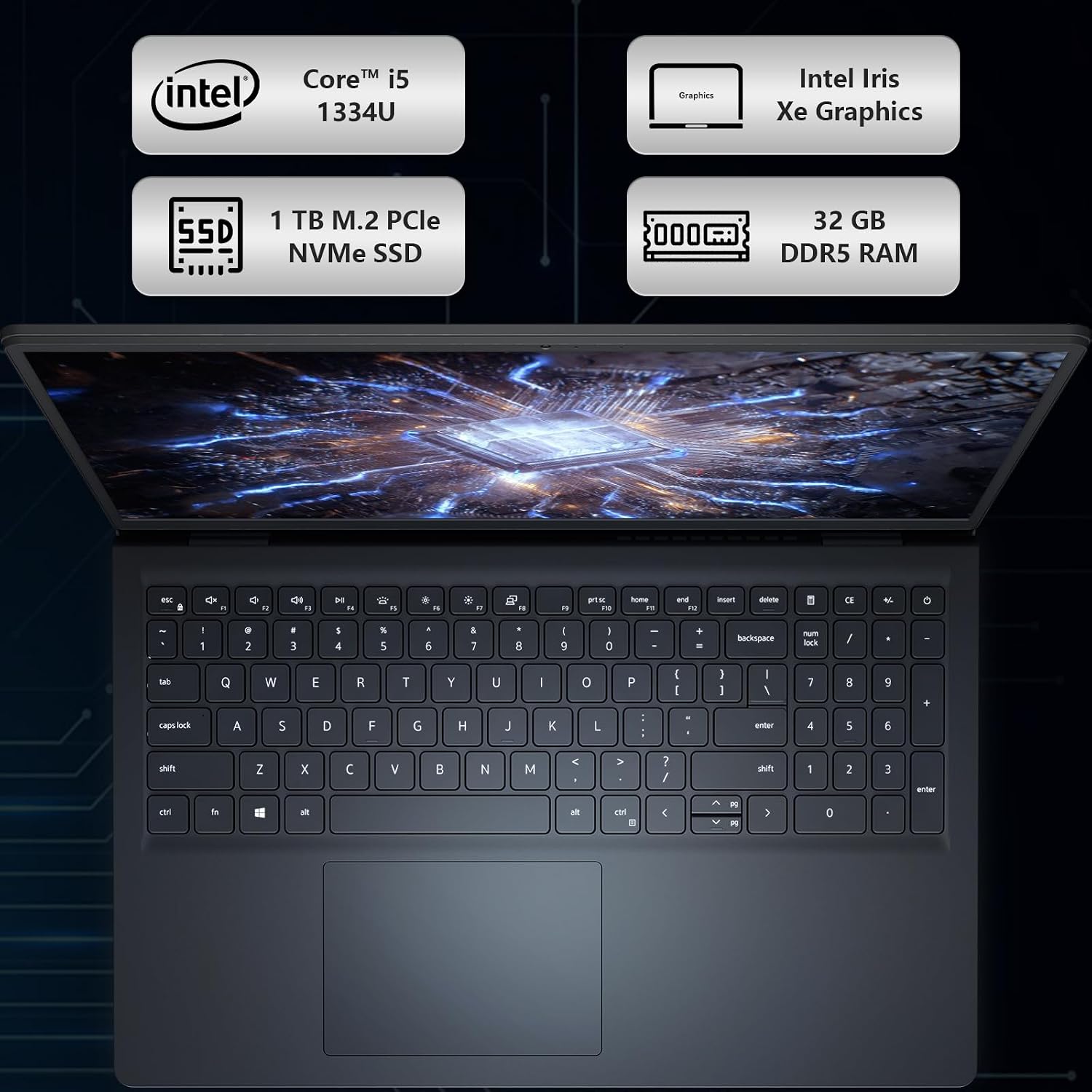
A crowded workday can mean switching between documents, calculations, and online tasks while trying to keep everything easy to see and manage. This Dell 15.6-inch touchscreen laptop pairs an Intel Core i5-1334U processor with 32GB of DDR5 memory and a 1TB SSD, giving everyday business and student work a clearly specified starting point. The display is Full HD, and the listed operating system is Windows 11 Pro with Copilot AI.
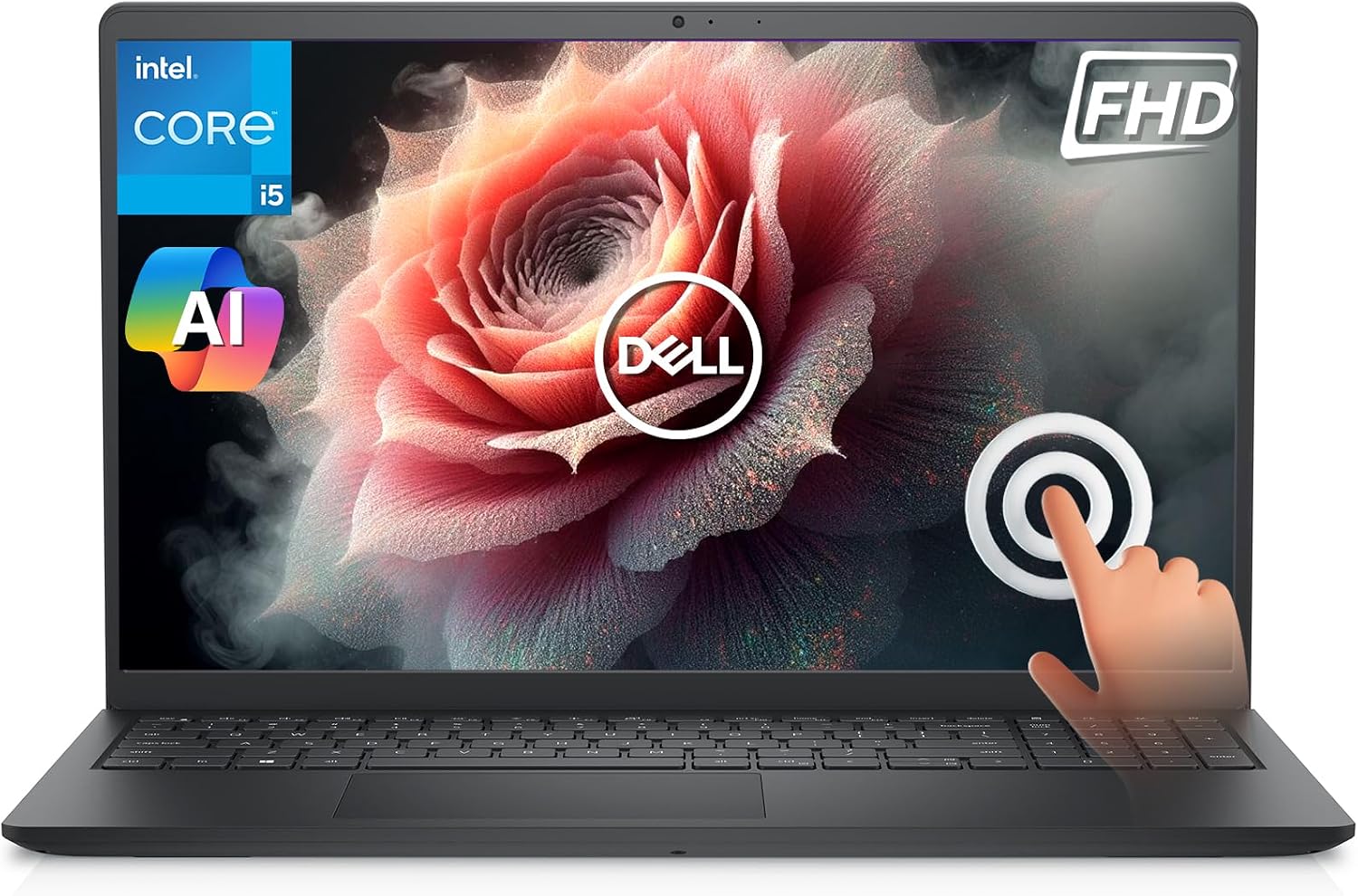
The touch display adds a direct way to interact with on-screen content, while the separate numeric keypad and calculator hotkey are aimed at frequent number entry. Without having tried it, the listed configuration looks more relevant to multitasking and office tasks than to buyers comparing laptops primarily by specialist features.
What it works with
The product listing identifies Windows 11 Pro and Copilot AI, so the software environment is part of the stated package rather than an unspecified operating system. Dell ComfortView is also listed, it is designed to help reduce blue-light emissions during extended viewing. That may matter during a long stretch of reading or coursework, although the listing does not provide a measured eye-comfort result.
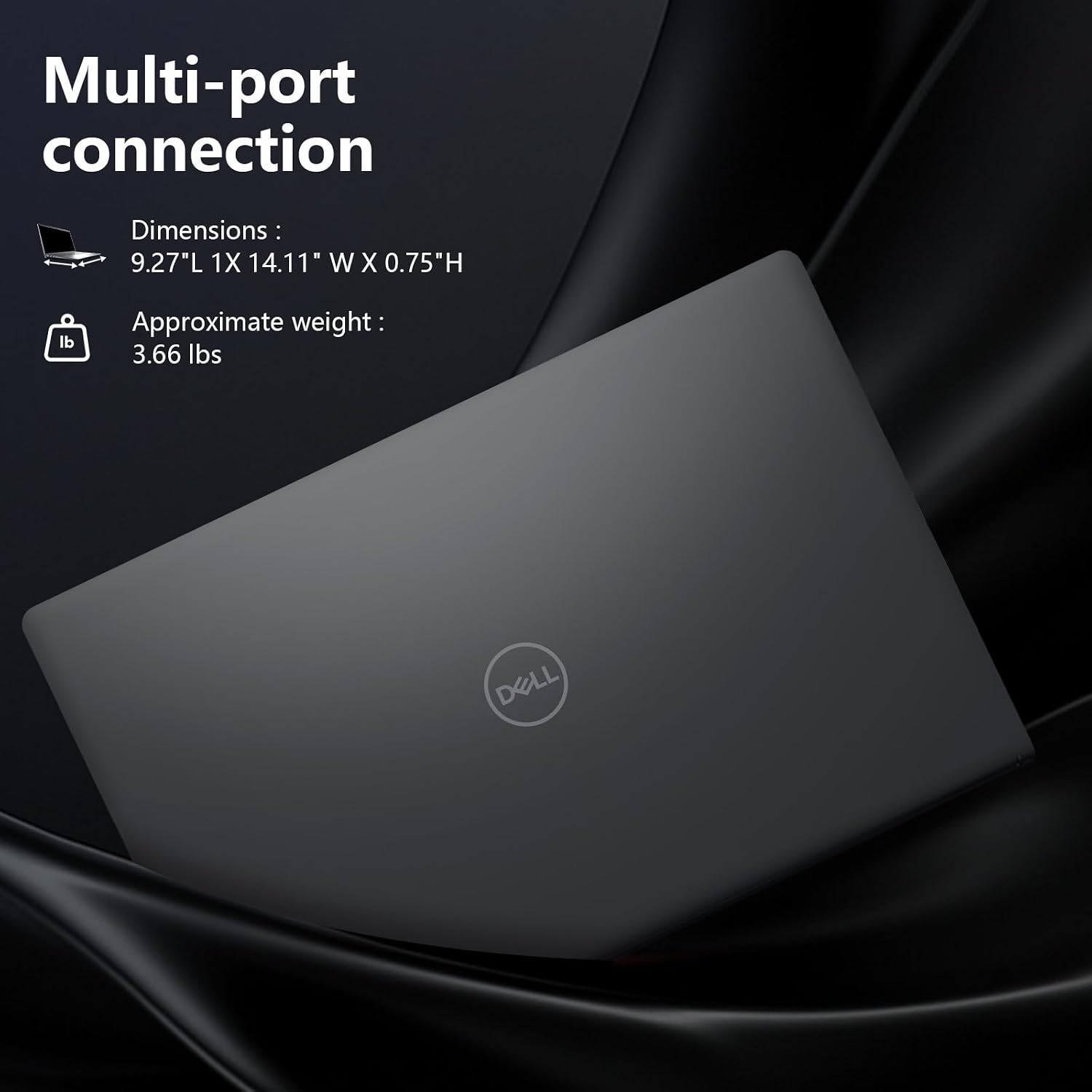
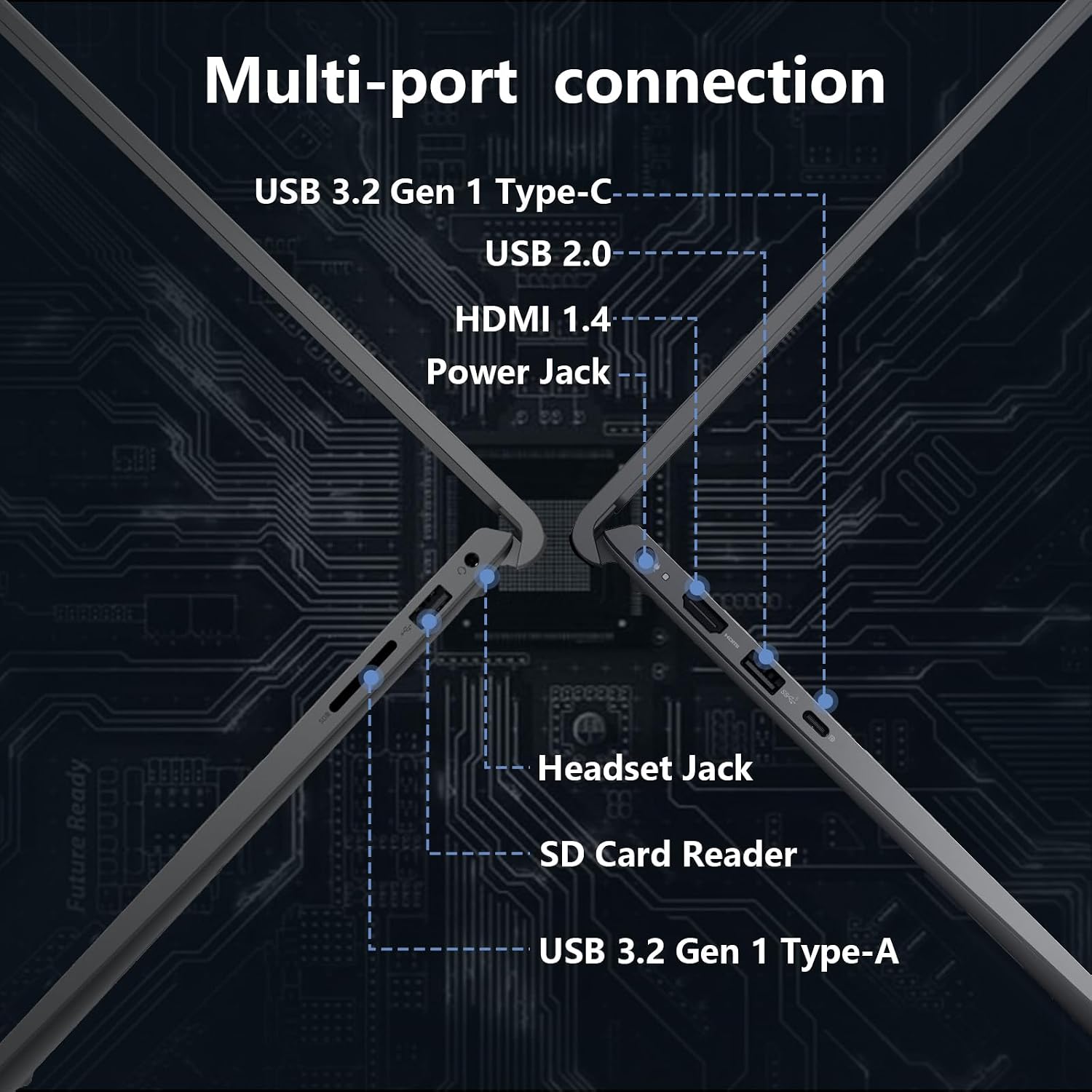
The machine is presented for business and student use. For example, a student could tap through a document, switch to a spreadsheet, then use the numeric keypad to enter figures without relying only on the top row of keys. No specific external devices, ports, or accessory compatibility are provided, so buyers who need a particular connection should confirm it from a fuller specification before choosing.

Usage tips
Use the touchscreen when tapping or navigating a document feels quicker than reaching for the keyboard, and switch to the numeric keypad for repeated calculations or data entry. The lifted hinge is intended to create a more ergonomic typing angle, which may be useful when the laptop is set up for a longer writing session. Express Charge support and an energy-efficient battery are listed as productivity features, but no battery runtime or charging time is specified.
The 32GB of DDR5 memory and 1TB SSD are useful headline details for someone who keeps multiple work items and files on the laptop. They do not, by themselves, establish how it will perform with demanding specialist software. It suits you if you want a touchscreen Windows laptop with a number pad for general study or office work. It might not be a great match if your decision depends on a stated battery runtime, port selection, or other details that are not included here.
Questions before you buy
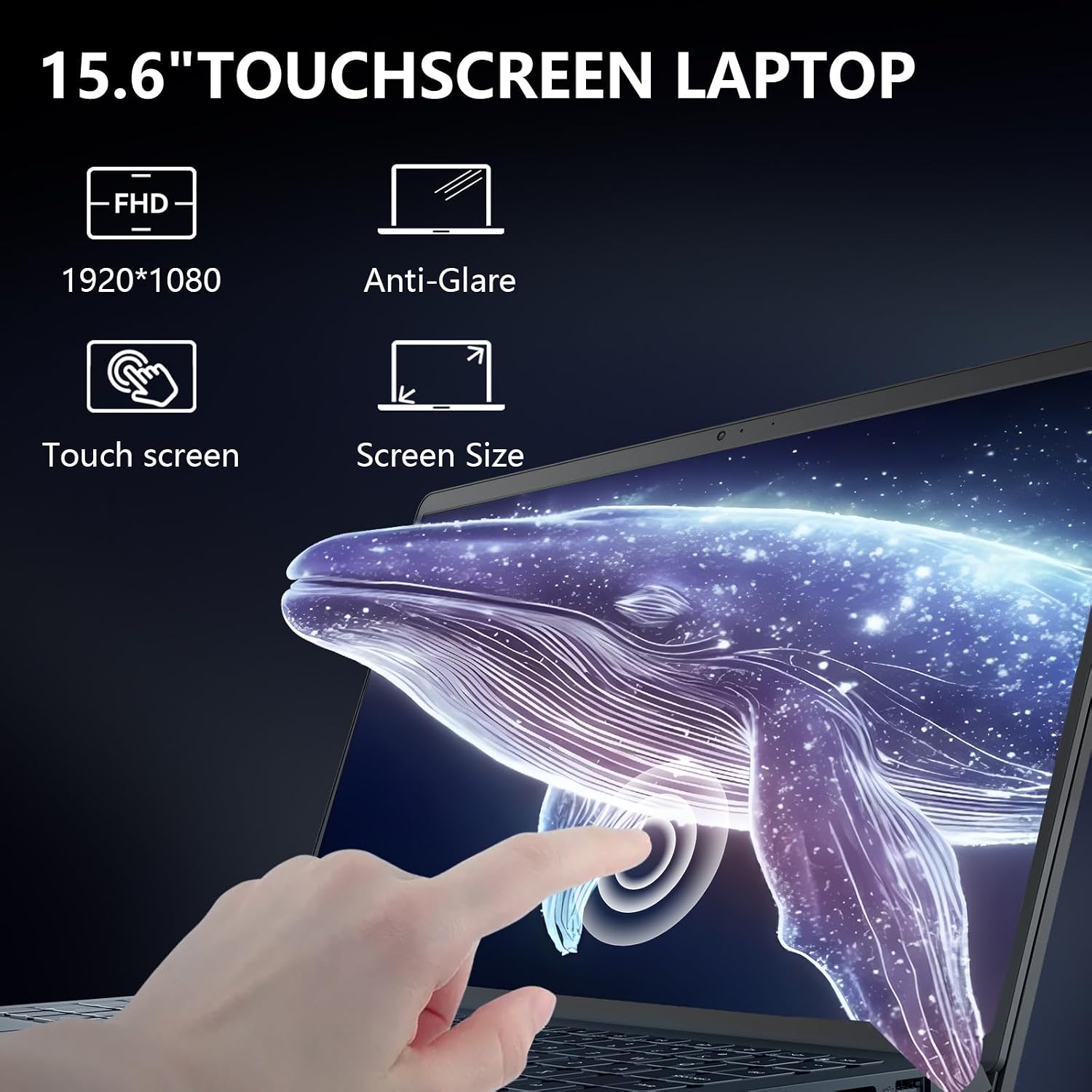
Is the screen touch-enabled? Yes. The listing describes a 15.6-inch touchscreen with a Full HD display.
How much memory and storage are listed? It has 32GB of DDR5 memory and a 1TB SSD.
Does it include a numeric keypad? Yes. The description lists a separate numeric keypad and a calculator hotkey, which are useful for entering figures more directly.
Is it worth it?
This Dell makes the most sense for someone who values a touch display, a dedicated number pad, and clearly stated memory and storage for everyday business or student tasks. Those features give it a more work-focused feel than a basic laptop centered only on simple browsing and typing. The trade-off is that important buying details such as battery runtime, ports, and performance with demanding applications are not stated in the supplied information. Choose it if the listed configuration matches your routine, look at a more fully specified model if those missing details will decide the purchase.