


NIMO Laptop 15.6-inch
Product description
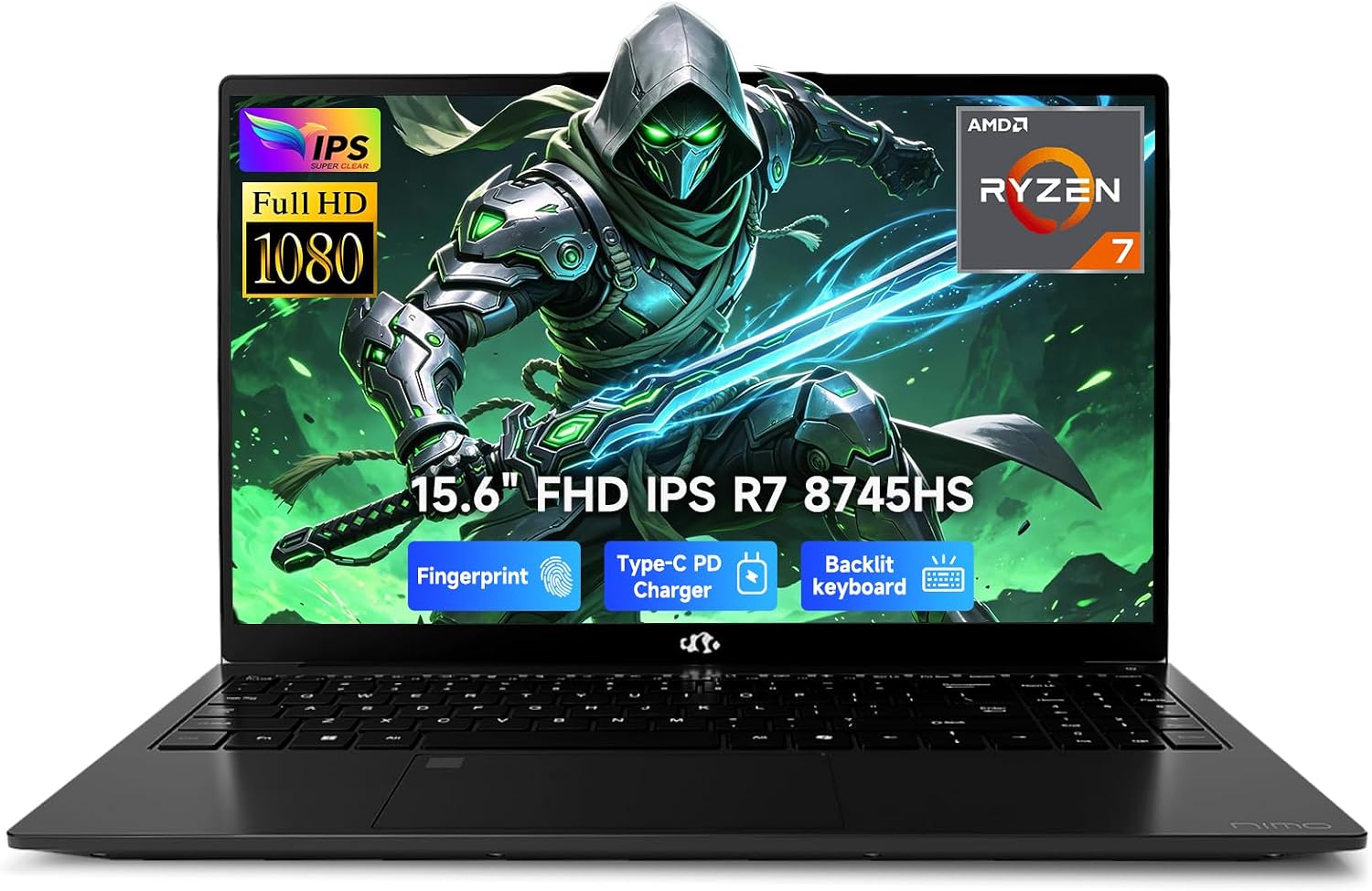
The Ryzen 7 8745HS and 32GB of DDR5 memory give this NIMO laptop room to handle busy work sessions with multiple apps open.
Its 1TB SSD and Radeon 780M integrated graphics add flexibility for project files, streaming, and lighter games.
For a desk setup, USB4 and HDMI 2.1 make it easier to connect displays and accessories without building your routine around adapters.
Key points
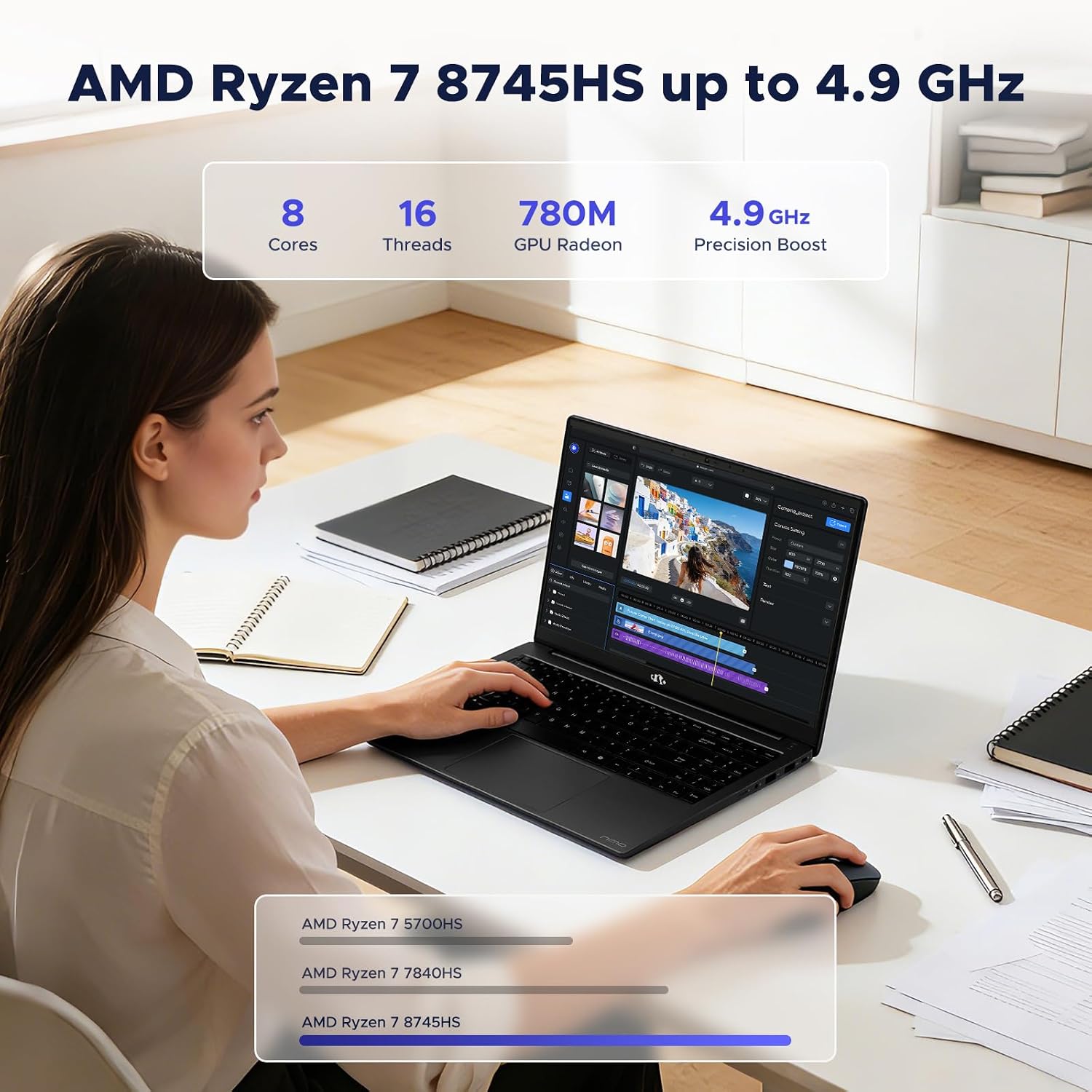
The AMD Ryzen 7 8745HS processor is aimed at everyday multitasking, from browser research and spreadsheets to video calls and writing. That makes the configuration relevant for school, remote work, and creative tasks that benefit from having several programs open at once. It is also listed with 32GB of DDR5 memory and a 1TB SSD, so there is substantial memory and local storage in the stated setup.
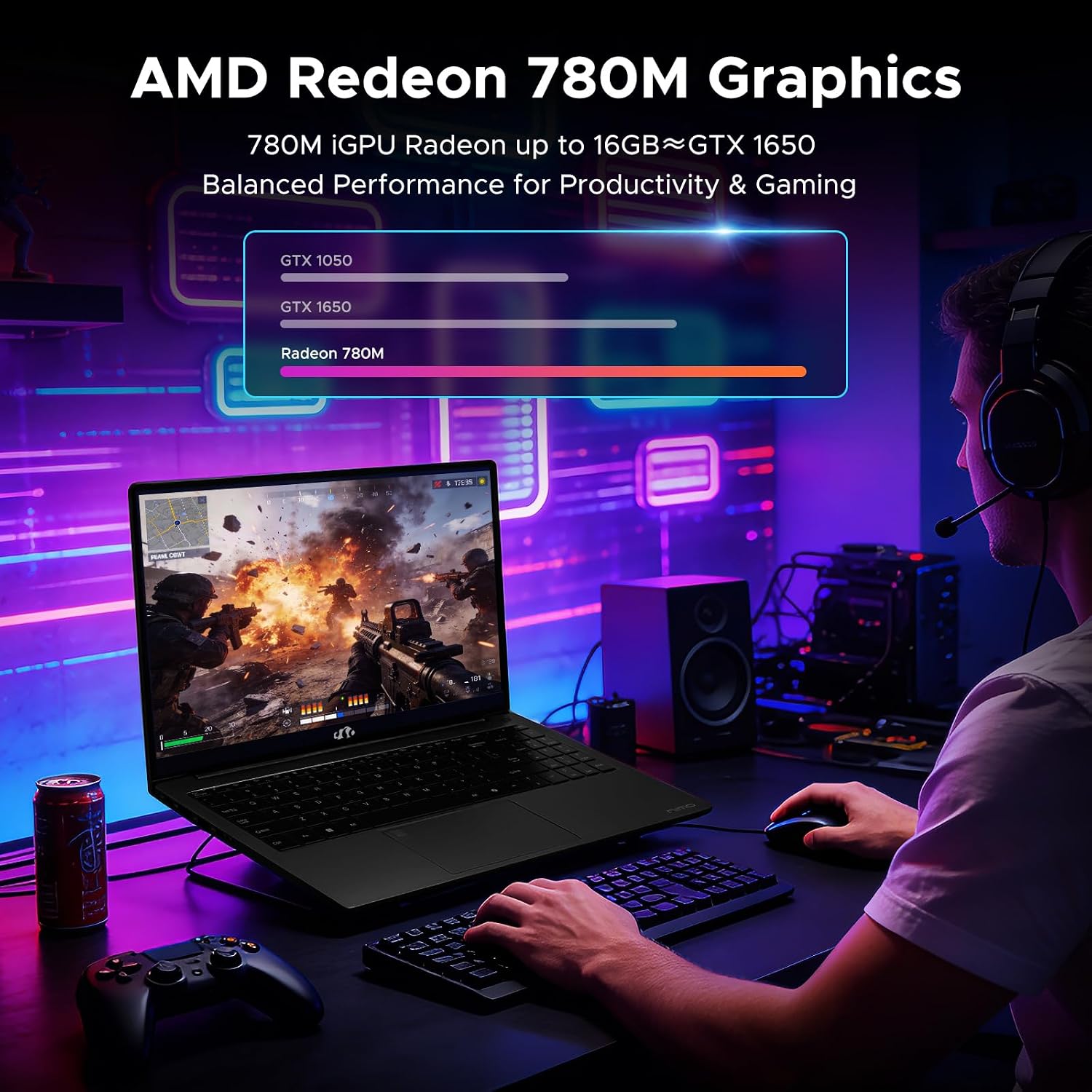
Radeon 780M graphics are integrated rather than a separate graphics card. The product description points to 1080p editing, streaming, and lighter games such as Minecraft, Roblox, and Valorant. Keep in mind that this graphics setup is presented for light gaming, not as a dedicated solution for demanding games or intensive graphics workloads.
The laptop includes USB4, HDMI 2.1, USB-A ports, a Micro SD reader, and a 3.5mm audio jack. It is also listed with 100W fast PD. For a practical example, you could connect a monitor and a portable SSD at a desk, then use the built-in card reader to bring in files from a Micro SD card. The listing says dual external monitors are supported, though it does not provide further display details here.
How to use it
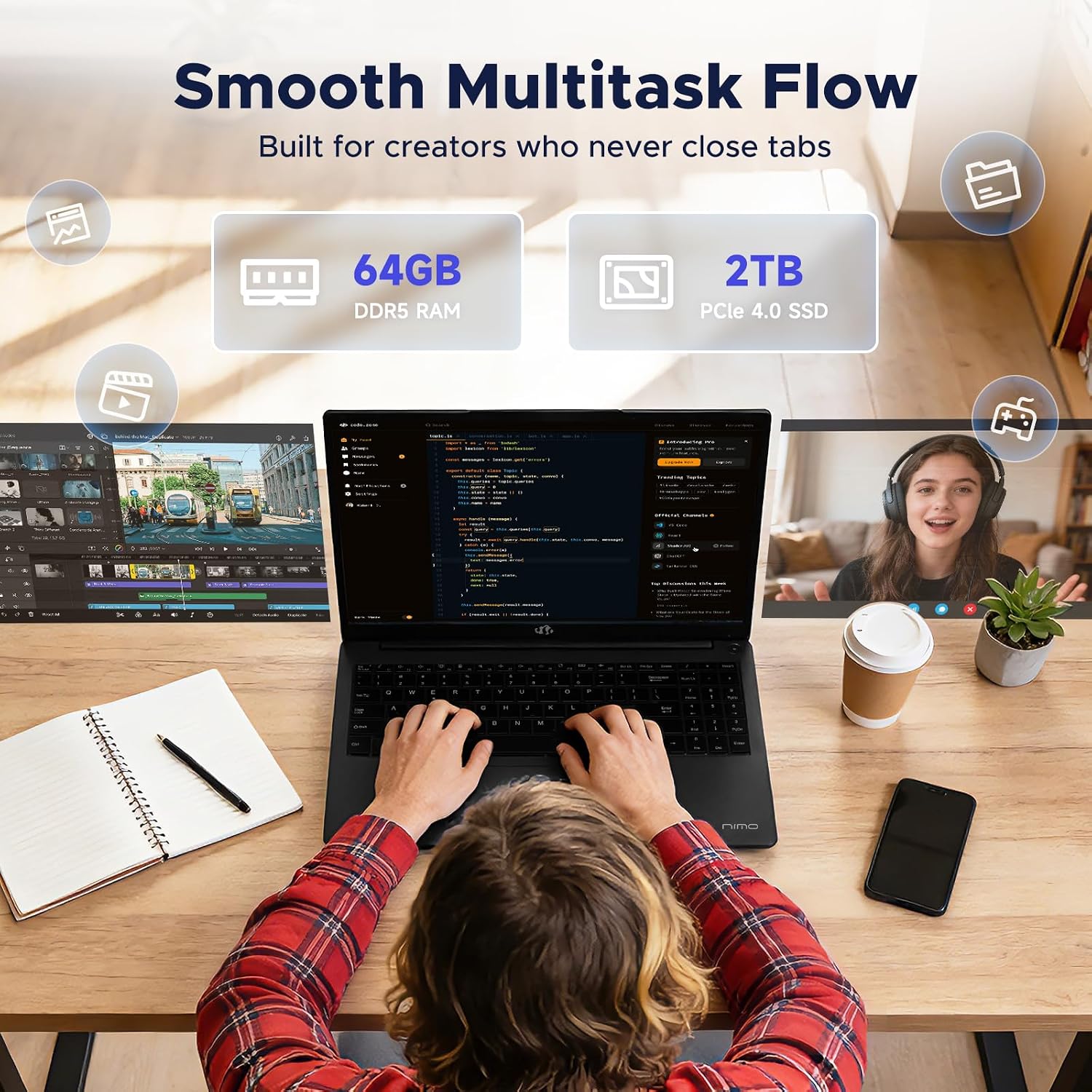
Treat it as a general-purpose work or school laptop, with the processor and memory supporting a mix of documents, research tabs, calls, and creative software. For a dorm or home office, connect a keyboard, mouse, and external display through the listed ports, for a temporary setup, HDMI 2.1 can connect to a compatible display without relying on a separate dock.
The storage is another part of the setup to consider. The listing specifies a 1TB SSD, dual M.2 PCIe 4.0 SSD bays, and a Micro SD slot supporting up to 1TB of extra storage. It also describes two DDR5 5600MHz memory slots, with a maximum capacity of 32GB. Since the listed configuration already has 32GB, don’t assume there is memory headroom beyond that stated maximum.

Practical tips
If you regularly move photos or other files from a camera, the Micro SD reader may be more useful than carrying an adapter. At a fixed desk, check that your planned monitor connections match the ports and setup you intend to use. For travel, the mix of USB4, USB-A, HDMI, and audio gives you several direct connection options, but the product details do not specify the laptop’s weight or battery life, so those factors are hard to judge from this information.
It makes sense if you want one machine for classes, office tasks, calls, and moderate creative work, with storage options for a growing collection of projects. Not the best choice if your priority is demanding gaming or graphics-heavy production, the listed Radeon 780M is integrated, and the description focuses on lighter gaming and 1080p editing.
Practical doubts
Can you add more memory later? The listing describes two DDR5 slots and a 32GB maximum. Since this model is listed with 32GB, it does not establish that you can upgrade beyond that limit.
Can it connect to two external monitors? The product description says it supports dual external monitors and lists USB4 and HDMI 2.1. It does not specify every display arrangement, so check that your monitors and connection plan fit the available ports.
Is it suitable for gaming? The description names lighter games, including Minecraft, Roblox, Valorant, League of Legends, Rocket League, and Fortnite Performance Mode. It does not position the integrated graphics as a dedicated gaming setup.
Is it worth it?
This configuration is most compelling when you want 32GB of memory, a 1TB SSD, and a useful selection of ports in a laptop for work, school, and lighter creative tasks. Compared with a simpler setup that depends on adapters or offers less stated memory and storage, its connections and expansion options may be a practical advantage. Choose a more graphics-focused machine if demanding games or intensive visual work are central to your plans, the information here does not establish performance for those workloads.