

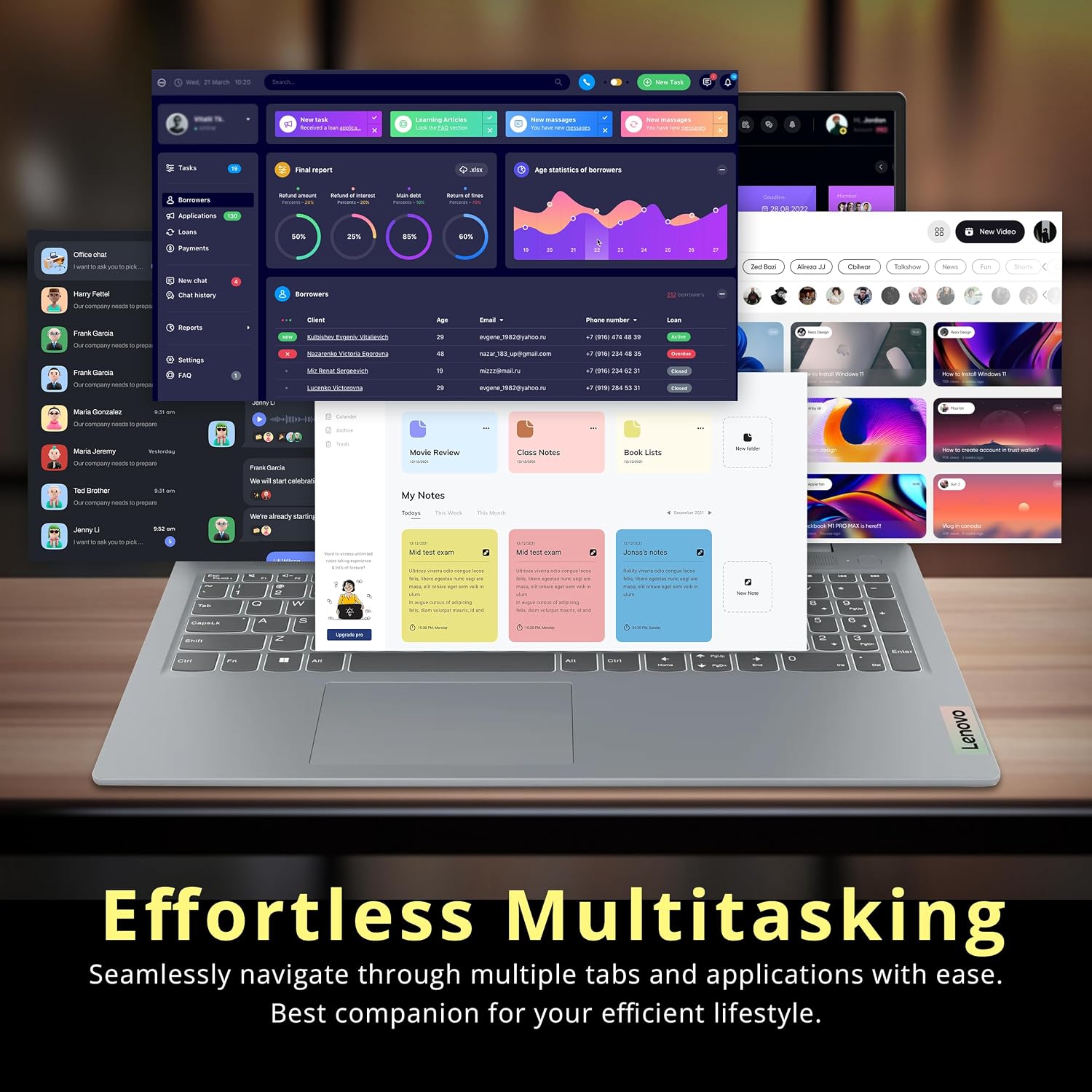
Lenovo IdeaPad Slim 3 laptop 15.6-inch
Product description
What matters most
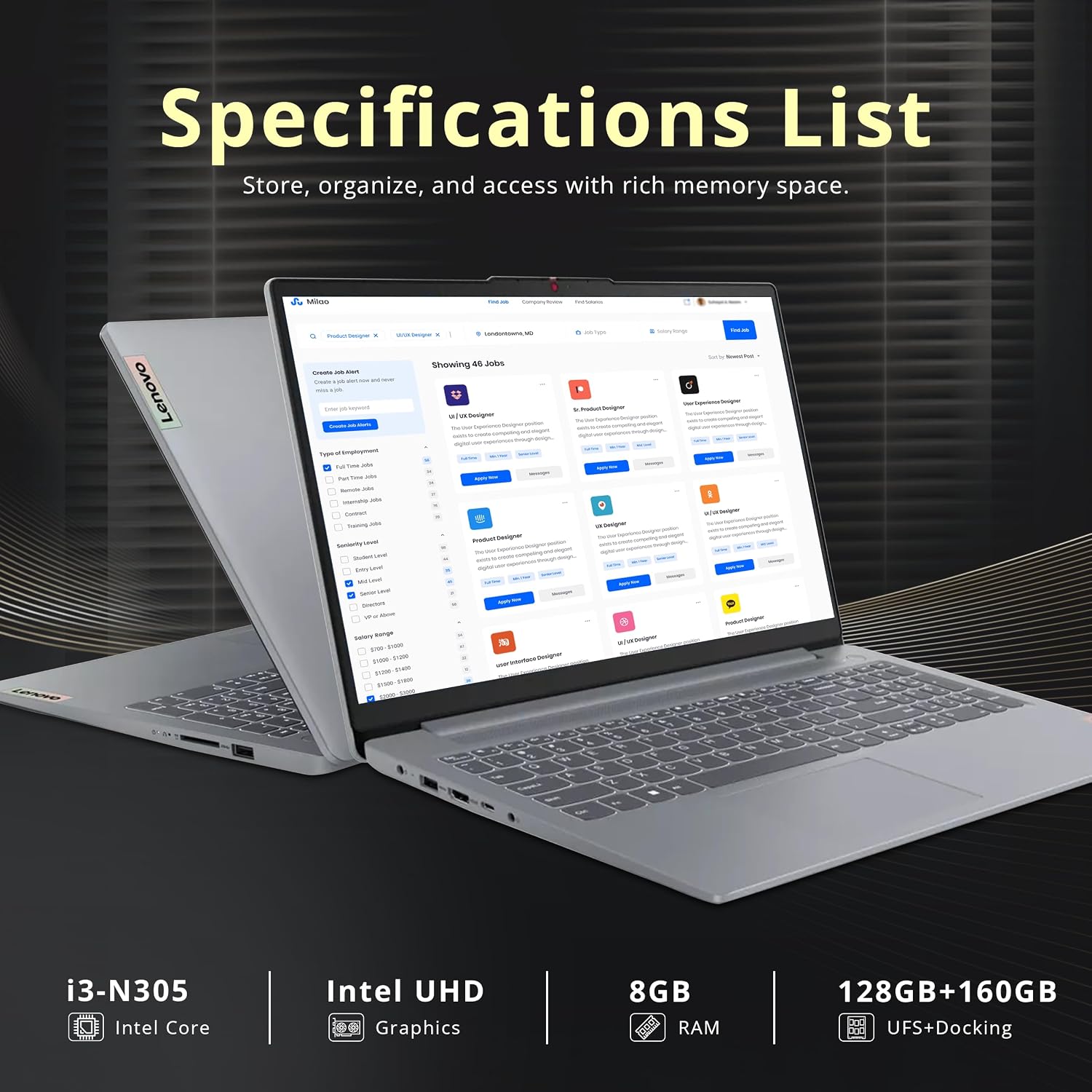
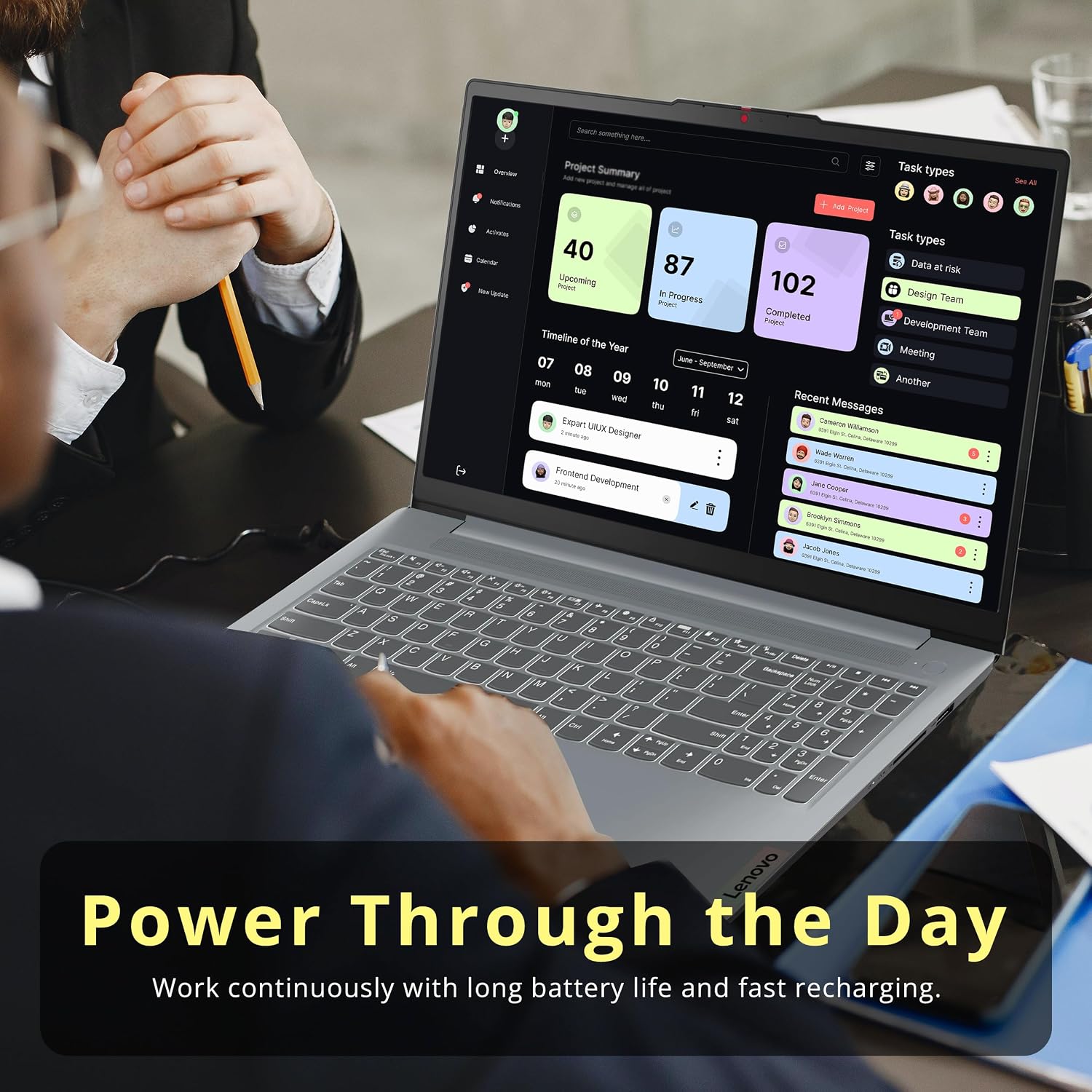
If you mainly need a laptop for schoolwork, web browsing, video calls, and everyday office tasks, the Lenovo IdeaPad Slim 3 focuses on those basics, if your workload depends on demanding graphics or lots of built-in storage, its configuration deserves a closer look. It pairs an Intel Core i3-N305 processor with 8GB of LPDDR5 memory and integrated Intel UHD Graphics. The 15.6-inch Full HD display has an anti-glare coating, which may make reflections less distracting when you’re working in a bright room. A numeric keypad is another practical plus for entering figures or updating a spreadsheet.
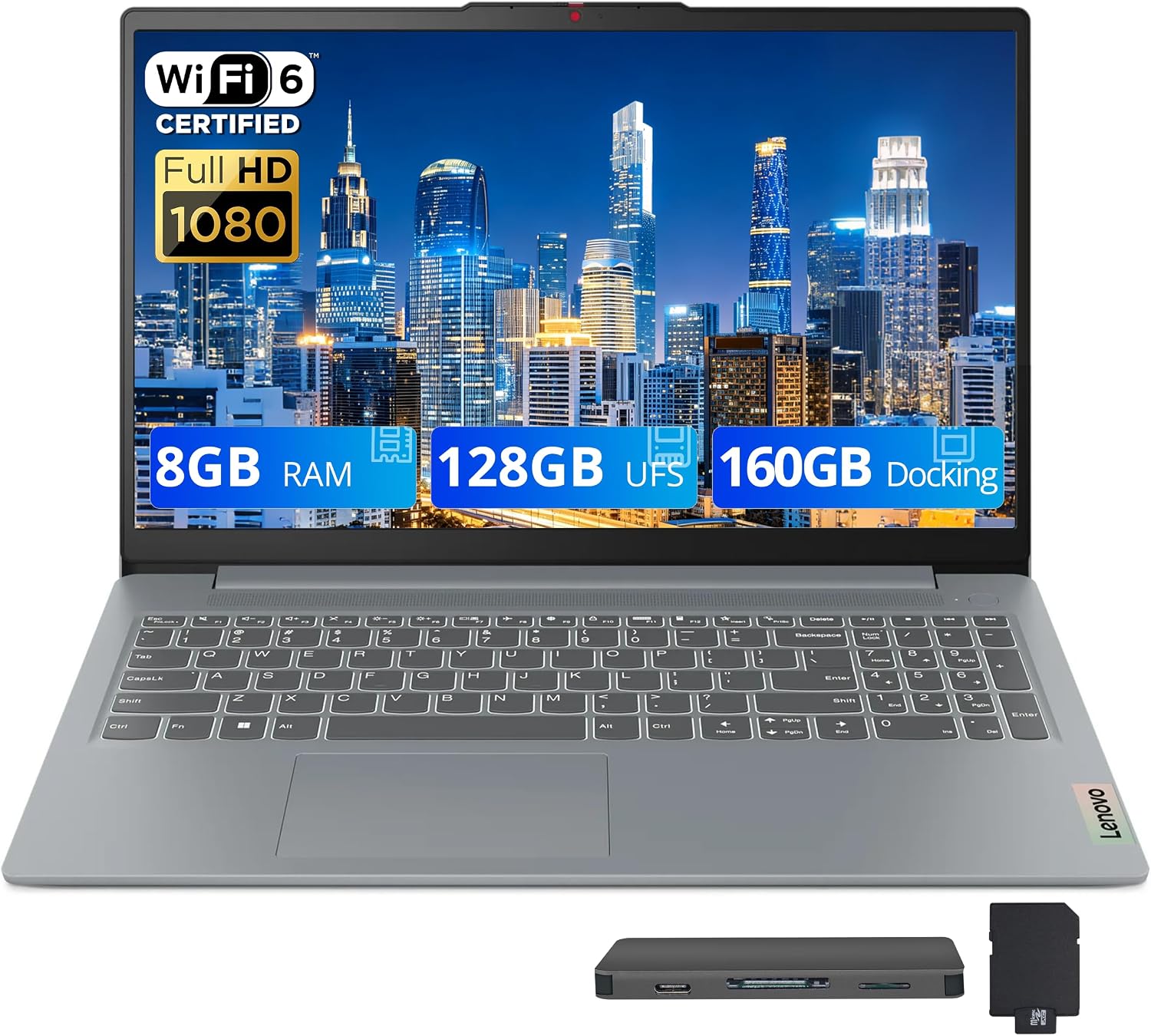
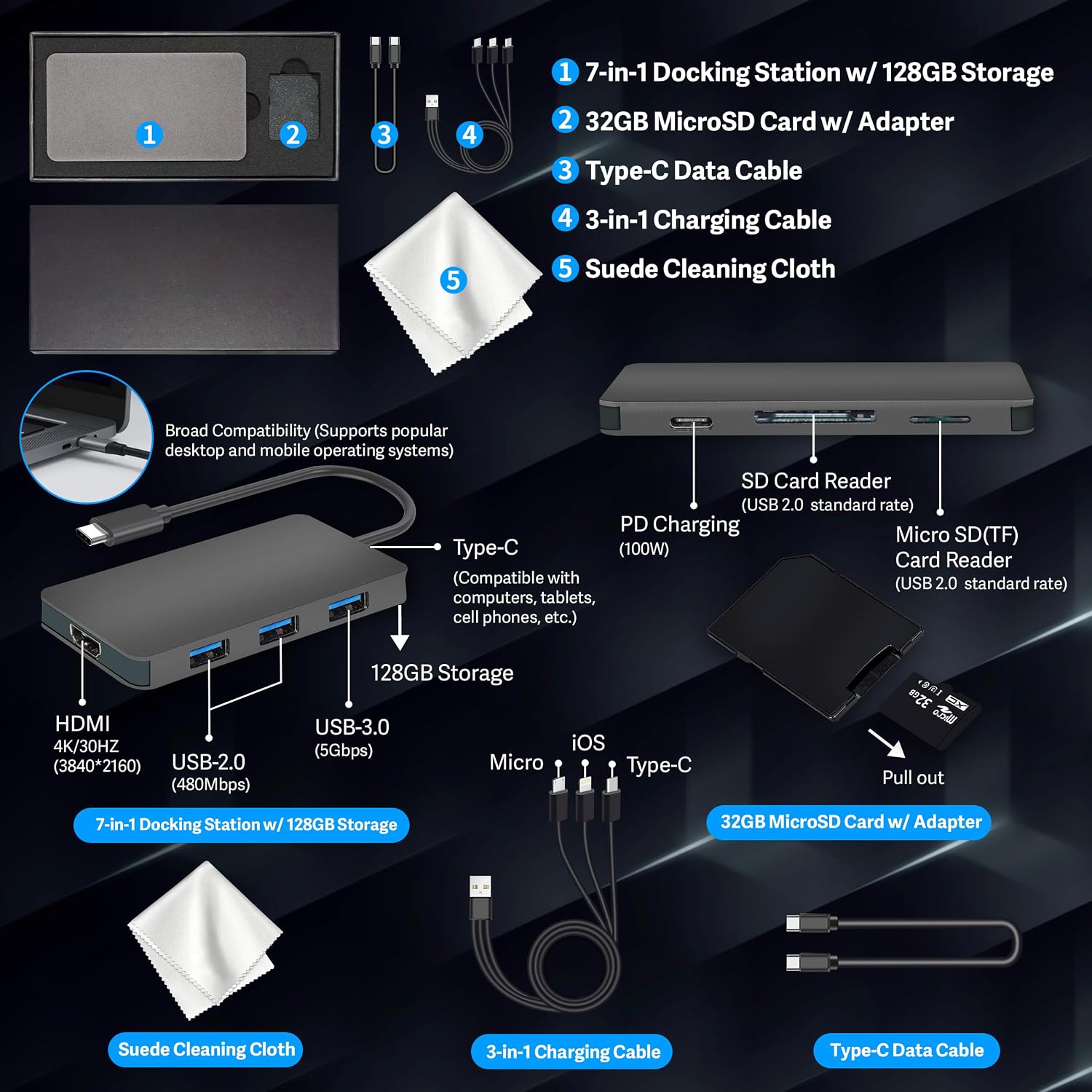
Keep in mind that the listed 288GB combines 128GB of UFS 3.1 storage with a 160GB docking station expansion set. That is not the same as having 288GB of internal laptop storage, so think about where you’ll keep your files and whether the included add-on fits your setup. The 8GB of memory and integrated graphics also point toward everyday computing rather than especially demanding creative work or gaming.
How to use it
This setup is aimed at routine tasks: opening documents, keeping several browser tabs handy, joining a video call, or streaming a show after class. The 1920 x 1080 resolution gives you Full HD detail for reading and video, while the 250-nit brightness is a useful figure to weigh if you often work near bright windows. Anti-glare treatment can reduce distracting reflections, but it doesn’t remove the need to choose a comfortable viewing position.
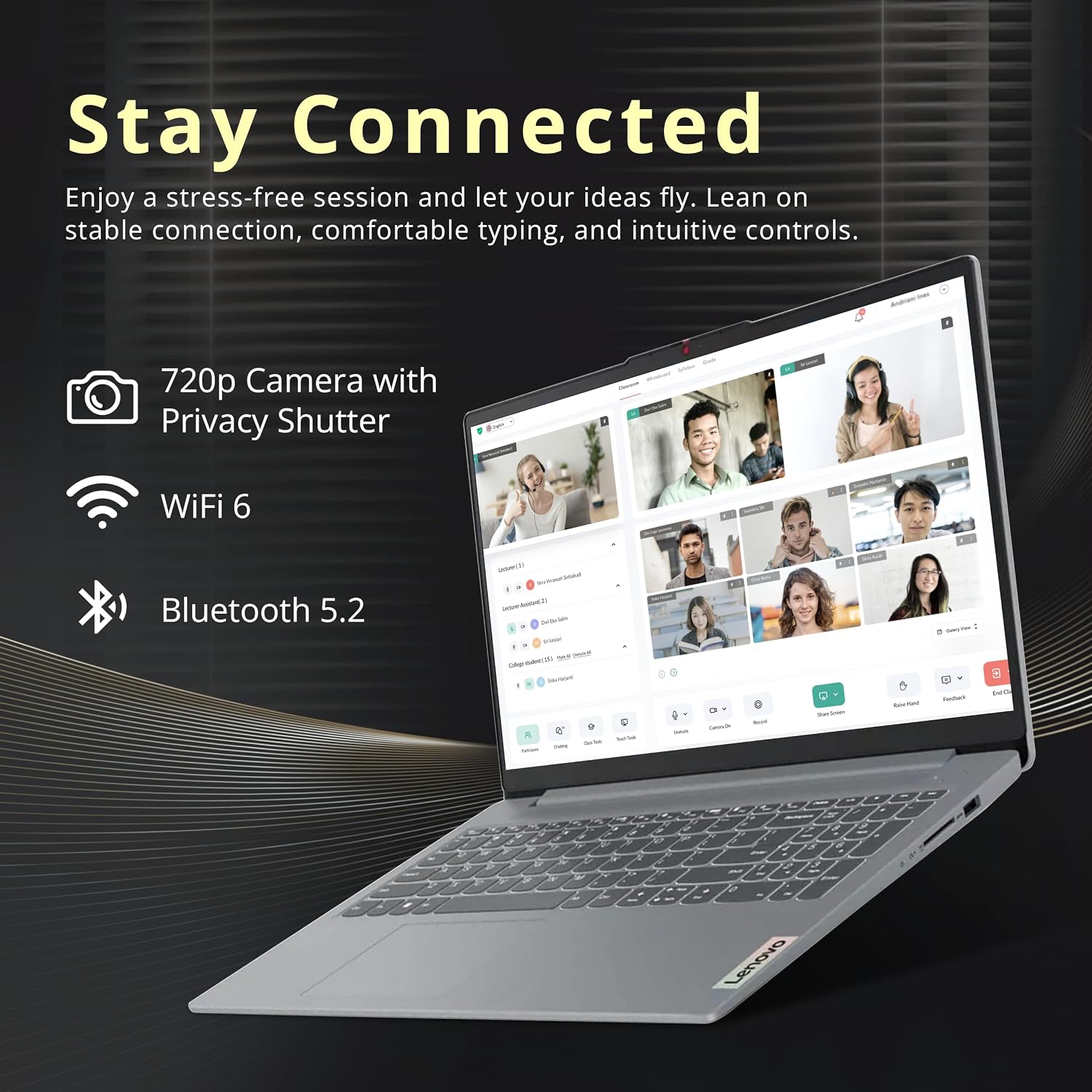
Wi-Fi 6 supports wireless networking, and the listed connections include USB-A, USB-C, HDMI 1.4, and a headphone/microphone combo jack. For example, you could draft a paper at a desk, connect an external display through HDMI, then use the numeric keypad to enter figures into a budget. The docking station set adds storage-related accessories, but the supplied details don’t explain how its expansion connects or works, so don’t assume it functions like an internal drive.

Practical tips
Before settling on this configuration, list the apps you expect to keep open at once and estimate how much space your photos, downloads, and school files take. If you mostly work in a browser and office apps, the advertised processor and memory target that kind of routine. If your plans involve large media libraries or more demanding editing, a laptop with more internal storage, memory, or dedicated graphics may be a better match.
For desk use, the HDMI port and numeric keypad can help with a monitor-based workflow or frequent number entry. Away from your desk, the anti-glare screen may be useful in a classroom or café, though screen brightness is specified at 250 nits. It suits you if you want a Windows 11 Home laptop for common study and home-office tasks. Not the best choice if your priority is intensive graphics work or a large amount of built-in storage.
Practical doubts
Does the laptop have 288GB of internal storage? The listing describes 128GB of UFS 3.1 storage plus a 160GB docking station expansion set. It presents these together as 288GB, but the extra capacity is associated with the docking station set, not identified as internal storage.
Can it handle spreadsheets? The standalone numeric keypad is useful for entering figures, and the listed processor and memory are intended for everyday tasks. The listing doesn’t specify performance for unusually large or complex spreadsheets.
Is it suited to gaming or advanced creative work? Intel UHD Graphics is integrated graphics. The product details highlight streaming and light creative work, not demanding games or graphics-heavy production.
When it makes sense
Choose this IdeaPad Slim 3 if your day is mostly documents, browsing, video calls, streaming, and occasional spreadsheet work, and you value a larger anti-glare screen with a number pad. It offers a more task-focused setup than a bare-bones laptop without a numeric keypad, but it isn’t aimed at buyers who need strong graphics performance or substantial internal capacity. If the bundled storage arrangement doesn’t suit how you organize files, prioritize a configuration whose built-in storage is clearly enough for your needs.