

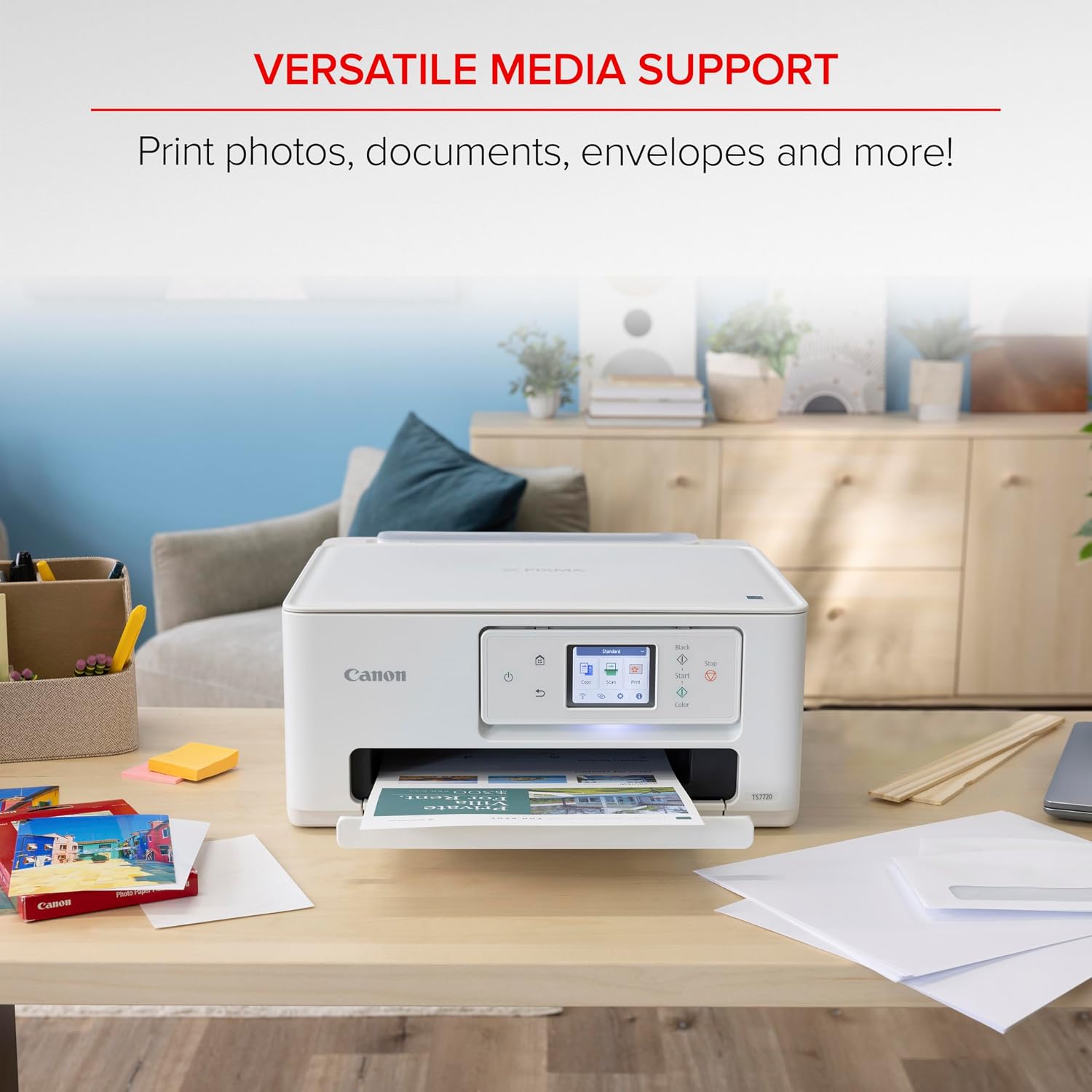
Canon all-in-one inkjet printer TS7720
Product description
What to know
For households that need printing, copying, and scanning in one compact home device, the Canon PIXMA TS7720 covers the everyday basics without making setup sound like a project.
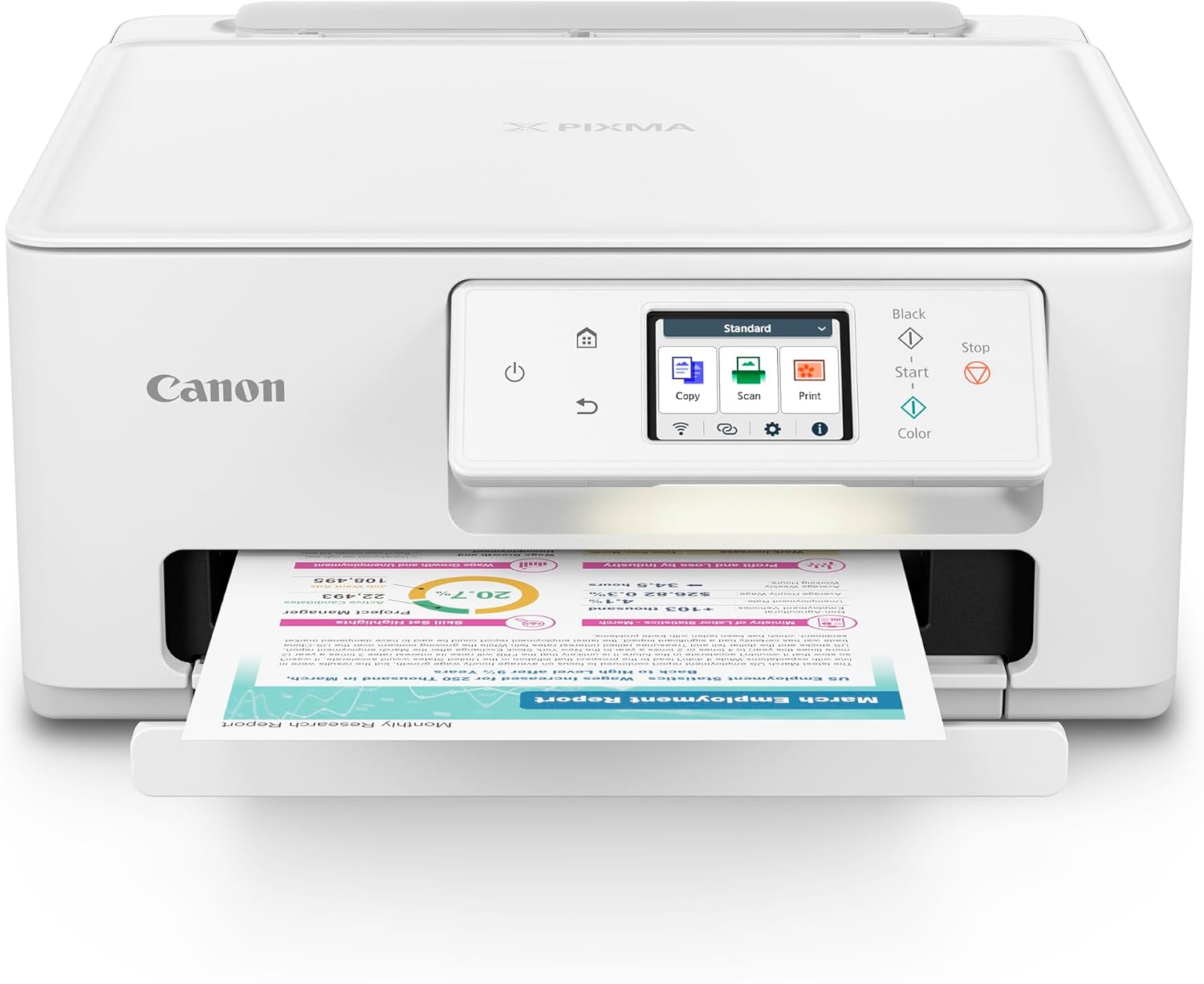
It’s a wireless color inkjet printer with automatic two-sided printing, a 2.7-inch touchscreen, and a two-cartridge ink system. That combination puts routine documents and occasional color jobs within reach from one machine.
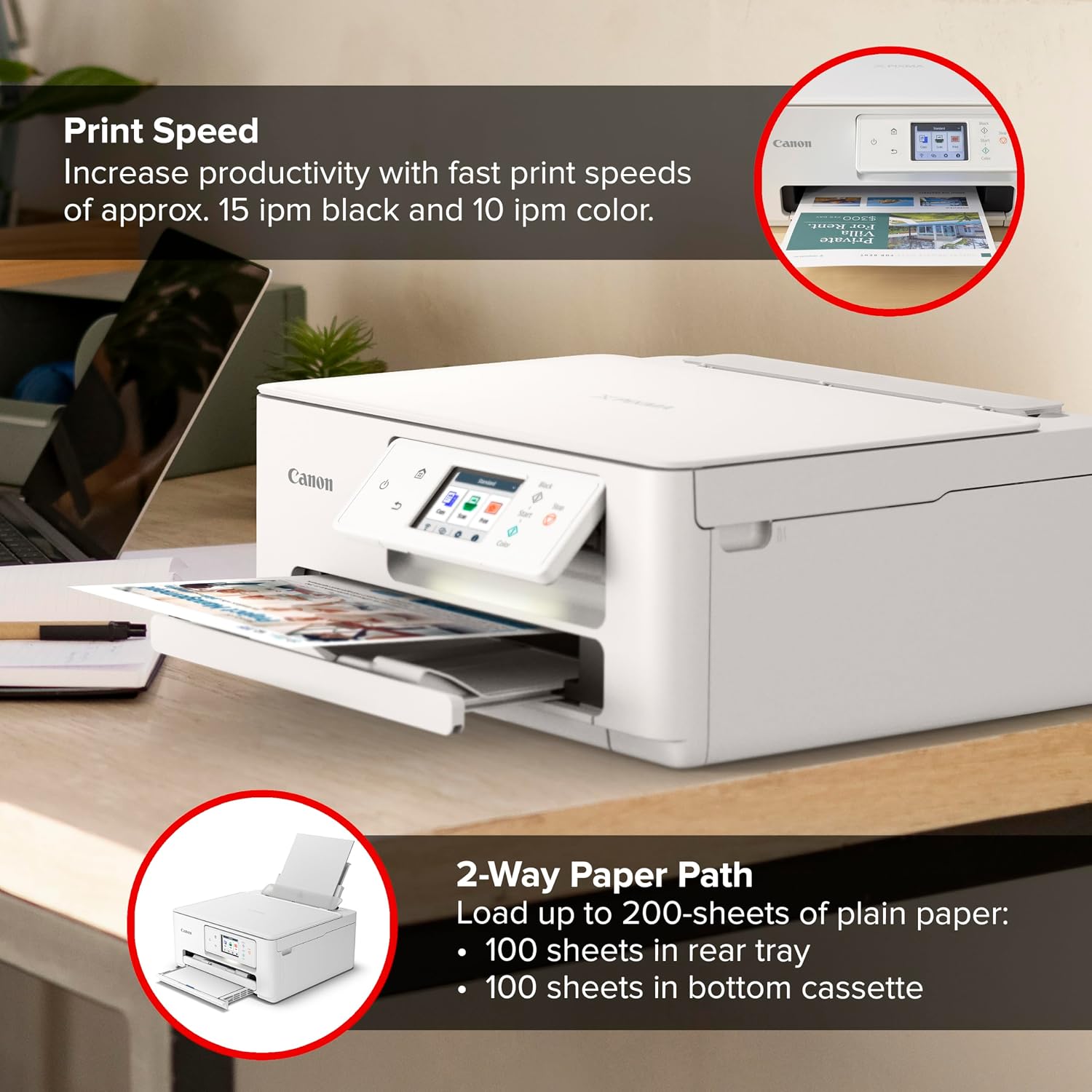
The listed print speeds are approximately 15 images per minute in black and 10 in color. Keep in mind that these are approximate figures, not a promise that every document will print at that pace, the product details don’t specify photo output quality, paper capacity, or ongoing ink costs.
Best use cases
This setup fits a home that prints forms, schoolwork, labels, or a few color pages now and then, and also needs to scan or copy documents. For example, you could print a double-sided class handout, then scan a signed page without switching devices. Automatic duplex printing can save a manual flip for multi-page jobs.
The name positions it as a home photo printer, but the available details don’t give image-resolution or photo-paper information. If photo printing is your main priority, compare those specifics with a dedicated photo-focused model before deciding. A printer designed for frequent, high-volume office work is another kind of purchase, the TS7720’s listed features are centered on general home use.
Tips for day-to-day use
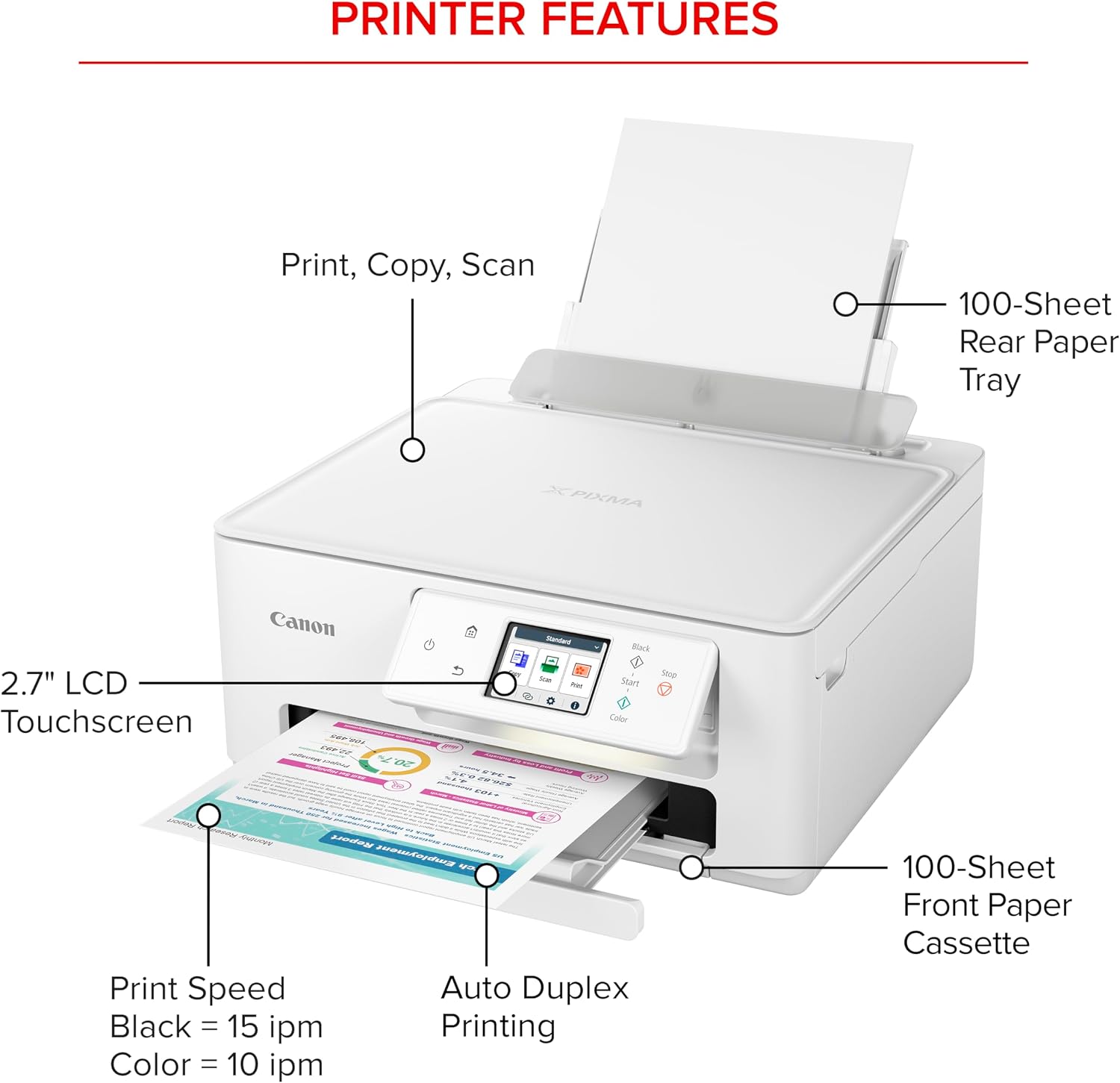
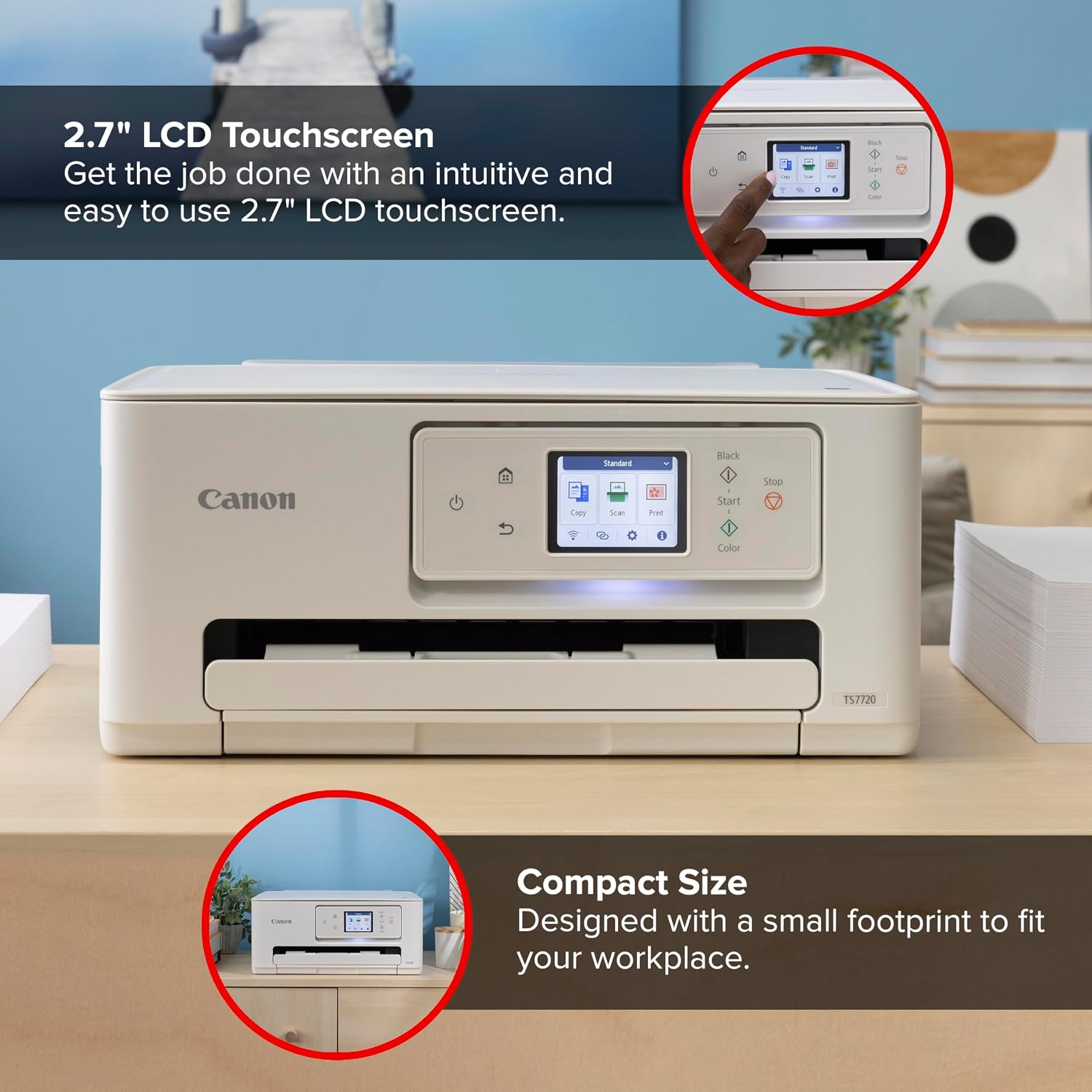
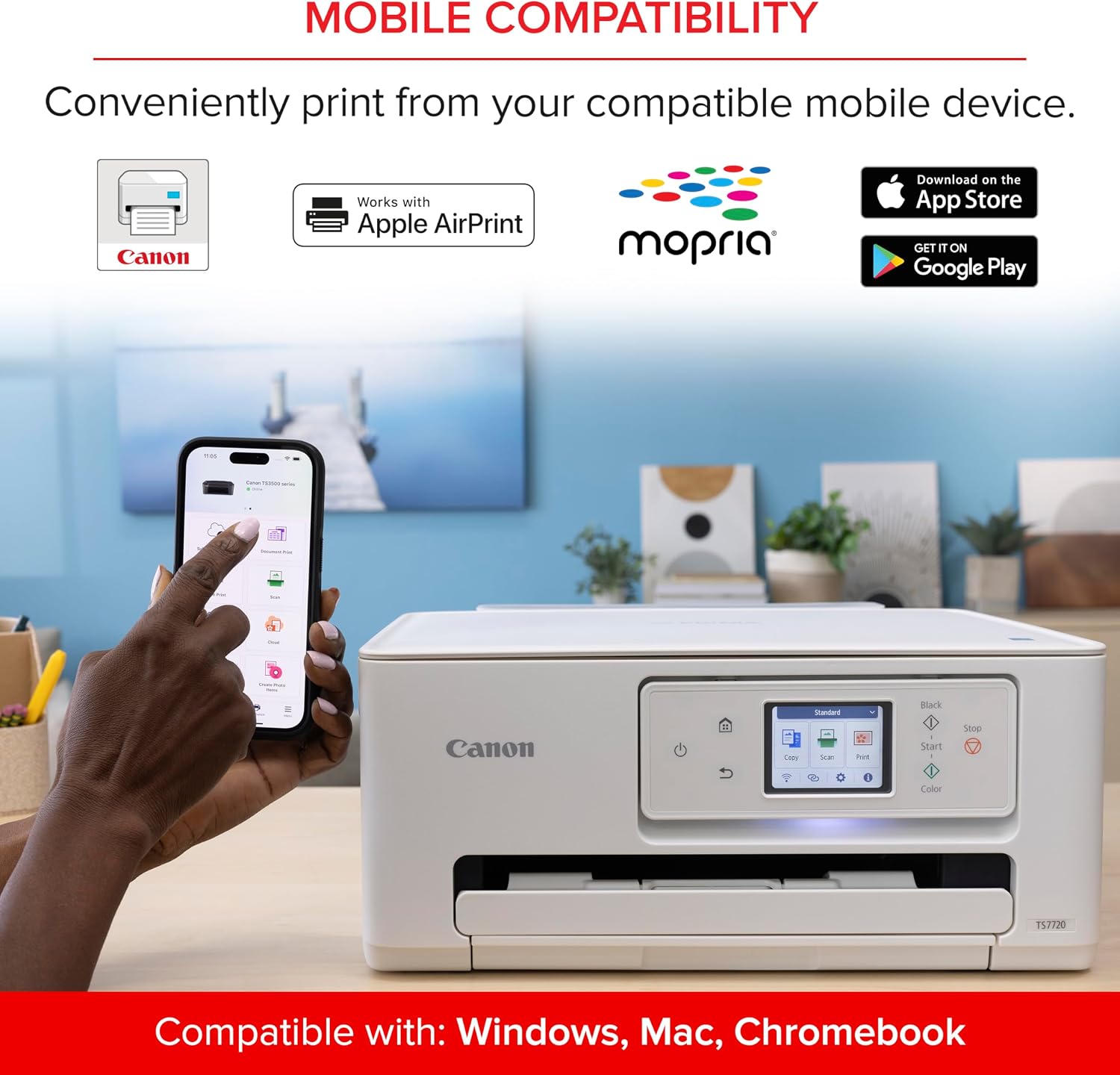
The 2.7-inch touchscreen gives you an on-device way to navigate tasks, while the wireless connection can suit a home setup where the printer isn’t right beside the computer. The two-cartridge arrangement also means fewer separate cartridges to install than a system with several individual color inks, though the product details don’t state replacement costs or how long a set lasts.
For a typical week, think of it as a shared home tool: print a form, copy a page that needs to stay on paper, or scan a document for digital storage. Its compact positioning may be useful when desk space is limited, but no dimensions are provided, so you can’t judge the actual footprint from the listed information alone.
Before you decide
Can it do more than print? Yes. It’s described as an all-in-one printer with print, copy, and scan functions.
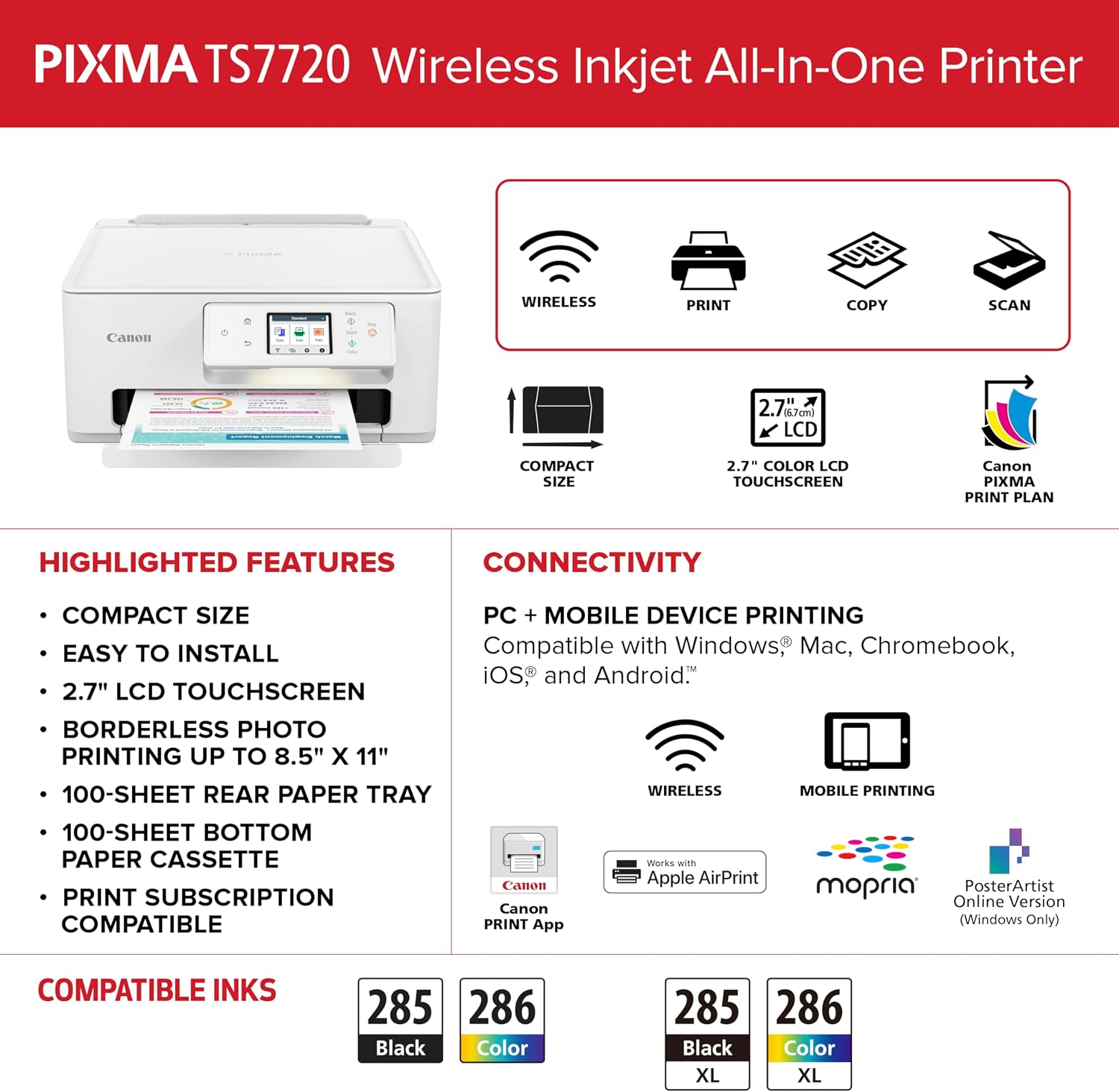
How fast is it listed to print? Approximately 15 images per minute in black and 10 in color. Actual results can vary by job, and the details don’t define a test condition.
Does it print on both sides automatically? Yes, auto duplex is listed, which is useful for two-sided pages without manually turning each sheet.
When it makes sense
It makes sense if you want one wireless home printer for a mix of documents, occasional color pages, copying, and scanning, and you value automatic two-sided printing. Setup is described as streamlined, and the two-cartridge system keeps ink installation relatively simple.
Not the best choice if you need documented photo-printing performance, detailed running-cost information, or a machine selected for demanding office volume. Those priorities aren’t answered by the available specs, so weigh them before choosing this compact home-focused approach over a more specialized printer.