

Canon monochrome laser printer MF465dw II
Product description
A basic printer may be enough for occasional pages, but a busier desk can benefit from having scanning, copying, and faxing in the same machine. The Canon imageCLASS MF465dw II is built around that four-function setup.
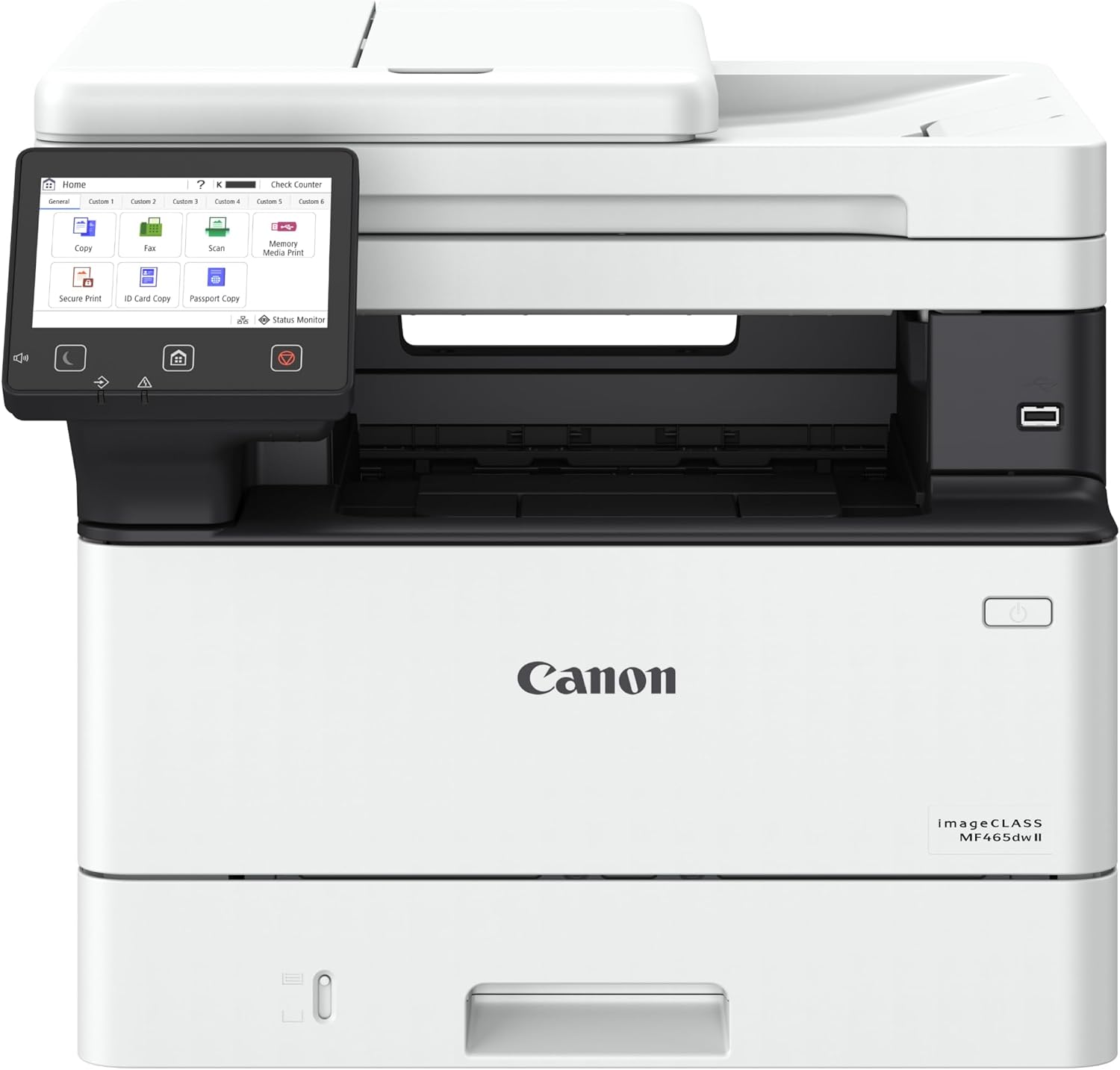
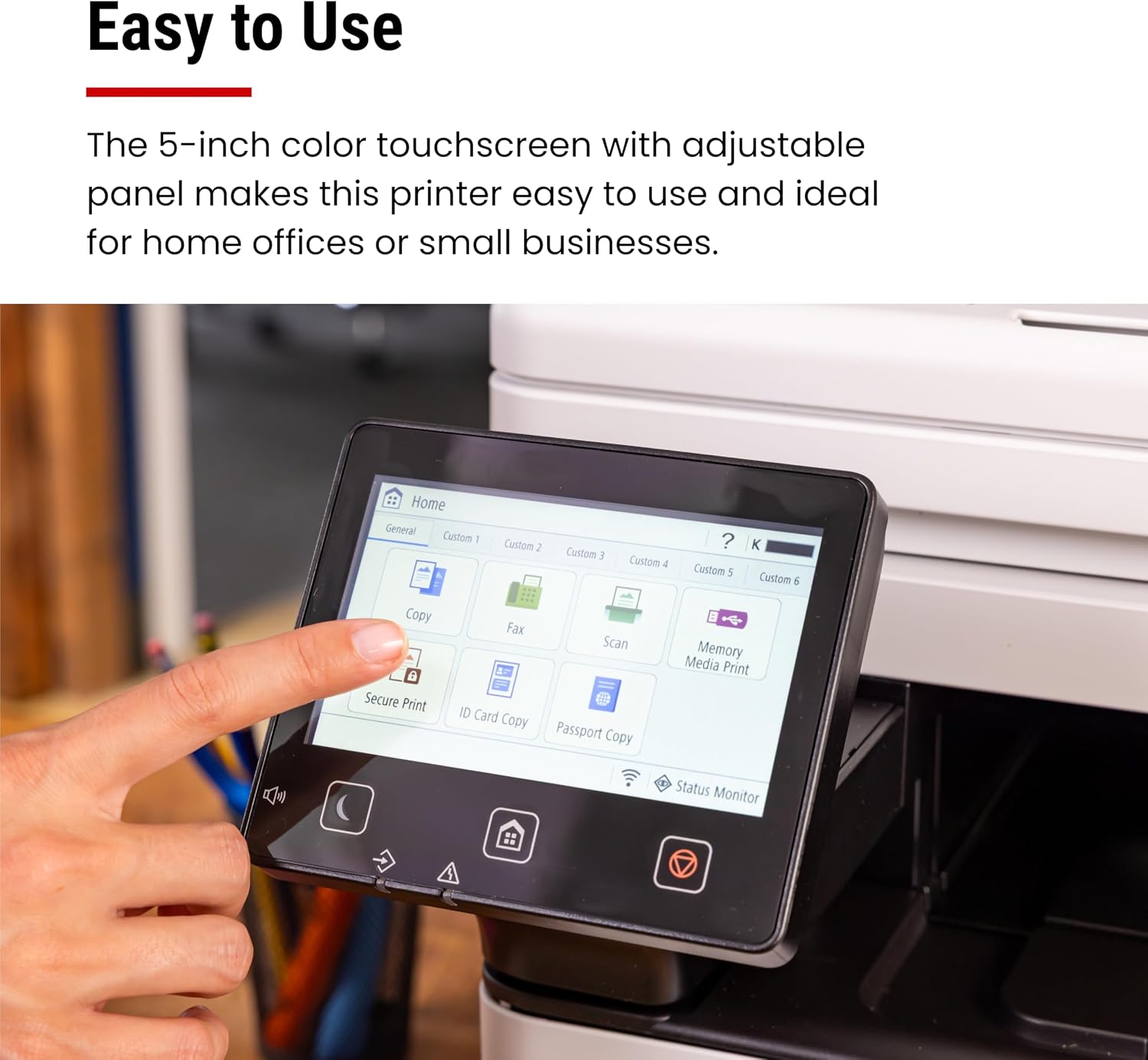
It prints in monochrome, supports wireless and duplex printing, and is rated for speeds up to 42 ppm. A 5-inch touchscreen and mobile device printing add options for sending jobs without relying only on a computer.
The main question is whether its features match the work you actually do. If color output is essential, this isn’t the right fit, if most of your documents are black and white, its range of functions may reduce the need for separate equipment.
Highlights
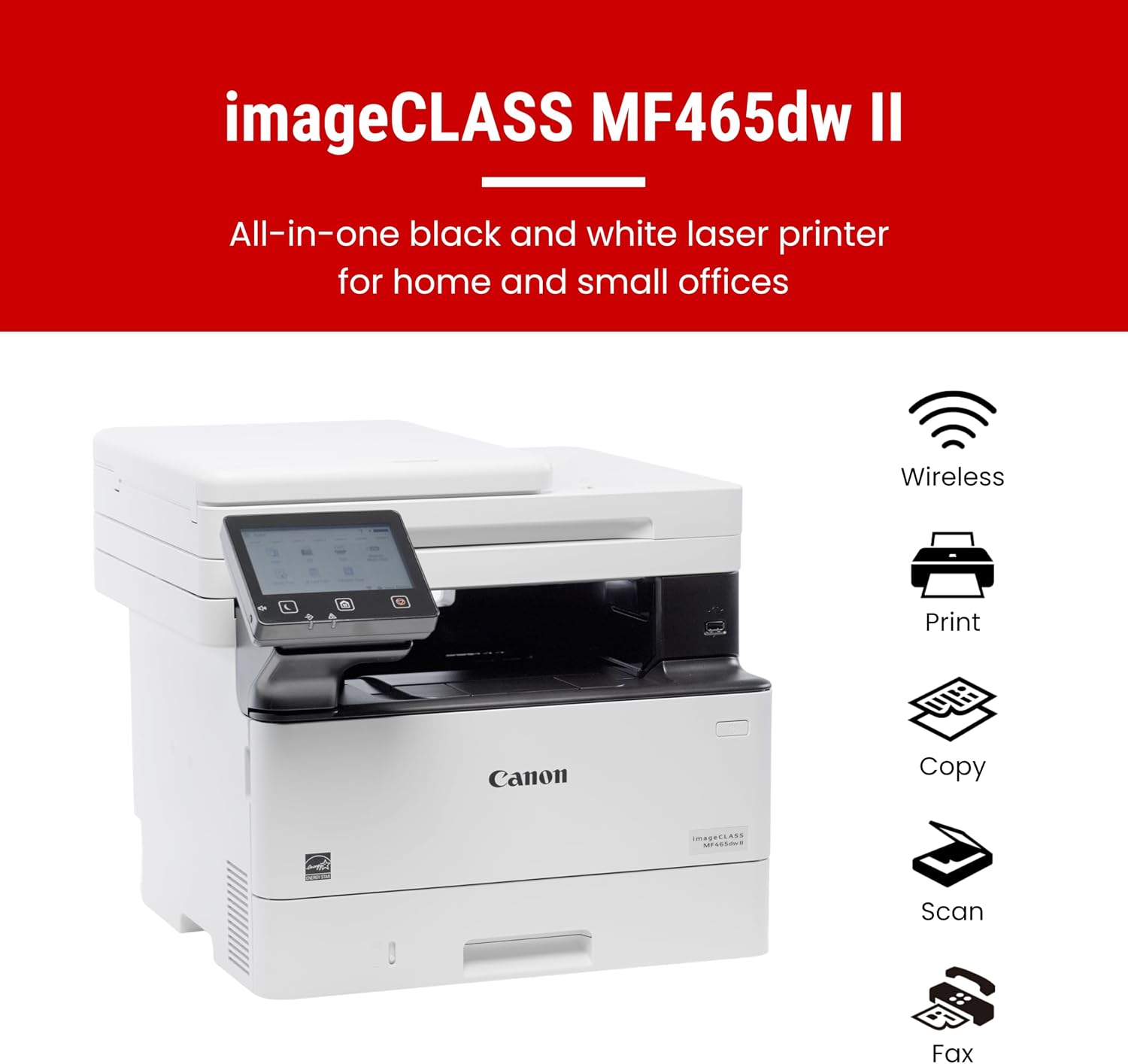
The MF465dw II combines print, scan, copy, and fax functions in one monochrome laser printer. That can be useful in a home office or workplace where paperwork arrives in different forms: print a document, make a copy for a file, scan another page, or send a fax from the same device. It’s a more complete approach than buying a printer meant only for basic output, though the extra functions matter most if you’ll use them.
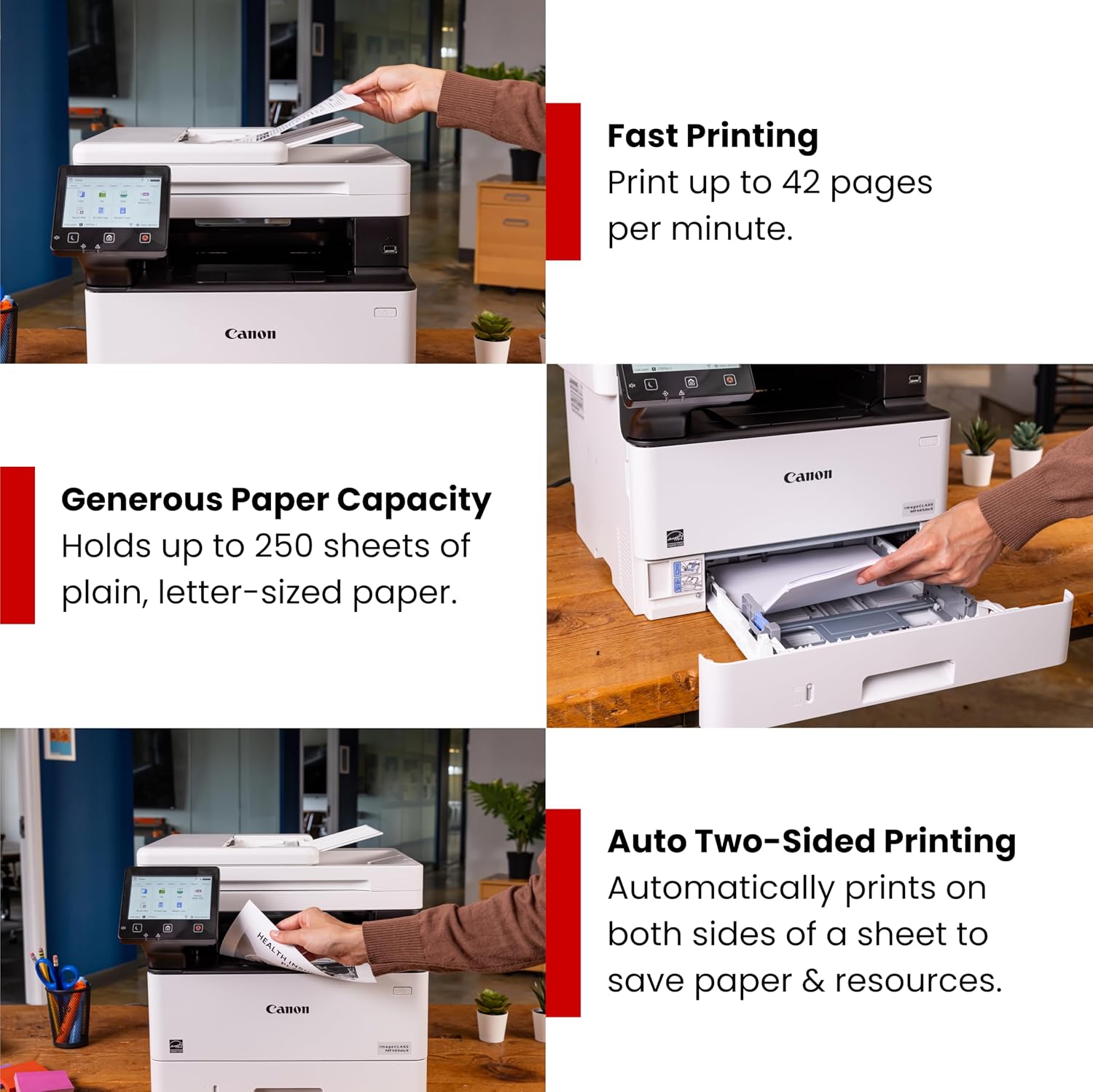
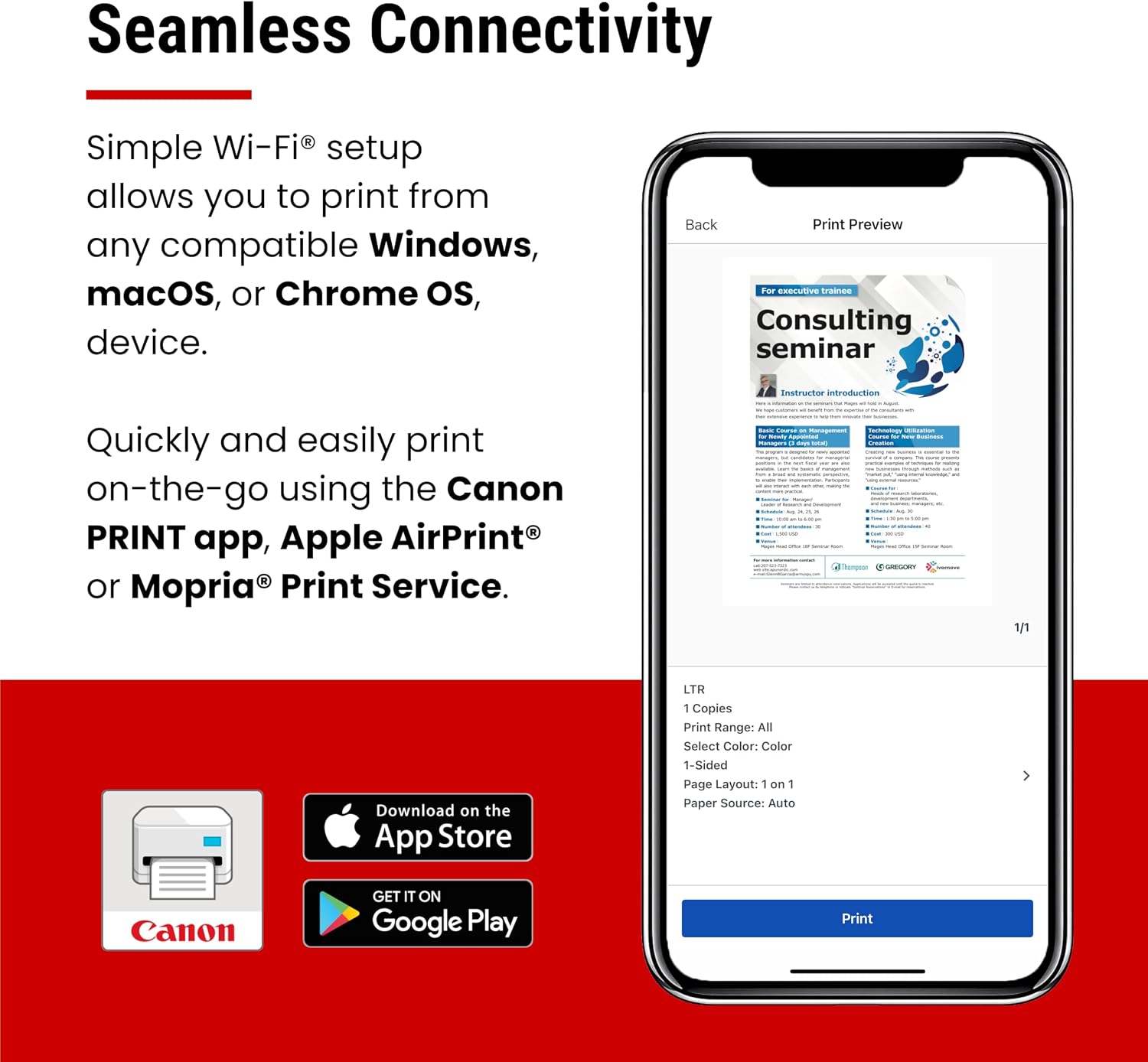
Wireless setup and mobile device printing provide alternatives to sending every job from a connected computer. Duplex printing can handle two-sided jobs, while the listed print speed reaches up to 42 ppm. Those details point to a printer aimed at regular document work, not photos or color-heavy projects. Keep in mind that the product information gives no numeric expanded paper capacity, so it’s difficult to judge how often you might need to reload it without that measurement.
How to use it
Think of it as a shared document station rather than a single-purpose printer. For example, you could send a black-and-white work document from a mobile device, print it double-sided, then use the same machine to scan a signed page or copy paperwork. The touchscreen gives you an on-device way to navigate tasks, while wireless printing can suit a desk where a direct computer connection isn’t the only convenient route.
A solid pick if your routine includes monochrome documents and you’ll make use of more than one of its four functions. Not the best choice if you need color printing or are shopping specifically for photo output, neither is part of the listed feature set.
Practical tips
Before choosing, consider which tasks you’ll use regularly. If you only need to print now and then, a simpler printer may be a better match than paying attention to copy, scan, and fax capabilities you won’t use. If several of those jobs are part of your workflow, having them in one machine may be more practical than relying on separate devices.
Also think about where you’ll place it and how you plan to send jobs. The listing mentions wireless setup, mobile device printing, and a 5-inch touchscreen, but doesn’t provide further details about supported devices or the expanded paper capacity. Check those specifics against your setup and expected paper use before deciding.
Questions before you buy
Does it print in color? No. The MF465dw II is described as a monochrome printer.
What can it do besides printing? It also scans, copies, and faxes, making it a four-function device.
Can you print from a mobile device? Mobile device printing is listed, along with wireless setup. The product information doesn’t identify specific device compatibility, so confirm that detail if it matters to your setup.
Is it worth it?
This Canon makes the most sense when you want a wireless monochrome printer that can also scan, copy, and fax, and when duplex printing and mobile printing fit your routine. Its stated speed of up to 42 ppm may appeal for document-focused work, but it doesn’t make this a color or photo printer. Choose it for the combination of listed office functions, look elsewhere if color output is a requirement or you only need a basic printer.