


Aobante 10-Inch Android 15 Tablet (24GB RAM/128GB ROM, 1TB Expandable) with Keyboard & Mouse, 6000mAh
Product description
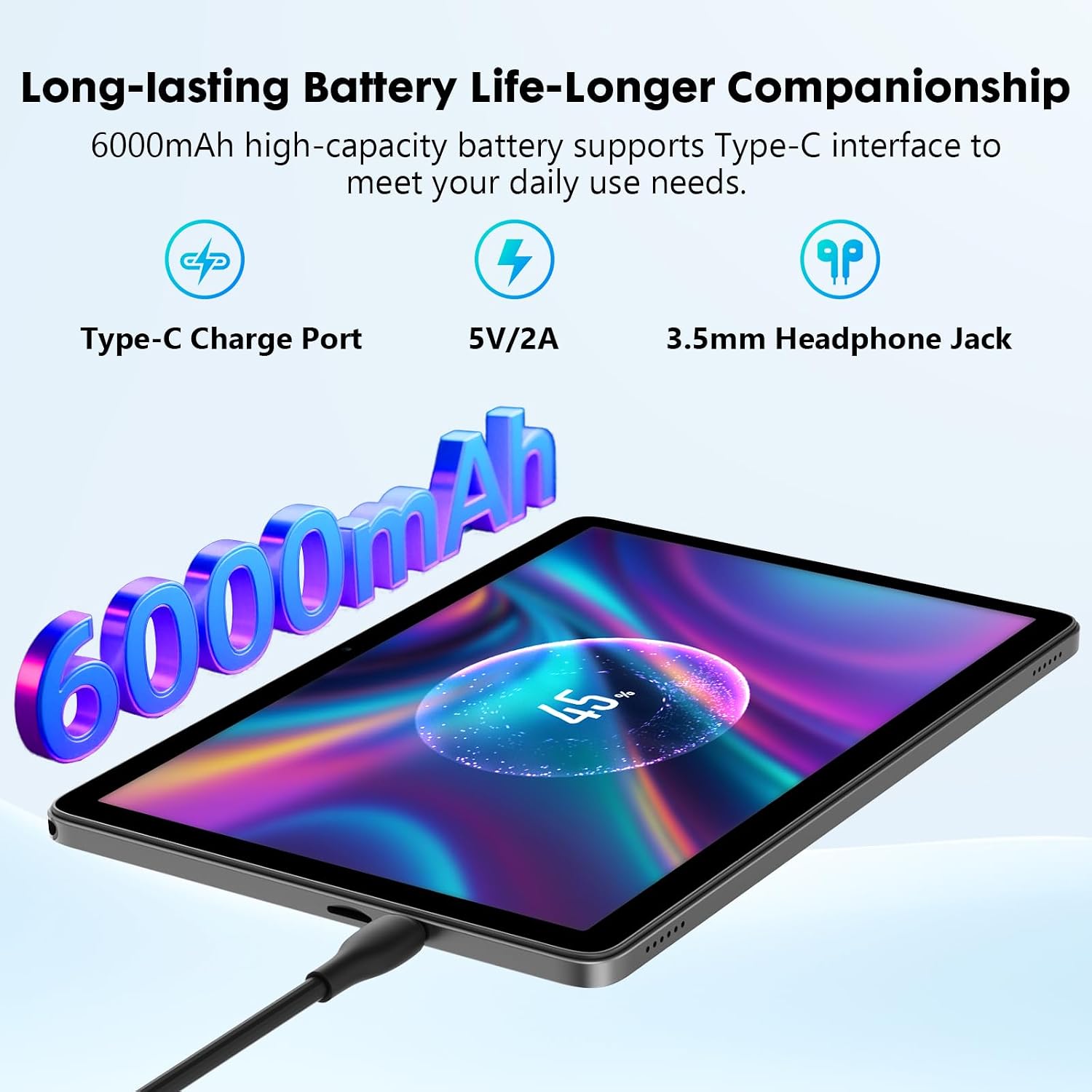
If you’re shopping for a 10-inch Android tablet that can handle everyday streaming, reading, and learning apps, the Aobante 10 Inch Tablet is aimed right at that “grab it and go” use case. On paper it combines Android 15, an octa-core processor, a 1280x800 IPS HD touchscreen, dual cameras, and a 6000mAh battery, plus extra add-ons like a keyboard and mouse.
But it’s also the kind of tablet where fit depends on your expectations. You may like it if you want something straightforward for media and light multitasking, yet you’ll want to be realistic if you’re expecting a premium tablet experience across the board.
The essentials (what it’s for)
This Aobante tablet is built for day-to-day tasks: watching videos, browsing, video chatting, and reading e-books. The company positions it as smoother than Android 14 thanks to Android 15 and an octa-core chip running up to 2.0 GHz (as stated in the base description). In practice, the appeal is that it’s not just a screen for entertainment—it’s also meant to support a range of apps you’d commonly use on a tablet.
One more thing: the included keyboard and mouse shift it away from “just for couch use.” If you picture using it for writing, basic work, or school-style activities, the bundle can make the device feel more like a small workstation.
Performance and storage: where it’s strong
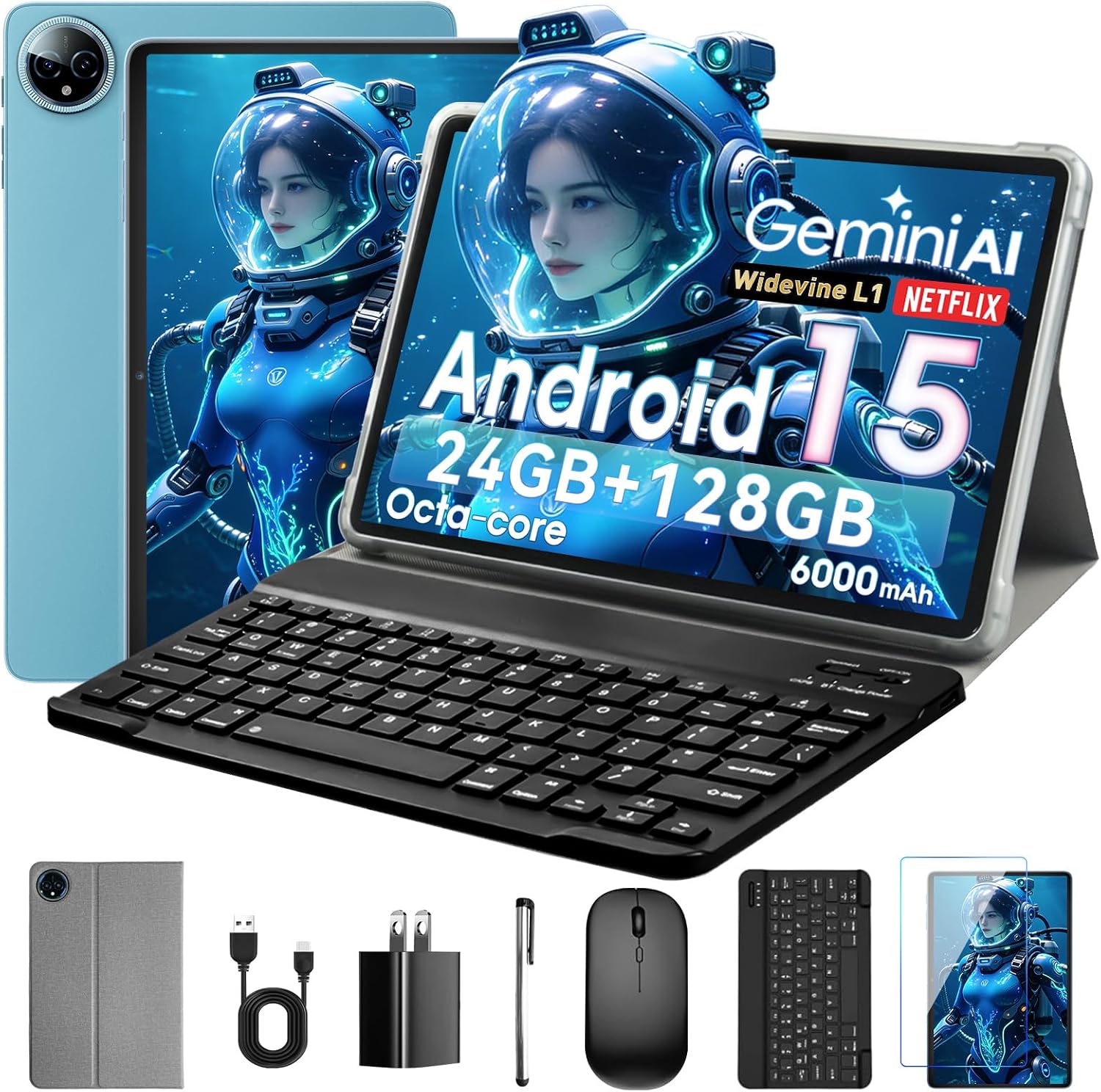
Where this tablet leans in is the storage and multitasking story. It lists 128GB ROM and 24GB RAM (stated as 8+16GB), with up to 1TB additional expansion. That matters if you plan to keep more than a couple of entertainment libraries—or if you store work files, videos, or media offline.
Is it a dream setup for heavy, long-term productivity? Not necessarily. RAM/storage helps, but the base description doesn’t mention things like display brightness, sustained performance behavior, or how the tablet handles demanding multitasking over long sessions. So it’s better framed as a capable everyday tablet rather than something designed to “exceed” higher-end devices.
A practical example: you could download a few video lessons and e-books, keep them locally for travel, and then use the keyboard for quick notes without constantly switching between apps.

Display and cameras: the practical expectations
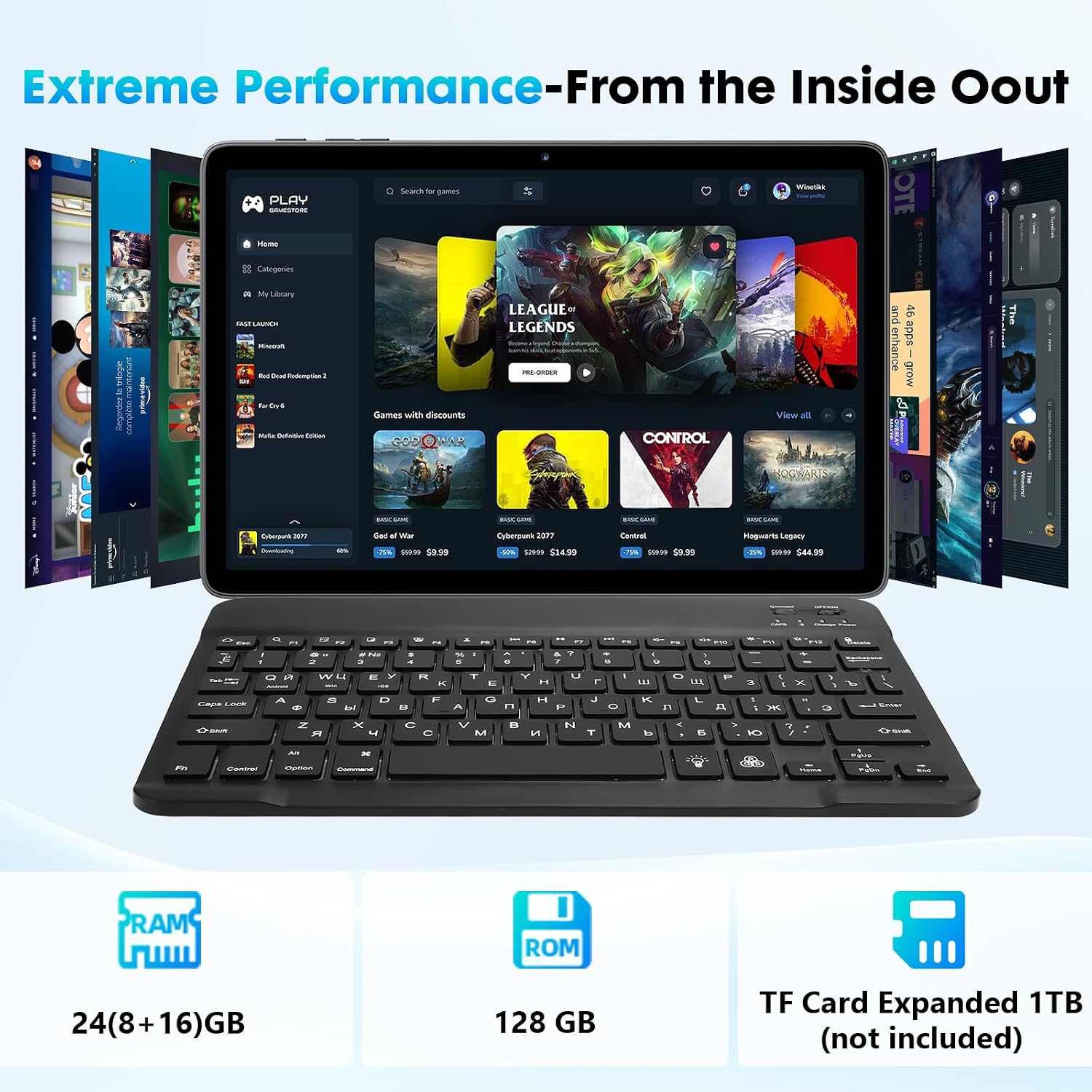
The tablet’s display is a 10-inch IPS touchscreen with a 1280x800 HD resolution. For reading and general video playback, that’s a sensible spec line—especially at this size—because it keeps text and media readable without overcomplicating things.
For cameras, it’s listed as a 5MP + 8MP dual setup, intended for general video chatting and everyday snapshots. Again, that’s fine for casual needs, but it doesn’t read like a flagship camera system—so if photography quality is your main priority, you may want to temper expectations.
Battery and connectivity: easy life, fewer hassles
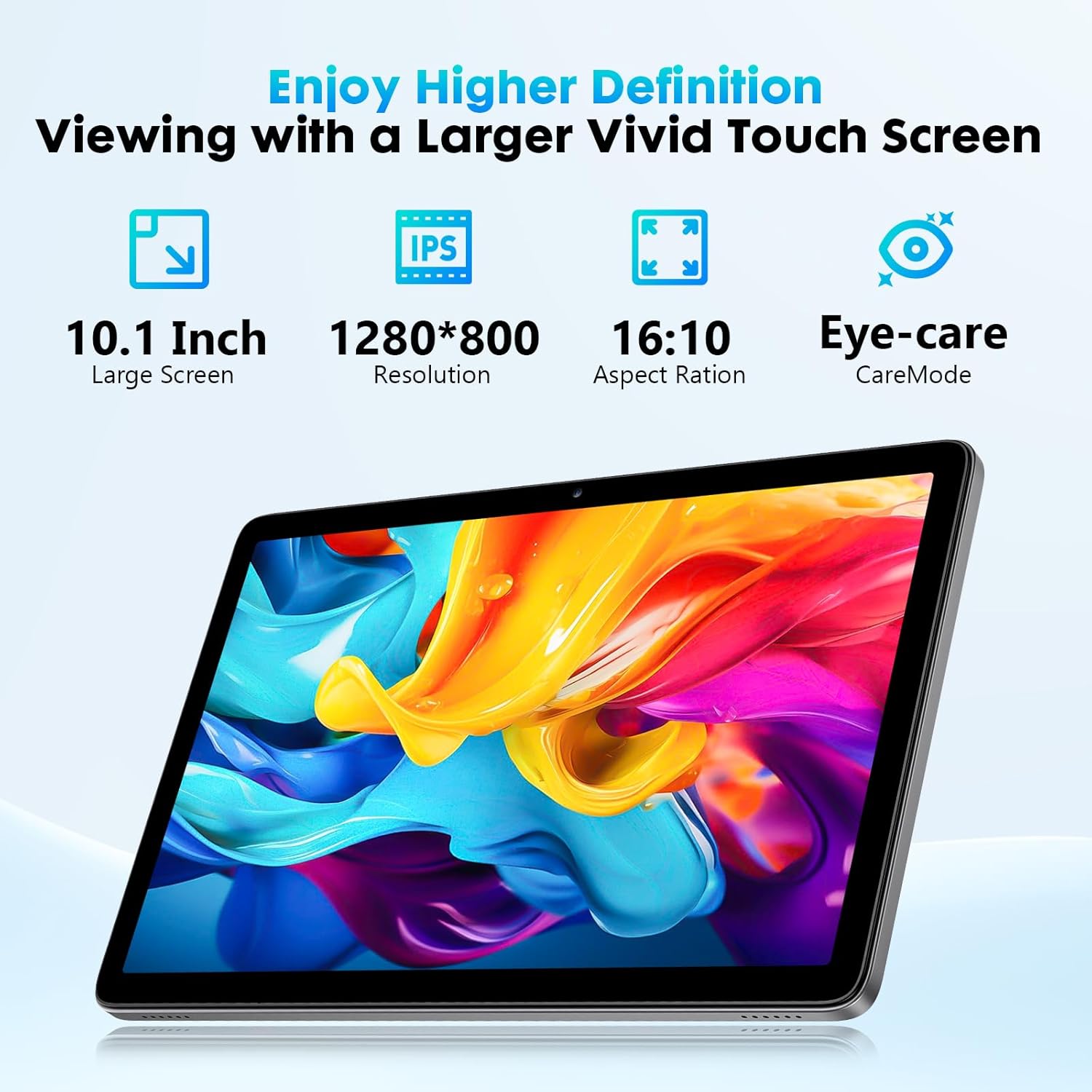
The 6000mAh battery is one of the most reassuring points in the description. The idea is that it supports reading, web browsing, video watching, and music with enough endurance for daily routines and travel.
On connectivity, it supports Wi‑Fi 2.4G and Bluetooth 5.0, plus a USB-C port for data transfer and charging. It also supports GPS location and face recognition (as stated in the base description). These features are the kind that reduce friction day to day—especially if you travel, study on the move, or move between home and coffee shops.
Worth noting: the base description only calls out Wi‑Fi 2.4G. If you rely heavily on 5G Wi‑Fi speeds at home for streaming or faster downloads, you’ll want to factor that in.
What you’ll notice with the keyboard & mouse bundle
Including a keyboard and mouse is a meaningful difference versus many entry-style tablets that only come with a charging cable and a stylus-free setup. The bundle can make navigation, typing, and basic document-style work noticeably easier.
However, it can still feel like a “tablet with peripherals” rather than a full laptop replacement—depending on your apps and workflow. If your definition of productivity involves heavy spreadsheet work, complex desktop-class software, or long multitasking sessions, you may find it’s more of a convenience tool than a true workstation.
Key takeaways before you buy
Before pulling the trigger, it’s smart to double-check the basics that affect your daily experience: - Confirm that Android 15 app support matches what you need (the description says it supports more applications, but your specific apps still matter). - Consider the Wi‑Fi 2.4G detail if your network runs on faster bands. - Think about storage needs: 128GB plus up to 1TB expandable can be helpful, but you’ll want to plan how you’ll use the expansion. - If face recognition is important to you, check how you expect to set it up in your typical use.
It’s a tablet that makes a lot of sense if you’re buying for entertainment, reading, learning, and lighter productivity with included input tools.
Is it worth it?
This Aobante 10-inch Android 15 tablet is worth considering if you want an everyday Android tablet with a solid storage setup (128GB plus expandable storage), a 10-inch IPS HD touchscreen, a 6000mAh battery for routine use, and a keyboard + mouse that can genuinely improve typing and navigation.
You may want to skip it if you’re expecting top-tier performance under heavy workloads, premium display quality beyond basic HD needs, or a camera experience focused on high-quality photography. Also, if your home Wi‑Fi is mainly optimized for faster bands, the 2.4G focus means you should sanity-check your streaming and download expectations.

Mini FAQ
What is this tablet best for?
Based on the description, it’s geared toward watching videos, learning, video chatting, and reading e-books—plus general app use on Android 15.
How much storage does it offer?
It’s listed with 128GB ROM and 24GB RAM (8+16GB), and it supports additional expansion up to 1TB.
Does it include a keyboard and mouse?
Yes—the product name specifies a tablet with keyboard and mouse.
Does it support charging and data transfer through USB-C?
Yes, the description mentions a USB-C port for charging and fast data transfer.
Is the Wi‑Fi limited?
The description specifically mentions Wi‑Fi 2.4G along with Bluetooth 5.0, so it’s worth checking if that matches your network setup.