

devolo Magic 2–2400 Mesh Wi-Fi 5 Next add-on adapter for Magic Powerline networks
Product description
If you already have a devolo Magic Powerline setup, this add-on adapter is meant to extend it without turning every extra room into a wiring project. The idea is simple: use your existing devolo Magic network as the base, then add this unit where you want better coverage.
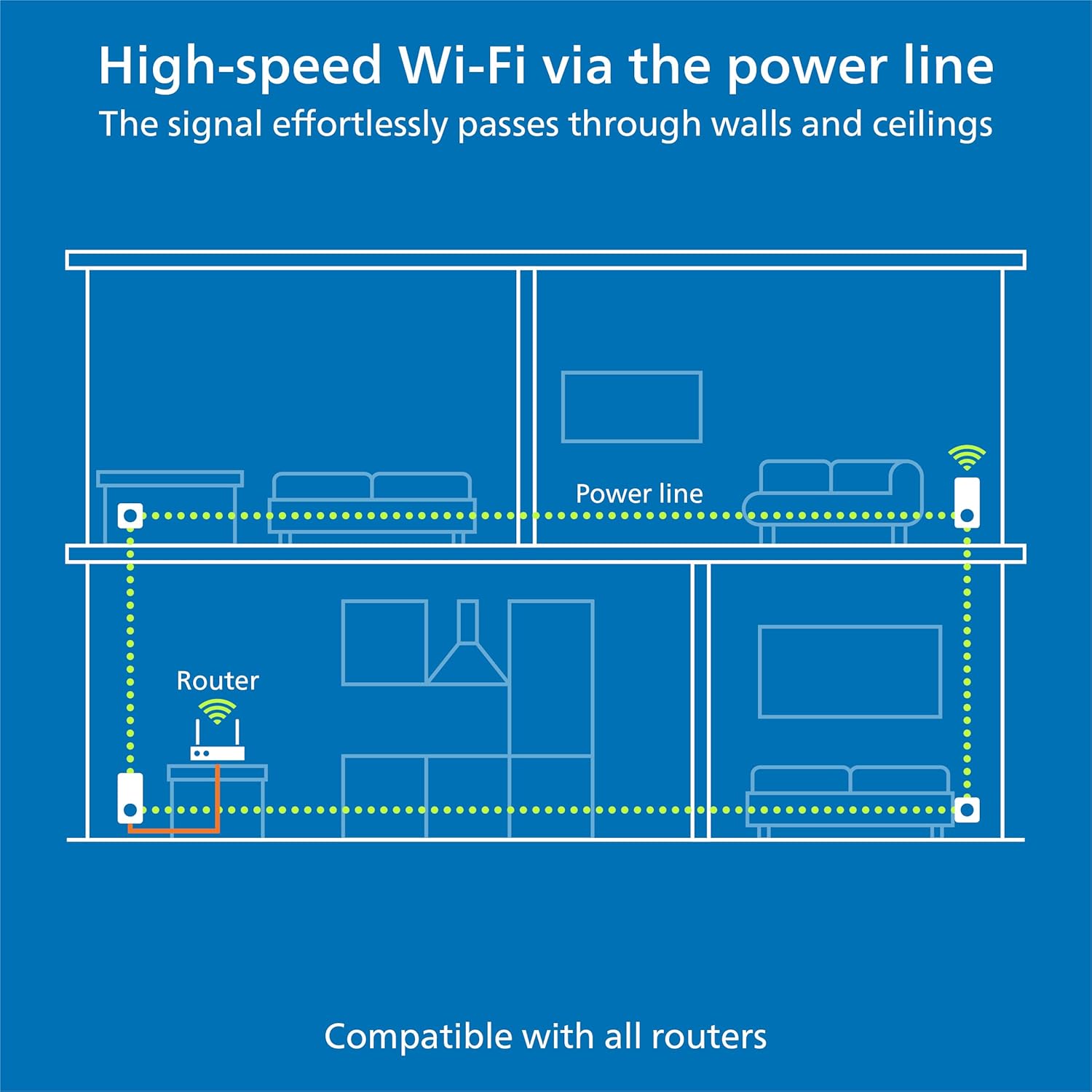
On paper it leans on two strengths at once: powerline for getting internet around your home via the electrical wiring, and Mesh Wi-Fi 5 for seamless reception inside the room you’re working (or streaming) from. That combination can be very handy if you’ve ever tried to improve Wi-Fi coverage and ended up with dead spots, slow buffering, or a network that just doesn’t behave consistently.
What it is and what it’s for
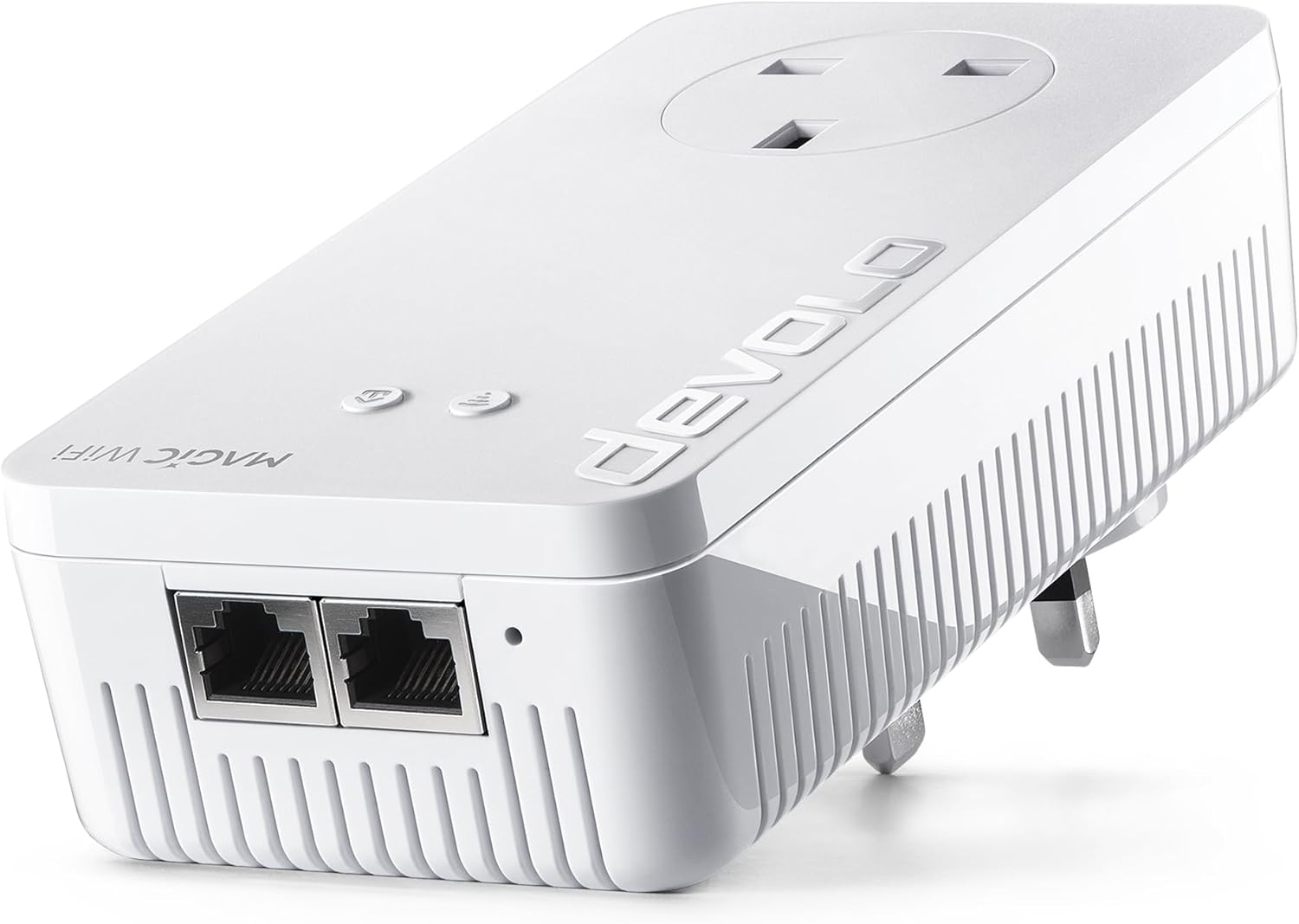
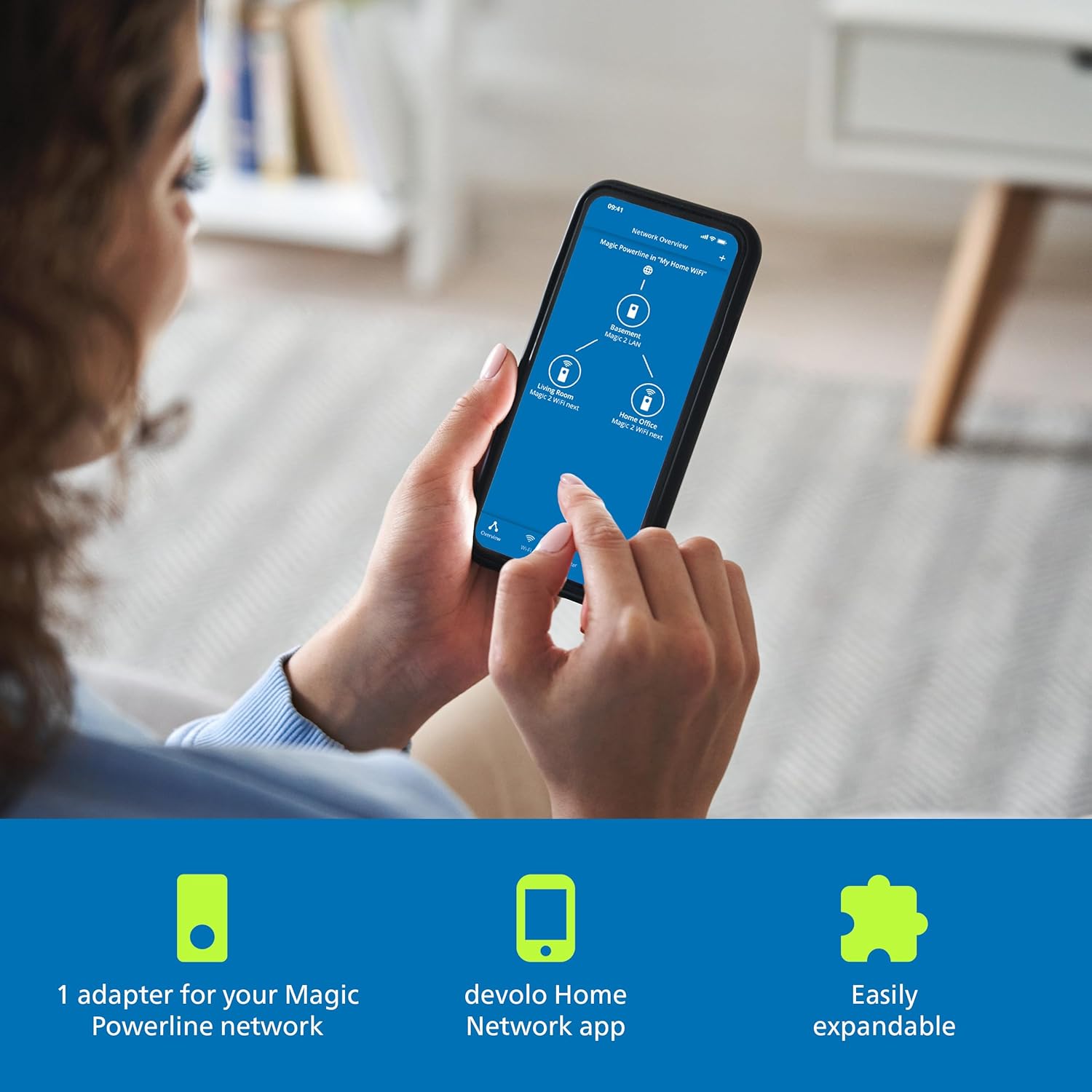
This is 1 add-on adapter in the devolo Magic 2 WiFi next line, designed for straight-forward expansion of an existing devolo Magic Powerline network. In plain terms, you’re not replacing your router—you’re extending the way your connection reaches different rooms.
It’s positioned for buyers who want more reliable coverage for everyday use like home working, streaming, video calls, or general browsing, especially where Wi-Fi alone doesn’t reach comfortably through ceilings and walls. The unit’s “mesh” approach is also aimed at reducing the annoyance of Wi-Fi that switches inconsistently as you move around.
Key takeaways (the practical benefits)
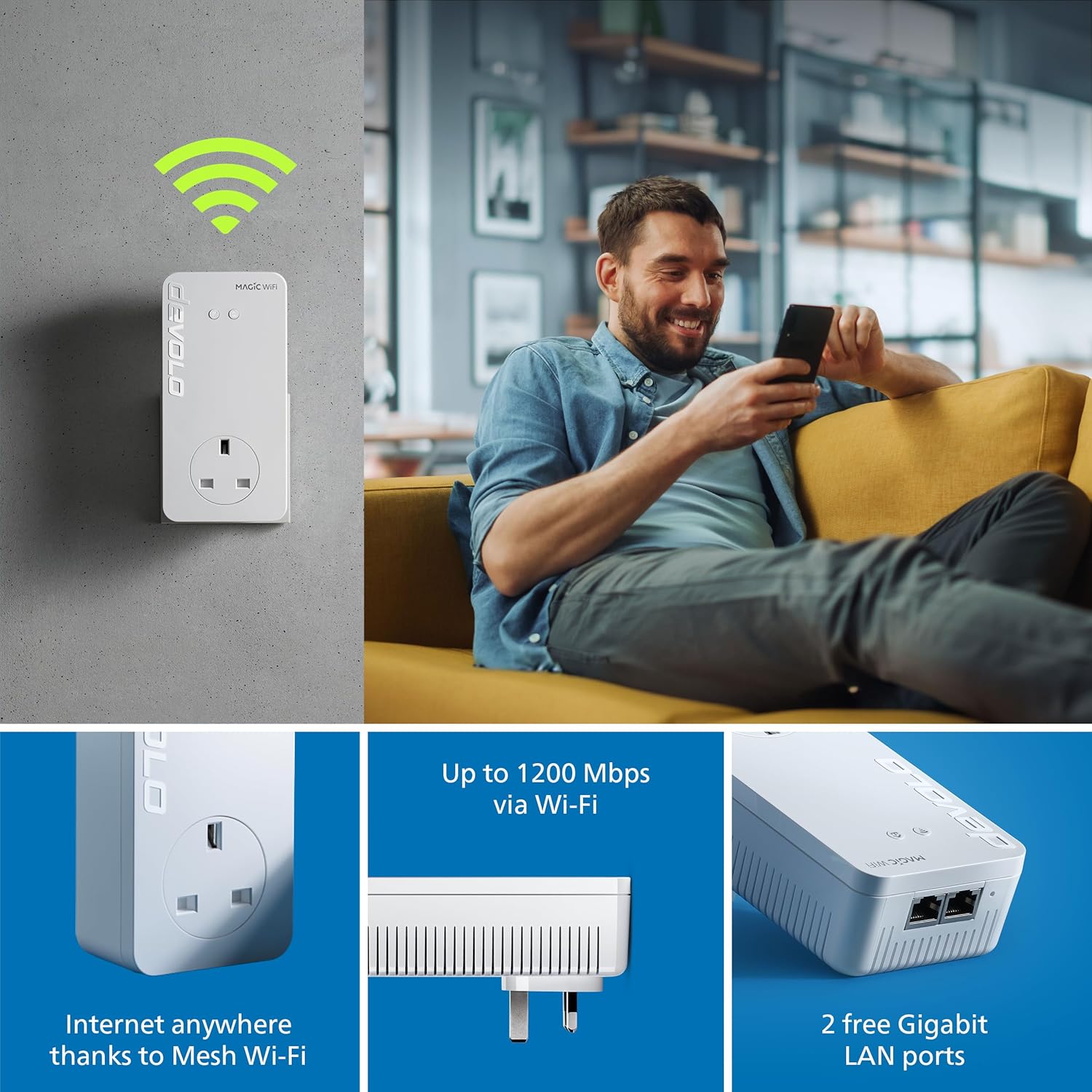
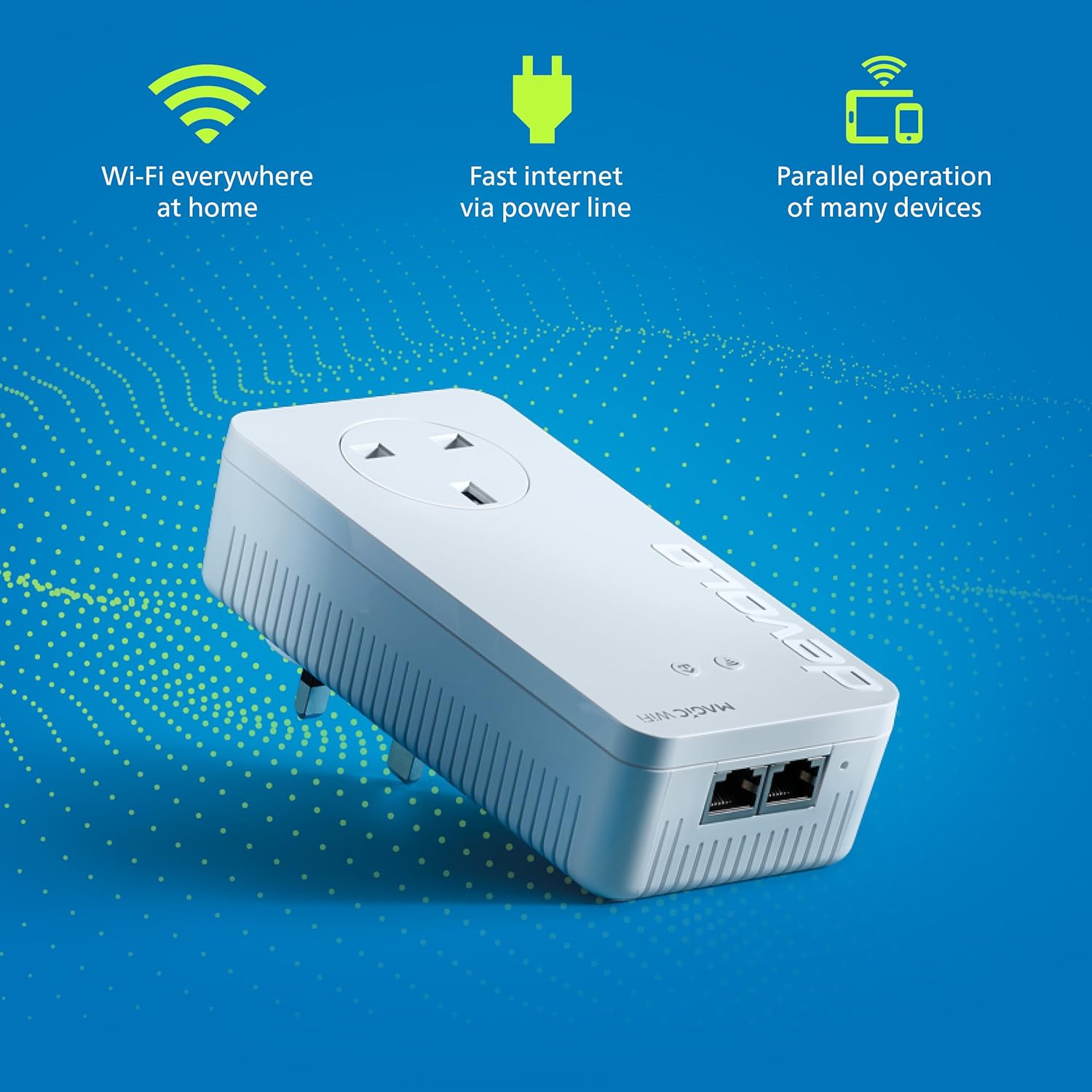
The standout concept here is “seamless” Mesh Wi-Fi reception up to 1200 Mbps, alongside powerline capability up to 2400 Mbps. The benefits of that approach are fairly clear: you get a way to push internet through the home’s existing wiring, and then provide Wi-Fi in the specific room(s) you add the adapter to.
It also comes with 2× Gb LAN ports, which is useful if you have a device that doesn’t need to rely on Wi-Fi—think a desktop PC, a smart TV that prefers Ethernet, or a games console. It’s not always about maximum Wi-Fi speed, it’s about having a dependable option when the room matters.
One limitation to factor in: the entry wording says it’s “not downward compatible”. That can matter if you’re trying to mix it with older devolo generations.
Where it shines in daily use
Imagine you’re working in a spare room or converted office on a different floor. Wi-Fi might be “good enough” from the living room, but video calls stutter when someone turns on streaming upstairs. With a Magic Powerline network already in place, adding this adapter aims to bring the connection into that room more effectively—then you can use Mesh Wi-Fi reception there without constant switching.
It’s also the kind of add-on that fits well if you’re setting up a small multi-room routine: for example, streaming in the evening in one room while someone else works in another. You’re not just boosting one corner, you’re targeting the room you actually care about.
What you should double-check before buying
Before committing, make sure your existing network matches the requirements.
- Compatibility expectations: The base information states it can be combined with all devolo Magic adapters, but dLAN series adapters are not supported.
- Compatibility direction: It also says Latest G.hn generation, not downward compatible. If your current setup is older, you may want to confirm you’re not assuming backwards support.
- Your goal: this is for expansion of a devolo Magic Powerline network. If you’re starting from scratch (or you don’t have devolo Magic Powerline already), you may find the “add-on” framing doesn’t line up with what you need.

Specs in context (without getting lost in numbers)
This unit is built around a powerline-and-mesh approach. The provided details include powerline speed up to 2400 Mbps and Mesh Wi-Fi 5 reception up to 1200 Mbps, which is the rationale behind its “next” add-on role.
It also mentions G.hn as the latest generation referenced in the description, plus the 2× Gb LAN ports for wired connections.
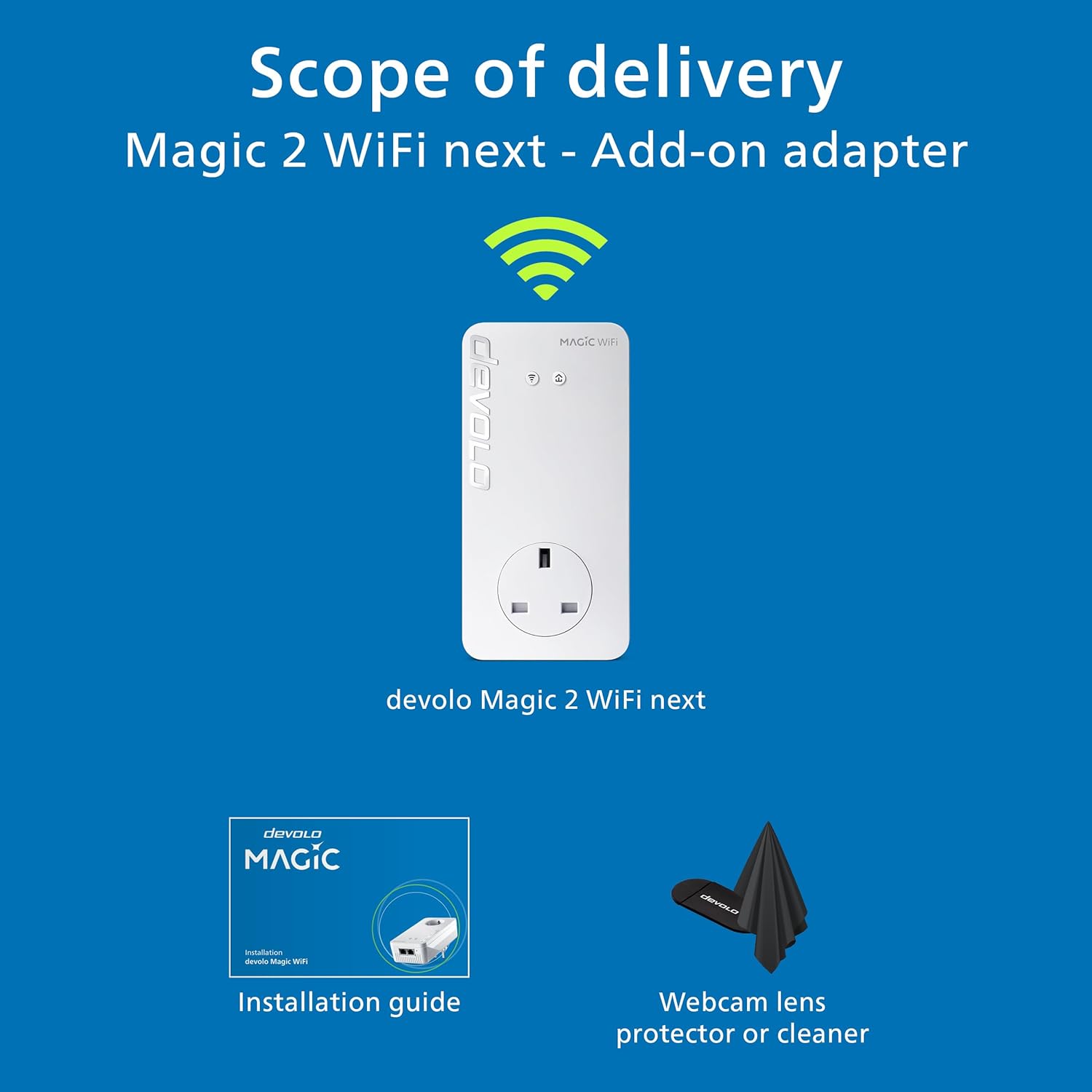
Finally, the delivery includes the adapter, an installation guide, and a “webcam lens protector or cleaner”. That last bit is a small inclusion, but it doesn’t change the core value: you’re buying an add-on networking adapter.
Who it suits (and who should skip it)
It makes sense if you already own a devolo Magic Powerline network and you want to extend coverage to another room—especially for stable home working and smoother streaming.
It may not suit you if you’re looking for a standalone Wi-Fi router replacement, or if your current devolo kit is based on dLAN series adapters (which the description says isn’t supported). Also, if your existing hardware is from an older generation, the “not downward compatible” note is something you shouldn’t ignore.
Mini FAQ
Final verdict
Buy this add-on if you already run devolo Magic Powerline and you want to extend reliable connectivity into the rooms where Wi-Fi struggles—using Mesh Wi-Fi 5 for more consistent reception, plus powerline to get the connection through walls and ceilings.
Skip it if you’re not on the devolo Magic Powerline path, or if your current setup includes dLAN series adapters, or if you need backwards compatibility with older devolo generations. In those cases, the “add-on” wording and the compatibility notes suggest you’d likely end up spending effort (and money) on the wrong direction.
If you want, tell me what devolo adapters you already have (model names are enough) and which rooms you’re trying to improve, and I’ll help you sanity-check whether this kind of add-on fits your layout and expectations.