

Yigeliter 72GB Magnetic Digital Voice Recorder (5200Hrs) with Voice Activation and USB-C Audio Dictaphone
Product description
If you need a recorder that starts when it matters, the Yigeliter 72GB Magnetic Digital Voice Recorder is built around two practical ideas: capturing speech clearly in real-world noise, and making storage/transfer easier when you’re done.
It’s aimed at people who record lectures, meetings, interviews and day-to-day moments, not at anyone looking for a full-blown studio setup. That said, it does try to cover the basics properly—especially with voice-activated recording and automatic audio playback that focuses on vocals.
The essentials
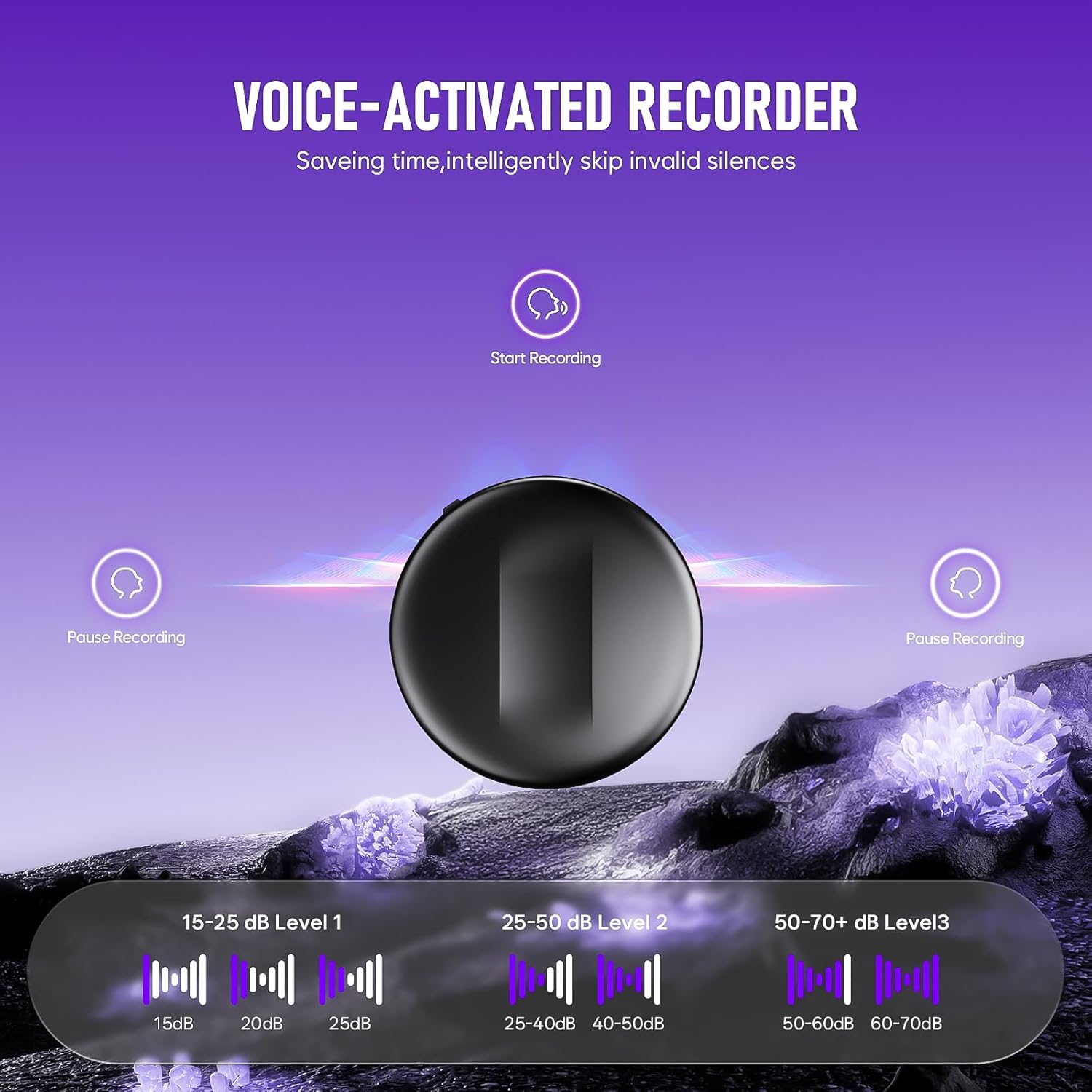
This portable digital voice recorder uses an intelligent voice activation feature (VOA), meaning it automatically begins recording when sound is detected and pauses during quieter gaps. On paper, that helps save both battery life and storage space—useful when you’re capturing long sessions where silence is common.
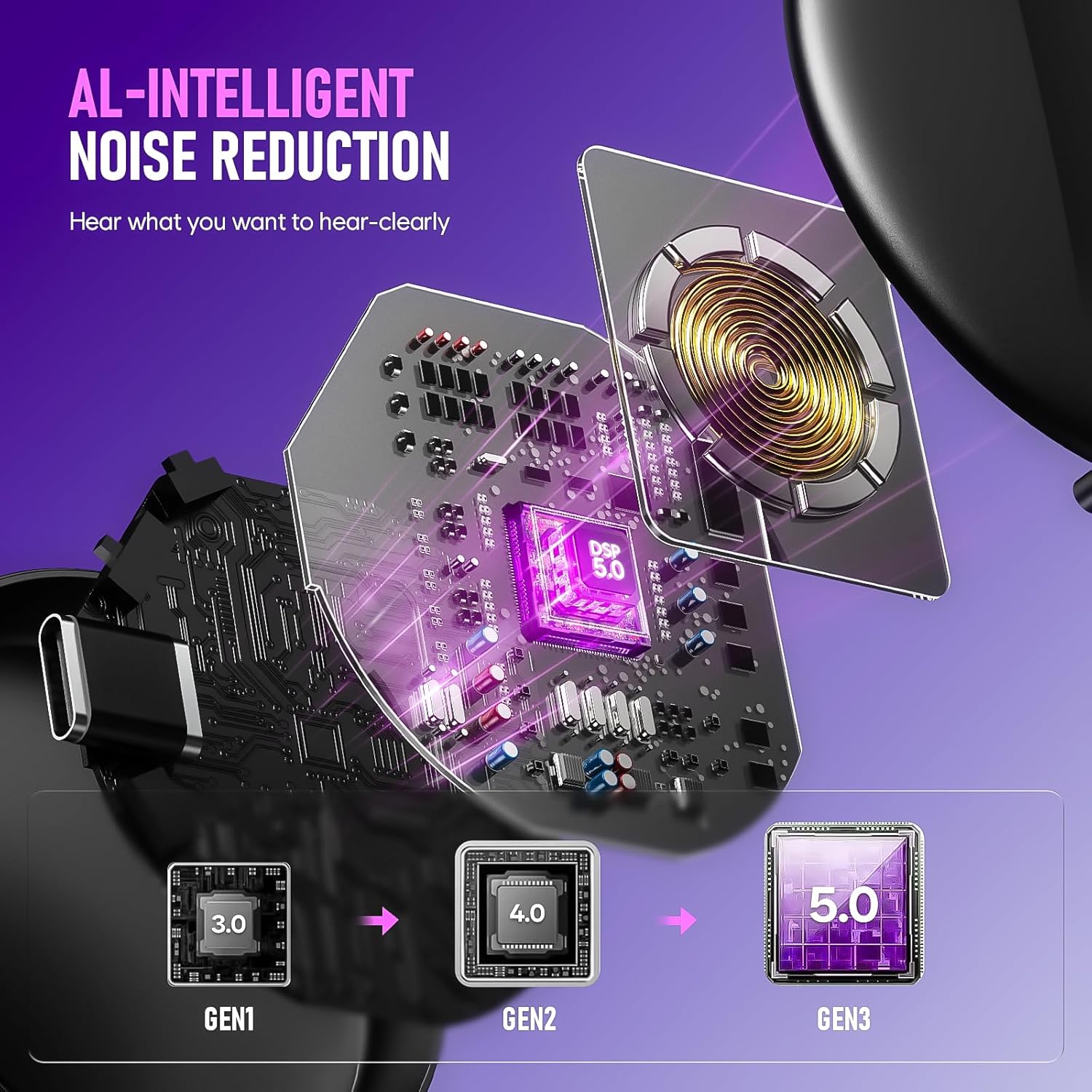
It also leans on AI noise reduction, described as “triple AI noise reduction” via advanced microphones. The claim here is that playback can optimally identify ambient sounds for clearer vocals, which is exactly the sort of thing you tend to want when someone is speaking over a room that’s doing its own thing (air con, chatter, movement in the background).
What stands out in everyday use
The headline storage figure is 72GB. The manufacturer states it can store up to 5200 hours of recording files, and mentions an extra-long 74 hours of battery life. For anyone who routinely records long lectures or back-to-back meetings, that’s the kind of capacity you buy for: fewer interruptions and less “did it run out?” stress.
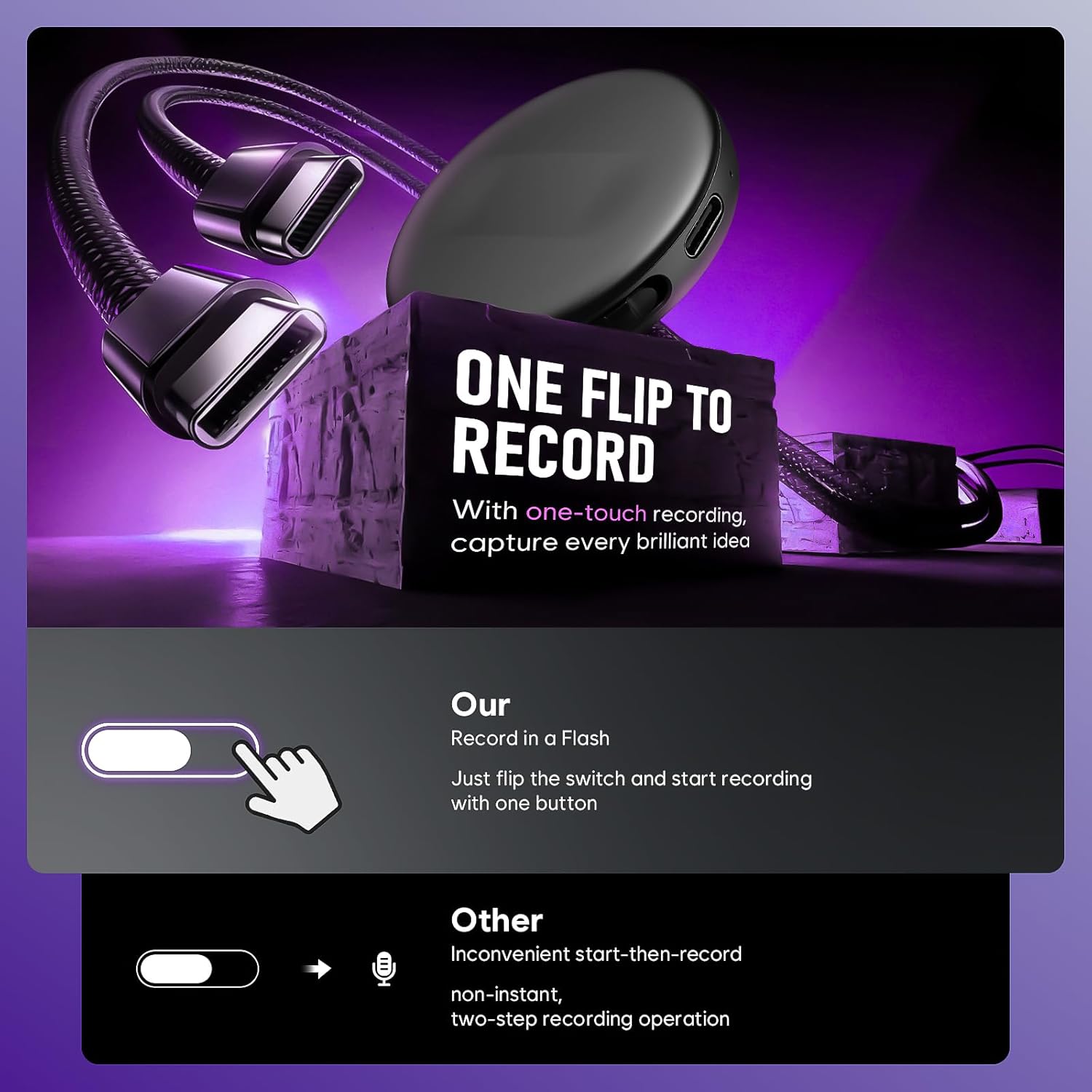
There’s also a simple one-touch approach: switch on and you’re recording, with minimal fuss. It’s designed to be compact enough to fit into a purse, pocket, or briefcase, so it suits students and office users who want something you can take with you.
A small but potentially helpful detail is that the files are named by the specific time you start recording. If you’ve ever had to hunt through a long list of recordings later, time-based naming is one of those quiet upgrades that makes retrieval less painful.
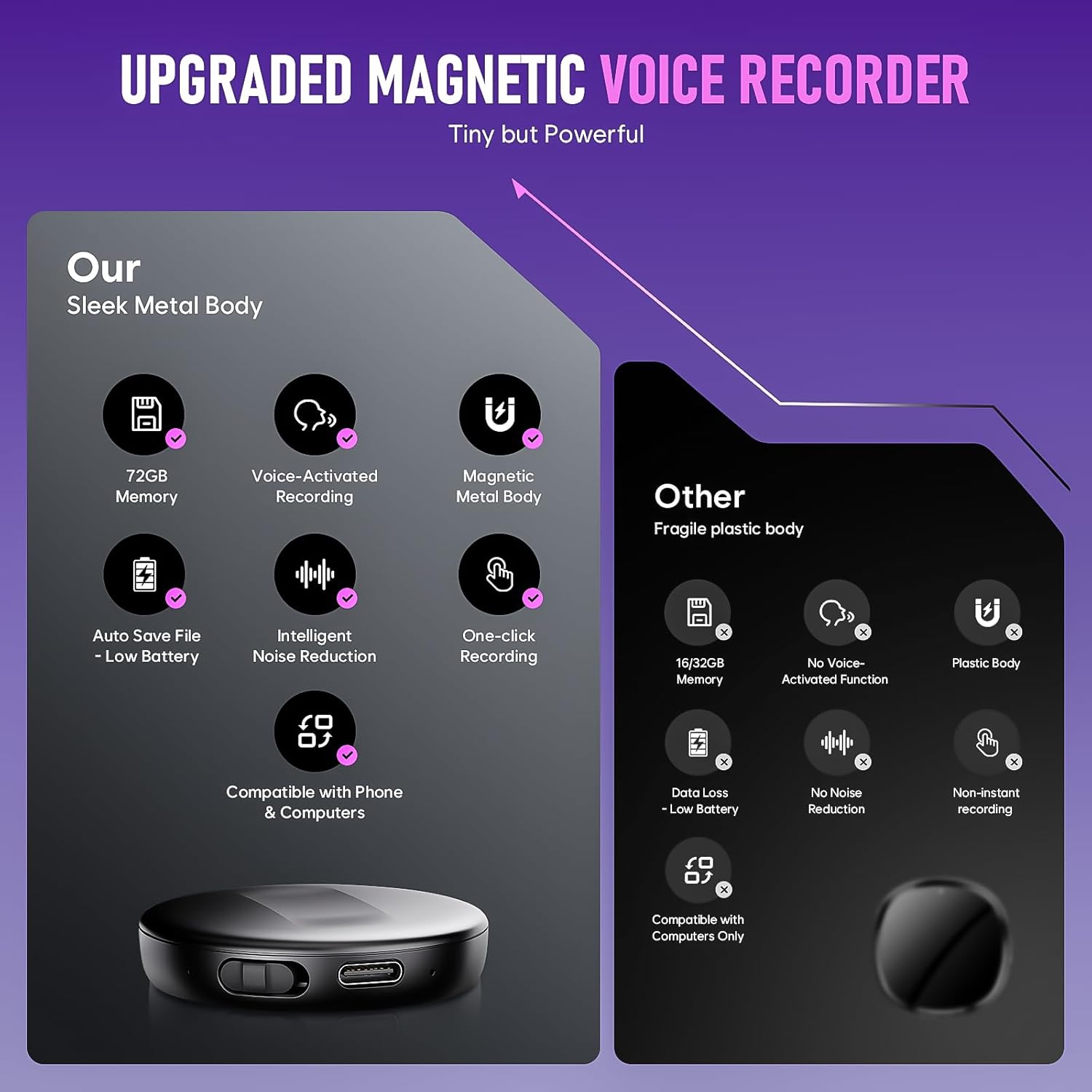
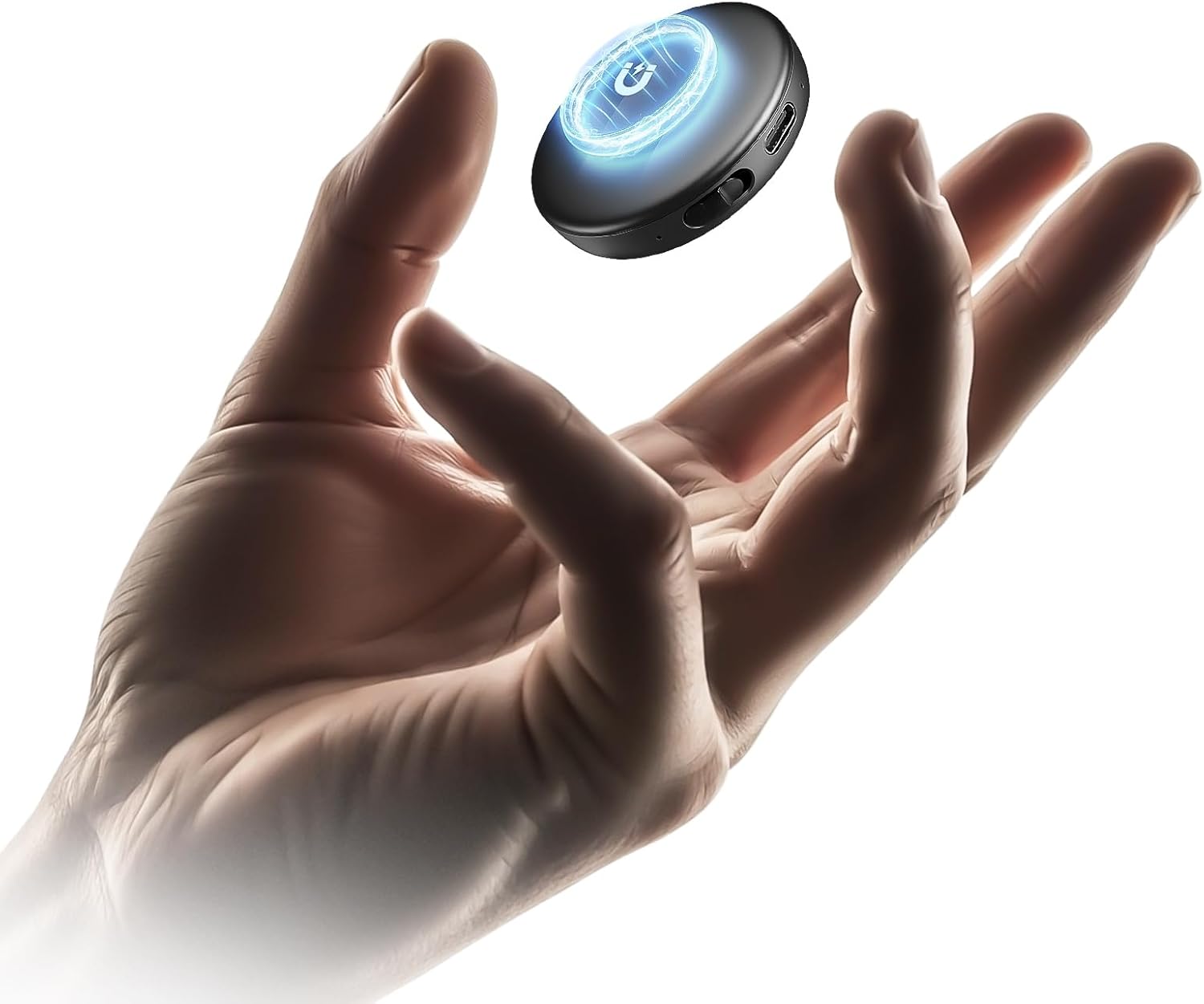
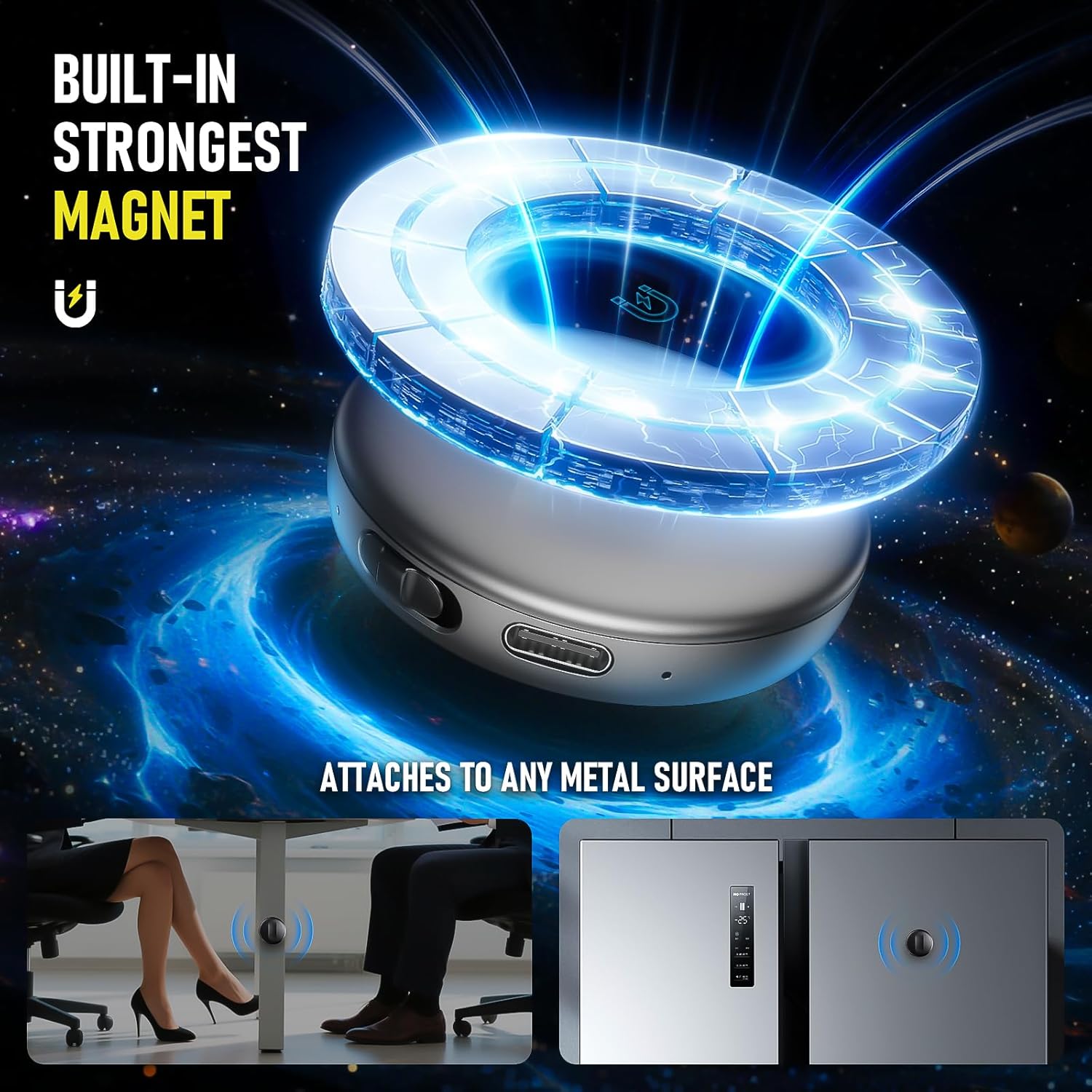
And yes, it’s magnetic. The entry describes it as a “magnetic” recorder, but it doesn’t spell out mounting options—so if you’re buying for a particular placement, it’s worth checking the packaging/guide to see how you’re expected to secure it.
Noise reduction and voice activation: the real-world angle
AI noise reduction and VOA function are the two features that matter most for speech recording. If your use case is mainly voice—presentations, teaching, interviews—then these are sensible features to prioritise.
However, it’s still worth being realistic about expectations. “Clearer vocals” depends a lot on distance, microphone placement, and how chaotic the environment is. If you’re recording far away from the speaker or directly next to a loud noise source, it may not work miracles. It can be a very workable tool, but it’s not a replacement for careful positioning.
The VOA pause/resume behaviour can also be a limitation if you want continuous recording. If you regularly need uninterrupted audio (for example, someone speaking intermittently with quick back-and-forth), you may find it needs a bit of attention so you don’t miss a short moment when the recorder thinks it’s “silent”.
Tech overview (what you can verify from the listing)
- Type: Portable digital voice recorder / dictaphone
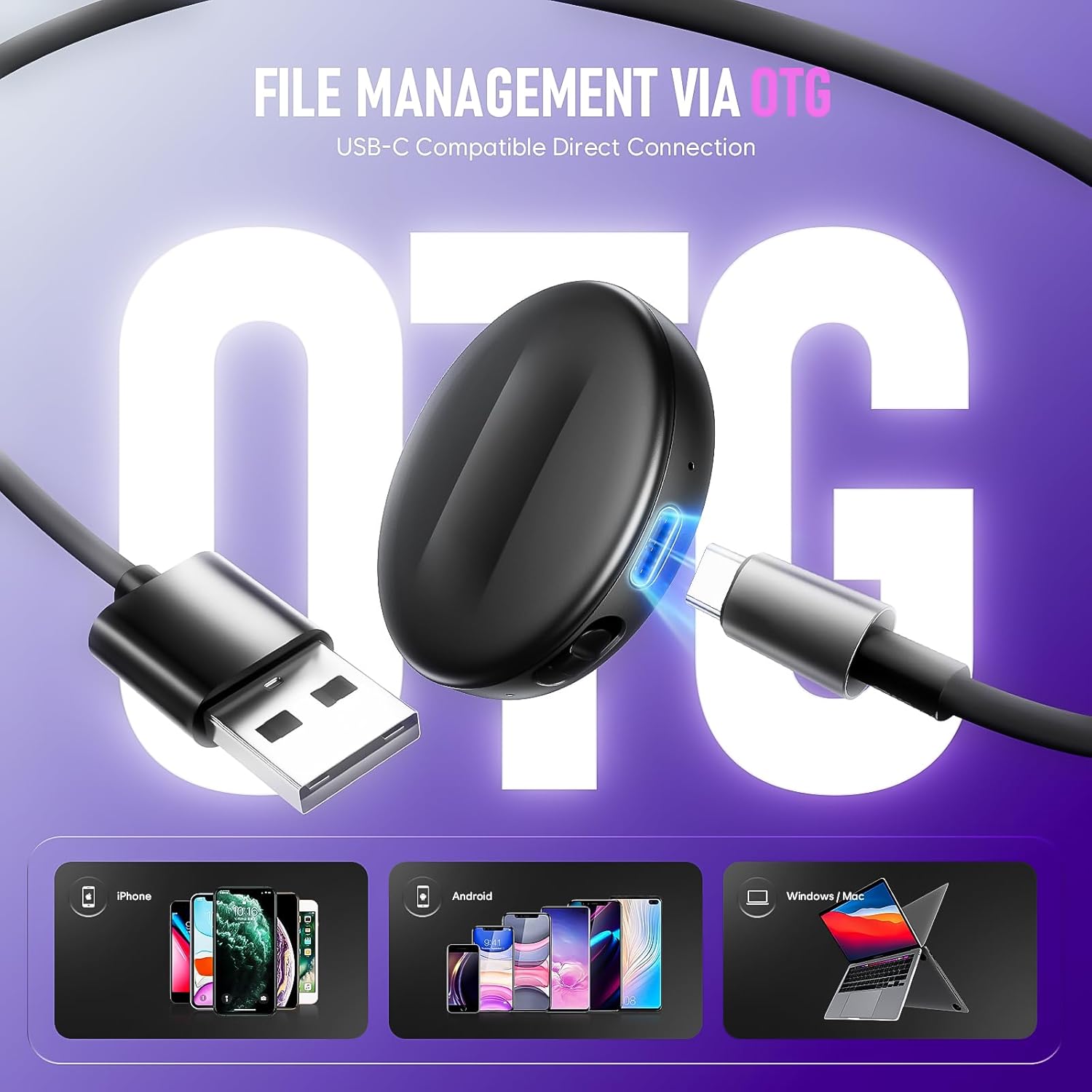
- Format/connection: USB-C and OTG connection for transferring to a computer or phone
- Storage: 72GB internal memory
- Battery life (stated): up to 74 hours
- Recording capacity (stated): up to 5200 hours
- File organisation: recordings named by the time you start recording
- AI features (stated): triple AI noise reduction and VOA (voice-activated recording)
- Included materials (stated): instructional video and a user-friendly manual
Who it’s for (and who should look elsewhere)
It makes sense if you’re buying a recorder for lectures, meetings, interviews, or similar situations where voices are the priority and you want a device that’s easy to start and easy to manage later.
It may not be the best match if you need uninterrupted, always-on recording without automatic pausing, or if you require highly specific audio setup and processing. Also, if you’re very sensitive to file handling details (folder structures, exact compatibility beyond “Phone and Windows”), you’ll want to double-check what the USB-C/OTG transfer process looks like on your device before committing.
Getting the most from it
A simple routine can make a big difference: start the recorder before the session begins, then keep it somewhere consistent (close to the speaker, not hidden under papers). With VOA enabled, that small habit helps avoid awkward gaps when voices start.
When you’re done, transfer the files via USB-C/OTG and use the time-based naming to find the exact segment you need. For study or meeting follow-ups, that usually beats scrolling through a long list of generic “recording 001” style files.
Is it worth it?
This Yigeliter 72GB Magnetic Digital Voice Recorder is a strong “practical everyday” pick if your focus is capturing speech reliably, reducing background distractions with AI noise reduction, and saving storage/battery using voice activation. The large 72GB capacity (with the listing’s long-hour estimates) is a clear value point for people recording regularly rather than occasionally.
You might want to skip it if you absolutely need continuous recording with no pause behaviour, or if you expect studio-like clarity in very noisy or awkward placement scenarios. On balance, it feels more like a capable mid-range voice tool for work and study than a precision audio specialist.
Mini FAQ
Does it record continuously?
It uses a VOA function that starts recording when sound is detected and pauses during silent intervals, so it’s not designed as a strictly continuous recording device.
How do you move recordings to another device?
The listing says you can transfer files via USB-C or OTG connection for use with a computer or phone.
How are recordings organised?
Files are named by the specific time when you start recording, which should help you locate the right segment later.
Is it suitable for lectures and meetings?
Yes—based on the stated use cases (lectures, meetings, interviews) and the voice-activated plus noise-reduction approach.
What should you double-check before buying?
If you’re relying on uninterrupted audio, or if you have a specific setup/mounting expectation for the “magnetic” design, it’s worth checking the manual and instructional video for the practical details.