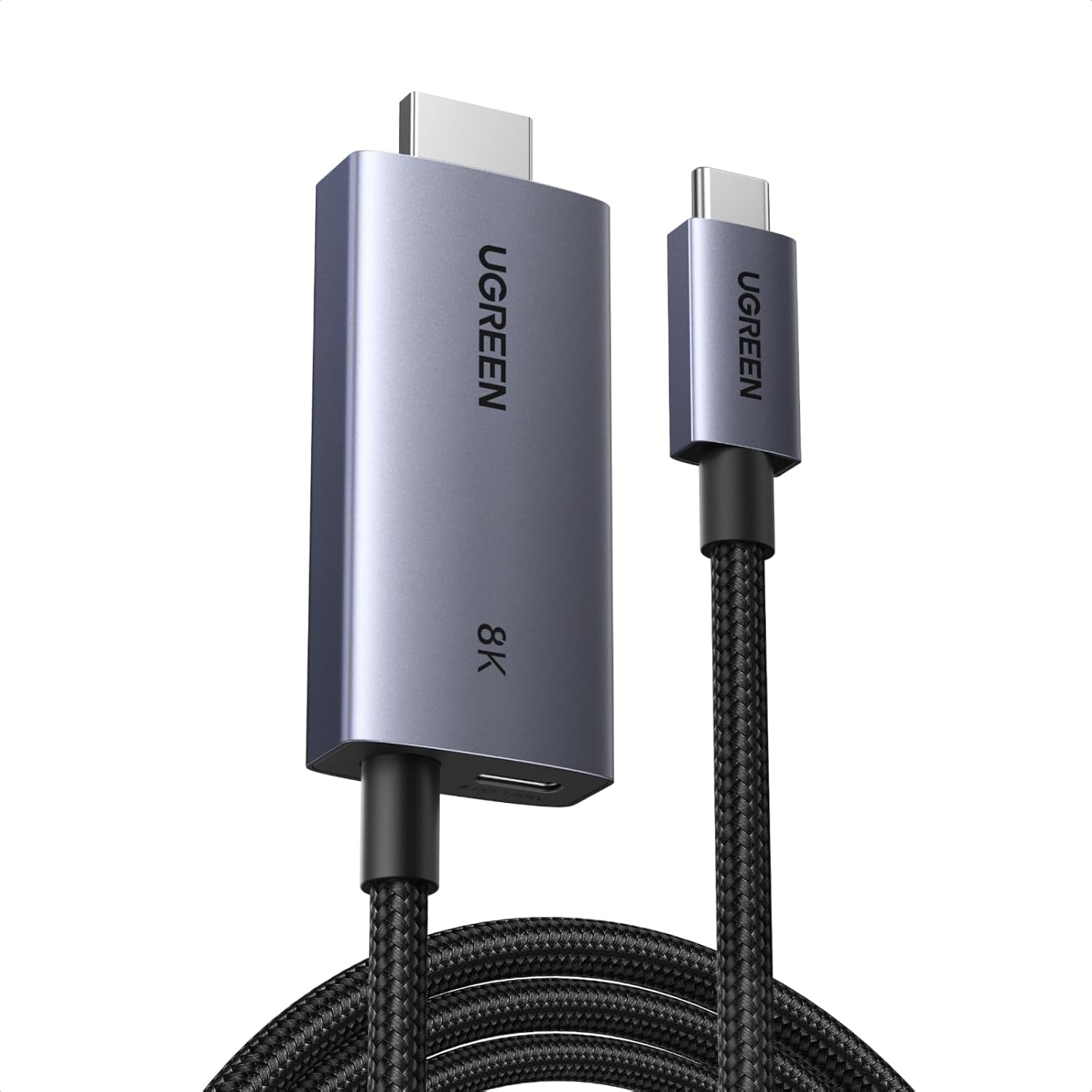
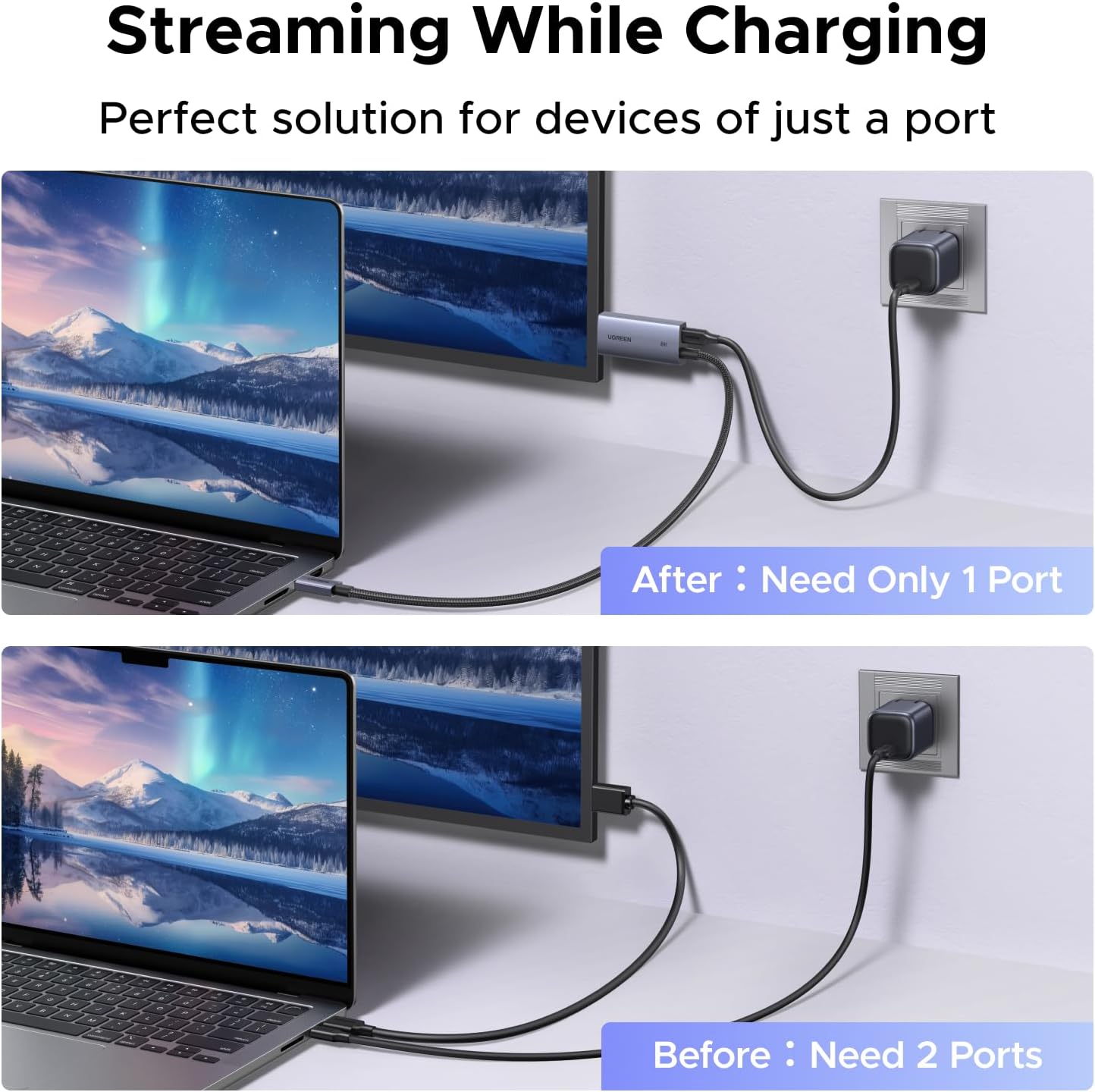
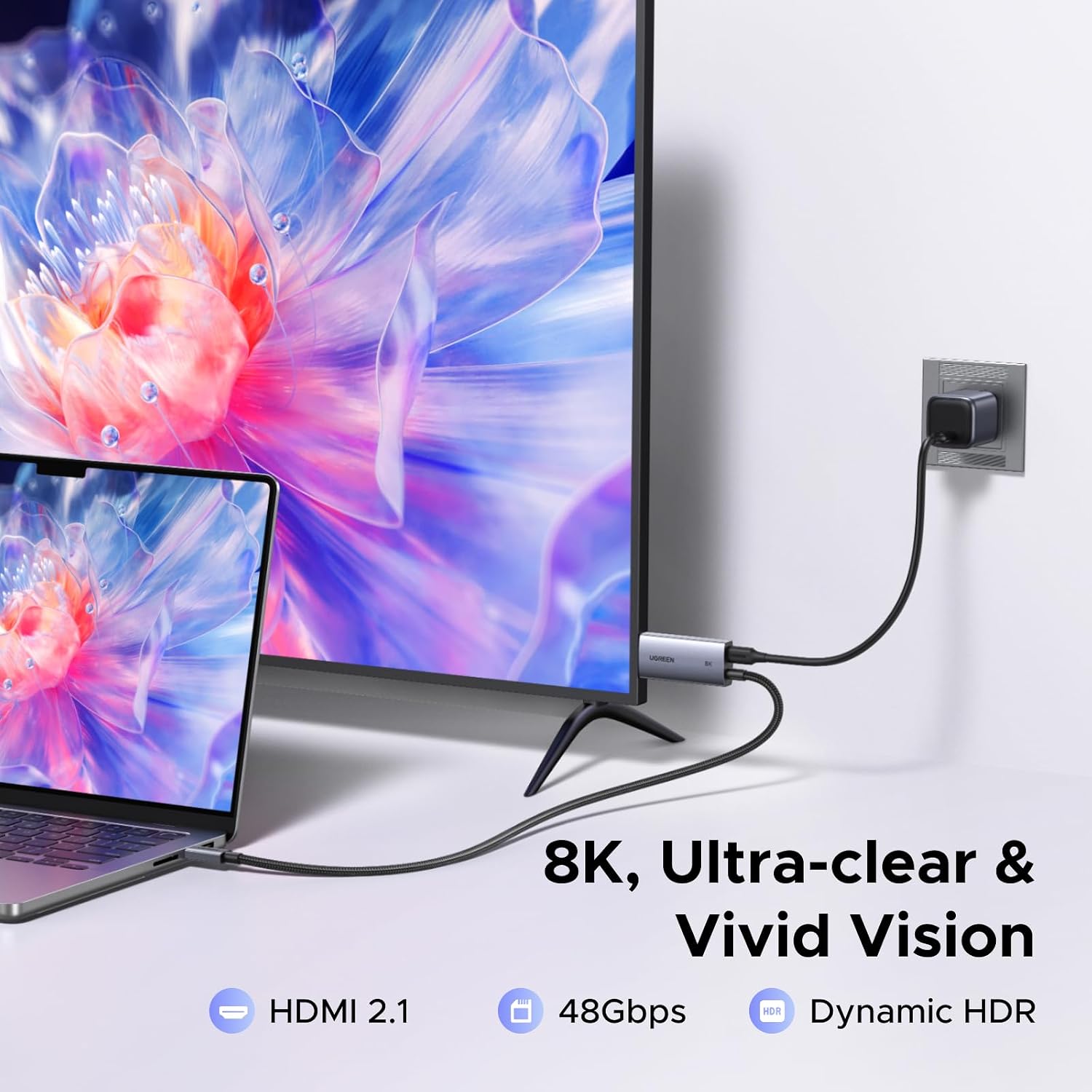
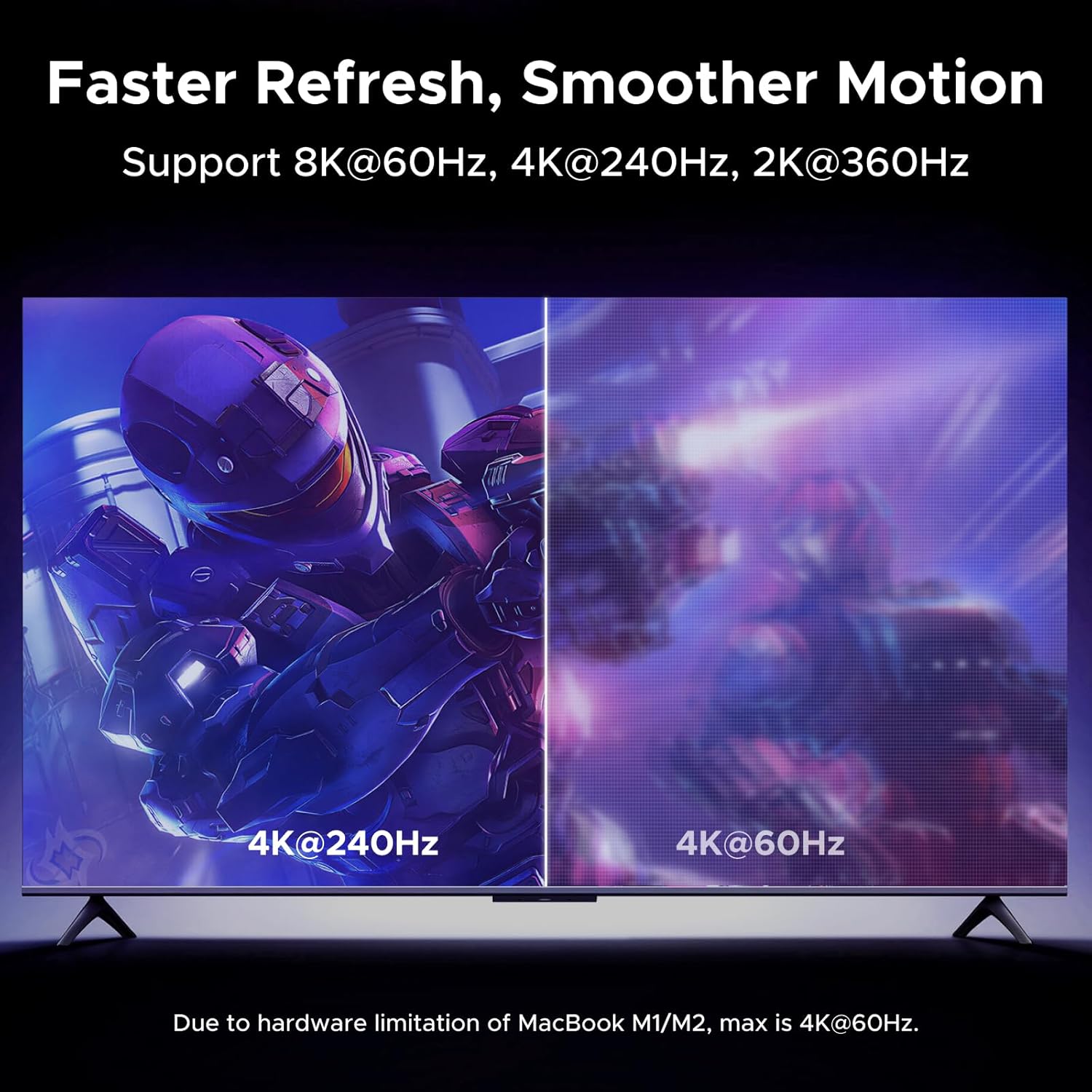
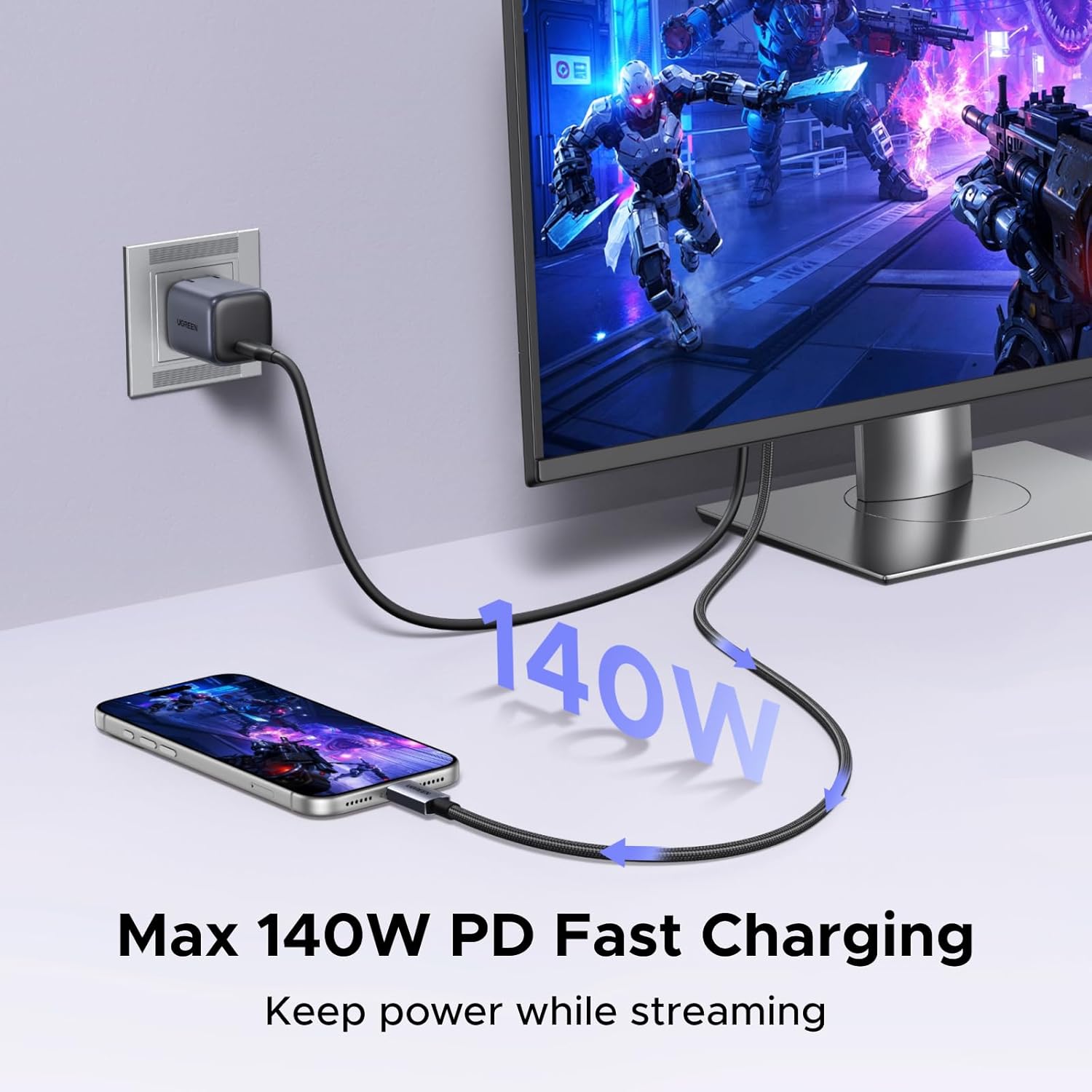
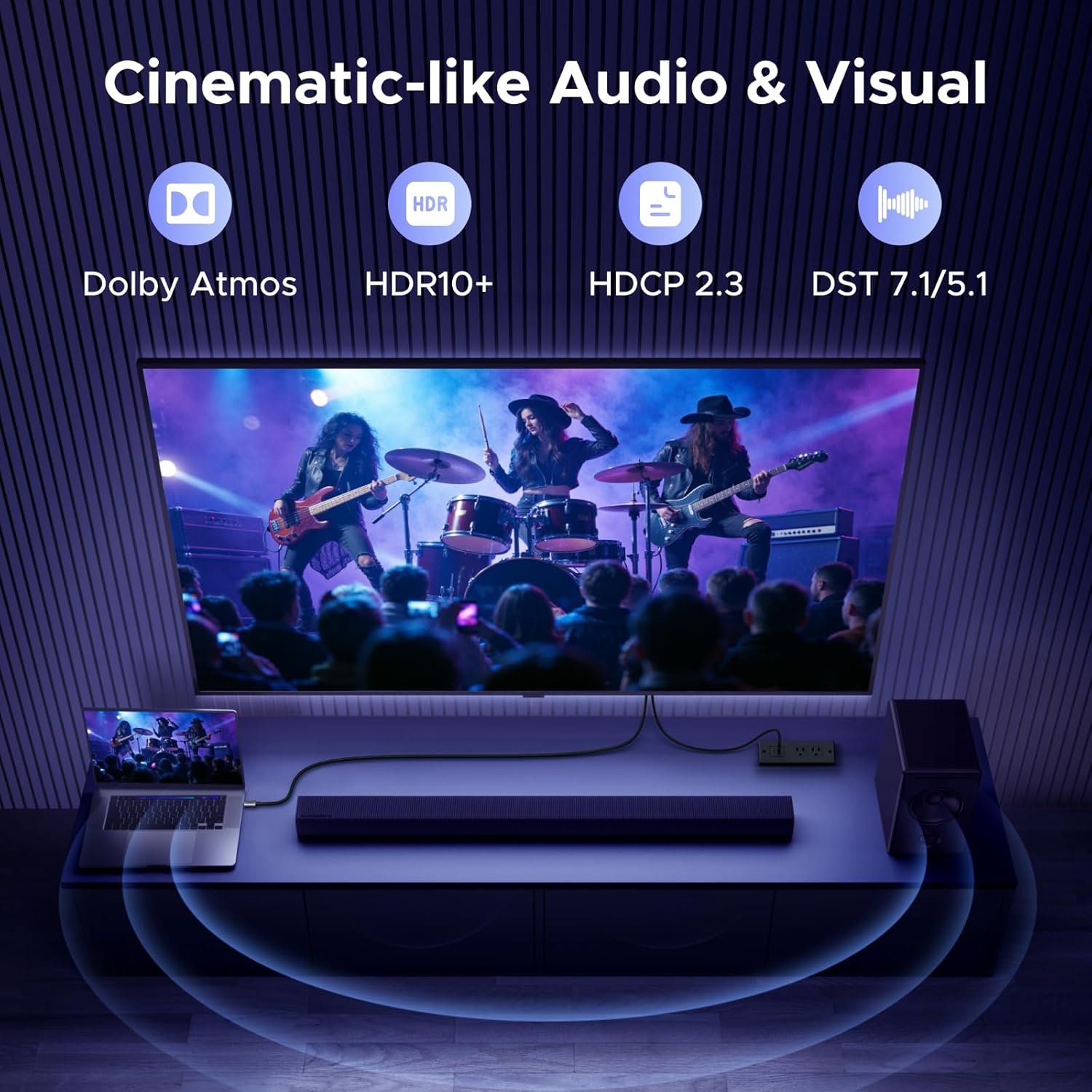
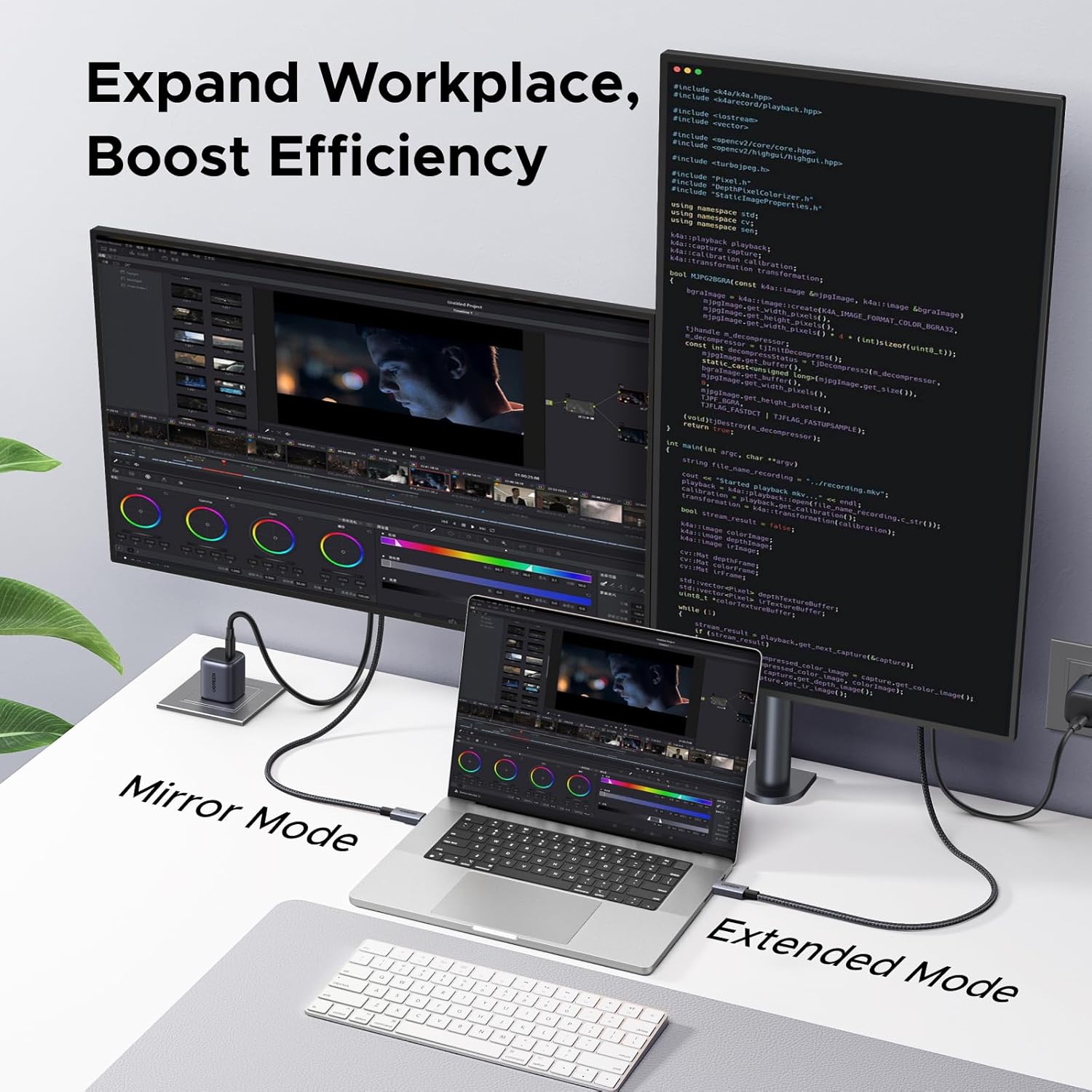
What this is and what it solves\nUGREEN’s USB C to HDMI 2.1 cable is a one‑way adaptor designed to deliver video and audio from USB‑C devices to external displays with an HDMI input. It integrates a dedicated 140W USB‑C PD charging path, so you can power a laptop, tablet or phone while casting a screen. On paper, this makes it convenient for presentations, gaming, creative work or entertainment when you want a clean, single‑cable setup without extra dongles. The build quality leans on a braided nylon jacket and an aluminium housing, which should help durability and heat dissipation in daily use.\n\n## How it performs for different needs\nWith a 48 Gbps bandwidth, the cable supports very high resolutions and refresh rates: up to 8K@60Hz, 4K@240/144/120Hz, and 1440P@360Hz. For content creators and competitive gamers, that can translate into smoother motion and more detailed visuals, provided your source and display are capable. It also supports Dolby Atmos and Dynamic HDR on compatible systems, which can enhance immersion when paired with the right equipment. However, it’s important to bear in mind that actual results depend on your devices and drivers, and some features may be limited by the source or display capabilities.\n\n## Strengths you’ll notice in day‑to‑day use\n- 2‑metre length gives flexibility for desktop or meeting room setups without overly stretching cables.\n- 140W PD charging means you’re less likely to run down while presenting or streaming.\n- Plug‑and‑play, driver‑free experience keeps setup simple for most users.\n- The single USB‑C connection reduces desk clutter if you’re using a modern ultrabook or premium tablet.\n\n## Limitations and caveats\nIt is a non‑bidirectional cable: it only sends video/audio from USB‑C devices to HDMI displays. If you need to use a display to control or feed a USB‑C device, you’ll require a different configuration. Also, to exploit 8K@60Hz or very high refresh rates, your source, cables, and display must all support those modes, otherwise you’ll tier down to lower resolutions. The length of the HDMI connector is about 77 mm, so in tight spaces you’ll want to ensure enough clearance for both casting and charging.\n\n## Who it’s for\nThis cable targets users who want a tidy, one‑cable solution to mirror or extend a notebook, tablet or gaming handheld onto a larger screen while charging. It’s particularly convenient for people who frequently present from a USB‑C device, or who prefer a single dongle‑free setup in a home or small office. It suits MacBook Pro/Air users, iPads and other USB‑C laptops, as well as some Windows devices with USB‑C/Thunderbolt 3–5.\n\n## Who it isn’t ideal for\nIf your workflow relies on bidirectional video capture, or if your system does not drive the higher refresh‑rate modes, you may not notice the full benefits. In setups where you need to drive multiple external displays or use HDMI as a power delivery target from the display side, this cable won’t replace a more feature‑rich docking station.\n\n## When to consider buying\n- You want a compact, cable‑based link from a USB‑C device to an HDMI monitor or TV with an emphasis on simple usage and charging.\n- You value a higher bandwidth option that supports high refresh rates for gaming or fast motion content, provided your hardware supports it.\n- You’d rather avoid extra adapters and keep a clean desk when working remotely or presenting.\n\n## What to check before purchasing\n- Confirm your source supports USB‑C DP Alt Mode or Thunderbolt 3/4/5 to ensure compatibility with the cable’s video path.\n- Check that your display supports the target resolution and refresh rate you expect (8K@60Hz or 4K@240Hz, etc.).\n- Ensure your power needs align with the 140W PD charging capability, some devices may draw more or less depending on the workload.\n\n## How it compares to other approaches\nFor users weighing options, a dedicated docking station or a multi‑port adapter might offer more ports or features (Ethernet, USB‑A, extra HDMI/DisplayPort). If your priority is minimal clutter and a straightforward casting/charging setup, this cable provides a focused solution without extra hubs. It’s less flexible than multi‑port solutions, but simpler to deploy and often more compact.\n\n## FAQ (practical use‑cases framing)\n- Can I use this to mirror my laptop display on an external monitor while charging? Yes, subject to device and display support for the desired resolution and PD power negotiation.\n- Will I get 8K@60Hz from all devices? Not necessarily. It depends on your source and display capabilities and the HDMI input’s version.\n- Is this suitable for gaming at high refresh rates? It can support high refresh rates if both the source and display support those modes, otherwise you may see lower limits.\n- Do I need drivers? No, it’s driver‑free and plug‑and‑play in most scenarios.\n\n## Should you buy it?\nWorth considering if you prioritise a clean, single‑cable setup with charging while extending or mirroring from a USB‑C device to an HDMI display, and your devices support the higher bandwidth modes. If you need multiple ports or bidirectional video capture, you may prefer a docking solution or alternative interface.