

llano USB Type-C to HDMI Cable (2m) for 4K@60Hz, 100W PD and HDR/Dolby Atmos support
Product description
If you want a straightforward way to mirror your USB‑C device onto an HDMI TV or monitor, this llano USB Type‑C to HDMI cable is built for that job. It’s a one-way Type‑C to HDMI lead (so think “connect and display”, not “HDMI to USB‑C”). The headline features are high-resolution support, high refresh options for smoother visuals, and a 100W PD USB‑C port for charging at the same time.
That said, cables like this live and die by the details of your device and what you expect from the signal. If you’re after something for bidirectional switching or fancy setup tweaks, you may feel a bit constrained.
Key takeaways
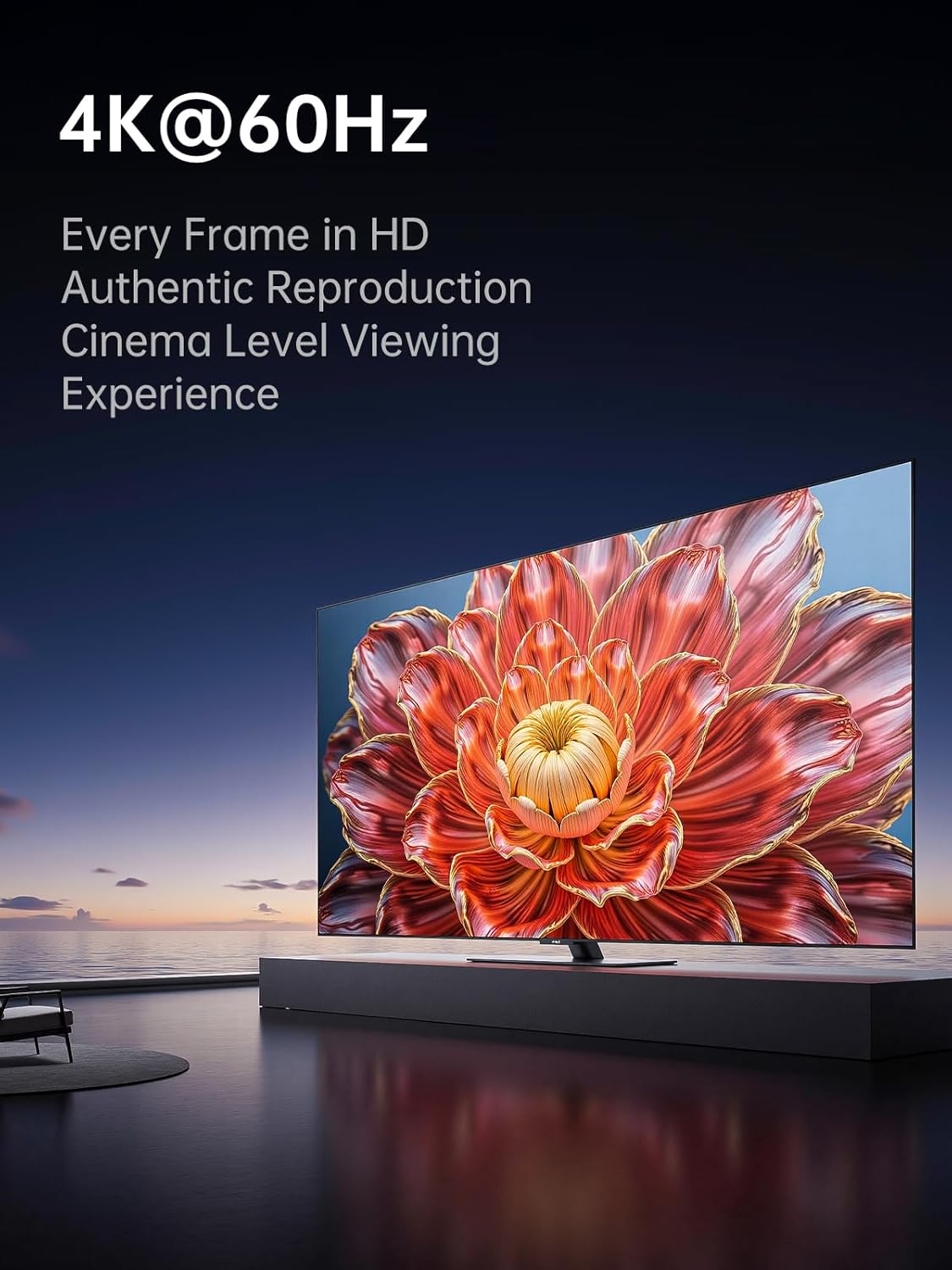
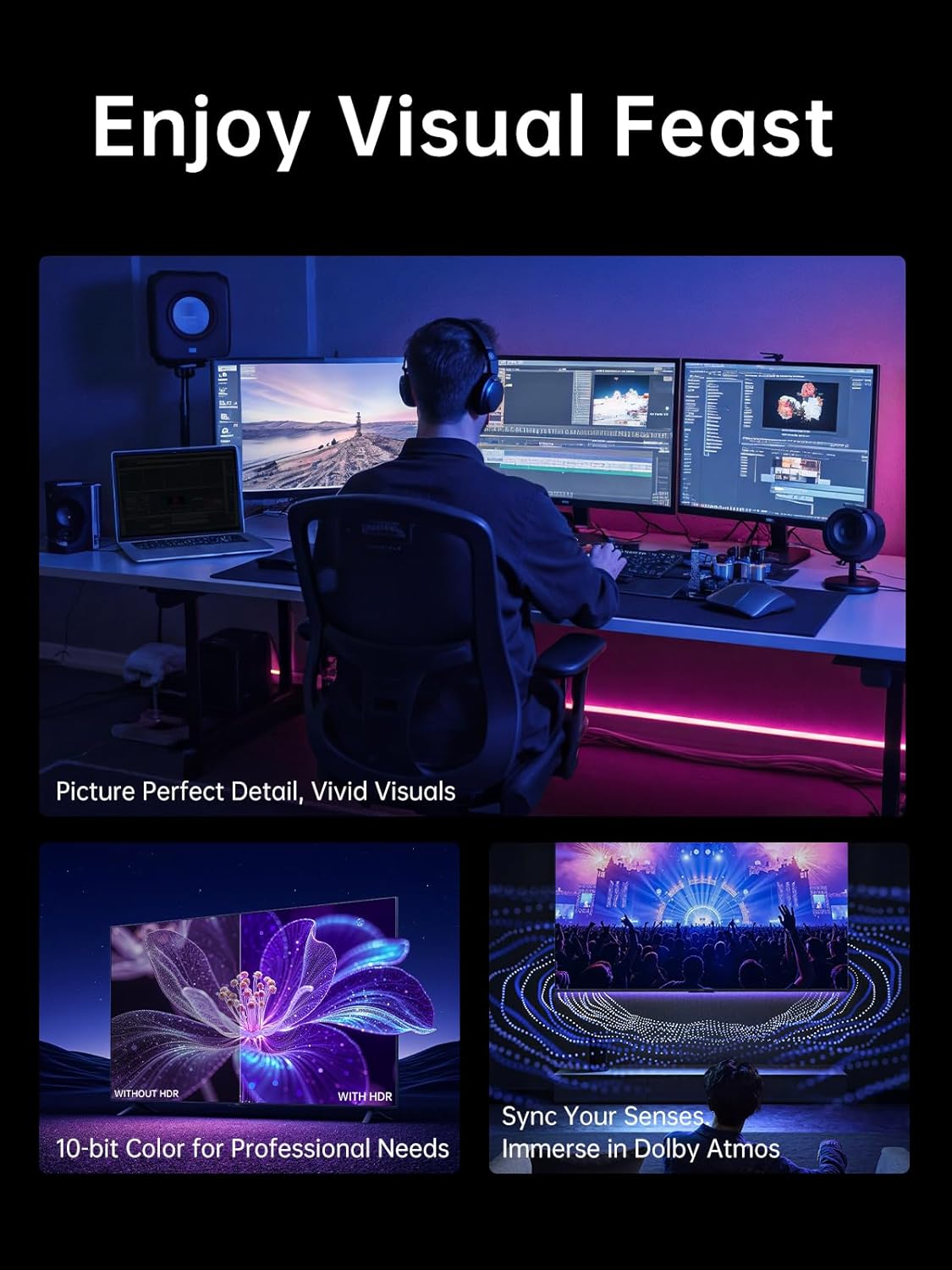
This cable is designed to carry video and audio from USB‑C devices to HDMI displays in one direction. On paper, it supports up to 4K@60Hz, and it also lists high refresh rate support (including 2K up to 240Hz, plus other refresh rates like 144Hz and 120Hz). It also supports HDR and Dolby Atmos, which is useful if you want more immersive audio-visual output rather than plain “it displays, job done”.
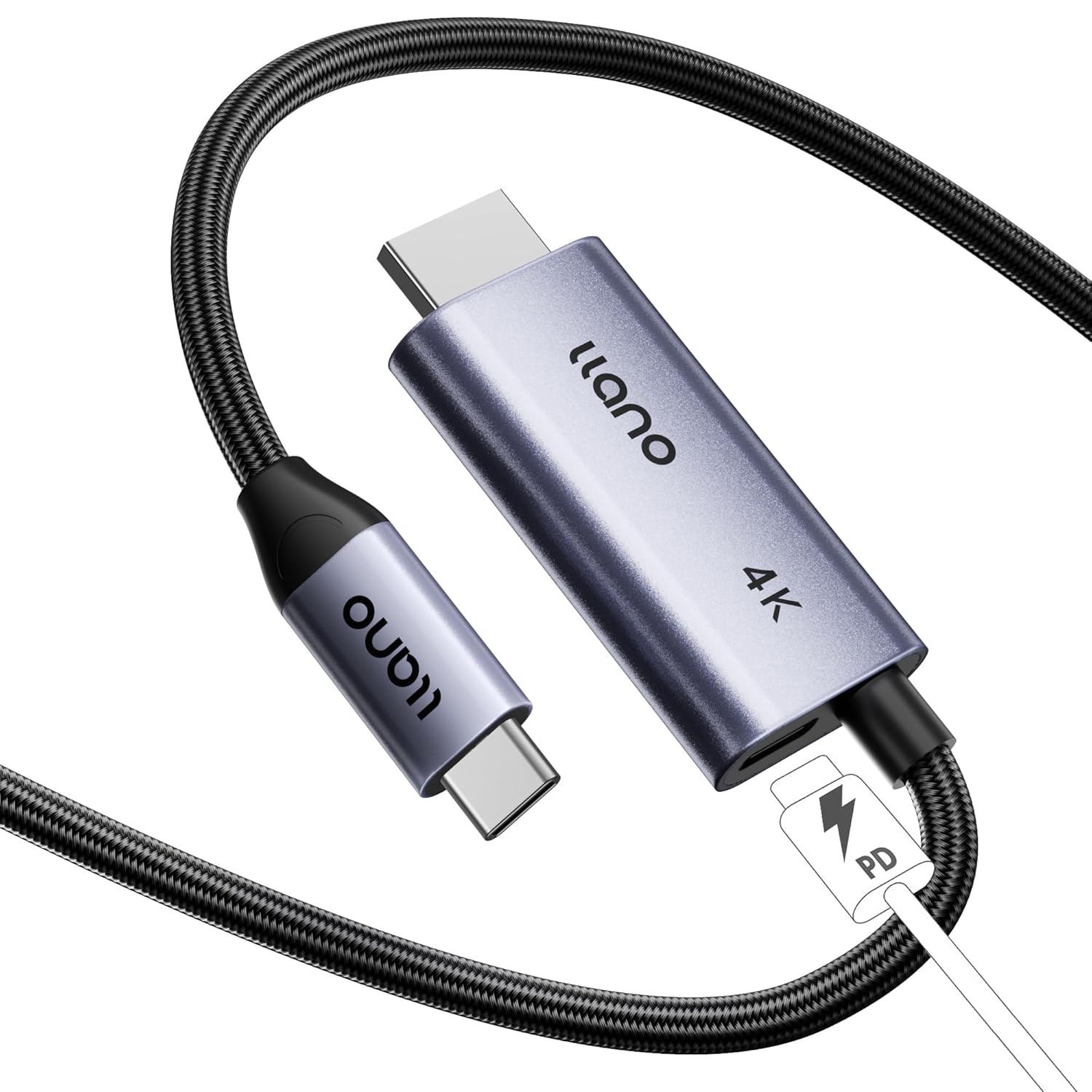
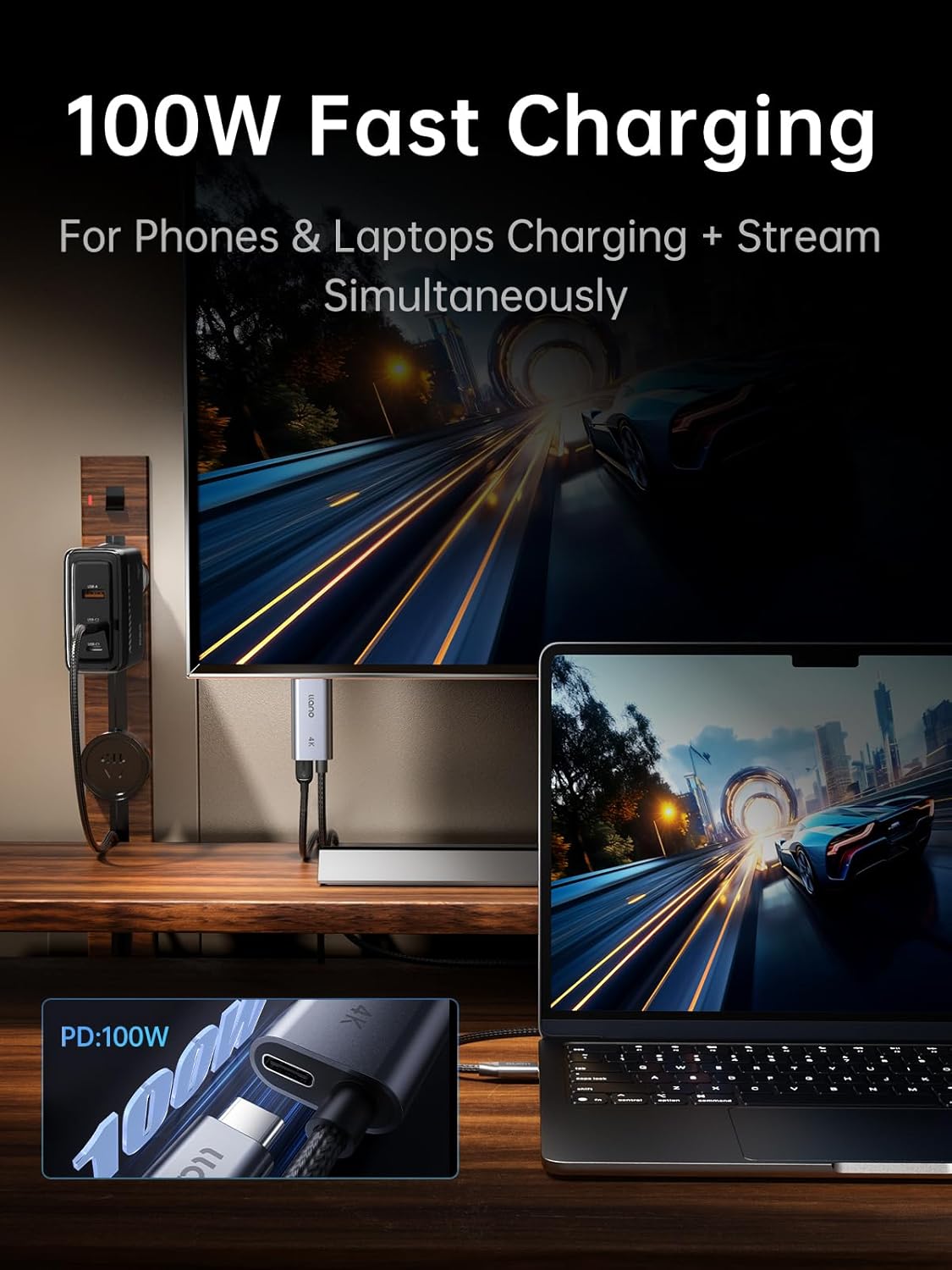
The practical value is the 100W PD charging port built into the cable, so you’re not forced into using a separate charging brick and hunting for extra sockets. For daily use—plug in, mirror, carry on—plug-and-play is exactly what you want.
Worth noting: it’s not perfect for every scenario. High refresh rates and HDR can be device- and app-dependent, so it’s sensible to check what your specific phone/laptop/tablet actually outputs over USB‑C video.
What you’ll notice day to day
Where this llano cable feels sensible is in the everyday workflow. You connect the Type‑C end to your device, the HDMI end to the display, and you’re aiming for sync without fiddly steps. The description highlights a “4K chip” plus internal triple shielding to help with audio/video synchronisation and reduce interference. For most people, that translates to a more reliable connection rather than constant micro-dropouts.
The aluminium casing for heat dissipation is another small but meaningful detail—especially if you’ll be running it for longer stretches, like watching movies in the evening or presenting during the day.
A micro use case
Imagine you’ve got a USB‑C laptop on your desk and you want the screen on a monitor for work. You plug the cable in, connect HDMI, and at the same time you use the cable’s 100W PD port to keep the laptop topped up. It’s the kind of setup that avoids the “one cable for power, one cable for display” shuffle.
Where it shines (and where it may not)
It makes sense if your priority is mirroring a USB‑C device to an HDMI display without compromising too much on signal capability. The cable is framed for both productivity and entertainment, with HDR support and Dolby Atmos compatibility listed.
It may not be the best match if you need anything beyond one-way Type‑C to HDMI output. Also, if you’re specifically chasing the very top refresh rate figures in your particular setup, remember that “supported” on a cable doesn’t automatically mean “achieved” on every device, cable length, operating mode, or display.
The essentials: specifications that matter for buying
This is a Type‑C to HDMI 2.0 cable intended for video and audio transmission from USB‑C devices (like laptops, phones, tablets and Nintendo Switch) to HDMI ports on monitors, projectors and TVs. It supports 4K@60Hz UHD resolution.
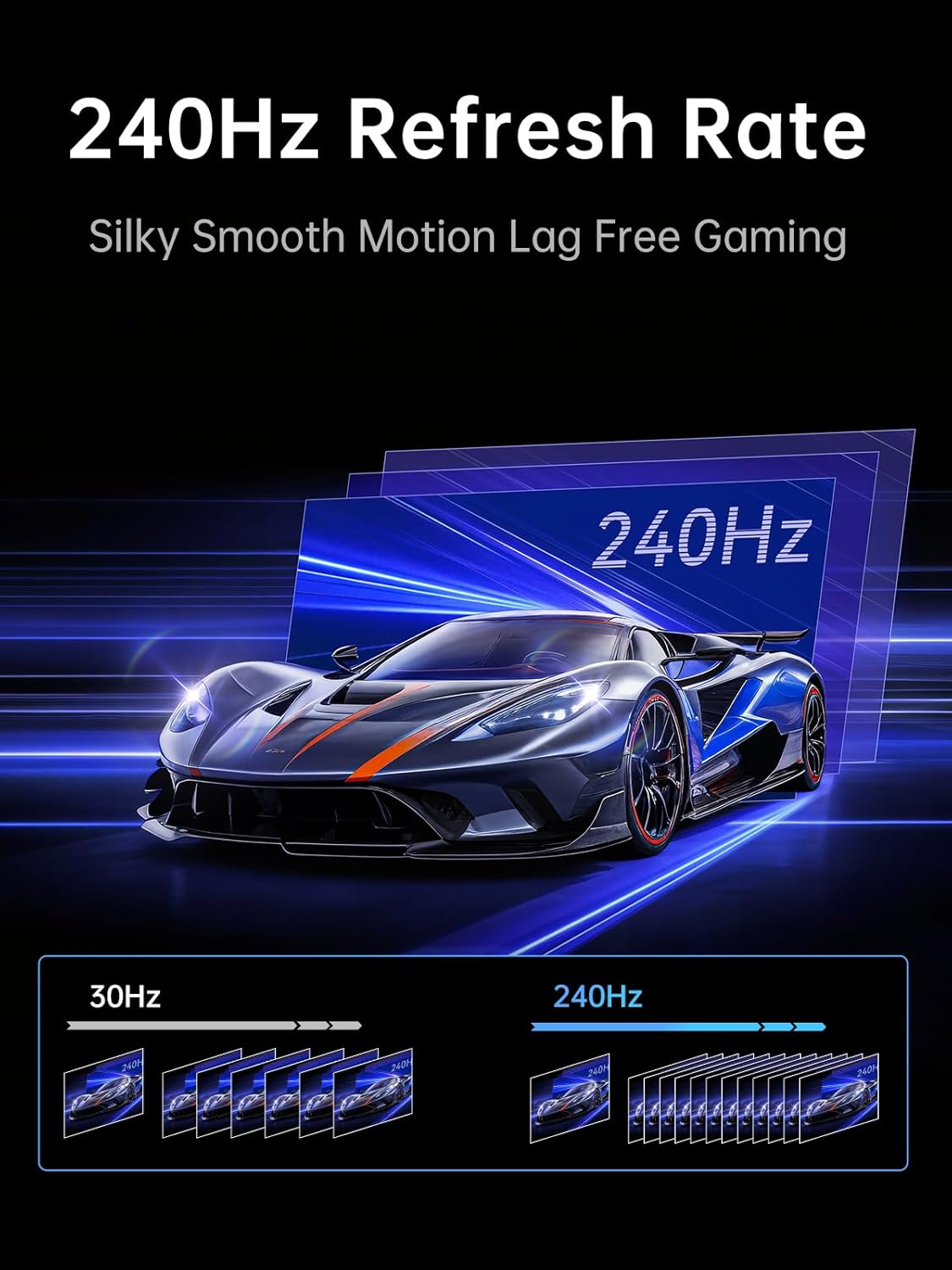
It also lists ultra-high refresh rate support including 2K@240Hz and 144Hz/120Hz modes, plus HDR support for a more realistic, high-definition look. For sound, Dolby Atmos compatibility is mentioned alongside the audio/video mirroring use.
Power is handled via a 100W PD Fast Charging USB‑C port, with the cable positioned for simultaneous charging while you mirror your screen.
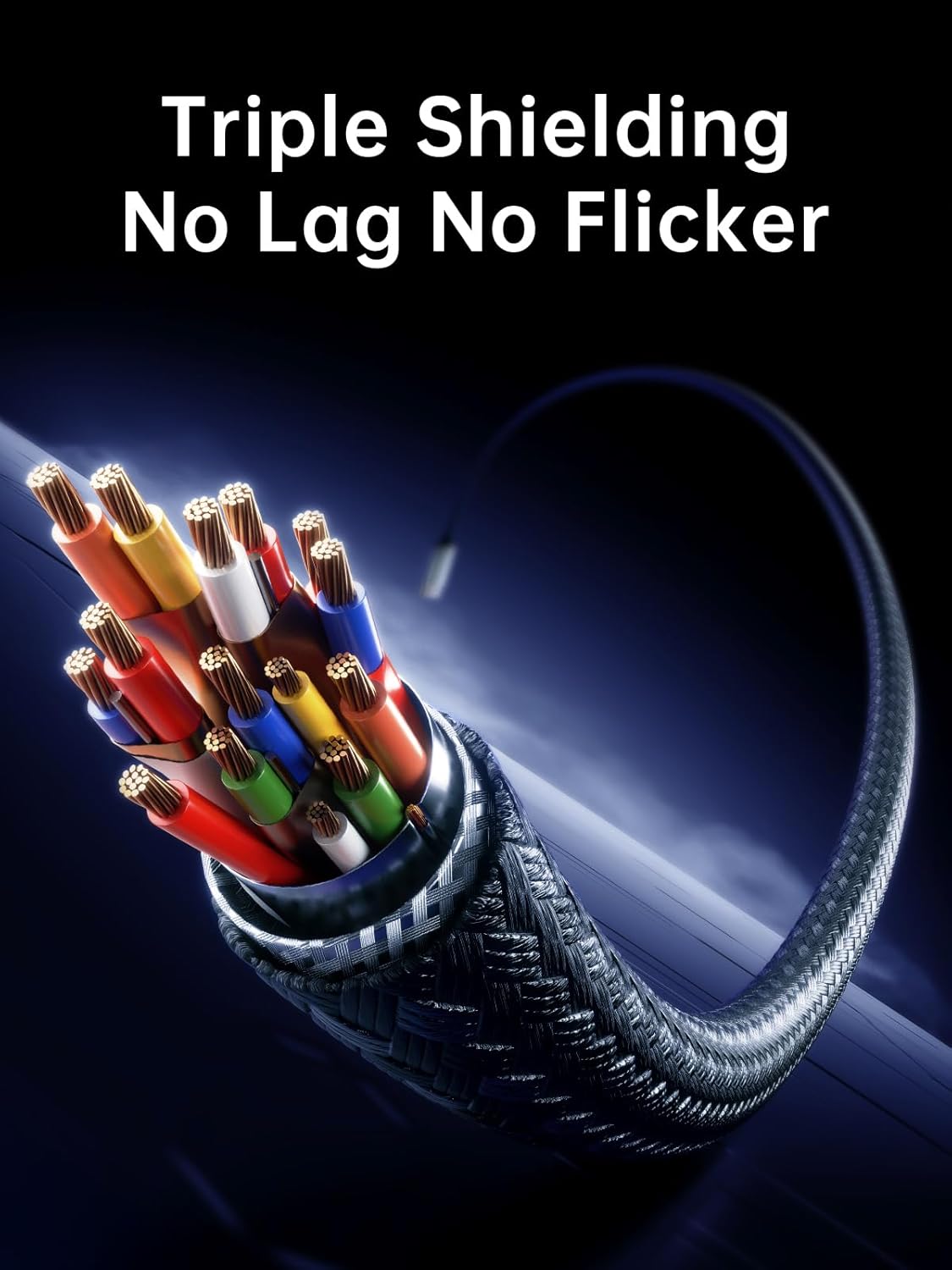
For build and day-to-day reliability, the cable is described as plug-and-play, with internal triple shielding and an aluminium casing designed to help dissipate heat.
Quick compatibility check
The cable is described as compatible with most USB‑C devices, and examples given include iPhone (including iPhone 16/15/15 Pro series), MacBook Air M3, MacBook Pro 13, iPad Pro 13/11, and Samsung Galaxy devices with a USB‑C port.
It’s also positioned for scenarios like connecting a desktop to a monitor, linking a laptop to a projector, and mirroring from a Switch.
If you’re unsure whether your device supports HDMI output over USB‑C (or how it negotiates resolution/refresh), it’s worth checking your device’s USB‑C display capabilities before buying. That one detail is often the difference between “works perfectly” and “it displays, but not as expected”.
Pros
- Supports video and audio in one direction from USB‑C to HDMI
- Listed support for 4K@60Hz, plus high refresh options for smoother visuals
- HDR support is included, and Dolby Atmos compatibility is mentioned
- Built-in 100W PD charging port for simultaneous charging while mirroring
- Plug-and-play approach with shielding and an aluminium casing for longer use
Buying verdict
This llano USB Type‑C to HDMI cable is a solid pick if you want a single cable solution for screen mirroring and want to keep your device charging through the same connection. The combination of 4K@60Hz support, HDR/Dolby Atmos support, and 100W PD charging makes it especially appealing for desk setups, travel with a laptop, or home entertainment on an HDMI TV.
You may want to skip it if your use case needs bidirectional HDMI/USB‑C switching (it’s explicitly one-way), or if you’re counting on the very highest refresh-rate figures in your specific device-and-display pairing. In those cases, it’s better to confirm what your device can actually output over USB‑C and what your monitor/TV supports.
For most people who just want dependable USB‑C to HDMI mirroring with power included, it’s worth considering—though, like any spec-heavy cable, results will depend on your exact phone/laptop/tablet and the display you’re connecting to.