

Ubluker 10K 8K DisplayPort 2.1 cable (54Gbps, 2m) – Certified DP to DP cord for high refresh gaming
Product description
What it is and why people buy it
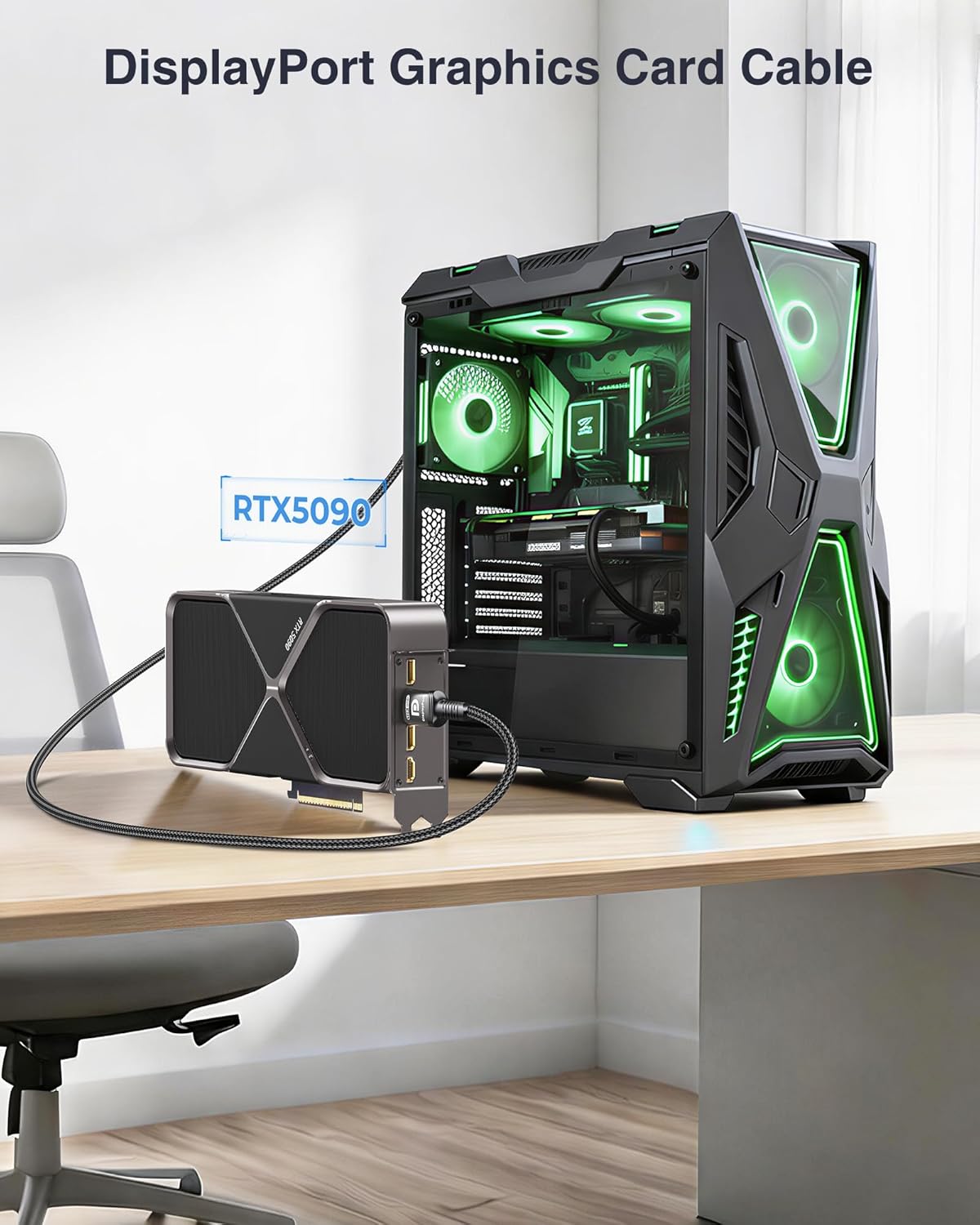
This Ubluker DisplayPort cable is designed for people who care about pushing modern display features without getting tangled in compatibility guesswork. On paper, it targets the current “high-end, high-refresh” style of setups: gaming monitors, fast signal requirements, and higher resolutions.
A 2m DP to DP cable sounds like a small thing, but with DisplayPort 2.1 the cable becomes part of the signal chain. If you’re running a demanding resolution and refresh rate, the right link matters because you want the display to actually negotiate the modes you paid for.
The essentials (the bits that matter)
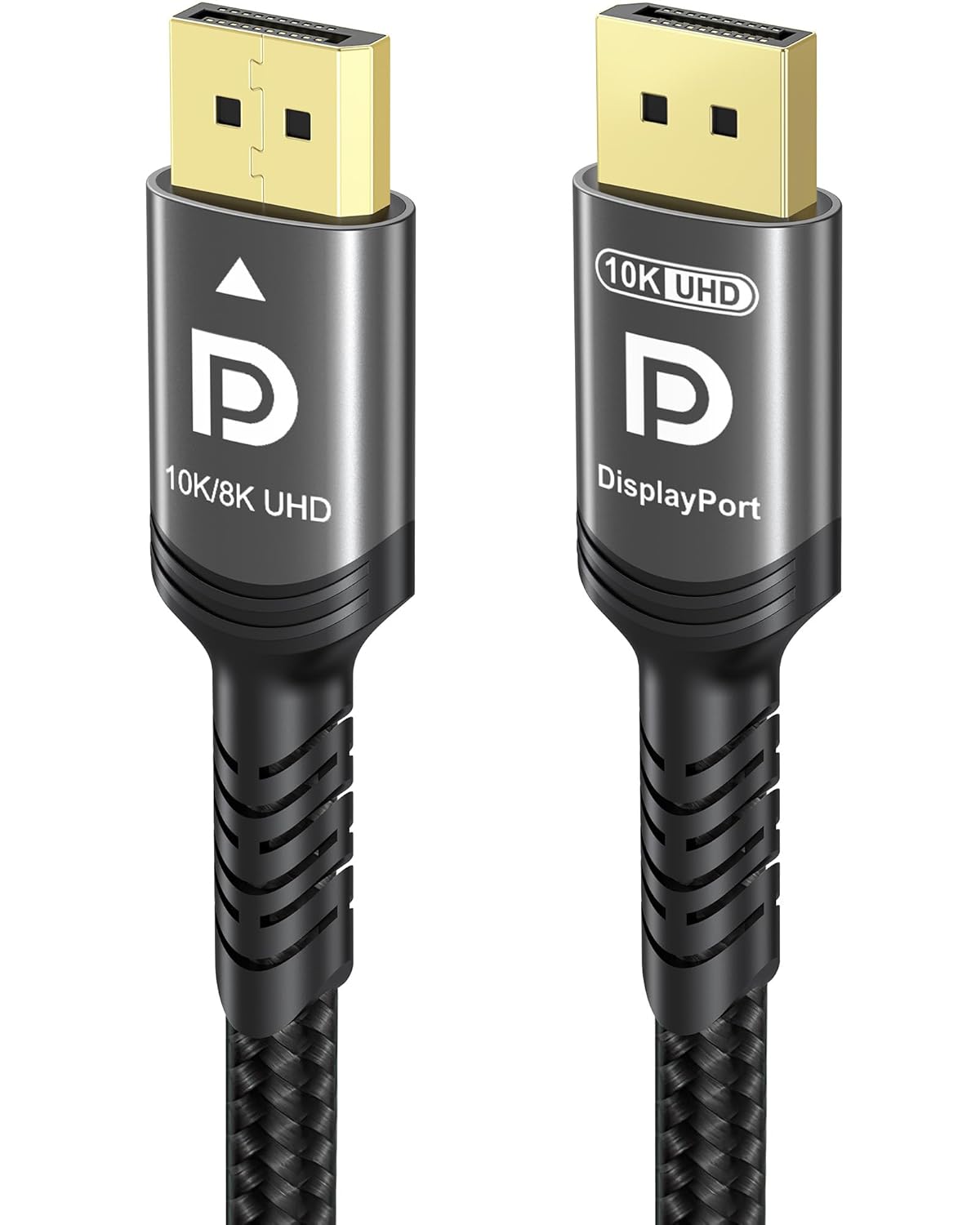
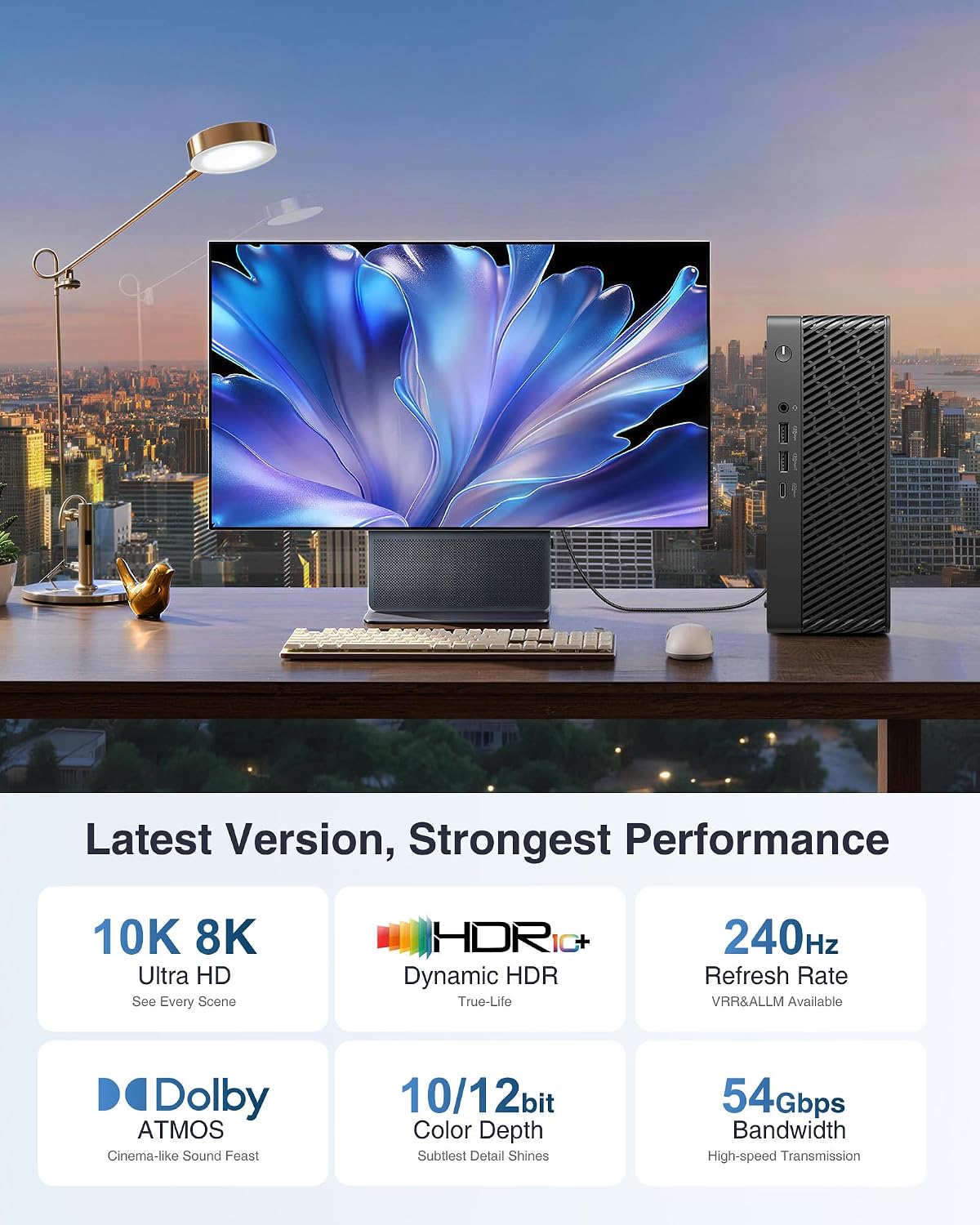
The headline spec here is bandwidth: the cable is described as supporting up to 54Gbps, using UHBR and HBR3-related signalling concepts mentioned in the description. It also references features that are commonly used to make DisplayPort links practical at high data rates, such as DSC (display flow compression) for transporting more information.
You’re also getting support for HDR and a 12-bit colour depth claim, plus HDCP2.3 encryption transmission. That last part is worth noting if your use case includes protected content, because encrypted links need proper handling through the chain.
In short, the cable is positioned to cope with next-gen DisplayPort expectations more than basic DP cords.
What you’ll notice day to day
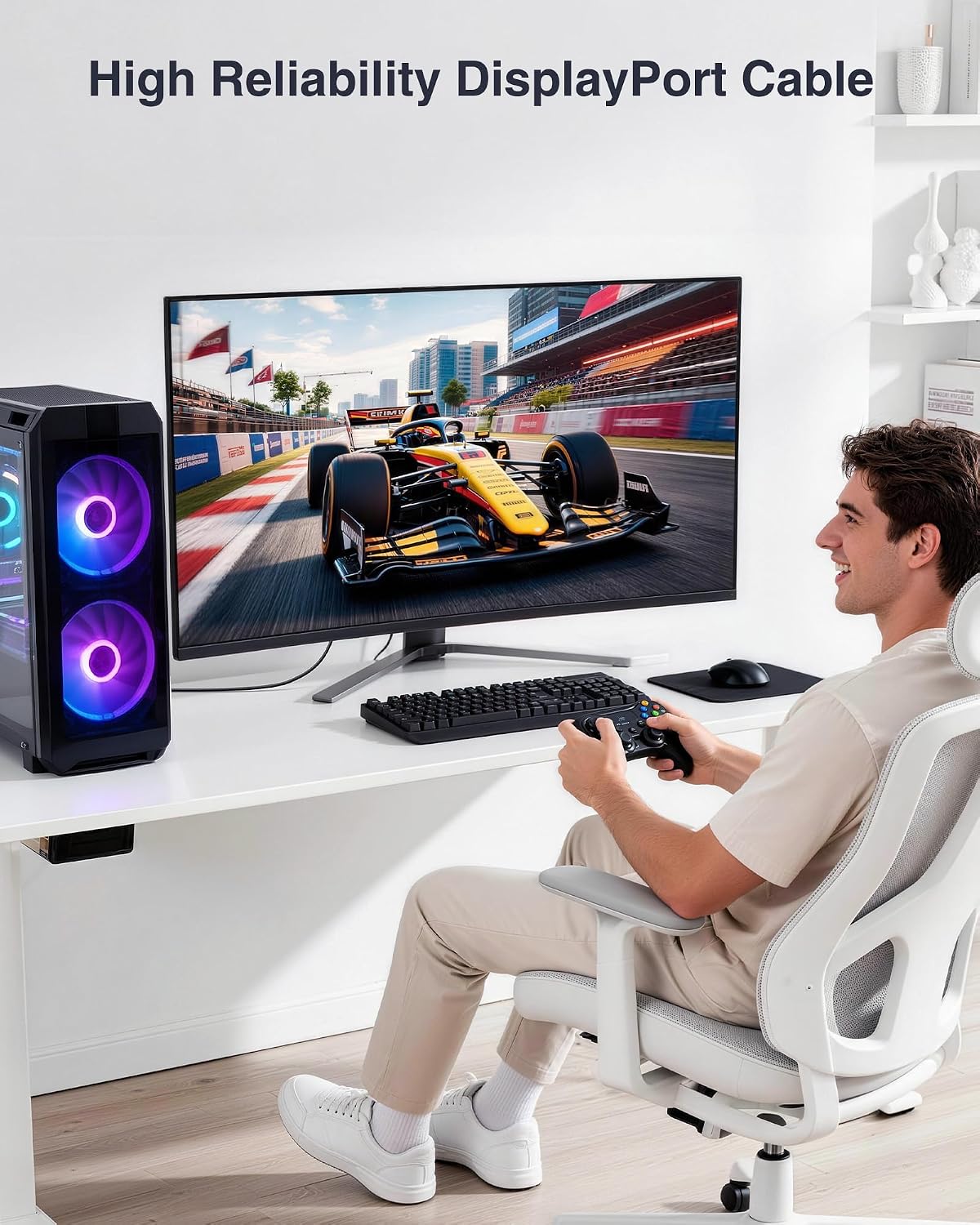
If your setup is already capable of high resolutions and refresh rates, a cable like this is meant to help you keep those settings available and stable. For example, imagine connecting your PC to a gaming monitor and trying to select a high refresh preset in the display settings. With a cable built around DisplayPort 2.1 / 54Gbps concepts, you’re covering the “transport” side so you’re less likely to hit the “only works at lower modes” frustration.
That said, it’s not magic. Cable performance still depends heavily on the rest of the chain (source GPU/PC, monitor input implementation, and what the device pair is actually willing to negotiate). This kind of cable reduces risk, but it doesn’t remove it entirely.
Where it stands out
A few elements in the provided description make this cable feel aimed at serious display use rather than everyday desk connections:
- 54Gbps / UHBR-focused link design, intended to support high-bandwidth DisplayPort requirements.
- DSC mentioned as part of the approach, which is often how DisplayPort keeps up with high-resolution/high-refresh demands.
- HDCP2.3 transmission is referenced, which is relevant if you stream or play protected media.
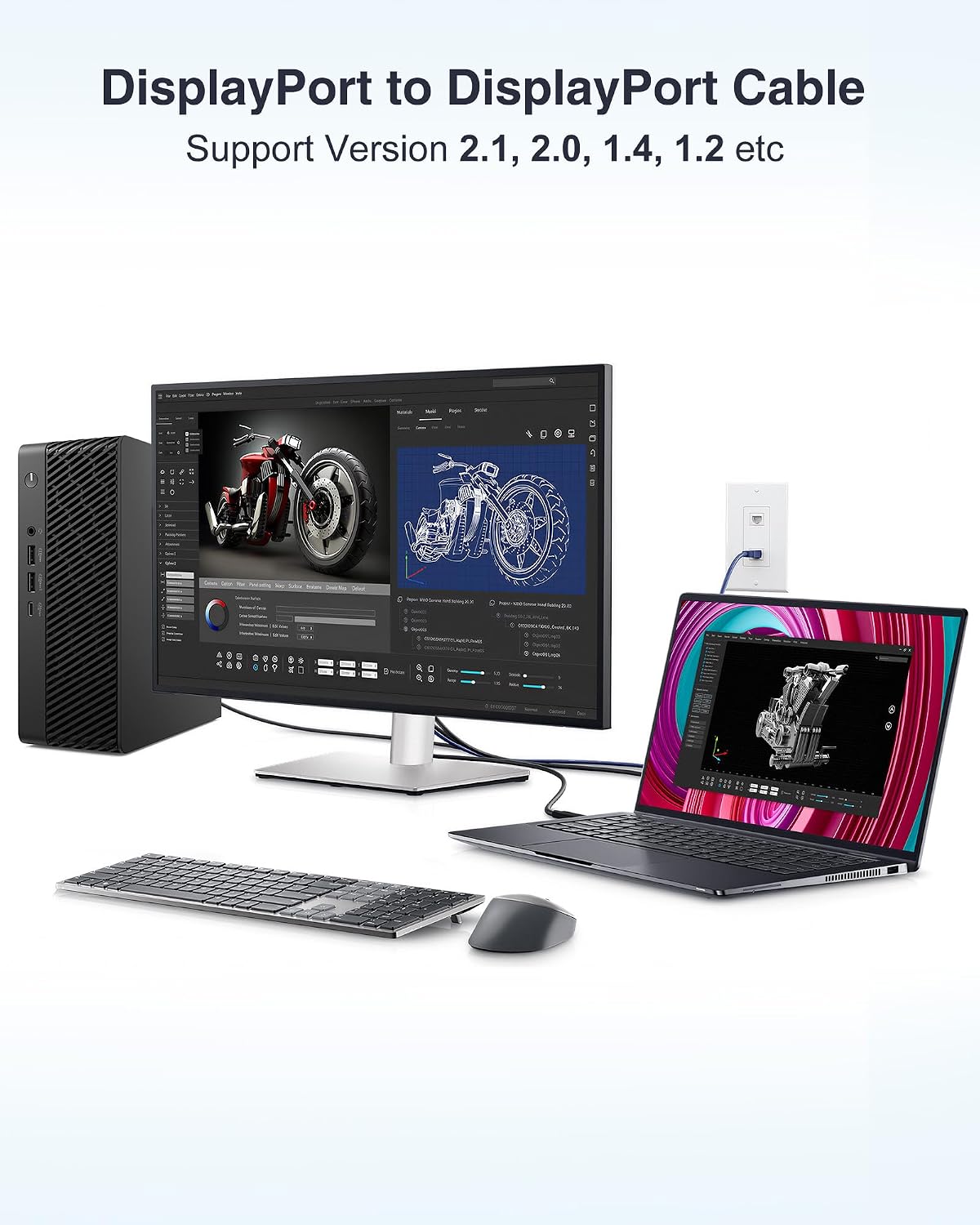
- Support for previous DisplayPort versions is stated, so it’s not described as “only works with the newest gear”.
There’s also mention of SST and optional MST support and talk of receiver/sender channel verification at the Intel FPGA IP level. That sort of detail suggests the manufacturer has thought about the signal path, rather than treating the cable as a simple passive wire.
Limitations and what to double-check before buying
It’s easy to assume a “2.1 + big bandwidth” cable automatically guarantees top modes. Realistically, you should still double-check a couple of things first:
- Your PC and monitor have to support the features you want. Even if the cable can carry a lot, negotiation is ultimately up to the endpoints.
- Not every workflow benefits equally. If you’re only using standard resolutions and refresh rates, this may be more capability than you need.
- The description mentions FEC as optional, and references specific technologies (including DSC behaviour through partners). You’re probably fine, but it’s worth remembering that “supported by design” doesn’t always mean “enabled for every situation.”
If you prioritise cost savings over maximum signal headroom, a more basic DisplayPort cable might still do the job—just don’t expect it to support every high-end mode with confidence.
Who it suits (and who should skip it)
It makes sense if you’re building or maintaining a high-refresh gaming setup, or you want a DisplayPort cable that’s more aligned with modern DP 2.1 expectations than the older, more common cords.

It might not suit you if your display needs are modest, your cable run is short and straightforward, and you don’t care about squeezing higher refresh rates or handling HDR/HDCP workflows.
Frequently asked questions
Is this cable DP to DP? Yes—it's described as a DisplayPort cable for connecting video sources to display devices (DP to DP cord).
Does it support older DisplayPort versions? The description states DisplayPort 54Gbps is compatible with previous DisplayPort versions.
What’s the point of DSC and HDCP mentioned in the description? DSC is referenced as part of transporting high data loads, and HDCP2.3 is referenced for encrypted transmission. They’re relevant in high-demand display scenarios.
Will it guarantee the highest refresh rate on my monitor? No cable can guarantee endpoint negotiation by itself. It helps the link carry the required data, but the GPU and monitor still need to support and agree on the mode.
Final verdict
Worth considering if you want a DisplayPort 2.1-style cable approach with a 54Gbps-class design for gaming-focused setups, especially when you care about higher refresh rates, HDR capability, and HDCP2.3 handling. You should skip it (or at least rethink) if you’re only running basic display settings and the extra capability won’t change what your system can actually negotiate.
If you’re trying to decide whether “this kind of cable” is a purchase you’ll feel in day-to-day use, the answer usually depends on whether your current settings are already capped by the connection. If you’re chasing higher modes, this is the sort of cable that aligns with that goal.