

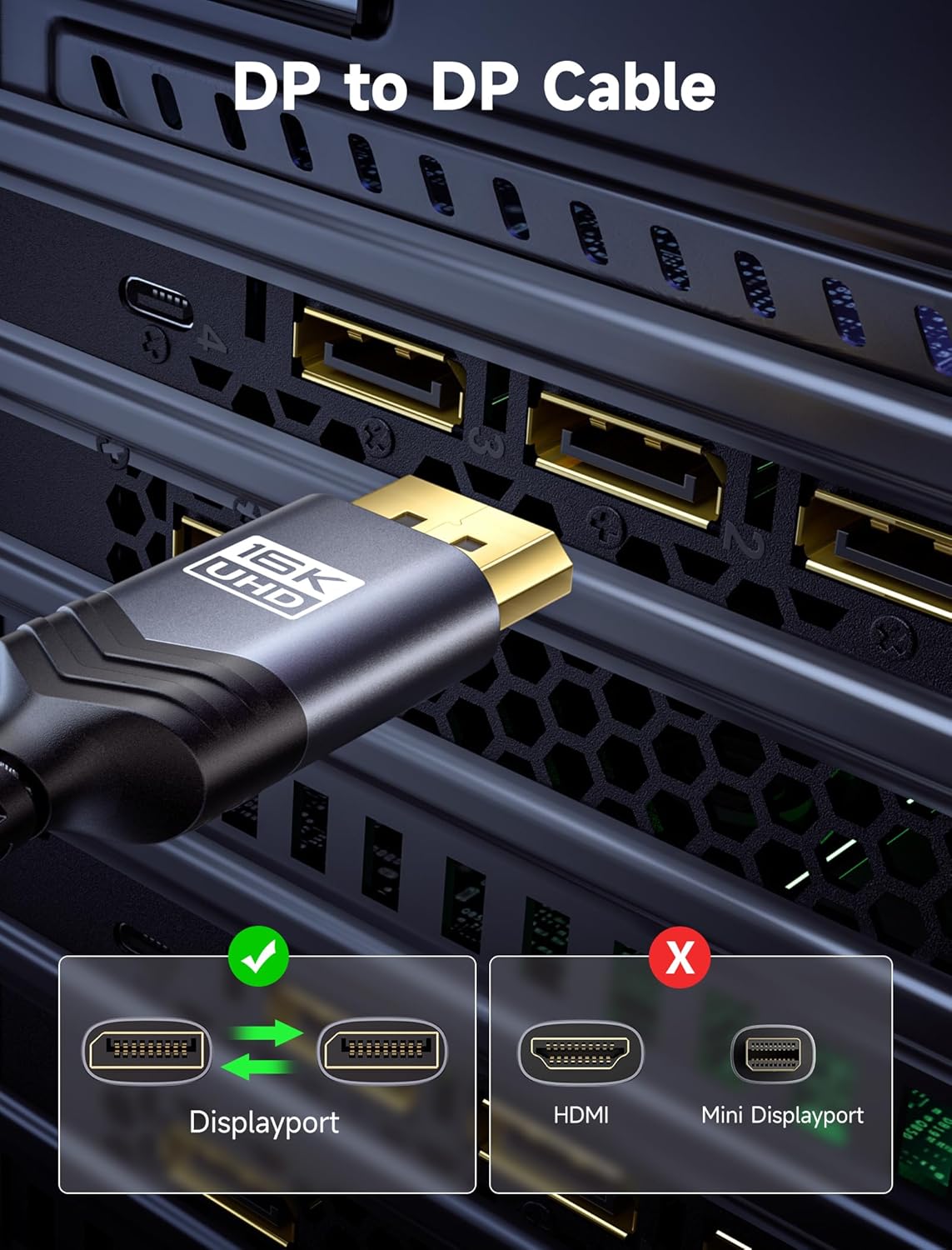
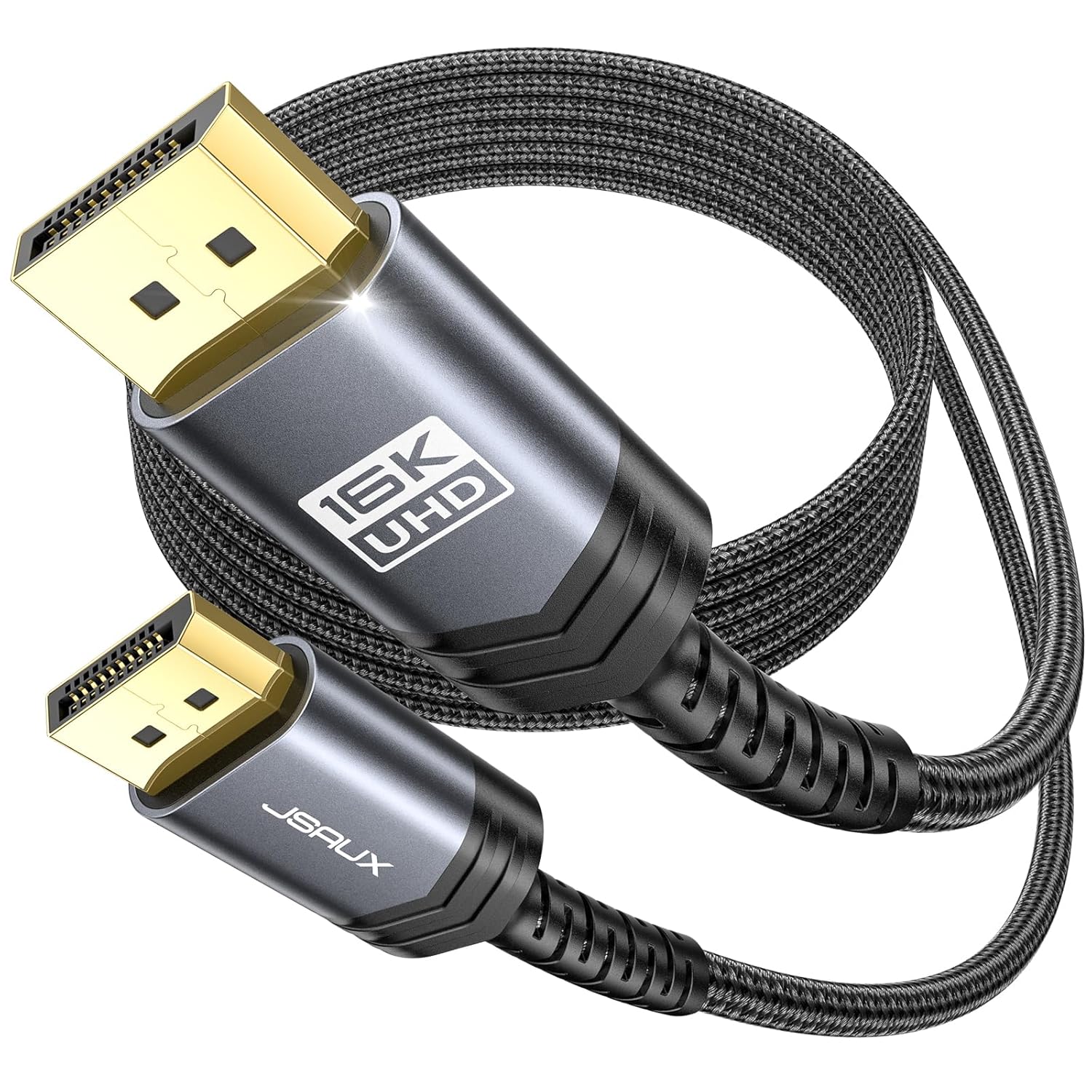
JSAUX 3M DisplayPort 2.1 Cable (DP 2.1, 80Gbps) for 8K/4K High Refresh Gaming
Reviews
Price
Product description
The essentials
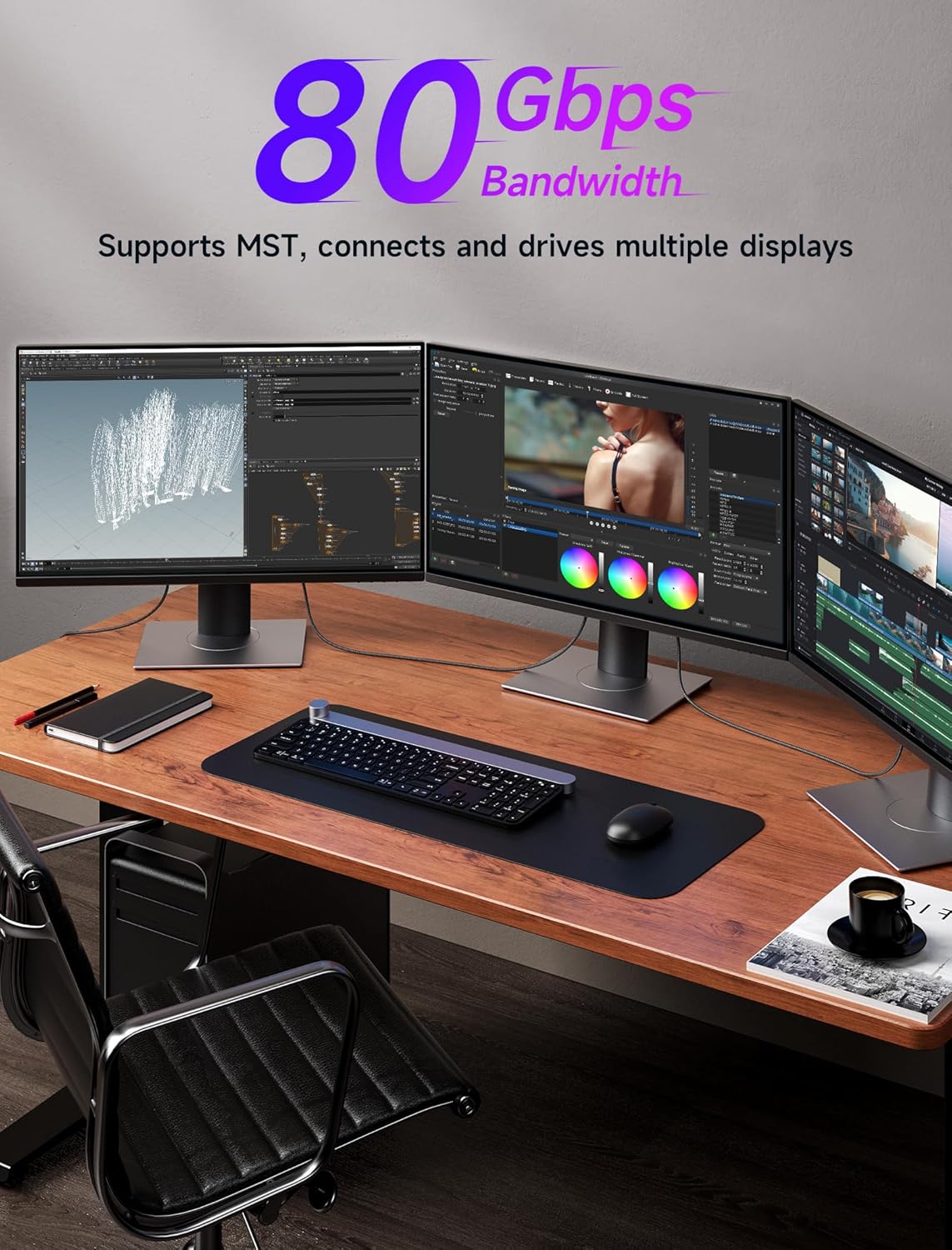
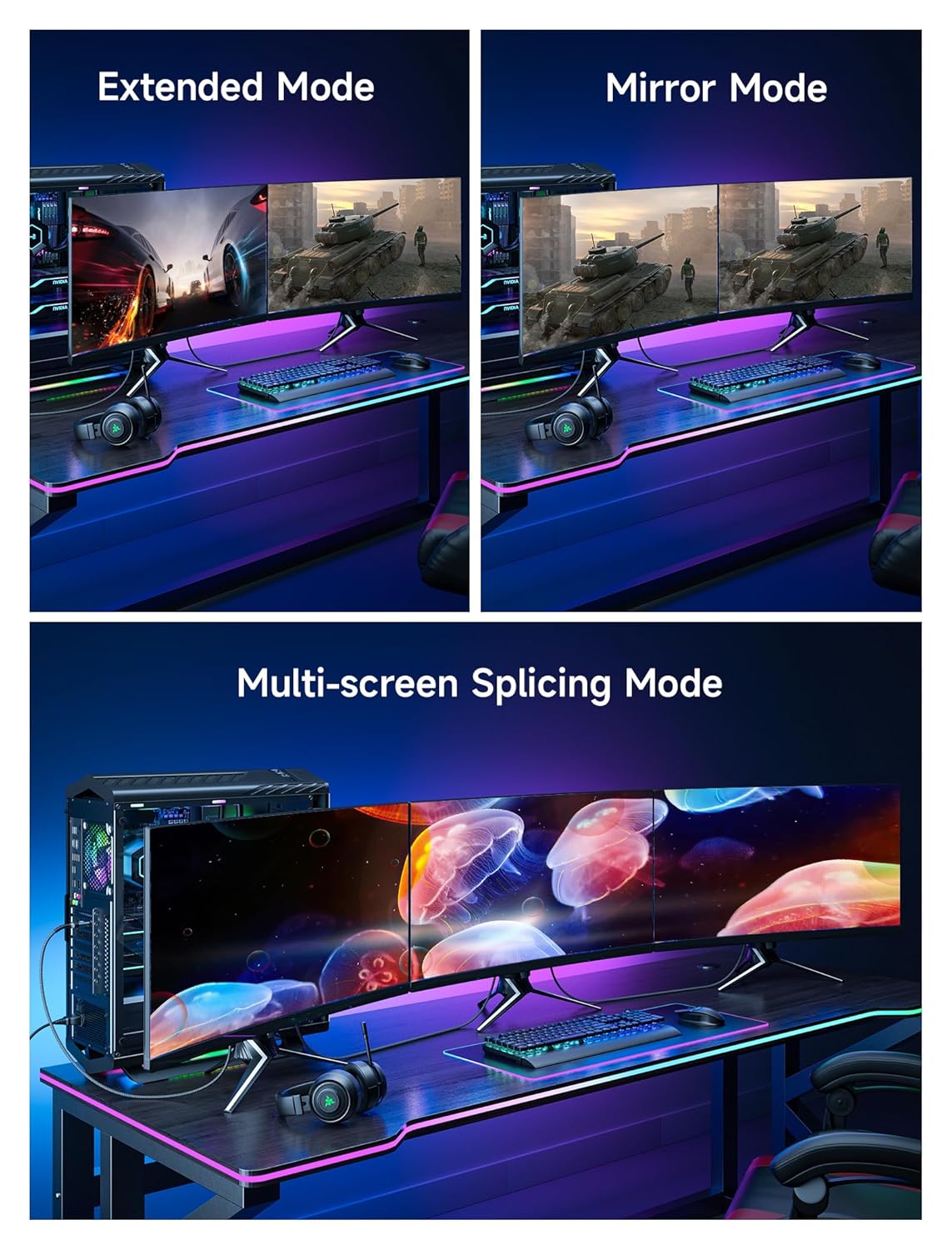
A DisplayPort cable sounds boring until you start chasing stutter-free gaming, clean motion, and the sort of higher resolutions/high refresh setups your GPU is capable of. This JSAUX 3M DisplayPort 2.1 cable is built for that “more headroom” situation, with a claimed 80Gbps bandwidth and support for DisplayPort 2.1 timings, while still being backward compatible with older DisplayPort standards.
On paper, it’s aiming at people who want reliable signal transfer between a PC and a modern monitor or TV—especially if you’re running high refresh rates and care about features like HDR, VRR, and upscaling-friendly bandwidth. Where it can be a bit less straightforward is that real-world performance still depends on your source device (GPU), display support, and the exact settings you choose—so the headline numbers won’t automatically “unlock themselves” on any screen.
What it’s designed to do
This DP 2.1 cable is meant to carry video (and audio, according to the description) at higher spec modes, including:
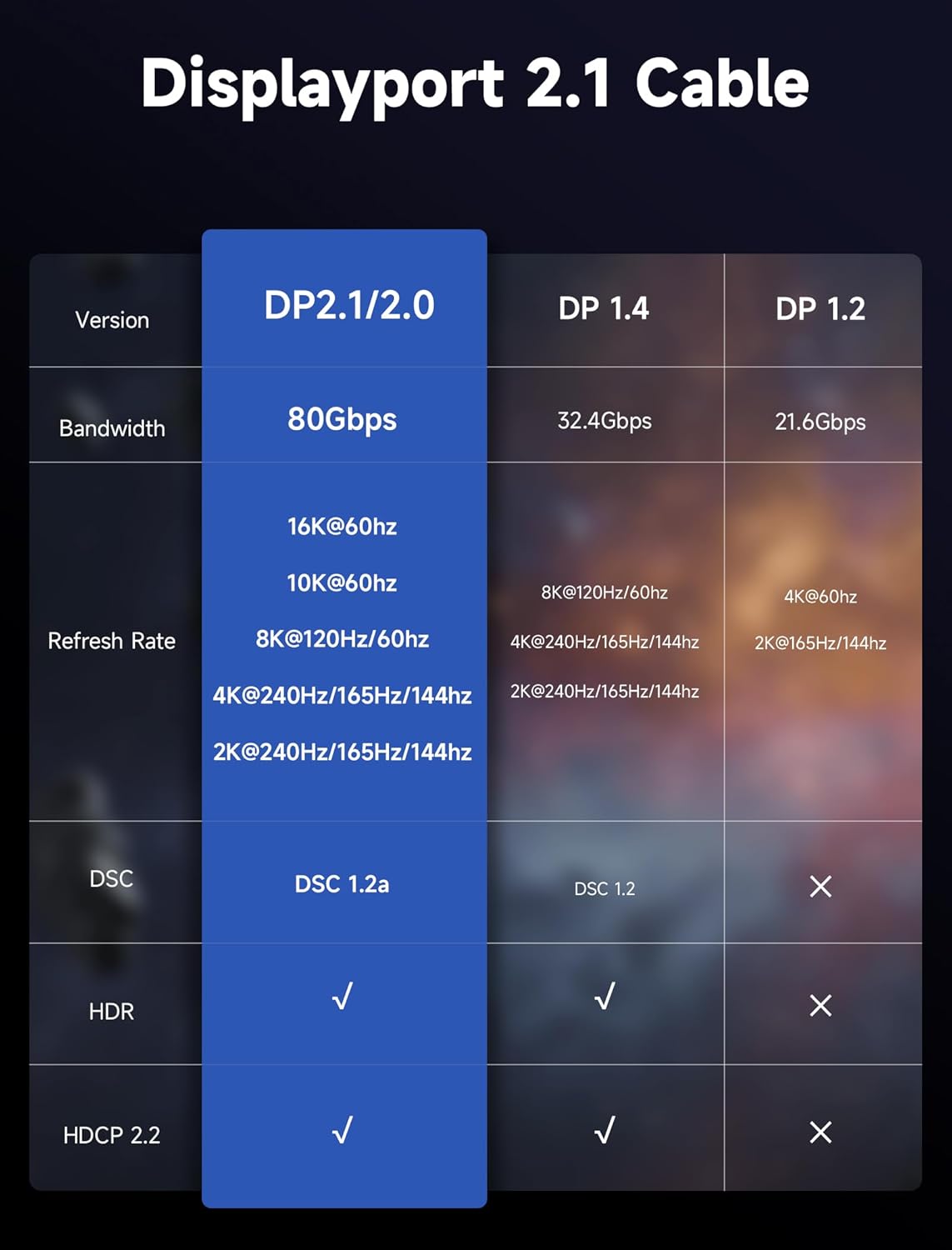
- High-bandwidth throughput (claimed up to 80Gbps)
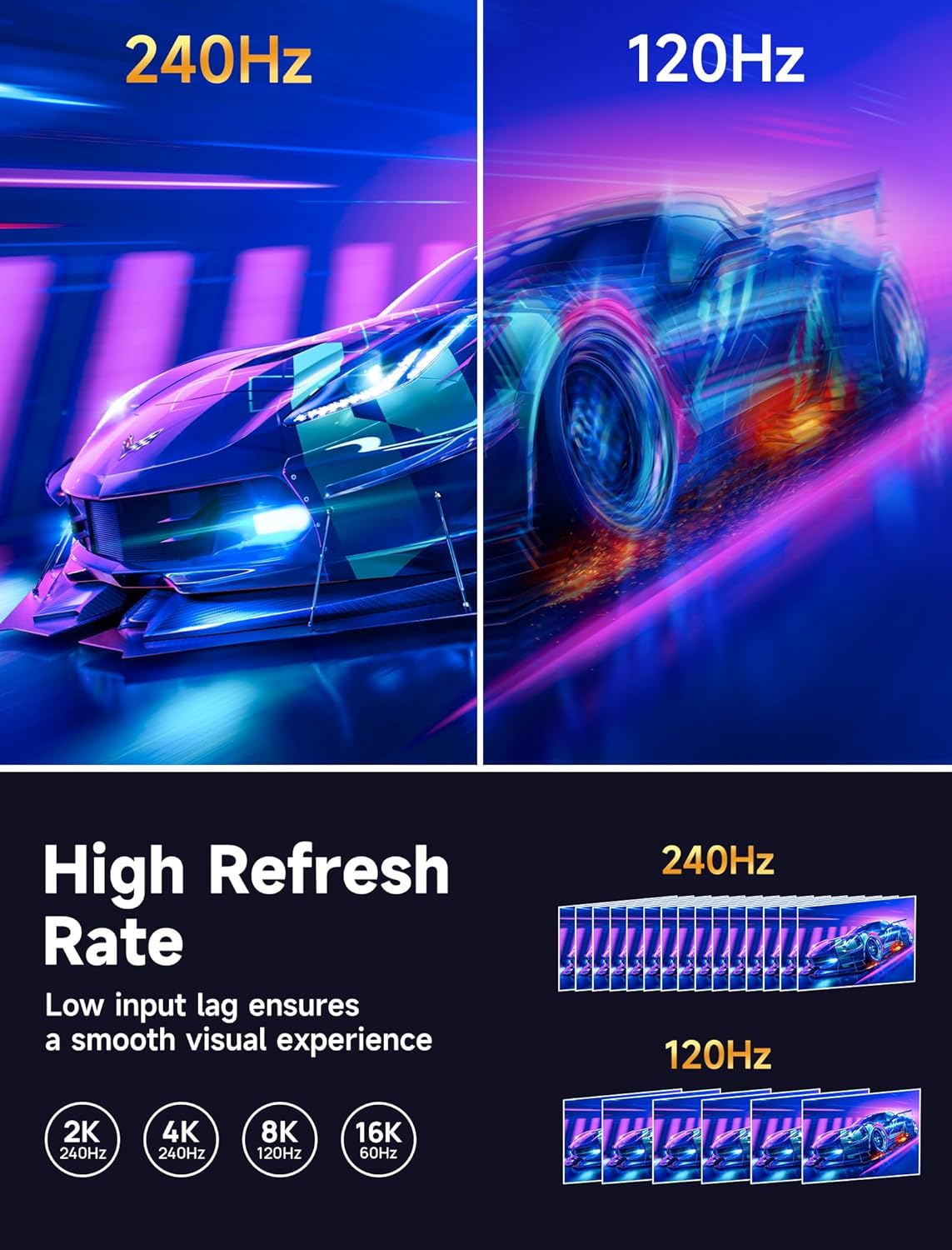
- High refresh-rate scenarios (up to 240Hz is specifically mentioned)
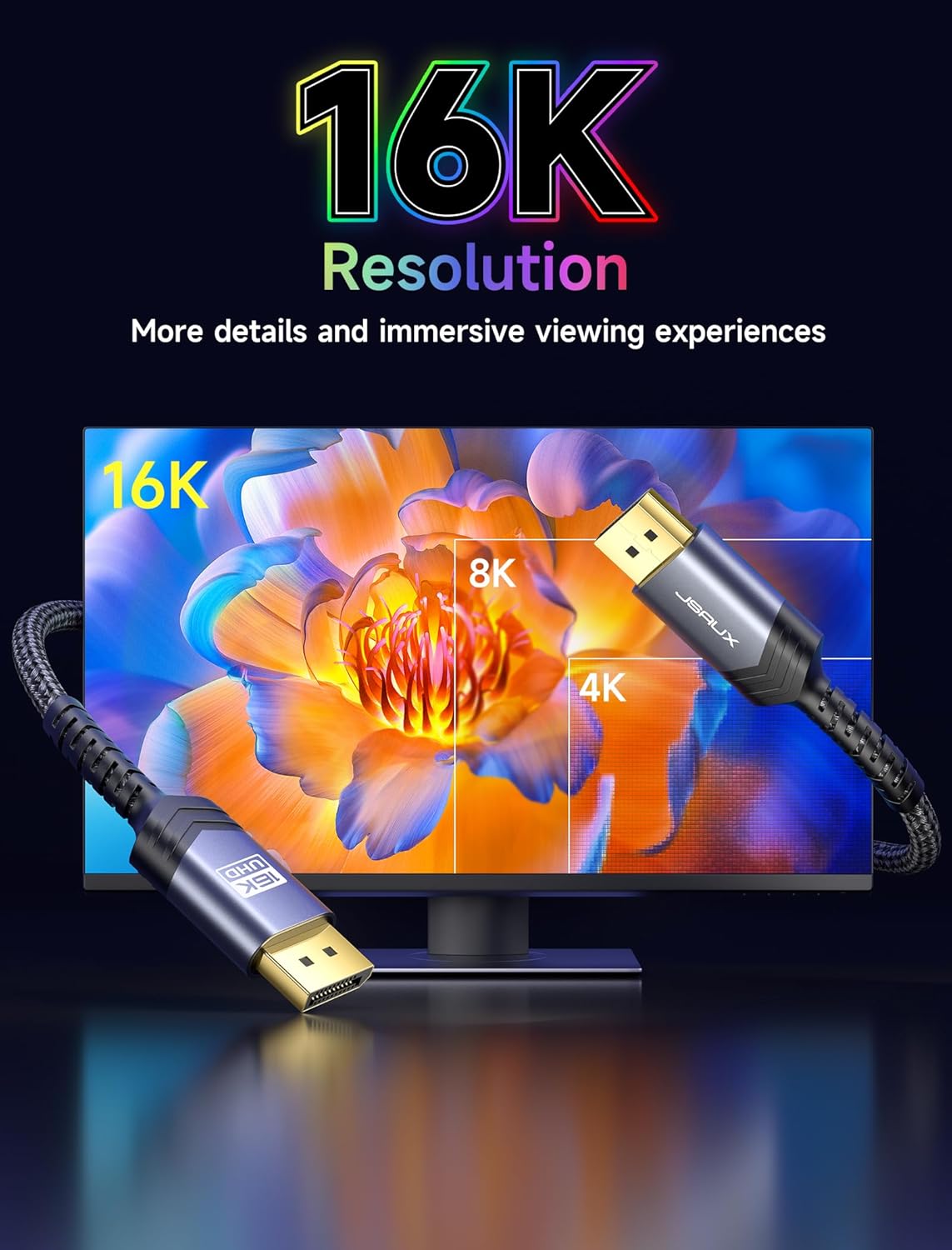
- High-resolution support, including 16K modes as claimed
- Compatibility with older DisplayPort versions (DP 1.4 / DP 1.2)
A practical way to think about it: if you’re upgrading a PC setup and want one cable that won’t be the weak link, a DP 2.1 cable like this is the sensible direction. For instance, you might be switching between a desktop gaming monitor and a living-room TV—once your PC is configured for the right mode, the cable is there to keep the signal path capable.
Key features that matter in everyday use
What stands out most here is the combination of bandwidth and refresh-rate support. The description also calls out VRR and ALLM, which are the kinds of features that can make fast games feel steadier and reduce latency when they’re supported by your monitor and enabled in the display/OS.
There’s also an emphasis on protection and durability: it’s described as being braided with nylon and having a shielded core with multiple layers of shielding. That’s the sort of thing that helps with day-to-day handling—less twisting strain, better resistance in real cable runs, and fewer “mystery” connection issues caused by poor shielding.
Still, it’s worth tempering expectations: variable refresh and ALLM are not something the cable alone guarantees. If your display doesn’t support them, you won’t see the benefits, even if the cable can theoretically carry the right signals.
Tech specs
- Name: JSAUX 3M DisplayPort 2.1 Cable
- Type: DisplayPort cable
- Length: 3m
- Bandwidth: up to 80Gbps
- Resolution support (as stated): 16K, also mentions 8K, 4K and 2K modes
- Refresh-rate support (as stated): up to 240Hz
- Backward compatible: with DP 1.4 and DP 1.2
- HDR: stated as supported (includes dynamic HDR in the description)
- VRR: FreeSync and G Sync support is mentioned
- Audio: audio support is mentioned
- Features: DSC 1.2a and HDCP 2.2 are mentioned
What stands out, and what to watch
Where it shines: If your plan is a higher-spec PC display setup—particularly where you care about fast refresh and cleaner output—this DP 2.1 cable’s claimed bandwidth and update-rate support are the main reason to consider it. It’s also a straightforward buy if you want backward compatibility without having to think too hard about which DisplayPort standard your older device is using.
Limitations to keep in mind: - Your monitor/TV must actually support the high-end modes you’re aiming for. A capable cable can’t force a display to run at 240Hz or 8K. - Some advertised resolution/refresh figures are “possible modes” and may require specific settings and compatible hardware on both ends. - If you only need 1080p/60Hz everyday viewing, this may be more bandwidth than you realistically need.
Who it suits (and who should skip it)
It makes sense if you’re building or upgrading a PC/TV setup where DisplayPort 2.1 support is relevant—especially if you’re into competitive gaming and want to keep the signal path ready for higher refresh and VRR-type experiences. You’ll likely appreciate the shielding and braided construction too if your cable route is a bit awkward, or you move your desk arrangement around.
You may want to skip it if your display is older and limited to lower refresh rates and bandwidth, or if you’re looking for a simple “it will work” cable for basic office use. In those cases, you might be paying for headroom you won’t notice.
Is it worth it?
Worth considering if you’re specifically aiming for higher refresh-rate gaming or modern resolution modes and you want a DisplayPort 2.1 cable that’s backward compatible, with a design focused on shielding and durability. This is the kind of purchase that can remove one common source of “signal is flaky” frustration when you’re changing monitors and display settings.
But it might not be the best match if your display can’t make use of the higher modes mentioned. In that situation, a simpler cable could do the job, and you’d only be paying for specifications you won’t reach.
If you buy, double-check that your monitor/TV and GPU support the settings you care about (refresh rate, resolution, and features like VRR/HDR) before you expect the cable to deliver the headline numbers.
Quick FAQ
Is this cable compatible with older DisplayPort monitors?
The description states it’s backward compatible with DP 1.4 and DP 1.2, so it should work with compatible older setups.
Does it support high refresh rates like 240Hz?
It’s stated to support up to 240Hz. Whether you can use that in practice depends on what your monitor supports and what settings your PC is using.
Will HDR and VRR work automatically?
HDR and VRR are mentioned as supported, but they still require the display and your configuration to enable them.
Does it carry audio as well as video?
Audio support is mentioned, so it’s intended to handle both on compatible systems.
What do I need to check before buying?
Make sure your monitor/TV and PC can support the resolution and refresh rate targets you want, and that you’re using the right display settings on both sides of the connection.