

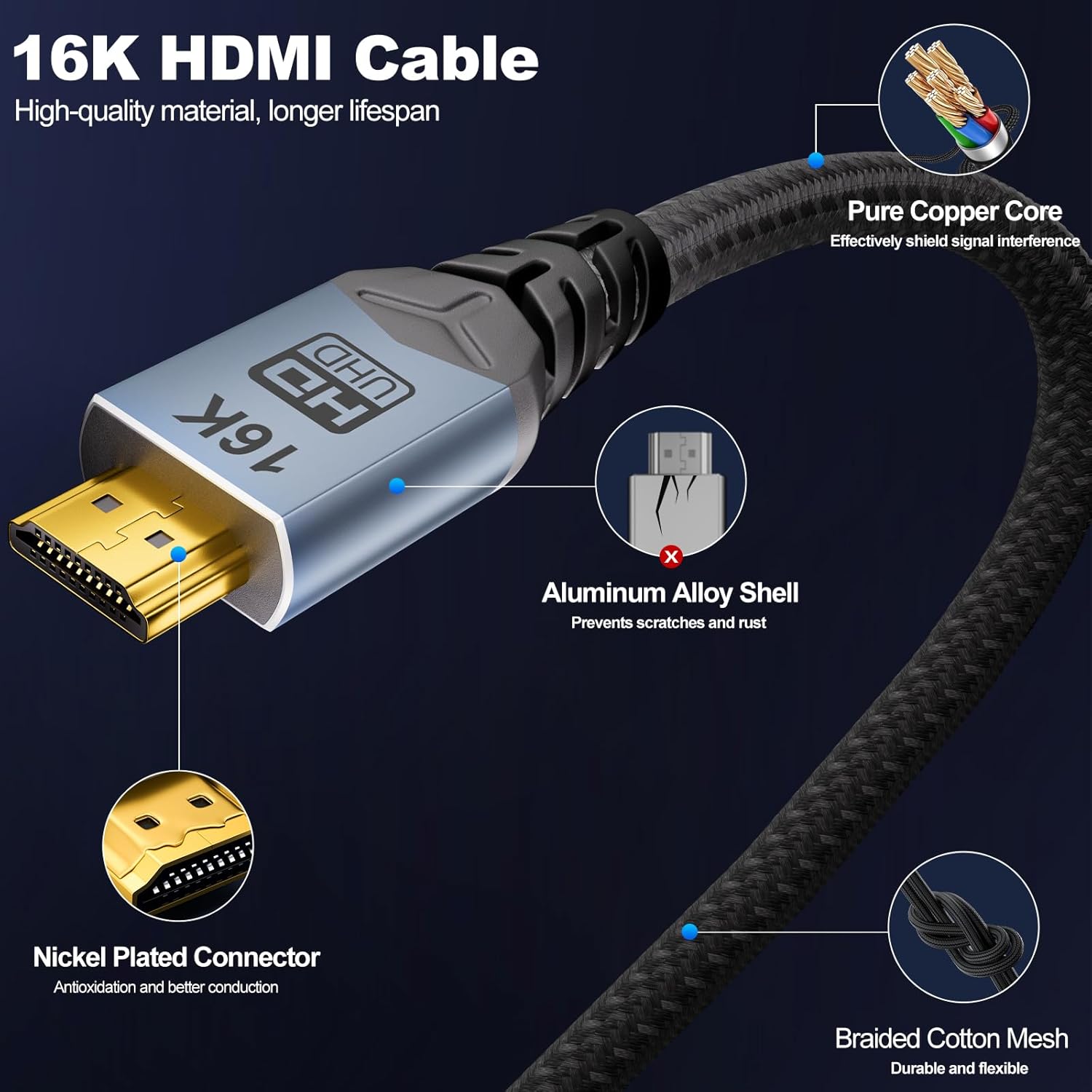
CABLAPTOP HDMI 2.2 cable 3m (16K, 96Gbps) with HDCP 2.3 and HDR10
Reviews
Price
Product description
What it is (and why you might need it)
This CABLAPTOP HDMI cable is built for people who want to connect HDMI devices without worrying about basic performance limits. On paper, it targets modern video features—things like high refresh gaming and HDR support—using an HDMI 2.2-style specification and a fast 96Gbps bandwidth claim. The 3m length is also a practical size for typical living-room setups, where your console/PC sits in the same room but not directly next to the TV/monitor.
Of course, no cable can magically improve a source device. The sensible way to think about it is: if you already have a compatible TV, monitor, games console or media device, then a higher-spec HDMI cable is mainly about keeping the signal stable and letting those features actually come through.
Key points: where it fits day to day
If you’re setting up a gaming corner (console or gaming PC) or you want a tidy home cinema link to a Roku TV, Blu-ray player, projector or soundbar, this cable is aimed squarely at those “connect it and move on” moments. Its length and plug-and-play positioning make it the sort of accessory you buy once and then forget—until you start trying higher refresh or HDR content and realise your previous cable feels like the weak link.
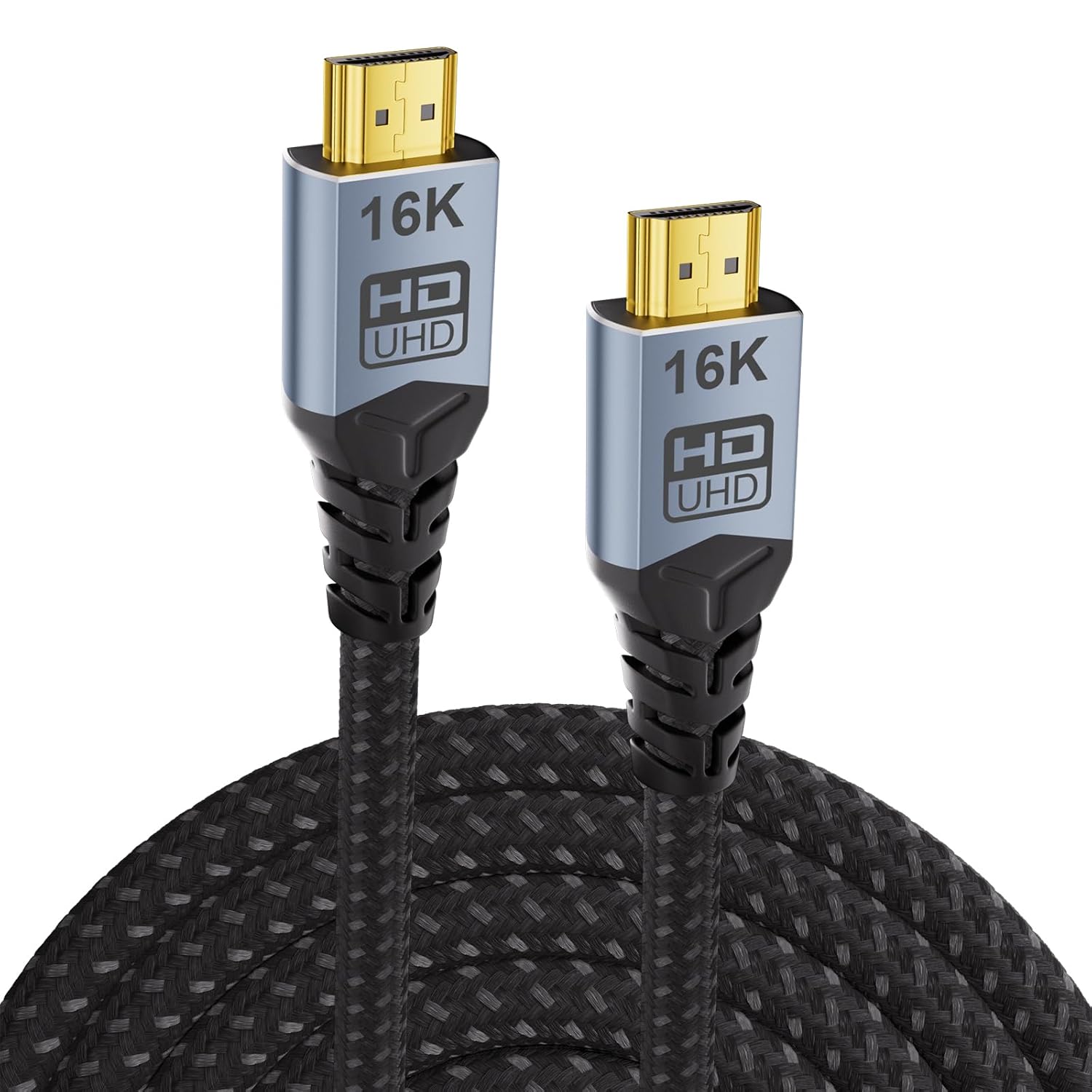
It also leans into the things that matter when latency and smooth motion are the priority: the product description highlights low-latency gaming support and features such as VRR and ALLM. That’s useful if your display and console both support those standards.
The essentials: bandwidth, HDR, and audio support
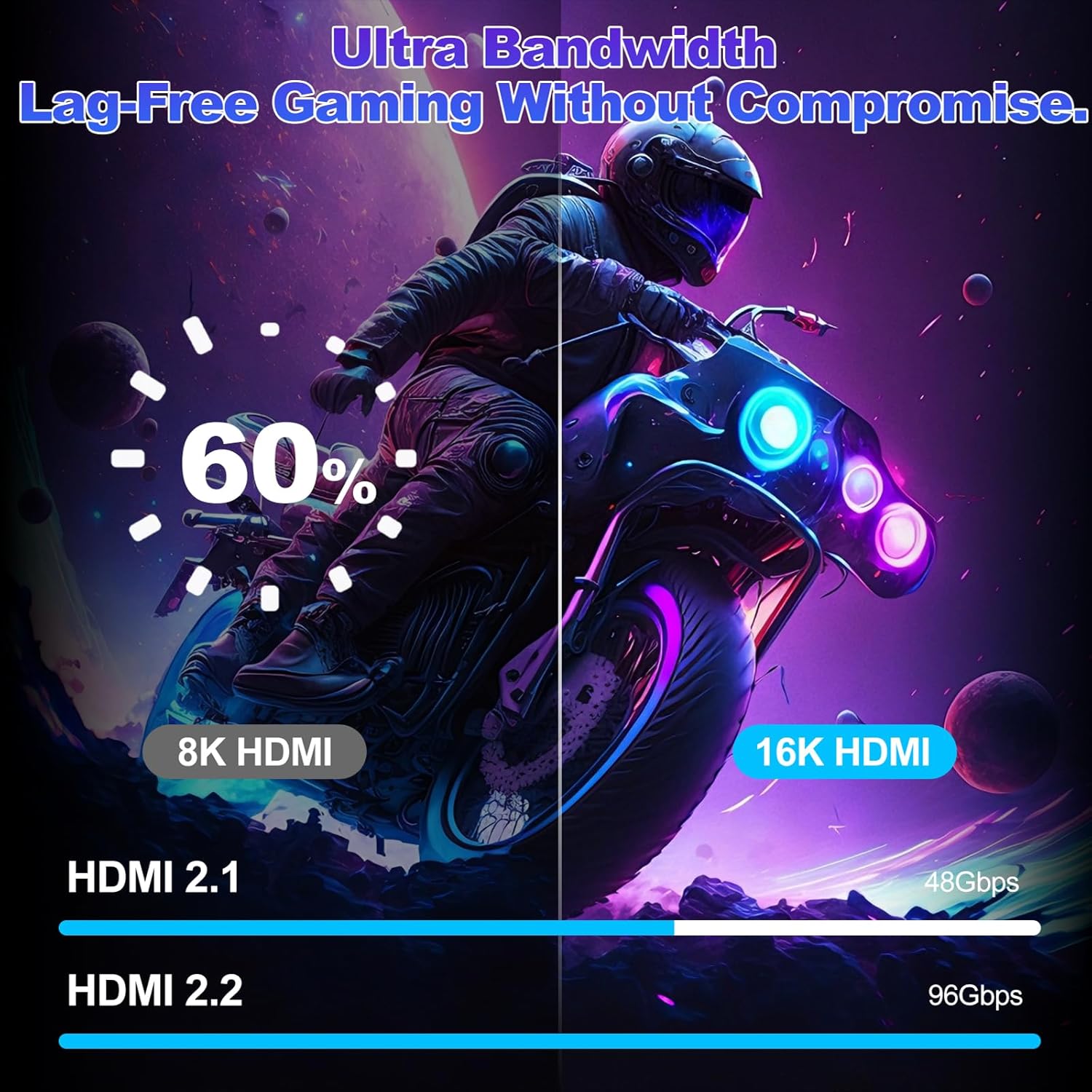
The standout claims here are centred on the HDMI 2.2 upgrade and “ultra high speed” transmission. The cable is described as offering 96Gbps bandwidth (positioned as a jump from 48Gbps in the same family), with support for high-end signal modes such as 16K@60Hz, 8K@240Hz and 4K@480Hz.
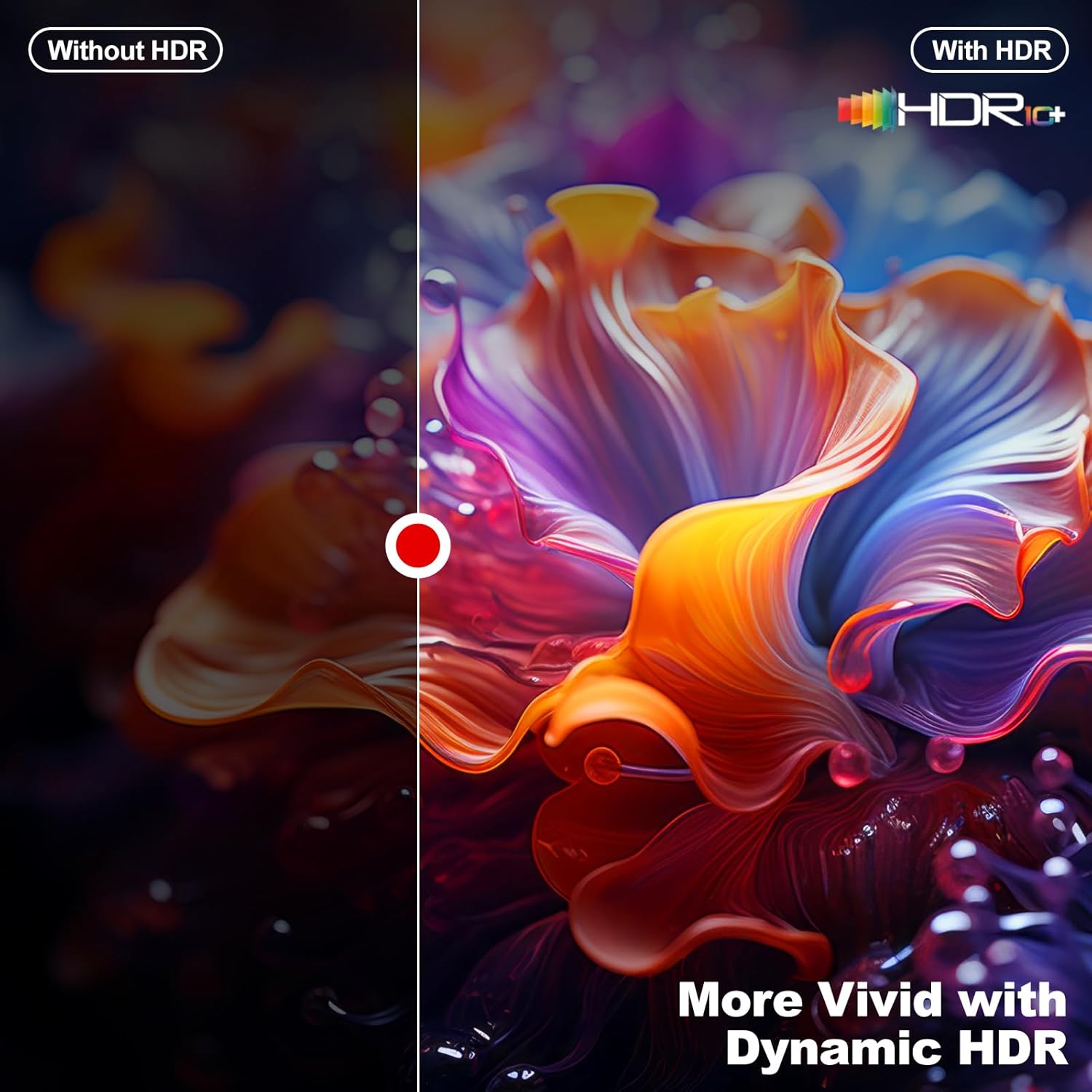
On the picture side, it’s described as supporting dynamic HDR and features like HDR10, Dolby Vision compatibility, and 12-bit colour depth. The practical takeaway is that if your TV/monitor can do dynamic HDR, this cable is designed to carry the relevant signal formats.
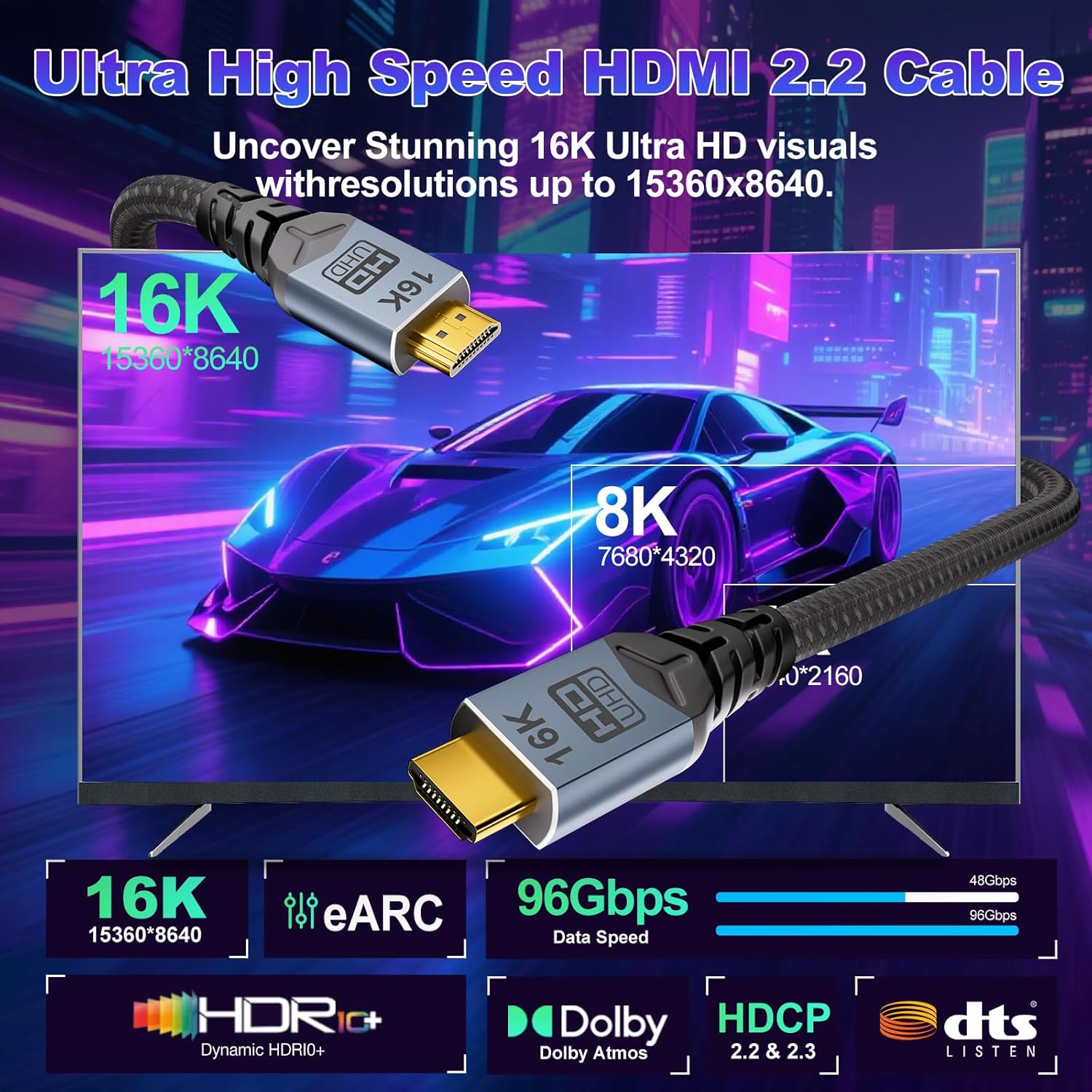
On the sound side, it mentions eARC and support for lossless multi-channel audio formats such as Dolby Atmos and DTS:X. That’s the kind of detail that matters if you’re sending audio from a TV to a compatible soundbar/AV setup, rather than just relying on built-in speakers.
What you’ll notice in use (with a concrete example)
Imagine a common setup: you’ve got an Xbox Series console connected to a gaming monitor, and you’re trying to get a smooth, responsive feel when playing fast-paced games. With a cable like this, the goal is to avoid the scenario where the signal drops, flickers, or refuses to maintain the higher modes—particularly when your display negotiates demanding refresh rates.
Similarly, if you’re watching HDR films (or streaming devices that output HDR), this cable is positioned as a way to keep HDR signal delivery consistent rather than settling for a toned-down picture.
That said, there’s a real limitation to keep in mind: the cable’s performance only helps if the rest of your chain supports the same features. If your monitor only supports basic refresh rates, you won’t “unlock” anything by swapping cables.
Tech specs (from the product info)
- Type: HDMI cable
- Format: HDMI 2.2 (as described)
- Size: 3m length
- Capacity: 96Gbps
- Refresh rate / supported modes: 16K@60Hz, 8K@240Hz, 4K@480Hz (as stated)
- HDR support: HDR10, dynamic HDR, Dolby Vision compatibility (as stated)
- Audio features: eARC, lossless multi-channel support such as Dolby Atmos and DTS:X (as stated)
- Security/rights management: HDCP 2.3 (as stated)
Where it’s strong, and where it might fall short
What’s persuasive about this HDMI lead is the focus on modern requirements rather than just “it works”. The combination of a high bandwidth claim, HDR/dynamic HDR support, and eARC audio direction suits people with newer TVs and devices, especially if they care about gaming responsiveness.
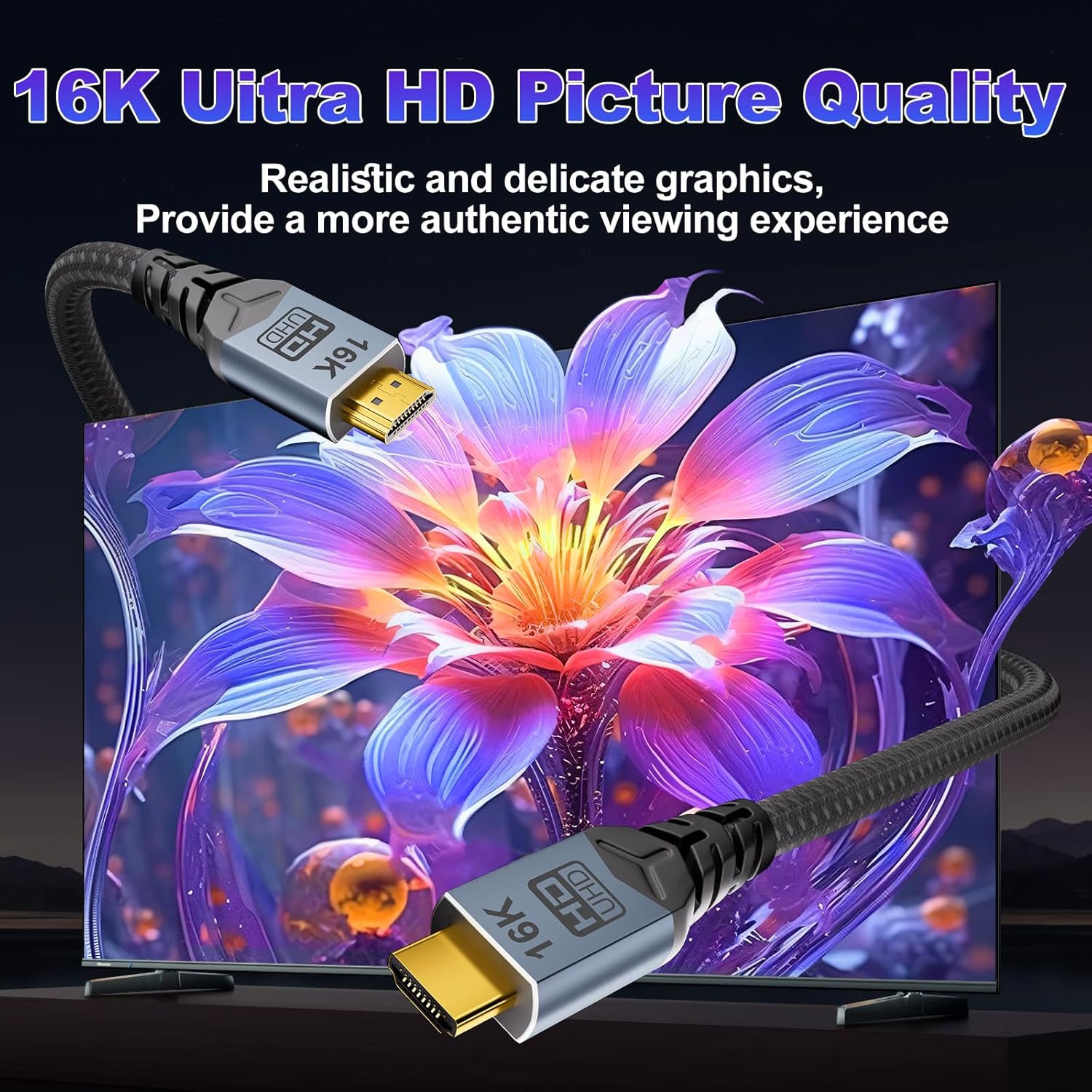
However, it can feel a bit over-specified if your goal is only simple 1080p or standard streaming on an older TV. In those cases, paying for the most advanced spec might not translate into anything you can actually see or hear.
Also, while the description talks about durability and shielding, cable performance in the real world can still depend on installation and device negotiation. You might find the display enables certain modes and not others, even with a strong cable, depending on firmware and compatibility.
Compatibility: which devices it’s aimed at
The product info states it’s intended for HDMI devices including TVs (including 8K TVs), projectors, PS5/Series consoles, Roku TV, gaming PCs/monitors, Blu-ray players, and soundbars.
If you’re unsure whether your setup can use the higher refresh or HDR modes, the practical approach is to check what your TV/monitor and source device support (settings menu is usually the quickest route). This cable is designed to be the “capable link” in the chain.
Care & maintenance: keeping signal issues at bay
No special ritual is required, but basic handling helps. Avoid tight bends near the connector ends, and keep it away from sources of interference where possible. The description mentions a braided exterior and multi-layer shielding, which is good for stability, but it doesn’t remove the need for sensible cable routing.
FAQs
Is this HDMI cable good for PS5 and Xbox Series?
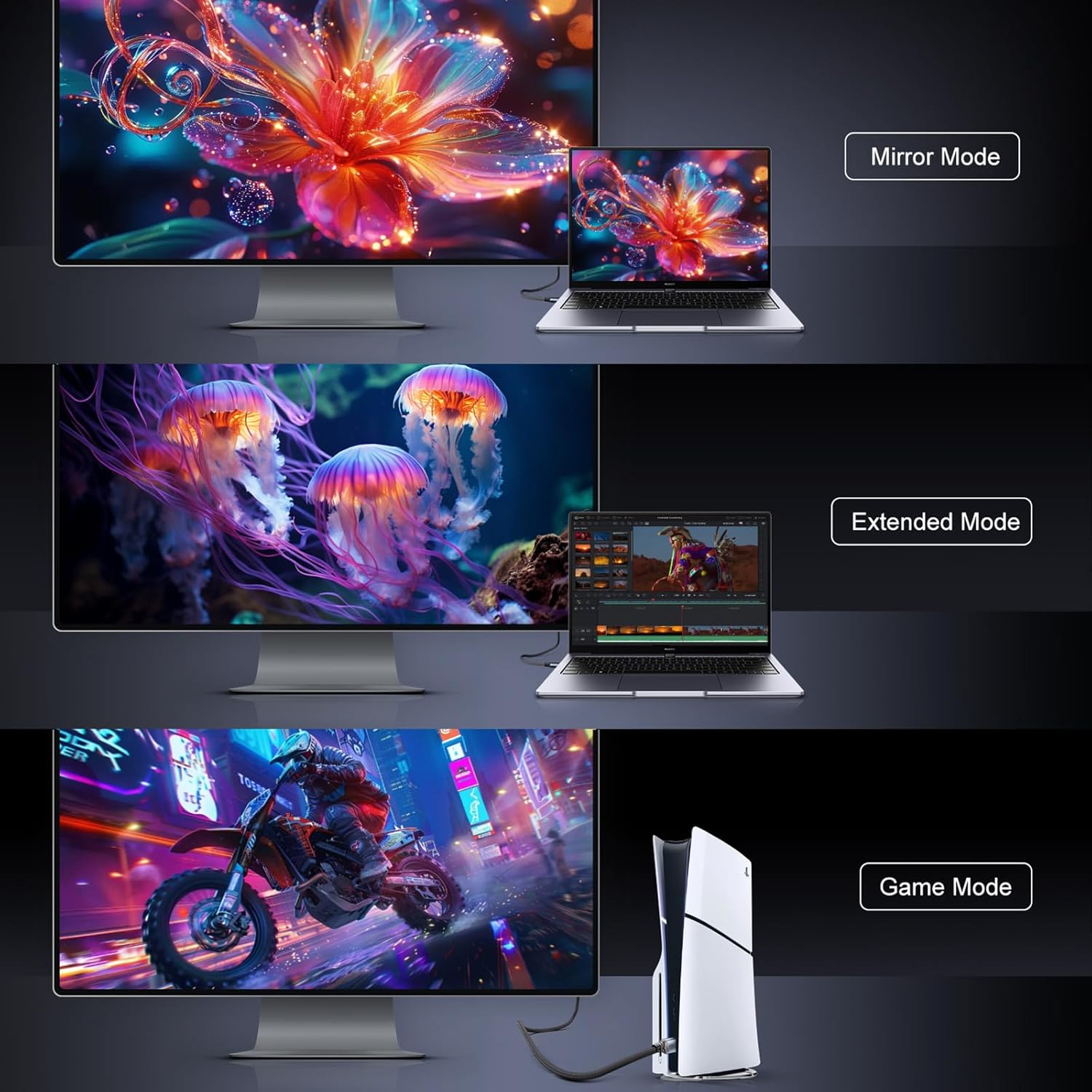
The product description explicitly positions it for PS5/Series devices and gaming use, including support for features like VRR and ALLM. As always, your TV/monitor also needs to support those features for you to benefit.
Does it support HDR10 and dynamic HDR?
According to the provided information, it supports HDR10 and dynamic HDR, and it lists Dolby Vision compatibility.
Will it work with a soundbar using eARC?
The cable is described as supporting eARC and lossless multi-channel audio formats like Dolby Atmos and DTS:X, so it’s aimed at setups where eARC is used. Whether your soundbar and TV fully support the same formats is still something to verify.
Do I need this if my TV is older?
If your display doesn’t support high refresh, 4K/8K features, or HDR, then a higher-spec cable may not change what you see day to day.
Final verdict
It’s worth buying this CABLAPTOP HDMI cable if you have (or plan to use) a compatible TV/monitor and want a 3m lead that’s designed for demanding signals—especially HDR viewing and smoother gaming where VRR/ALLM matter. It’s also a solid choice if you’re trying to avoid the “why won’t my setup hold the mode?” headache.
You may want to skip it if your display setup is fairly basic or older, because the extra spec may not show any noticeable improvement. Also, if you’re chasing specific resolutions or refresh rates, do a quick check of your devices’ capabilities first—otherwise you can end up blaming the cable for a settings/compatibility limit elsewhere in the chain.