

CABLAPTOP HDMI 2.2 cable 5m (16K/8K, 96Gbps) with eARC and HDMI 2.3 HDCP
Product description
The essentials
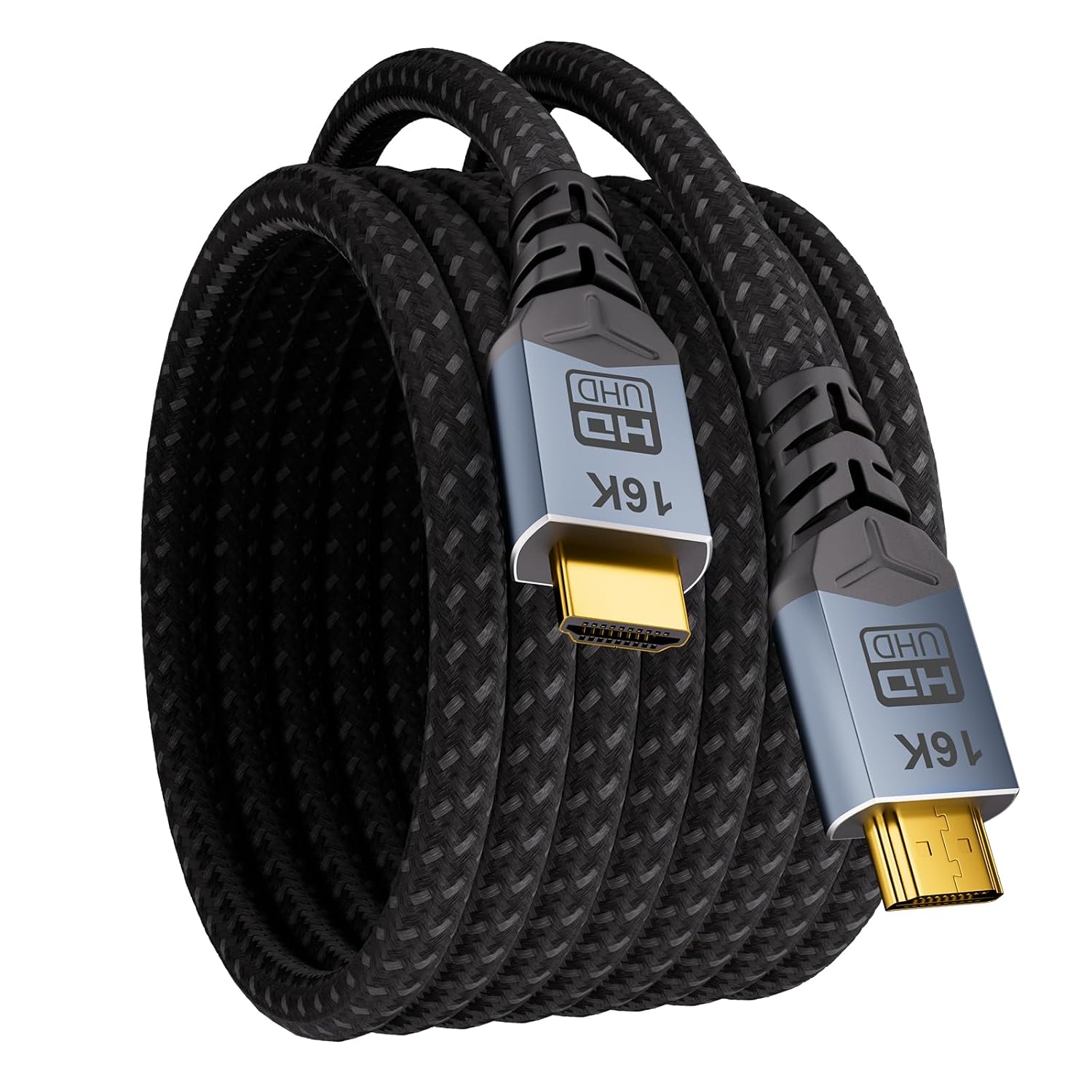
If you’re running a setup where HDMI bandwidth and signal stability matter, a long cable like this CABLAPTOP 5m HDMI 2.2 run can make sense. On paper it’s designed for demanding video and audio: very high throughput (96Gbps), support for modern HDR formats, and eARC for audio return. It also aims at low-latency gaming use, which is usually where people notice the limitations of a cheaper, thinner cable.
A 5m length is a practical sweet spot for many living-room layouts (TV across the room, projector on a wall mount, or a desk-to-display setup). The main thing to sanity-check before buying is whether your equipment actually supports the features you care about (for example, eARC and the specific HDMI/HDR features your TV/AV receiver and source support).
What it’s for (and where it fits best)
This HDMI cable is pitched as a “full-scenario” option: TV viewing, streaming boxes like Roku, media players, and also consoles/PC gaming. The benefit of a cable like this isn’t that it magically upgrades your sources or display—it’s that it’s built to keep up with higher-resolution/high-refresh and more complex HDR/audio signals without adding avoidable instability.
A concrete example: say you’ve got a gaming PC or console connected to a display that can handle high refresh rates. If you’ve previously had to drop settings because the image stuttered or the handshake was unreliable, a cable positioned for high bandwidth and gaming-friendly signalling is the kind of change that can remove one weak link in the chain.

It’s not automatically a must-have for everyone. If you’re only using a basic 1080p/standard refresh setup, you may not need a cable this “future-proof” in specification terms.
Key points you’ll notice in use
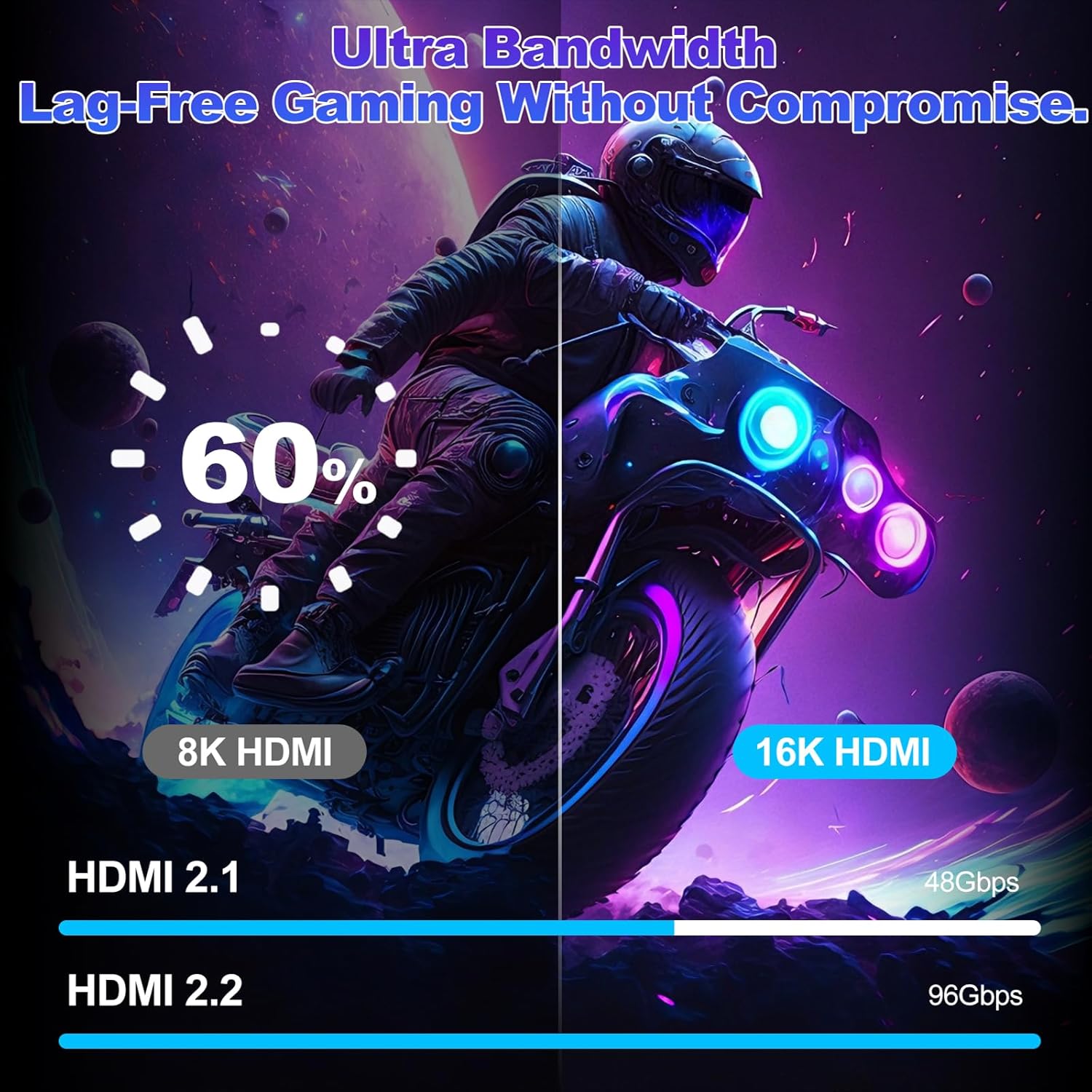
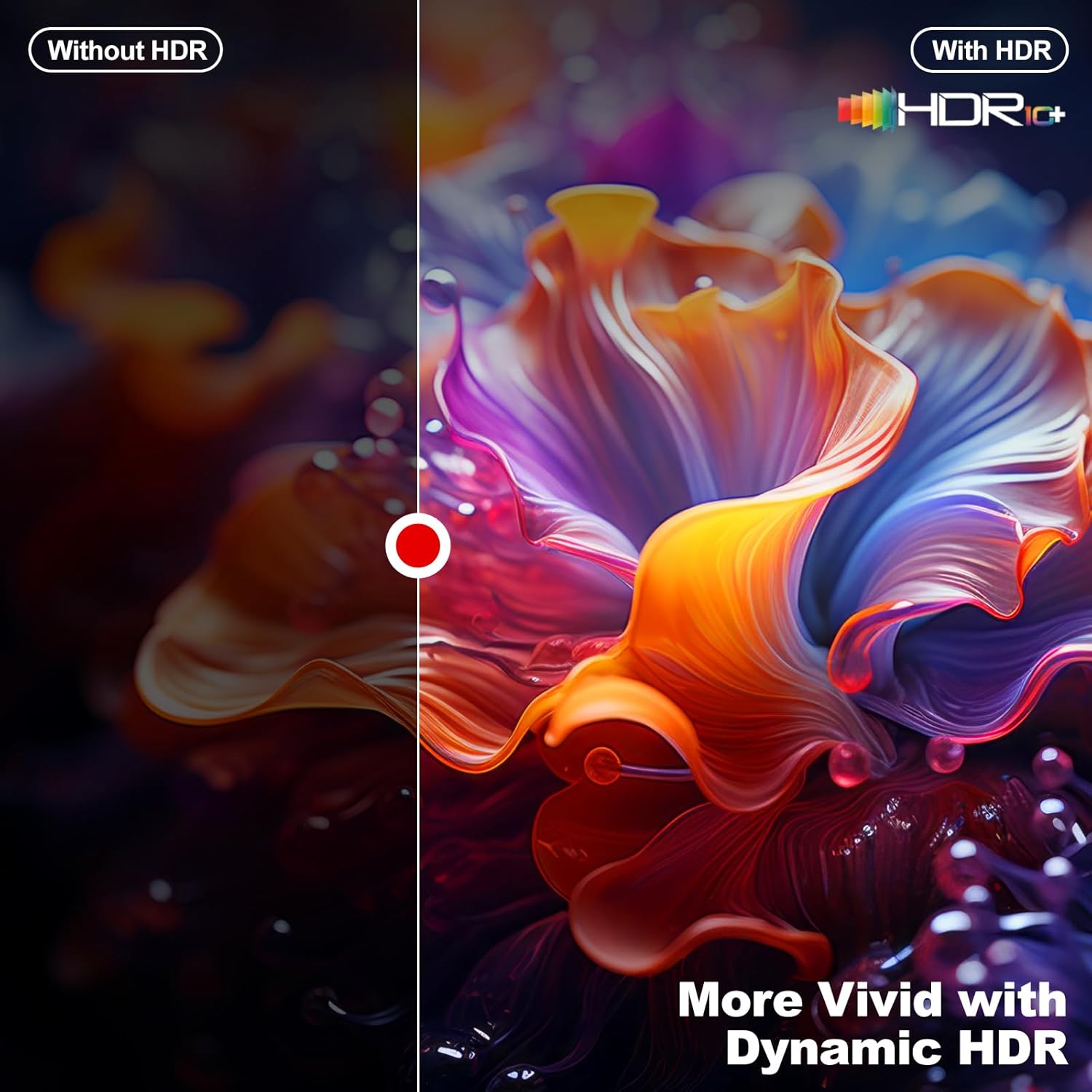
The headline claim here is 96Gbps bandwidth with HDMI 2.2 positioning, along with support for dynamic HDR and high colour depth. For viewers, that’s about more reliable signal delivery for brighter highlights and darker shadows, and fewer reasons for the picture to fall back to something more basic.
On the audio side, the eARC support is the feature that tends to matter if you use a soundbar or AV receiver and want lossless multi-channel formats such as Dolby Atmos and DTS:X (as stated). In day-to-day use, that translates into a simpler experience: you can keep the audio path through the TV/earc setup rather than forcing a more awkward audio connection.
Gaming and performance angle (with a realistic limit)
This cable is also marketed for low-latency gaming, including VRR and ALLM-style behaviour (Auto Low Latency Mode, mentioned in the description). If your console/PC supports VRR and you’re trying to keep the experience smooth, a higher-spec HDMI lead is a logical place to spend a little extra.

That said, it’s worth keeping expectations grounded. A cable can help prevent frame drops or stuttering “during video playback” per the manufacturer’s claim, but it won’t fix a slow GPU, a weak Wi‑Fi connection on a streaming app, or an incompatible TV setting. If your display only negotiates lower modes, you may still end up running at reduced resolution/refresh.
Also consider cable routing: a 5m cable is longer than the “no worries” 1–2m runs. Even with braided shielding and tested durability claims, long lengths usually benefit from sensible installation (avoid tight kinks, minimise bends where possible, and keep the lead away from strong power cables).
Durability and build
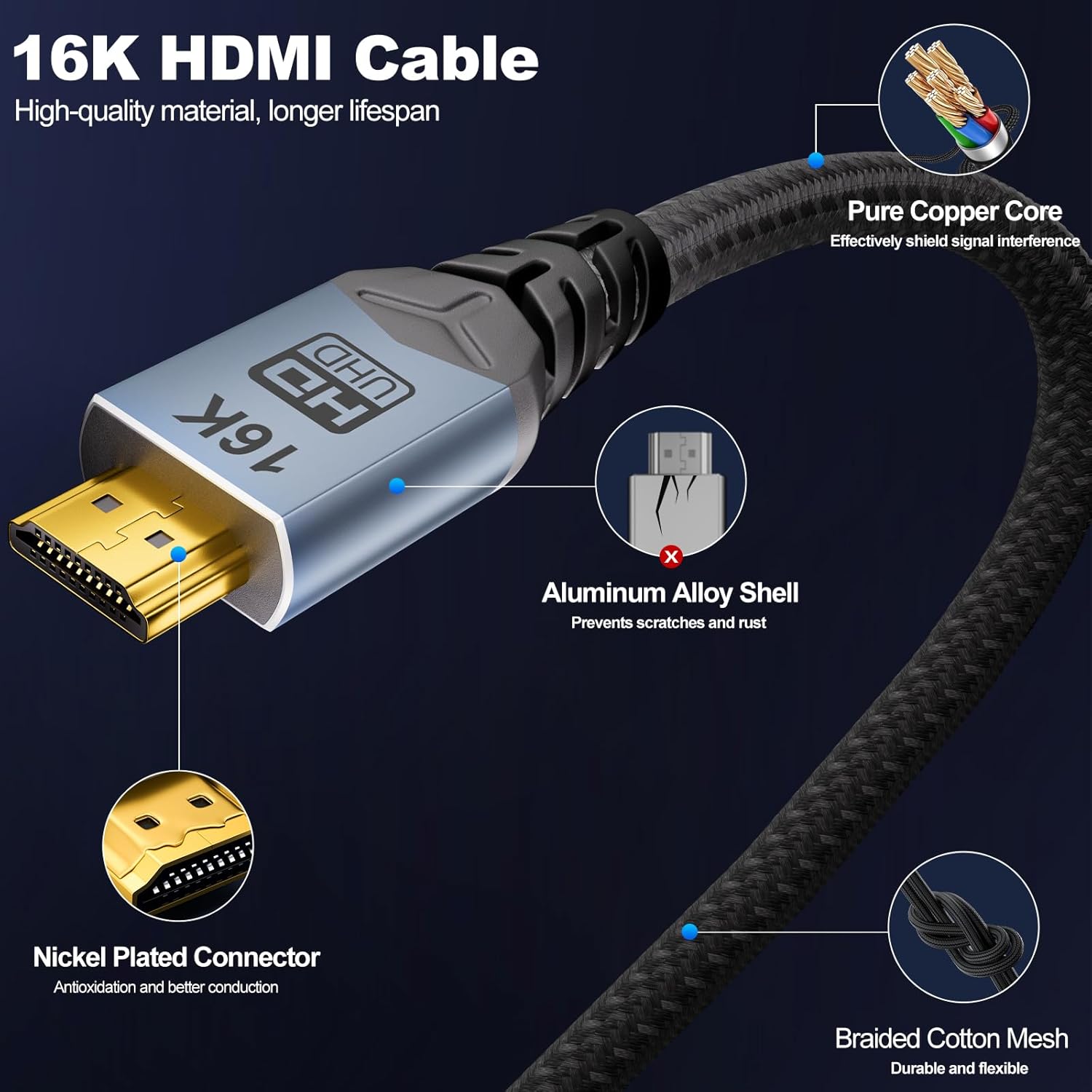
The description points to a rugged structure: a high-density braided outer jacket, an aluminium alloy connector housing, and a four-layer shielding approach aimed at resisting EMI. It also mentions passing 15,000 bending tests.
In practical terms, that’s the kind of construction you want if the cable will move occasionally (behind a monitor, through a desk gap, around a wall bracket). It’s not just about lasting years, it’s also about maintaining consistent contact through repeated plugging/unplugging.
One limitation to keep in mind: while shielding helps with interference, the quality of the overall setup still matters—source ports, display ports, and how the cable is routed can all influence how stable the connection feels.

What to check before you buy
Before committing, double-check what your TV/monitor/projector and source device actually support. This cable is described as supporting features like HDR10+, Dynamic HDR, Dolby Vision, and multiple HDMI versions (as well as HDCP 2.3/2.2 being mentioned).
A good buyer checklist: - Does your display support eARC if you’re relying on Dolby Atmos/DTS:X over the audio return path? - Are you trying to use high refresh rates—if yes, does your device negotiate the modes you want? - Do you need a 5m run specifically? If you can shorten the cable, it often reduces the chance of any handshake quirks in complex setups. - Are your source ports HDMI 2.2/2.1-capable and configured correctly?
If you’re not using advanced HDR or eARC, you might feel like you’re paying for headroom you won’t use.
Buying verdict
It’s a sensible pick if you want a 5m HDMI lead for a modern home cinema or gaming desk, and you care about things like eARC audio return, dynamic HDR support, and smooth high-spec signal delivery. The combination of 96Gbps throughput, HDR compatibility claims, and durability-focused build suggests it’s aimed at people who don’t want their cable to be the weak link.
You may want to skip it if your setup is basic (lower resolution, standard refresh), or if you’re buying without checking whether your TV/soundbar/console actually support the eARC and HDR features you’re aiming for. And if you do go for it, install it thoughtfully—5m runs are less forgiving than short leads, even when the cable is designed for stability.