

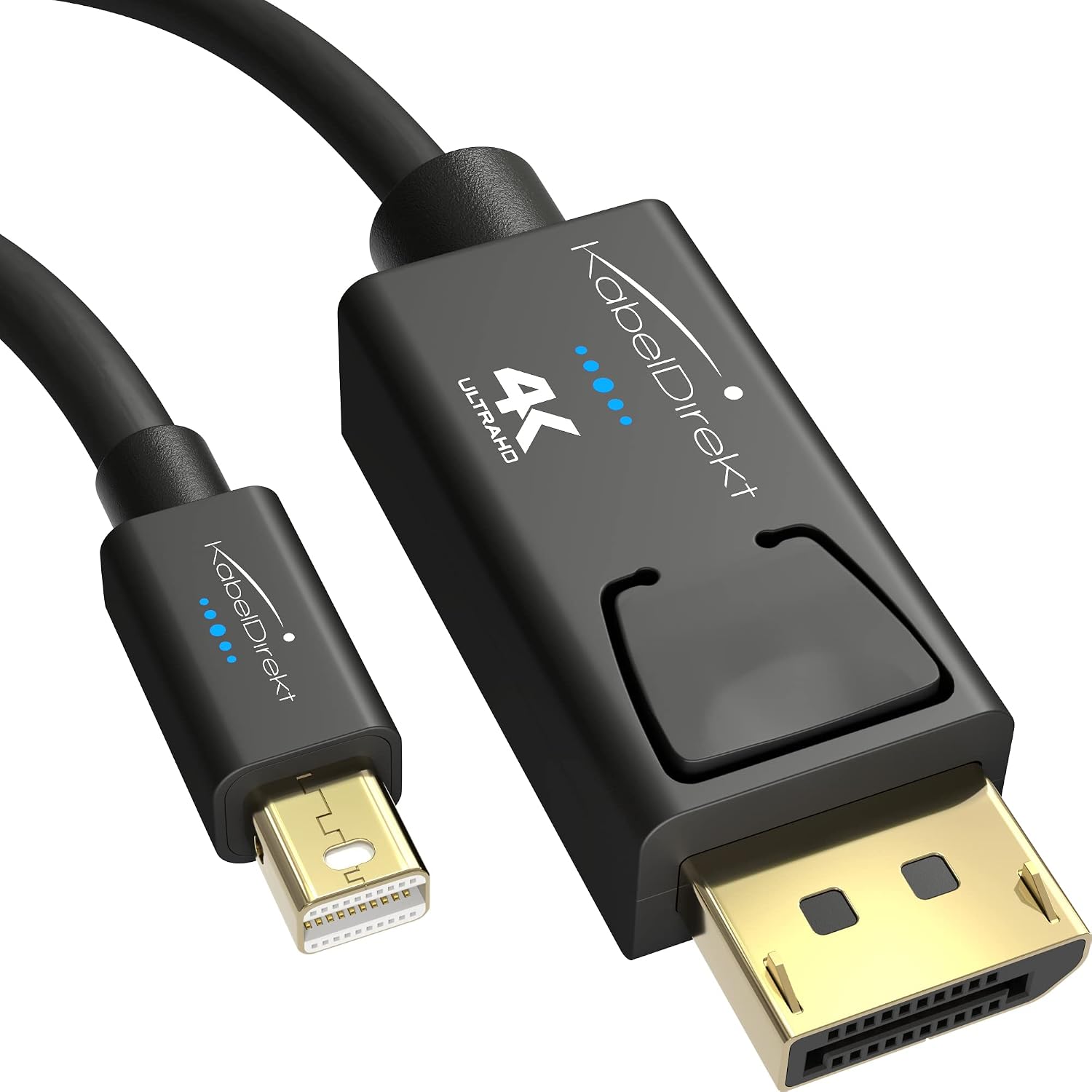
KabelDirekt 4K Mini DisplayPort to DisplayPort Cable (5m) with AIS shielding – Thunderbolt 1/2 compatible
Product description
What it is
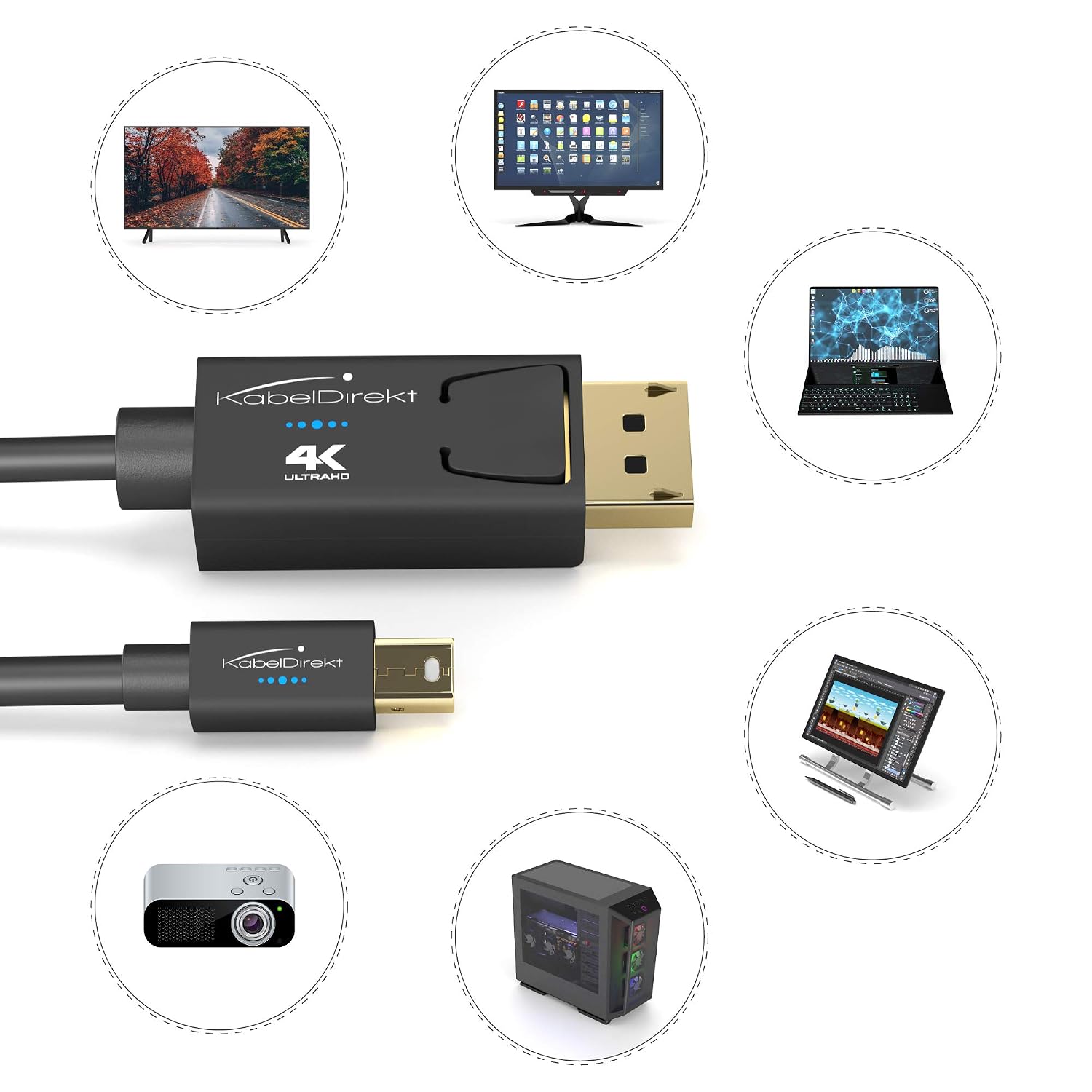
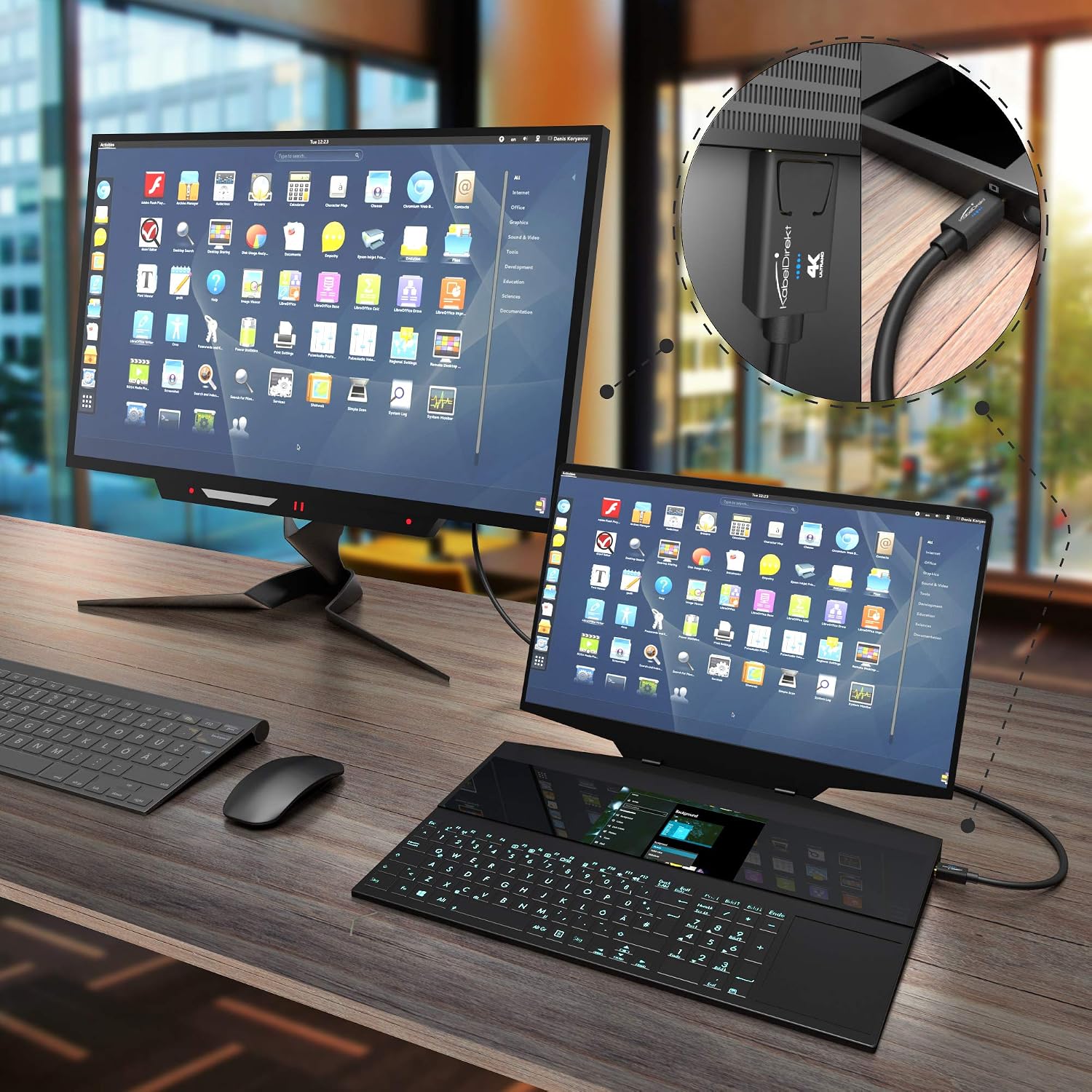
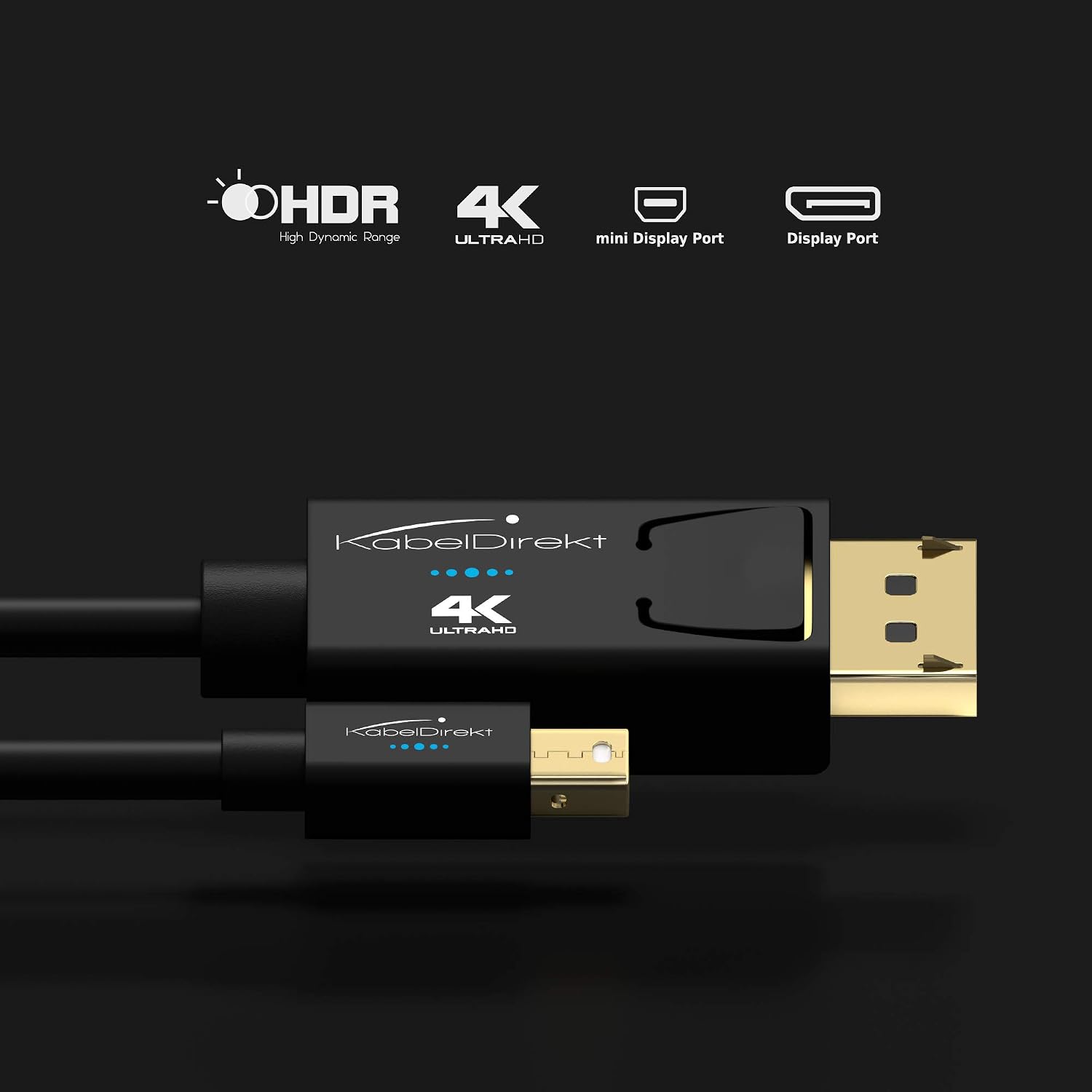
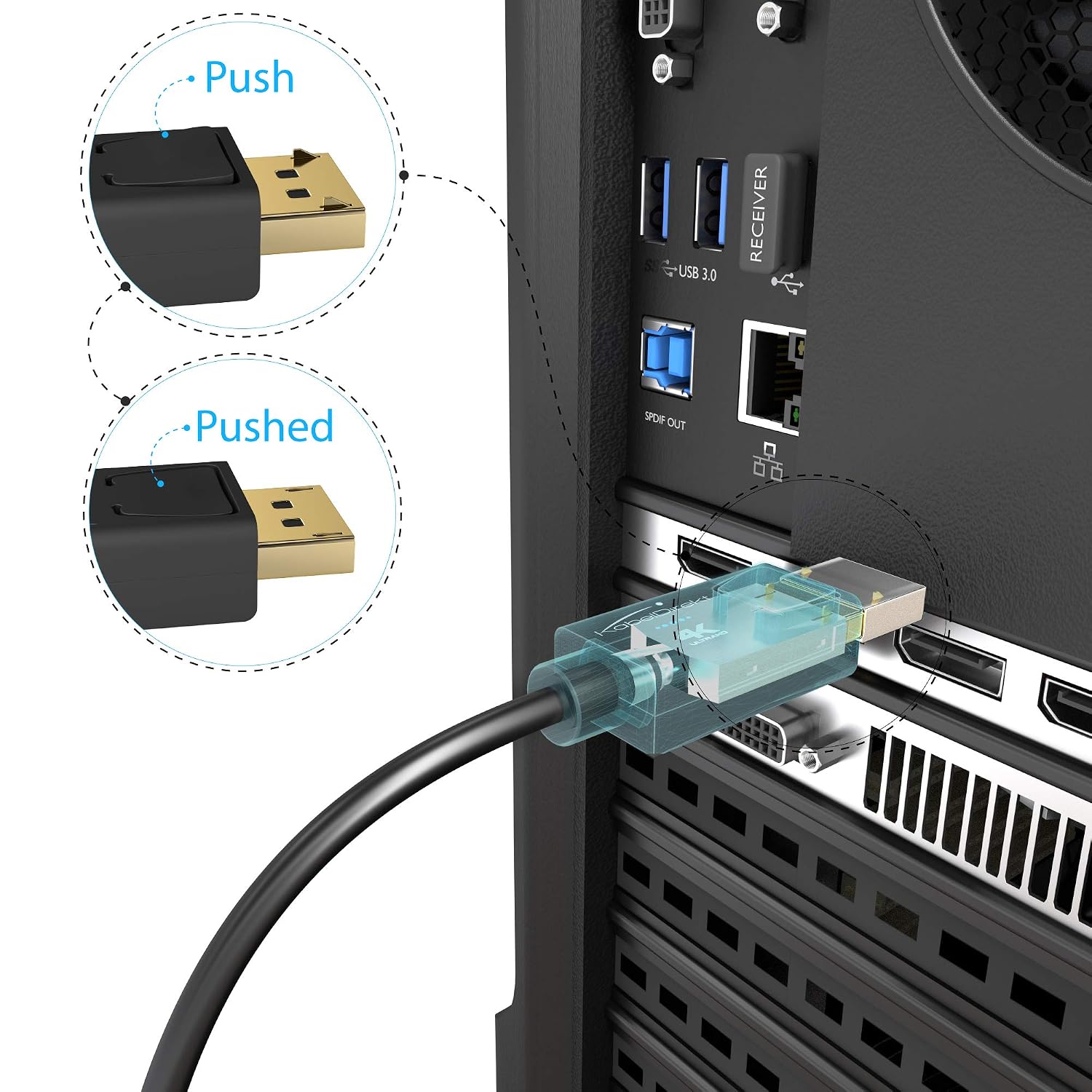
The KabelDirekt 4K Mini DisplayPort to DisplayPort cable is designed to connect laptops, PCs or Macs with Mini DisplayPort or Thunderbolt 1/2 outputs to a DisplayPort input on a monitor, projector or gaming display. It supports resolutions up to 4K at 60 Hz where the host and display allow, and it emphasises a solid, shielded build for reliable data transmission. The connector features a lock to prevent accidental unplugging and adheres to the DisplayPort standard with multi-stage tests for compliance. On paper, it’s a straightforward, plug‑and‑play solution for bringing high‑definition video and audio to a compatible display.
What matters most
If you prioritise a simple, cable-only upgrade for your high‑resolution display, this KabelDirekt model offers a direct path from Mini DisplayPort/Thunderbolt to DisplayPort. The AIS shielding in the DisplayPort connector is presented as a feature intended to minimise interference and data loss. The cable is bidirectional, so it should work whether your setup is PC to display or laptop output to a projector. Importantly, pin 20 is not connected per the VESA spec, reducing short‑circuit risk on compatible gear.
Tech specs
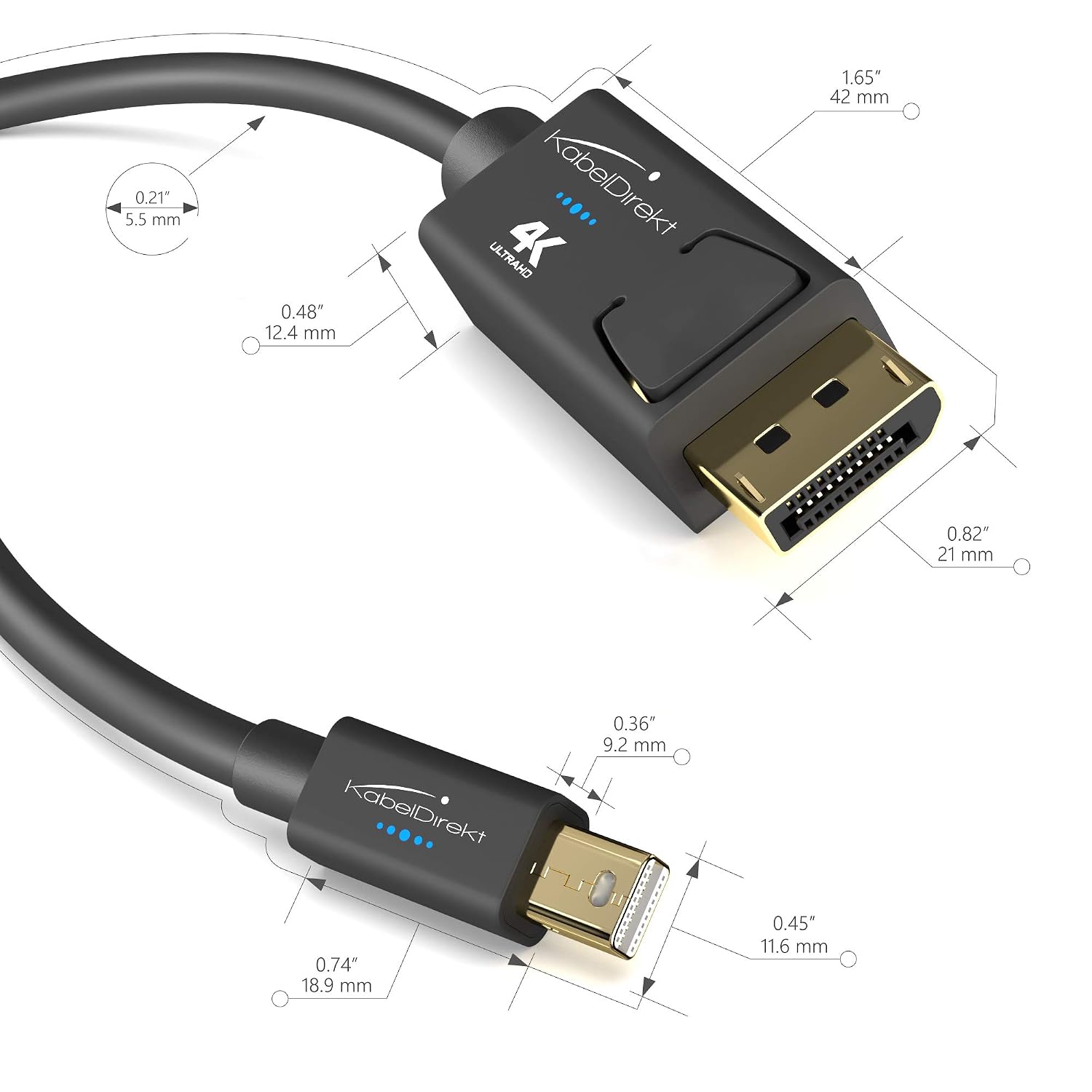
The product is a 5 m cable with end‑to‑end shielding for loss‑free data transmission and a connector lock to hold the plug in place. It supports 4K at 60 Hz depending on the combination of laptop/graphics card and monitor. The description notes compatibility with Mini DisplayPort and Thunderbolt 1 & 2, making it a flexible choice for mixed desktops, laptops and Macs. The exact materials and insulation details are not expanded beyond the shielding claim, so if you need a spec sheet with copper gauge or connector plating, those details aren’t provided here.
What stands out
- Practical length (5 m) suits setups where the display is not right next to the computer.
- AIS shielding in the DisplayPort connector is highlighted as a method to protect signal quality.
- Locking connector reduces accidental unplugging during use, which matters for presentation setups or crowded desks.
Usage tips
To get the best result, ensure your source and display both support the 4K@60 Hz configuration you’re aiming for. If your laptop or PC is capable but the monitor or cable quality is weak, you may not reach 4K60_Hz even with this cable. Check that your graphics card and monitor are compatible with DisplayPort 1.2 or newer, and verify that the system is configured for 4K output in the display settings. If you’re using a longer run, keep in mind that cable length can influence bandwidth, some setups may default to lower refresh rates if bandwidth is constrained.
Who it’s for
This cable is suited for users who want a straightforward Mini DisplayPort/Thunderbolt to DisplayPort link with a modest emphasis on durability and secure connection. It’s a pragmatic choice for home offices, classrooms or small presentation spaces where you need a reliable, longer cable to reach a display without switching to adapters or dongles.
Who it’s not for
If you rely exclusively on 4K at higher refresh rates beyond 60 Hz, or if you require very rigid, technical specification details (e.g., exact conductor material or HDMI-like features), you may want to compare with cables that disclose full electrical specs. Also, if your system’s DisplayPort capability is limited to lower resolutions or older hardware, 4K60 may not be achievable.
When it makes sense to buy
Consider this KabelDirekt model when you need a simple, no‑nonsense upgrade path from Mini DisplayPort/Thunderbolt to DisplayPort, with a decent length for flexible desk layouts and a locking connector for stability. It’s sensible when your priority is a tidy, compatible link that supports high-resolution output without extra adapters.
What to check before purchasing
- Confirm your source supports Mini DisplayPort or Thunderbolt 1/2 and can output 4K at 60 Hz with DisplayPort.
- Verify your display accepts DisplayPort input at 4K/60 Hz.
- Ensure the cable length fits your setup and that environmental factors (desk layout, distance) won’t degrade signal.
- If possible, test with a known-good display to verify the 4K60 capability prior to long-term use.
Practical comparison
For tasks where you’re weighing options, consider whether you need a direct Mini DisplayPort to DisplayPort link rather than adapters or HDMI. If your workflow includes occasional presentations or a mixed hardware environment (Windows PC, MacBook with TB/MP, a modern monitor), this cable offers a simple, bidirectional solution without needing multiple adapters. It sits in a sensible middle ground between basic display cables and higher‑specification, bandwidth‑heavy options.
Final verdict
Should you buy it? It makes sense if you want a straightforward, reasonably long MPD/Thunderbolt to DisplayPort cable with a stability feature and a focus on maintaining signal quality. It’s not a top‑tier, feature‑heavy cable, but it offers practical value for everyday high‑definition display needs. If you prioritise a compact, highly specified spec sheet or maximum potential 4K performance in every scenario, you may want to explore options with explicit electrical specifications and higher bandwidth assurances.
FAQ
- Can this cable run 4K at 60 Hz from a MacBook using Thunderbolt 2? Yes, provided the MacBook and display support 4K60 over DisplayPort and the source is configured accordingly.
- Is the pin 20 not connected a concern? Per the DisplayPort standard, pin 20 is not connected, reducing short‑circuit risk, this is standard for many DisplayPort cables.
- Will it work with any Thunderbolt 1/2 port? It should, as Thunderbolt 1/2 includes DisplayPort signal compatibility, but always confirm your device’s output capabilities and monitor input support.