

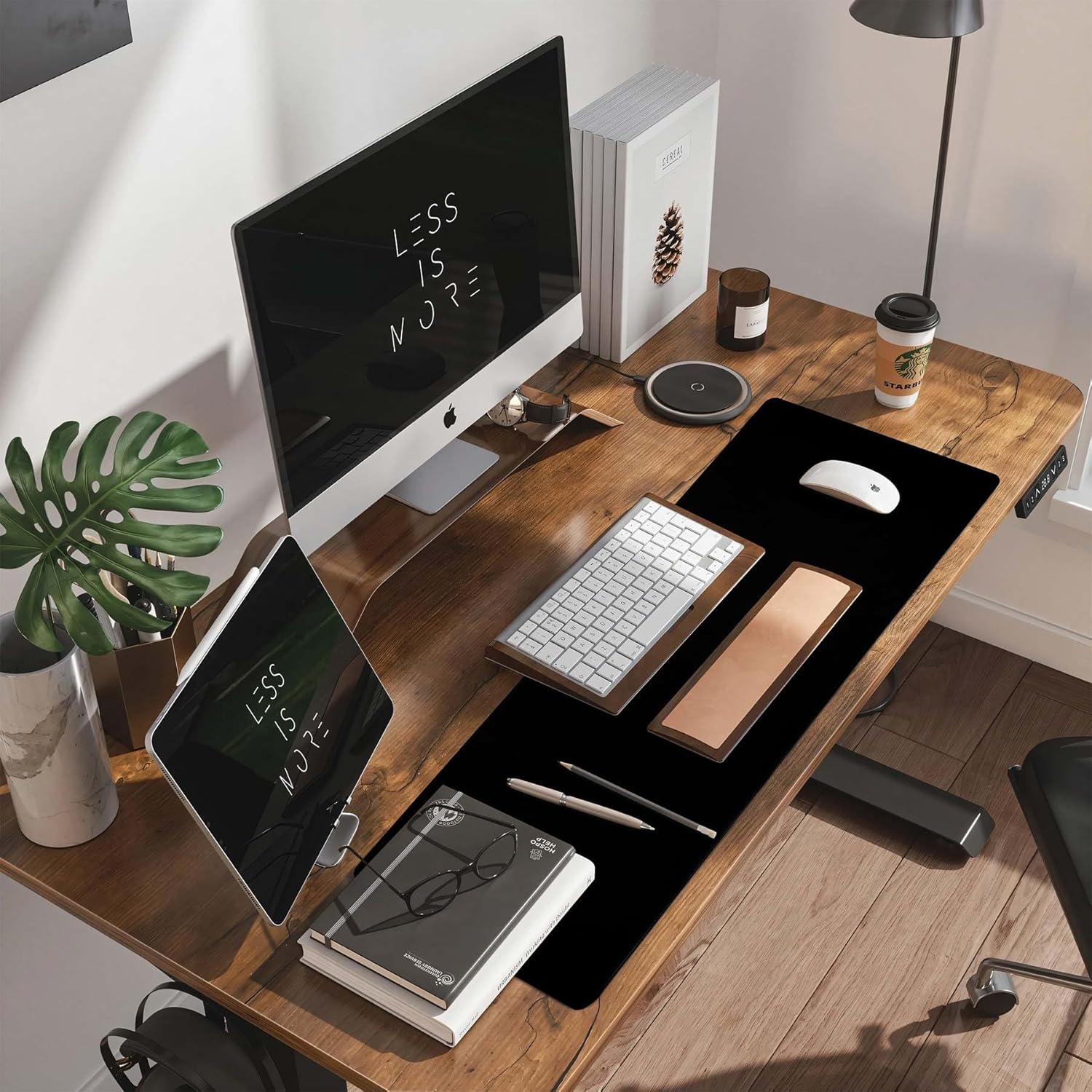
DAWNTREES Large Gaming Mouse Pad (1200 x 600 x 3 mm) with Non-Slip Rubber Base & Stitched Edge
Product description
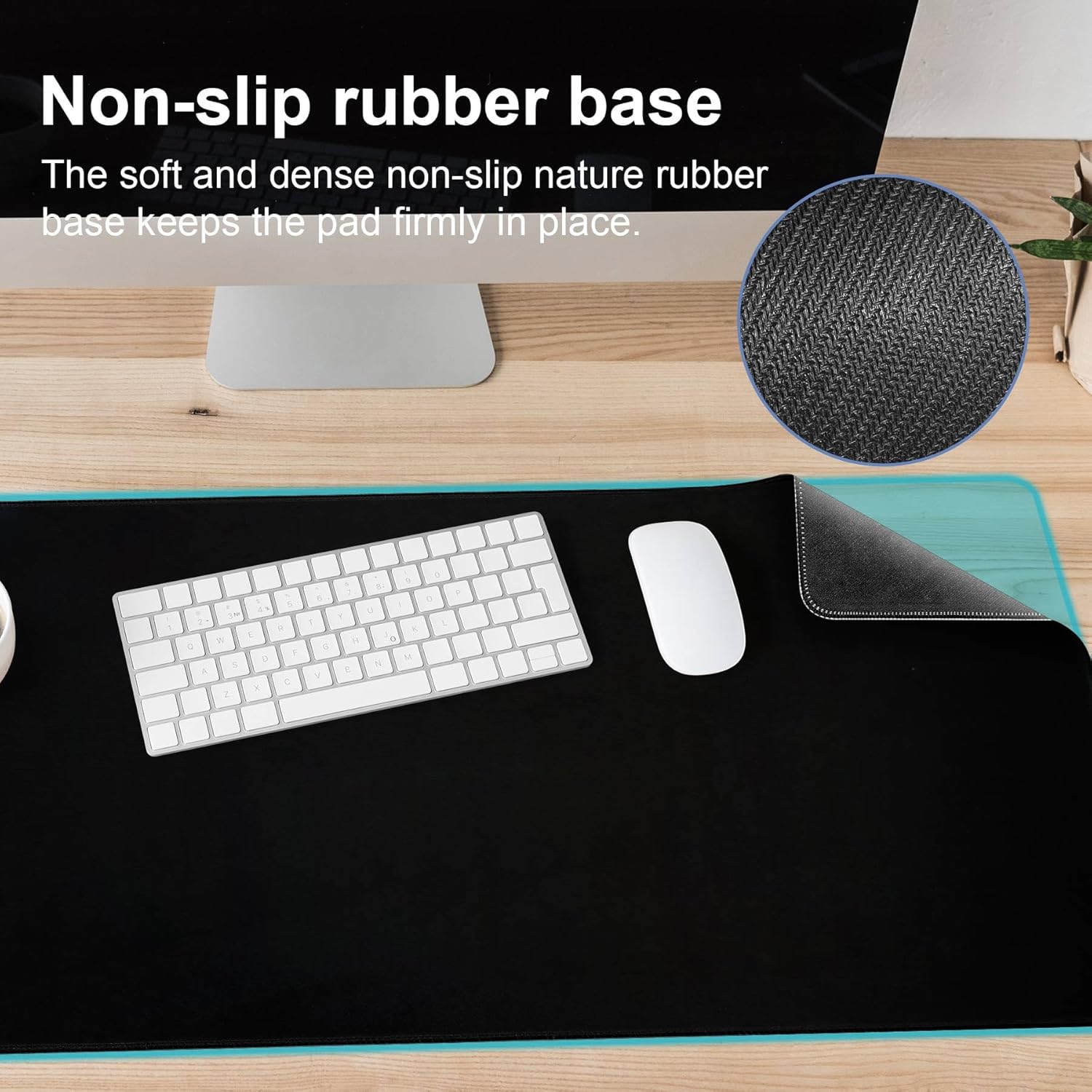
If you’re fed up with a mouse mat that creeps across the desk, the DAWNTREES large gaming mouse pad is built around staying put. It combines a grippy rubber base with a smooth, even-textured surface for optical or laser tracking, so your movements feel more controlled whether you’re working, studying, or gaming.
It’s not trying to be flashy. It’s the sort of desk mat you buy for day-to-day friction reduction and fewer annoyances—especially if you use a laptop on a desk and want a consistent feel for your mouse hand and wrist.
Key takeaways
The headline here is stability: the non-slip rubber base is designed to reduce unwanted movement on most desk surfaces. Pair that with a smooth top layer meant for precise tracking, and you get a mat that should suit mixed use (office tasks one minute, longer sessions the next). The stitched edge also suggests it’s meant to cope with regular handling rather than looking good for a short period.
You should also consider the “support” angle. The mat is described as comfortable for daily use, with a soft, supportive feel intended to reduce desk friction under your hand and wrist during long sessions.
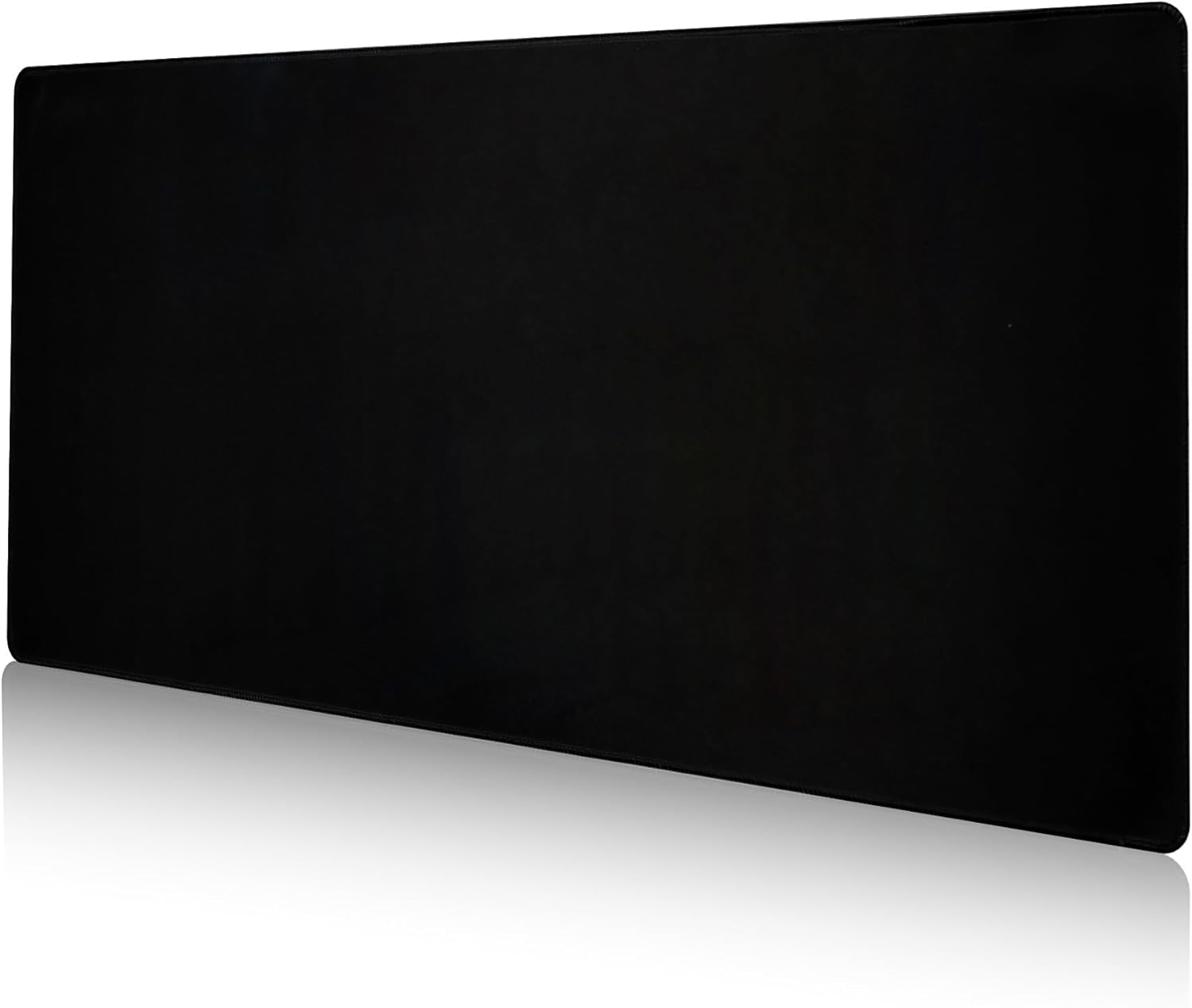
Worth noting: it’s a large format. That’s great for coverage, but it also means you’ll want enough desk space so it doesn’t feel awkward or cramped.
What matters most for tracking and stability
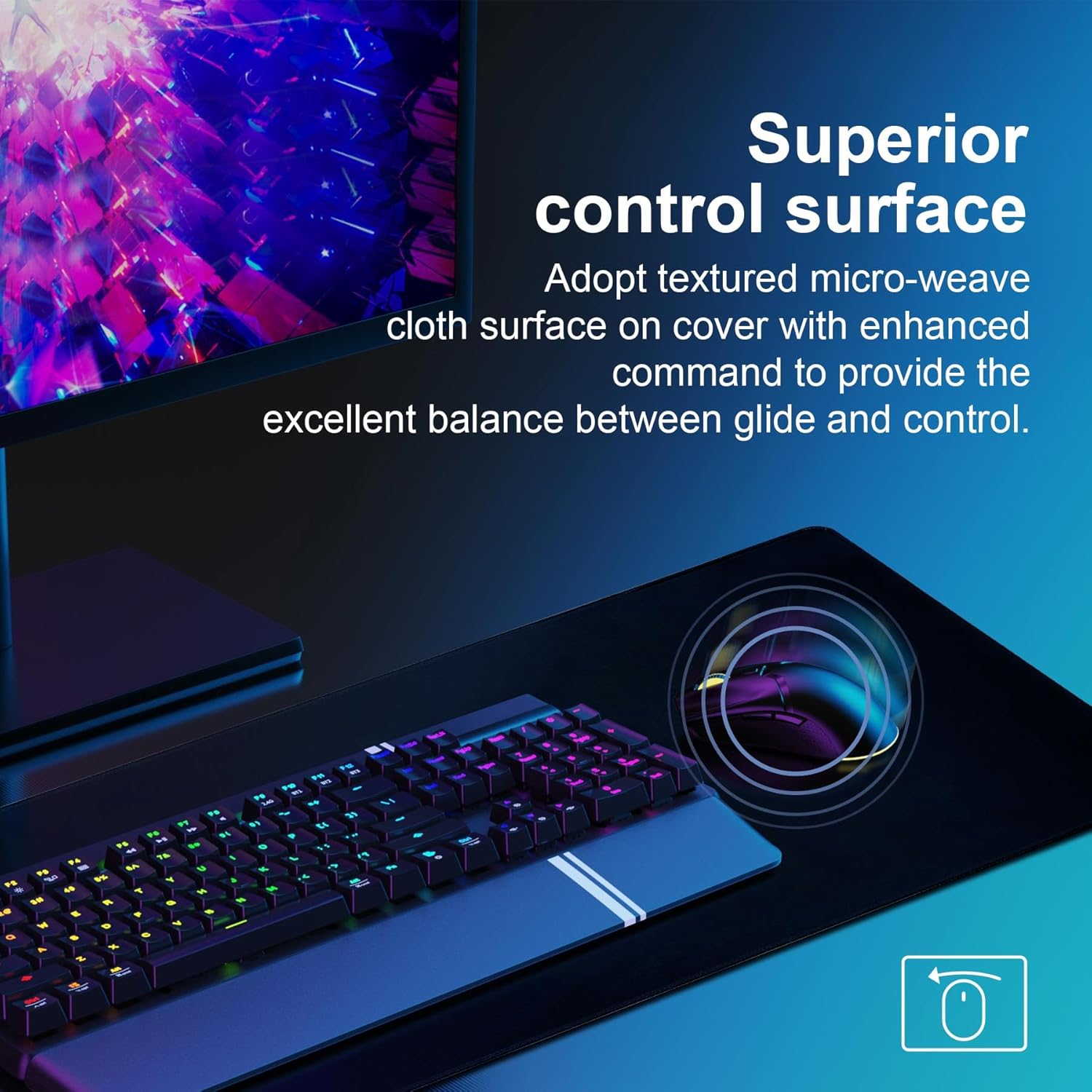
On paper, this mouse pad focuses on two practical things: consistent glide and staying where you put it. The surface is described as smooth with an even-textured top layer, designed to support smooth mouse tracking for both optical and laser mice. That matters if you’ve ever had a mat that feels “grabby” or uneven during quick movements.
The rubber backing is the other half of the story. The grippy base is meant to keep the mat in place on most desk surfaces, reducing sliding while you work, study, or game. This is the sort of feature you notice immediately if you’re currently dealing with a mat that migrates during use.
And if you’re using this in a home office or study setup, the smoothness and stability can make daily pointer control feel more consistent—less “fighting the surface” and more reacting to what you’re doing.
What you’ll notice day to day
Comfort is one of the more human parts of the description. The mat is positioned as soft and supportive for longer sessions, aiming to reduce desk friction under your hand and wrist. That won’t magically fix posture, of course, but for many people it’s the difference between resting your wrist on a hard desk edge and having a calmer surface.
A micro example: imagine you’re typing and then switching to browsing or a spreadsheet-heavy task. With a stable mat, you don’t have to realign it every hour, and with the smooth top layer you can move the mouse without it feeling like it drags. In gaming, that same consistency tends to help with repeatable control.
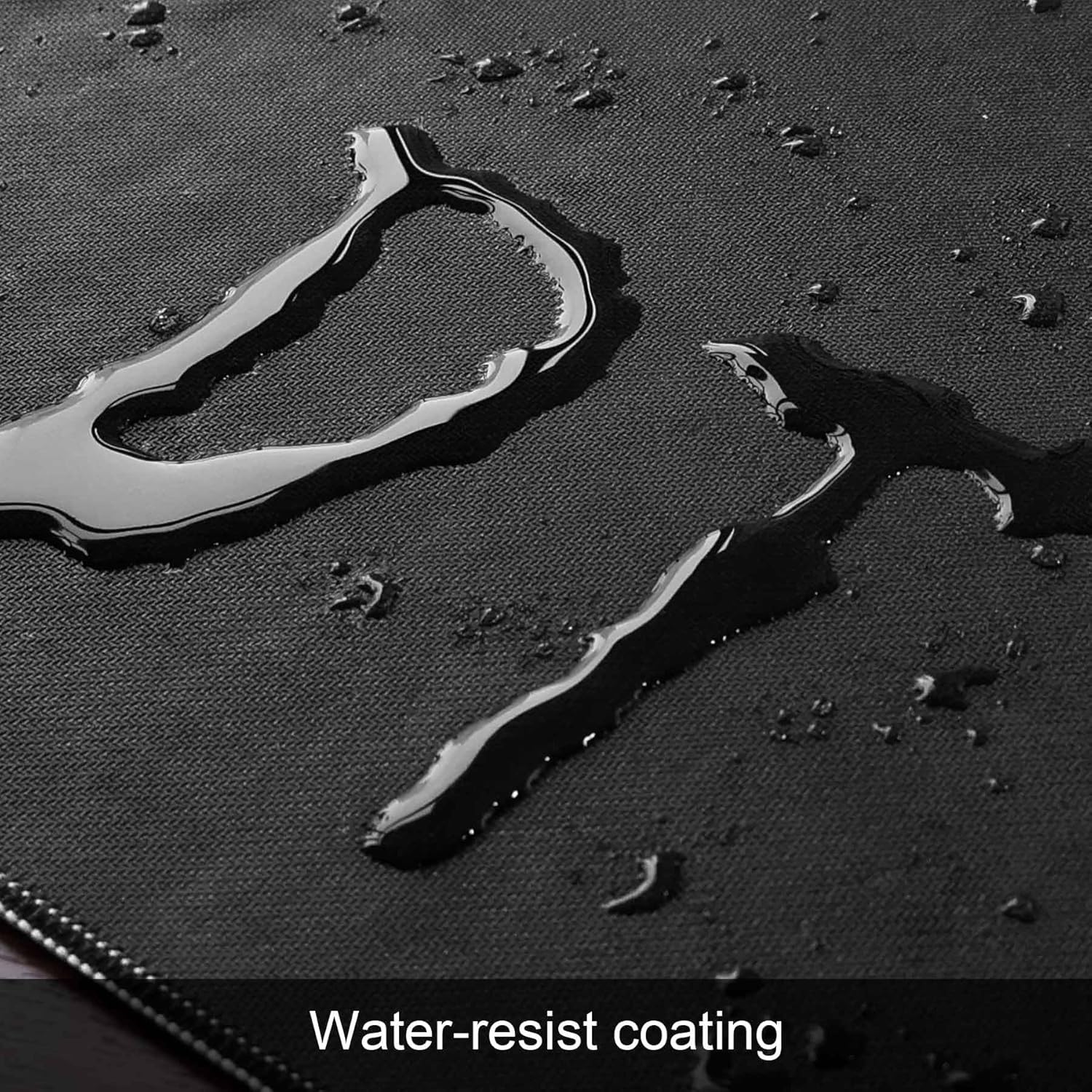
Maintenance also sounds straightforward. The surface is described as wipe-clean with a damp cloth for quick upkeep—useful if you keep a tidy desk but still get the occasional smudge.
Pros
- Non-slip rubber base designed to reduce sliding on most desk surfaces.
- Smooth, even-textured top layer for consistent mouse tracking (optical and laser).
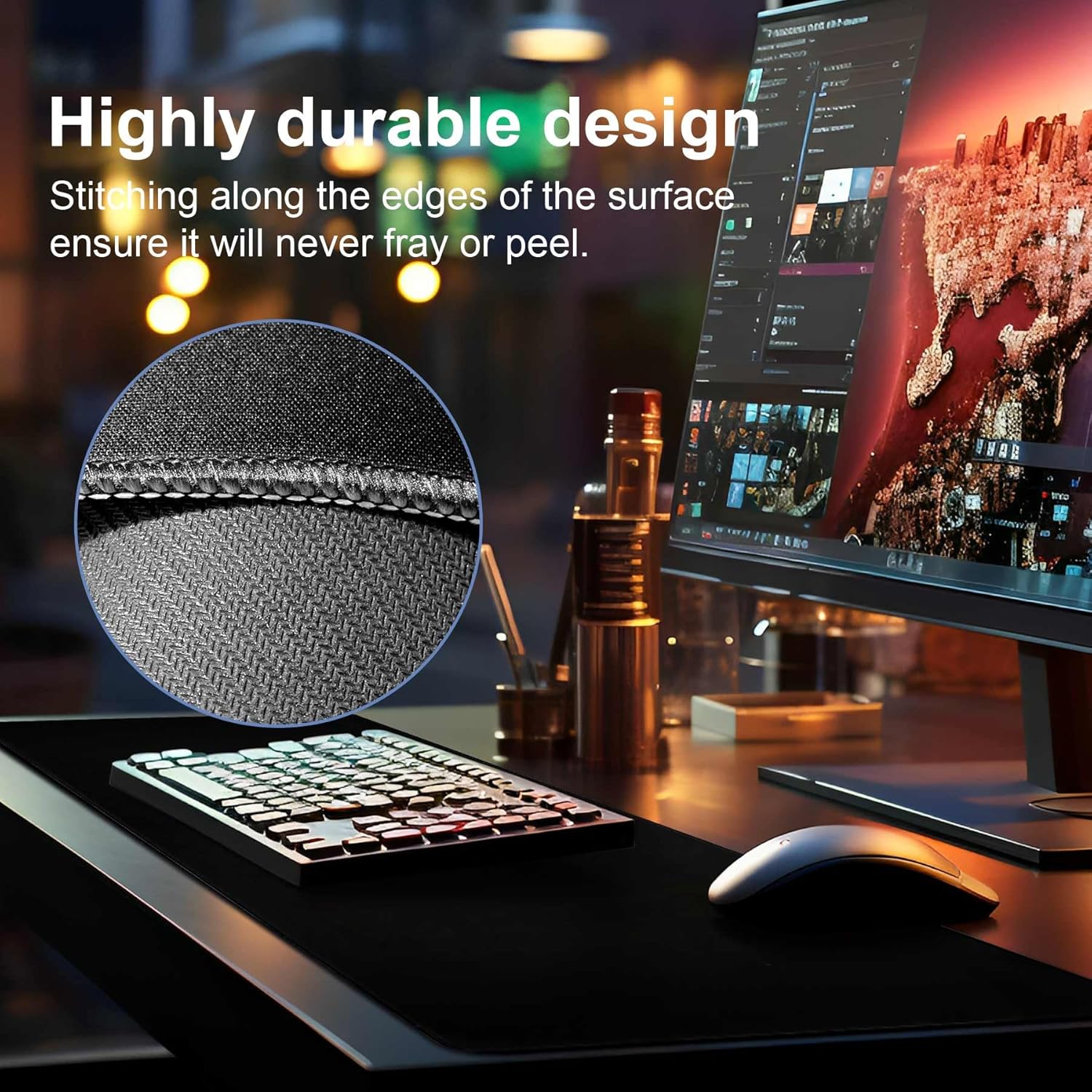
- Stitched edge for durability and a more finished look.
- Comfortable for daily use, aimed at reducing desk friction under hand and wrist.
- Easy cleaning with a damp cloth.
Where it may not suit everyone
The big “maybe” is the size. At 1200 x 600 mm with a 3 mm thickness, it’s meant to be a desk mat with decent coverage. If your desk is small, you might feel like you’ve sacrificed space for the sake of the mat.
Also, while the description supports optical and laser tracking, it doesn’t go into detail about surface feel at different sensitivity styles. If you’re very particular about glide speed, you may still want to judge whether you prefer a slightly faster or more controlled surface.
Finally, it’s described as practical and no-fuss. If you’re looking for a premium cloth mousepad feel or RGB-heavy gaming vibes, this one is more about function than aesthetics.
Tech specs
- Size: 1200 x 600 mm
- Thickness: 3 mm
- Base: Non-slip rubber base
- Surface: Smooth, even-textured top layer
- Edge: Stitched edge
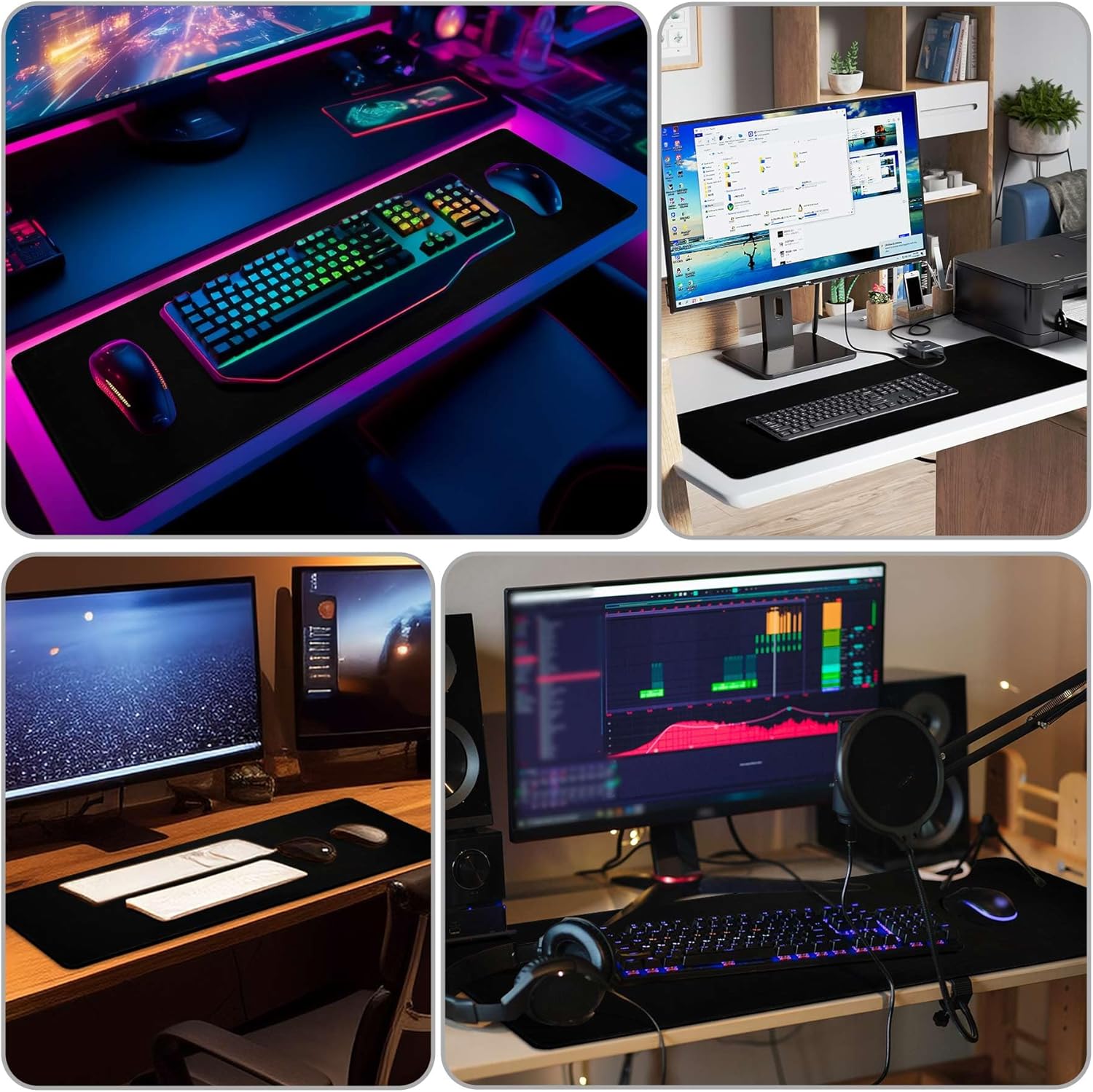
- Intended use: Laptop, computer & PC, desk mat for office, home, school/study setups, also for gaming
- Cleaning: Wipe clean with a damp cloth
¿Merece la pena?
It’s worth considering if your main pain points are the mouse mat moving around and wanting a smooth, consistent surface for everyday tasks. The combination of grippy rubber backing, smooth tracking support, and a stitched edge makes sense for people who use a desk setup for both work and play.
It may not be the best match if your desk is tight and you can’t spare the footprint, or if you’re after a very specific surface “speed” feel beyond smooth glide. In those cases, a smaller mat or a different surface style might suit you better.
Quick decision guide
It’s a good fit if you want a large desk mat that stays put, helps reduce wrist/hand friction during longer sessions, and is easy to wipe clean.
It’s not for you if your desk doesn’t have room for a large coverage mat, or if you’re extremely sensitive to mouse-surface glide character and need something more tailored.
Care tips
To keep it looking tidy, stick to the simple maintenance approach mentioned: wipe the surface with a damp cloth. Avoid soaking it, and let it dry properly before using it again.
Mini FAQ
Does it slide on the desk?
The non-slip rubber base is designed to help keep it in place on most desk surfaces, reducing unwanted movement.
Will it work with both optical and laser mice?
The smooth, even-textured top layer is described as suitable for both optical and laser mice.
Is it easy to clean?
Yes—according to the description, the surface can be wiped clean with a damp cloth.
Is the wrist support noticeable?
It’s positioned as soft and supportive to reduce desk friction under your hand and wrist during longer sessions, though how “supportive” you find it will depend on your setup and habits.
Is the size too big for a small desk?
It can be. The mat is large, so measure your desk space first if you’re working with limited room.