

Razer Basilisk V3 (Wired) – Customisable Ergonomic Gaming Mouse
Product description
Introduction
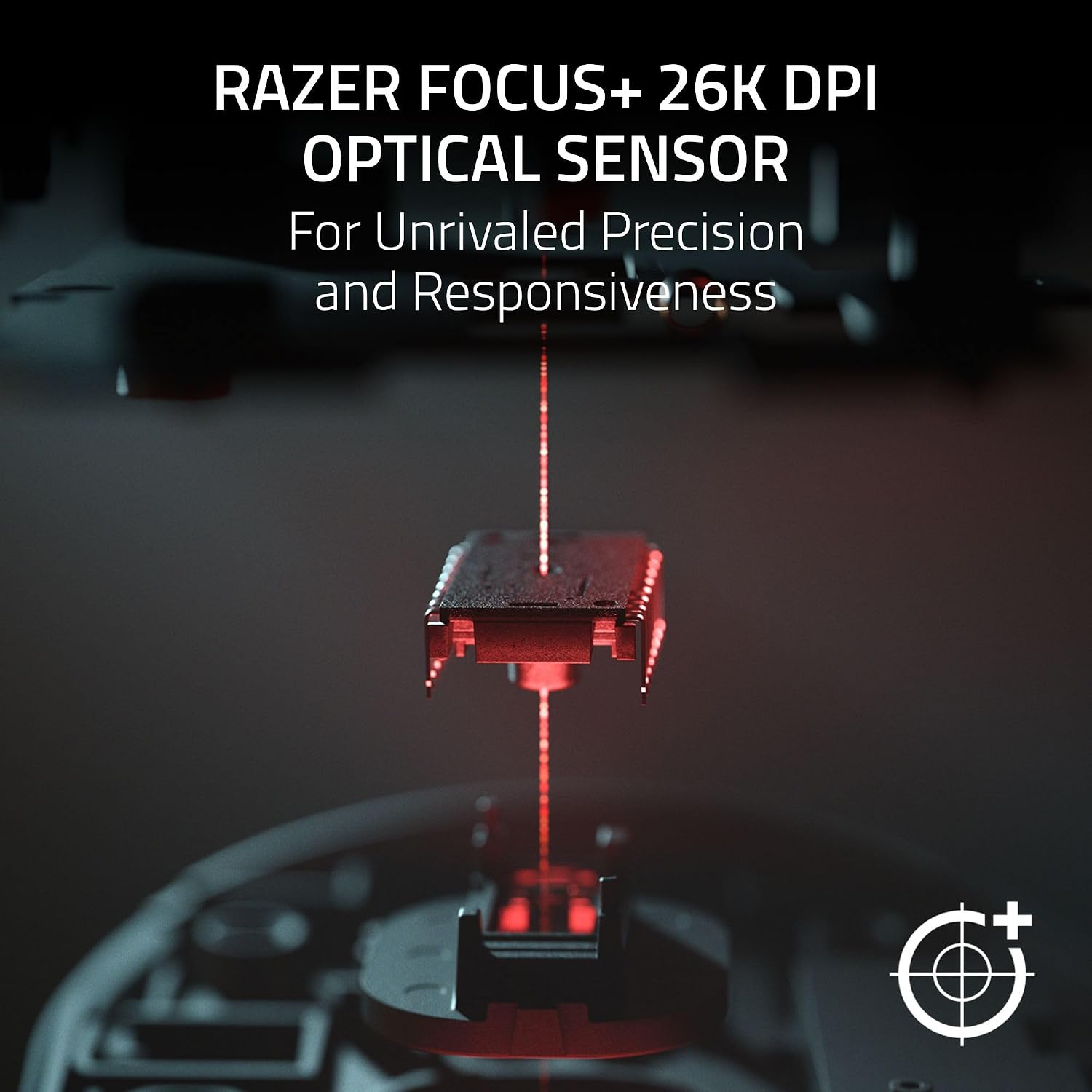
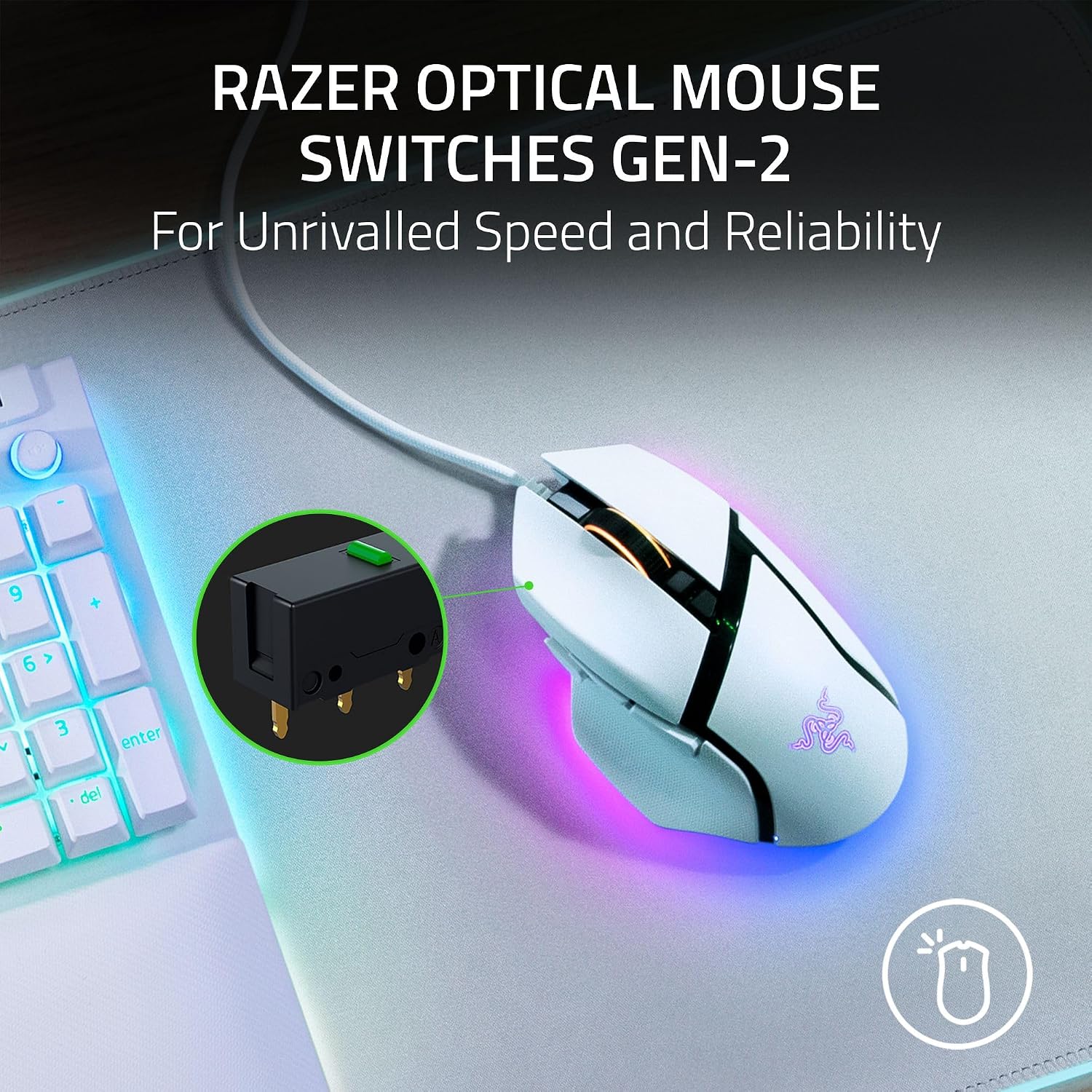
If you’re after a wired gaming mouse that blends ergonomic comfort with serious customisation, the Razer Basilisk V3 is worth a look. It centres on an ergonomic design with a thumb rest, aimed at long sessions and precise control. On paper, its 26K DPI Focus+ optical sensor and Gen-2 optical switches promise fast, reliable responses.
What it delivers
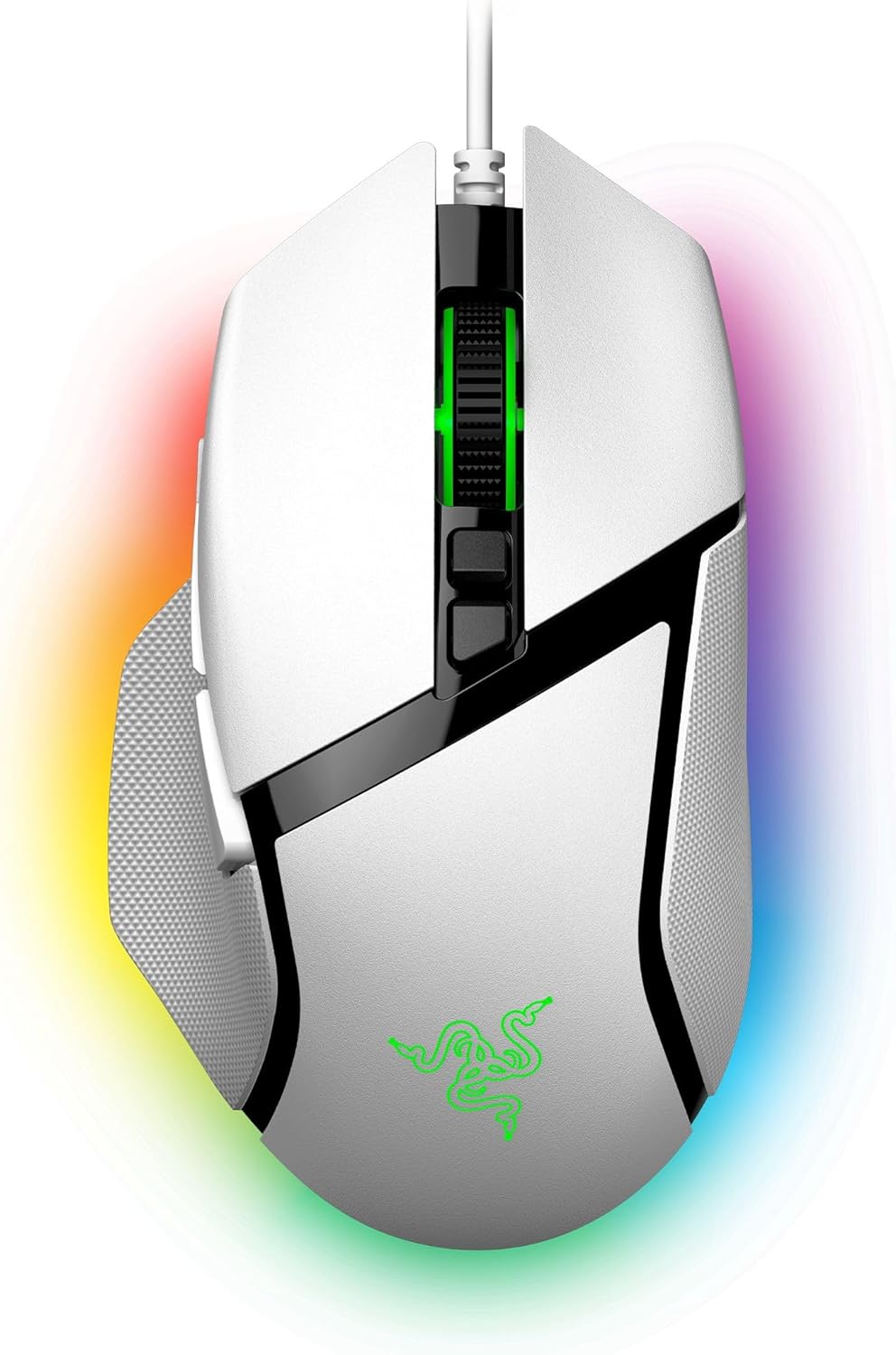
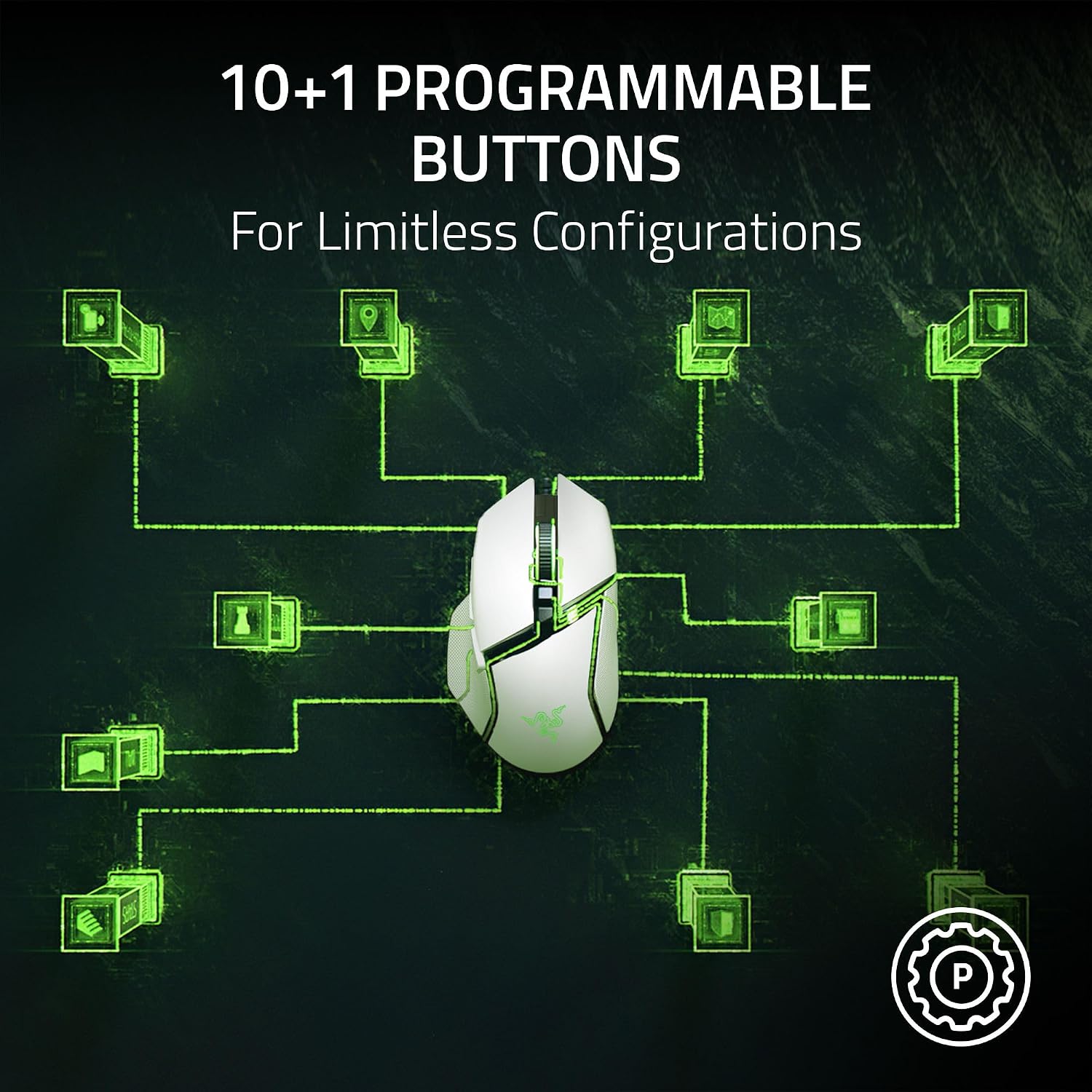
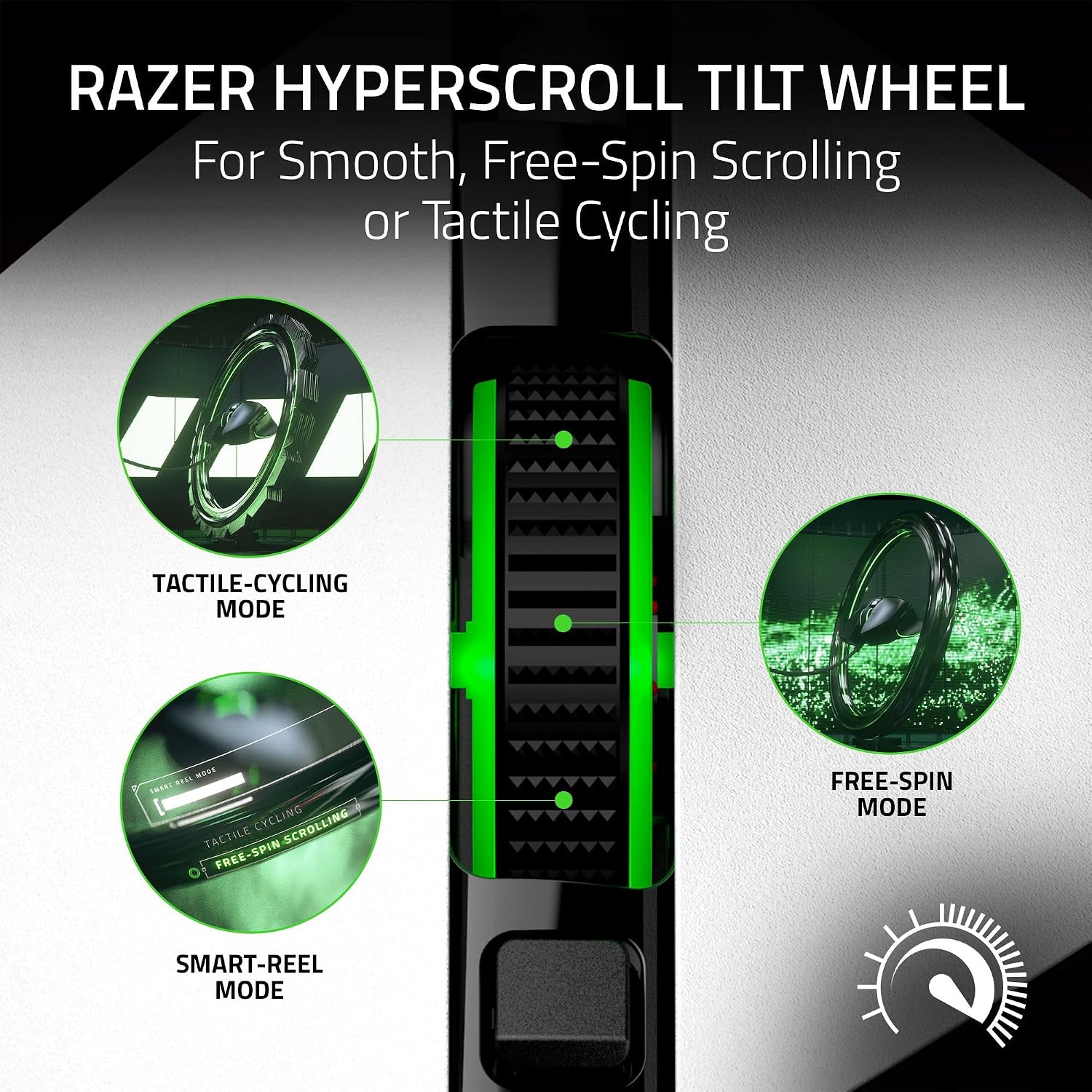
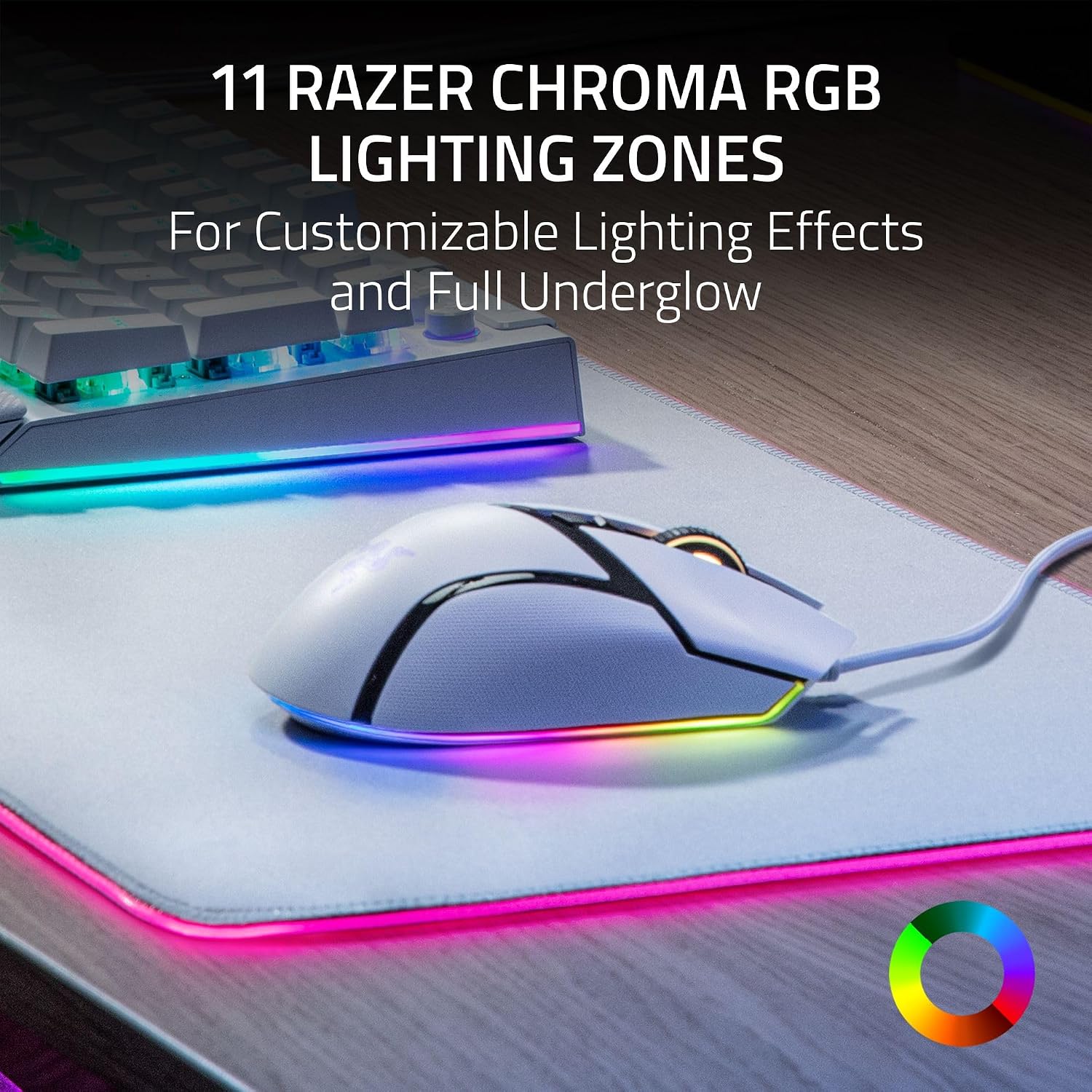
This model features 11 programmable buttons, including a multi-function trigger, letting you map macros and secondary actions for tasks like push-to-talk or in-game commands. The HyperScroll tilt wheel offers two modes: a free-spinning scroll for rapid content travel or tactile cycling for exact weapon or skill selection. With 11 Razer Chroma RGB zones, you can tailor lighting across over 16.8 million colours and watch it react dynamically in supported titles.
Design and feel in use
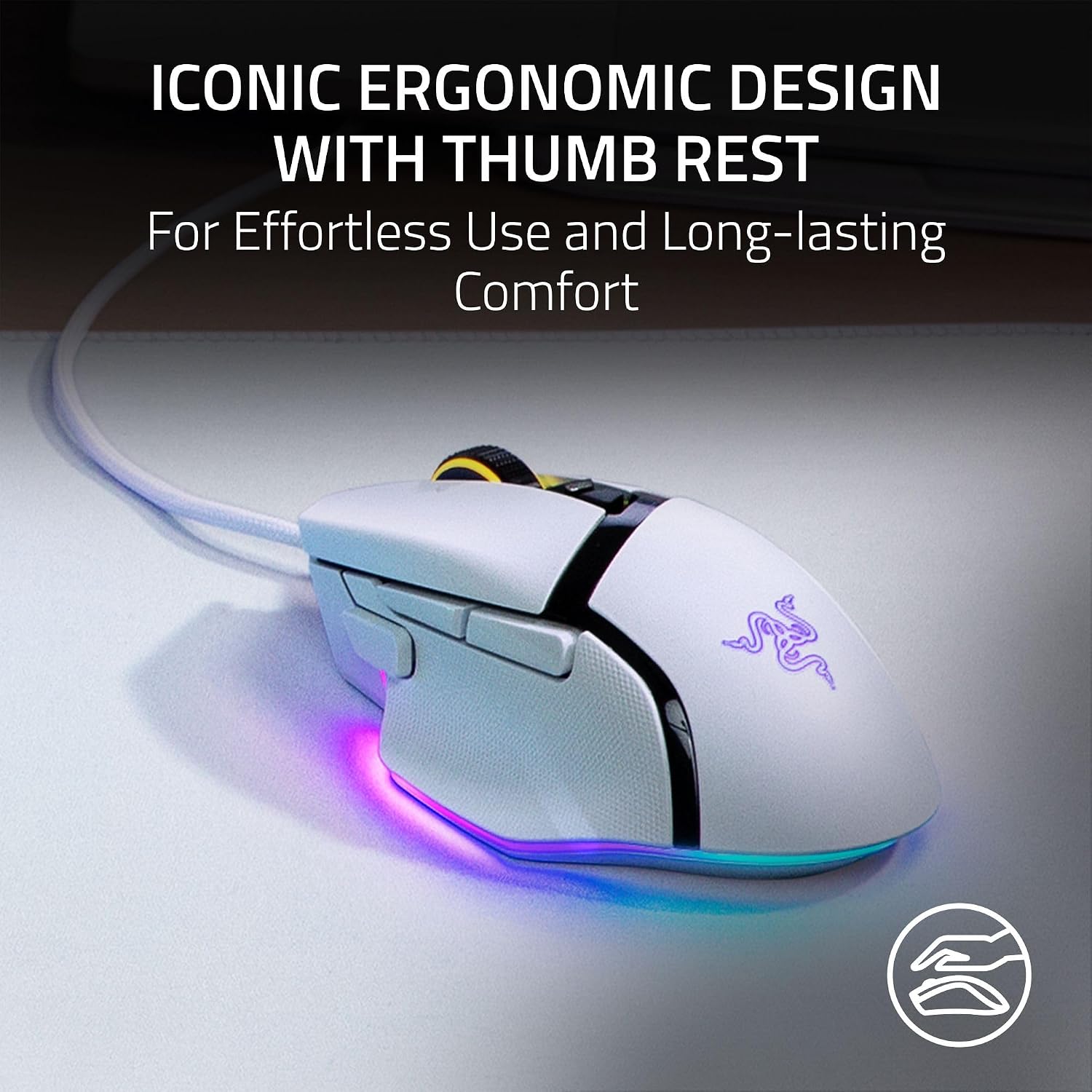
Razer emphasizes an iconic, comfortable shape with a dedicated thumb rest designed to minimise fatigue during extended play. The combination of a sturdy build and responsive switches aims to keep misclicks to a minimum, while the 0.2 ms actuation speed is pitched to satisfy players who want instant input. If you prioritise precision, the Basilisk V3’s sensor setup and optical switches are strong candidates for competitive play, though real-world results will depend on individual grip and playstyle.
Pros and what stands out
- Strong ergonomic design with a comfortable thumb rest for long sessions
- 11 programmable buttons plus a multi-function trigger for complex setups
- HyperScroll wheel with both free-spin and tactile modes
- 26K DPI Focus+ optical sensor for high precision and responsiveness
- 11 Chroma RGB zones for personalised lighting that reacts to games
Less compelling points
- It is a wired mouse, which may limit cable freedom for some setups
- While the sensor is capable, the practical gains depend on your DPI preferences and sensibilities
- Customisation relies on the Razer Synapse software, if you prefer a hardware-first approach with minimal software, this may feel heavier to configure
Who it’s for
- Gamers who want a right-handed, ergonomic mouse with a substantial programmable button set
- Players who benefit from rapid macro access and customisable lighting across multiple zones
- Users who enjoy fine-tuning pointer precision and rely on a high-accuracy sensor for accuracy in shooters or strategy titles
Who it isn’t ideal for
- If you favour wireless freedom, this wired model won’t suit you
- If you don’t use macros or custom profiles, the 11 programmable buttons may feel excessive
- If you want a lightweight, ultra-minimalist mouse, the Basilisk V3’s feature set and form factor may feel bulky
When to consider buying
- You value customisation and a proven ergonomic shape for long gaming sessions
- You want a high-DPI sensor paired with reliable optical switches and a multi-zone RGB setup
- You’re already in the Razer ecosystem and plan to utilise Synapse for deep lighting and profile management
When to hold off
- If you don’t need extensive macros or a tilt-wheel with dual modes
- If you prefer a wireless option or a lighter form factor
- If your priority is the absolute lightest weight or a different sensor profile
What to check before buying
- Compatibility with your OS and the latest Synapse software for full feature access
- Your preferred grip (claw, palm, fingertip) and whether the Basilisk V3 supports it comfortably
- Your typical play style and whether 11 programmable buttons will be used regularly or left idle
Practical usage example
Imagine a raid boss encounter where you need fast communication and rapid access to ability cycles. You can assign key calls to the side buttons, map cycling actions to the tilt wheel, and keep core actions on the main buttons. The underglow lighting can be set to react to health status or ability cooldowns, providing a visual cue without diverting attention from the screen.
FAQ
- Does the Basilisk V3 support both Windows and macOS? Yes, it is designed for PC and Mac use with Synapse integration for full feature access.
- Can I disable Enhance Pointer Precision? The guide suggests disabling it in Windows settings to improve accuracy, with further tweaks possible via Synapse.
- How many clicks are the switches rated for? The switches are rated for up to 70 million clicks, offering long-term durability.
Should you buy it?
It’s worth considering if you value a highly customisable, ergonomic wired mouse with a robust sensor and extensive lighting options. If you prioritise a lightweight, wireless option or a simpler button layout, you may prefer alternatives. Overall, the Basilisk V3 sits in the mid-to-upper segment for comfort and configurability, appealing to players who benefit from quick macro access and precise control.