

External CD/DVD Drive for Laptop: USB 3.0 Type-C Slim DVD Burner and Reader (Pink)
Product description
What it is and what it does
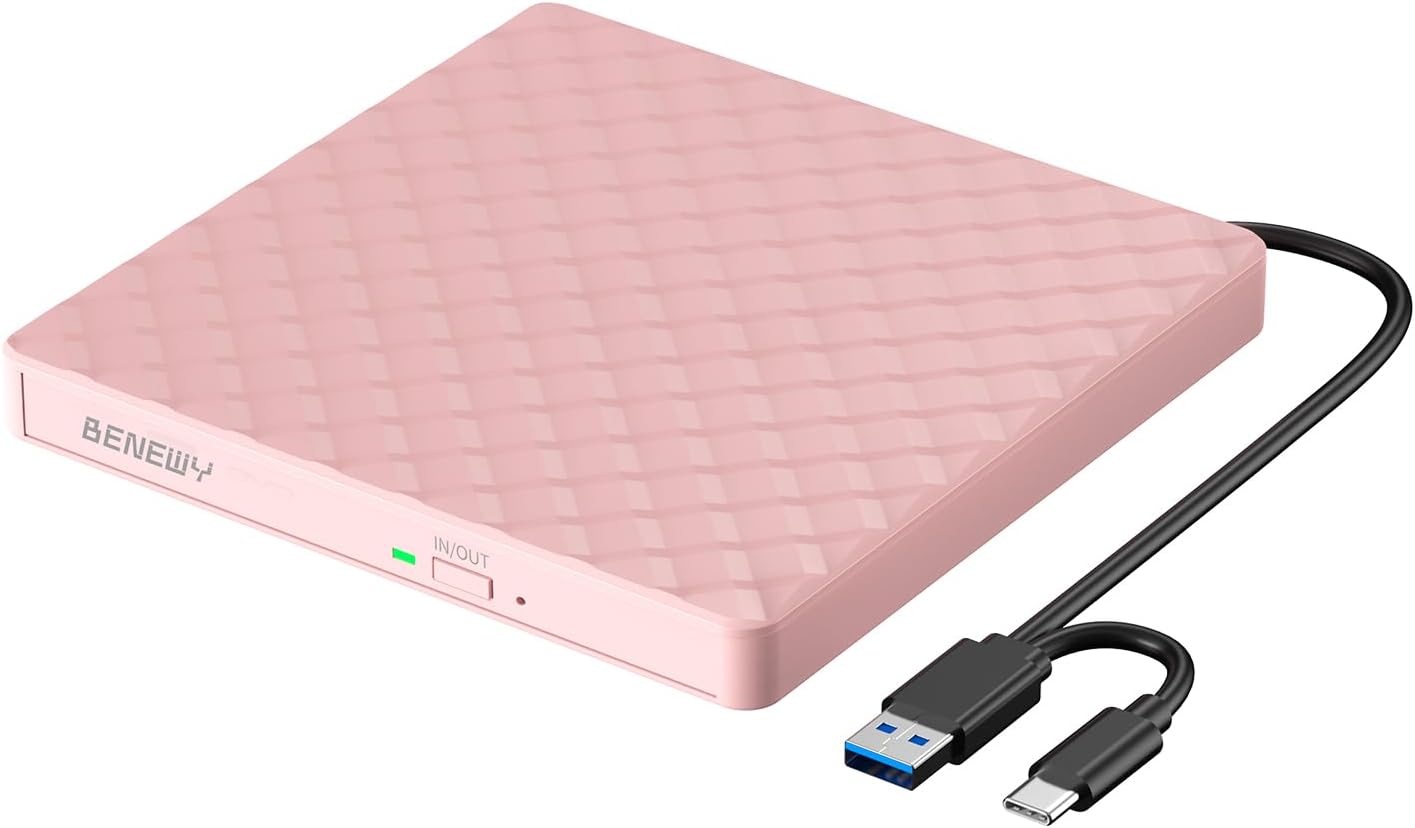
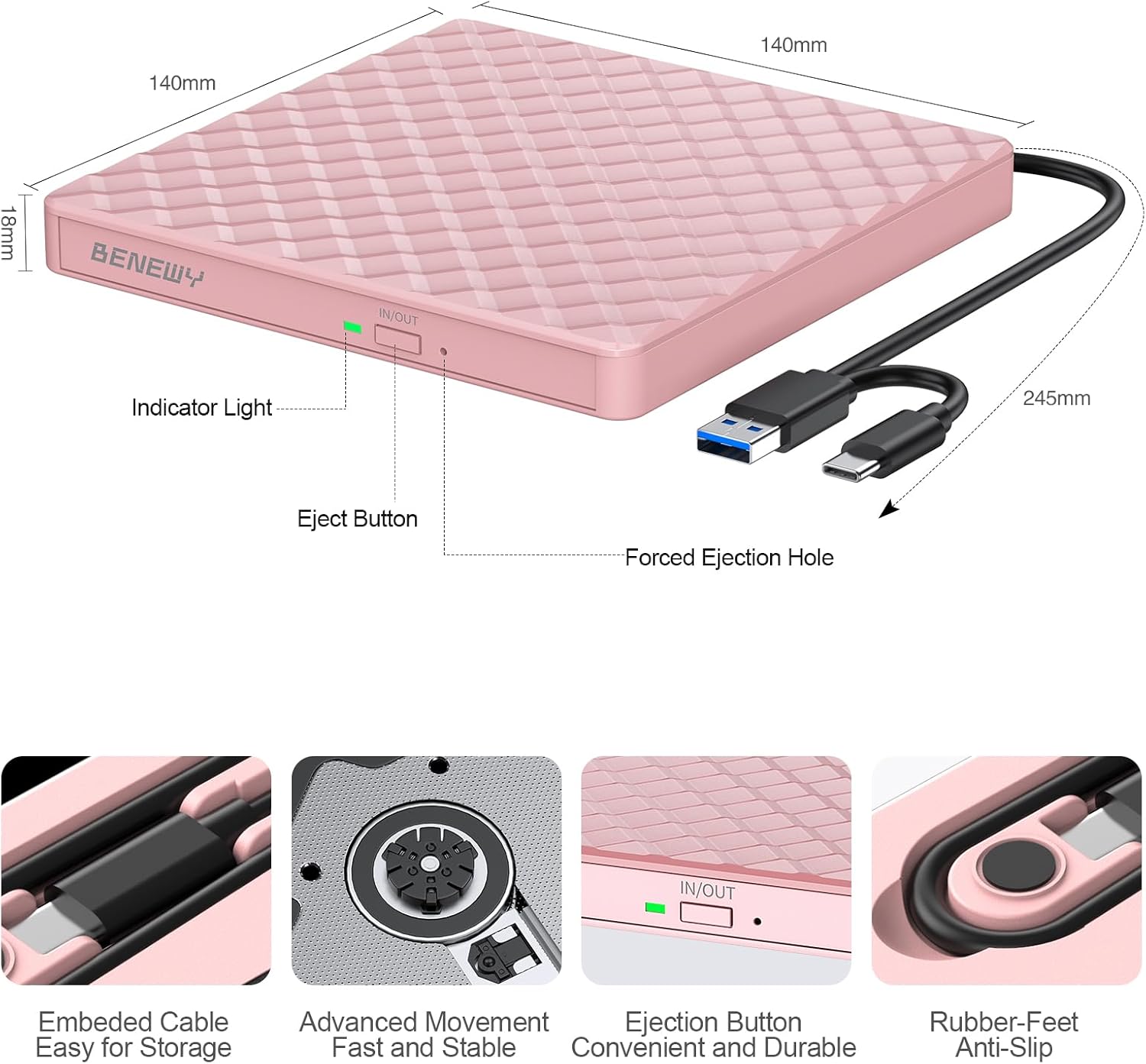
This is an external optical drive designed to read and write CD and DVD discs from laptops, desktops and other devices with USB 3.0 or USB Type-C. It’s slim, lightweight and has an embedded cable so you won’t lose track of a cable in your bag. It’s aimed at users who need a portable, no-fuss solution for accessing or burning discs when a built-in drive isn’t available.
Compatibility and setup
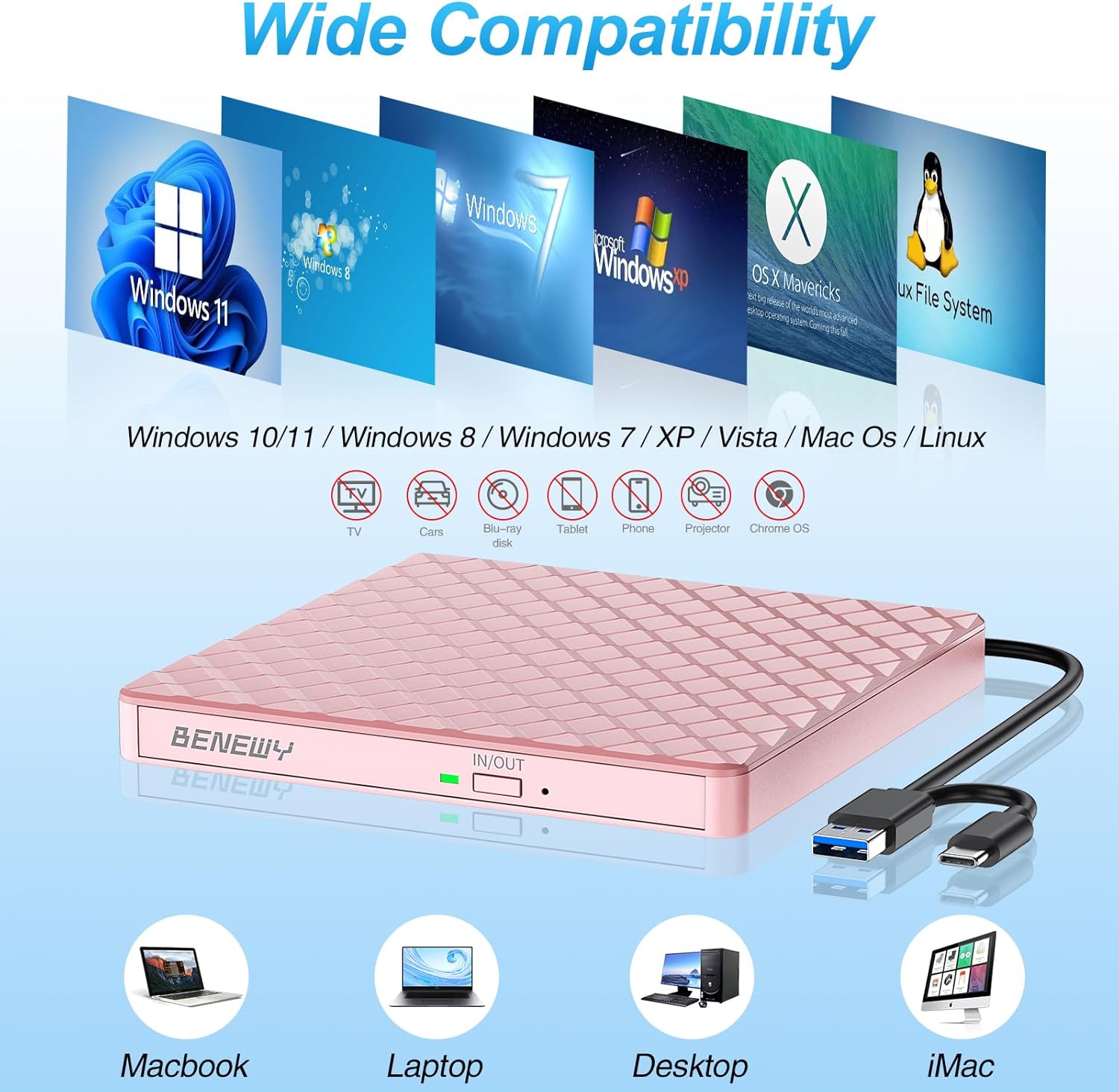
On paper it supports a wide range of Windows versions (from Windows 7 up to Windows 11) and Mac OS systems. A key caveat is that it does not support Apple Silicon chips (M1, M2, M3, M4). Windows 11 users may additionally need a media player to play or burn discs. It’s plug-and-play in the sense that it draws power from the USB port and does not require extra drivers, though you should ensure your computer has suitable media player and burning software installed.
Performance and capabilities
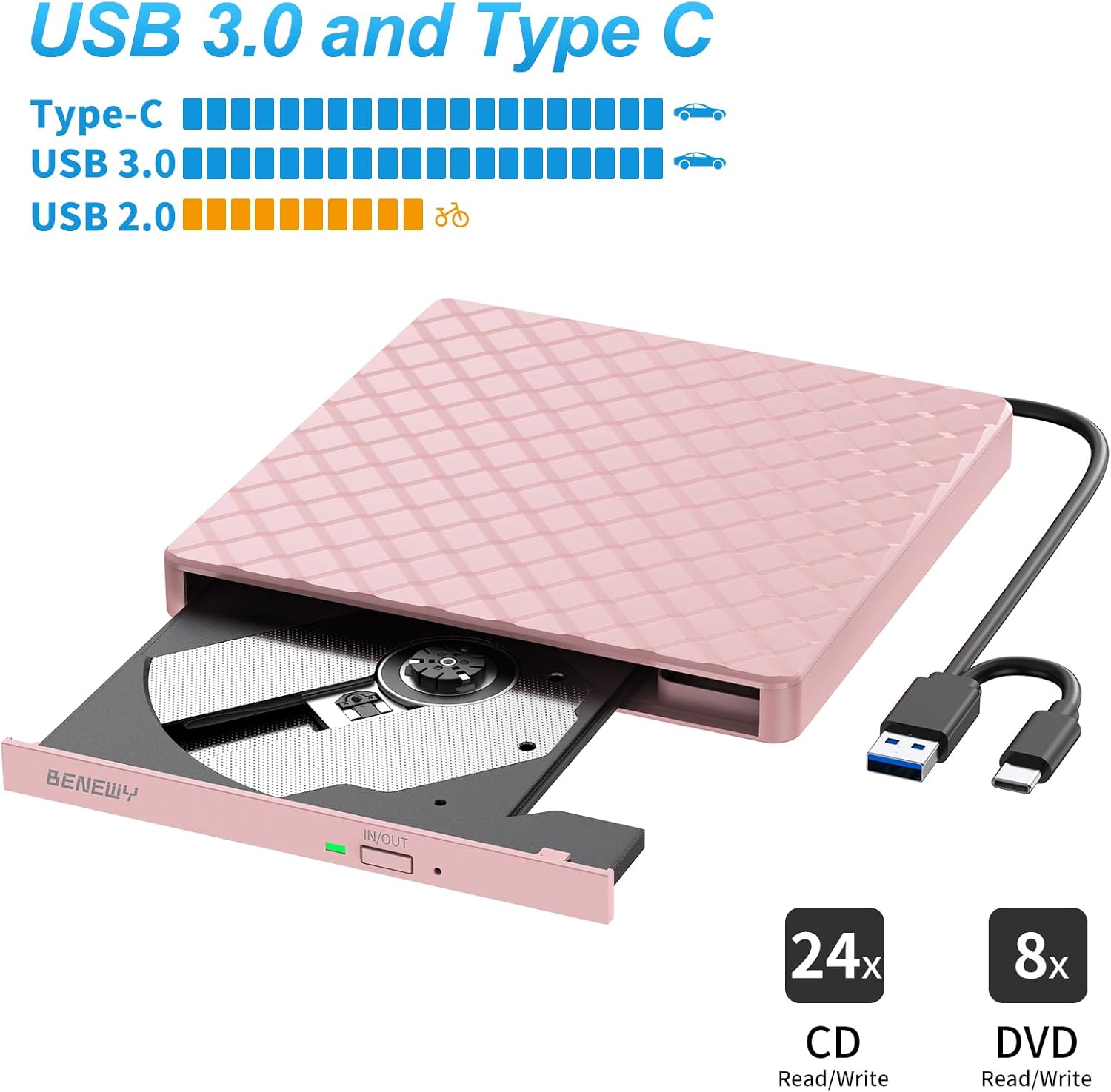
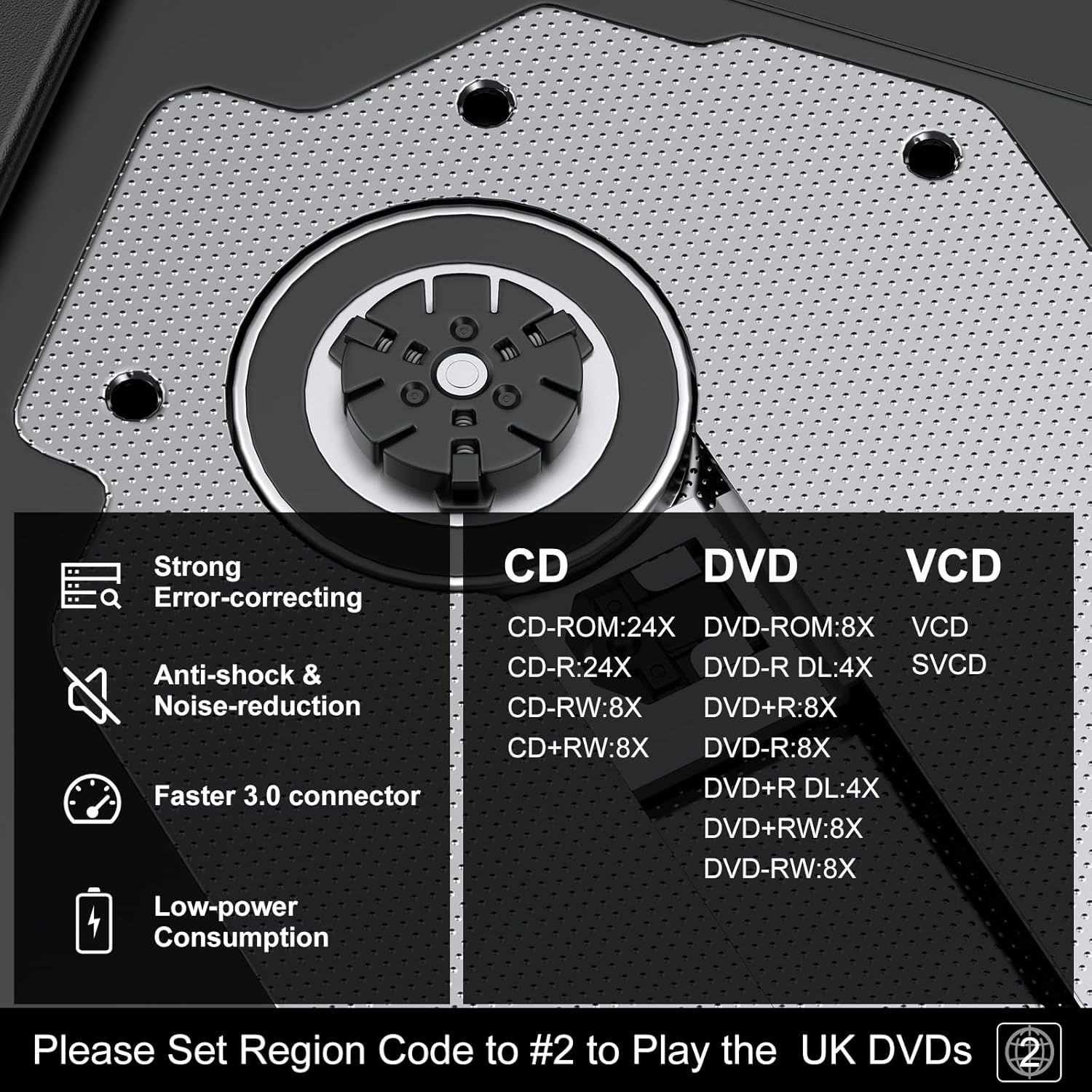
The drive promises up to 8x DVD write speed and up to 24x CD write speed, which translates to decent throughput for typical data, music or video discs. It supports reading and writing, so you can back up data or copy discs as needed. USB 3.0 and Type-C dual interfaces offer compatibility with newer machines while staying backward compatible with USB 2.0/1.0. Real-world speeds will depend on your disc type and host system.
Design and portability
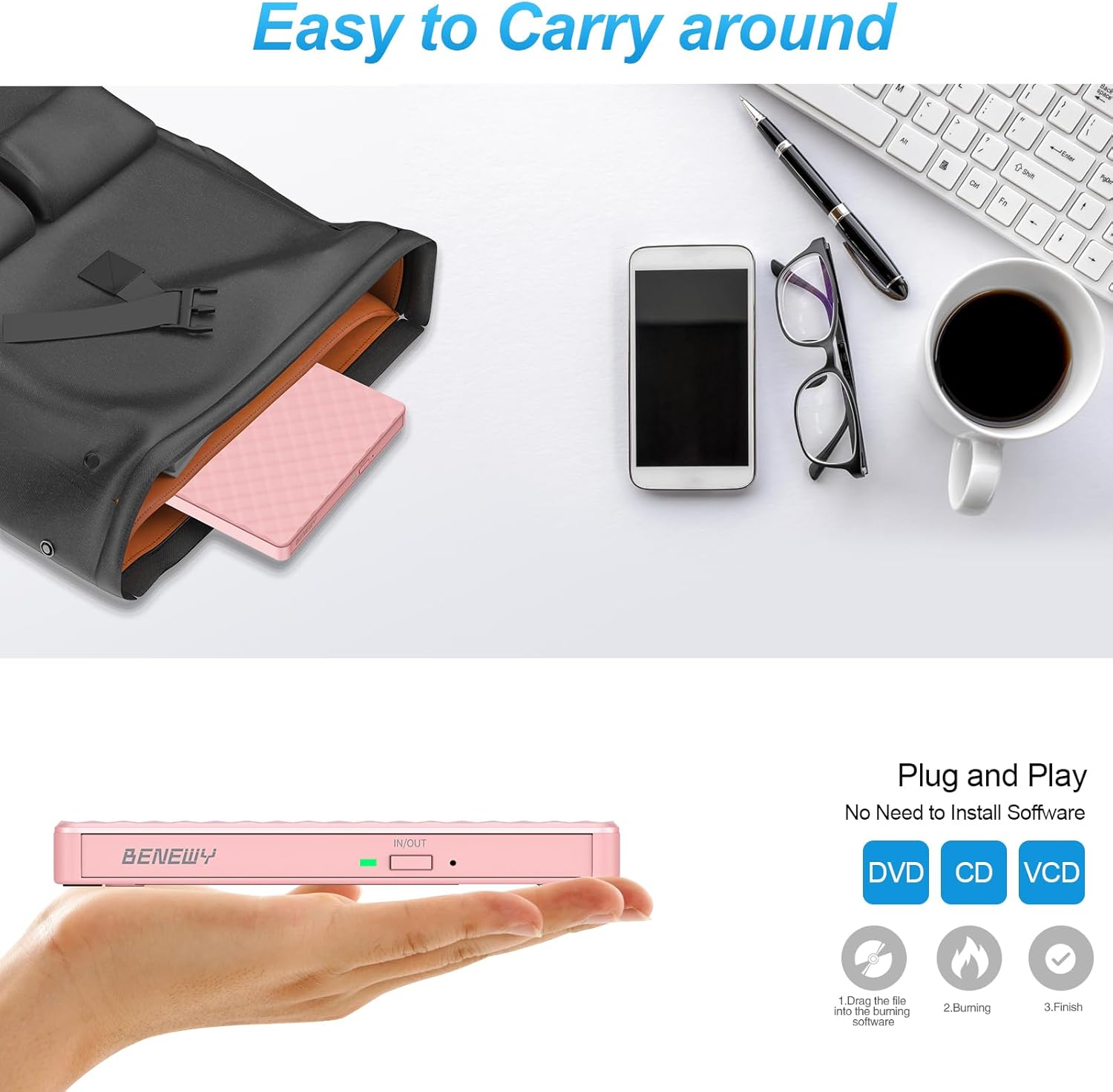
Described as ultra-slim with an embedded cable design, the unit is intended for travel or desk use. This can help avoid tangled cables and makes it easier to drop into a bag for a day’s work or a trip. The pink finish adds a personal touch, though aesthetics will vary by user preference.
Strengths and practical notes
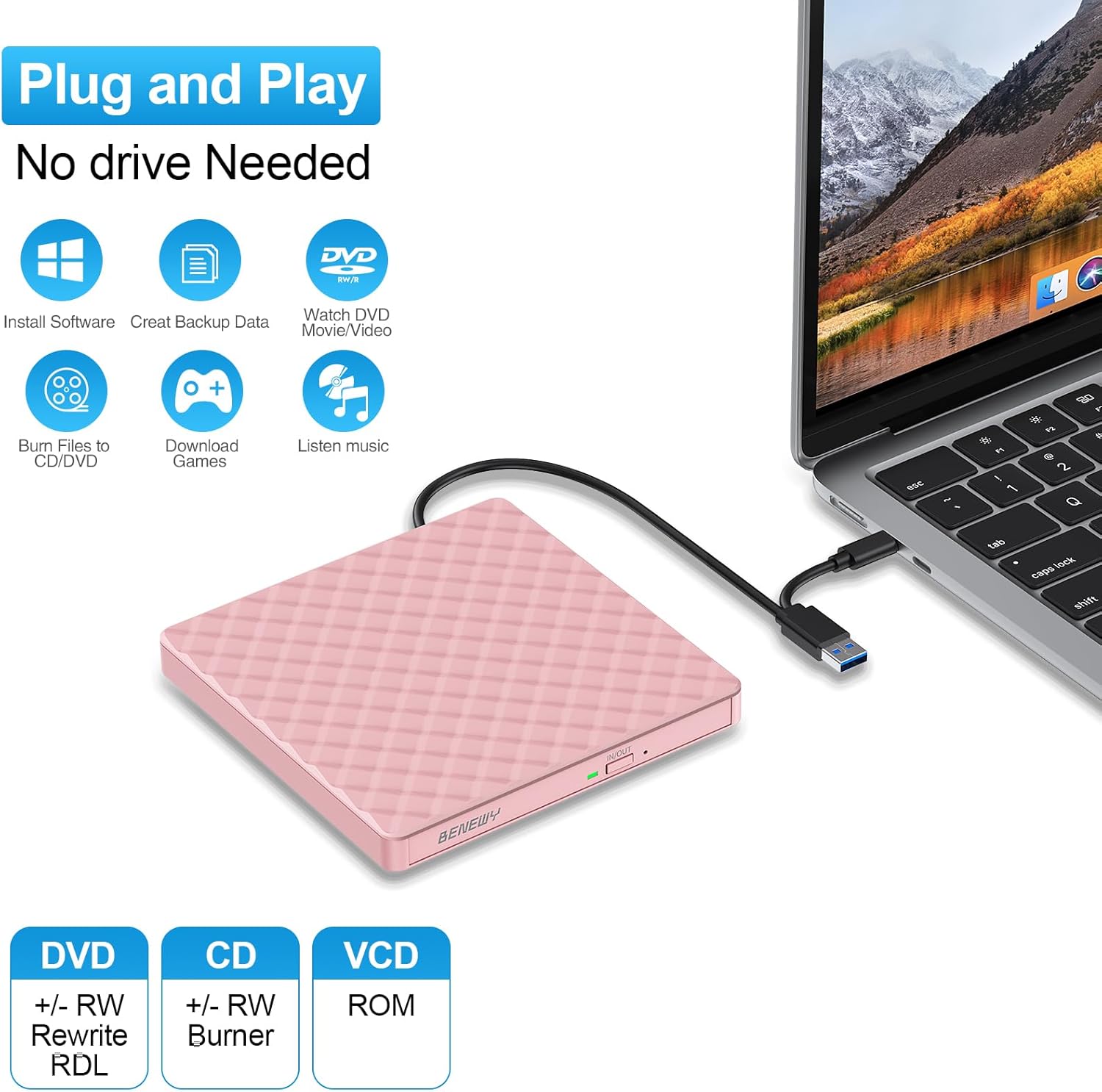
On the plus side, the absence of extra power cables and the plug-and-play approach can simplify setup, especially for occasional disc use. The broad compatibility claims cover many Windows and Mac environments, and the dual interface helps future‑proof some connections.
On the flip side, there are sensible limitations to note. The M1/M2/M3/M4 Apple Silicon limitation means it won’t work with newer Macs that use these chips, which is a meaningful constraint for Mac users. Also, the requirement for a suitable media player and burn software means it isn’t a complete, out-of-the-box solution for everyone.
Who it’s for
This drive is well suited to users who need a portable disc solution for old and semi-new laptops or desktops, especially if they frequently travel or have limited internal drive bays. It can be a practical fallback for software installation from discs, media playback on devices without integrated optical drives, or occasional data backups.
Who it isn’t for
If you primarily work with Apple Silicon Macs (M1–M4) or rely on USB-C only devices without alternate USB-A support, you may encounter compatibility limits. If you expect plug-and-play without ensuring you have compatible media playback or burning software on Windows, you might run into setup friction.
When it makes sense to buy
Consider this external drive if you need temporary or portable access to CDs and DVDs and you value a compact form factor with USB-C/USB 3.0 compatibility. It’s particularly sensible if you already have a computer with a functional media player and burning software and you want a straightforward, low-maintenance option.
What to check before buying
- Confirm your host device has a compatible USB port (USB 3.0 or Type-C) and a working media player/burn software on Windows.
- Check whether you or your colleagues use Apple Silicon Macs, if so, recognise there’s no support listed for M1–M4 chips.
- Consider how often you’ll burn discs, if infrequent, a lightweight, portable unit makes more sense than a bulky external drive.
- Be mindful that “plug & play” assumes appropriate software and drivers are present, some systems may still require manual setup.
Practical use example
Imagine you’re travelling for a project and need to copy a few classic installation discs from an old stack. You pop this compact drive into your laptop’s USB port, insert the disc, and you’re able to read or copy the files without hunting for a spare power adaptor. It’s not the fastest tool in the drawer, but it does the job when you need it on the go.
FAQ (brief)
- Does it work with MacBooks? Yes, but not on Apple Silicon (M1–M4) devices according to the given compatibility notes.
- Do I need extra power? No, it’s USB-powered.
- Is it ready to use right away on Windows? It should be recognised as a drive, provided you have compatible media playback and burning software installed.
Decision of purchase
Is it worth it?
Worth considering if you need a portable, simple external CD/DVD solution and you’re aware of the Apple Silicon limitation. If you primarily rely on newer Macs or require a drive with strong native macOS support, you may want to explore other options.