

Seenda SK38 Wireless Keyboard and Mouse Set — Ultra Slim, Quiet, Full-Size UK Layout (QWERTY) with Numeric Keypad
Product description
What it is and who it’s for
The Seenda SK38 is a full-size wireless keyboard and mouse set designed to sit comfortably at a desk for everyday computing. It uses a single USB receiver for both devices and claims a quiet typing experience thanks to low-profile keys and a scissor-switch mechanism. If you want a compact, space-saving pair without cables, this set could be a sensible option for home offices, students and those needing a reliable, plug-and-play input solution.
How it’s laid out and what you get
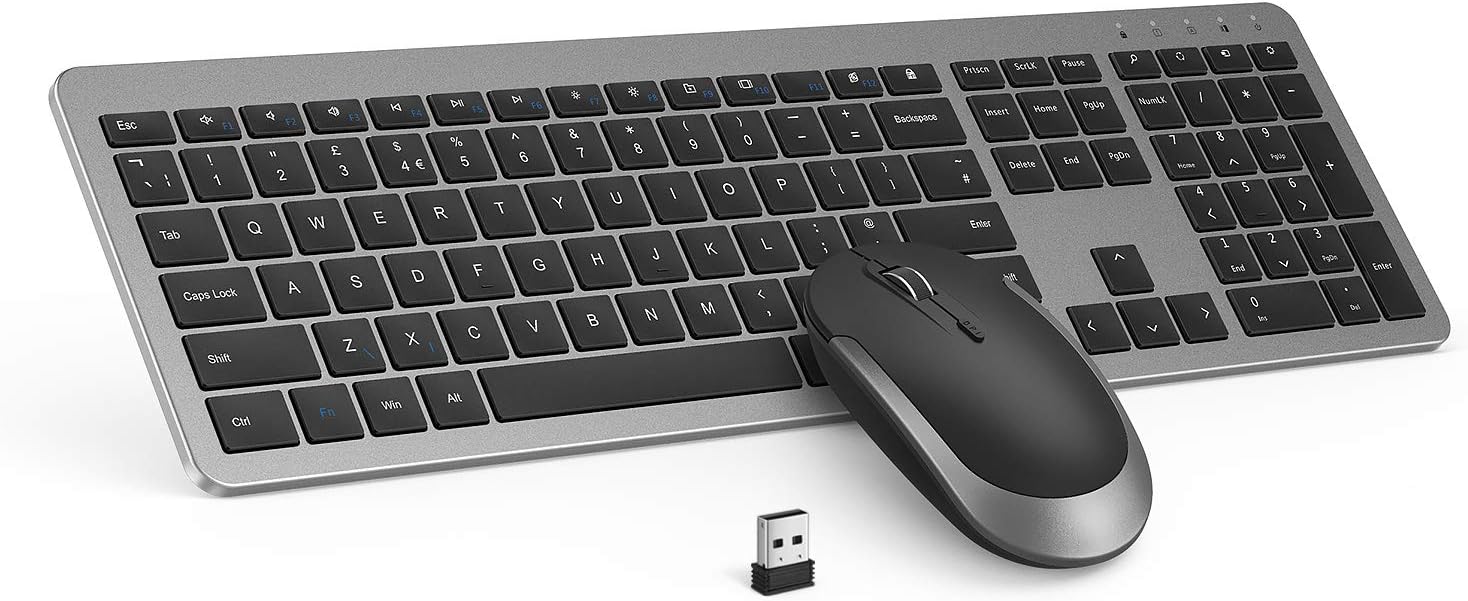
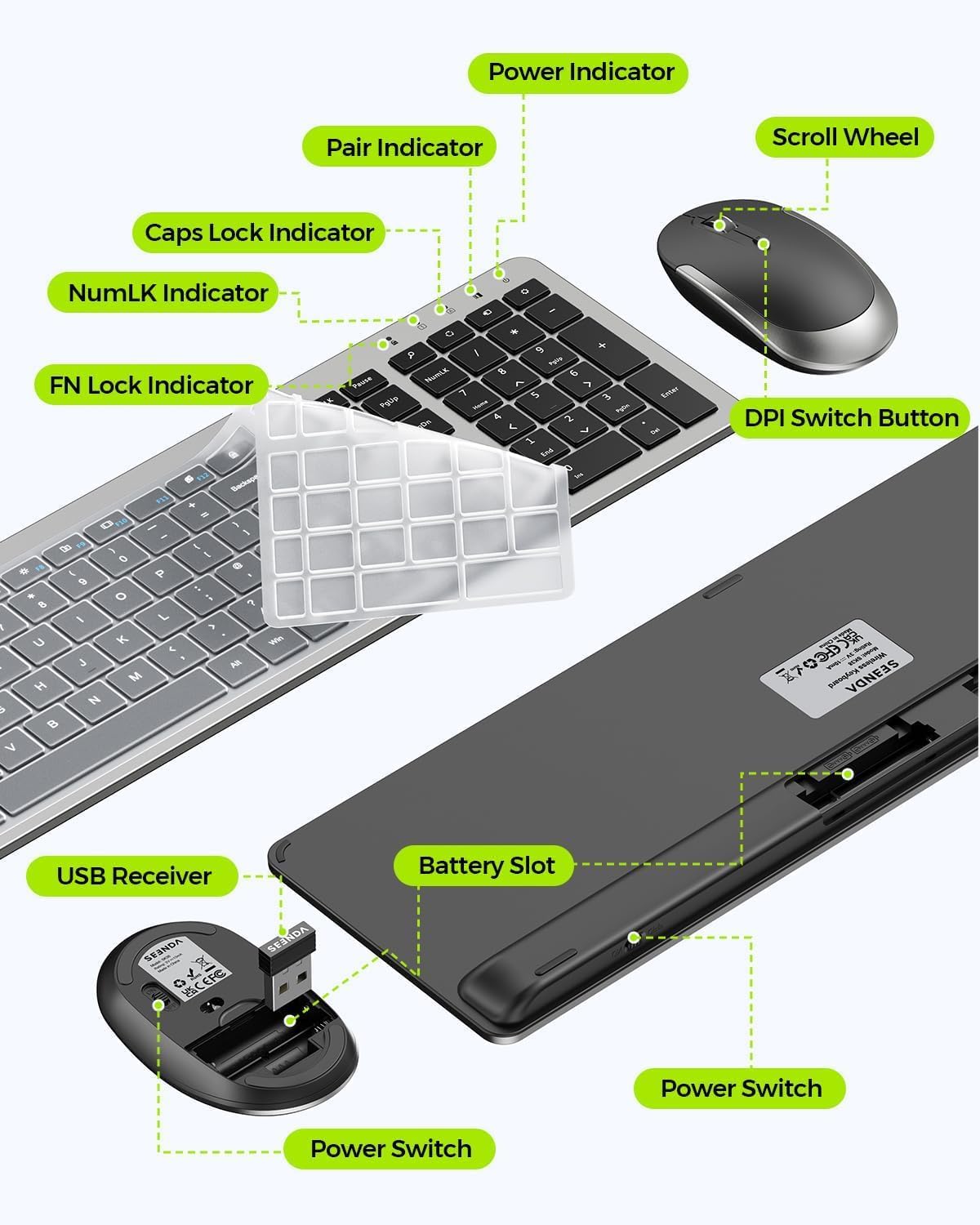
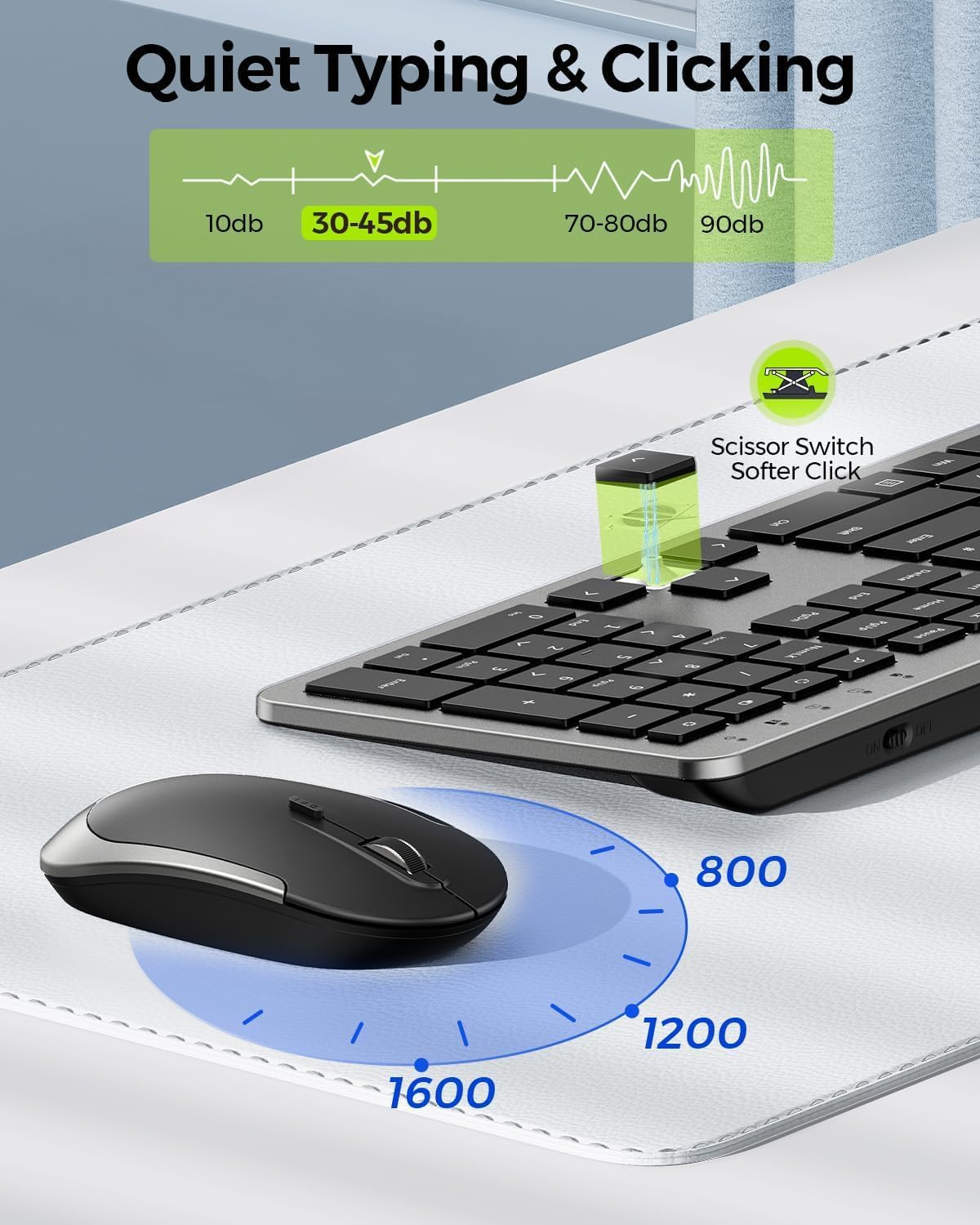
The keyboard offers a full QWERTY UK layout with a numeric keypad, media/function keys, and an On/Off switch. The mouse includes a DPI switch on top, with selectable sensitivity (800/1200/1600). The package includes a keyboard cover to help keep dust off the keys. Both devices run on two AAA batteries (not included) and share the same wireless USB receiver for convenience.
What stands out on paper
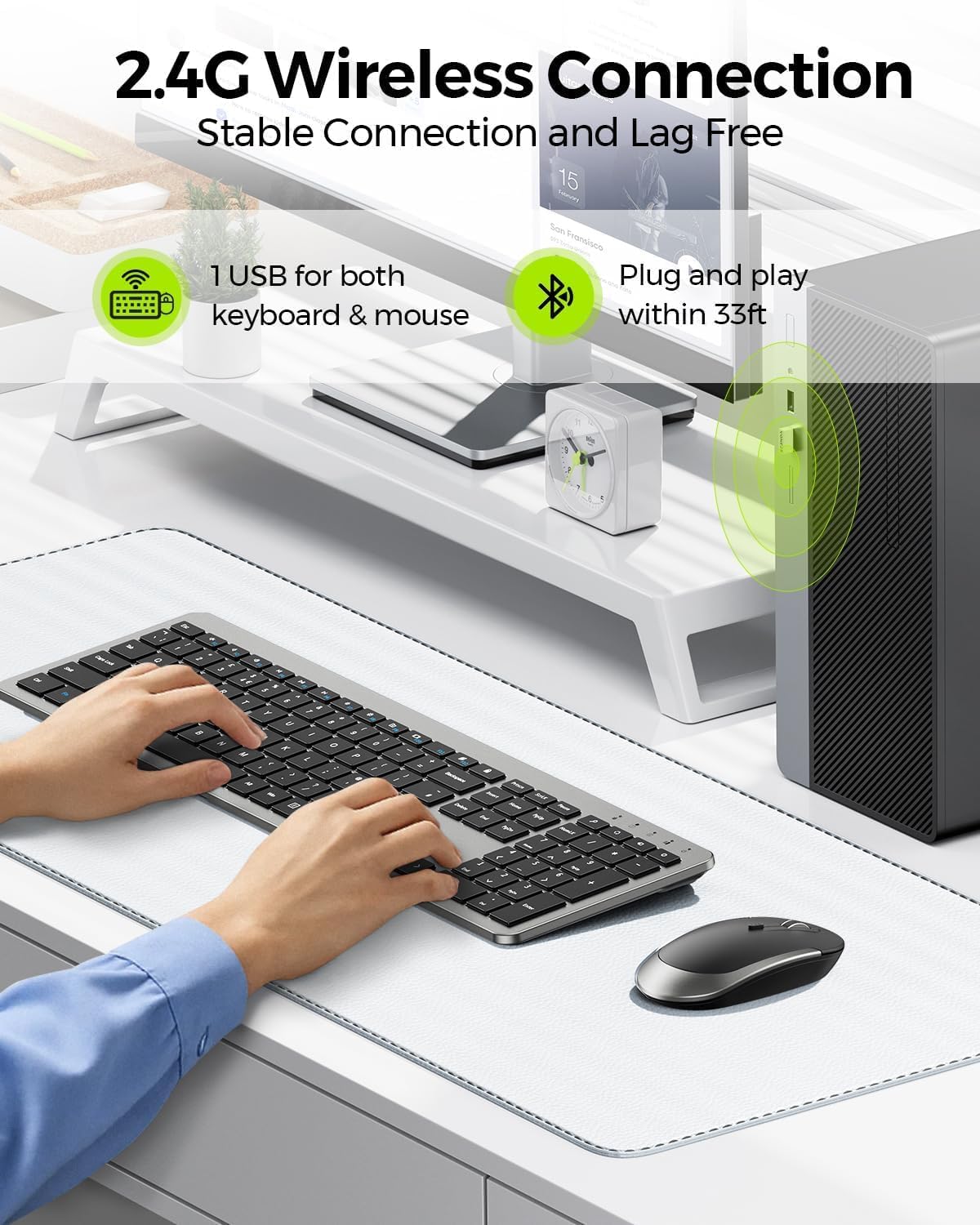
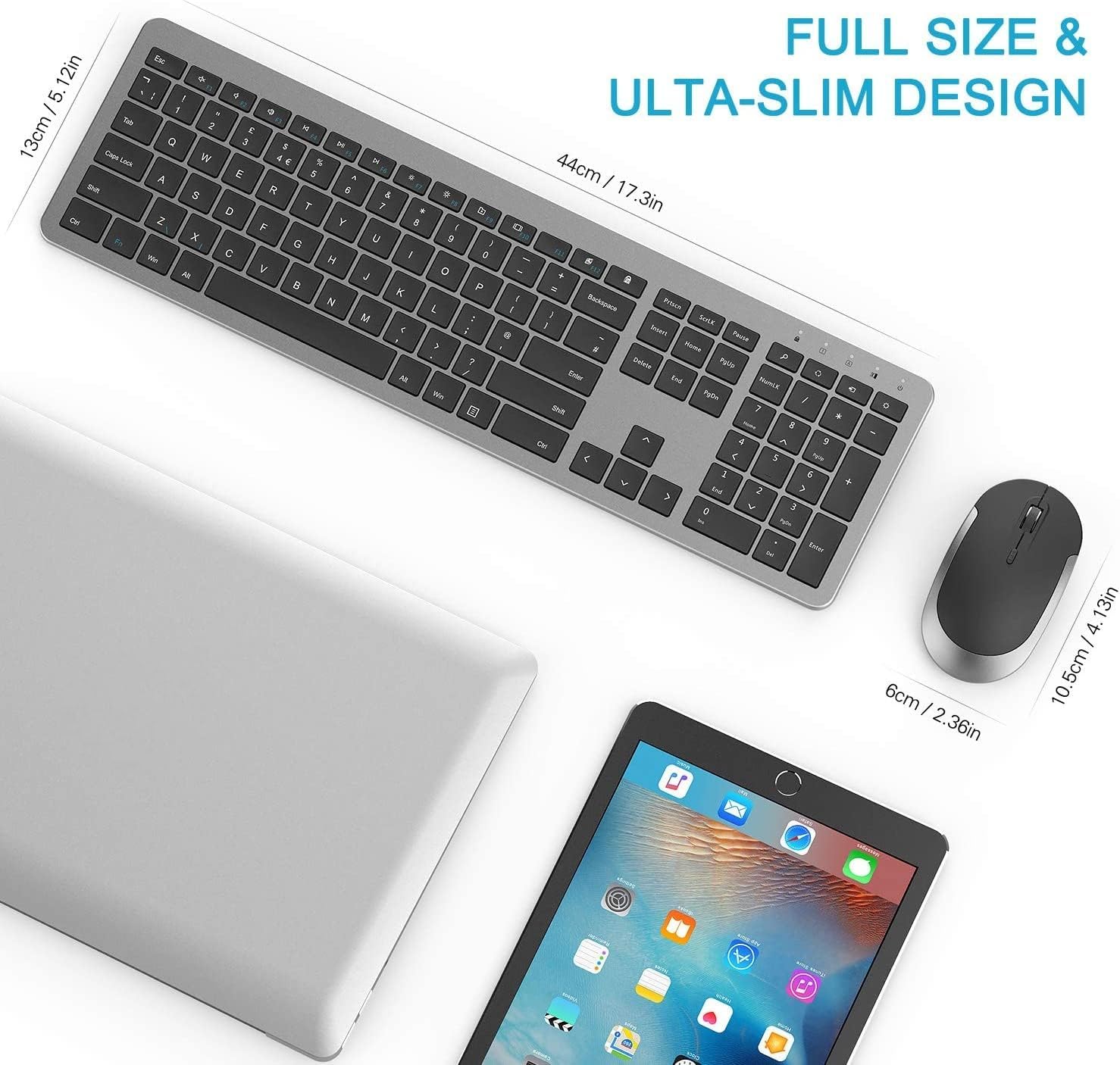
On the plus side, the SK38 emphasises practicality: a full-size layout in a slim form with a dedicated numeric keypad, which helps in data entry and spreadsheet work. The 2.4G connection aims to minimise latency, making it usable for typical office tasks and casual gaming, though you should temper expectations if you’re chasing professional-grade gaming performance.
Potential limitations to consider
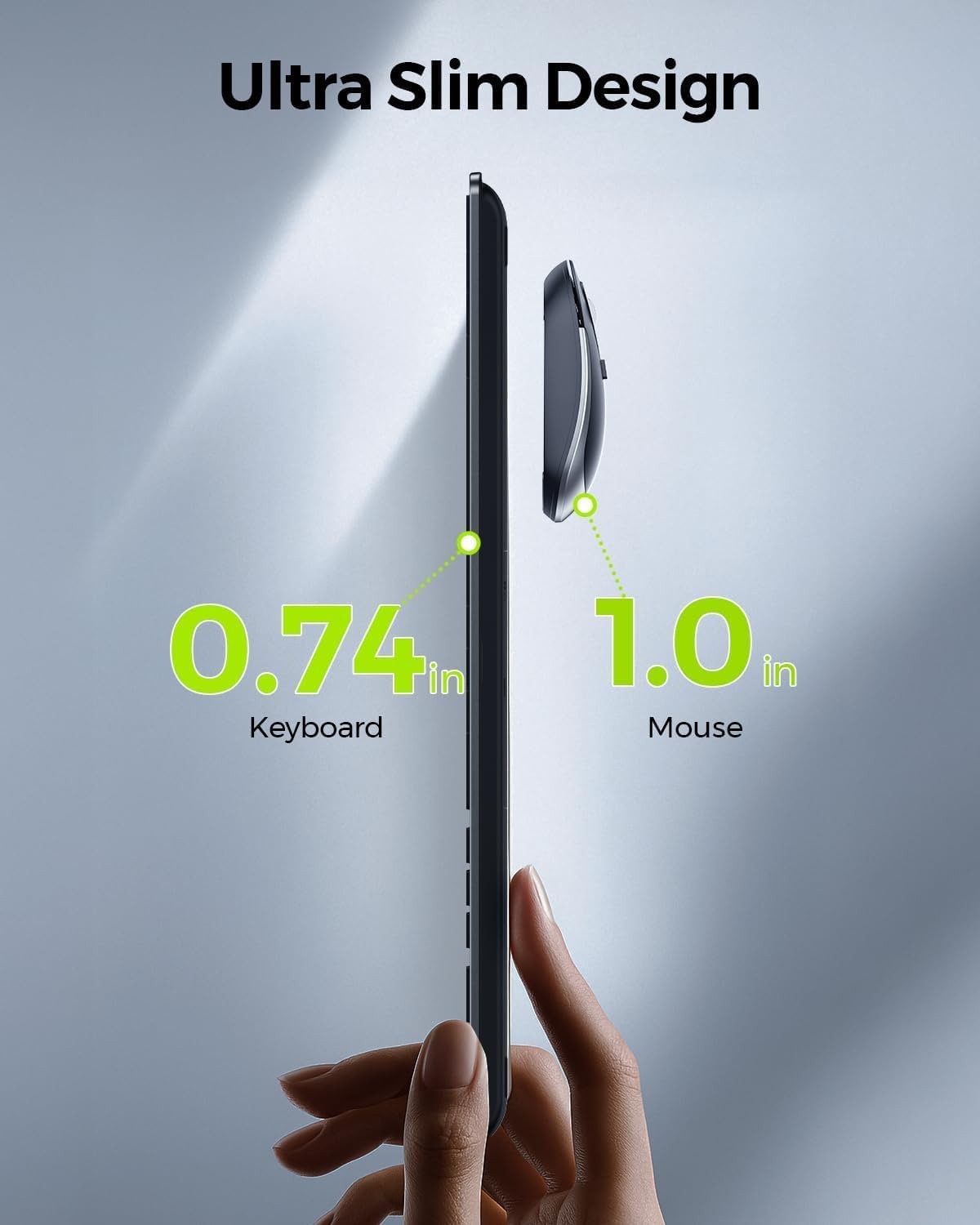
It’s described as quiet but not entirely whisper-quiet, so if you routinely work in a noise-sensitive environment you may notice some typing sound. The “ultra-thin” label refers to the design rather than a measurable ultra-low profile, keyboards with a compact footprint can still be perceived as a touch taller compared with truly low-profile models. Battery reliance means you’ll need to replace two AAA cells periodically, which adds ongoing cost and maintenance.
How it performs in daily use
For everyday tasks—typing, document editing, email and light browsing—the combo should feel straightforward: a single USB receiver simplifies setup, and the standard layout with a numeric keypad supports typical productivity flows. If you’re into games or require ultra-tight input latency, you may want to compare DPI options and response with dedicated gaming mice.
Who it’s best for
This set suits casual to moderate users who favour a full keyboard plus mouse from a single wireless bundle, especially when desk space is at a premium. It’s reasonable for home offices, student rooms and shared workstations where a no-fuss, reliable input system is valued over high-end performance.
Who might want to pass
If you prefer a low-profile, premium-feel keyboard with macro keys or a gaming-focused mouse, this SK38 may feel lacking in those specialised features. It also relies on AAAs and a USB receiver, if you need Bluetooth or rechargeable internal batteries, this setup won’t meet those expectations.
What to review before buying
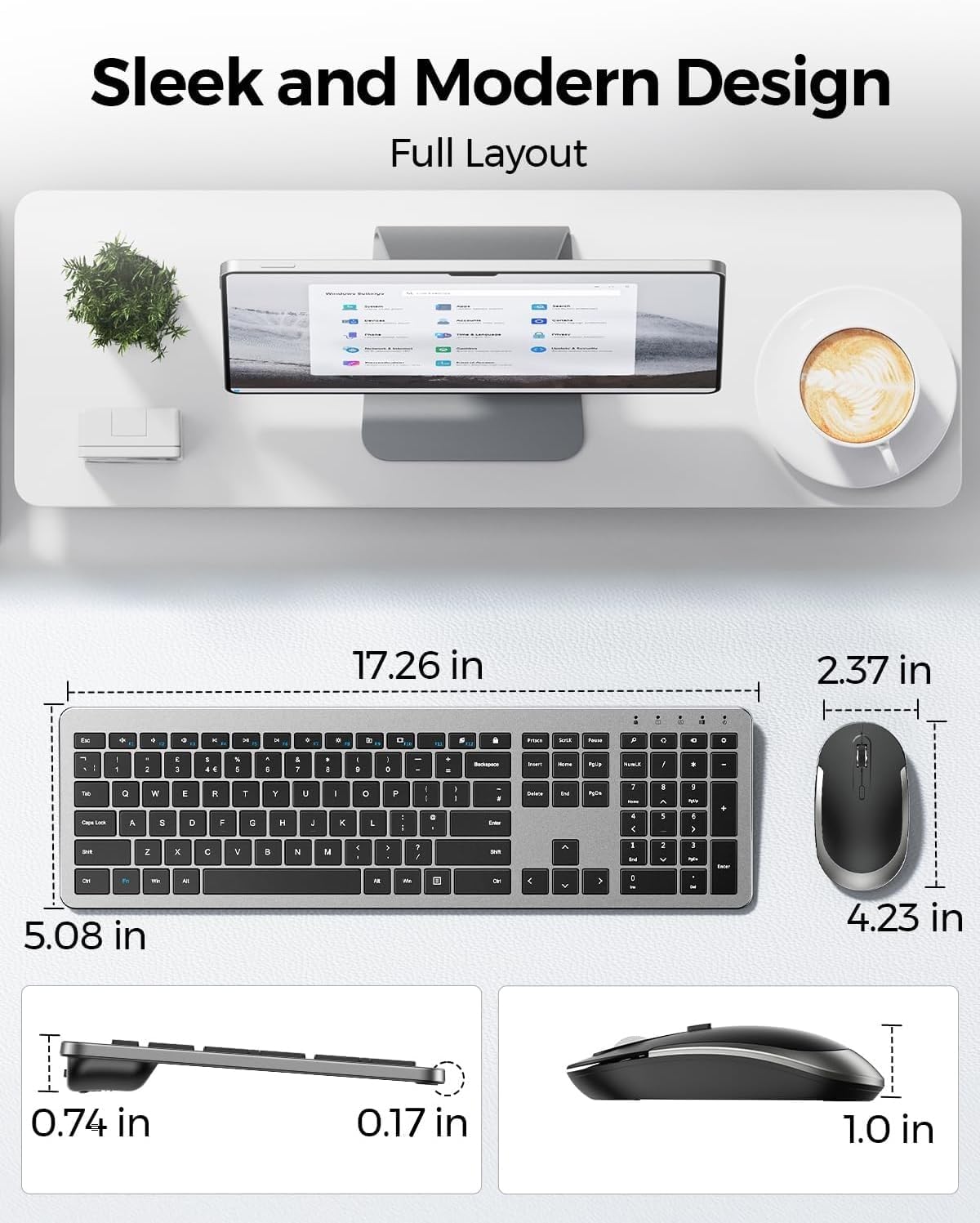
- Confirm the UK keyboard layout matches your preference (QWERTY UK with numeric keypad).
- Check compatibility with your Windows PC or laptop that accepts a USB-A receiver.
- Consider whether you’ll often be in a battery-replacement cycle and whether you’re comfortable with two AAA batteries for keyboard and mouse.
- If quiet typing is essential, assess whether you’ll be satisfied with the provided noise levels in your environment.
How this compares to other approaches
For a wired alternative or multi-device Bluetooth set, you’d trade away the plugging in simplicity or cross-compatibility for potentially longer battery life or broader OS compatibility. If space and simplicity matter more than ultra-high DPI or programmable keys, the SK38’s straightforward design can be appealing. In short, it represents value-for-money for everyday use rather than peak performance.
Is it worth it?
Buying verdict
It’s worth considering if you prioritise a complete, compact wireless set with a UK layout and a numeric keypad for routine tasks, and you want a simple, plug-and-play solution. Not the best pick if you need gaming-grade latency, rechargeable power or advanced macro controls.
FAQ
- Do both the keyboard and mouse connect to the same USB receiver? Yes, both share a single 2.4G receiver.
- Are the batteries included? No, the keyboard and mouse require two AAA batteries each, which are not included.
- Can I use this with a Mac or other OS? The base description targets Windows PCs, compatibility with non-Windows systems isn’t specified.